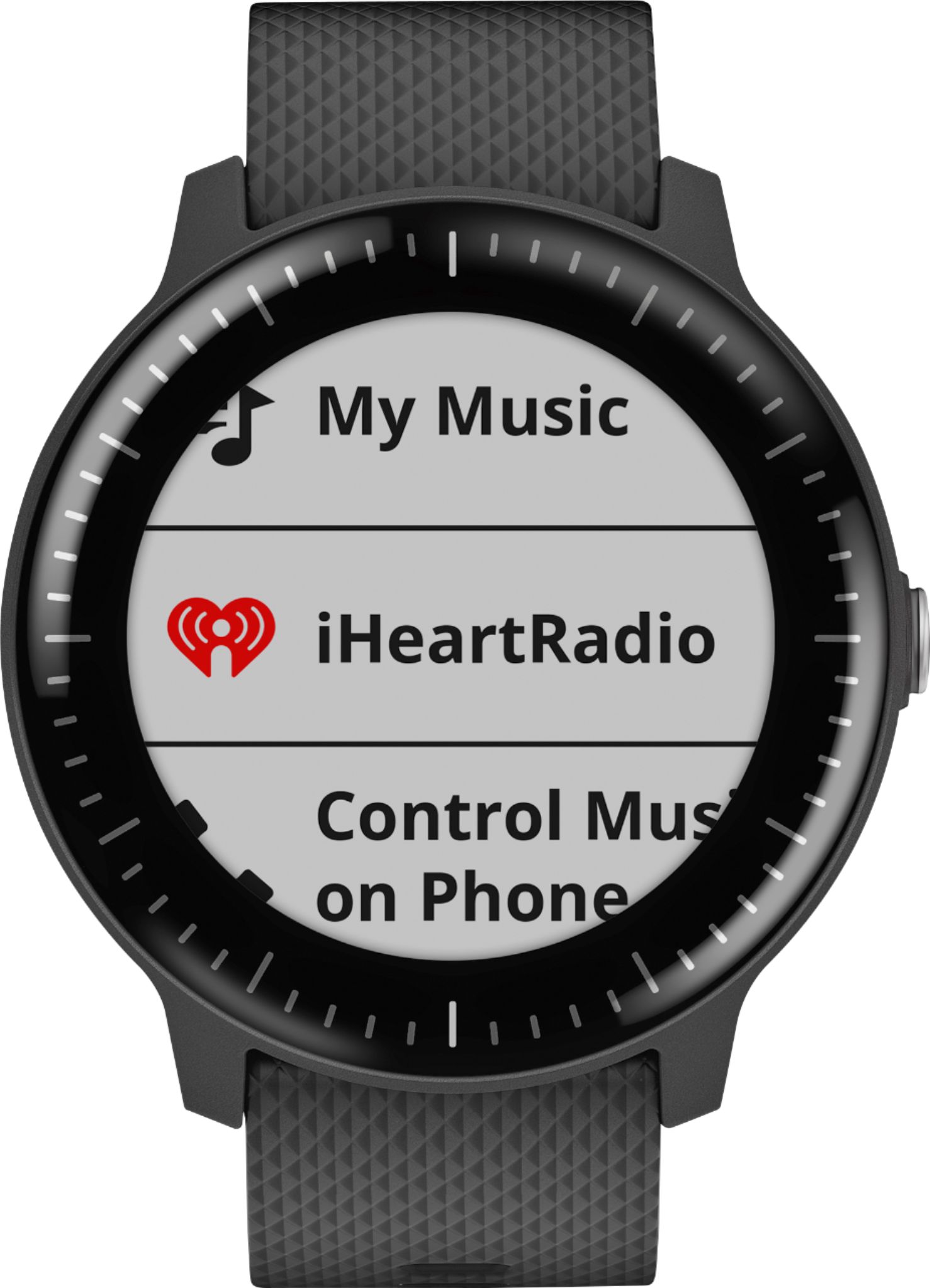
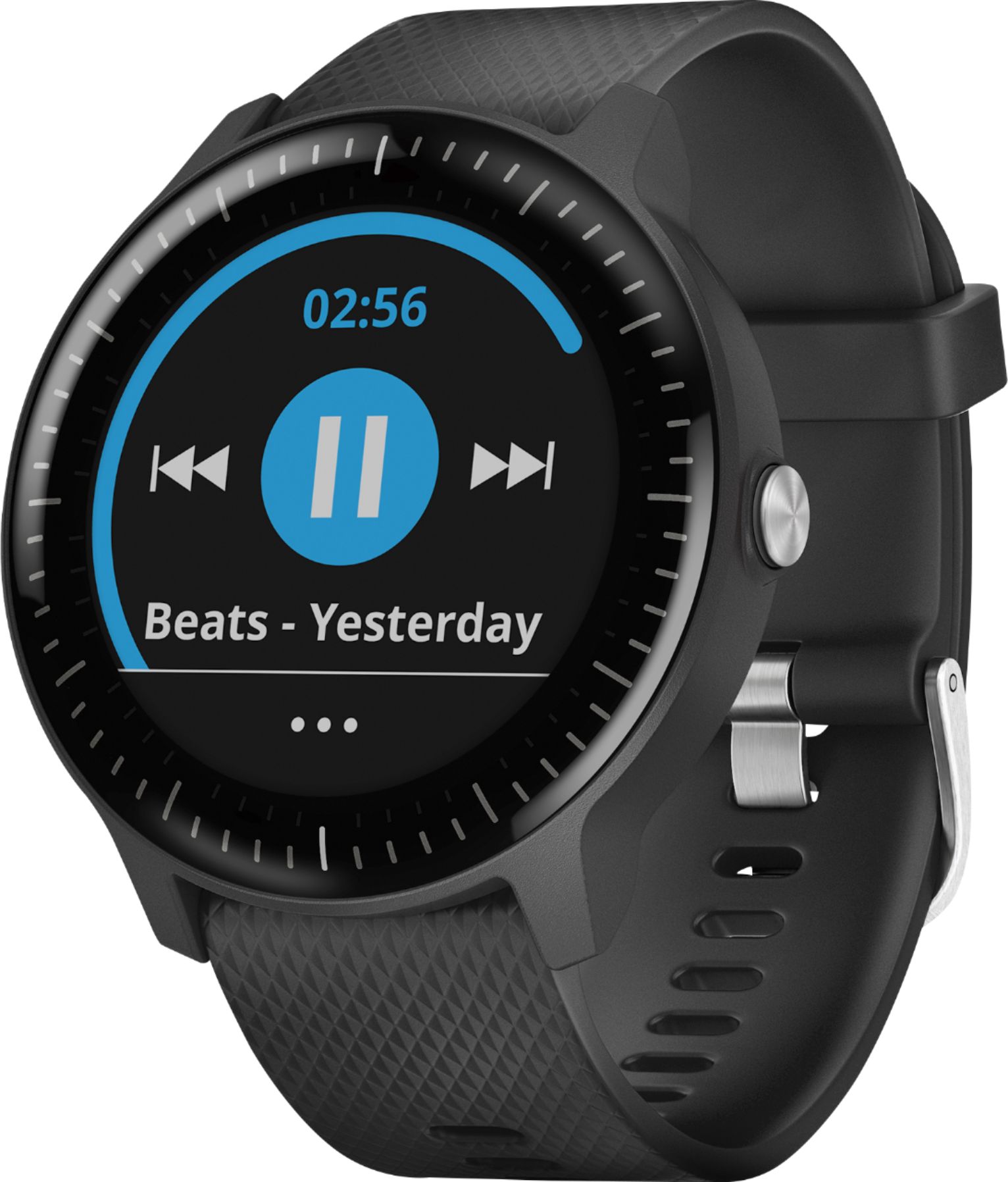
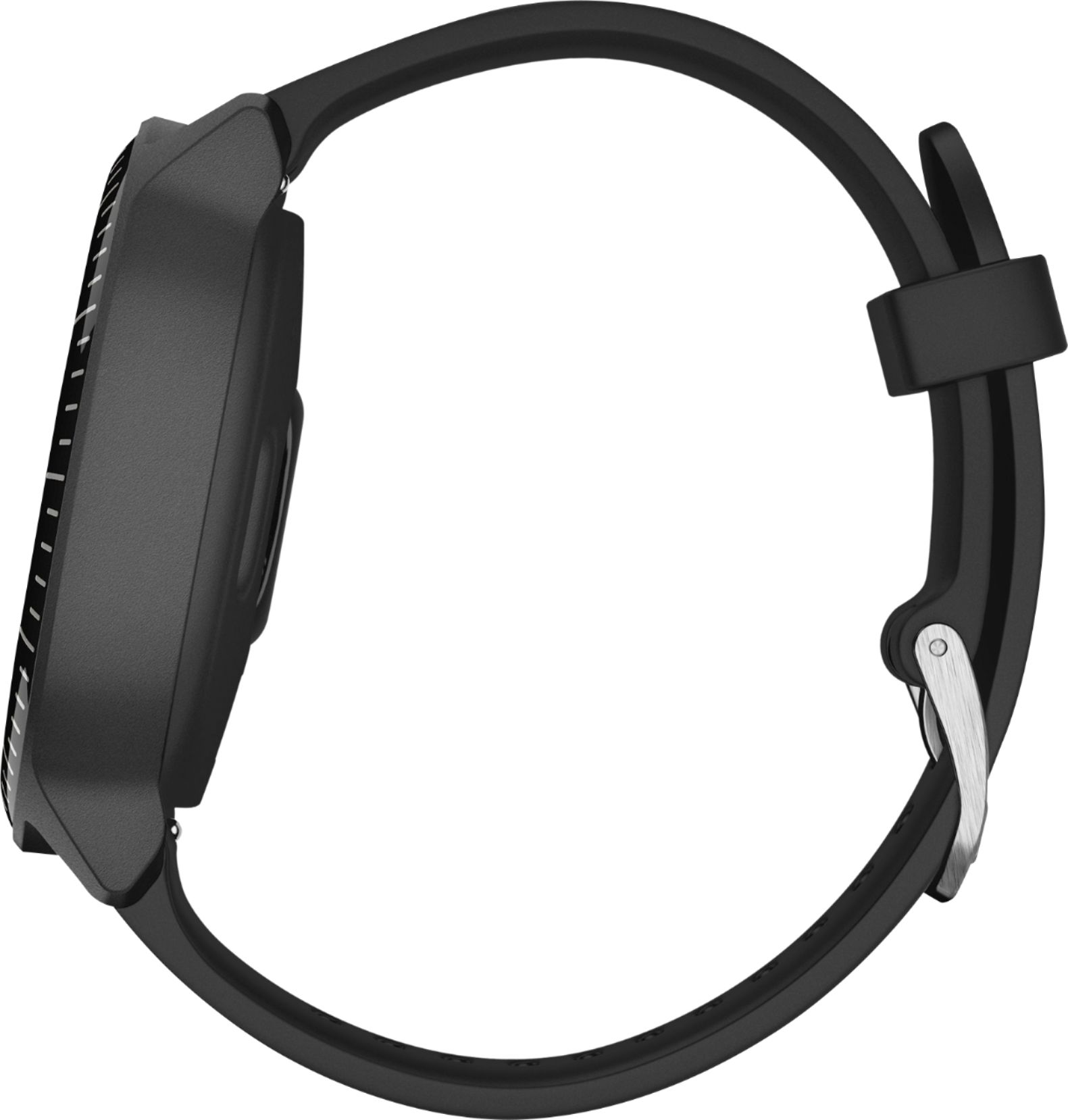
A:AnswerYes, music is stored on the device and as long as you use a compatible music provider you won't need a phone while running to listen to music.
Debbie with Garmin
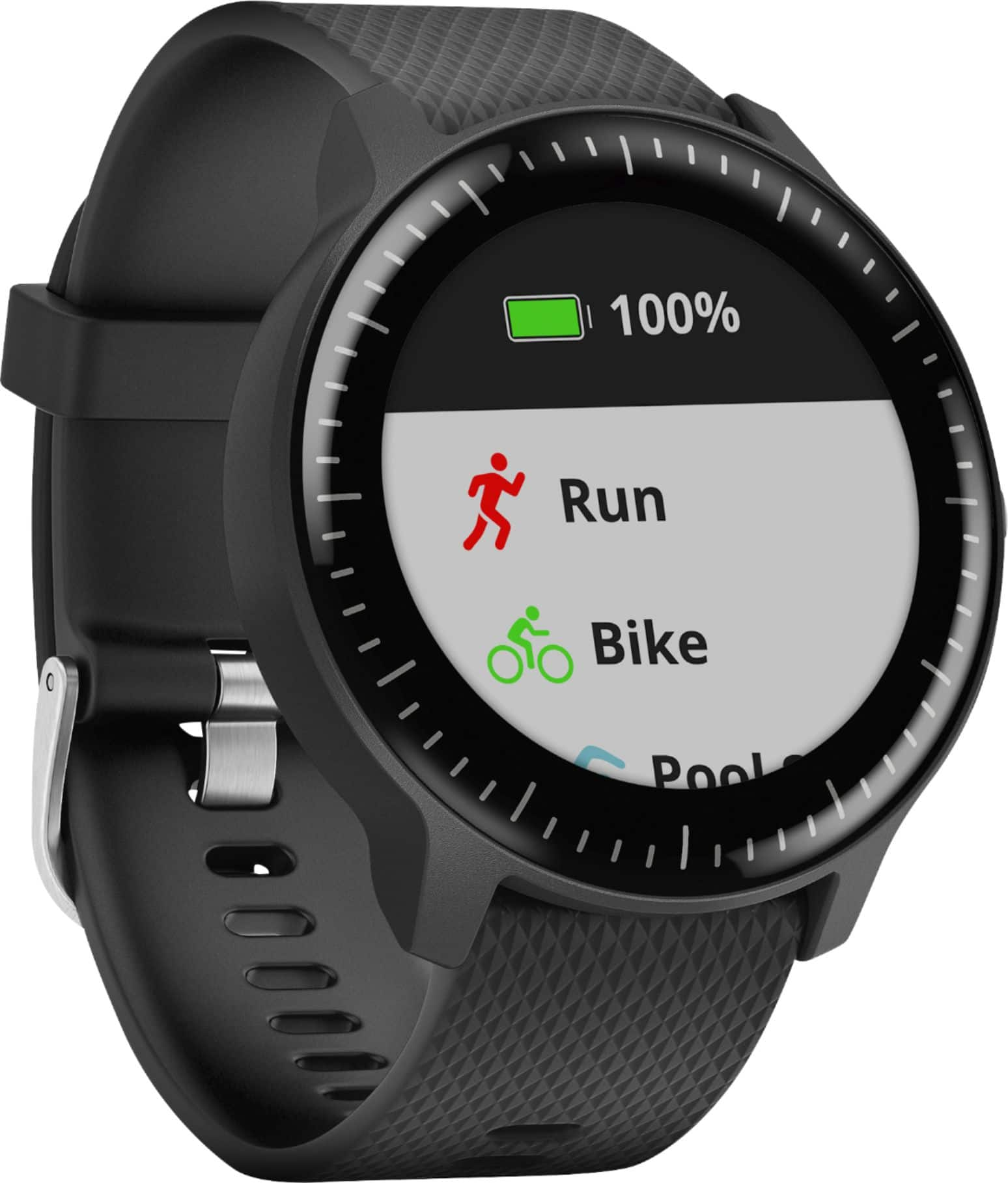
A:AnswerIf the device is using the Running activity profile and the timer is started it will record, time distance and other information. A separate time could not be running.
Debbie with Garmin
A:AnswerPlease go to support.garmin.com where you'll find many FAQ's and video's about the device functions. After you've read the articles if you're still experiencing an issue, please reach out directly to our product support team from this page so we can assist you with your device.
Debbie with Garmin
A:AnswerPlantronics BackBeat FIT 3100 is listed on the compatibility list for this device. If you have any issues, please go to support.garmin.com as the FAQ "Bluetooth Headphone Compatibility for Garmin Watches That Feature Music" would assist with troubleshooting.
Debbie with Garmin
A:AnswerCurrently the Spotify App is only compatible with the fenix 5 Plus series and the Forerunner 645 Music. Garmin expects other music model dvices to be supported soon.
Please go to support.garmin.com for FAQ's on your device, you may also reach out directly to our product support team for this page.
Debbie with Garmin
A:AnswerConnect the device to your computer using the USB cable.
On your computer, open the Garmin Express app, select your device, and select Music.
Browse to the folder with your audio files.
Select the checkboxes for the audio files, and select Send to Device