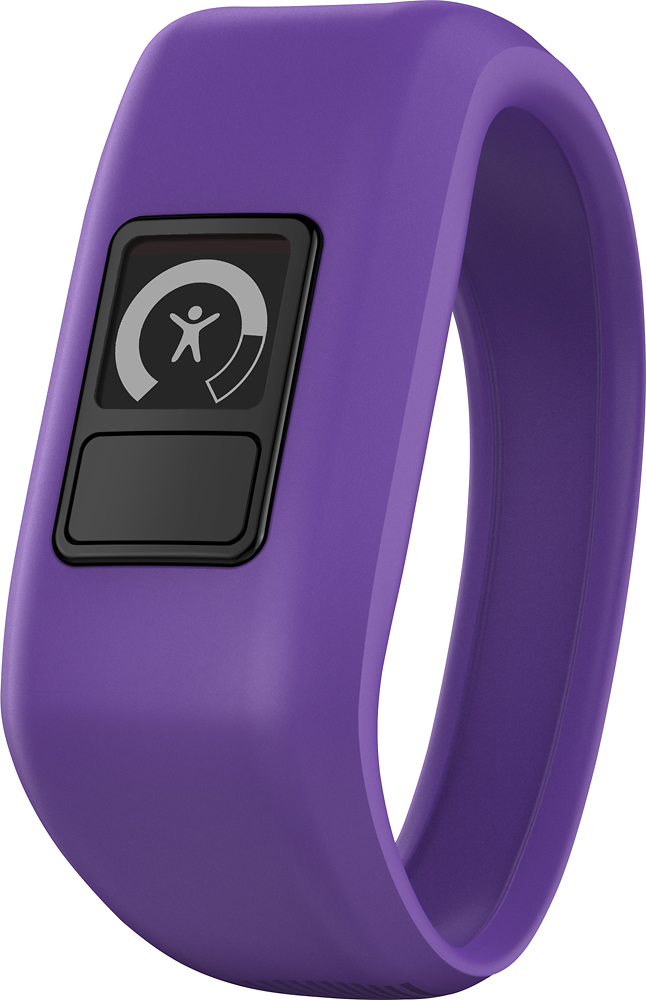
A:AnswerThe vívofit jr. band is designed to stretch to fit most 4-9 year olds. If the band does not fit comfortably, the vívofit jr. app offers options for placing an order for a replacement band. For more information and instructions for using the vívofit jr. app to order a replacement band use the following FAQ link: https://support.garmin.com/faqSearch/en-US/faq/content/9L9m58yJfK9kWTP8zWvjr7.
A:AnswerThe vivofit jr. does not have an alarm feature at this time, and if an alarm were to be added it would be an audbile alarm as the vivofit jr. does not have a vibration option.
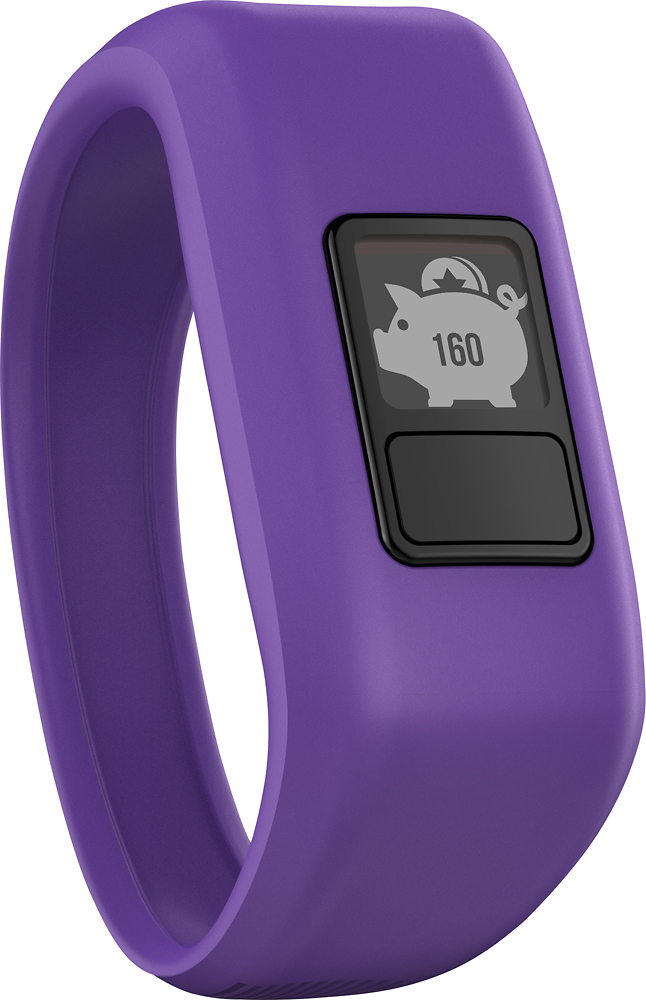
A:AnswerYes, you can do all that from your phone. There is an app you have to download once you open up the vivofit jr. After you download the app you can control all the chores and how many coins she or he can get from each chore! My son loves this on the watch.
A:AnswerThe vivofit jr. comes with one size band, but there is an option for obtaining a different size in the vivofit jr. app. For more information and instructions for ordering a replacement band use the following FAQ link: https://support.garmin.com/faqSearch/en-US/faq/content/9L9m58yJfK9kWTP8zWvjr7.
A:AnswerThe vivofit jr. would be able to sync with a tablet that is able to download Garmin Connect Mobile, and has the needed operating system and Bluetooth syncing capabilities. More information about mobile device compatiblity can be found at www.garmin.com/ble.