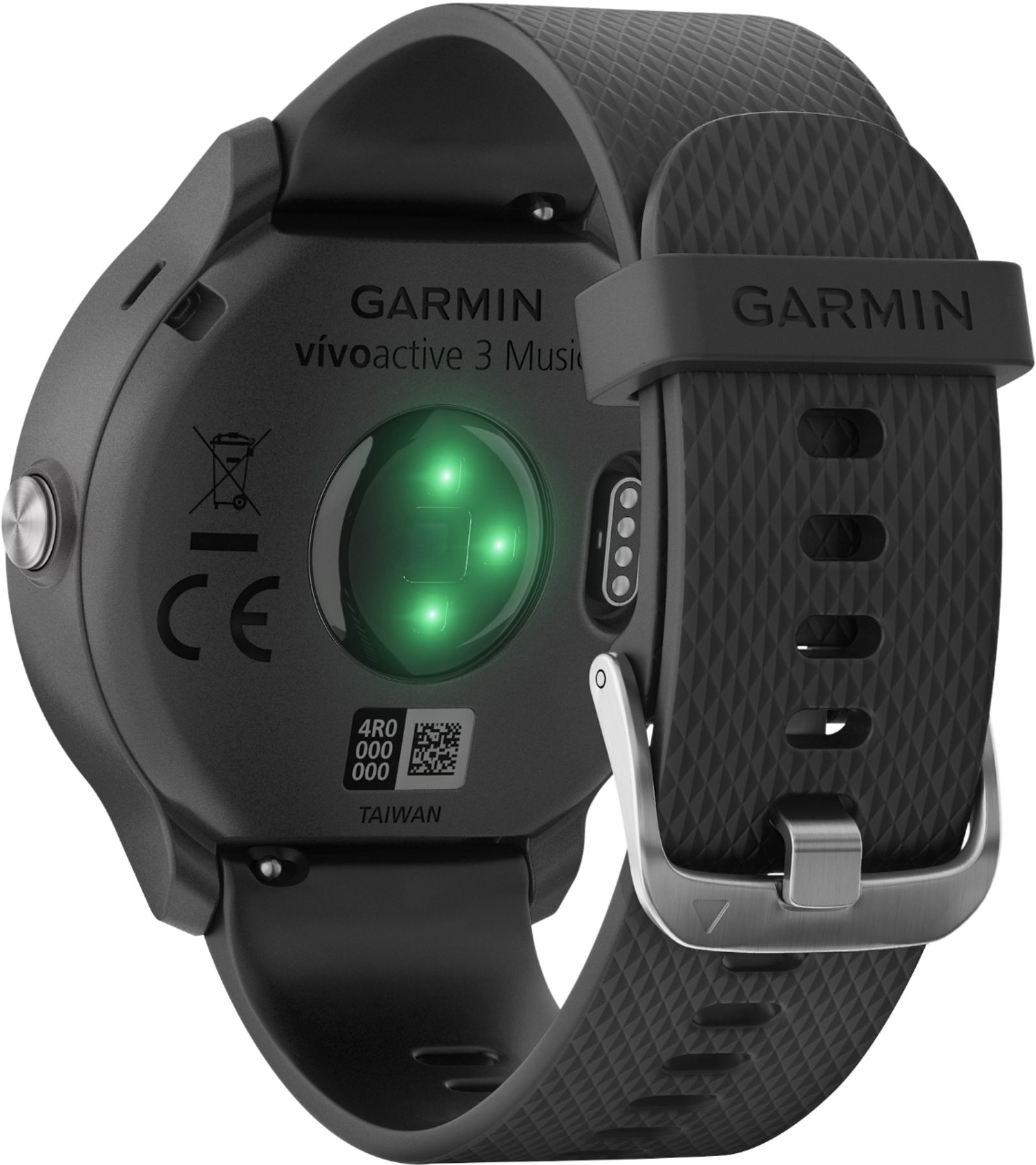
A:Answer Connect the device to your computer using the USB cable.
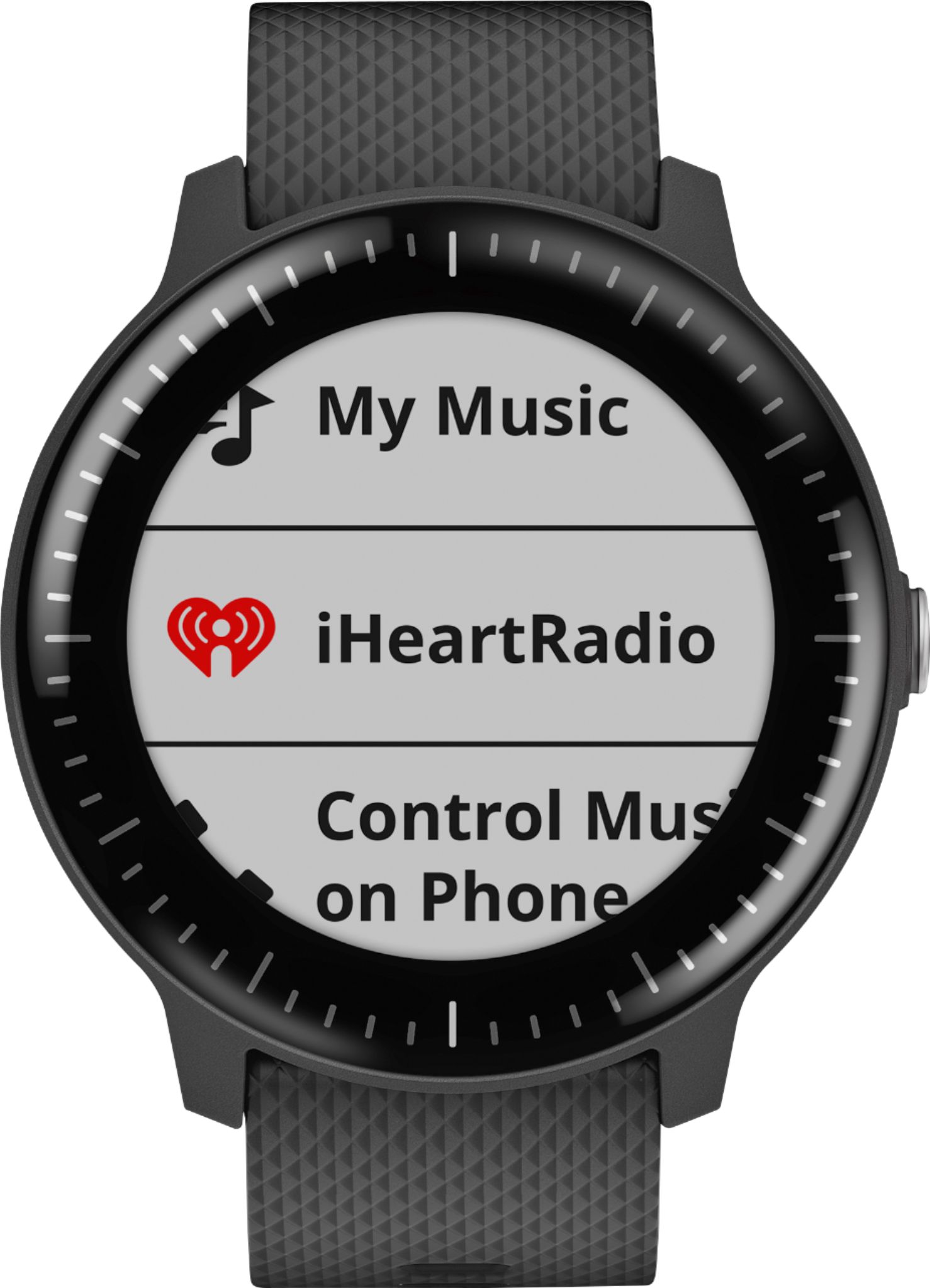
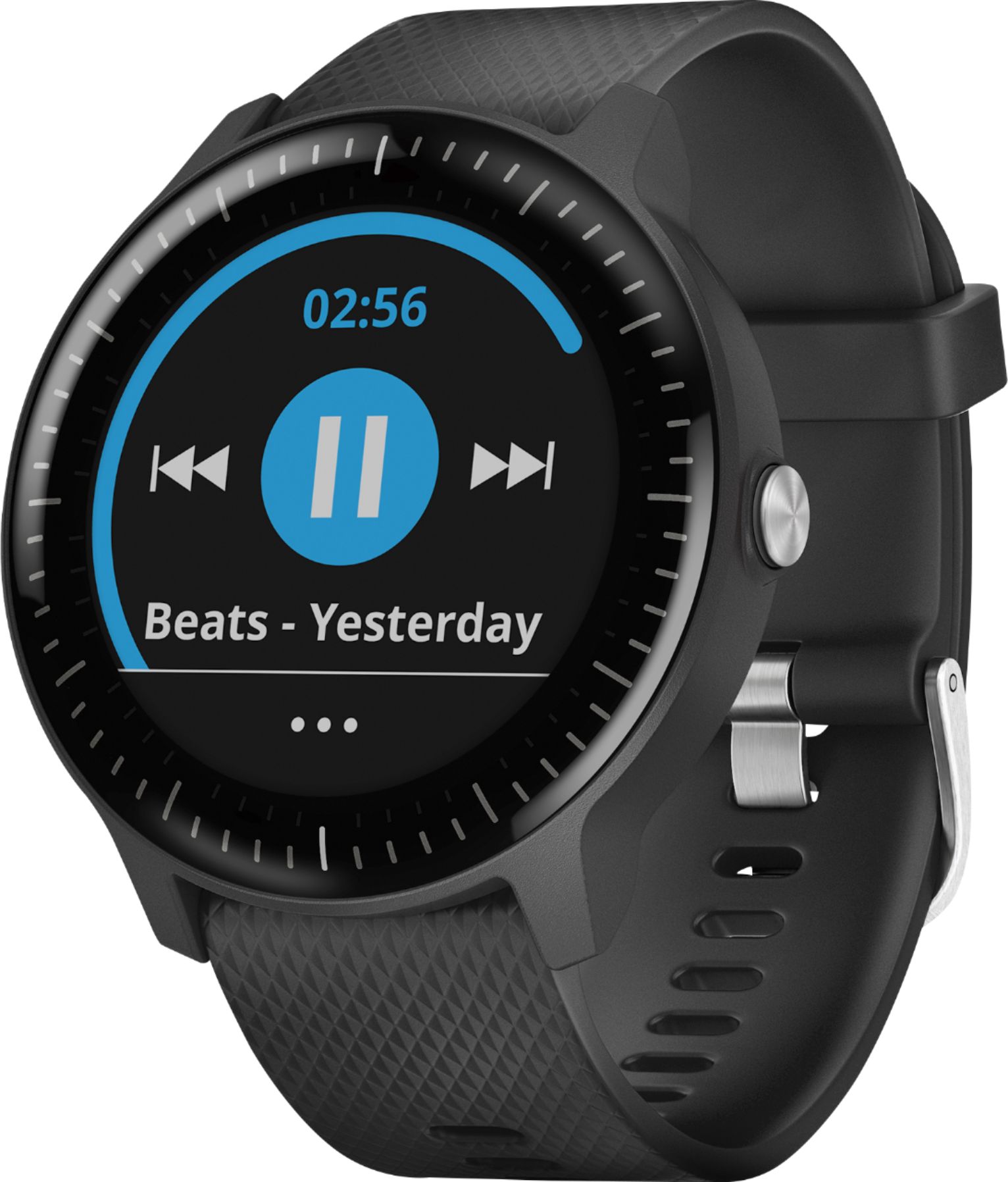
On your computer, open the Garmin Express app, select your device, and select Music.
Browse to the folder with your audio files.
Select the checkboxes for the audio files, and select Send to Device