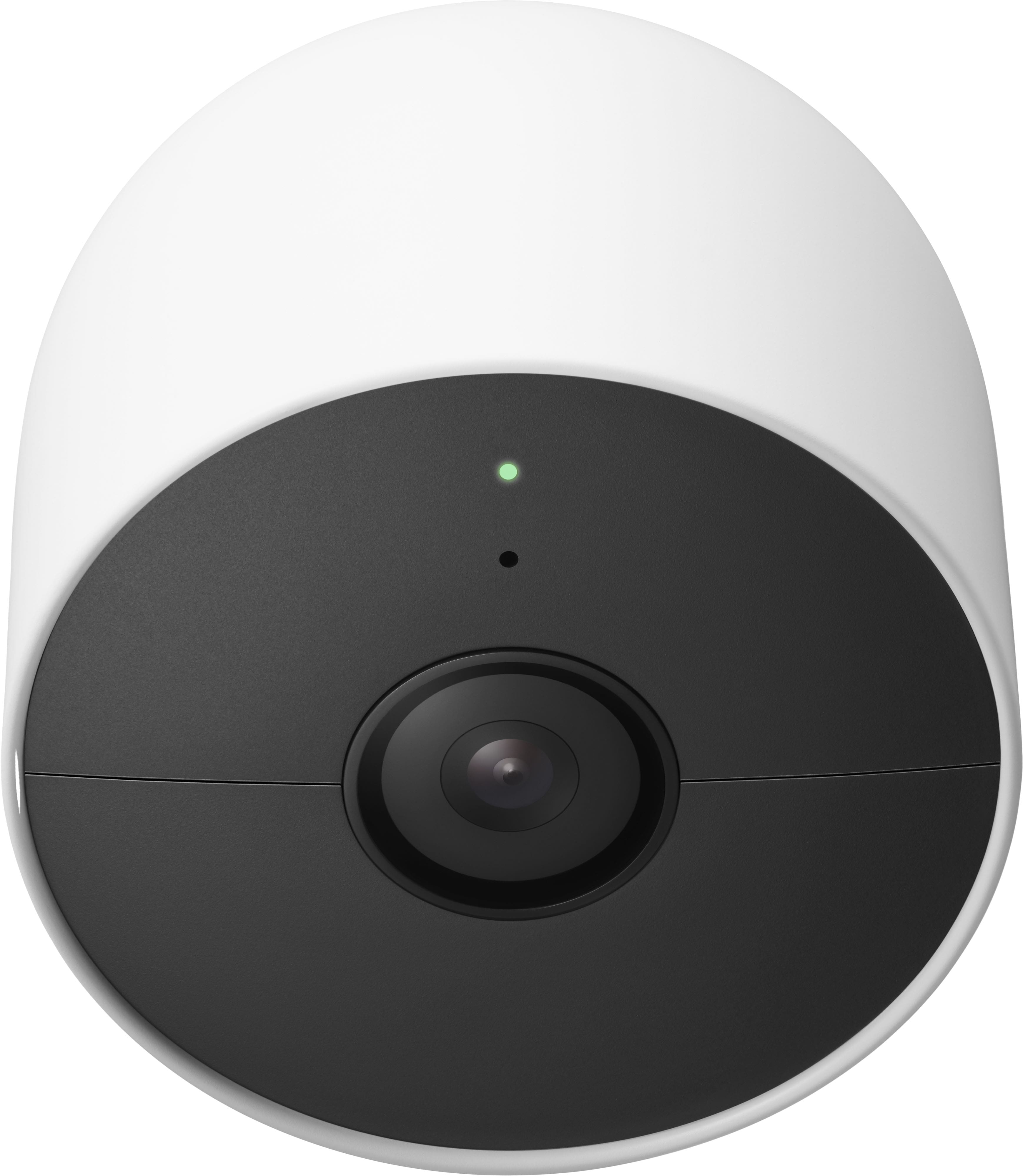
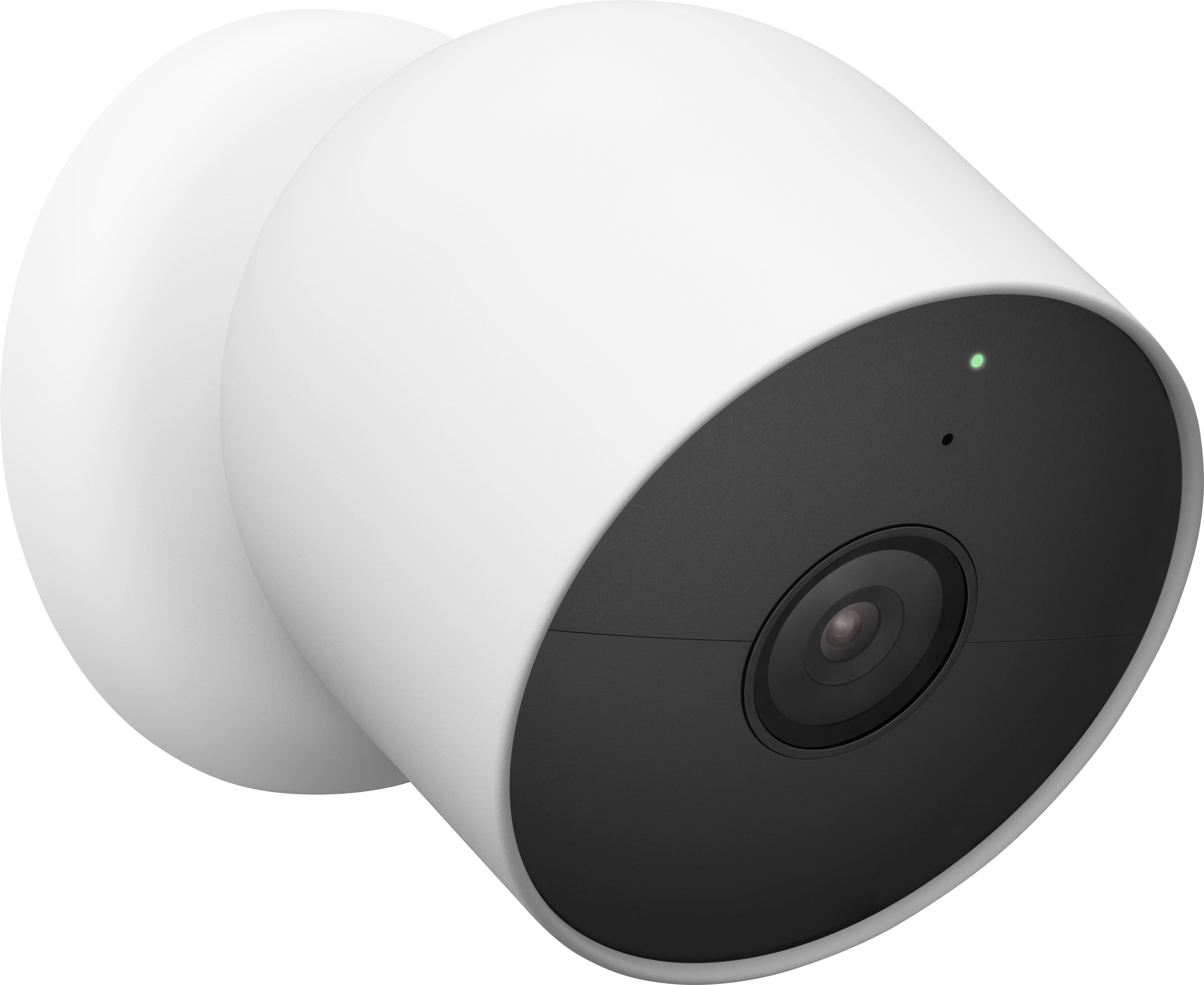
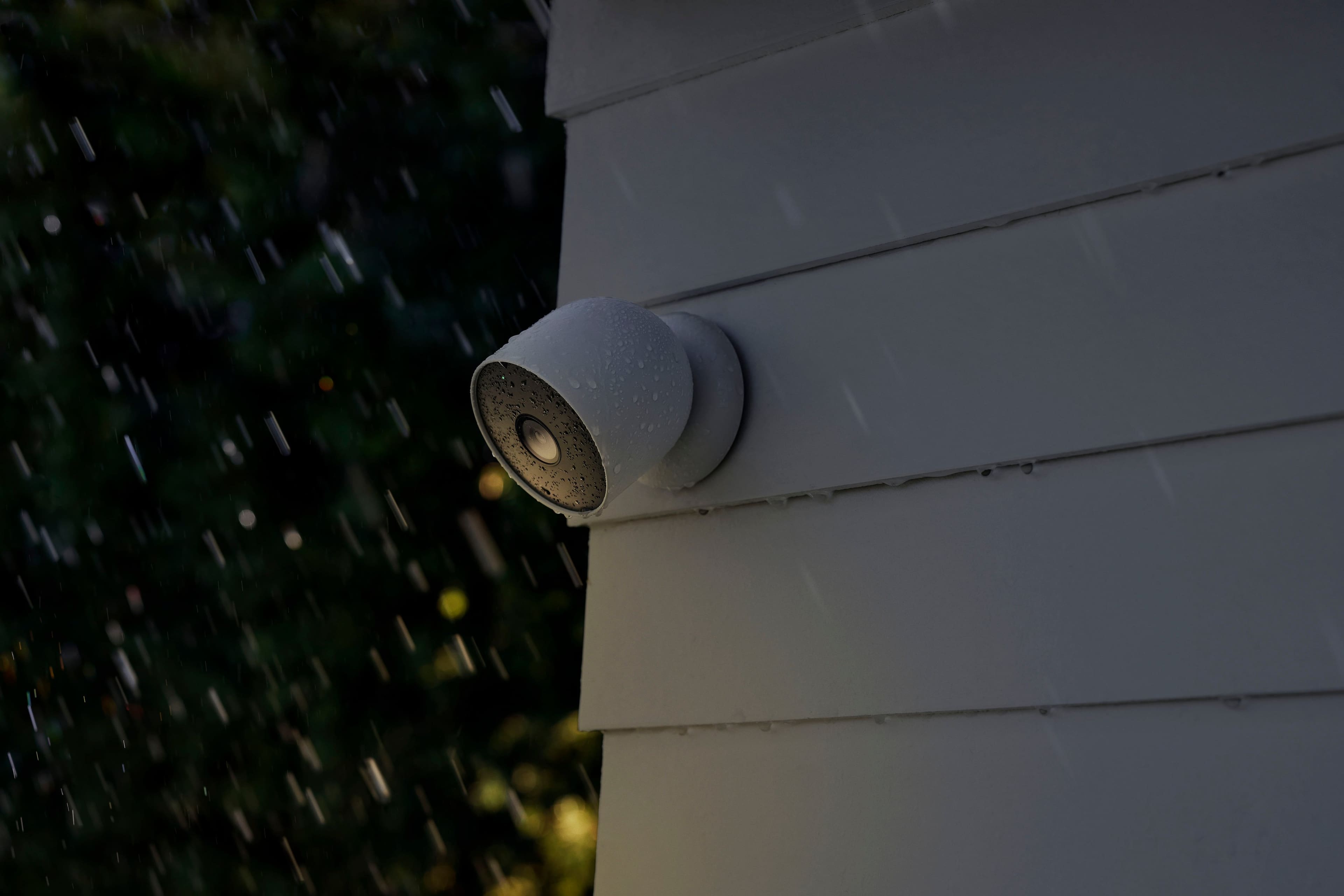
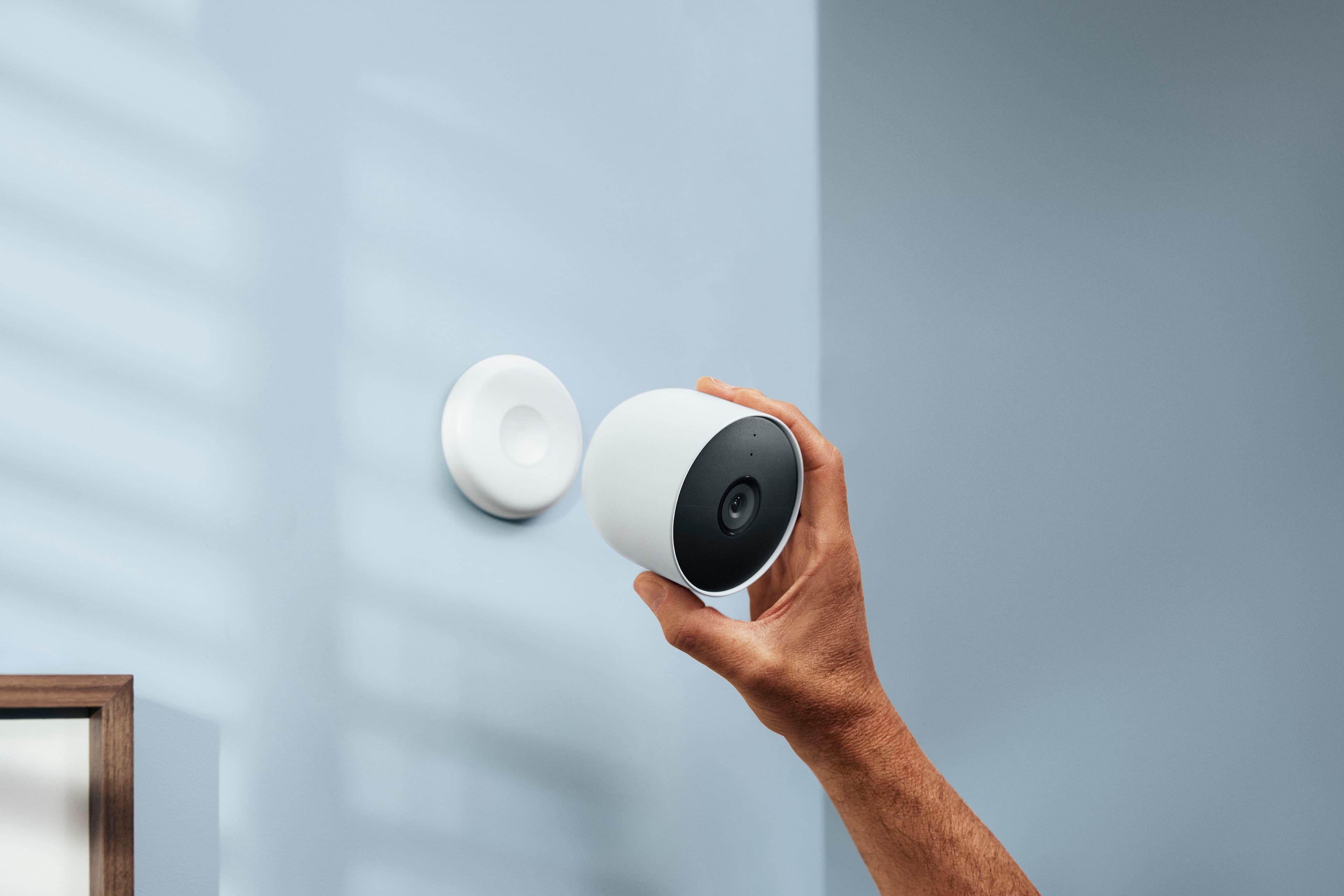
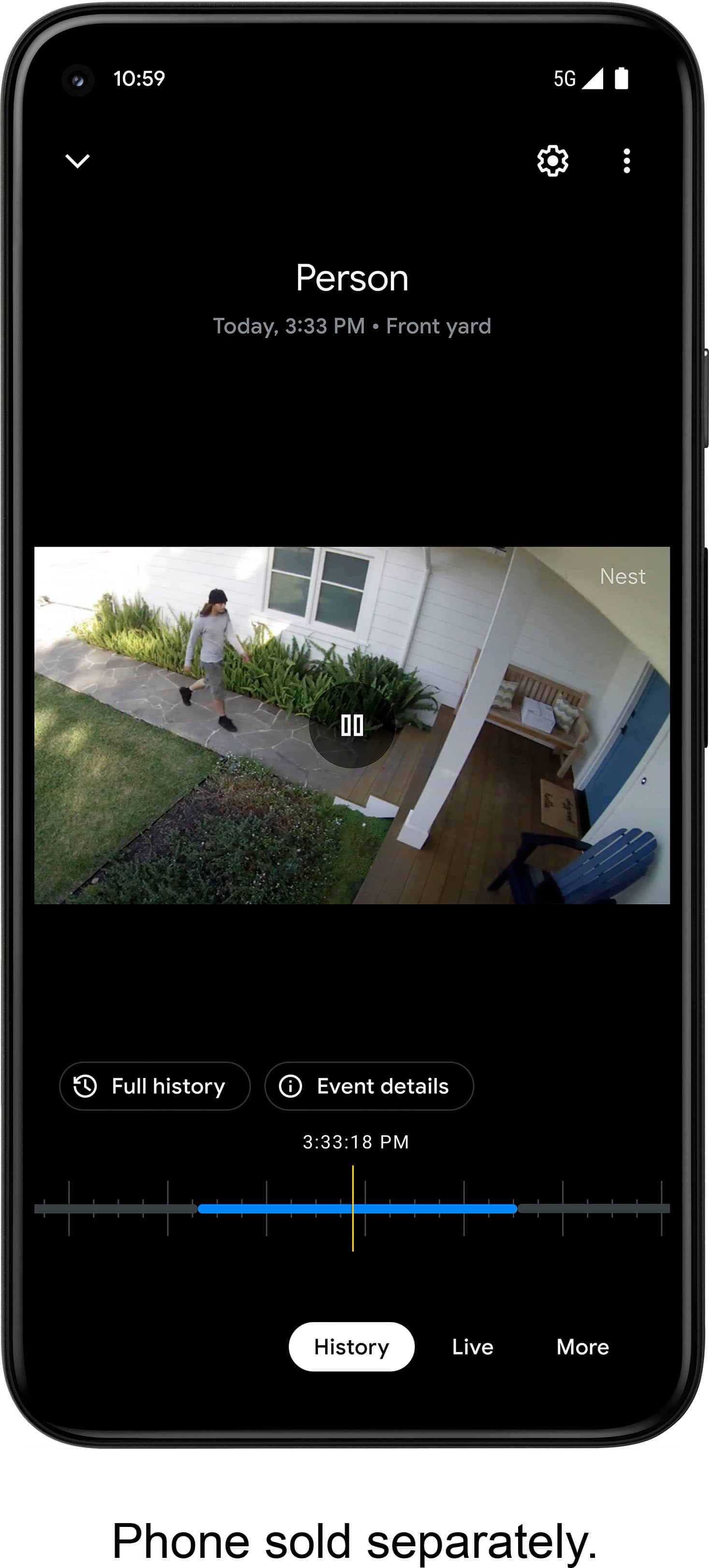
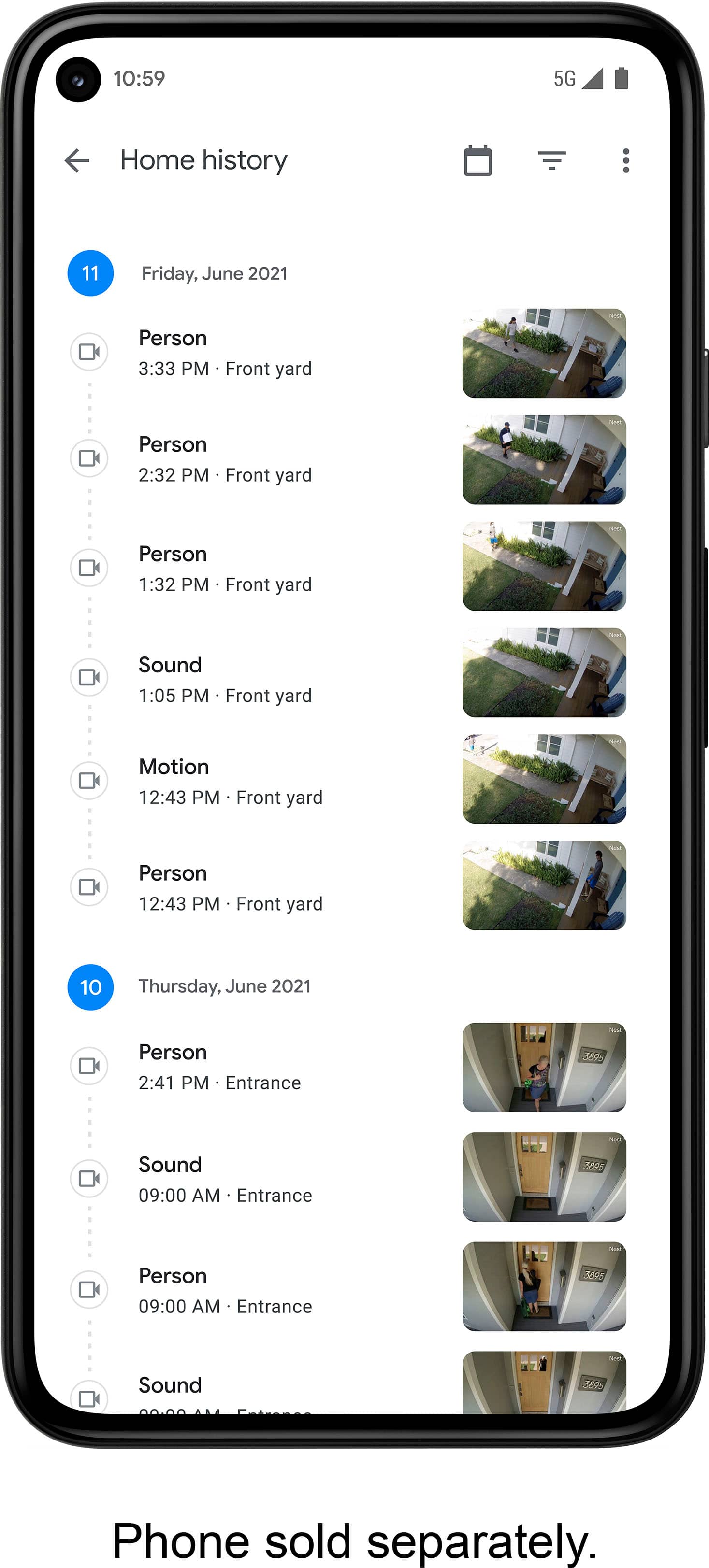
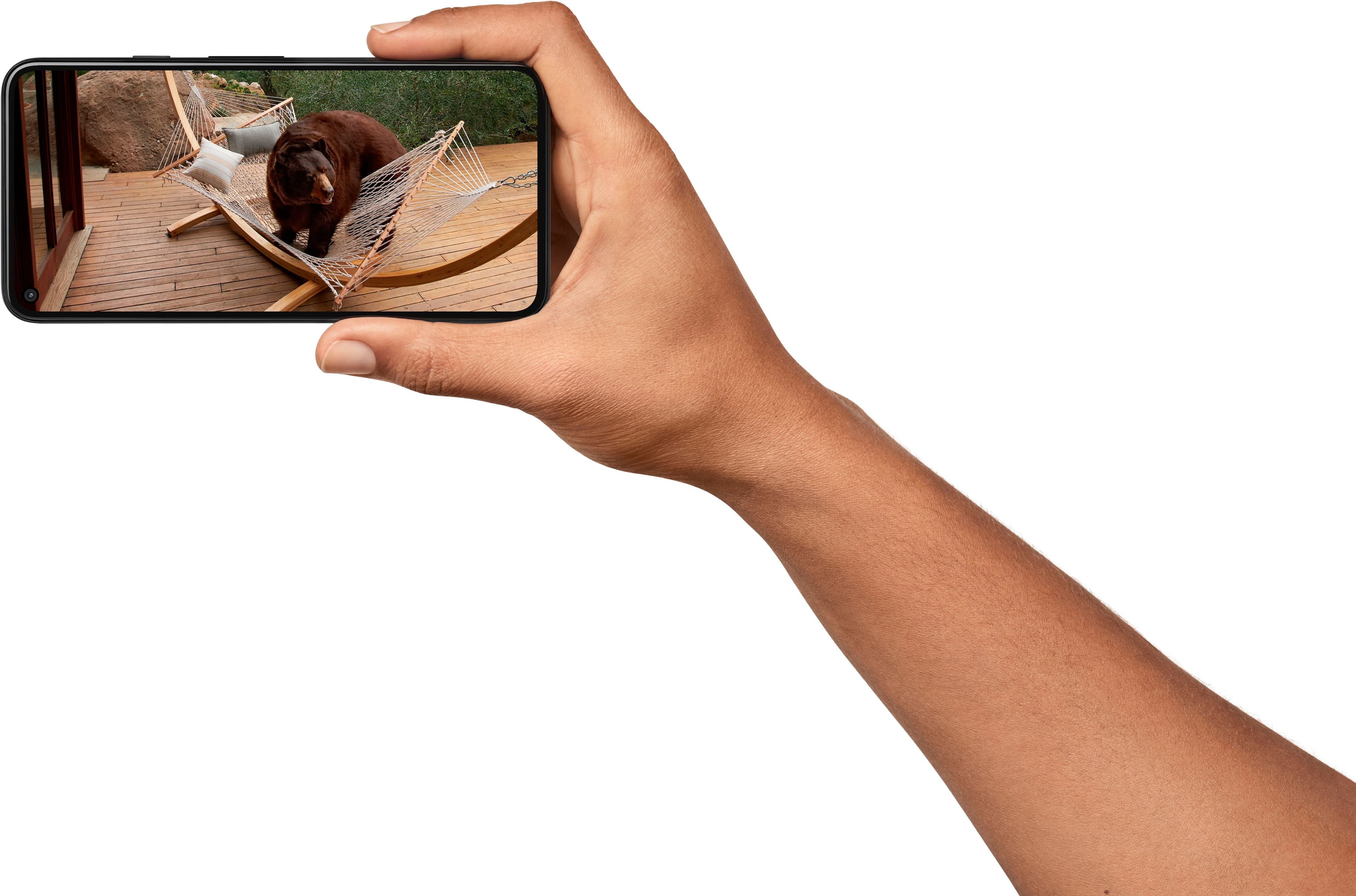
A:AnswerThere's no fee to stream full resolution live video and receive basic notifications, as long as your camera is connected to the internet. Also, the Nest Cam (battery) comes with event video history without a subscription, which will automatically expire and be deleted after 3 hours. You’ll need a Nest Aware subscription to receive full and extra features. Check what you can get with the Nest Aware subscription here: https://support.google.com/googlenest/answer/9233159
A:AnswerYou can change a variety of settings for each of the Google Nest cameras and doorbells in the Home app like video quality, notifications, battery usage, the name of your device, and more. You also have the choice to automatically turn off the stream when you come and go, set a schedule, or keep the video stream on all the time for each camera in your home. Check this link for more info about camera/doorbell settings: https://support.google.com/googlenest/answer/9231819
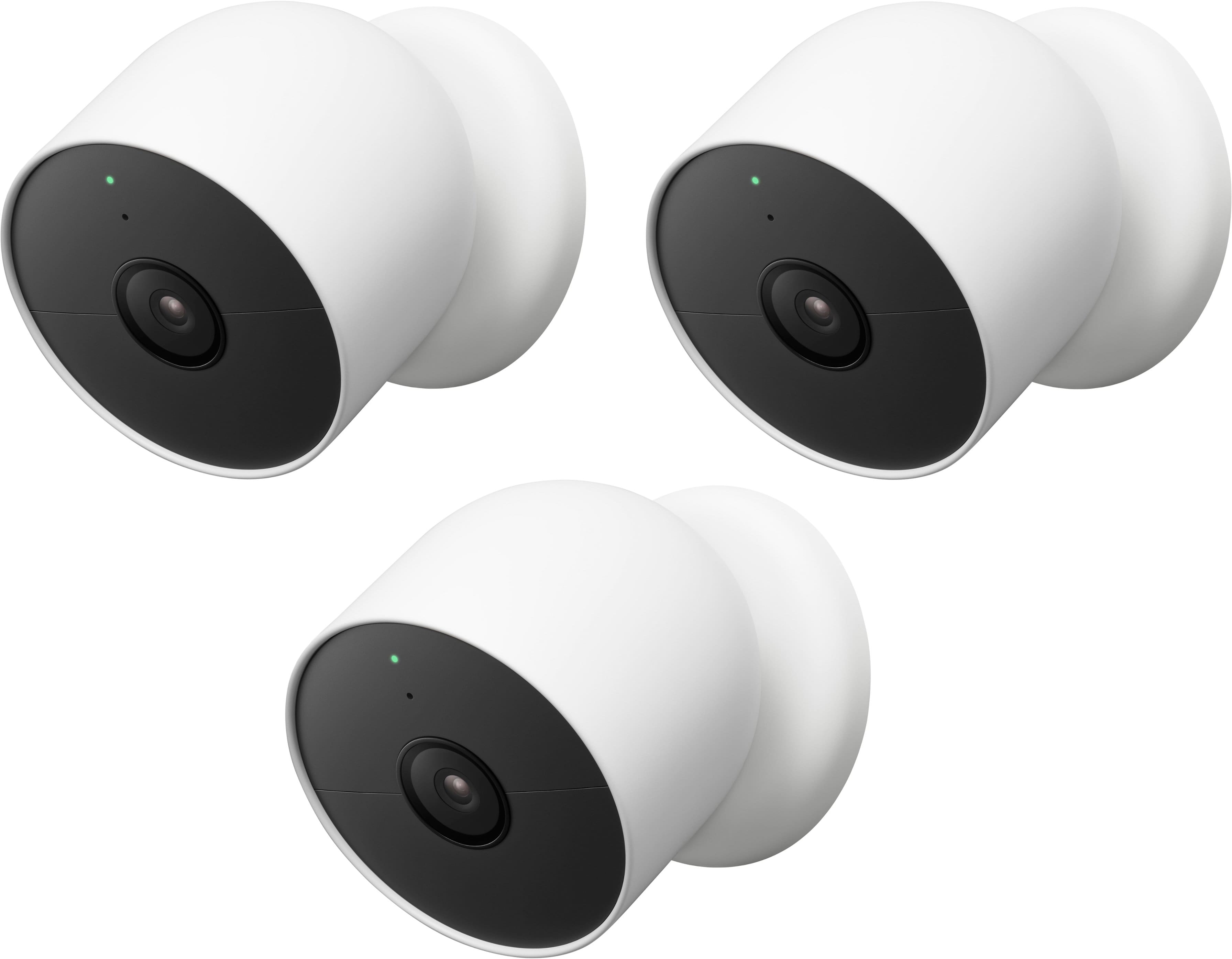
A:AnswerIf temperature drop below 32 degrees Fahrenheit, the batteries will not charge. Once the battery drains the cameras will go offline. Support says you have to uninstall them, get them back to 32 degrees or higher, and reinstall them. Why not just advertise, NOT RECOMMENDED FOR NORTHERN CLIMATES?
A:AnswerAs the item connects via 2.4/5 ghz Wi-Fi connection, your range is standard to the strength of a normal router and devices. Variations depend on materials the signal has to pas through, how many layers, total distance, etc. Personally I have three cameras set up across a two story home and have a single Wi-Fi access point (Google Nest Wi-Fi) with Verizon Fios at 2.4 and 5 bands and have had no connection issues to any of the cameras. Max distance, with a couple drywalls in between is approximately 30 feet for farthest camera. Check technical specs for maximums given.
A:AnswerUtilize better local lighting; resolution is based on night vision, lens aperture, light available and max resolution. Your best bet is to provide better lighting for the camera to use.
A:AnswerI believe so if you download the app to your laptop or computer. My son has similar set up around his house and has the views showing on computer monitor in his front room.
However he is in the business of electronic security so he knows the ins and outs of how to do such things.
Sorry couldn't be more help.