A:AnswerCamera and/or recording would not work with no WiFi. However, if thieves are sophisticated enough to use a jammer, then you may have bigger problems. If that is your biggest concern go full tilt with a security company. This product is great not only for home security, but we use it as a child monitor. Remember lock doors keep honest people honest, a thief will always find a way.
A:AnswerIt's as secure as your internet router and password. Maybe other ways to secure it with a firewall. But that's a good Google question. But you can't use a Ethernet port on this camera it's straight wifi
A:AnswerYes, but in settings make sure you have "away" on and location set to "on" in your cell phone settings. It automatically determines if you are away from home or not. The camera will automatically shut off once you are back in your home.
A:AnswerYou set it up to one email acct, each camera lets you set up a name. Ours is listed as bedroom. Allows to set up multiple cameras with multiple names to one email.
A:AnswerI have 3 cameras in 3 different locations with one account.
I chose the 7 days cloud storage and pay first camera cloud storage of $100 per year and $50 per year for each of the other 2 cameras for a total of $200 per year for 3 cameras.
A:AnswerI can give you a generic answer, here, from the perspective of a very long-time user of computers, software, and apps. Unless the upgrade is because of a serious security vulnerability, avoid installing it until you stop reading new complaints. Upgrades are notorious for being released quickly, without proper vetting; and only after end users start yelling do the code writers get around to shaking out the bugs. As far as I know, my Nest app has gotten no upgrades, and it's working fine. The old adage, "If it ain't broke, don't fix it" applies here.
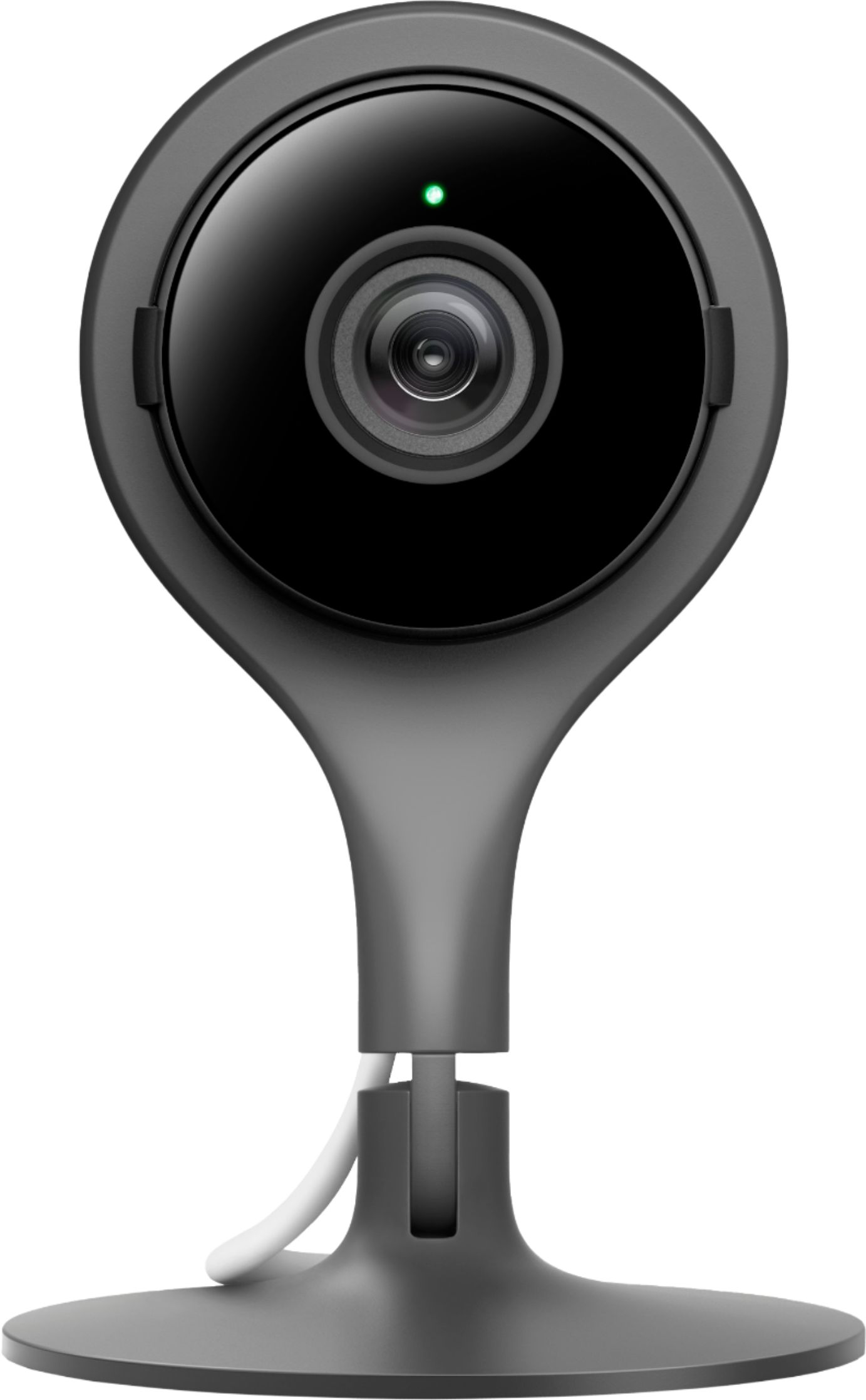
A:AnswerIf you’re referring to streaming live video, your Google Nest camera can stream live video for free in the Home app or Nest app. You can also stream your security camera on your TV if you have Google Nest or Home speaker or display, and Chromecast or a TV with Chromecast built-in. Check this link for more details: https://support.google.com/googlenest/answer/7529598
If you’re referring to sharing your Nest camera live video, there are a few ways you can share it without giving them your account email and password for the app (never share your password with anybody). Please visit this link for more details: https://support.google.com/googlenest/answer/9227530
A:AnswerNo. Nest cameras have no humidity and temperature sensors. Check this link to learn the sensors in Google Nest devices: https://support.google.com/googlenest/answer/9330256
A:AnswerYes. You can watch live view from multiple devices as long as you have access with the Nest camera on the app. Take a look at these helpful links for more info:
- Learn about free video streaming for Nest cameras: https://support.google.com/googlenest/answer/9244102
- Share a home and devices in the Google Home app: https://support.google.com/googlenest/answer/9155535
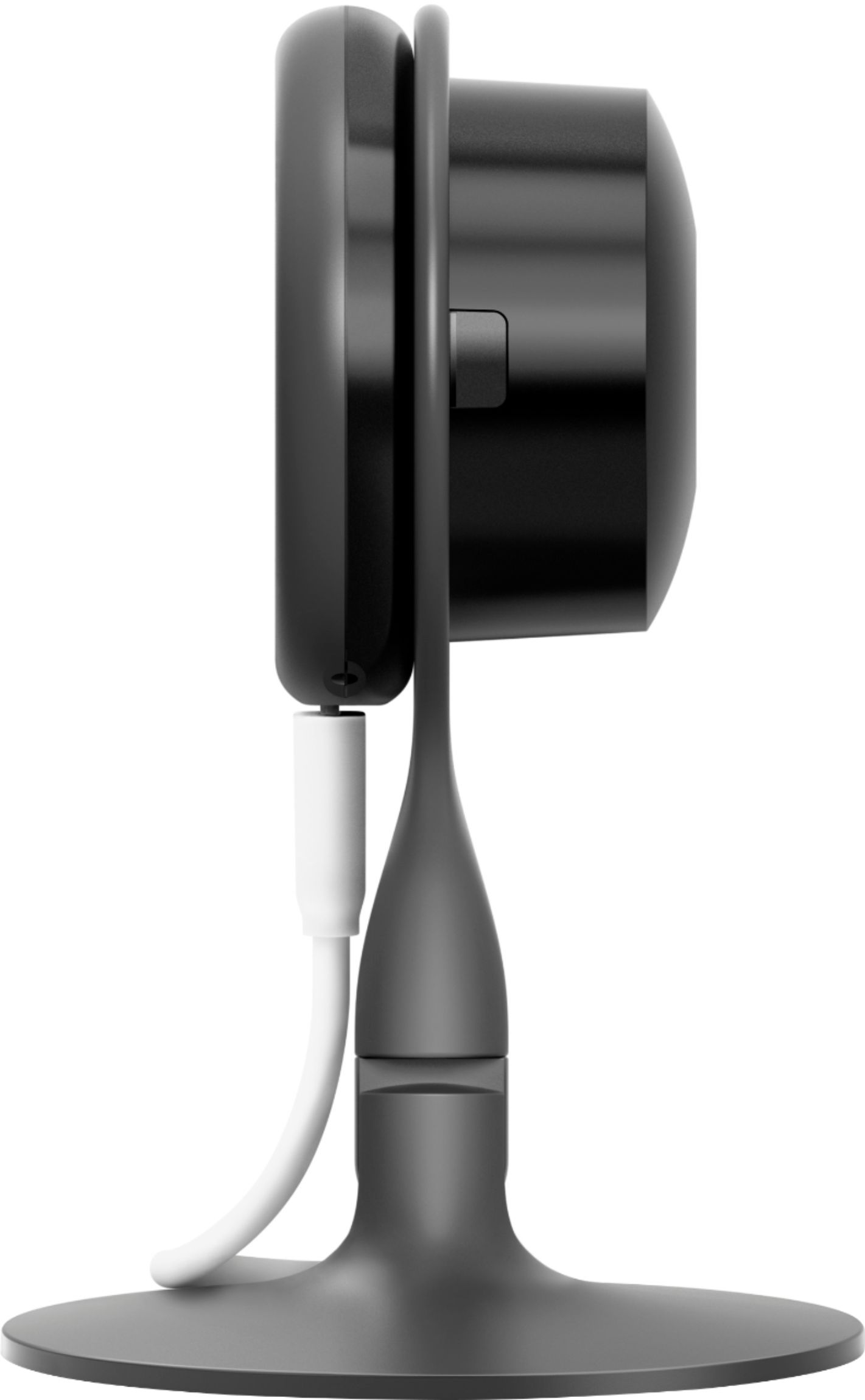
A:AnswerNo. The USB cable for Nest Cam Indoor is available in white color only. We’ve taken note of your feedback as we always aim to improve our products and services.
A:AnswerYes, Nest Cam Indoor works with both 2.4 GHz and 5GHz bands, and you can connect it directly to 5 GHz. You may check this link to learn more: https://support.google.com/googlenest/answer/9246544