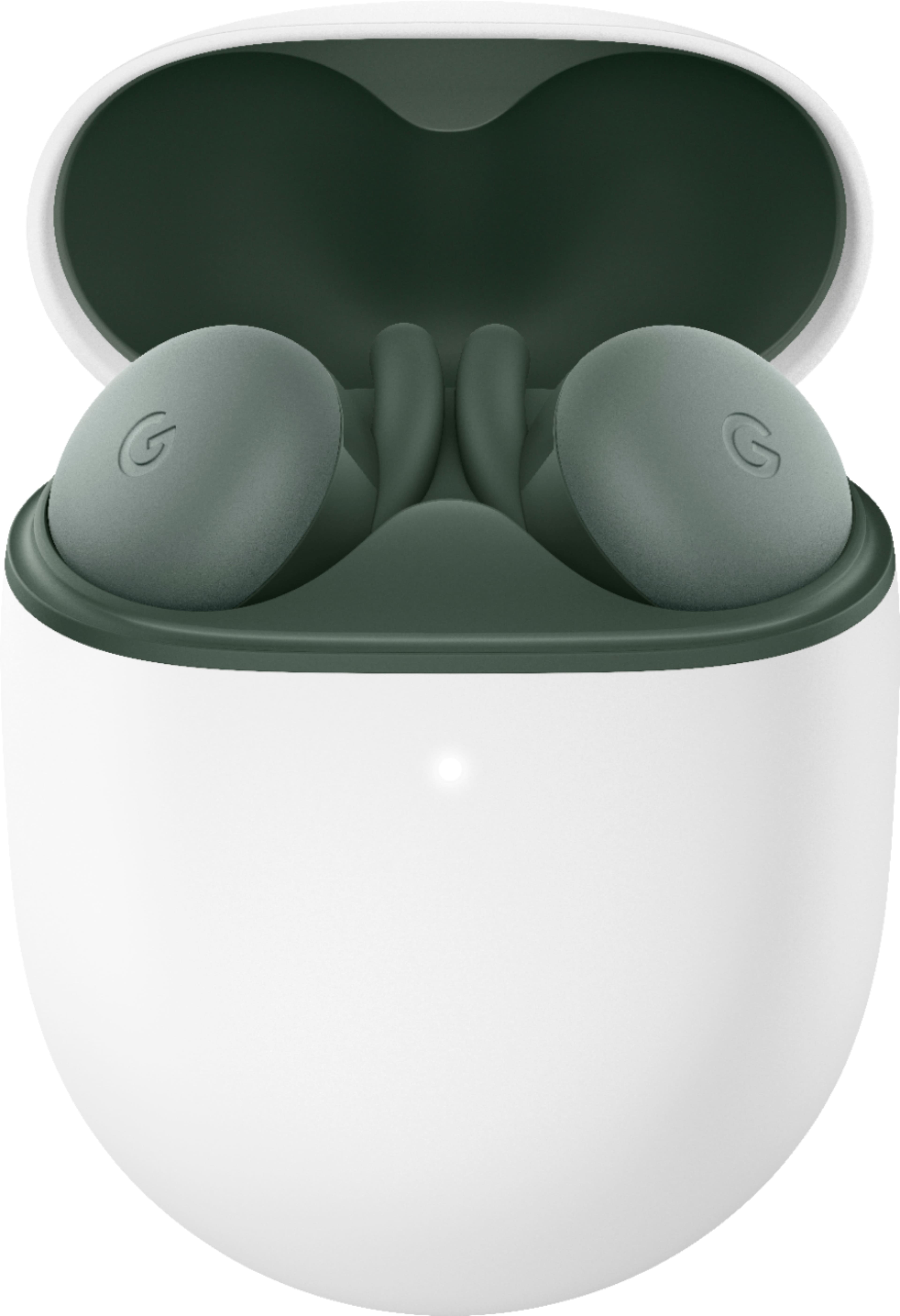
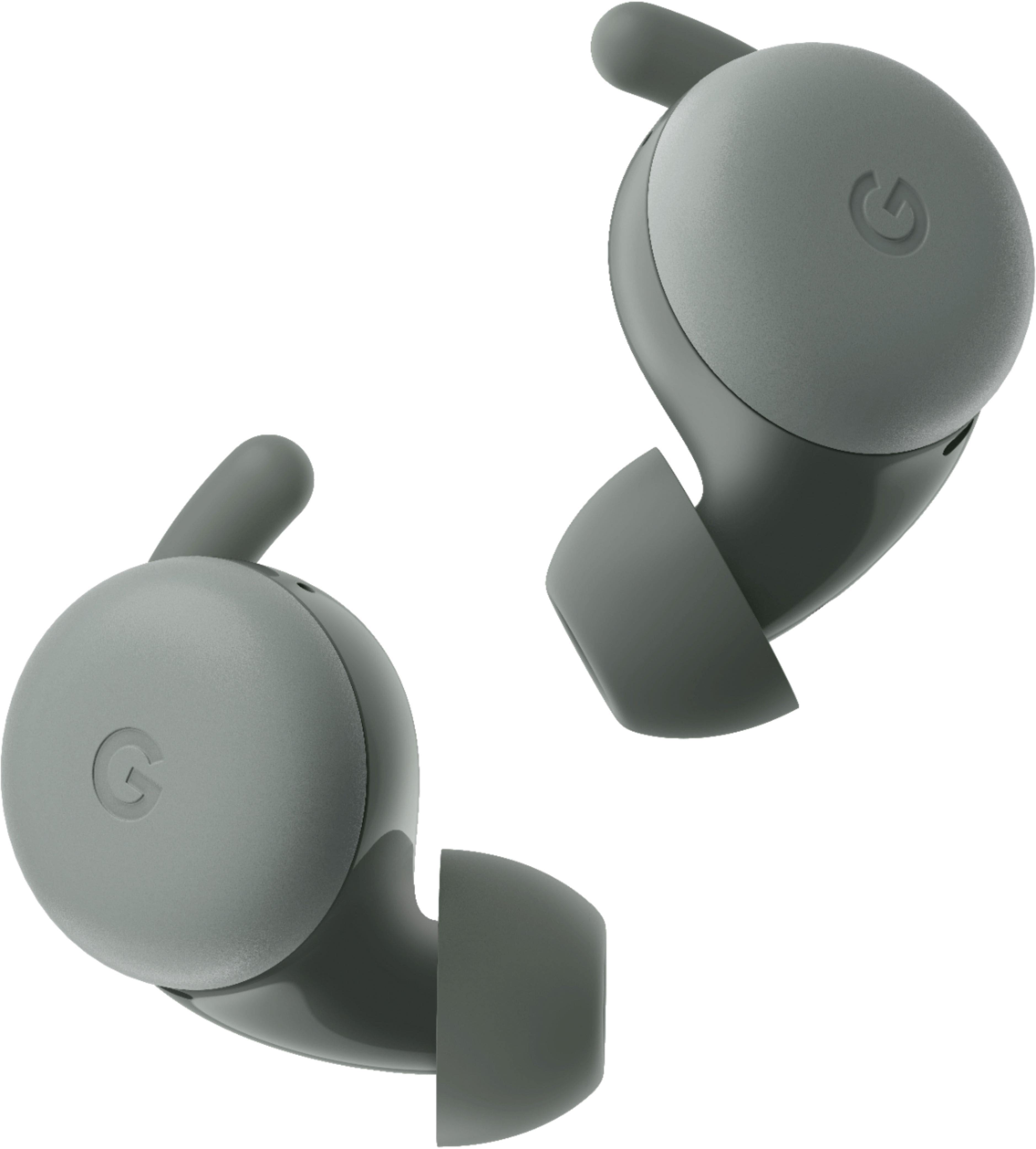
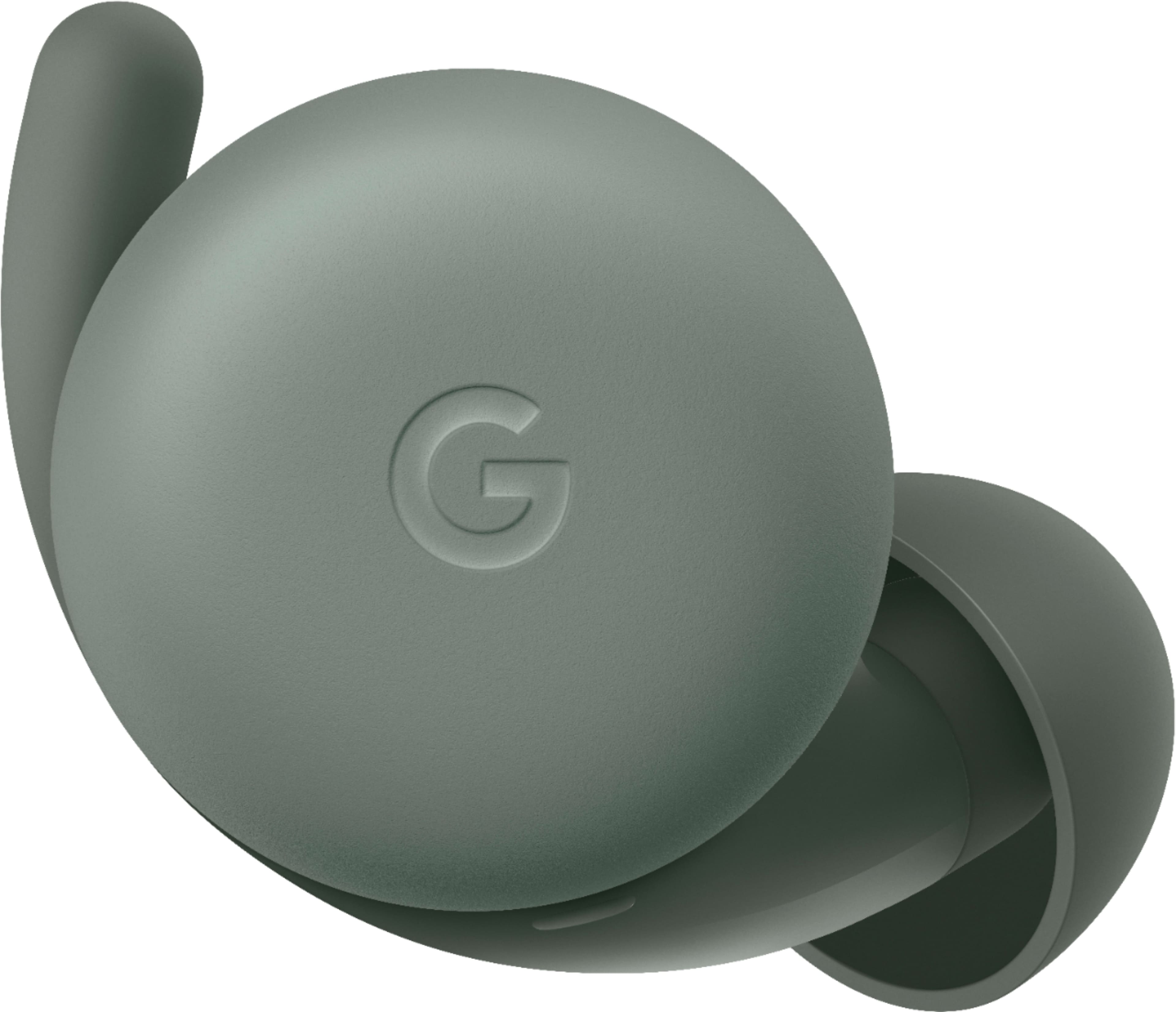
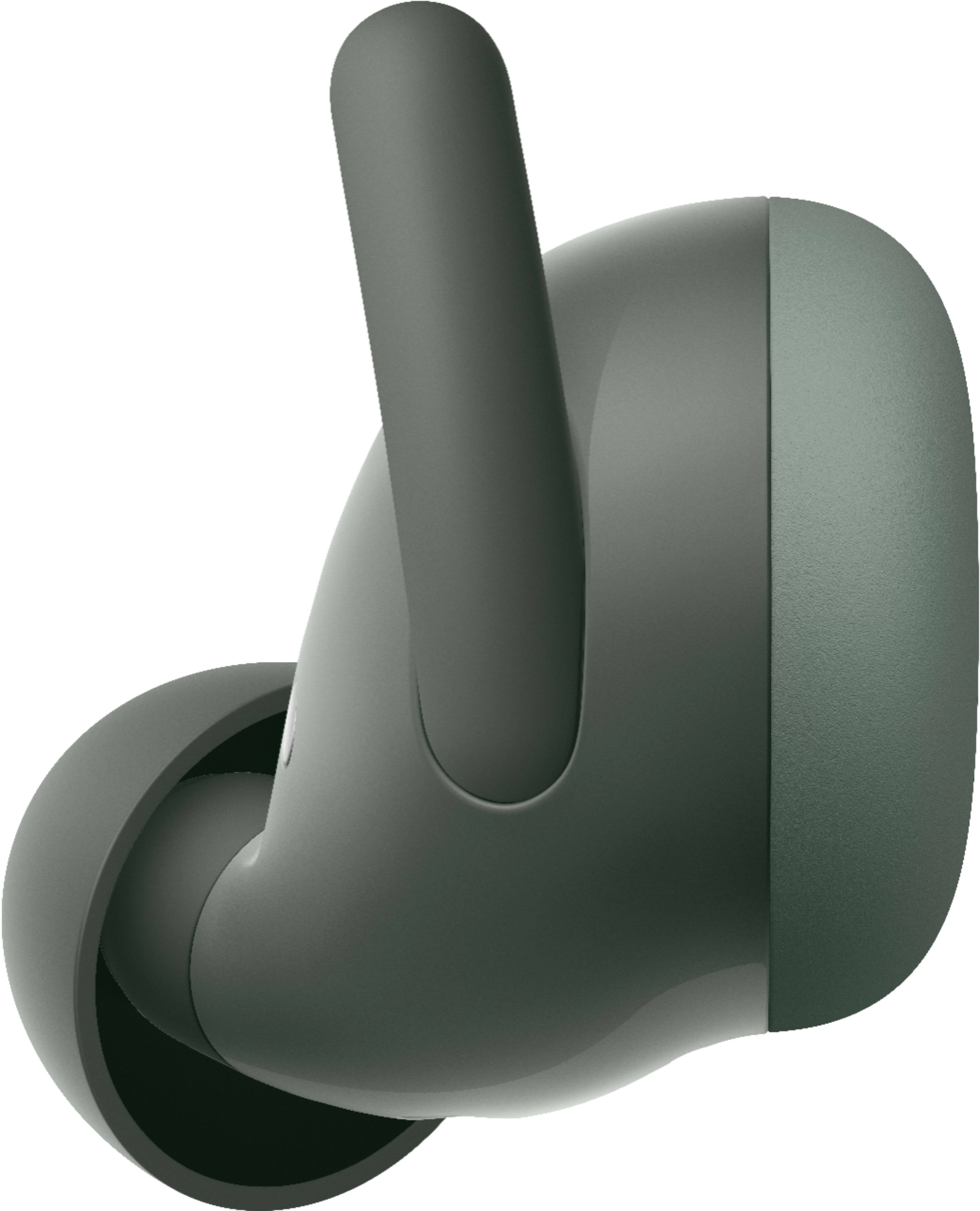
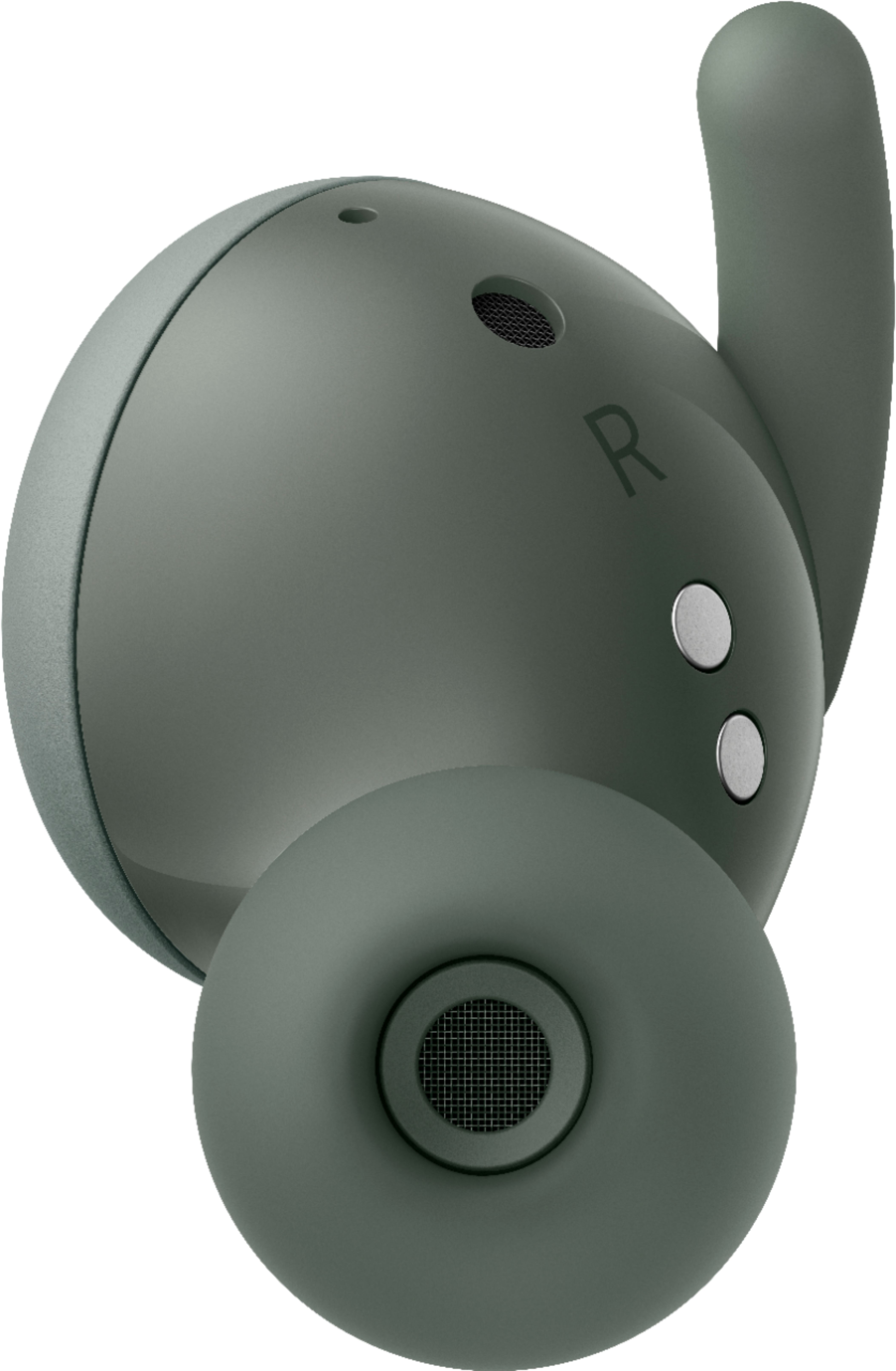
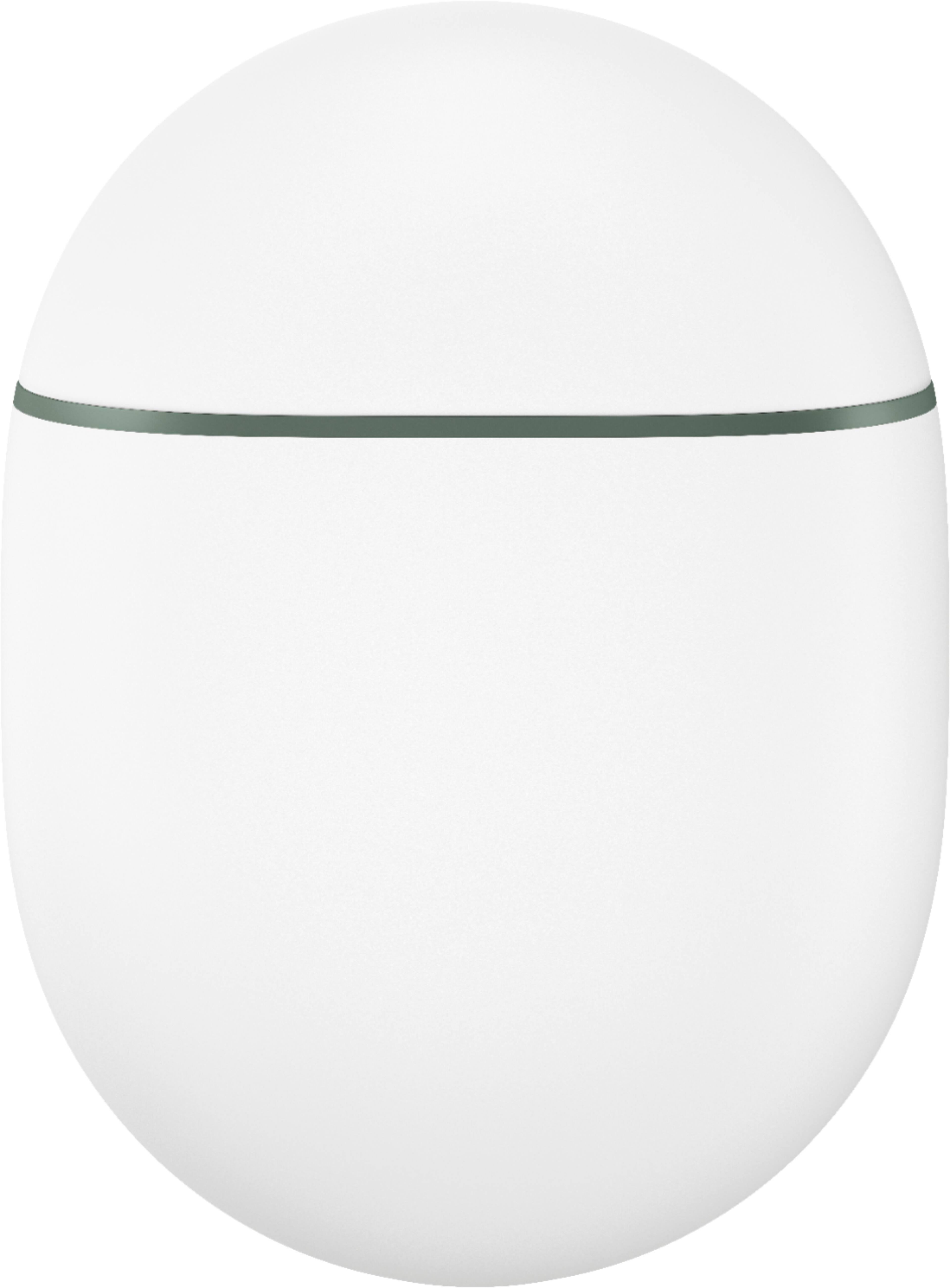
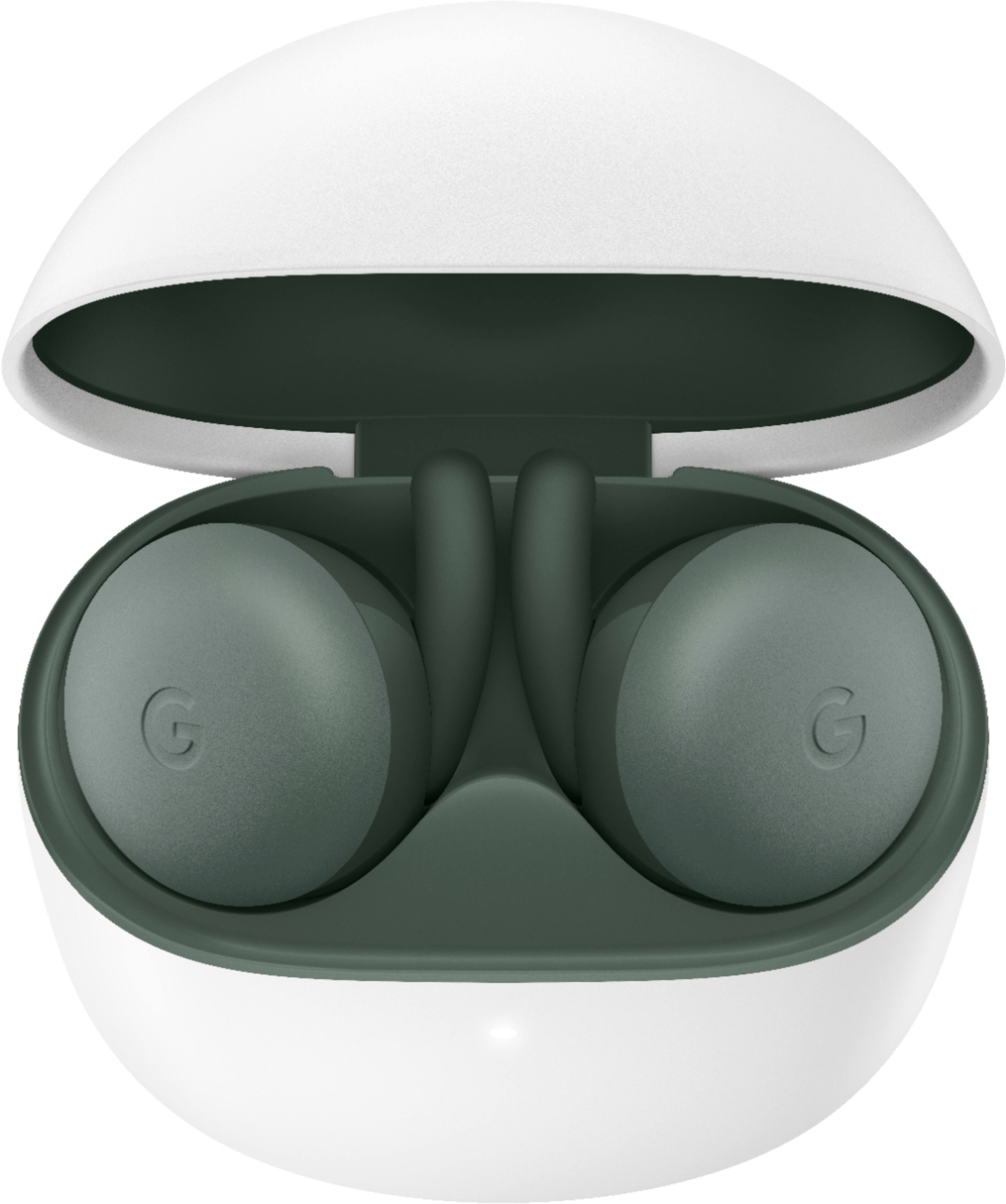
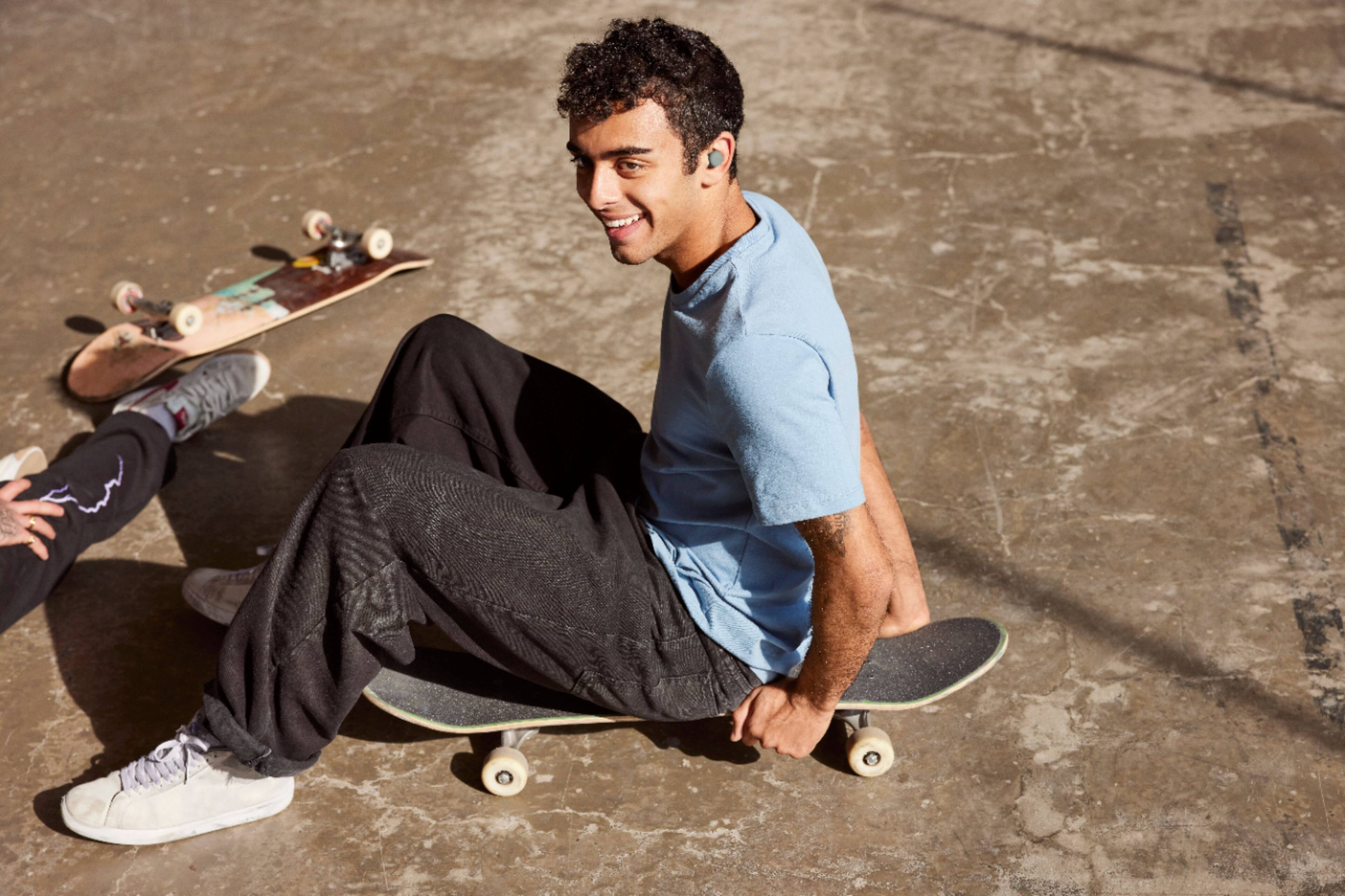
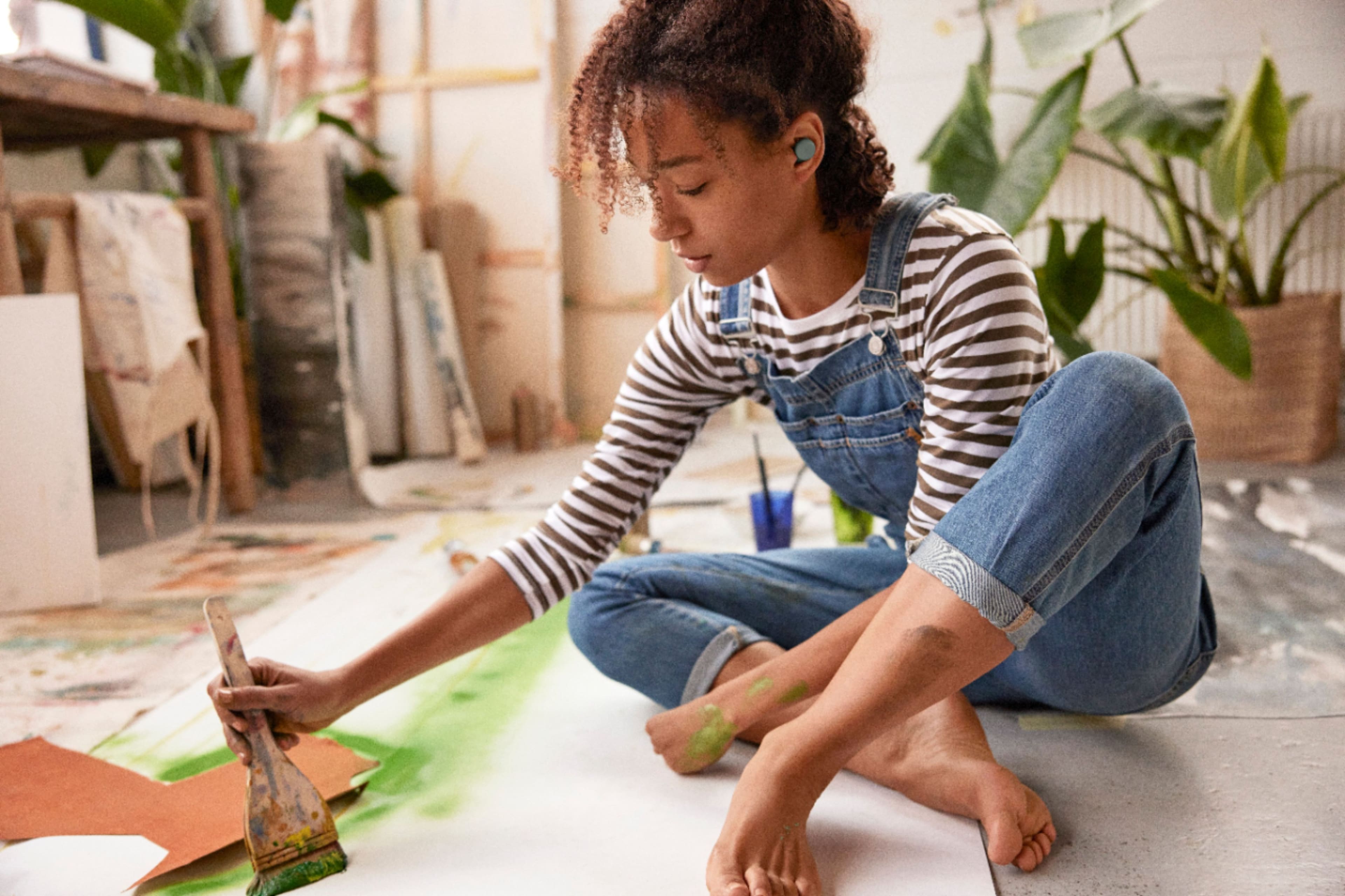
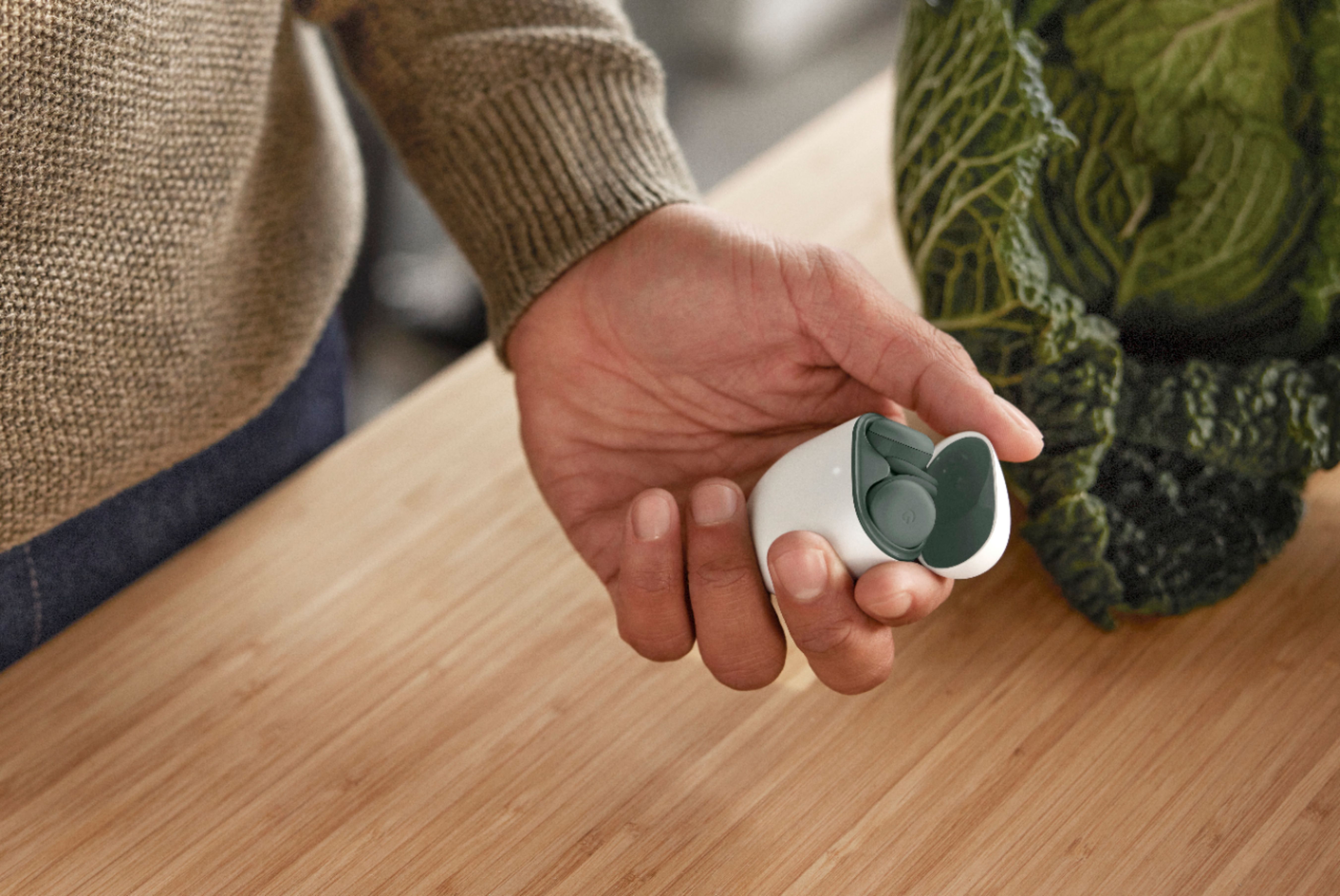
A:Answer They connect to your Apple devices like any other legacy Bluetooth accessory. Open Settings, go to Bluetooth, and select the Pixel Buds A. They will connect automatically when you put them in your ears like AirPods and will disconnect when placed in the case. Because they don’t have access to Apple’s more advanced pairing technology, they won’t automatically switch between devices. You’ll need to manually pair the Pixel Buds A to your other Apple devices.