A:AnswerHello there. Thank you for looking for information about the Google Pixel Tablet Charging Speaker Dock. Adobe Animate isn't available for tablets like ours; it currently only works on Windows and macOS. If you have any other questions, please don't hesitate to reach out to our specialist team on the Google Help Center: https://support.google.com/googlepixeltablet/?hl=en&sjid=12431037436217834082-NC#topic=13075701
A:AnswerGood day, Bill! Thanks for your inquiry. Unfortunately, the Pixel Tablet doesn't have built-in GPS. It relies on Wi-Fi for location services. Learn more about the technical specifications using this link: https://support.google.com/googlepixeltablet/answer/13555146
A:AnswerHello there, Chris. Thanks for your inquiry about Google Pixel Tablet. The Google Pixel Tablet doesn't support mobile data or SIM cards. The software experience, and the onboard Google Tensor G2 processor, are mirrors of the Google Pixel phone experience, with the benefit of a larger multitasking screen. If you need any technical help in the future, please don't hesitate to contact us on our Google Nest Help page here: https://support.google.com/googlenest/gethelp
A:AnswerHey there, Cray. Thanks for your inquiry. Yes, the Google Pixel Tablet Case is sold separately. It's designed to protect your tablet and has an attached ring stand so you can adjust your viewing angle. If you need any technical help in the future, please don't hesitate to contact us on our Google Pixel Help page here: https://support.google.com/googlepixel
A:AnswerHey there, Bonnie. Thanks for your inquiry about the Google Pixel Tablet. You can play a variety of games for all ages on the Pixel Tablet, with fun experiences and applications that you can download from Google Play. If you need any technical help in the future, please don't hesitate to contact us on our Google Pixel Help page here: https://support.google.com/googlepixel
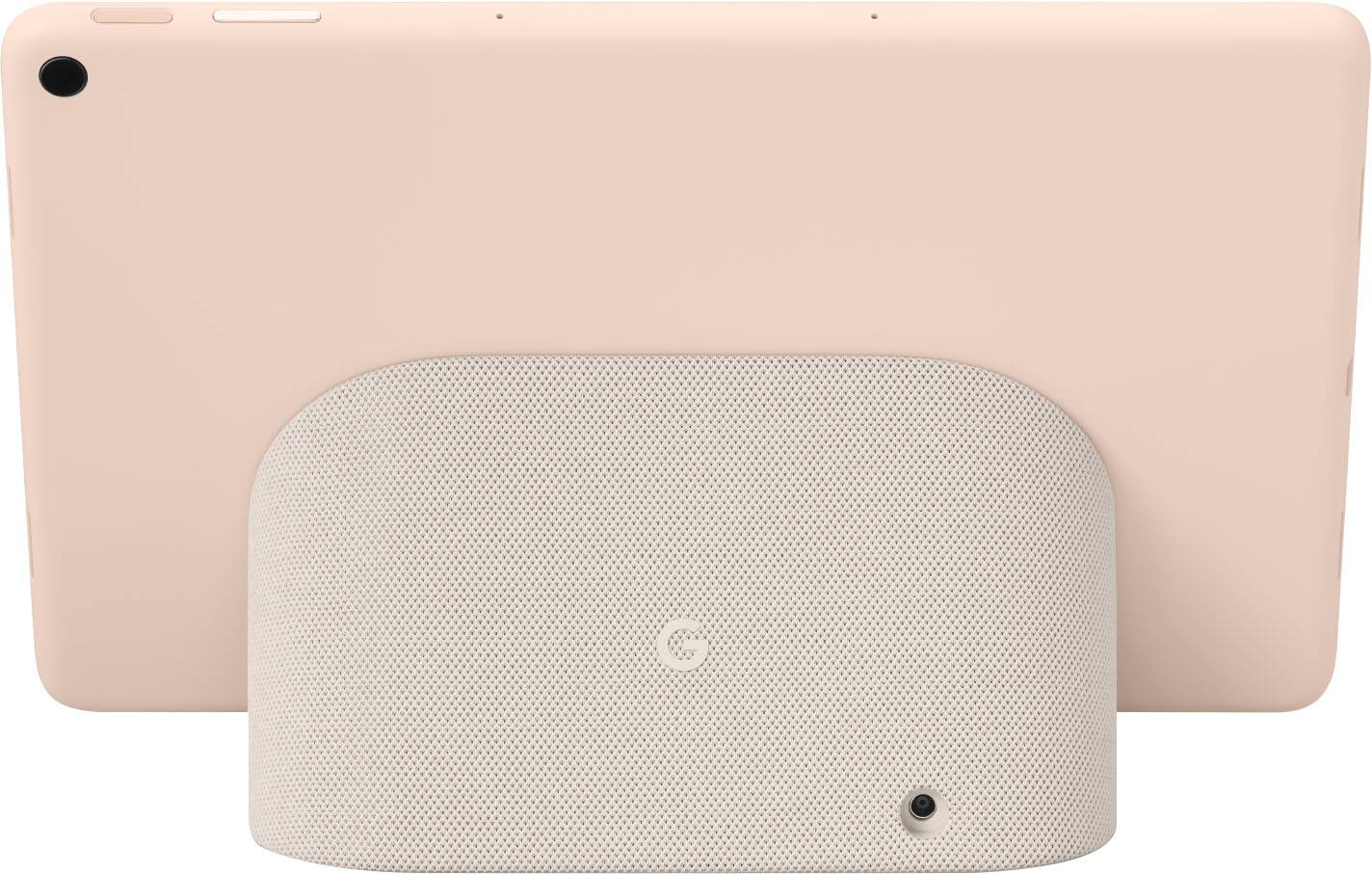
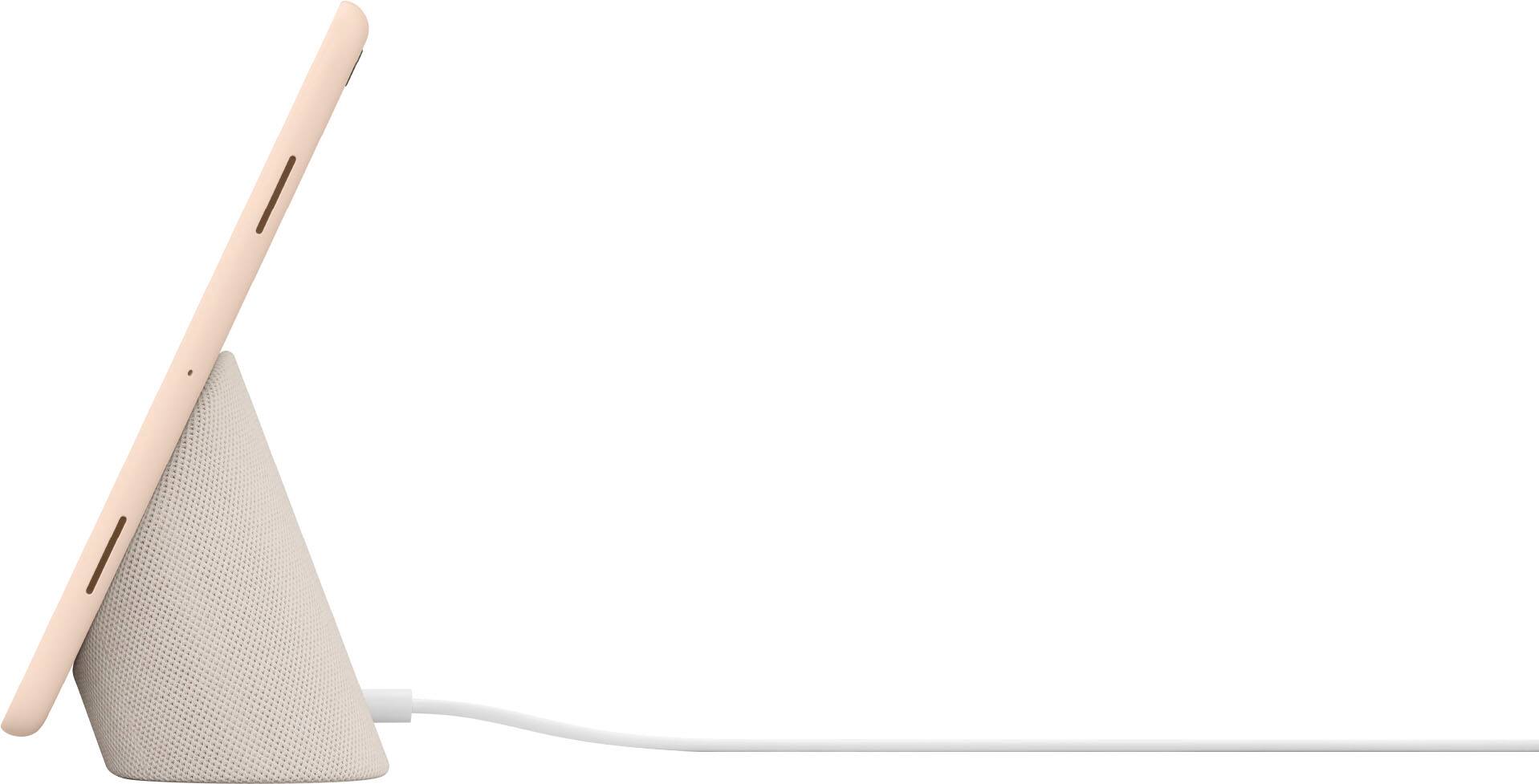
A:AnswerHi there, Pbandj. Thank you for your interest in the Google Pixel Tablet. No, the device doesn't have wireless charging. The included Charging Speaker Dock is the best way to charge the device. It’s optimized to protect your tablet’s battery while charging. Alternatively, the tablet has a USB-C® port and can also be plugged into a wall outlet with a power adapter and USB-C® charger (sold separately). If you have additional inquiries, please don't hesitate to contact us on our Google Help page here: https://support.google.com/googlepixeltablet/gethelp
A:AnswerHey there, PeterJ! Thanks for your inquiry! Check the details below about the dimensions and weight of the Pixel Tablet:
Pixel Tablet:
- 17.39 oz (493 g)
- 10.2 width x 6.7 height x 0.3 depth (in)
- 258 width x 169 height x 8.1 depth (mm)
Charging Speaker Dock:
- 16.23 oz (460 g)
- 5.2 width x 3.7 height x 2.8 depth (in)
- 132 width x 94 height x 70.3 depth (mm)
Tablet attached to Charging Speaker Dock:
- 33.62 oz (953 g)
- 10.2 width x 6.7 height x 3.5 depth (in)
- 259.08 width x 170.18 height x 88.90 depth (mm)
Visit this link for the full list of technical specifications: https://support.google.com/googlepixeltablet/answer/13555146
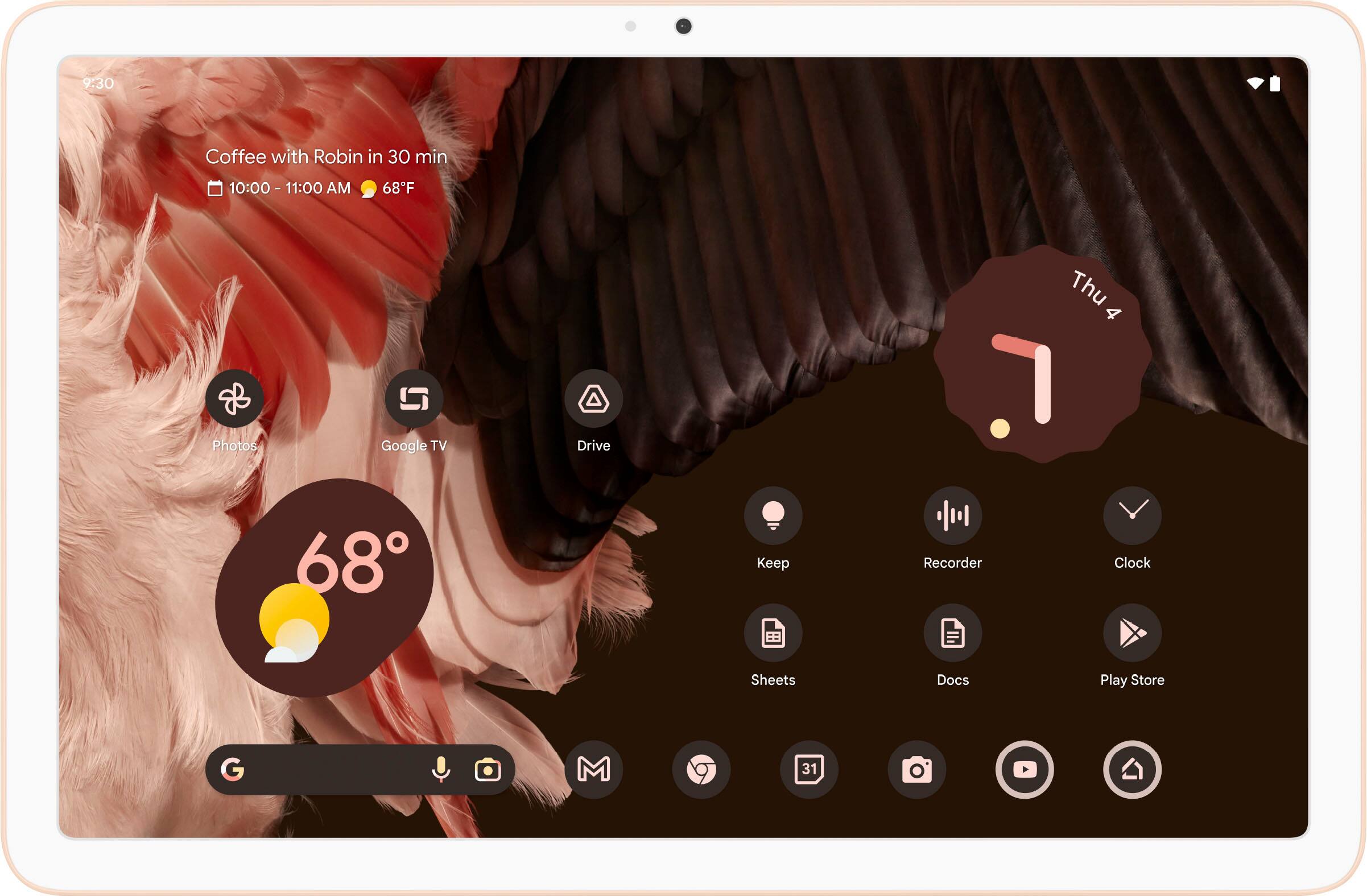
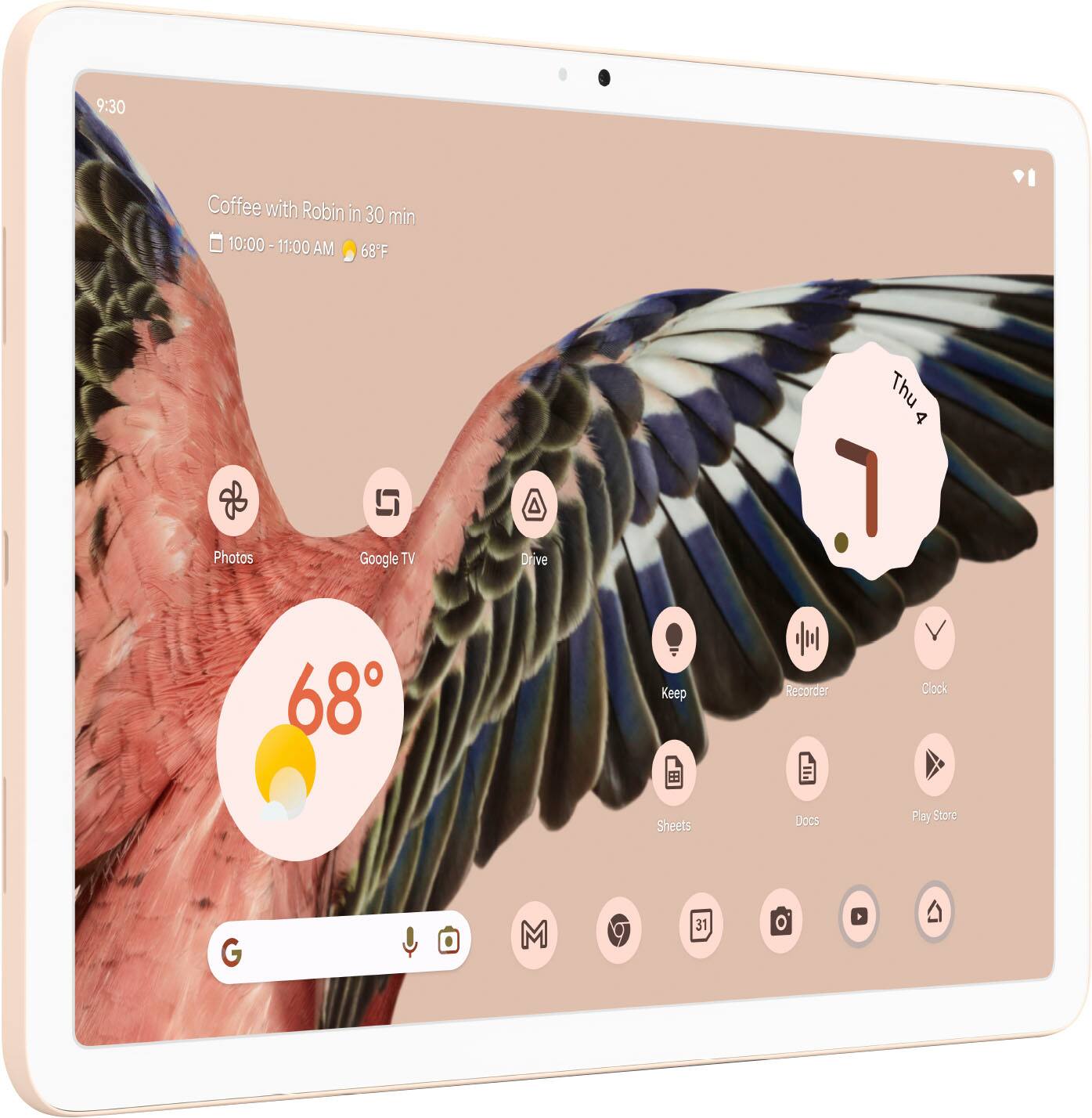
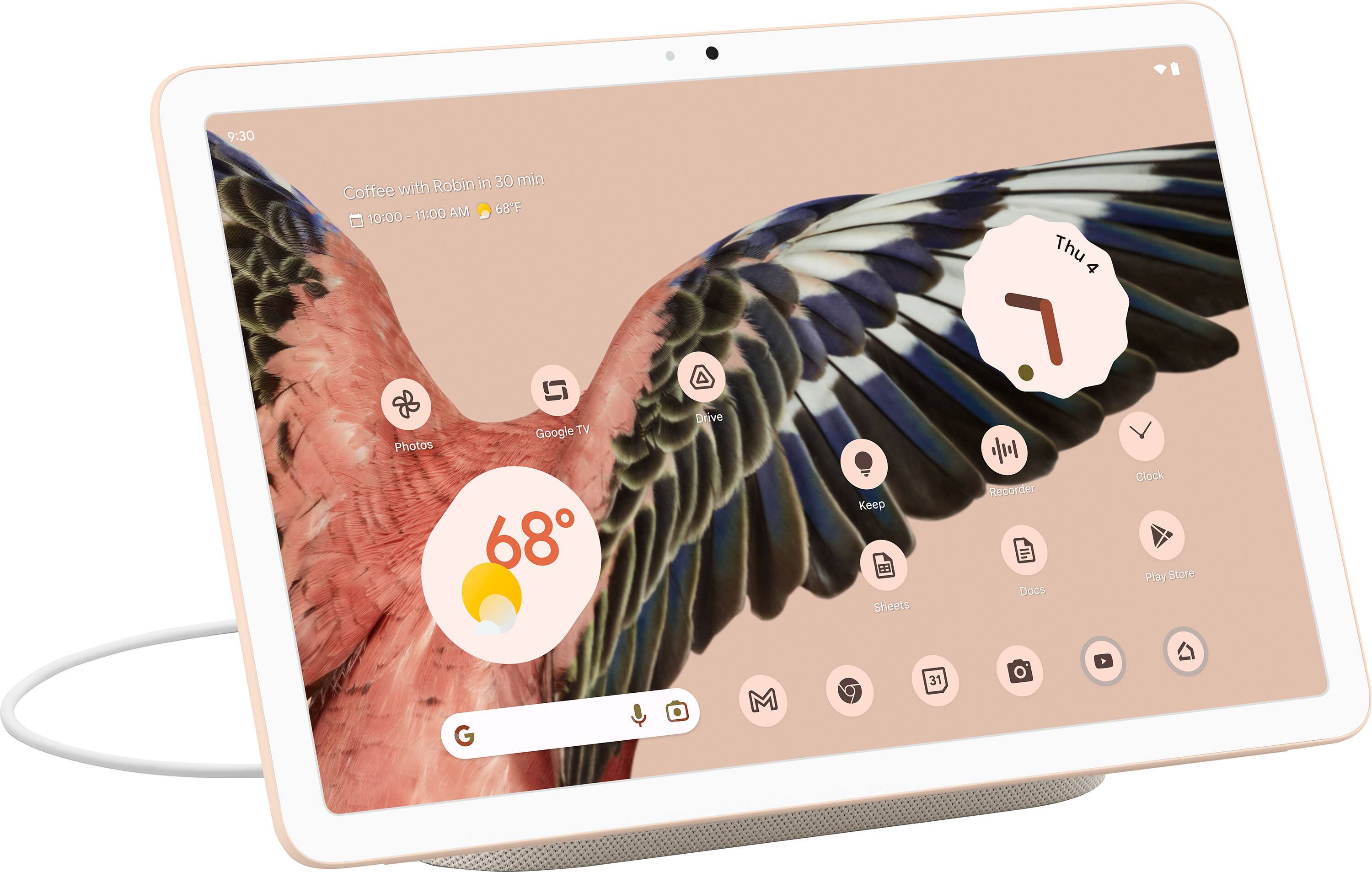
A:AnswerHey there, Eruch! We appreciate your interest! The Pixel Tablet uses LCD (10.95-inch display, 2560x1600 resolution, 276 pixels per inch density, 16:10 aspect ratio, and anti-smudge coating). Learn more using this link: https://support.google.com/googlepixeltablet/answer/13555146
A:AnswerHi there, JMP! Thanks for your interest. The Pixel Tablet Charging Dock is 5.2 inches wide, 3.7 inches high, and 2.8 inches deep. it is a relatively compact device that should not take up too much space on your desk or countertop. To know more about your device specification, you can check this article: https://support.google.com/googlepixeltablet/answer/13555146
A:AnswerHello there, Iowa. Thank you for your interest in the Google Pixel Tablet. No, the device doesn't come with a 3.5mm audio jack. You can still use USB-C® or Bluetooth headphones for the device, such as the Pixel Buds Pro. If you have additional questions or want to know more about the device, please don't hesitate to contact our dedicated team of specialists on our Google Help page here: https://support.google.com/googlepixeltablet#topic=13075701
A:AnswerHi there, we appreciate your interest in the Google Pixel Tablet. The device doesn't have GPS. It does use Wi-Fi 6 (802.11 a/b/g/n/ac/ax) and comes with Bluetooth v5.2. To know more information about the Google Pixel Tablet, you can visit our FAQs link here: https://support.google.com/googlepixeltablet/answer/13555449
A:AnswerHello there, JB! Thanks for your interest. Unfortunately, this feature isn’t supported. The USB-C port is used for connecting the tablet to an external device, or to a USB 2.0 cable and power adapter to charge it when it's not docked. Meanwhile, You can cast video and music from another device to your Pixel Tablet's screen, or cast media from your Pixel Tablet to another device with Chromecast Built-in, like a smart TV. Learn more about the Pixel Tablet using this link: https://support.google.com/googlepixeltablet/answer/13555449
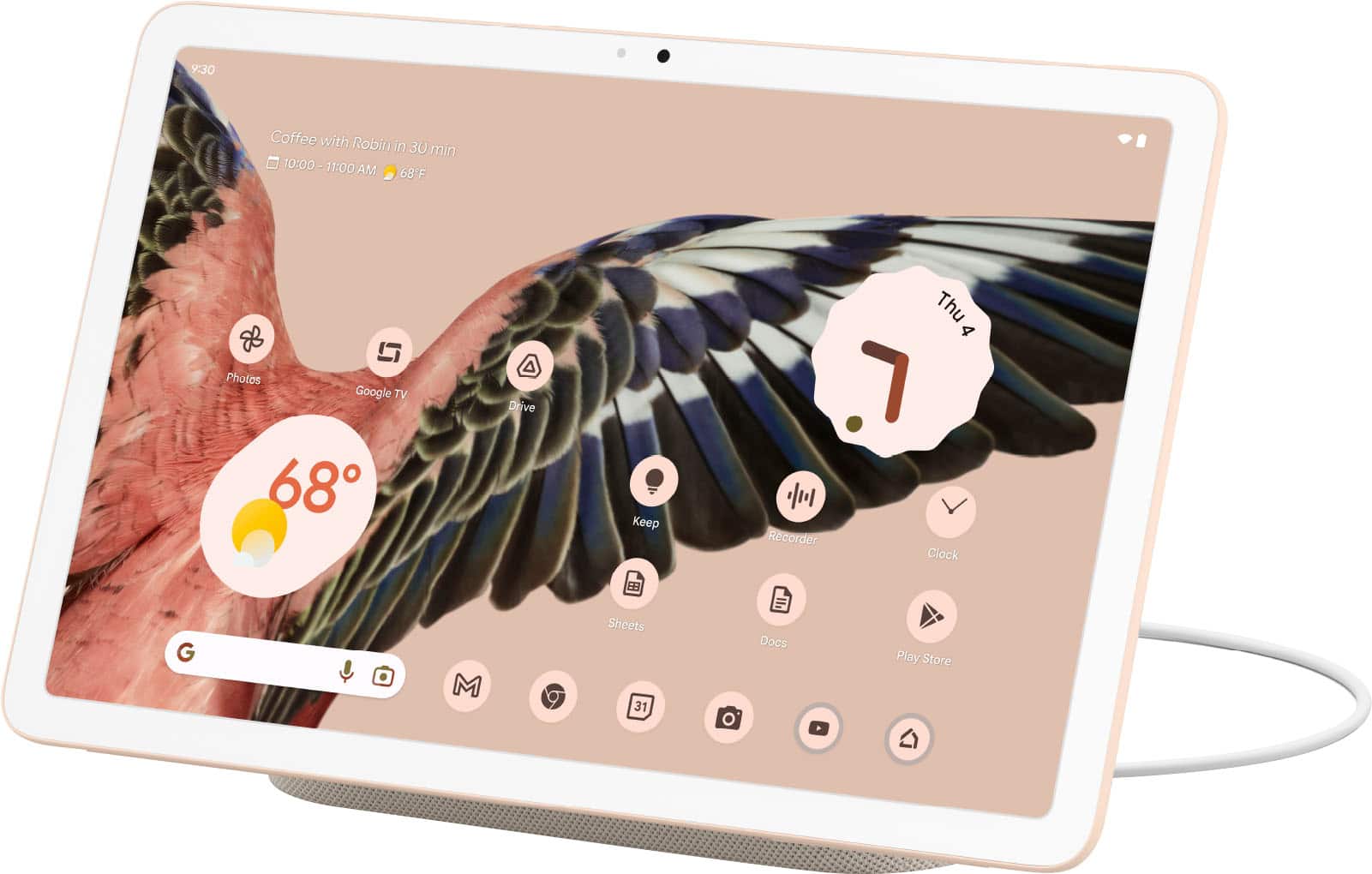
A:AnswerHi there, Mikki. The new Google Pixel Tablet runs on Android and can support apps available on the Google Play Store, such as Zoom. However, please note that while the app can run on the Pixel Tablet, it may not be fully optimized for the tablet's 2560x1600 resolution.
If you'd like to learn more about how to download your favorite apps from the Google Play Store, you can find detailed instructions here: https://support.google.com/googlepixeltablet/answer/13591267
A:AnswerHi there, Betty! Absolutely! The speaker only works once you connect the Pixel Tablet to the charging speaker dock via the magnetic docking interface with pogo pins. For more information about the Pixel Tablet specifications, check out this link: https://support.google.com/googlepixeltablet/answer/13555146
Moreover, if you require guidance regarding the features of your Pixel Tablet, our support team is ready to help. You can reach out to them here: https://support.google.com/googlepixeltablet/gethelp
A:AnswerHey there, Lindy! Yes, with Google Pixel Tablet you can download gaming apps from the Google Play Store which is pre-installed on your device. If you have additional inquiries or need any assistance, please don't hesitate to contact us on our Google Help page here: https://support.google.com/googlenest/gethelp
A:AnswerHey there, Dino! Thanks for your interest in the Google Pixel Tablet. Yes, it comes with a front facing camera that you can use for video calling. If you have additional inquiries, please don't hesitate to contact us on our Google Help page here: https://support.google.com/googlepixeltablet#topic=13075701
A:AnswerHello there, Elly. Thanks for your inquiry. The Pixel Tablet doesn't use a SIM card, and the carrier calling feature is not supported. But you can make Meet calls with the Meet app or through Google Assistant on the Pixel Tablet. Visit this link for details: https://support.google.com/googlepixeltablet/answer/13555149