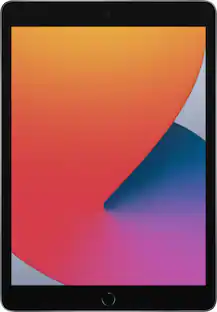
Microsoft - Surface Pro - 13" OLED Touchscreen - Snapdragon X2 Elite (12 Core) 2026 - 16GB Memory - 512GB SSD - Device Only - Black
Customers are saying
Customers express satisfaction with the stunning OLED display quality and the impressive overall performance and efficiency of the device. Users frequently highlight the phenomenal battery life, excellent build quality, and the convenient portability of the design. While the processor speed is highly regarded, some users have noted that software compatibility can be a limitation due to the ARM-based architecture.
Color
BlackTotal Storage Capacity
512GBHighlights
Features
Brilliant OLED Display
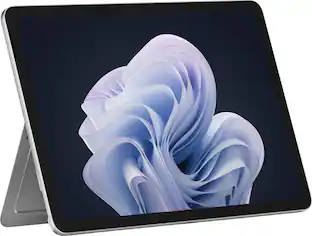
Incredible image quality – The 13" PixelSense touchscreen [1], with OLED and enriched HDR [2] tech unveils crisper whites, luminous blacks, and colors so richly saturated bringing vivid life into every frame – perfect for work, school, streaming and creative tasks.
Up to 15.5 hours of battery life [3]
The new Surface Pro is designed for long travel days, late night studying, and everything in between.
Work at the speed of your ideas
Built with the latest Qualcomm Snapdragon X2 Elite (12 Core) processors, Surface Pro delivers fast, AI‑accelerated performance—making it the most powerful Surface laptop for everything from multitasking to demanding workloads.
Premium Performance
Premium Performance PCs are built for all-day performance, so you can move from work to play with the speed, battery life, and flexibility to keep up without slowing down.
The ports you need
Charge on-the-go, transfer data fast, or create the ultimate desktop set up with two USB-C/ USB4 [4] ports.
Built-in AI Companion
Work smarter, create freely, and communicate with confidence—Copilot [5] on Windows 11 is always there to help.
Perfect Match
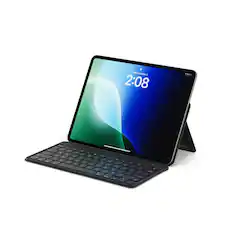
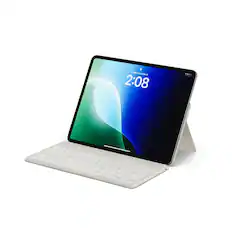
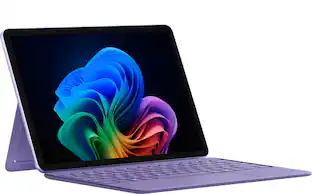
Designed in premium Alcantara fabric with two color options [6], the Surface Pro 13-inch Flex Keyboard [7] is the perfect match for your Surface Pro.
Designed to be a laptop or a tablet
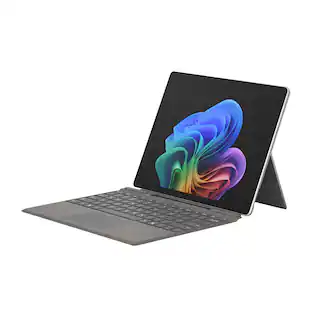
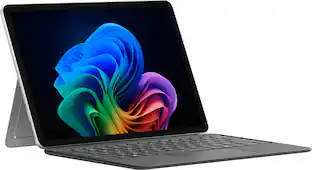
Transform Surface Pro into a full thin and light Windows laptop with the Surface Pro 13-inch Flex Keyboard [7], offering a comfortable typing and touchpad experience. The iconic built-in 165-degree fluid kickstand offers flexibility at any angle.
Specifications
- Screen Size13 inchesScreen Resolution2880 x 1920Processor ModelQualcomm Snapdragon X2 EliteTotal Storage Capacity512 gigabytesOperating SystemWindows 11 Home
Reviews
Rating 4.5 out of 5 stars with 42 reviews
- OLED Quality (19)
- Performance (17)
- Battery Life (15)
- Portability (12)
- Build Quality (10)
- Software Compatibility (5)
Customer Images
The vast majority of our reviews come from verified purchases. Reviews from customers may include My Best Buy members, employees, and Tech Insider Network members (as tagged). Select reviewers may receive discounted products, promotional considerations or entries into drawings for honest, helpful reviews.

Compare similar products
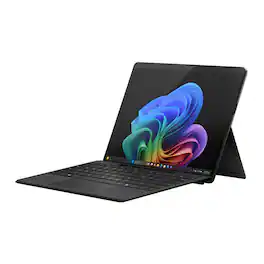
The new Surface Pro reimagined — a more powerful and flexible laptop that empowers your creativity and productivity with performance designed for seamless multitasking, intuitive touchscreen, and built‑in AI assistance through Copilot. Whether you're a student or a professional, using the Windows ecosystem helps you work more efficiently across your apps and devices, with all‑day battery life [3].
The new Surface Pro reimagined — a more powerful and flexible laptop that empowers your creativity and productivity with performance designed for seamless multitasking, intuitive touchscreen, and built‑in AI assistance through Copilot. Whether you're a student or a professional, using the Windows ecosystem helps you work more efficiently across your apps and devices, with all‑day battery life [3].
The new Surface Pro reimagined — a more powerful and flexible laptop that empowers your creativity and productivity with performance designed for seamless multitasking, intuitive touchscreen, and built‑in AI assistance through Copilot. Whether you're a student or a professional, using the Windows ecosystem helps you work more efficiently across your apps and devices, with all‑day battery life [3].
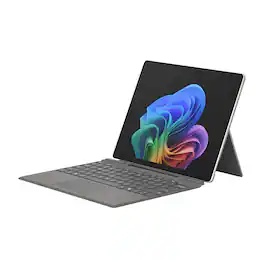
The new Surface Pro reimagined — a more powerful and flexible laptop that empowers your creativity and productivity with performance designed for seamless multitasking, intuitive touchscreen, and built‑in AI assistance through Copilot. Whether you're a student or a professional, using the Windows ecosystem helps you work more efficiently across your apps and devices, with all‑day battery life [3].
| Pros for Microsoft - Surface Pro - 13" OLED Touchscreen - Snapdragon X2 Elite (12 Core) 2026 - 16GB Memory - 512GB SSD - Device Only - Black | |||
|---|---|---|---|
| Battery Life, Portability, Build Quality, OLED Quality, Performance | Overall Performance | Build Quality, Battery Life, Portability, Touchscreen Responsiveness | There were no pros for this product— |
| Cons for Microsoft - Surface Pro - 13" OLED Touchscreen - Snapdragon X2 Elite (12 Core) 2026 - 16GB Memory - 512GB SSD - Device Only - Black | |||
| Software Compatibility | There were no cons for this product— | There were no cons for this product— | There were no cons for this product— |
Specs
Customers often buy these together
Office Software



Tablet Keyboards
![Esc F1 F2 F3 F4 F5 F6 F7 F8 F9 F10 F11 F12 Home End Ins Del
1 ! 2 @ 3 # 4 $ 5 % 6 ^ 7 & 8 * 9 ( 0 ) - = + Tab Q W E R T Y U I O P [ { ] } \
Caps A S D F G H J K L ; : Z X C V B N M , < . > / Ctrl Fn Alt
Ctrl Fn Alt](https://pisces.bbystatic.com/image2/BestBuy_US/images/products/936215f8-9ab2-47a9-857b-6637a3704c70.jpg;maxHeight=232;maxWidth=233?format=webp)
![Fosmon Dongle for 23022KB
FCC ID: 2038M-23022
Made in China
Esc PrtSc Home Del BS F10 F11 F12 & F7 * F8 ( F9 $ F4 % F5 A F6 ! F1 F2 # F3 0 - = 6 7 8 9 2 3 4 5 1 { } Y U I O P [ ] W E R T Tab Q : " I a J K L ; ' , S D F G Caps A < > ? Enter M CTRL ALT+DEL C V N , Shift Z X Shift 72AL Win Ctrl Alt Win Alt Ctrl Fn Pu Pd](https://pisces.bbystatic.com/image2/BestBuy_US/images/products/2de5b47c-cdb6-4319-acce-fb620b4a076e.jpg;maxHeight=232;maxWidth=233?format=webp)
More recommended items
 Tablet eReader Cases and Sleeves
 Stylus Pens
 Headphones
Explore tech essentials Sponsored
Microsoft Surface Pro - Copilot+ PC - 12" Touchscreen - Snapdragon X Plus - 16GB Memory - 512GB UFS - Device Only
$1,049.99The price was $1,149.99Microsoft Surface Pro - 12" Touchscreen - Snapdragon X Plus (8 Core) - 8GB Memory - 256GB UFS - Device Only
$749.99The price was $849.99Microsoft Surface Pro - Copilot+ PC - 12" Touchscreen - Snapdragon X Plus - 16GB Memory - 512GB UFS - Device Only
$1,049.99The price was $1,149.99
Keep exploring
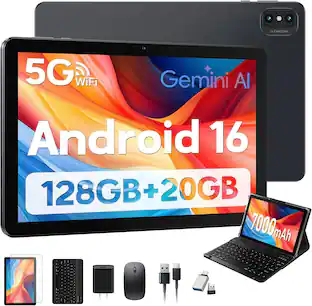
MOONSTARS 2026 Newest Android 16 Tablet, 10 Inch Tablet with Keyboard 128GB + 20GB, 5G WIFI, 2 in 1 Tablets with Mouse, Stylus
Holiday Deal$98.99The price was $209.99MEIZE Android 16 Tablet 10.1 Inch 2026 Newest, Tablet with 12GB RAM + 64GB ROM, AI Gemini, 2 in 1 Tablets with Keyboard
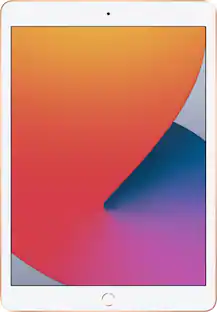
Holiday Deal$89.98The price was $199.99Apple Geek Squad Certified Refurbished 10.2-Inch iPad with Wi-Fi - 256GB
$399.99The price was $479.99Apple 11-inch iPad Pro M4 chip Built for Apple Intelligence Wi-Fi + Cellular 256GB with OLED
$799.99The price was $999.99Apple 13-inch iPad Pro M4 chip Built for Apple Intelligence Wi-Fi 256GB with OLED
$1,019.99The price was $1,299.00Apple 11-inch iPad Pro M4 chip Built for Apple Intelligence Wi-Fi 256GB with OLED
$799.99The price was $999.00