Questions & Answers
- Model:
- GA00841-US
- |
- SKU:
- 6382922
Q: QuestionCan Microsoft Word be downloaded on to the Google Pixelbook Go?
Asked by soonerfaninks.
- A:Answer You can install Android apps of Microsoft Office tools from Google Play Store. You can also download Microsoft Office extension for Google Chrome browser and use the online versions of Microsoft Office tools. Keep in mind, Microsoft requires subscription to use its tools.
Answered by Google Team

Q: QuestionDoes the keyboard light up?
Asked by Nasus10.
- A:Answer Absolutely! Google Pixelbook Go's keyboard lights up. It has a light sensor on the left side of the front camera which automatically adjusts the screen and keyboard backlight to match the environment. A brighter environment gives a brighter backlight. You can also adjust the backlight manually by pressing Alt+ Brightness keys.
Answered by Google Team

Q: Questiondoes it have bandwidth to attach an external hard drive? especially since it doesn't have a USB port
Asked by Chaloots.
- A:Answer Google Pixelbook Go comes with 2 USB-C ports. You can connect your USB hard drives and thumb drives to the ports. If your hard drive type is USB-A, you will need to use USB-C to USB-A Adapter. The following are the file systems that are compatible: FAT16, FAT32, exFAT HFS+ (read-only) ISO9660 (read-only) MTP NTFS UDF (read-only)
Answered by Google Team

Q: QuestionCan you use a VPN on Chromebook?
Asked by randy922.
- A:Answer yes, I use Express VPN, you just need to install their Android app and it works great
Answered by johnk
Q: QuestionWill my data/files, etc. transfer from my Microsoft Surface Pro 4, including microsoft text files?
Asked by CCwriter.
- A:Answer You can transfer your data by using a cloud file system like Google Drive, Box, or Server Message Block (SMB). If you plan to use an external device, please note that storage devices store files using a particular type of file system. This file system determines how data is found, read, and stored on the device. Below are compatible file systems with Chrome OS: FAT16, FAT32, exFAT HFS+ (read-only) ISO9660 (read-only) MTP NTFS UDF (read-only)
Answered by Google Team

Q: QuestionWhats the operating system?
Asked by Anonymous.
- A:Answer The Pixelbook Go is a Chromebook. It runs on Google's ChromeOS.
Answered by Mike1818
Q: QuestionIs Bluetooth available on Pixel Go? Can you add a VPN?
Asked by randy922.
- A:Answer Yes there is Bluetooth available. Have used the bluetooth for wireless headphones connection.
Answered by autumnleaf
Q: QuestionWhen was this item first went to the market or when was it created?
Asked by Joy.
- A:Answer November 2019. Automatic updates expire June 2026.
Answered by Mike1818
Q: QuestionWill the google pixel pen work with this chrome book?
Asked by Mega.
- A:Answer No, Pixelbook Go doesn't have a stylus chipset to work with Google Pixelbook Pen
Answered by Google Team

Q: QuestionCan the pixlebook run fusion 360?
Asked by jcoleman3500.
- A:Answer Check Google Play Store. If Fusion 360 isn't in the store, there may be something comparable. Or, if you have enough storage download it!
Answered by SabinMarketing
Q: QuestionIs this a tablet and laptop?
Asked by Anonymous.
- A:Answer Pixelbook Go is a Chromebook laptop. It is designed for life on the go. It's light enough to go anywhere and has an all-day battery. You can check Pixelbook Go specifications here: https://support.google.com/pixelbook/answer/9481398
Answered by Google Team

Q: QuestionHow is the sound quality when on a Zoom meeting?
Asked by Teach.
- A:Answer The sound quality is superb!
Answered by SabinMarketing
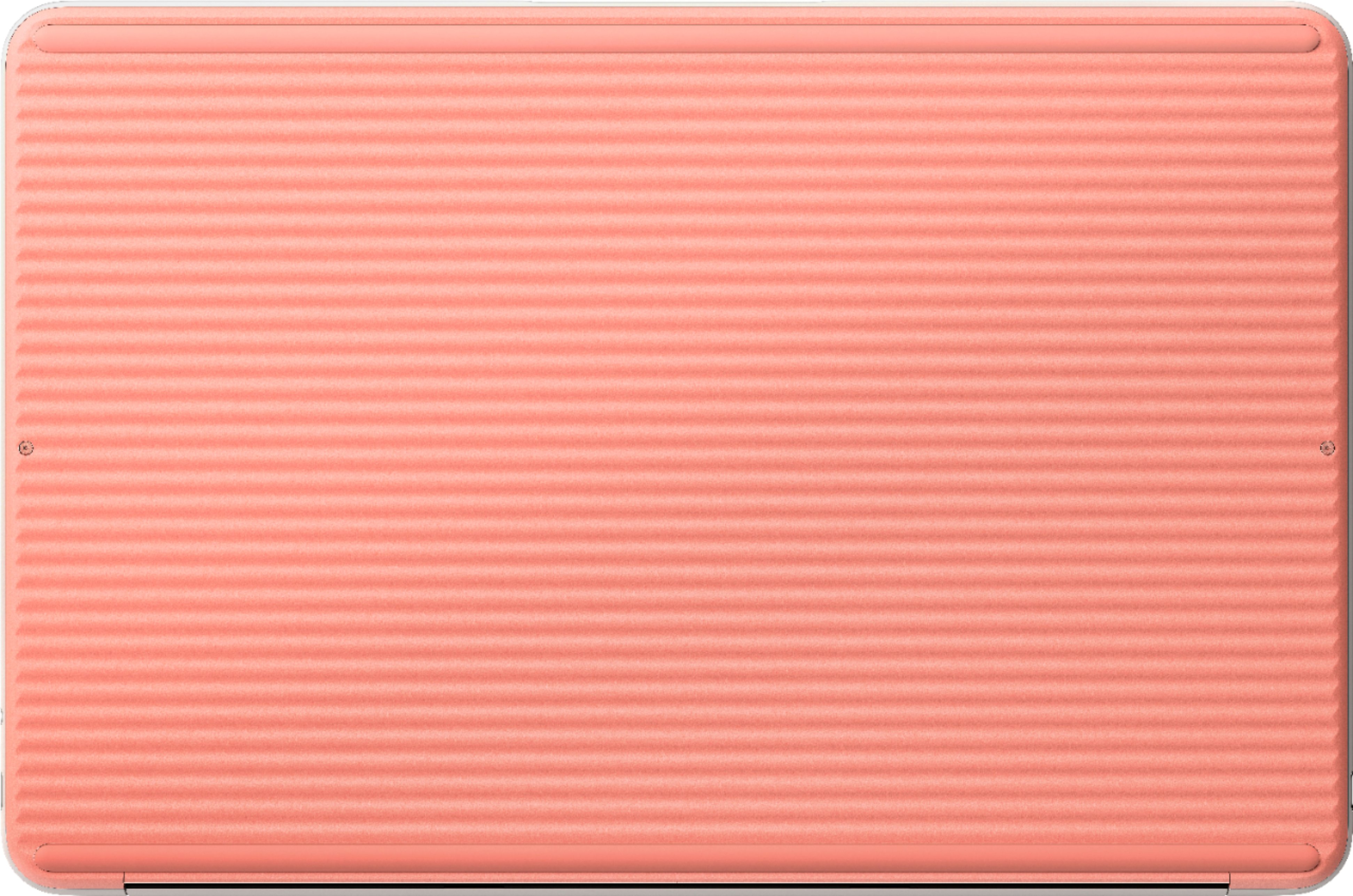
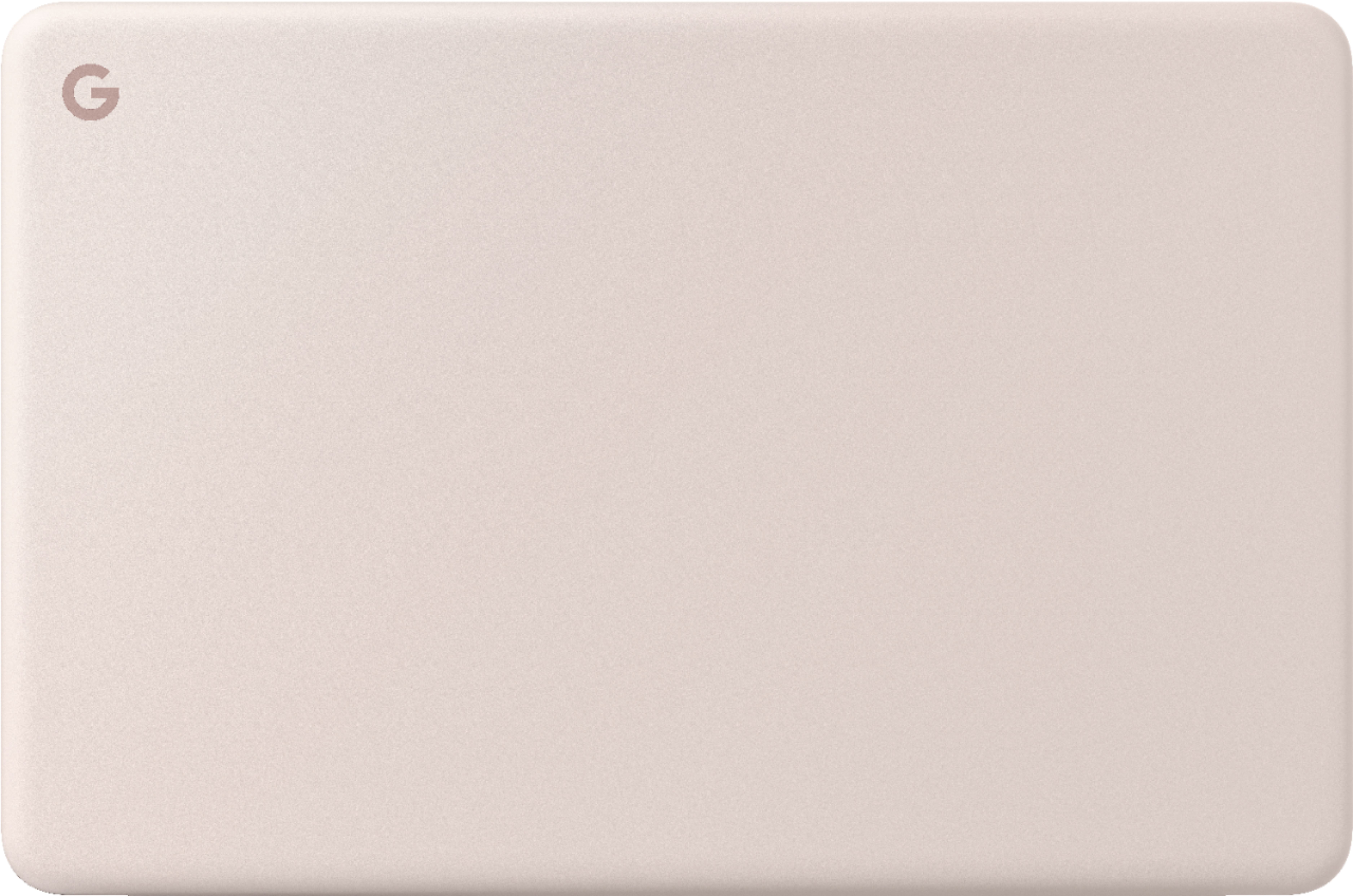
Q: QuestionDoes this model come in the color Not Pink or Just Black?
Asked by Alisa.
- A:Answer It should. Shop around for your color choice. I have black and it's really nice. It's a clean look. I love it!
Answered by SabinMarketing
Q: QuestionIs it easy to set up chrombooks computers? What are the benefits using chrombooks laptop?
Asked by Rose.
- A:Answer It's simple! If you have a gmail account all you do is sign in! If you don't have a gmail account, create one on another device (phone or computer) and you are good to go. And, you can sync all of your devices. Very helpful. The benefit for me is having my browser and apps conveniently accessible without all of the bloatware, the Google security you get in the Chrome browser, plus most apps are cloud based - less downloading. Keep it simple and keep it safe!
Answered by SabinMarketing
Q: QuestionDoes price check work for ebay listings?
Asked by Nick.
- A:Answer It might. If it's a new product. Then you are comparing apples to apples not apples to oranges.
Answered by SabinMarketing
Q: QuestionIs any configuration above the base m.3 worth it for plain old internet stuff? Sometimes I download large files for work. Question: m.3 option or core i5/128GB? The top two tiers are nuts for a Chromebook.
Asked by Mike1818.
- A:Answer Yes it is worth it. You can connect a back up drive and download away!
Answered by SabinMarketing
Q: QuestionWhen will best buy chandler fashion have the 128GB google pixelbook go in stock?
Asked by tyty.
- A:Answer Double check. It should be in stock. If not, place your order and have it delivered.
Answered by SabinMarketing
Q: QuestionWill the 'Not Pink' version of the Pixelbook Go be available for sale in 2019?
Asked by thewise1.
- A:Answer It seems "Not Pink" is now 'HOT Pink', as it has been "out of stock" for about a month!
Answered by Mike1818
Top Rated
- $329.99$329.99The price was $469.99
- $299.99$299.99The price was $349.99
- $139.99$139.99The price was $149.99
- $949.00$949.00The price was $1,099.00
- $449.99$449.99The price was $649.99
- $279.99$279.99The price was $329.99
- $1,499.00$1,499.00The price was $2,799.00
- $122.00$122.00The price was $129.99