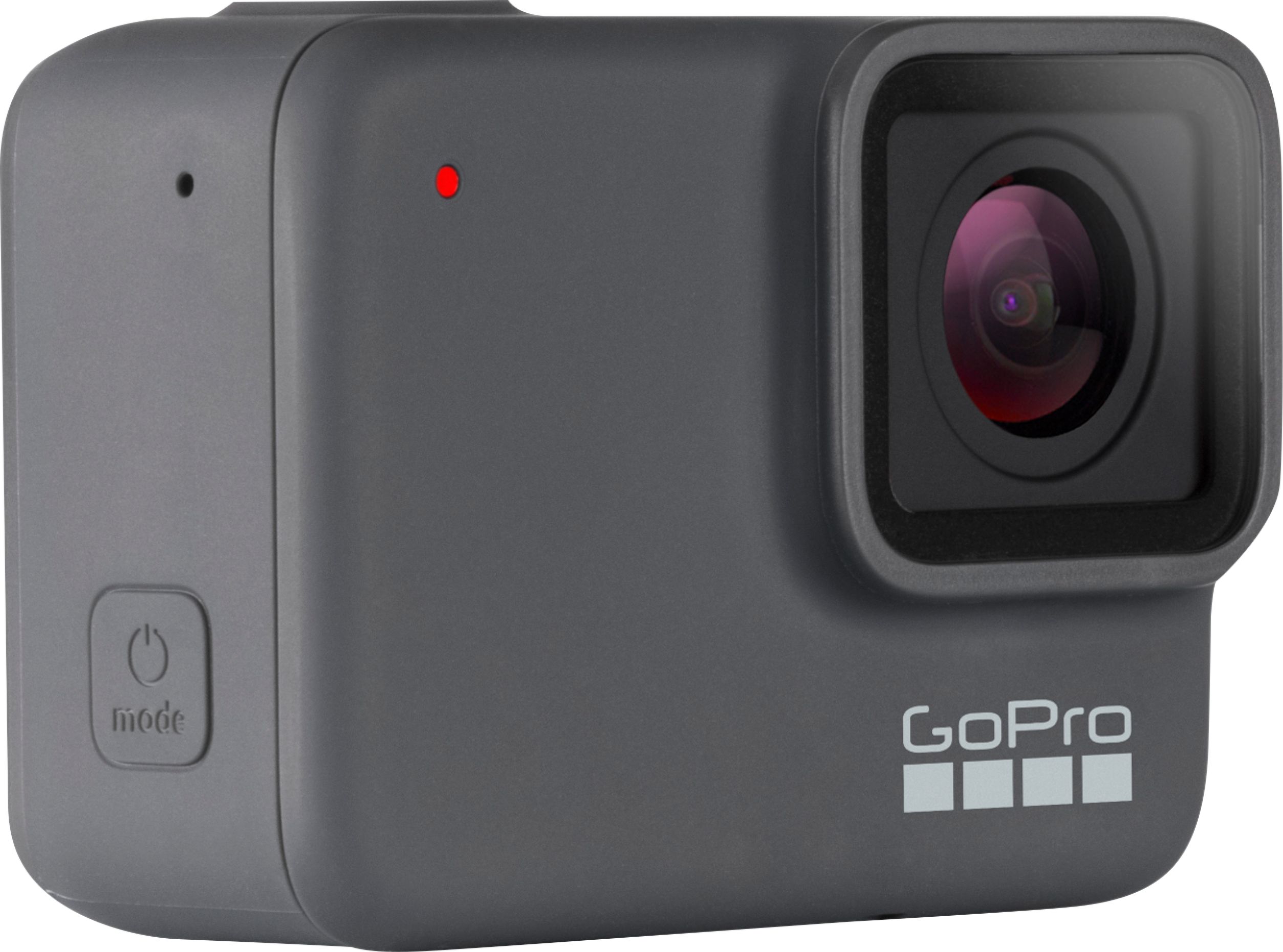
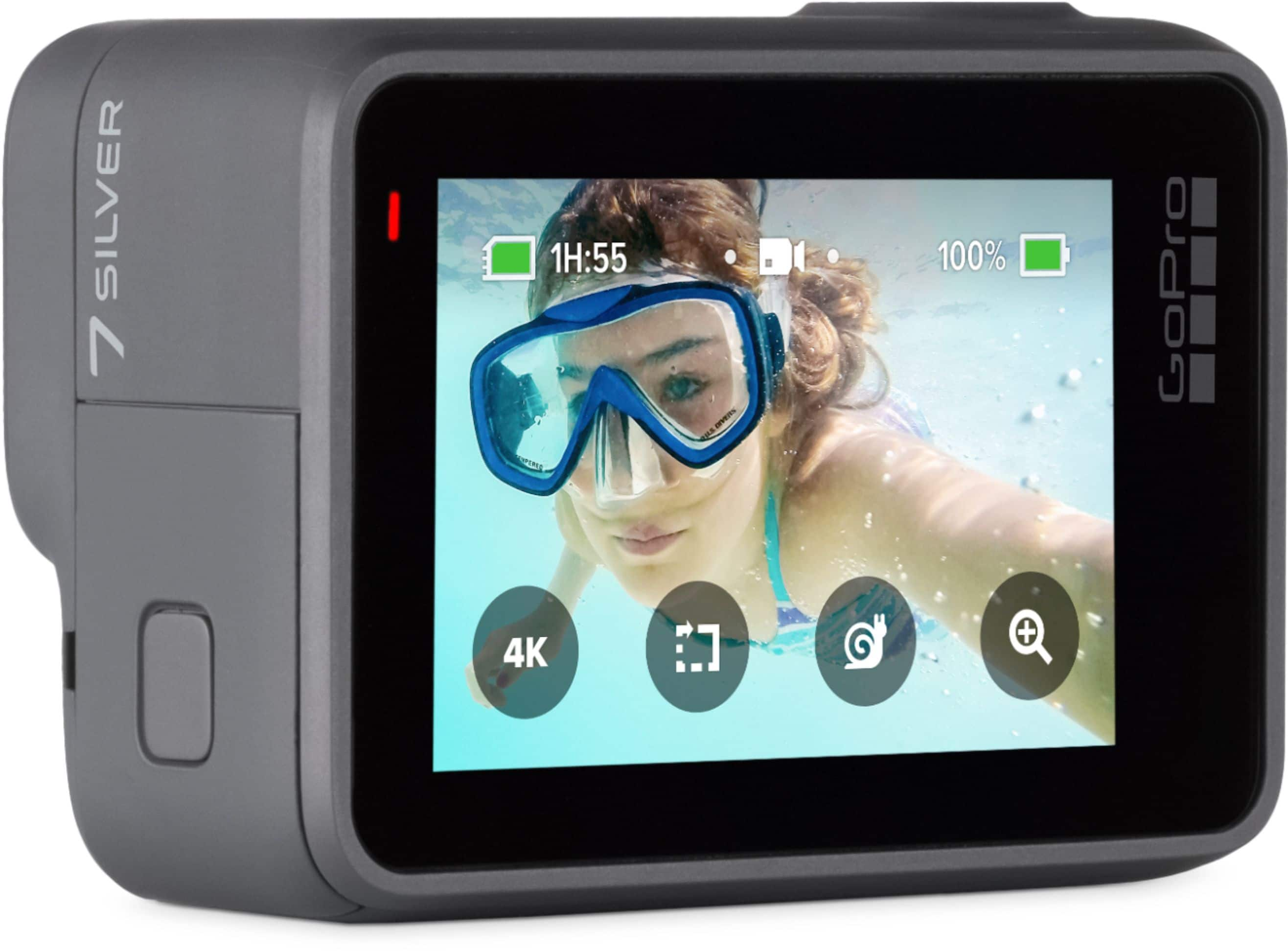
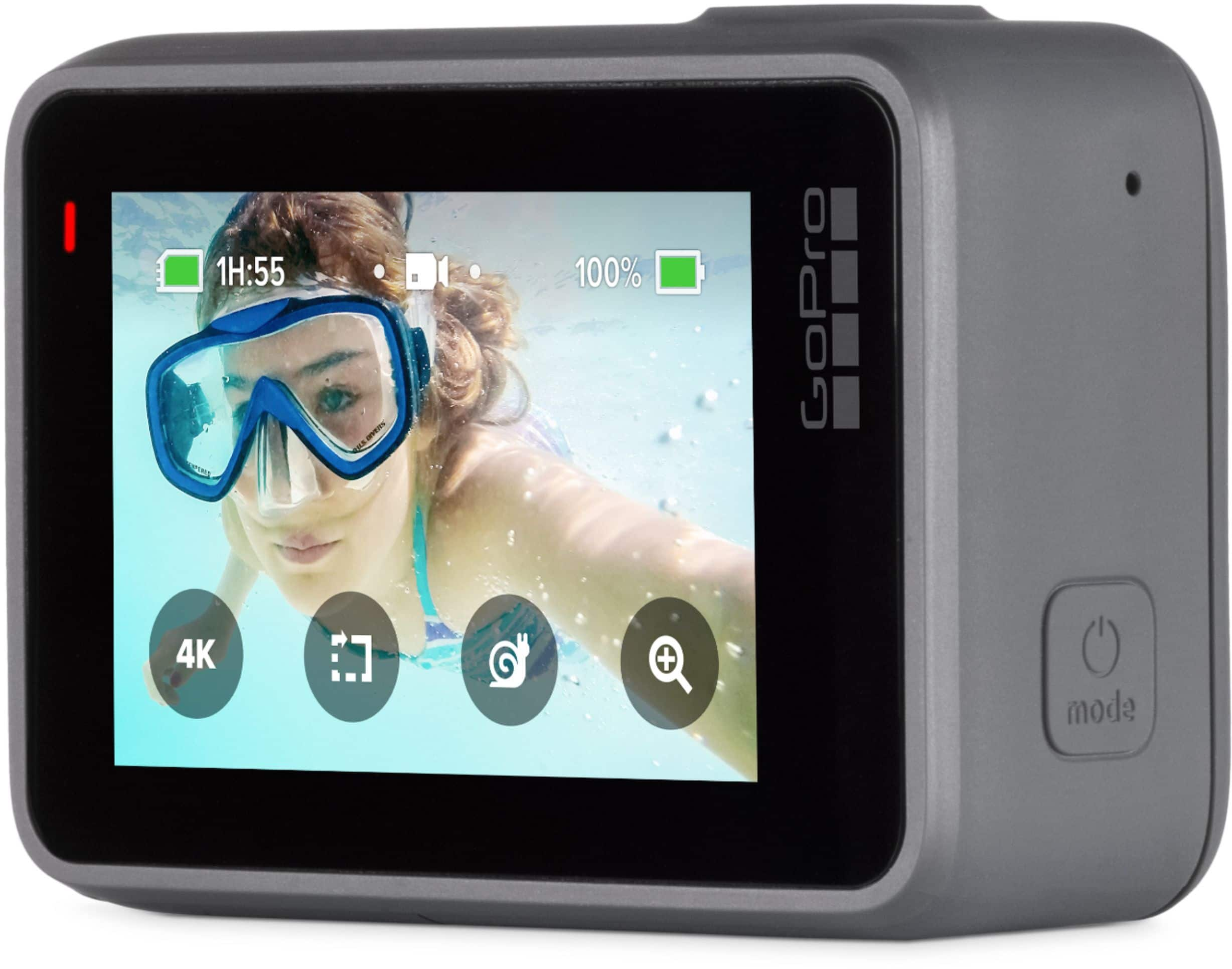
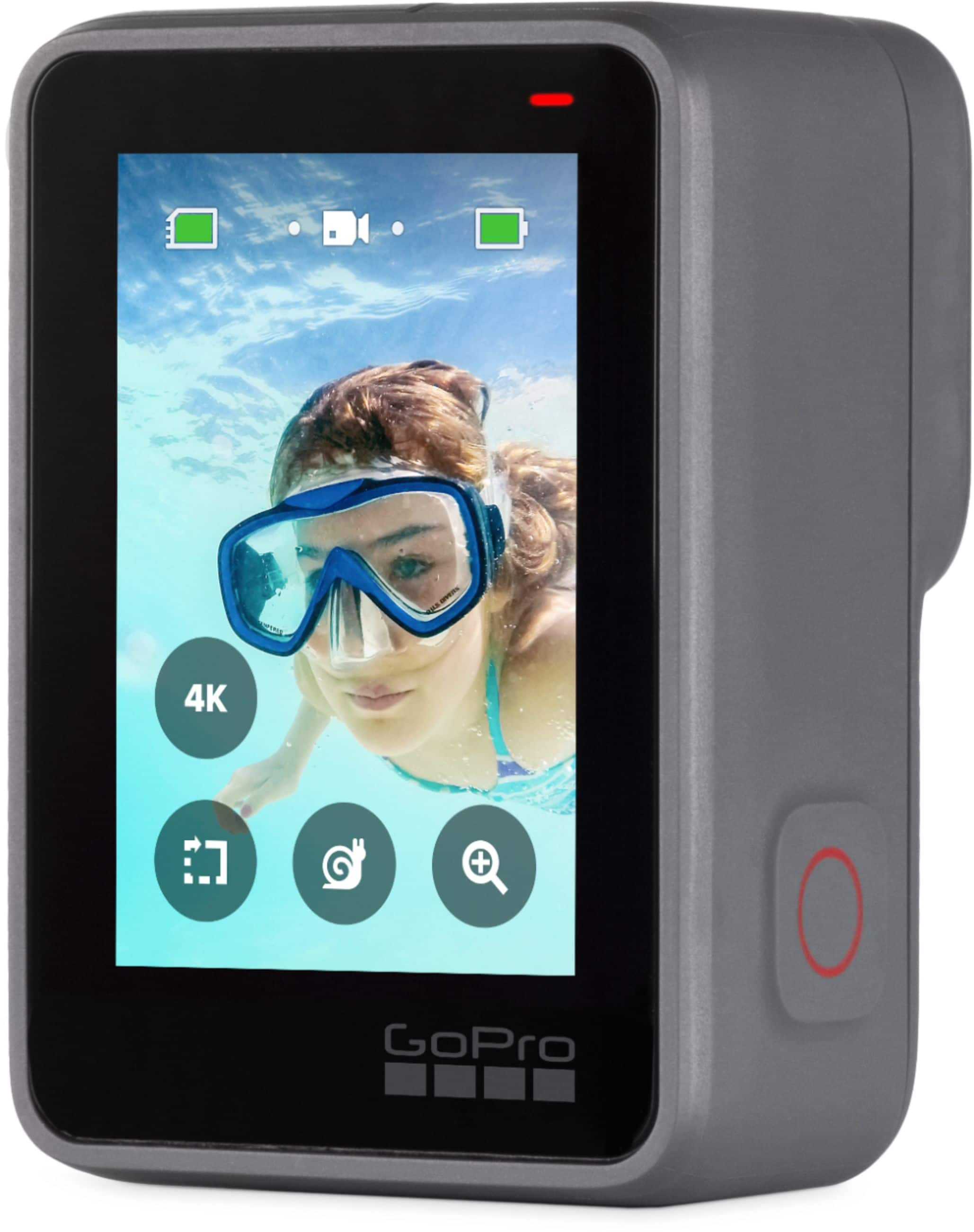
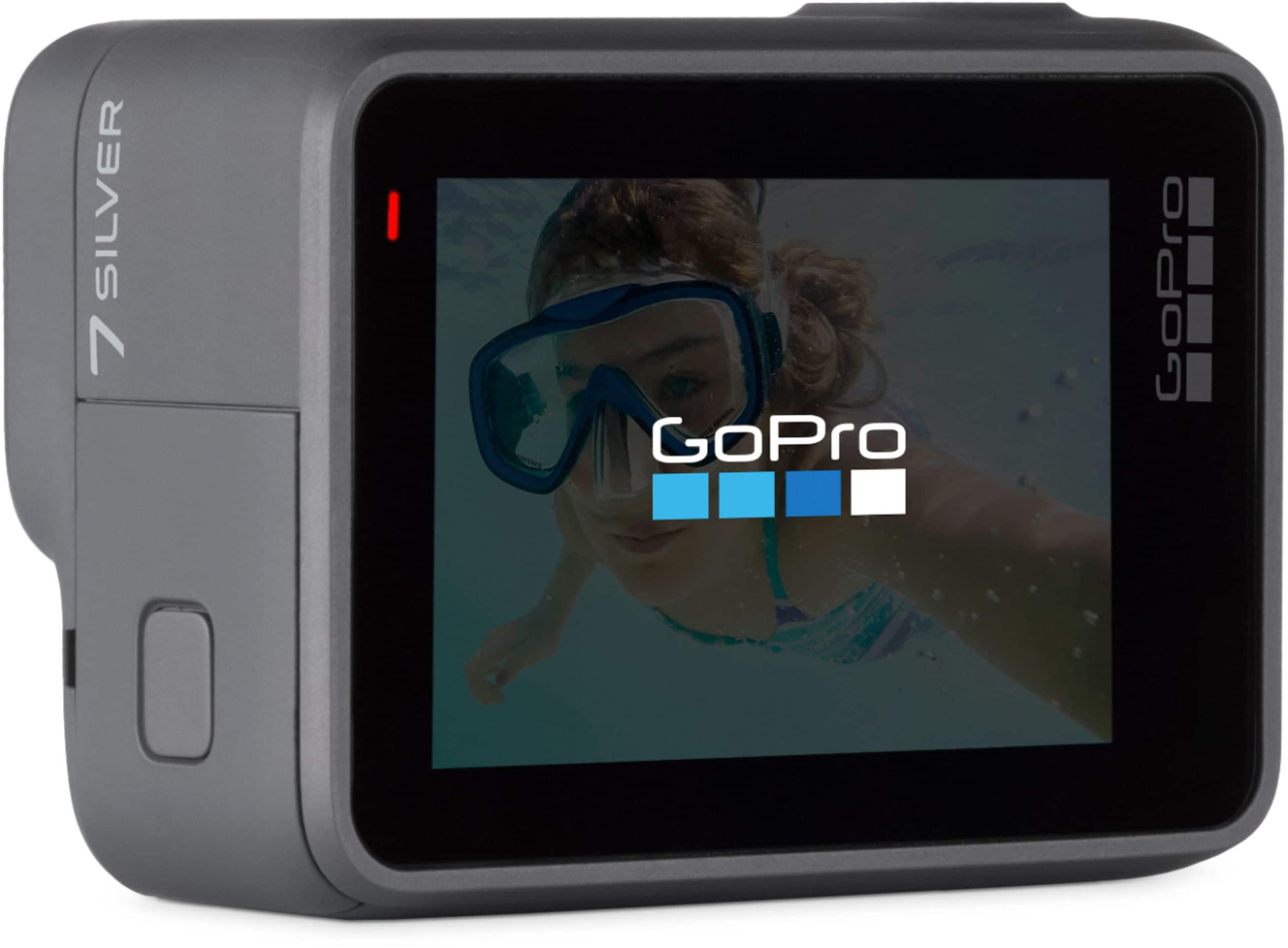
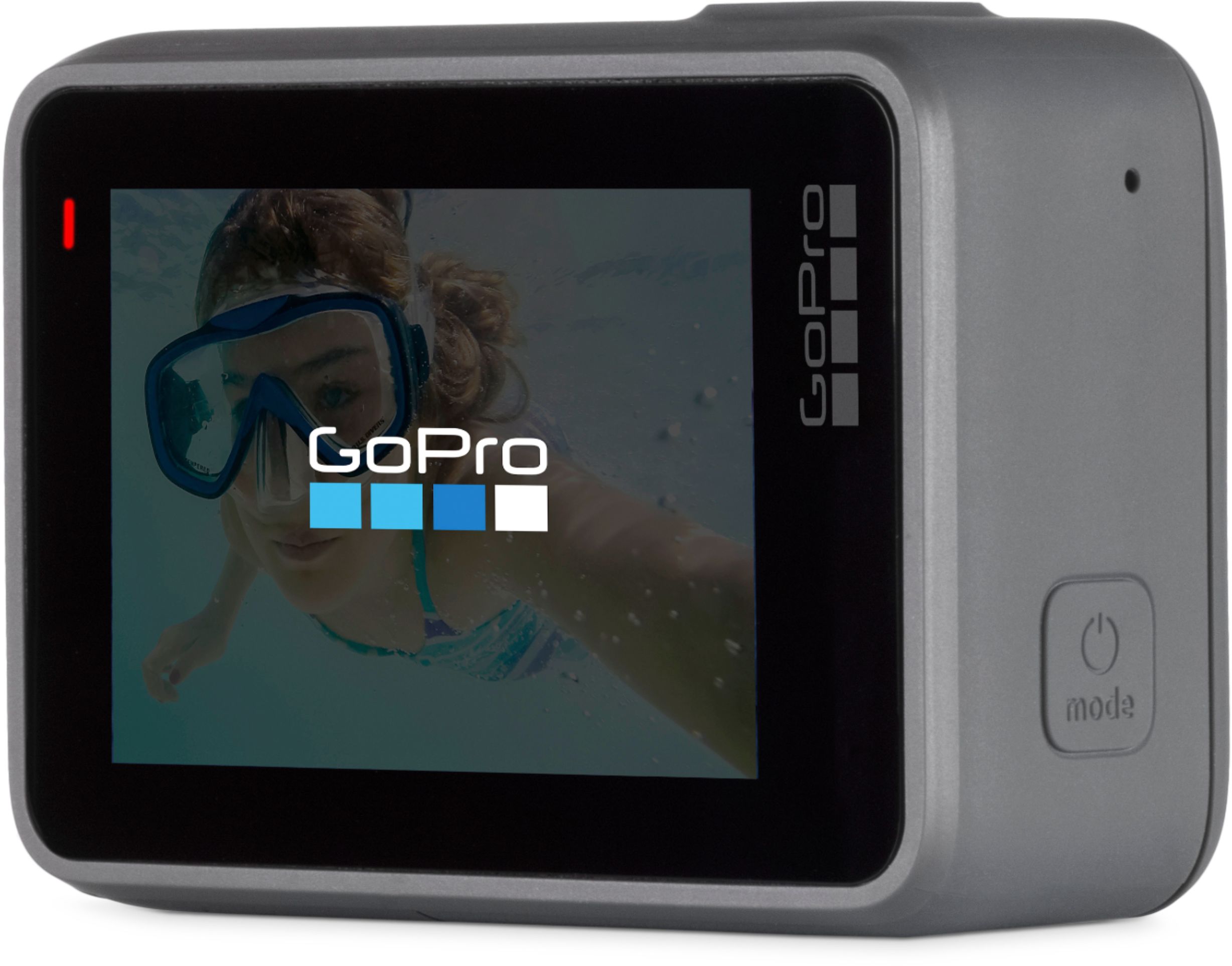
A:AnswerIt could be used for that. If you're looking to record continuously, on a full battery, you should get between 106 and 146 minutes of recording time with the HERO7 Silver. With a wall outlet connection, it should take about two hours to recharge. Videos are recorded as mp4 format files.
A:AnswerYou can edit videos from your GoPro using most smartphones and iPads. You would use the GoPro app to do those edits. If you're concerned about being able to use your iPad, you can download the GoPro app for free and try it before you purchase a GoPro camera.
A:AnswerGet a portable charger with your purchase. Battery time depends on the setting you have set. Comes with a good sized card. IM NOT sure if a bigger card will work in go pro. Could slow it down. But it’s worth a try. You could always return it if it didn’t perform the way you wanted
A:AnswerWith the HERO7 White, when the SD card is full, the camera will stop recording. If you are interested in a GoPro that allows you to record continuously with new content overlaying older content, you'll want to find a GoPro that has a feature called Looping. For example, the HERO7 Black has a Looping option.
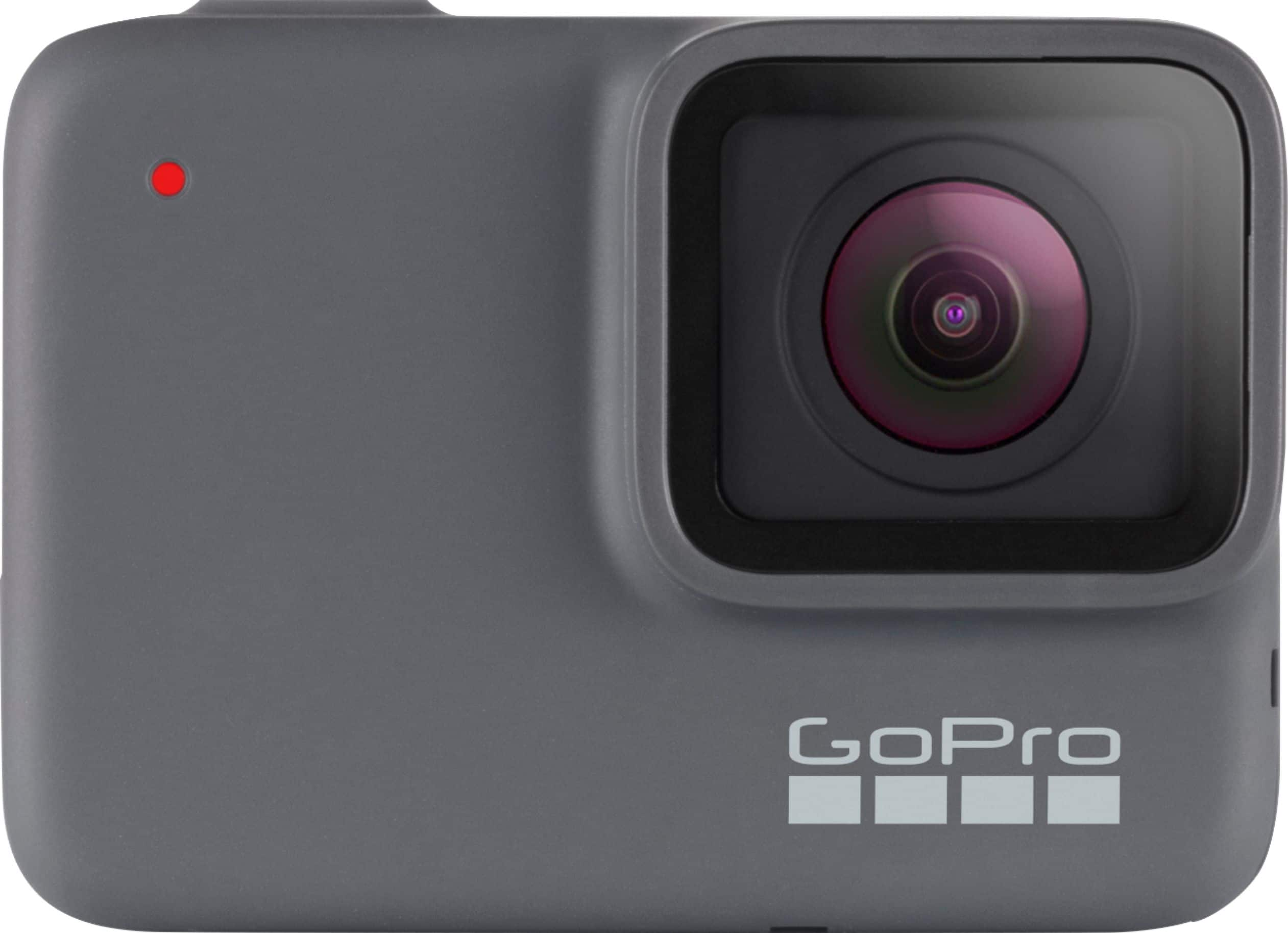
A:AnswerNo. There is no flash or light. The photo & video quality is is very poor in low light. It’s image quality is bad in perfect light too but terrible in lower light
A:AnswerI use it when I race karts and the quality is great. The GoPro 7 has a new stabilization built into the camera. It works very well and it will not show a bumpy ride like previous versions. Hope this helps you out.
A:AnswerAudio is recorded automatically and there is not an option to not have it recorded. However, you can remove the audio from any recording when you edit the video before you share or use it.
A:AnswerThe HERO7 White and the HERO7 Silver have an internal, non-removable battery. The HERO7 Black does have a removable battery that you can swap out when the battery gets low.