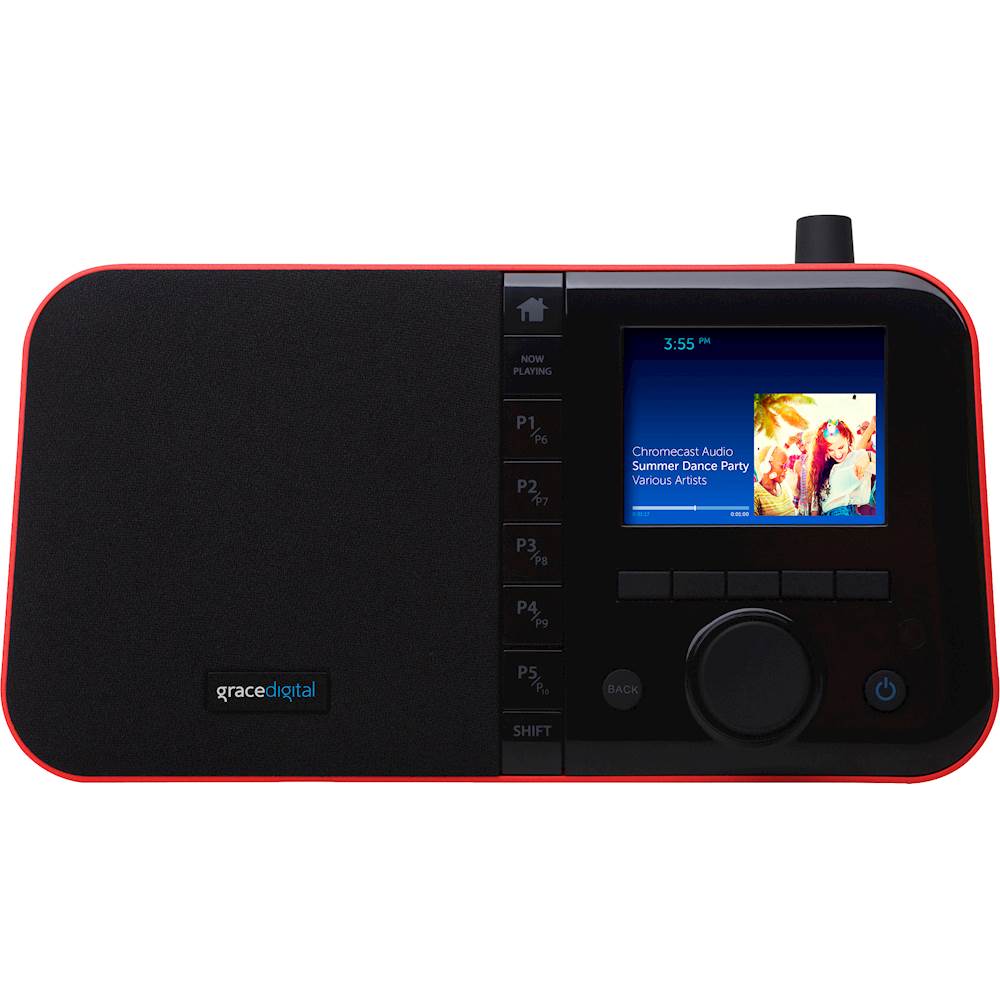
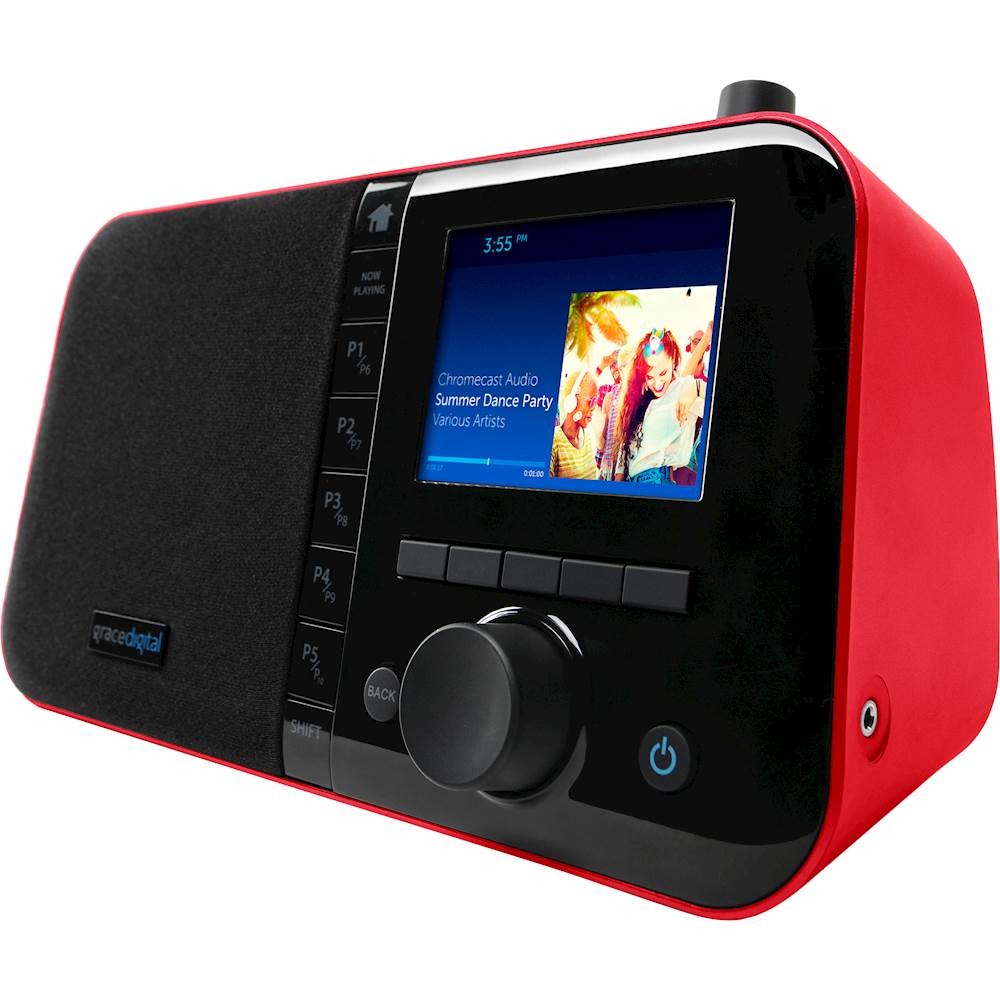
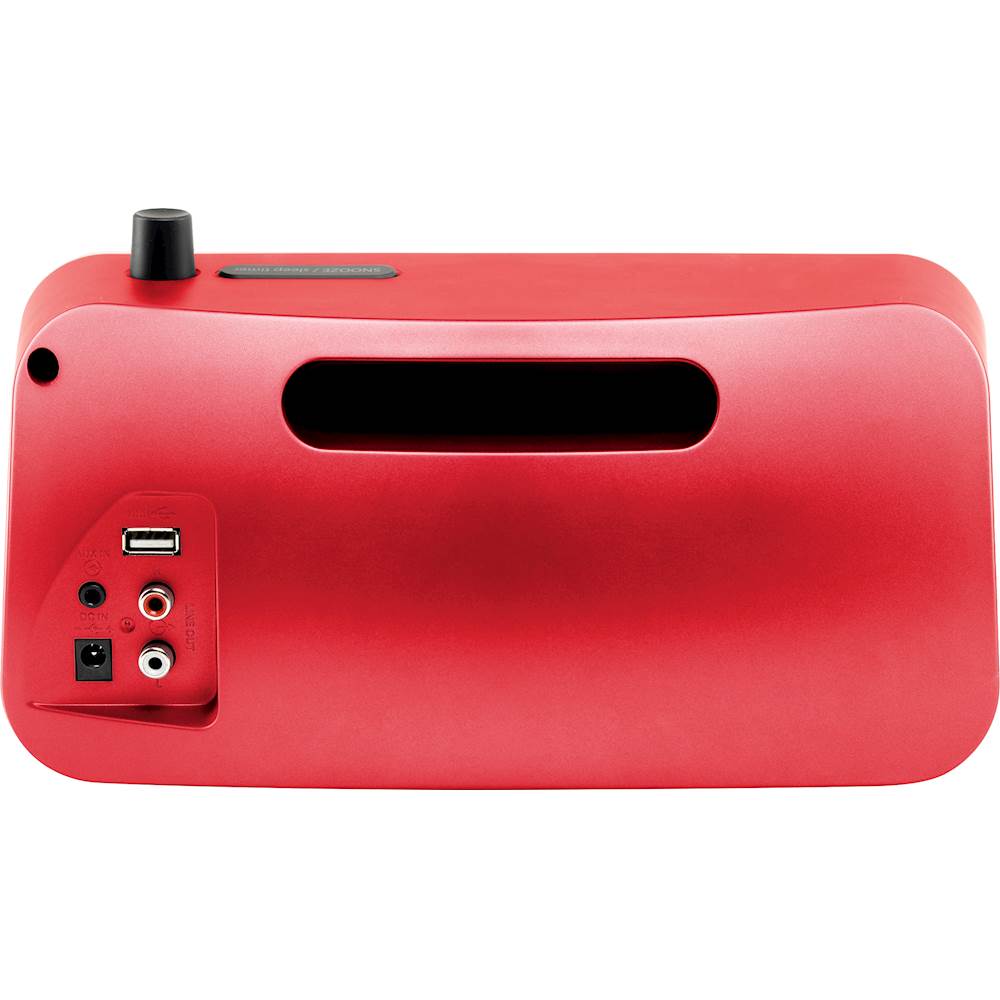
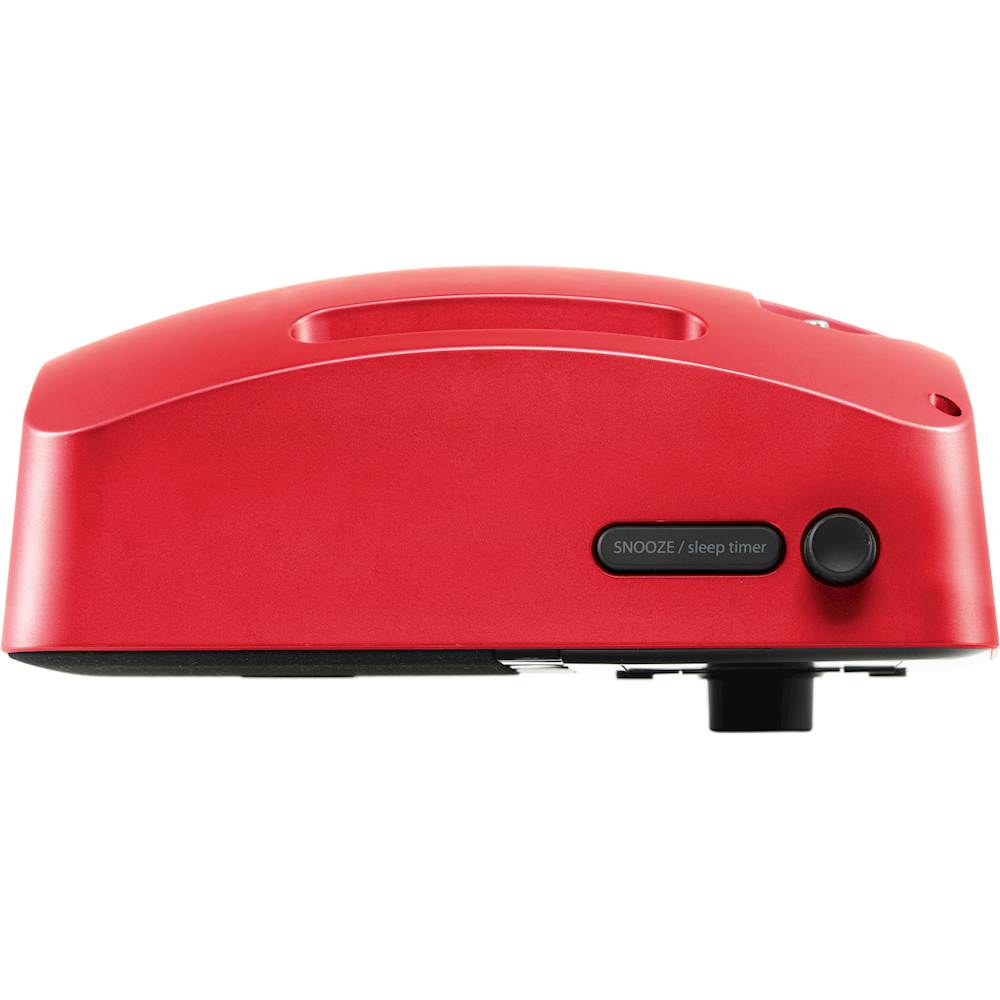
A:AnswerThe battery is a separate purchase. SiriusXM is a subscription service, it does not come included with the device. Contact SiriusXM for rates. We have not found a way to log in to the services from MLB or NFL, I would check with SiriusXM to see if they offer those channels for listening on a connected device.
A:AnswerDisplay Settings
There are three different brightness backlight settings, and each type of backlighting can be
set to a brightness from 0 to 19. In addition, each of the backlight settings can be set for two
times of the day. This allows you to have two separate groups of settings, one for the daytime
and one for the nighttime. Select the first option and set the time of day for that option, then
you will be able to set the active, inactive, and standby settings for that time frame. Repeat
the settings for your nighttime mode.
Active: This setting controls the brightness of the display screen when the Mondo+
is On, and you are interacting with the Mondo+ by pressing buttons, etc. After 30
seconds of inactivity, the display changes to the inactive setting.
Inactive: This setting controls the brightness of the display screen when the Mondo+
is On, but you have not interacted with the Mondo+ by pressing buttons, etc., for 30
seconds. You might use this setting to set the brightness when in a darkened room as
you are falling asleep while listening to the Mondo+.
Standby: This setting controls the brightness of the display screen when the
Mondo+ is in Standby Mode.
Advanced Features
30
Advanced Features Mondo+ User Guide
To Set the Display Brightness:
1. Press the Home Button and turn the Tune Knob to highlight Radio Settings. Press the
Tune Knob to select.
2. Turn the Tune Knob to highlight Display Settings and press the Tune Knob to select.
3. Turn the Tune Knob to highlight Display Brightness and press the Tune Knob to select.
4. Turn the Tune Knob and highlight Active, Inactive, or Standby and press the Tune Knob
to select.
5. Turn the Tune Knob to the desired setting, 0 to 19 and press the Tune Knob to select
your setting.
Optionally - When the radio is in Standby Mode, you can rotate the Tune Knob to temporarily
change the standby backlight brightness. This is perfect to make the display 100% dark while
sleeping, or brighter to see the clock.
A:AnswerI only use the sleep/snooze button on the remote so you do the comparing. It is the last button on the second row down from the top which I can easily find in the dark. I can add as many multiples of 10 minutes as I want. I just keep counting and pushing.
A:Answer146.146 fixed some issues with the service from SiriusXM
You can read the changes in firmware updates here https://support.gracedigital.com/hc/en-us/articles/115009880668-Mondo-Encore-What-s-in-the-latest-Software-3-6-19
A:AnswerOur + models use Chromecast to play Pandora. Pandora is NOT built in to the radio interface.
To play your Pandora stations through Chromecast, make sure that your smartphone/tablet or computer is on the same Wi-Fi device as the Mondo+ or Encore+
Then launch the Pandora app on your smartphone or go to www.pandora.com on your computer via a Chrome Browser, then go to the "now playing" screen. When the album art is full screen, the Chromecast icon will appear under the album art to the right of the track info. Select the icon then a menu will pop up and select the Mondo+or Encore+ that you want to play on.
A:AnswerWPA is a type of wireless network. Wi-Fi Protected Access (WPA) and Wi-Fi Protected Access II (WPA2) are two security protocols and security certification programs developed by the Wi-Fi Alliance to secure wireless computer networks. ... WPA (sometimes referred to as the draft IEEE 802.11i standard) became available in 2003.\
So if your radio asks for a WPA key, it wants your WIFI password.
A:AnswerAs far as I've seen, it can only be connected to other Digital Grace units that are connected to the same WIFI connection and non via Bluetooth.
A:AnswerIf you have chromecast enabled wireless speakers this will connect to them, otherwise you would need some sort of transmitter to send the audio to the speakers.