Main Content

Questions & Answers

$41.99
Save $10
The comparable value is $51.99
Page Showing 1-17 of 17 questions
  • QuestionDoes this software import last year's tax return?

    • Answer Yes, this software can import last year's tax return.
    This question and answer was generated by AI based on customer and product data.

  • QuestionIs an internet connection required to download this software?

    • Answer Yes, an internet connection is required to download this software.
    This question and answer was generated by AI based on customer and product data.
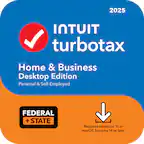
  • QuestionWhat type of filing does this tax software support?

    • Answer This tax software supports federal filing.
    This question and answer was generated by AI based on customer and product data.
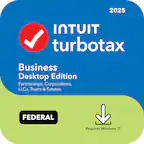
  • QuestionWhat tax forms can this software create?

    • Answer This software can create 1098 tax forms.
    This question and answer was generated by AI based on customer and product data.
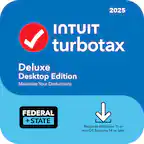
  • QuestionHow much hard drive space is required for this software?

    • Answer This software requires 0.17 gigabytes of hard drive space.
    This question and answer was generated by AI based on customer and product data.
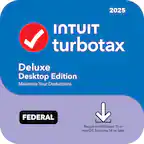
  • QuestionWhat operating systems are compatible with this software?

    • Answer This software is compatible with Windows and Mac operating systems.
    This question and answer was generated by AI based on customer and product data.

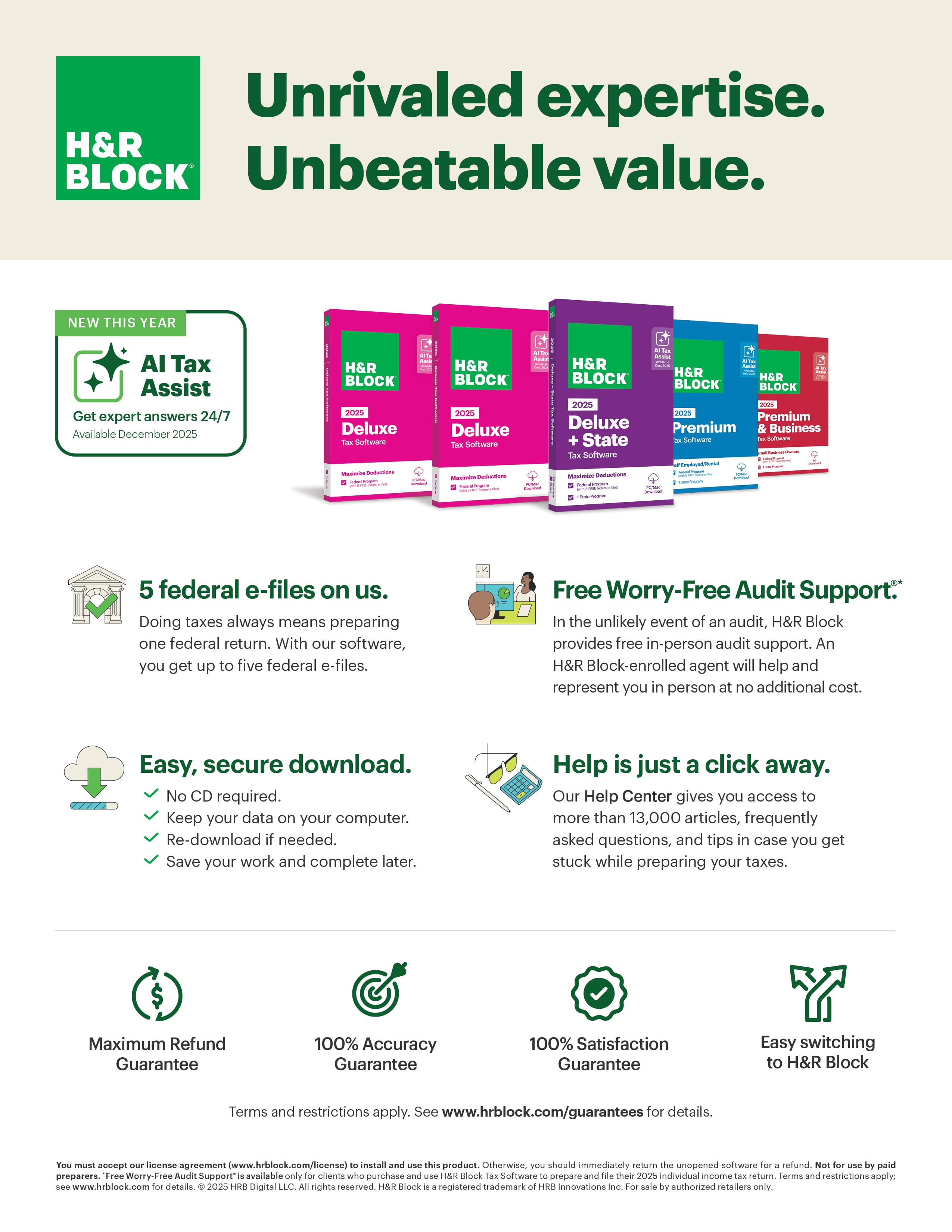
  • QuestionWhat does 5 e-files mean? Does it determine and file taxes for 5 different people?

    Asked by Bunkie.

    • Answer customer can complete and e-file five federal tax returns.

      Answered by Anonymous

  • QuestionWhat does it mean when the words KEY CARD is listed in description of software? I notice some have it and some don"t. Thanks

    Asked by Kp2day.

    • Answer Overall, I were very pleased how easy it were...

      Answered by MosesnJ

  • QuestionCan I use the Deluxe version for K1 form?

    Asked by DM99.

    • Answer Thanks for checking with us! Yes, the Deluxe version does support the entry of K‑1 forms.

      Answered by H&R Block

  • QuestionCan the software be downloaded to multiple computers or do all 5 returns have to be done on the same computer

    Asked by Rob.

    • Answer Hi there! Yes — the Deluxe software can be downloaded onto multiple computers as long as each device meets the system requirements. Please note that the download link allows up to 6 downloads over a 2‑year period.

      Answered by H&R Block

  • QuestionCompatible with Chrome OS?

    Asked by SUSAND.

    • Answer Thanks for your question! H&R Block Tax Software (including Deluxe 2025) is designed for Windows and Mac operating systems only and is not compatible with Chrome OS/Chromebooks. The software cannot be installed on Chrome OS because Chromebooks do not support Windows or Mac executable files. But good news — you can absolutely file with H&R Block on a Chromebook! Just use H&R Block Online, which runs directly in your Chrome browser and doesn’t require any installation. It supports major browsers, including Chrome, and is the recommended option for Chromebook users. If you need help choosing the right online product, I’m happy to assist! — Thanks for choosing H&R Block. We’re here to help you get every credit and deduction you deserve.

      Answered by H&R Block

  • QuestionHow many tax return can I file with software

    Asked by HD01.

    • Answer 5 efiles

      Answered by PapaDuke

  • QuestionIs this software compatible only with Edge? I use Brave or Firefox browser on my Windows 10 PC. Thank you!

    Asked by scooter.

    • Answer Thank you for your question! At this time, Microsoft Edge is the only fully supported browser for our software on Windows. While you may be able to open the site in browsers like Brave or Firefox, certain features may not function correctly or consistently outside of Edge. For the best and most reliable experience, we recommend using Microsoft Edge on your Windows 10 PC. If you have any other questions or need help getting set up, I’m happy to assist! From first click to “all set,” we’re here to keep your taxes in the green. 💚

      Answered by H&R Block

  • QuestionHas anyone successfully installed this software on a Windows 7 machine?

    Asked by mike.

    • Answer Thank you for reaching out. Our software is only compatible with Windows 10 or higher and will not run on Windows 7.If you encounter any issues, contact our Software Support team at 1-888-482-9288 and thanks for choosing H&R Block!

      Answered by H&R Block

  • QuestionCan you file a Form 1041 with this software?

    Asked by 1041Q.

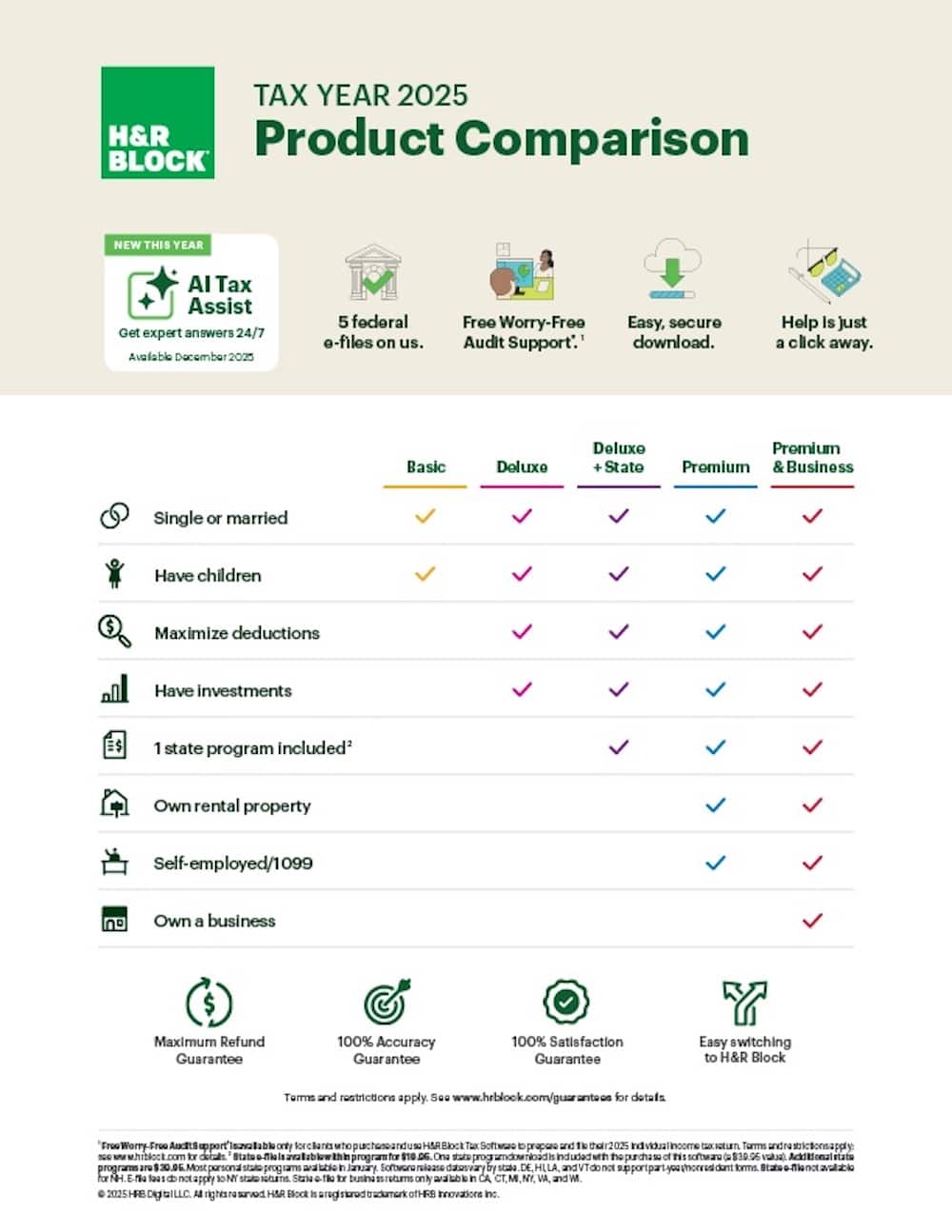
    • Answer Great question! Form 1041 (U.S. Income Tax Return for Estates and Trusts) is supported in our Premium software. It’s not available in the Deluxe version, so you’ll want to upgrade to Premium to file that form. Learn more about Premium here: https://www.hrblock.com/tax-software/premium-small-business-tax-software/ Have additional questions? Call us at 1-800-472-5625. We have the answers!

      Answered by H&R Block

  • QuestionIS WINDOWS 11 REQUIRED?

    Asked by NODEAL2025.

    • Answer Great question! The technical specifications for our software includes Windows 10 or higher, Microsoft Edge browser and an internet connection.. If you need any further assistance, please call our Software Support team at 1-888-482-9288. Thank you for choosing H&R Block.

      Answered by H&R Block

  • QuestionCan you prepare your state filing and print it out to send? Or do I have to pay &39.95 more for the state?

    Asked by Gregg.

    • Answer Thank you for reaching out! Our Deluxe + State version of the software includes the preparation of one state return, and there’s no charge to print and mail that return. If you didn’t purchase the state software preparation package, you’ll need to add that to prepare a state filing. If you have any other questions, we’re here to help—just let us know! At H&R Block, we’re committed to making taxes simple and stress-free. Thank you for letting us be part of your tax journey!

      Answered by H&R Block