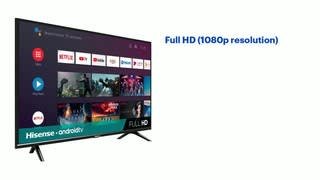
A:AnswerHello Hisense Customer, Thank you for your interest in the Hisense 40H5500F. Yes, you can connect the computer to this TV via HDMI to use the TV as a monitor, please bare in mind it does not have the same functionalities as a actual computer monitor. Regrettably, you're unable to add Keyboard or mouse to the TV to surf the internet. If you have any further questions or concerns please give us a call at 1-888-935-8880 or email us at [email protected]. Thanks Again, Harley with the Hisense Support Team
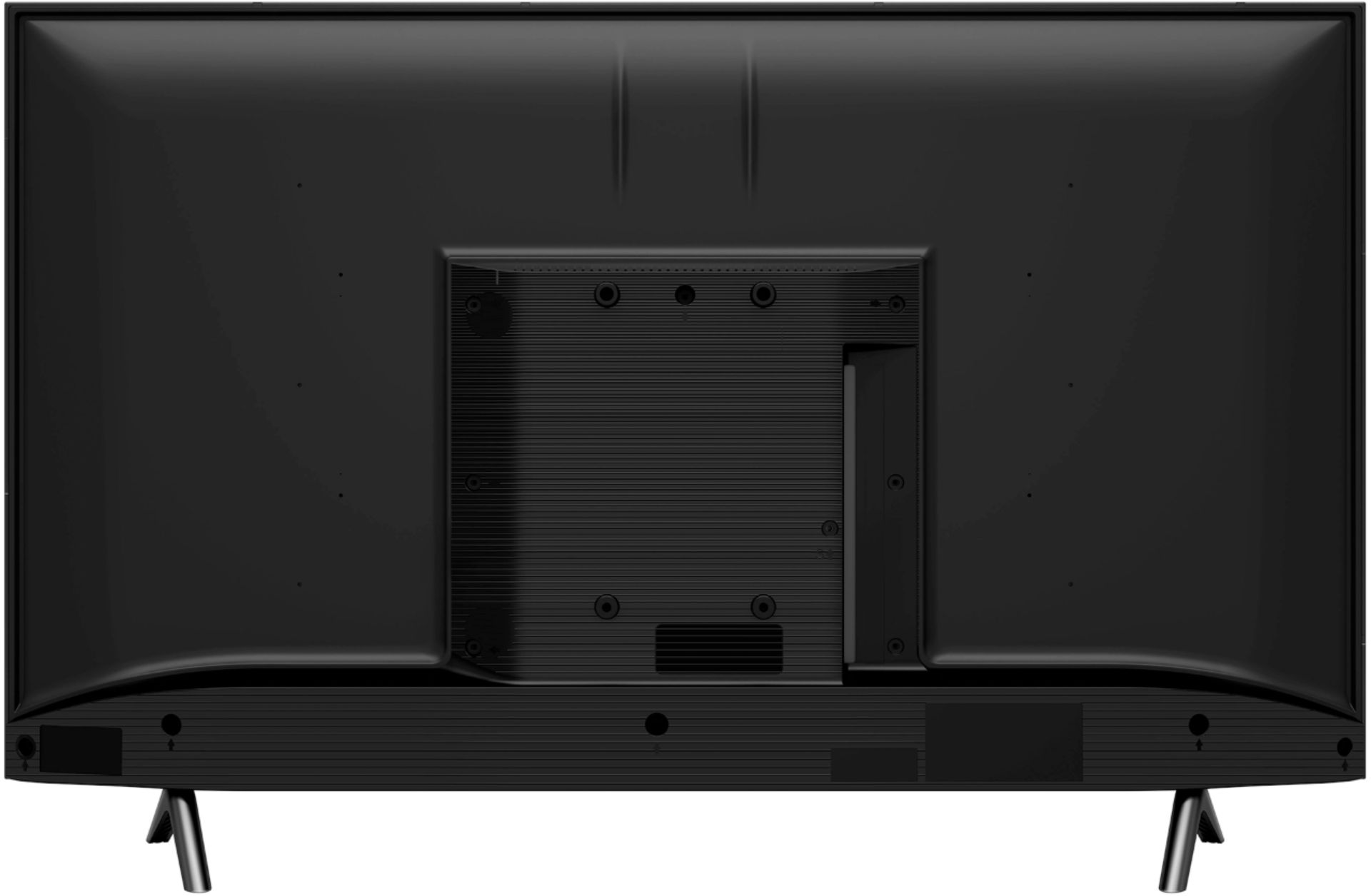
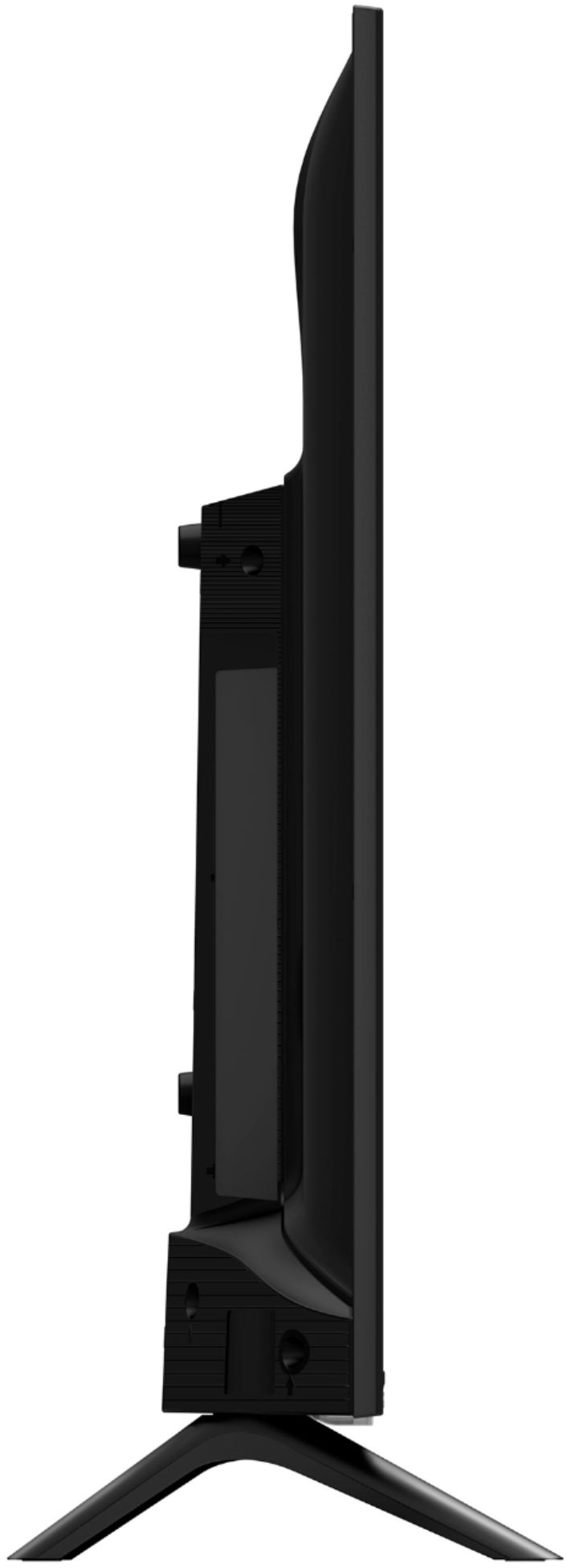
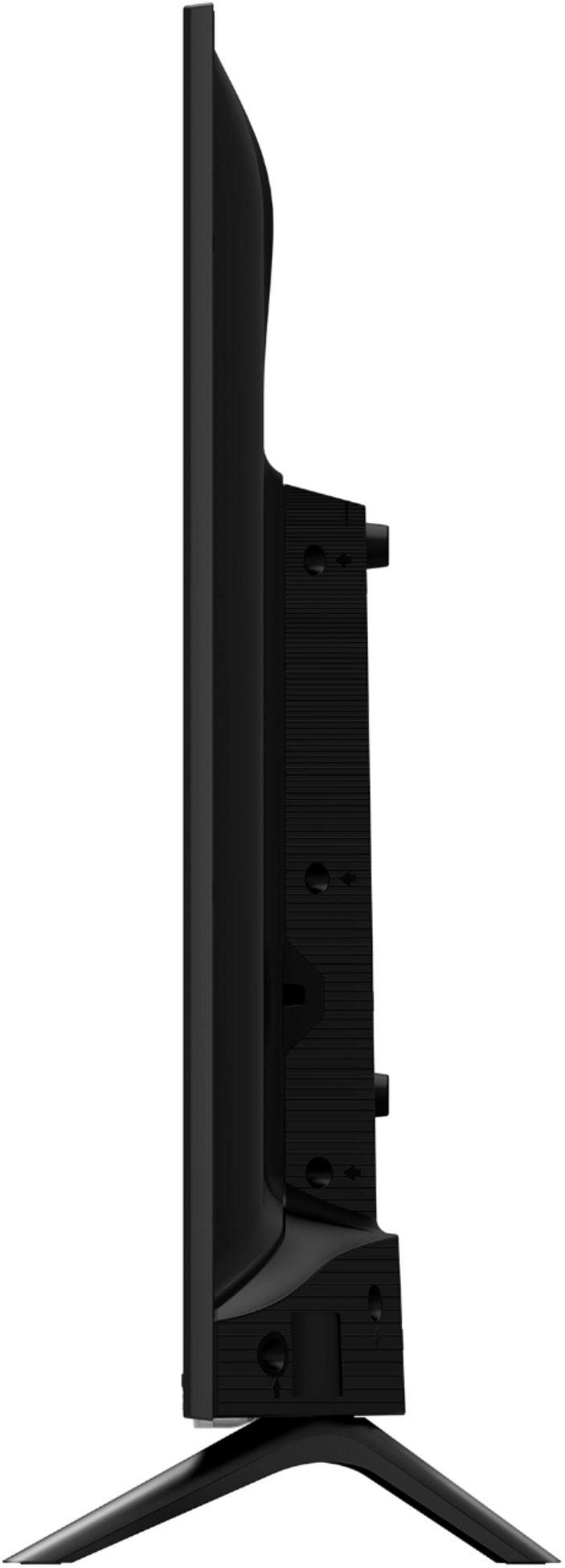
A:AnswerHello San,Thank you for your interest in the Hisense 40H5500F. Yes you can mount this TV. The TV's vesa pattern for wall mounting is 100x200 with screw size of M6. If you have any further questions or concerns please give us a call at 1-888-935-8880 or email us at [email protected]. Thanks Again, Harley with the Hisense Support Team
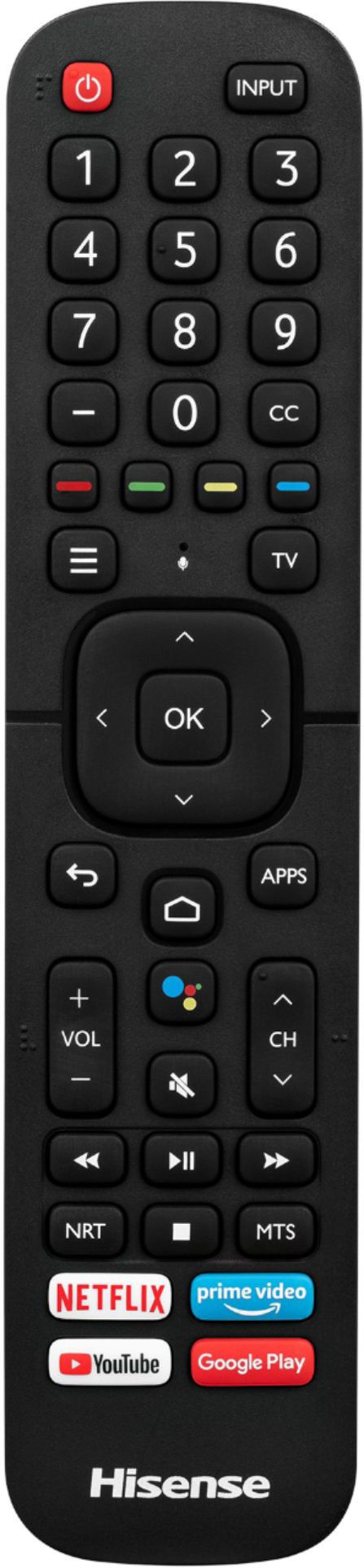
A:AnswerHello Hisense Customer, Thank you for your interest in the 40H5500F. Yes you are able to download apps from the Google Play Store. If you have any further questions please give us a call at 1-888-935-8880 or email us at [email protected].
Thanks Again,
We look forward to hearing from you!
Harley with the Hisense Support Team
A:AnswerHello Christ, Thank you for your interest in the Hisense 40H5500F. The storage for this model is 8GB with quad core processor. If you have any further questions or concerns please give us a call at 1-888-935-8880 or email us at [email protected]. Thanks Again, Harley with the Hisense Support Team
A:AnswerHello John, Thank you for your interest in the Hisense 40H5500F. Yes this television is rated as energy star. If you have any further questions or concerns please give us a call at 1-888-935-8880 or email us at [email protected]. Thanks Again, Harley with the Hisense Support Team
A:AnswerHello Hisense Customer, Thank you for your interest in the Hisense 40H5500F. Yes this television has Bluetooth capabilities and yes it will allow you to connect your Bluetooth speakers. If you have any further questions or concerns please reach out directly to our support team at 1-888-935-8880 or email us at [email protected]. We look forward to hearing from you! Thanks Again, Harley with the Hisense Support Team
A:AnswerHello James, Thank you for your interest in the Hisense 40H5500F. Yes this television is compatible with Apple Airplay. If you have any further questions or concerns please give us a call at 1-888-935-8880 or email us at [email protected]. Thanks Again, Harley with the Hisense Support Team
A:AnswerHello Hisense Customer, Thank you for your interest in the Hisense 40H5500F. Yes this television has Bluetooth capabilities. If you have any further questions or concerns please give us a call at 1-888-935-8880 or email us at [email protected]. Thanks Again, Harley with the Hisense Support Team
A:AnswerHi Bruce, thank you for your interest in the Hisense 40H5500F. Yes, the TV supports game mode. If you have any further questions or concerns, please give us a call at 1-888-935-8880 or email us at [email protected]. Thanks again, Harley with the Hisense Support Team.
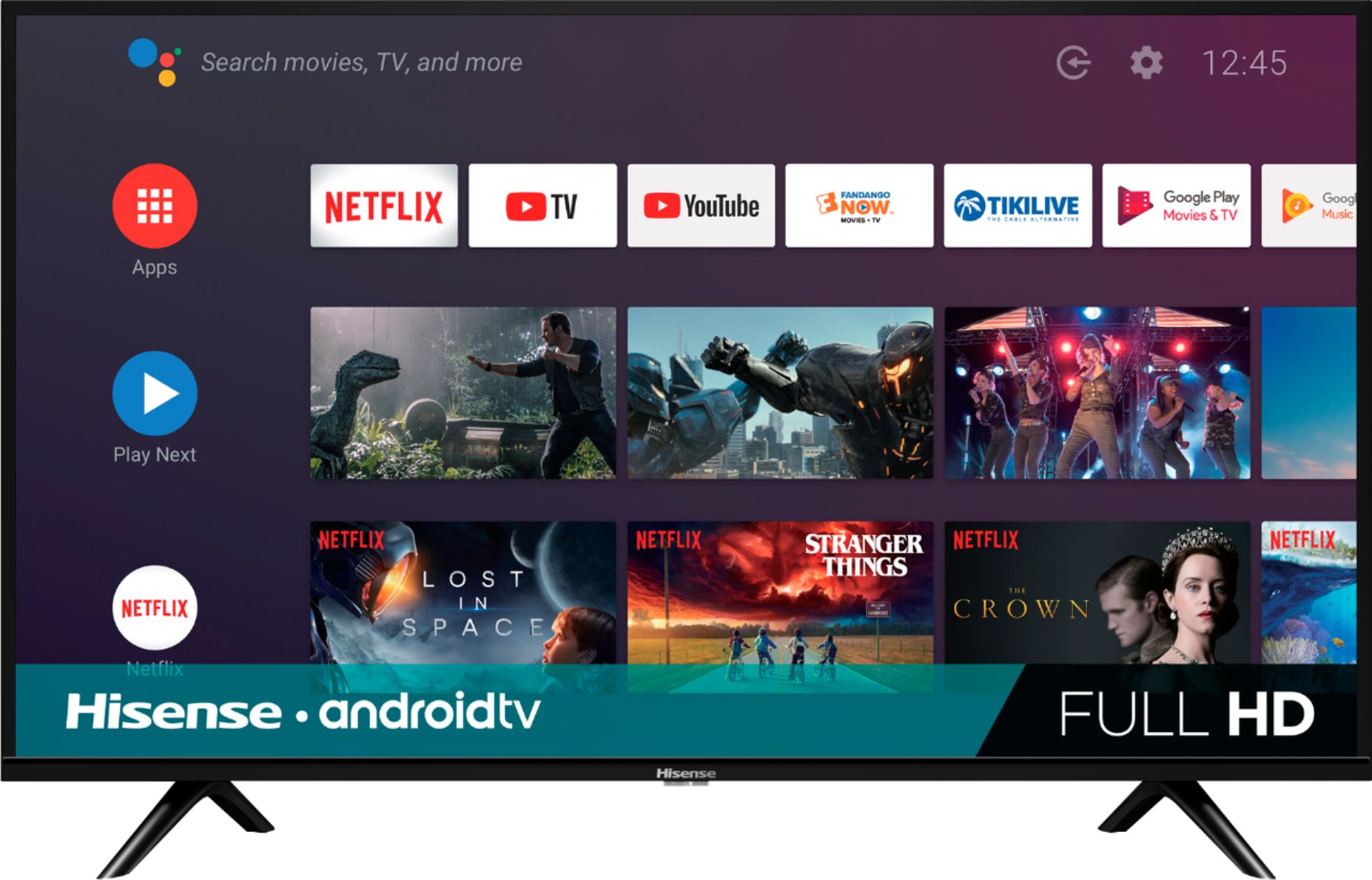
A:AnswerHi Manny7309, thank you for your interest in the Hisense 40H5500F. Regrettably, this model does not have access to a TV guide for over the air channels. If you have any further questions or concerns please give us a call at 1-888-935-8880 or email us at [email protected]. Thanks again, Harley with the Hisense Support Team.
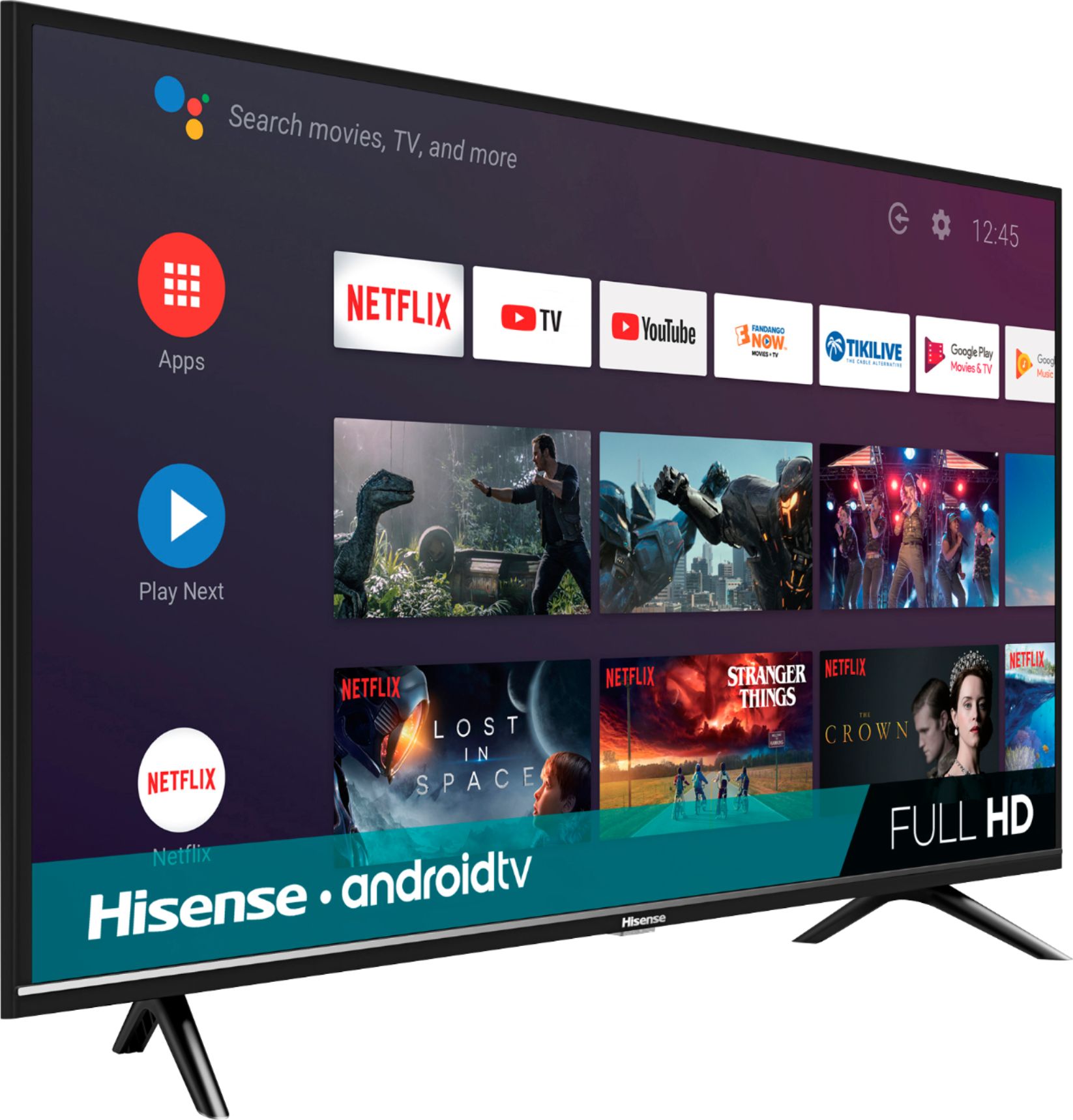
A:AnswerHi Portraitmode, thank you for your interest in the Hisense 40H5500F. This model does not have portrait mode. There are seven types of picture modes available: User, Standard, Vivid, Sport, Movie, Game, and Energy Saving. If you have any further questions or concerns please give us a call at 1-888-935-8880 or email us at [email protected]. Thanks again, Harley with the Hisense Support Team.
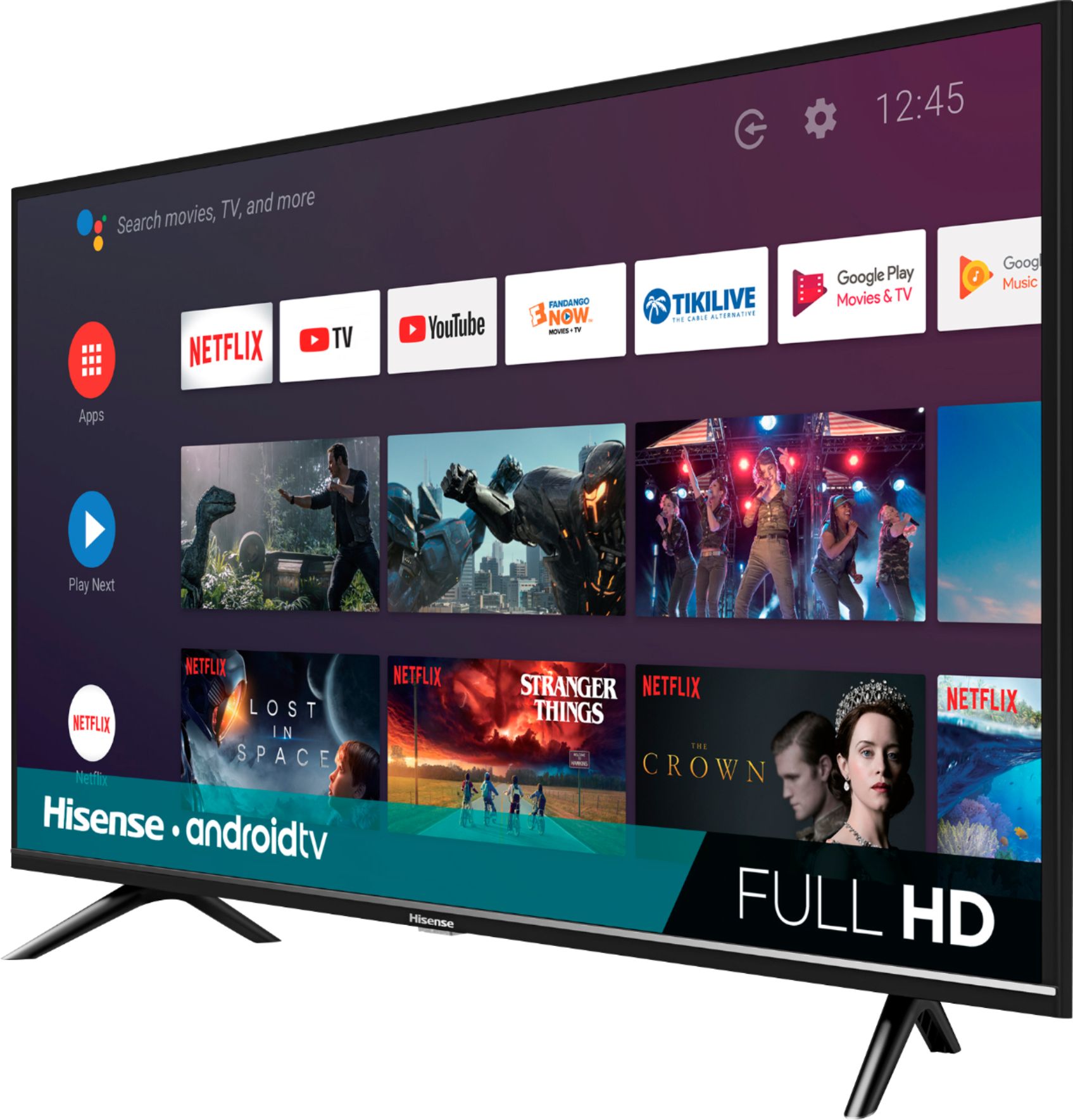
A:AnswerHi Sam500, thank you for your interest in the Hisense 40H5500F. Yes, you can download the Xfinity app on this TV. If you have any further questions or concerns, please give us a call at 1-888-935-8880 or email us at [email protected]. Thanks again, Harley with the Hisense Support Team.
A:AnswerHi Hisense Customer, thank you for your interest in the Hisense 40H5500F. You can go to the Google Play Store to download the app. If you have any further questions or concerns, please give us a call at 1-888-935-8880 or email us at [email protected]. Thanks again, Harley with the Hisense Support Team.
A:AnswerHi Tim, thank you for your interest in the Hisense 40H5500F. Yes, Sling TV can be downloaded from the Google Play Store. If you have any further questions or concerns, please give us a call at 1-888-935-8880 or email us at [email protected]. Thanks again, Harley with the Hisense Support Team.
A:AnswerHi Mark, thank you for purchasing the 40H5500F and for taking the time to provide us with feedback. Please reach out directly to our support team at 1-888-935-8880 or email us at [email protected]. Thanks again, Harley with the Hisense Support Team
A:AnswerHi Jscheufe, thank you for your interest in the 40H5500F. You can check the Google play store to see if the apps are available for download. If they are not available, you will have to use a third party device such as a Firestick or Roku box to use the apps on this TV. If you have any further questions or concerns, please give us a call at 1-888-935-8880 or email us at [email protected]. Thanks again, Harley with the Hisense Support Team.
A:AnswerHi Hisense Customer, thank you for your interest in the 40H5500F. You can check the Google Play App Store to see if the app is available for download. If it is not available you can use a third party device such as a Roku box or Firestick to use the app on the TV. If you have any further questions or concerns please give us a call at 1-888-935-8880 or email us at [email protected]. Thanks again, Harley with the Hisense Support Team.