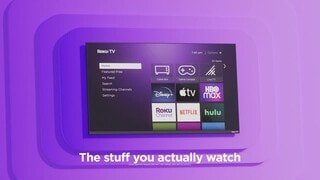
A:Answer The included remote works for navigating all the Roku TV menus and apps. When watching a channel from an antenna, press up/down button to change channels. You can press the left button to load the guide and see what shows are currently airing, then press up/down to browse the channels, then press OK to select the channel. Sadly, there is no way to directly enter channel numbers using a Roku remote.