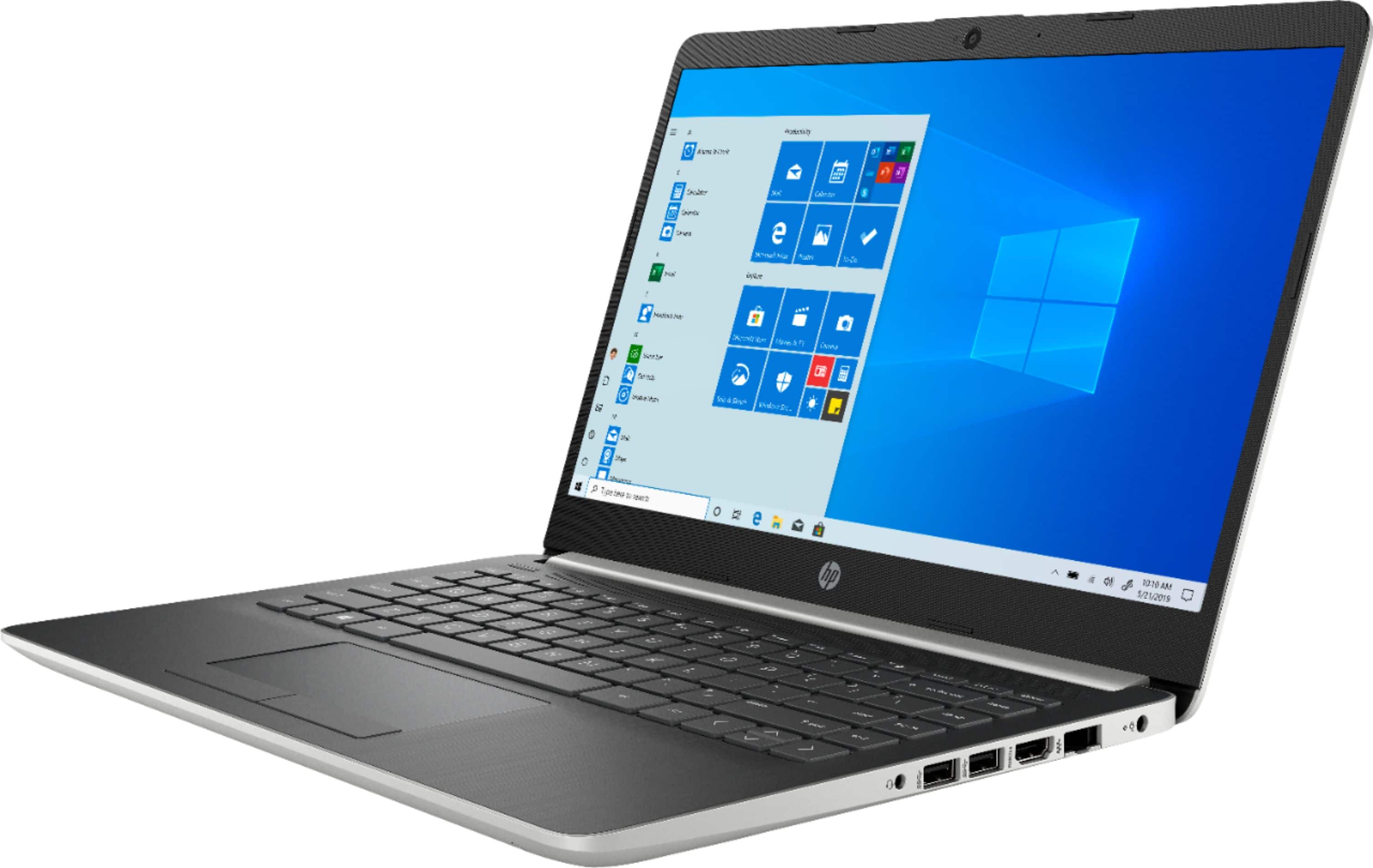
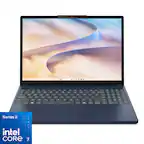
A:AnswerYes the Function keys are on the top of the keyboard. They are dual function. To use with an application you would need to hold Fn and then select the proper F key (F1 - F12)
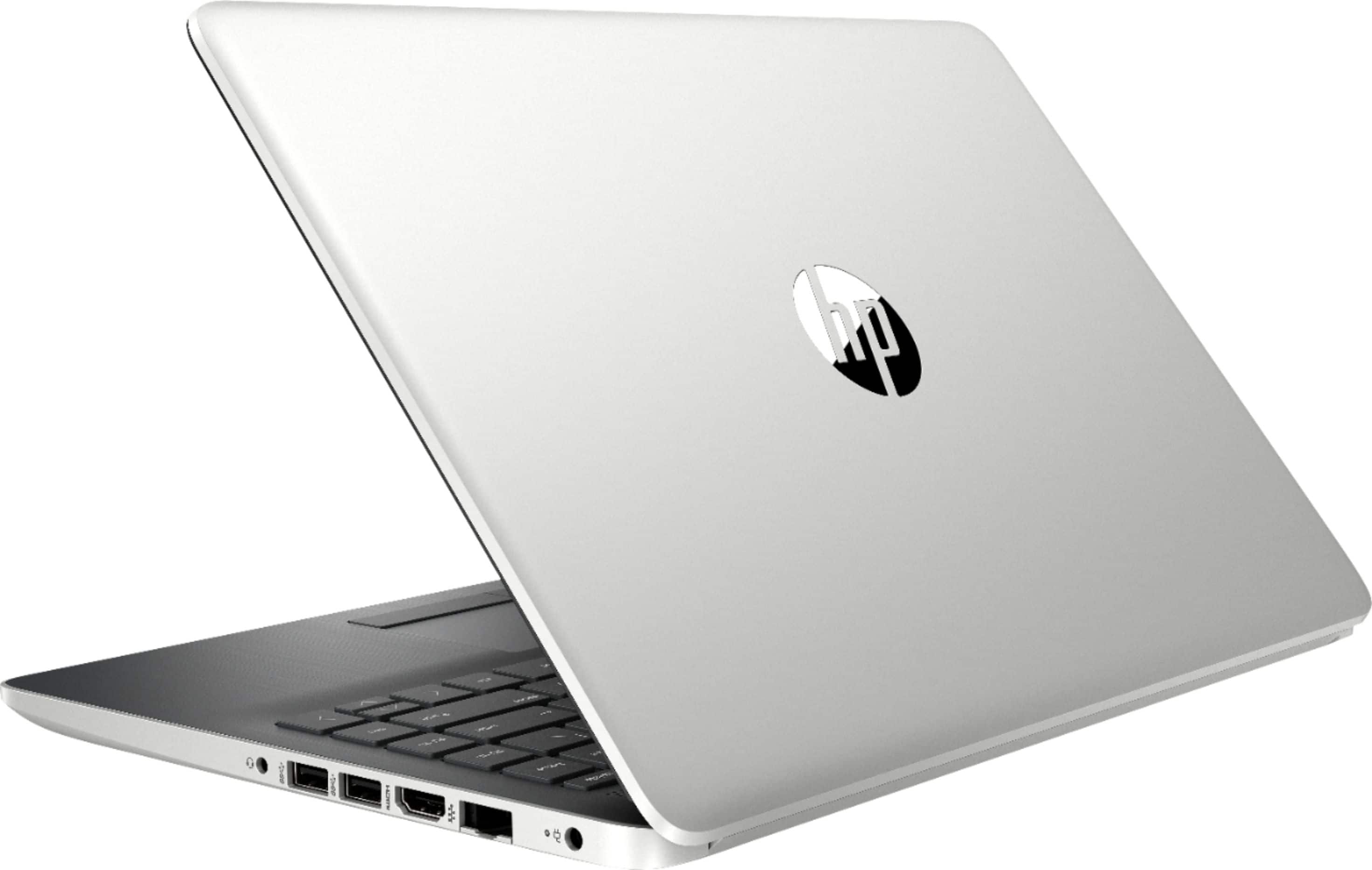
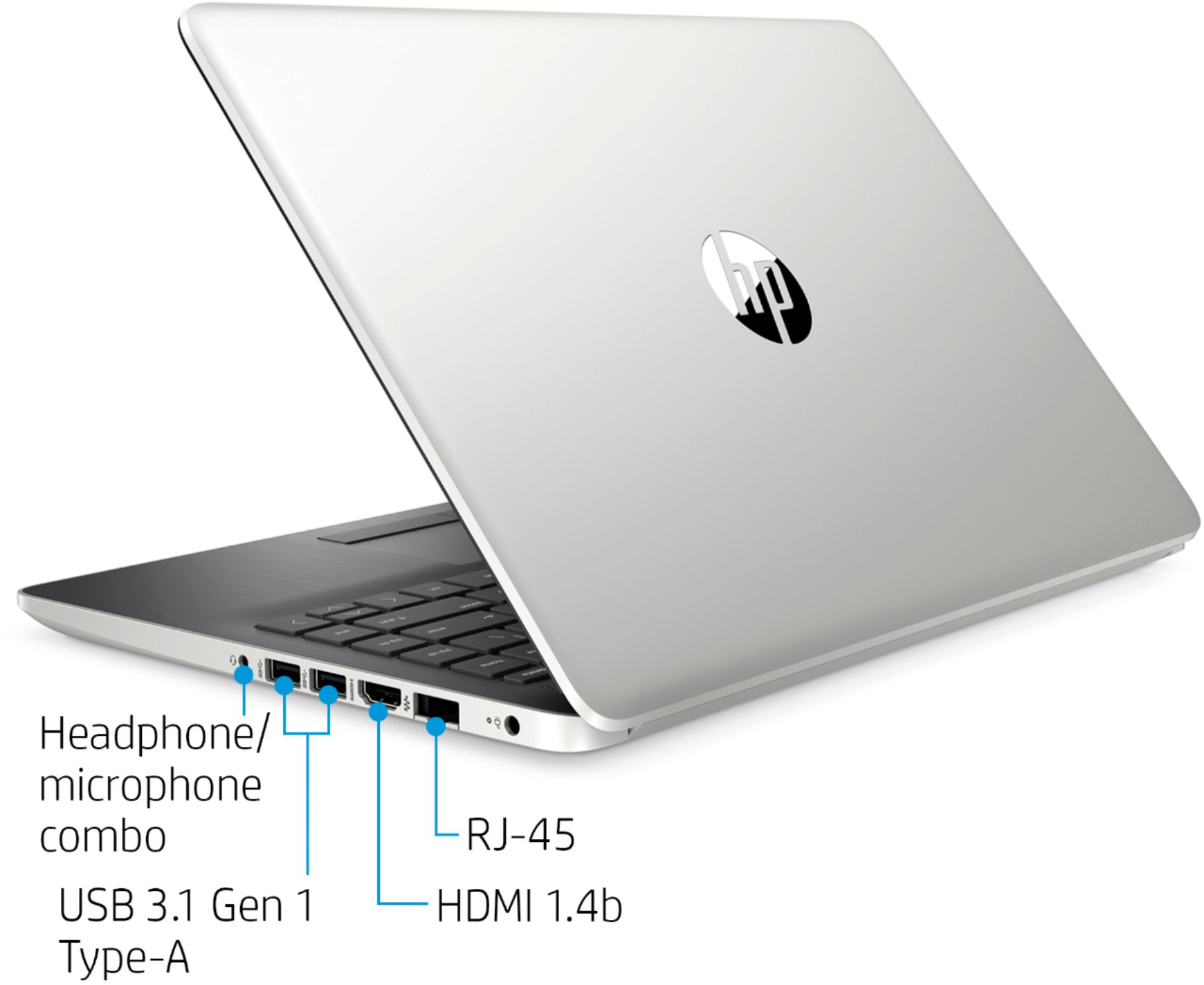
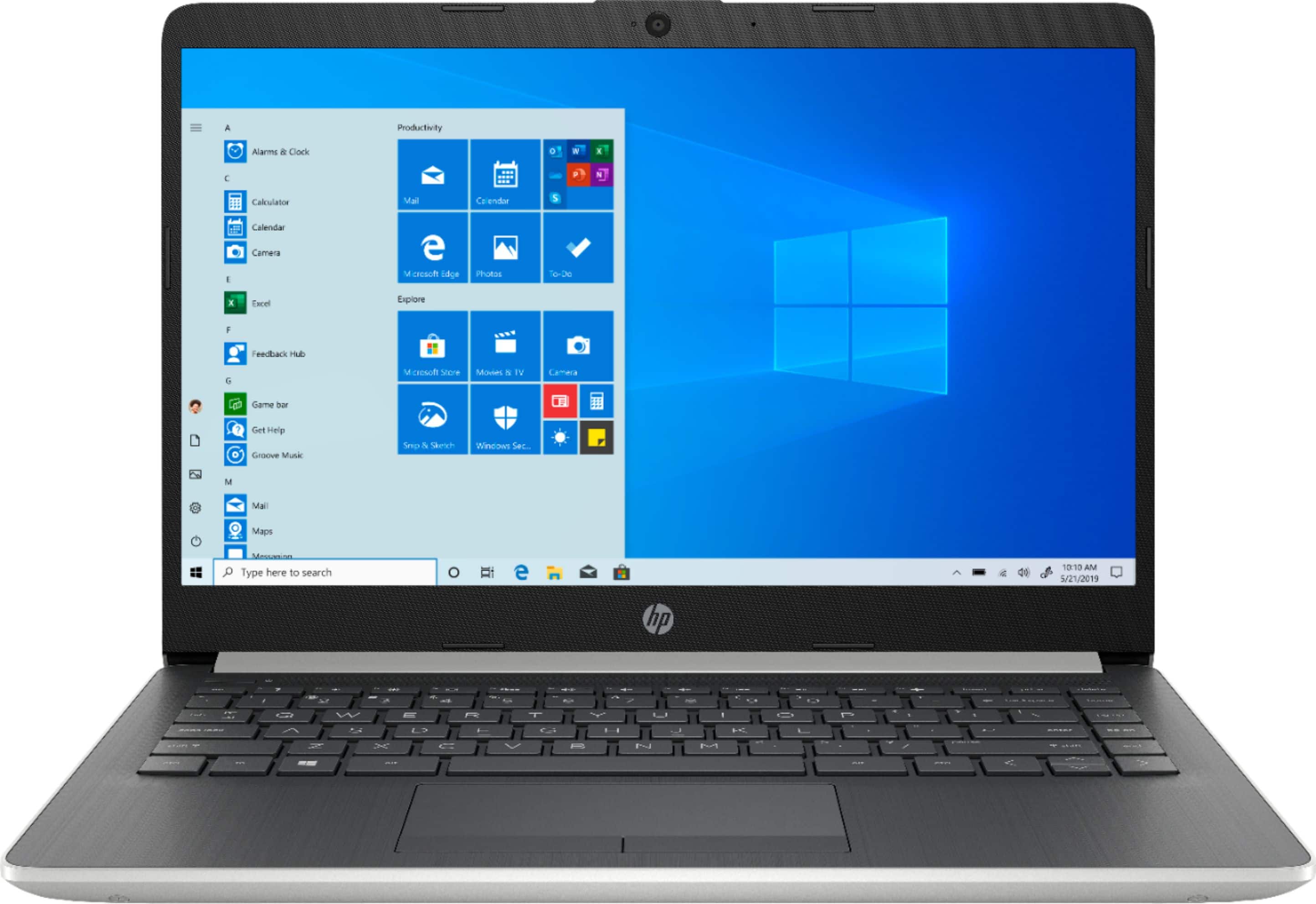
A:AnswerNo this computer does not have an optical drive, as is the case with most modern laptop computers. You can purchase a USB powered external drive that will accomplish what you need
A:AnswerThis laptop comes with Windows 10 in S Mode, so you would need to switch to Windows 10 Home to download programs to the laptop. Also, this laptop does not have a built-in disc drive, so you would need an external optical drive that connects by USB.
A:AnswerHere is the support contact information for McAffee:
https://service.mcafee.com/webcenter/portal/oracle/webcenter/page/scopedMD/s55728c97_466d_4ddb_952d_05484ea932c6/Page14.jspx?wc.contextURL=%2Fspaces%2Fcp&_afrLoop=59594404444239&leftWidth=0%25&showFooter=0%25&showHeader=0%25&rightWidth=100%25¢erWidth=100%25#!%40%40%3FshowFooter%3D0%2525%26_afrLoop%3D59594404444239%26leftWidth%3D0%2525%26showHeader%3D0%2525%26wc.contextURL%3D%252Fspaces%252Fcp%26rightWidth%3D100%2525%26centerWidth%3D100%2525%26_adf.ctrl-state%3D1rs2g9uif_132