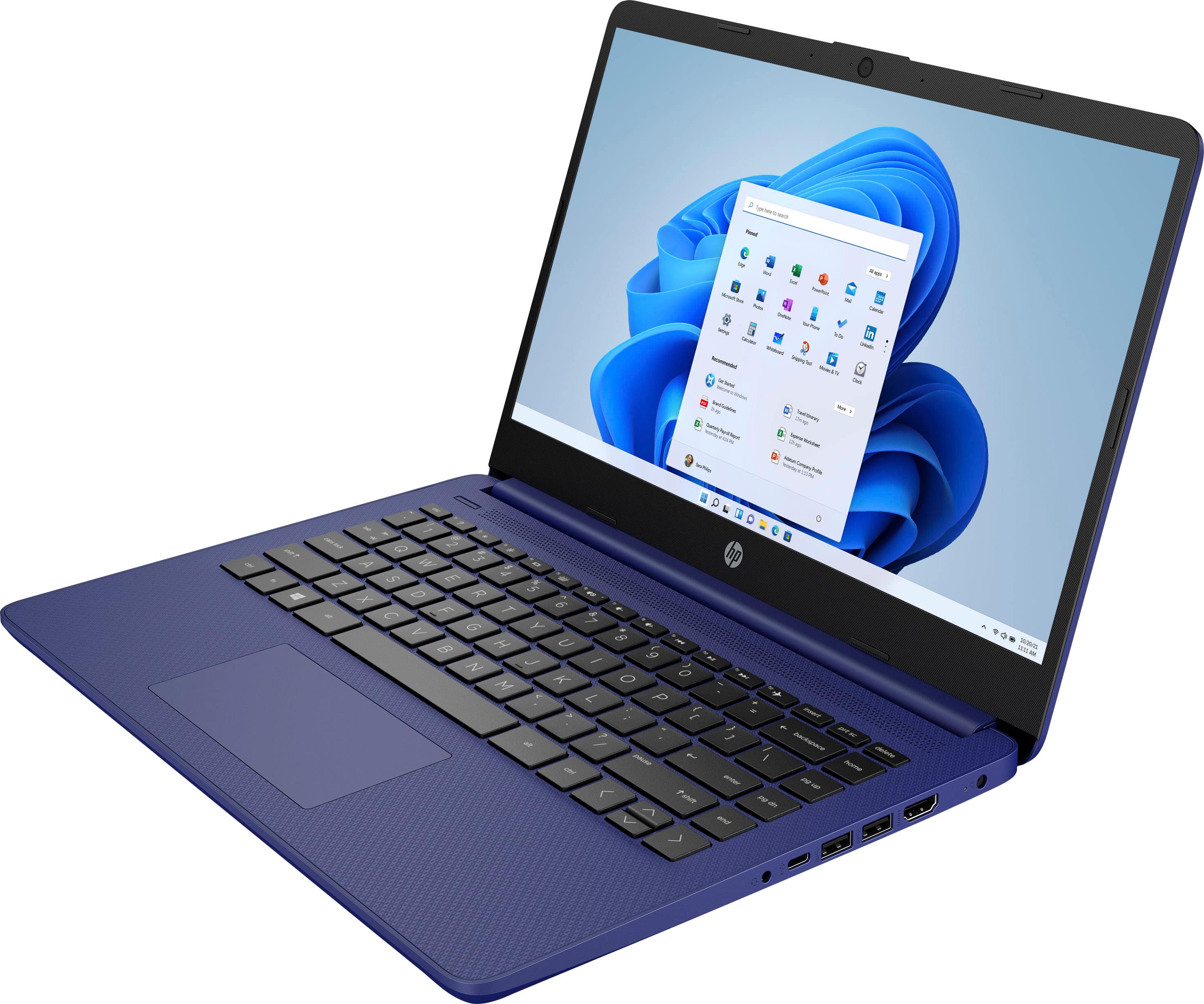
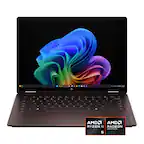
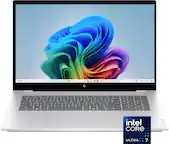
A:AnswerThis laptop only has about 30 gigabytes of usable storage. We recommend you save your photos to a cloud-like OneDrive for more storage. This laptop does have an SD card slot.
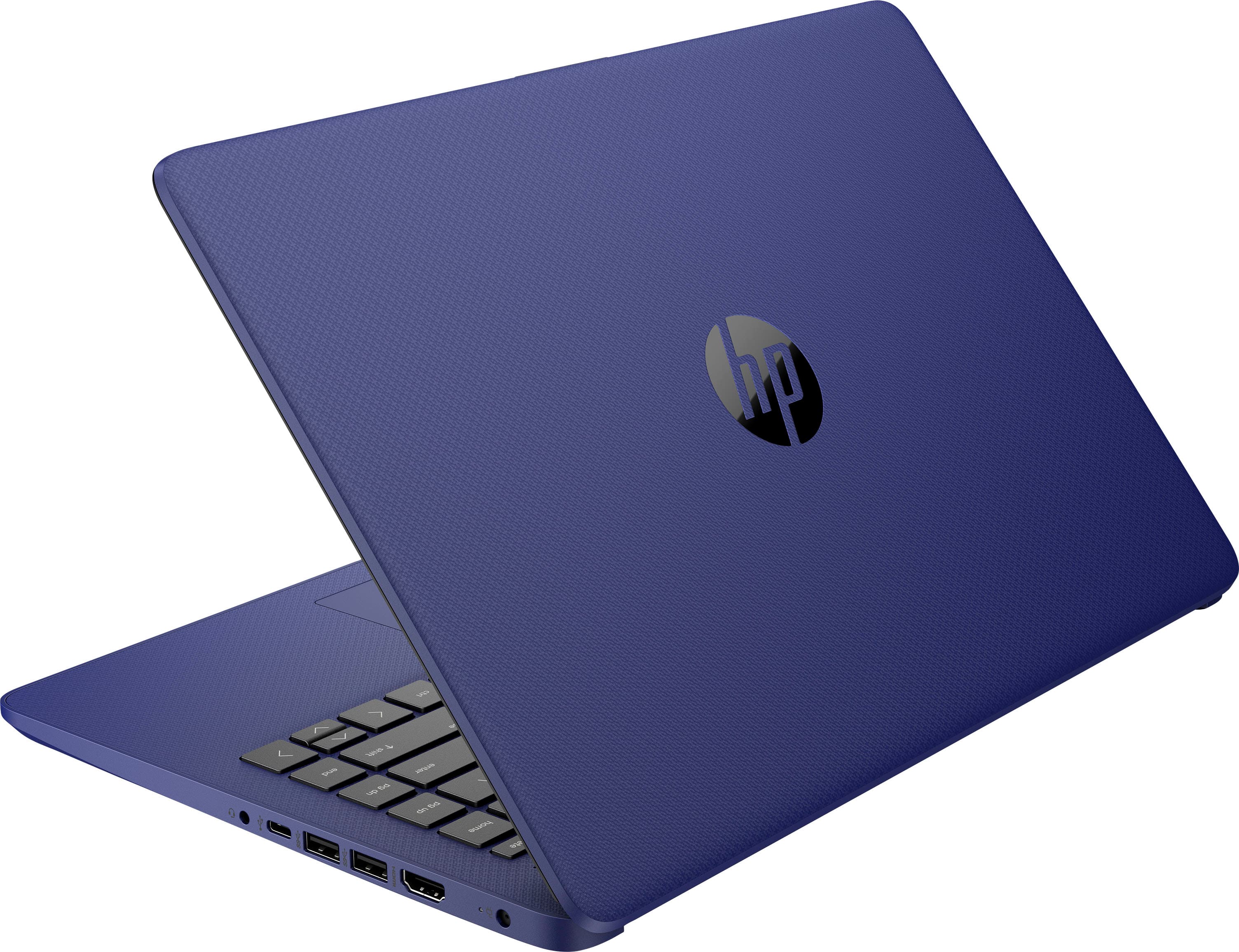
A:AnswerThis laptop does not have a disc drive. This laptop has Windows 10 in S Mode. You would need to switch out of the S Mode to install any software onto this laptop. Here are instructions on how to get out of S Mode: https://bit.ly/3laywG1 Then, you can use an external USB CD/DVD drive to install any software onto this laptop.
A:AnswerWe recommend transferring or backing up your photos to a close like OneDrive or Google Drive. You will be able to access those cloud services on this laptop. This laptop has about 30 gigabytes of usable storage. You can save stuff on a USB flash drive or an external hard drive.
A:AnswerThe Chromebook only allows you to use the Chrome browser or any app from the Chrome Web Store or Google Play Store. A Windows 10 Home laptop/computer would be more versatile. It would allow you download actual software and web browser.
A:AnswerGoogle Classroom is compatible I don't know about Zoom and I am pretty sure that Google Slides and Docs should work. I don't know about the camera and the games I know you can play Minecraft and Roblox but I don't know about Among Us. Sorry I couldn't answer all your questions.
A:AnswerWhile you may be able to do some designing, most design software would require a larger processor, more RAM and storage, and some may require a dedicated graphics card.
A:AnswerMake sure the charger your using is the right one,match the voltage on the packaging,to the plug.Sometimes if you pop the battery out and put it back in ,the slightest obstruction or not being in properly can effect charging .