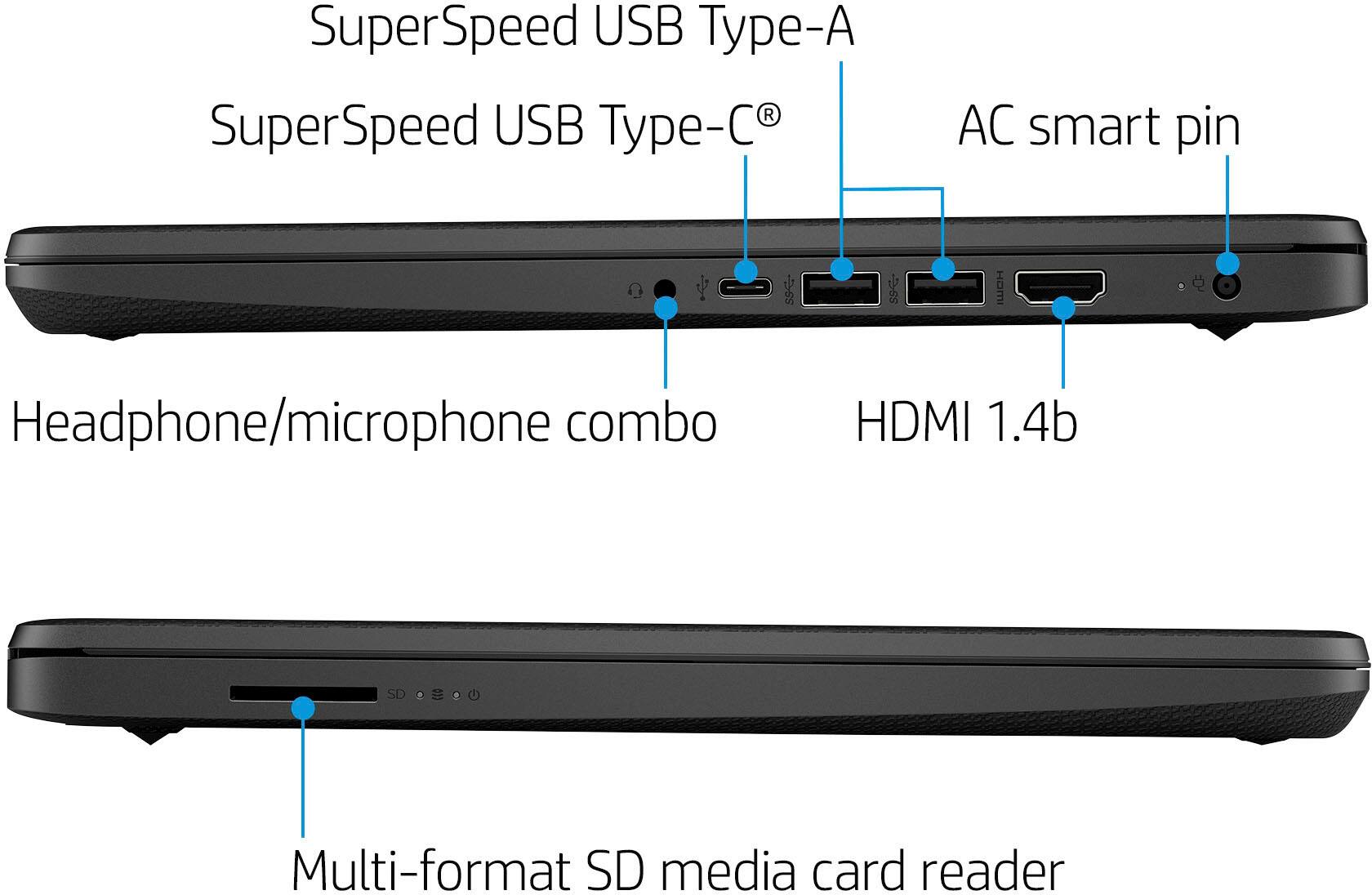
A:AnswerThank you for the question. The storage of 64GB will not be enough to download iTunes. But you can attach an external drive via USB, or store your files in the cloud.
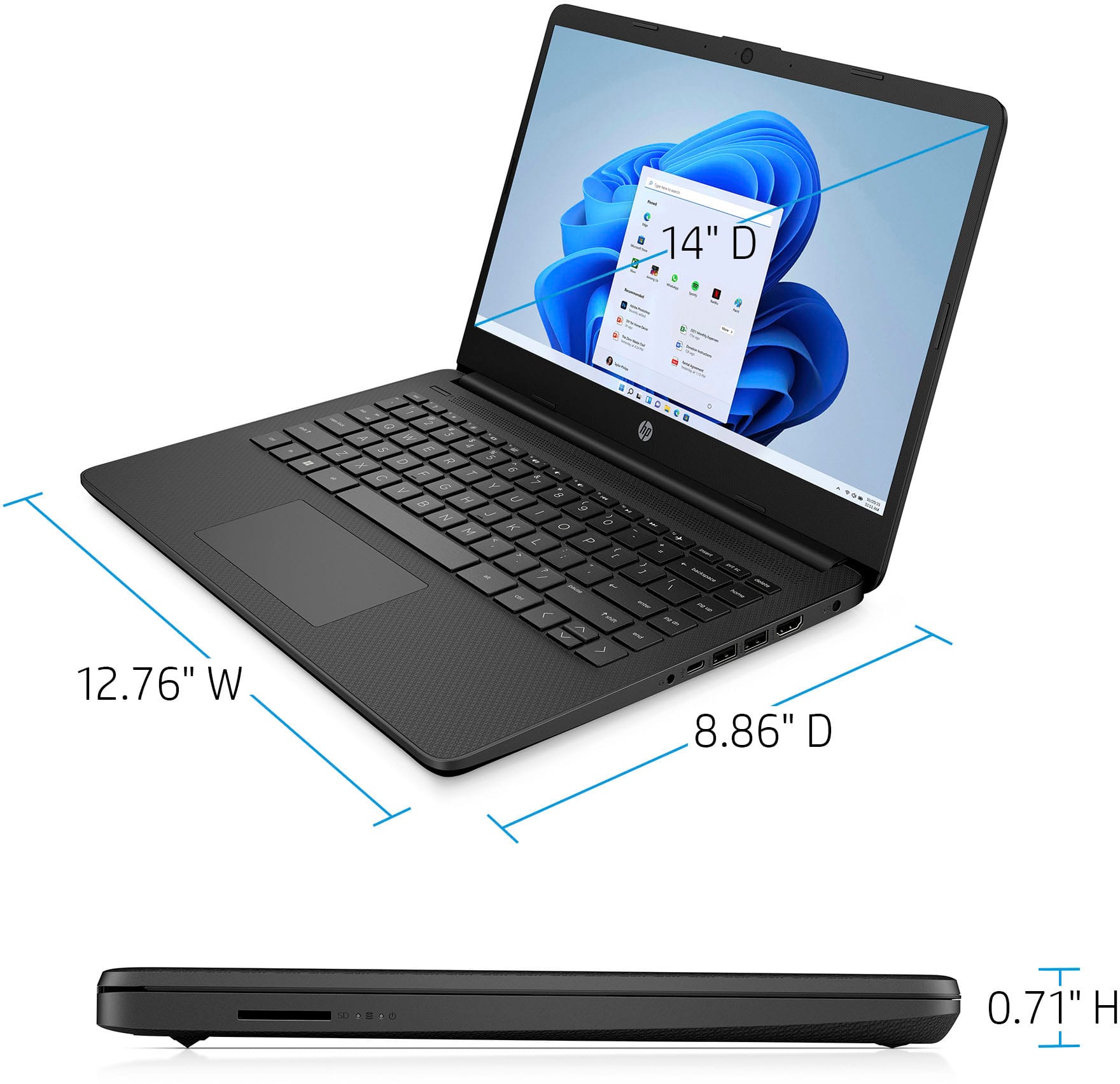
A:AnswerFor any software you want to use, you will want to go to the publisher's site and make sure that the unit you are looking at meets at least the system requirements. Updates can change the requirements which can impact what settings you can use or if you can run the software at all. This unit is also in Windows 11 in S Mode which will block your ability to download third party applications. You would have to turn off S Mode which will lower some of the security on the device and S Mode cannot be turned back on. It also does not meet the minimum requirements for the Sims 4.
A:AnswerThank you for the question. Microsoft includes a free 30-day trial of Microsoft 365, however, a banner might be a special that Best Buy is offering. Please reach out to Best Buy directly to inquire.
A:AnswerThank you for the question. No. The operating system takes up storage space, and typical installations of Visual Studio require 20-50 GB of free space. Additionally, the recommended RAM is 16GB, this model has 4GB.
A:AnswerYou can check the requirements for the software you would like to use by looking up the system requirements for it from the publisher's website. You will want to make sure that the device you want to use it on meets the minimum requirements. Updates and modifications can impact what settings you can run the software on or if you can use the software at all. Keep in mind that this computer comes with Windows 11 in S mode, so all applications must be downloaded from the Microsoft Store unless you remove it from S mode.