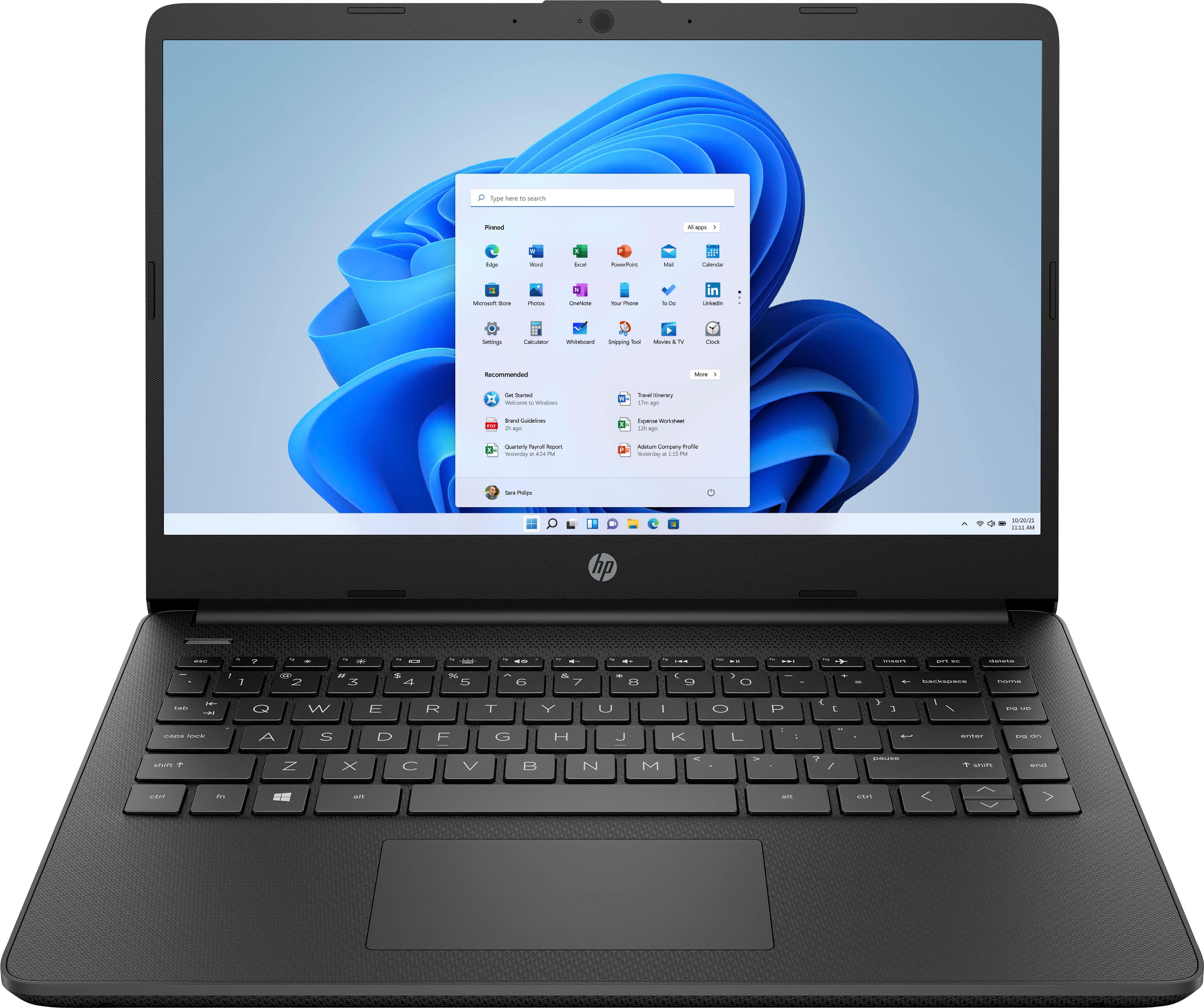
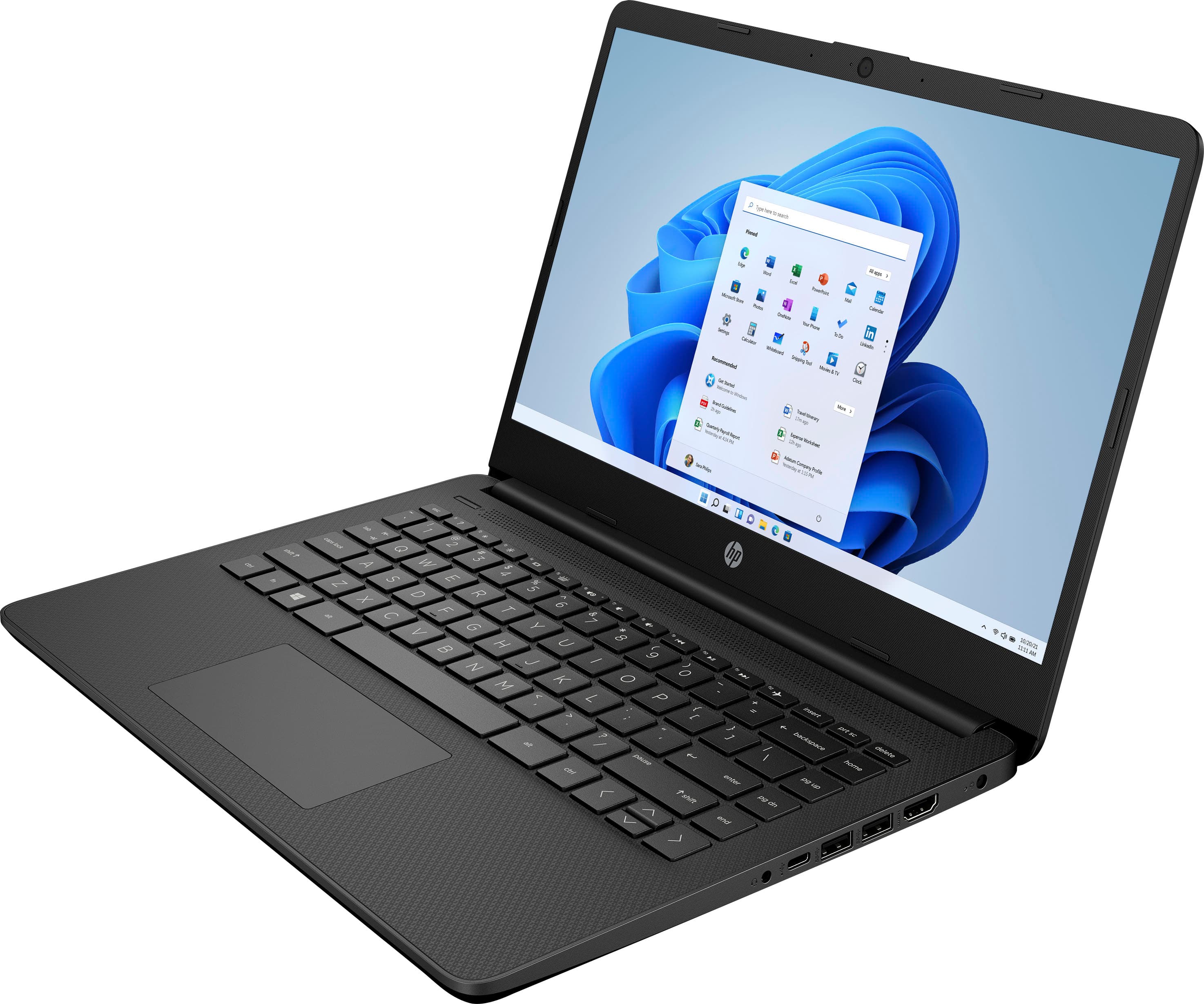
A:AnswerI used this laptop for school and zoom classes. Not much space so for sure you will need to get extra storage. But overall it was easy setup and easy to log in to my classes
A:AnswerYou would want to check the system requirements on the developer's site for Steam. You would also have to turn off S mode on this unit. Updates can impact if the software will run and how well it runs. You would also need to do this for the games you would be interested in playing. The same is true even if you are planning on doing cloud based gaming.
A:AnswerThank you for your question, Alan! This comes with a 30-day trial for new Microsoft 365 subscribers. MS 365 includes many Office apps such as Excel and Word. You will want to purchase Office or a monthly or annual subscription to MS 365 to keep access to Excel for Windows.
A:AnswerThank you for your question, Amy! This laptop comes with a free 1-month trial of Microsoft 365 for new customers, which has all of your MS Office apps included.