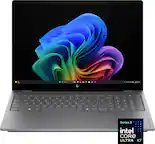
A:AnswerThis a very slow computer. If I have 2 windows open and 1 is streaming I have to close the non-streaming window. Spend a little more and get something better. Geek Squad guy told me that.
A:AnswerYou should be able to do this, but my advice would be to ask one of their salesmen or the guys from Geek Squad, they would be able to advise you more since they know and have that experience, best of luck!
A:AnswerHello, it is always recommended to go directly to the manufacturer's website to see what their specification requirements are for the programs you are wanting to run. For Serato DJ Lite you will need this: High performance specifications
For demanding tasks like low latency scratching, live streaming, mixing with three or more decks, or using Serato Video - Processor: 8th generation Intel core i9 or AMD Ryzen 7 5000 series or higher: AVX required: Memory: 16GB or higher:
Storage: 15GB or more of spare local disk space (SSD): Video Memory: Dedicated 2GB or higher: Operating System - Windows: 11/10. Thank you for being an HP customer!
A:AnswerYes, it does. In Sleep Mode, the computer is using just enough power to keep the RAM active with the data you had when you put the computer to sleep.
A:AnswerThank you for the question. Yes. It is not a function of the laptop but of your email provider. The manner in which contacts and groups are created varies by the provider (Outlook, GMail, etc.). You'll need to go to their FAQ or search for how to add contacts/groups for instructions.
A:AnswerI bought this laptop for the exact same reason. I use my phone for everything else so just needed something basic. Unfortunately it couldn’t even manage to open browsers to apply for jobs without restarting. It’s a super slow very low budget laptop and it’s basically a paperweight.
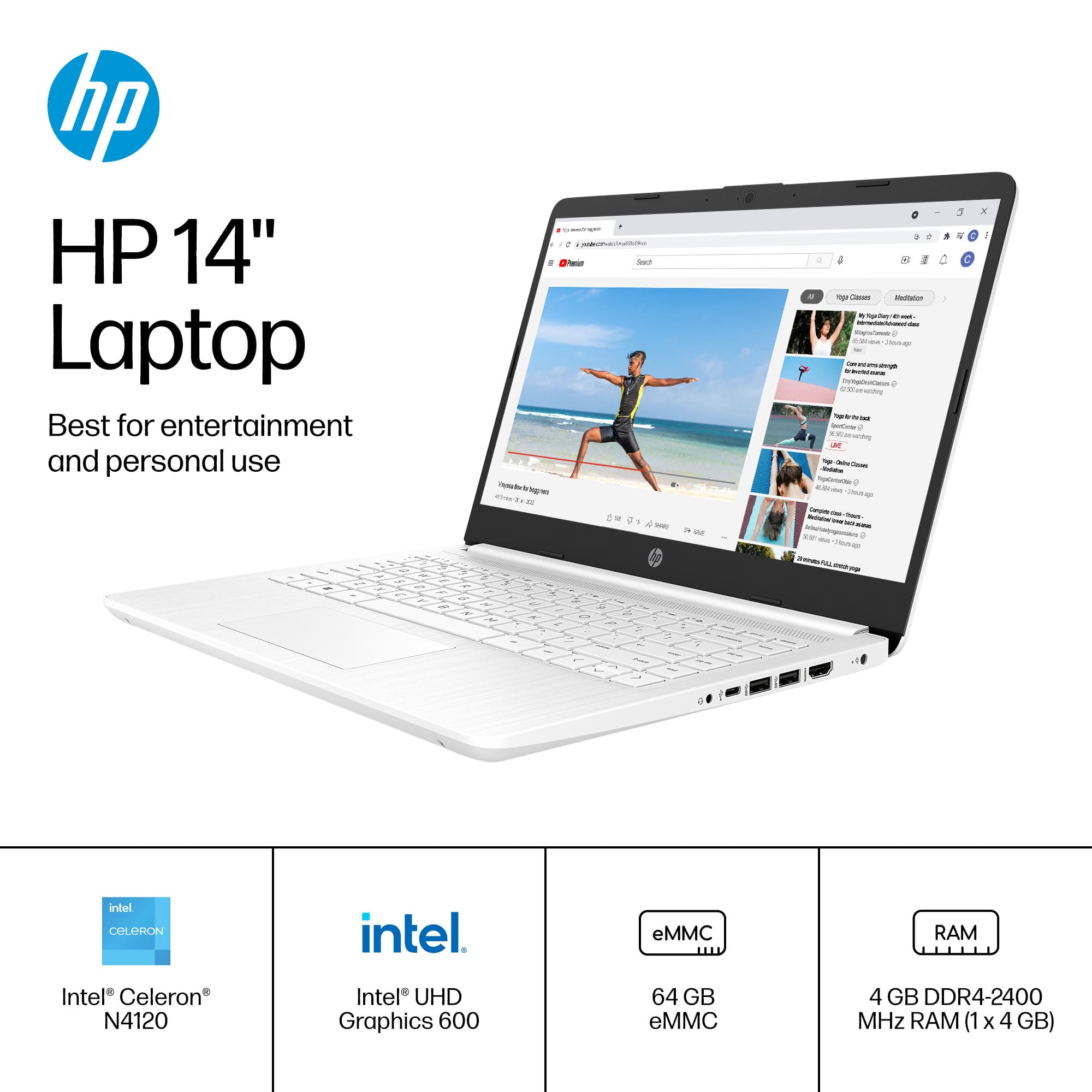
A:AnswerThank you for the question. Yes, but you'll probably need to download to a flash drive or SD card since the installed storage on this laptop is just 64GB.