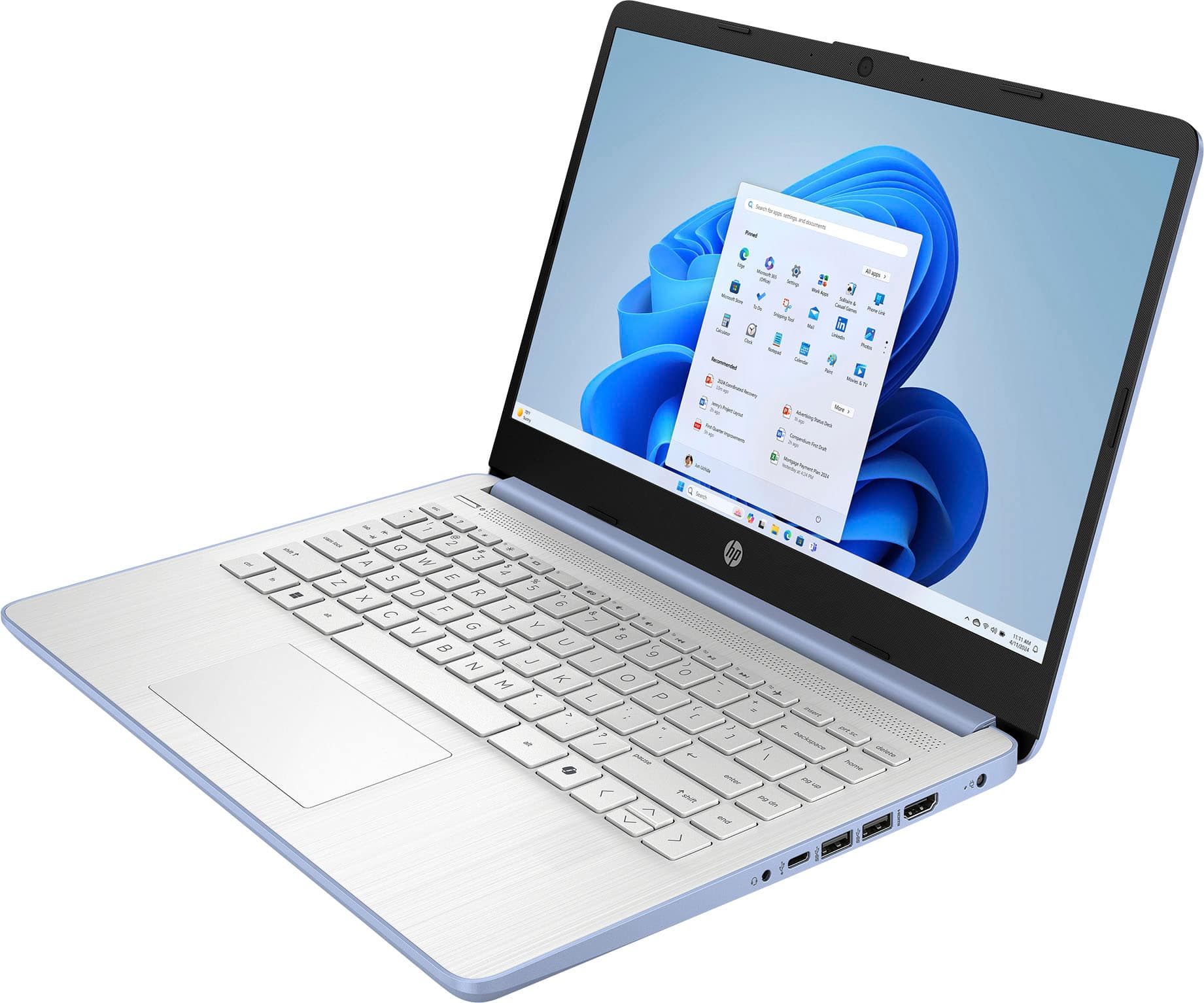
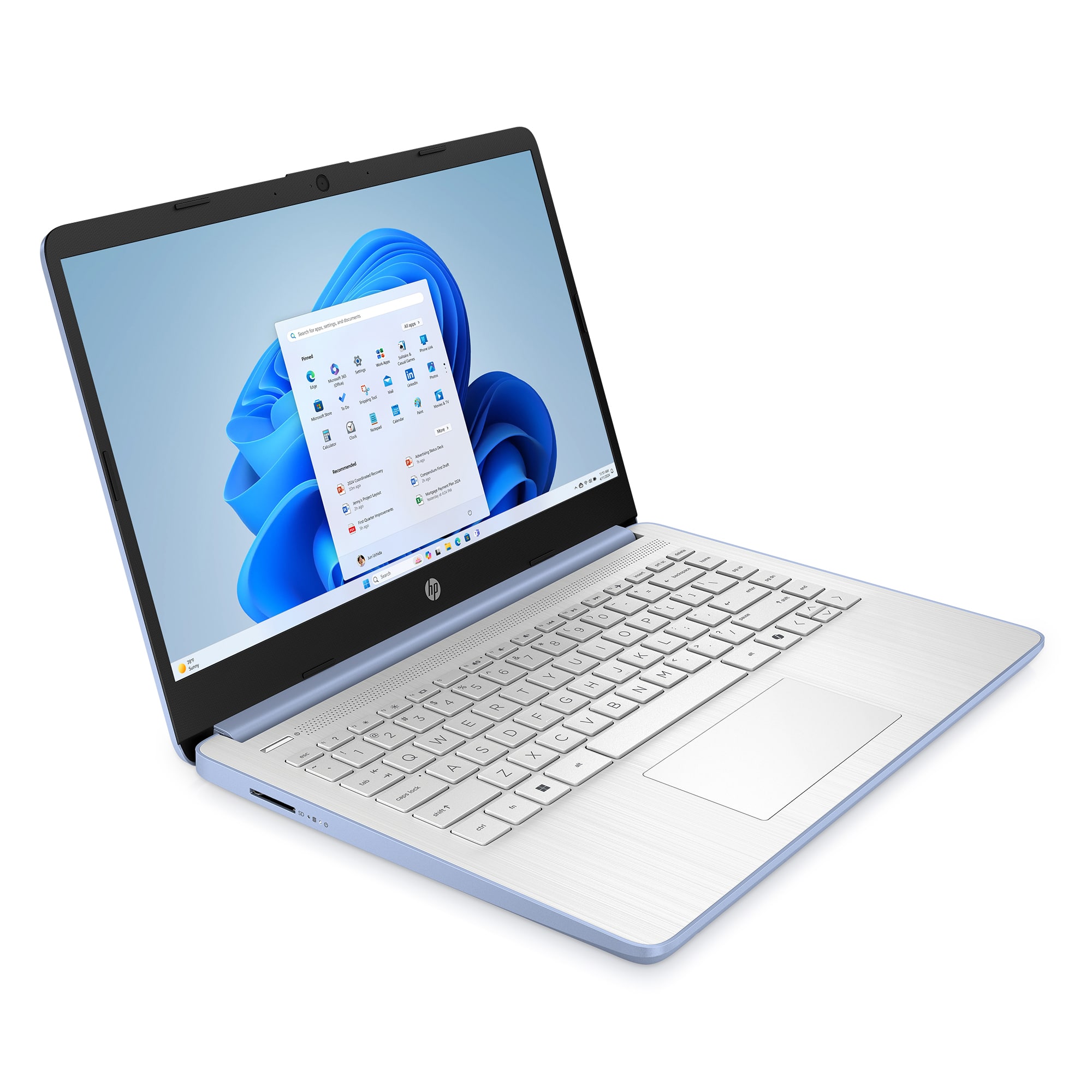
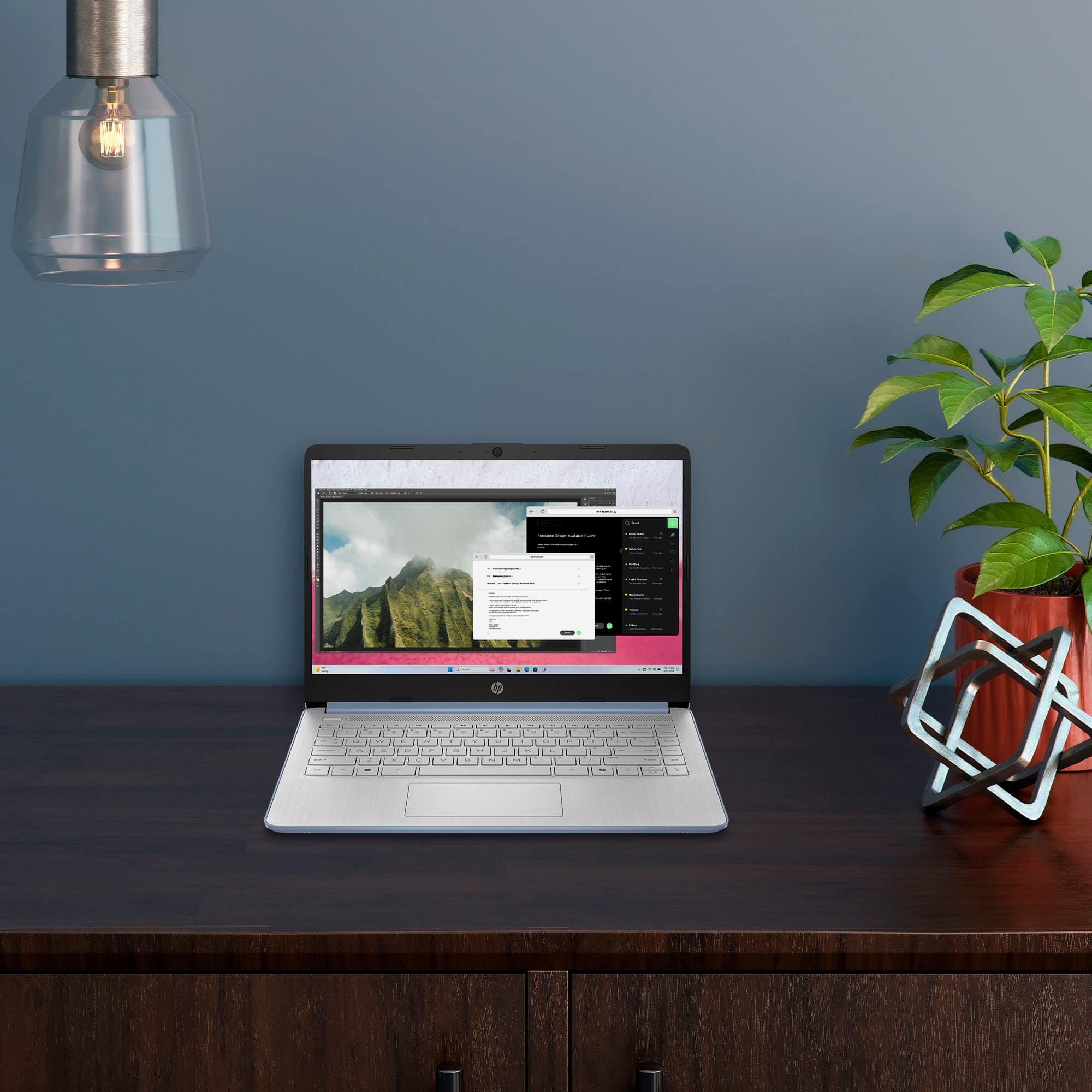
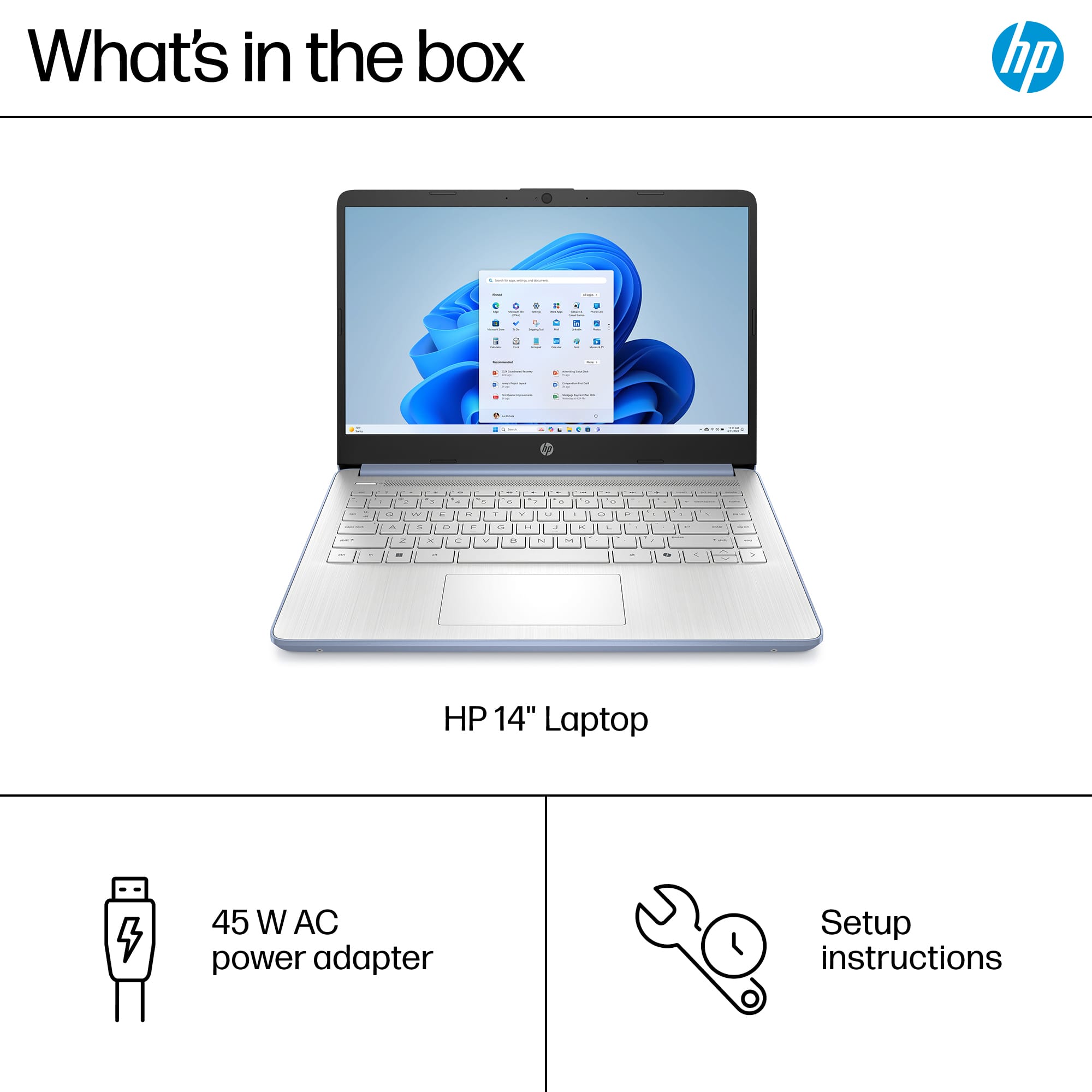
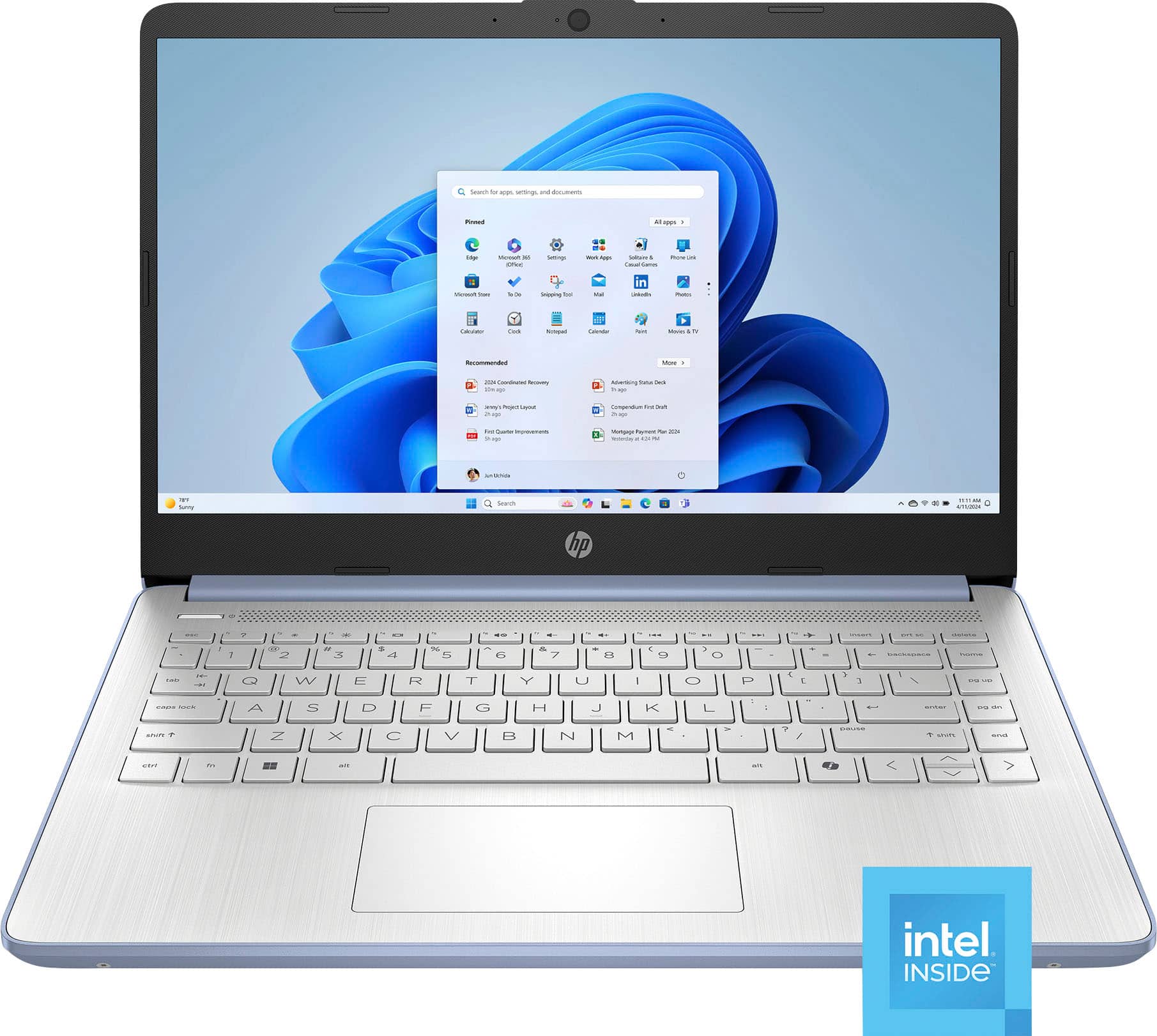
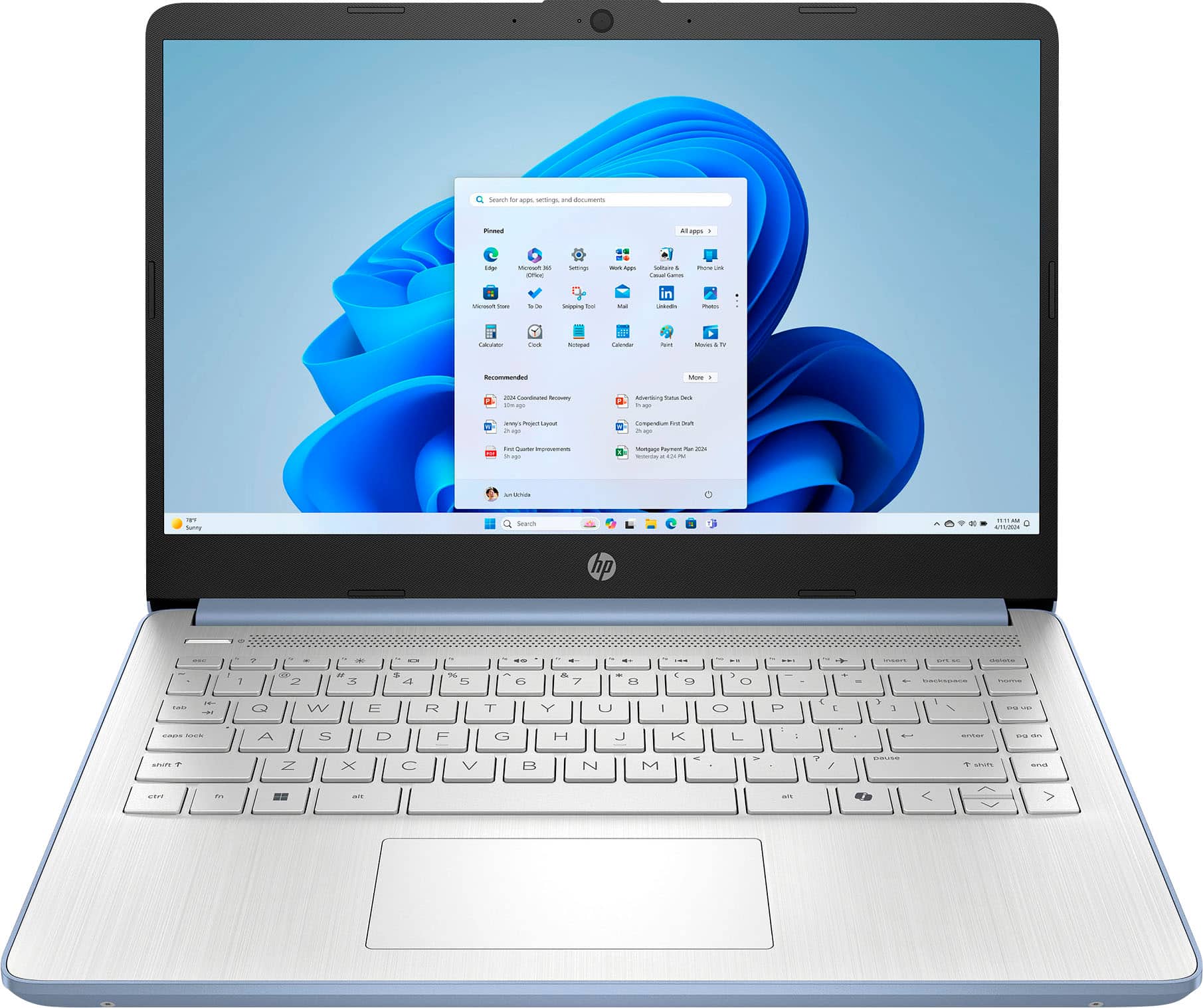
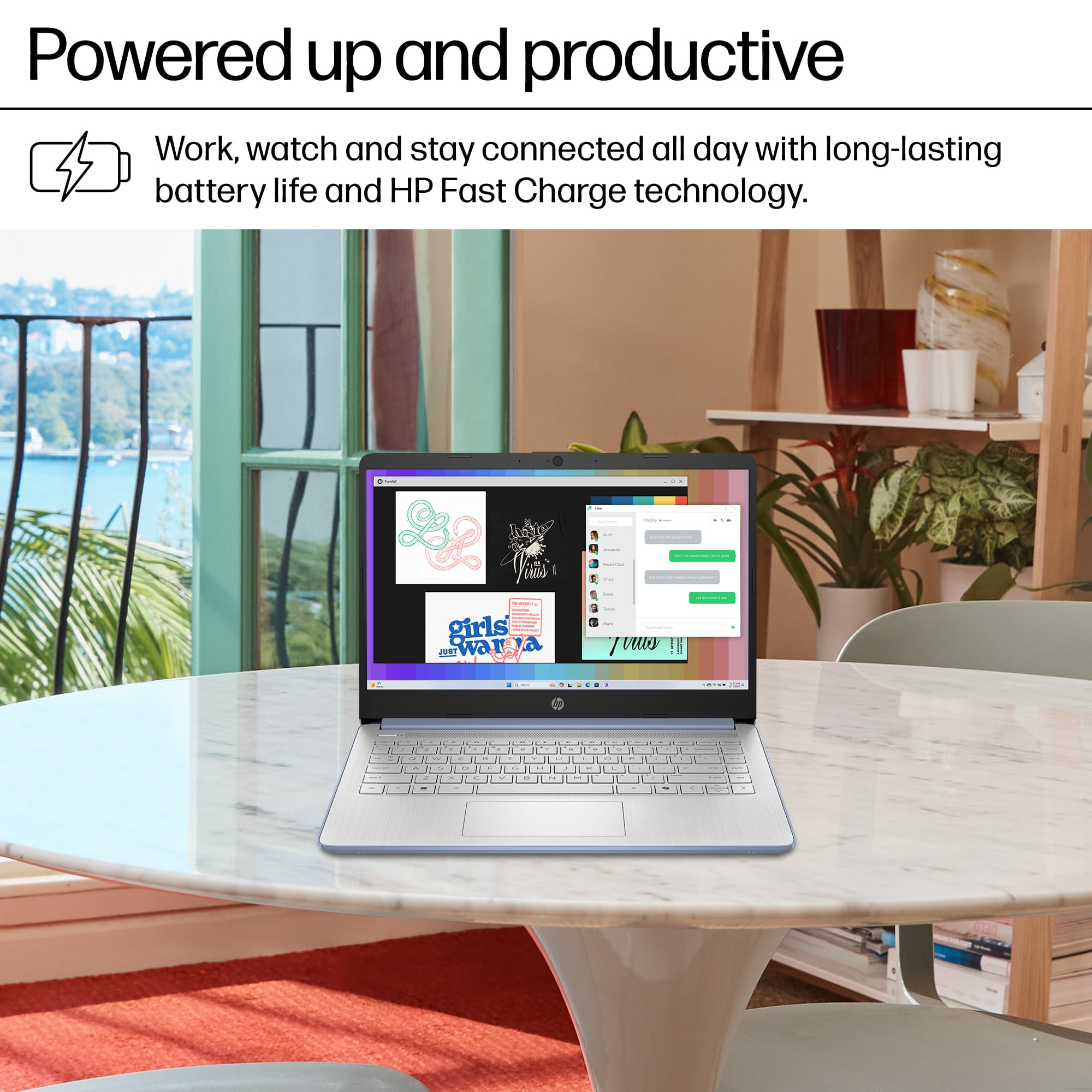
A:AnswerOn the computer screen on the lower right side is a battery icon, This shows the level of battery charge held (all green when fully charged) or shows the level of charge during the charge cycle. On the left side of the external case is a small light marked by the power icon. If the computer is charging this light is amber, when white the battery is fully charged or the computer is plugged in using the charge cord or adapter.
A:AnswerIt could not, best buy tech over phone had me do several things and concluded that contacting HP would be best...after 3 sessions with hp techs trying everything they could, I was sent a box and a label and ask to send it in for warranty repair.thay I did and it has now returned and is setup and rockin out as we speak.
 for more information. ENERGY STAR and the ENERGY STAR logo are registered trademarks of the U.S. Environmental Protection Agency.](https://pisces.bbystatic.com/image2/BestBuy_US/images/products/f959a5dc-0754-4882-9818-ca0df0e83231.jpg)