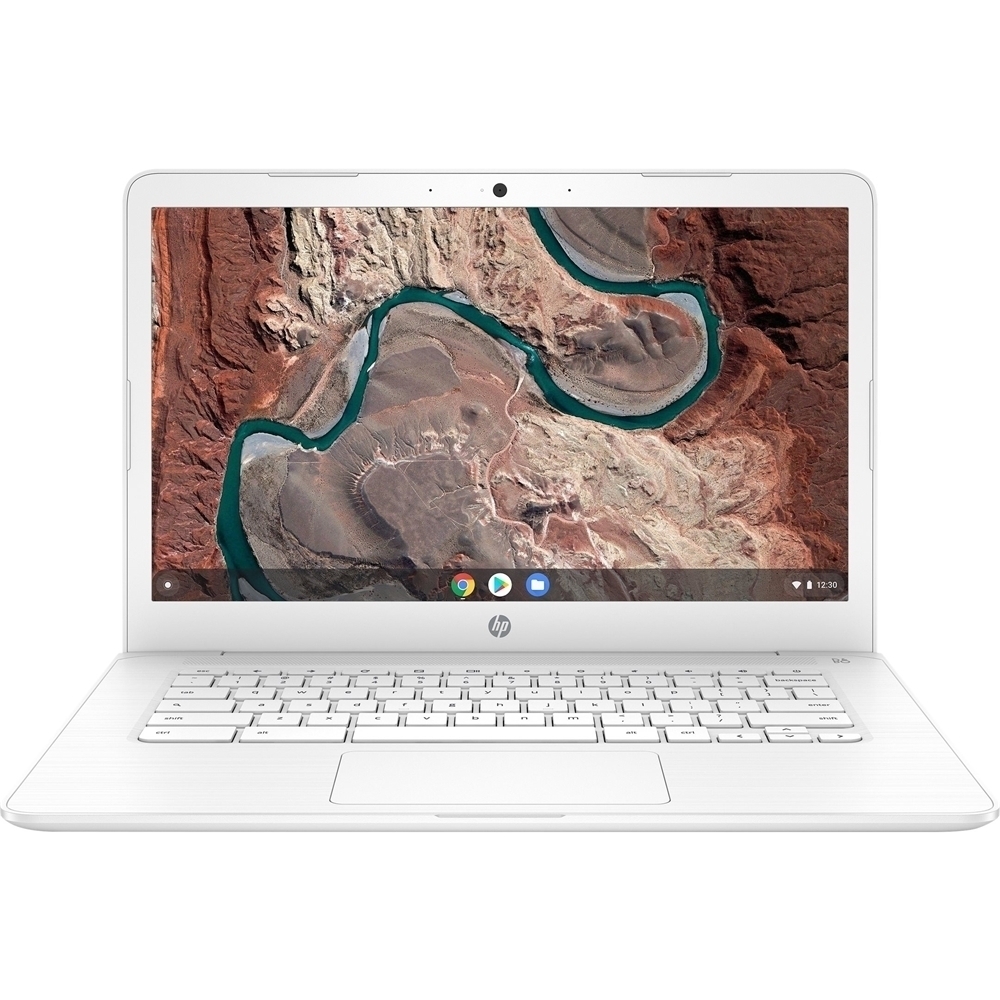
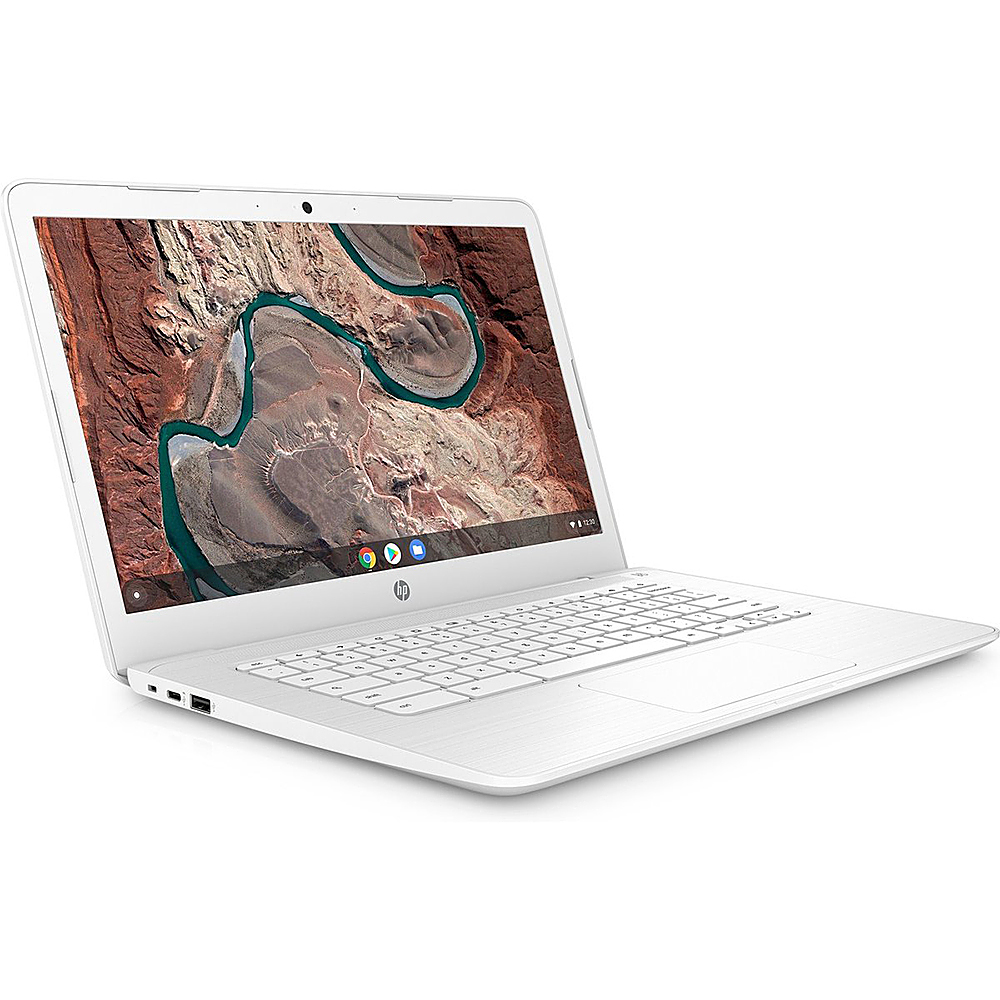
A:AnswerThis program runs Chrome apps from the Google Play Store only, so if you know a voice changer app then it should work. Many students use Chromebooks, which use Google Docs programs rather than Microsoft. So depending on your class needs, it would be a good choice.
A:AnswerHi! Chromebooks have security features that help prevent and protect against viruses and malware built into Chrome OS.
Here is a link that will explain a little more about the security features implemented in Google's Chrome OS: https://bit.ly/361zqAm
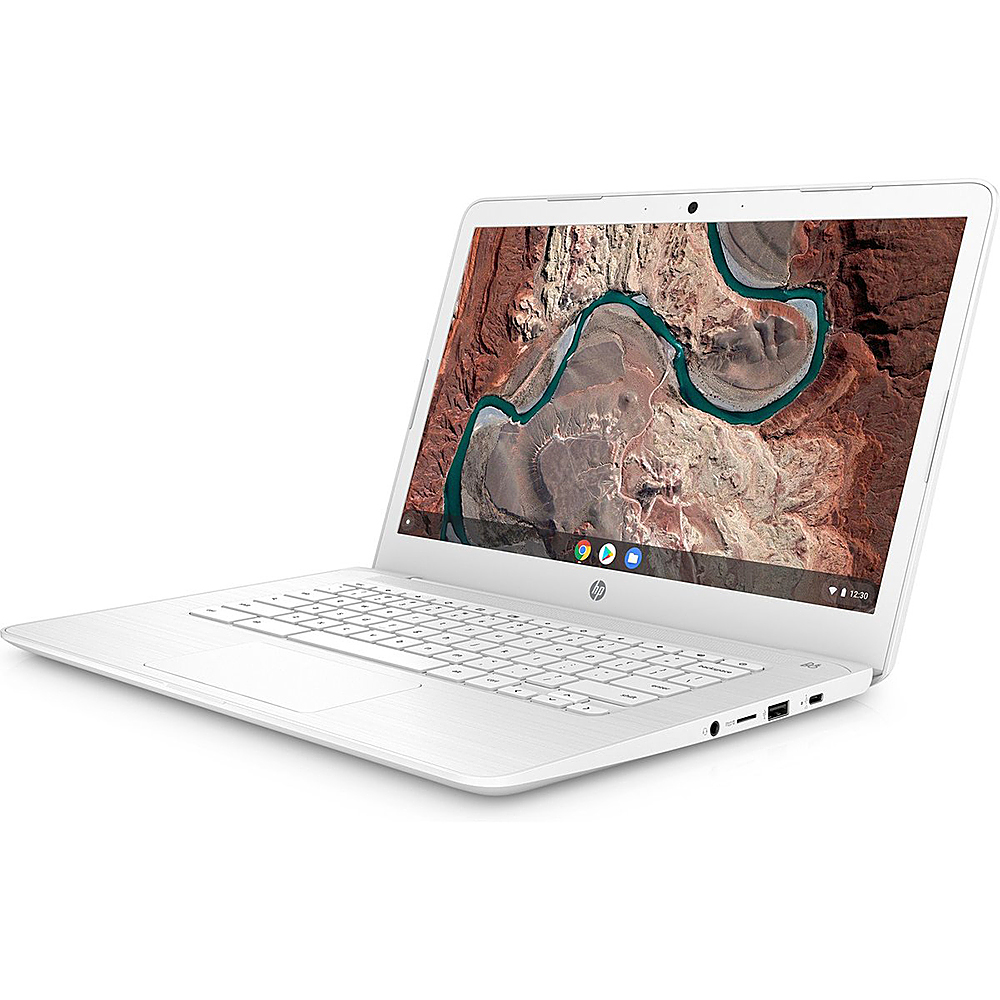
Yes you can attach a mouse!
A:AnswerYou can print to an HP wireless printer with a Chromebook. It is very easy to setup an HP Envy printer using the HP Smart App or the printers built in setup instructions.
A:AnswerThe Cricut machine does not support the Chrome OS. Newer chromebooks do support android apps. It is possible you could run it that way as Cricut supports android.