A:AnswerChromebooks need a Google Cloud Print capable printer. You would need to check with your printers specs to make sure it is Cloud Print Capable.
A:AnswerThe Photosmart 7520 is Google Cloud Print capable. This Chromebook runs ChromeOS so setting it up for printing is quite different than a standard PC or Laptop.
A:AnswerIt depends on your overall needs, but there are apps you can use to draw 3D images on a Chromebook, including Sketchpad, Sumo Paint and deviantArtMuro.
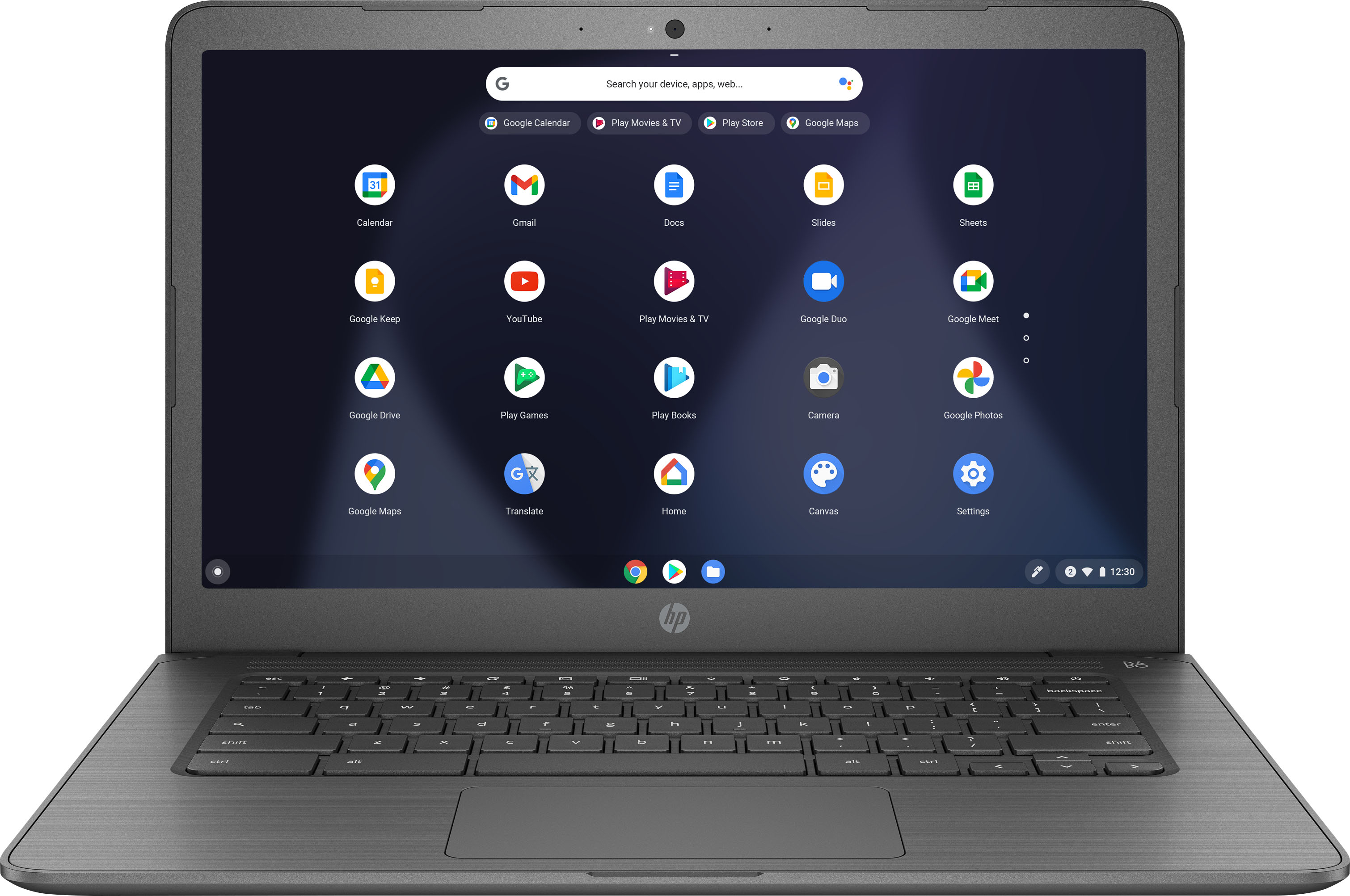
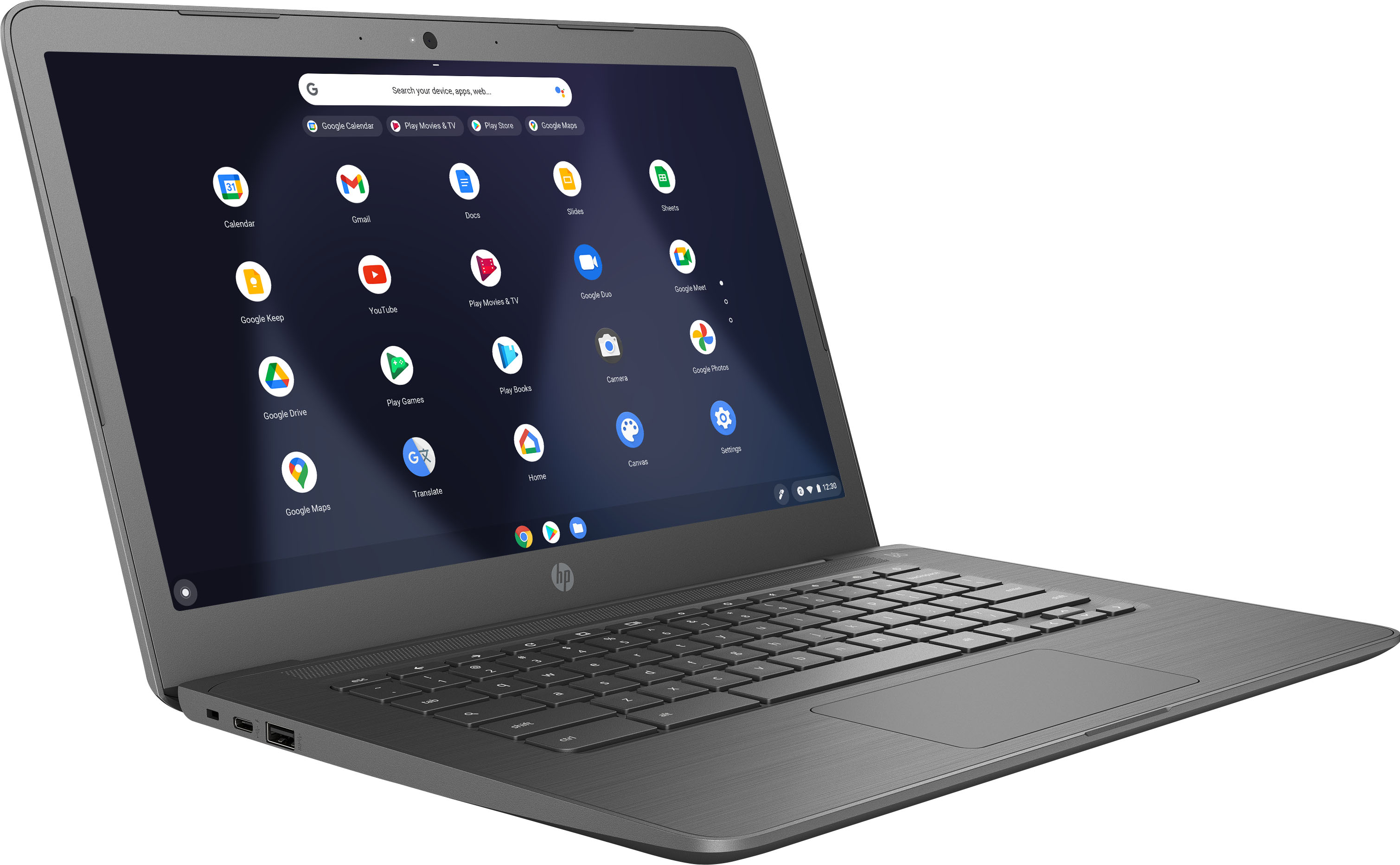
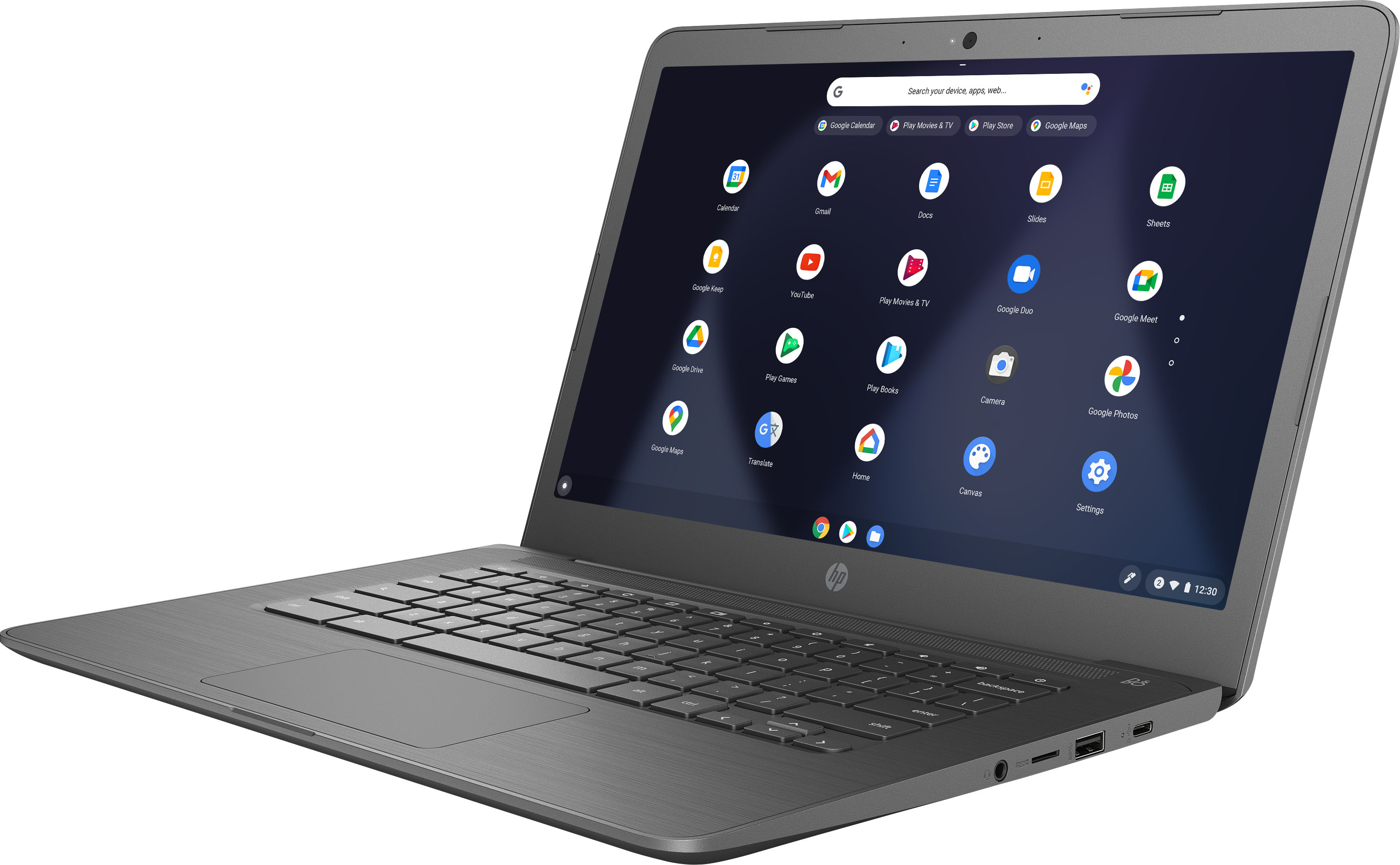
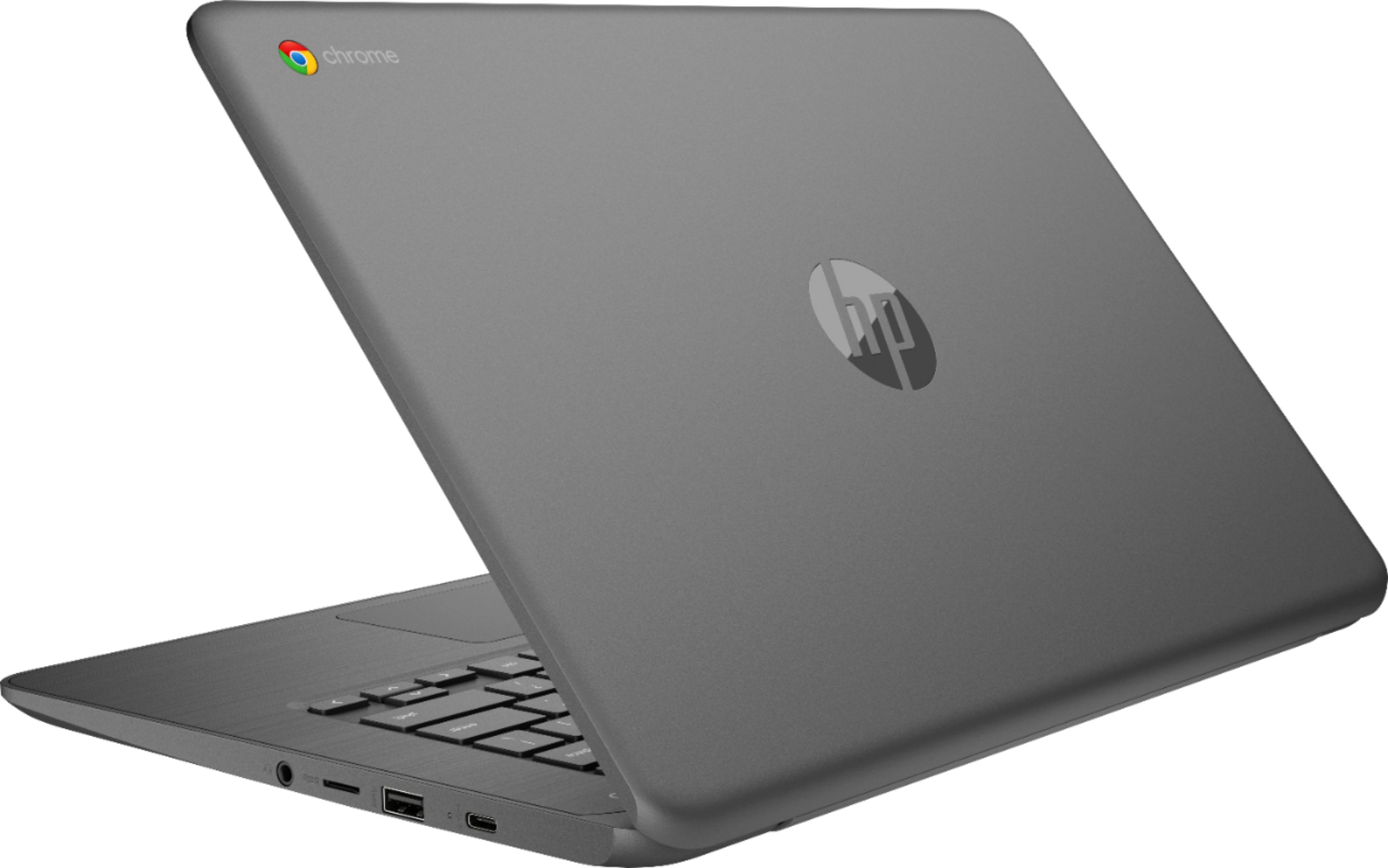
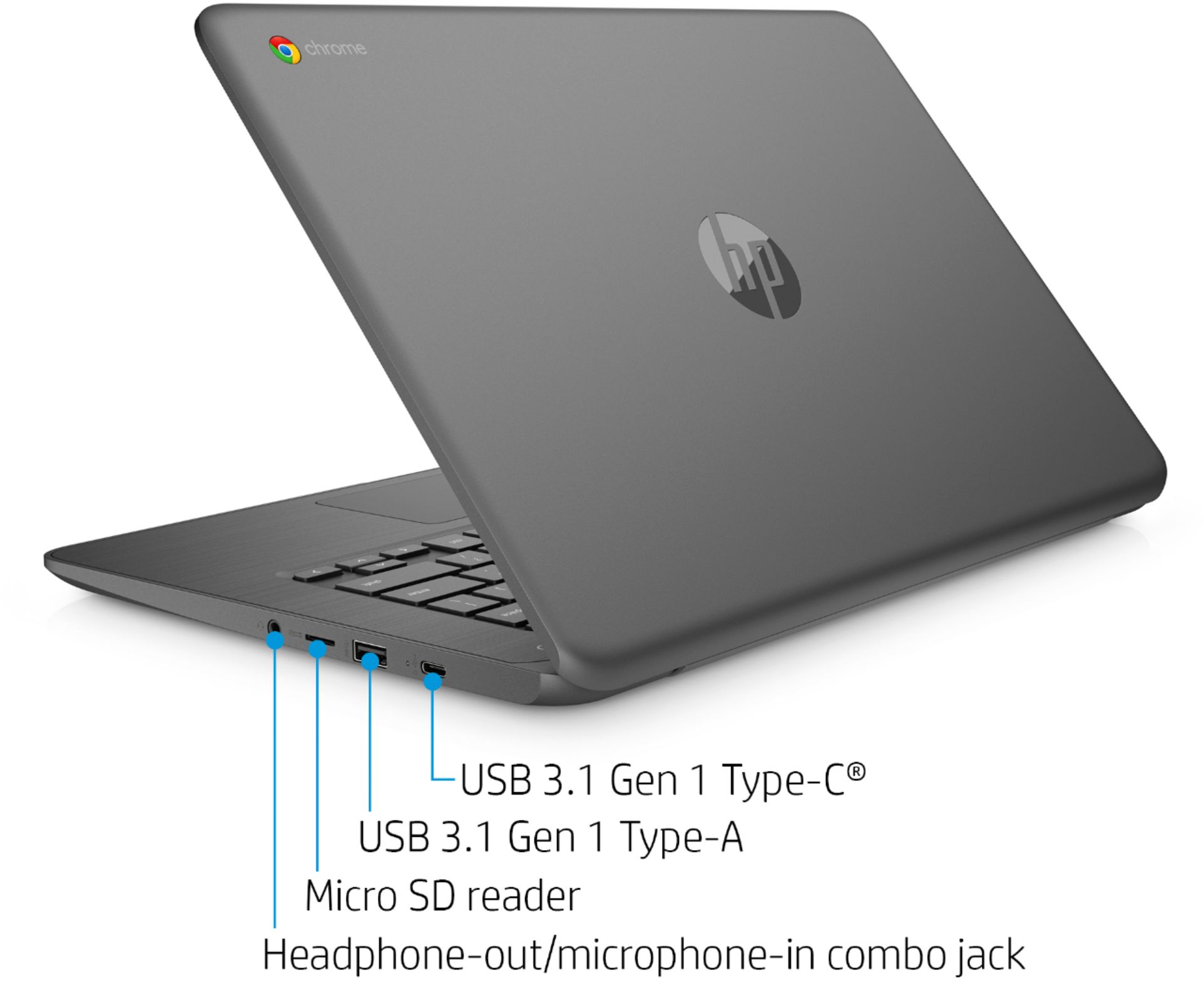
A:AnswerThis Chromebook has USB-C instead of HDMI, so you can connect to a monitor that way. If you prefer HDMI, many of our Chromebooks do have that option.
A:AnswerIt does not have an HDMI port. However, it does have USB-C.
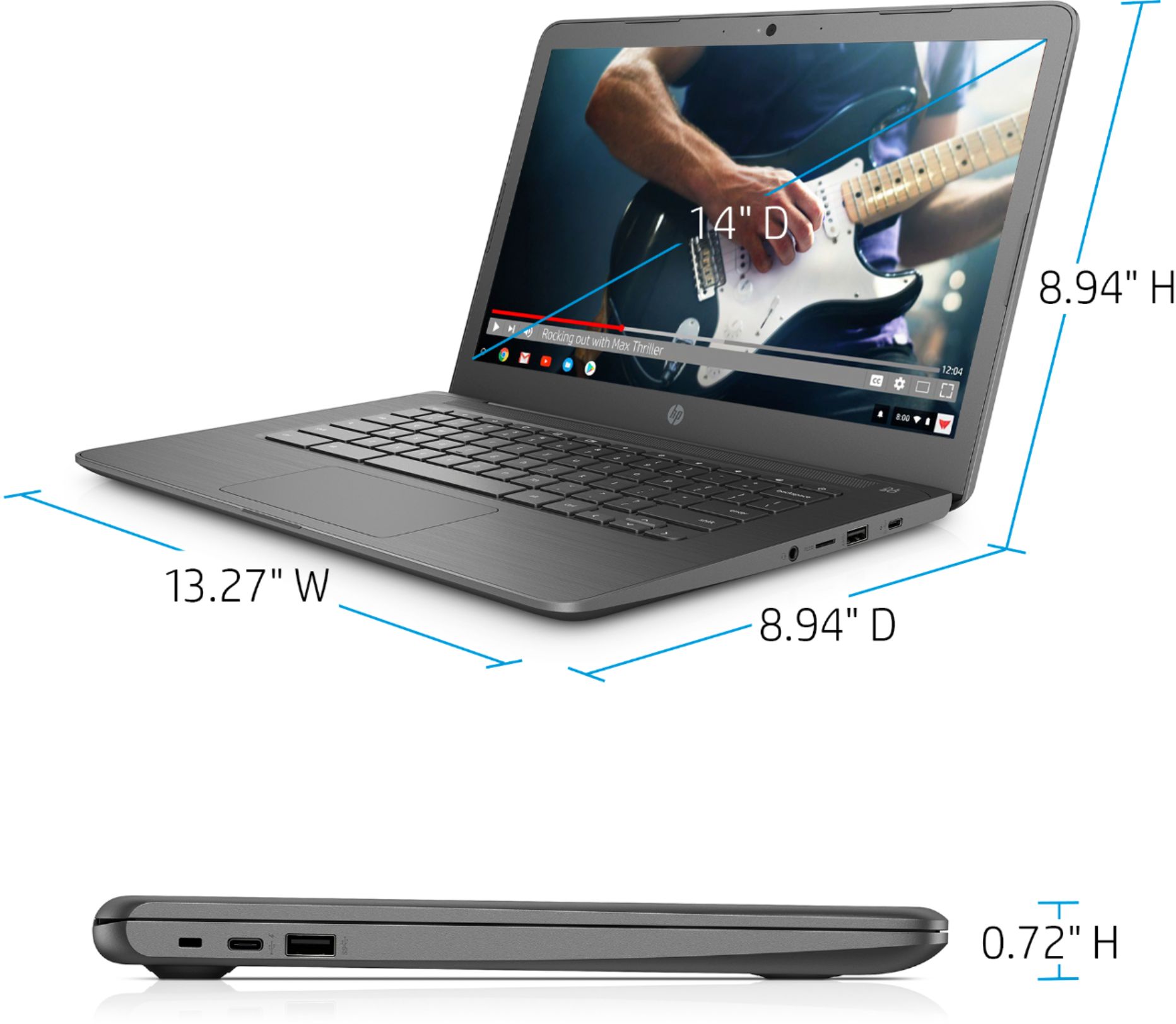
External ports
1 headphone/microphone combo; 2 USB 3.1 Gen 1 (Data transfer only); 2 USB 3.1 Type-C™ Gen 1
A:AnswerIt doesn't have Windows 11. Even no one in the world has Windows 11 as of 12/8/2018. But there are other laptops and desktop with Windows 10.
This laptop has Google OS which is nothing but a Chrome Web Browser but very powerful.
A:AnswerYes, this is one of the Chromebooks with the google play app store available that can run Android apps.
Here is a list of Chromebooks with Android app compatibility:
https://sites.google.com/a/chromium.org/dev/chromium-os/chrome-os-systems-supporting-android-apps