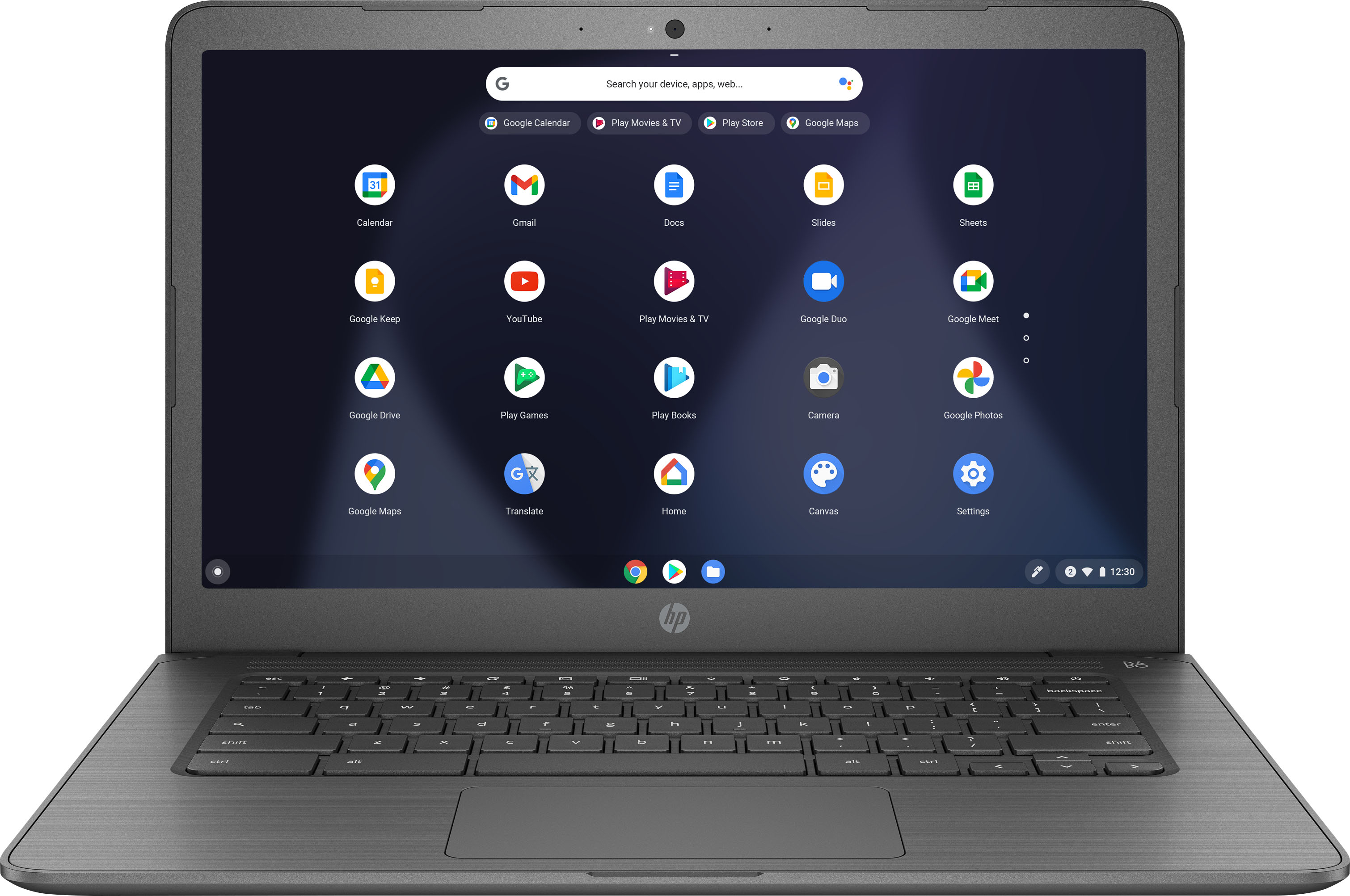
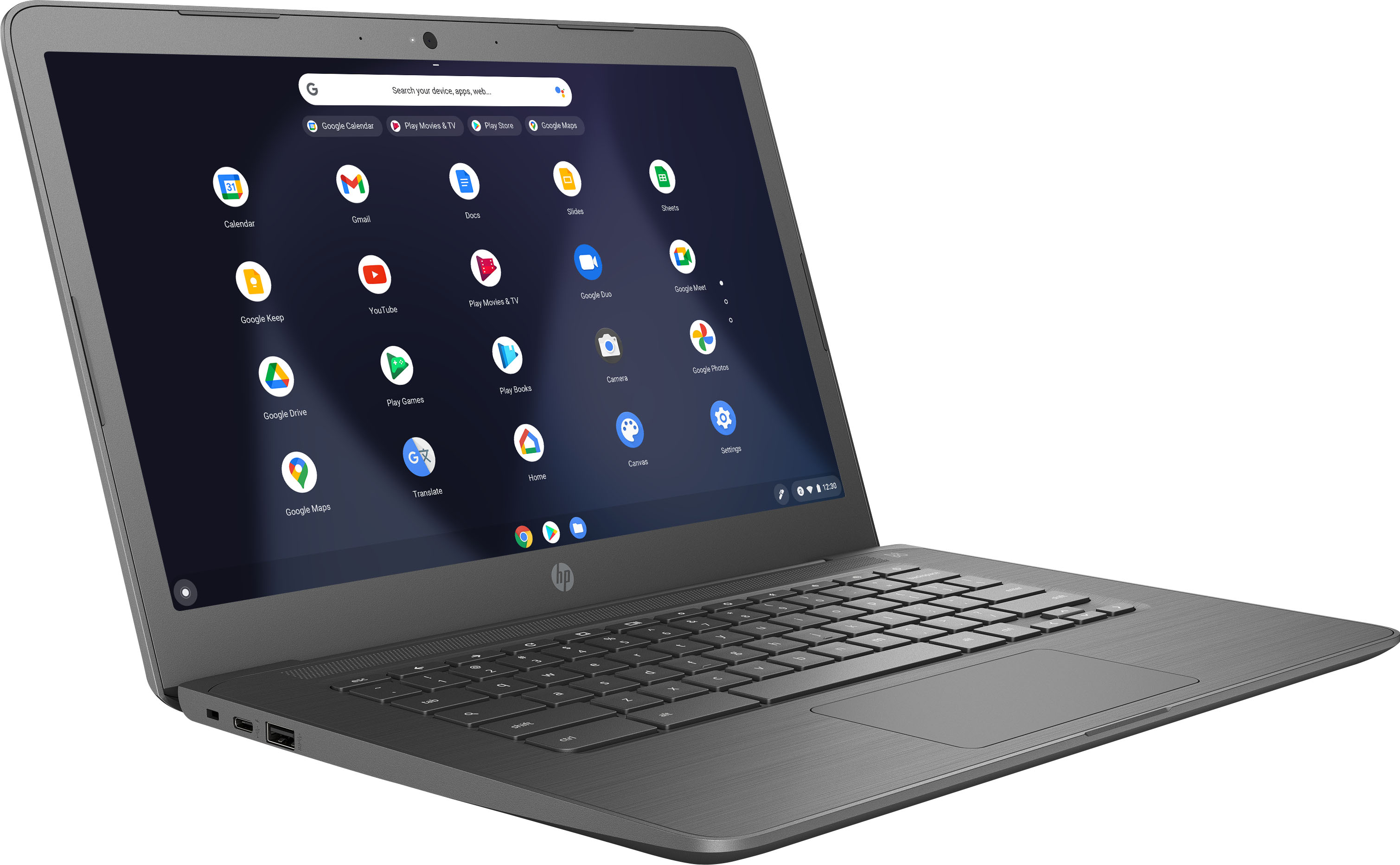
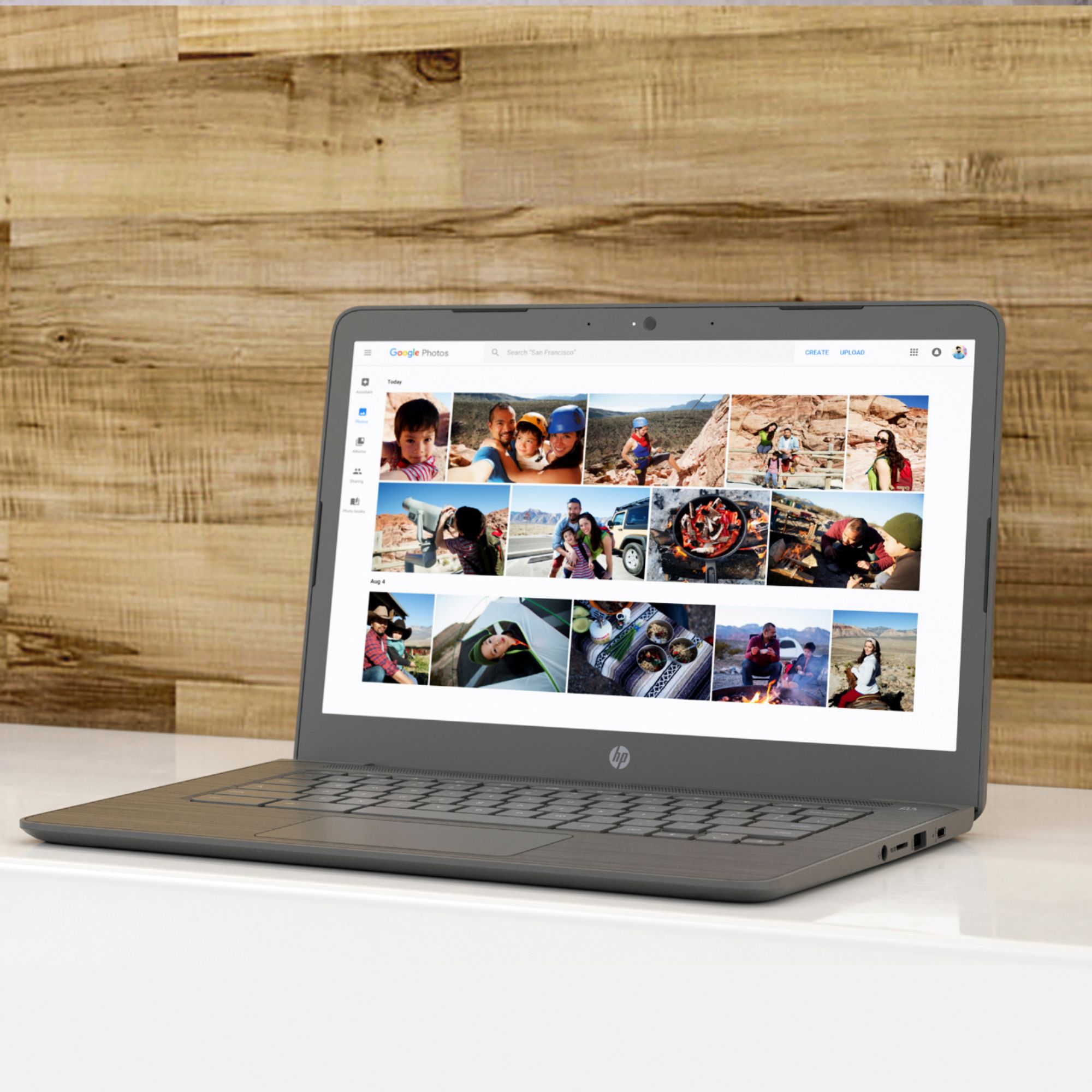
A:AnswerHi Tony, thank you for the question. Unfortunately, the HP 14-CA061DX laptop does not support virtual reality headsets because it does not have a dedicated graphics card.
A:AnswerHello Brandon. Thank you so much for your question. Based on the system requirements for running Minecraft, this device does not support the game. This laptop supports entry-level programs and applications such as Microsoft Office and web browsing.
Here you can find the list of System Requirements for running Minecraft:
***https://www.systemrequirementslab.com/cyri/requirements/minecraft/11356#:~:text=The%20minimum%20system%20requirements%20for%20Minecraft%20are%20nothing,card%2C%20or%20a%20Radeon%20HD%207000%20series%20card.***
Thank you for choosing Intel!
A:AnswerThis is s Chromebook, so by definition it is not a Windows based machine. It comes with the Chrome operating system only. This allows the machine to be more secure, boot up and run faster and all your applications would be cloud based. You would need to look at windows specific laptops if that's what you want.
A:AnswerApologies for what you're experiencing. Your Chromebook has a one-year warranty for parts and labor. Please contact Tech Support at 800-474--6836 to diagnose the problem or assist you in filing a warranty claim.
A:AnswerHi Carol, thank you for the question. Please review this Chromebook tutorial: https://www.google.com/intl/en_us/chromebook/howto/transfer-files/.
A:AnswerThank you fr the question. Gray is the only color available with this Chromebook configuration. If you're looking for white, please review this Chromebook: https://www.bestbuy.com/site/hp-14-chromebook-intel-celeron-4gb-memory-32gb-emmc-ceramic-white/6454858.p?skuId=6454858.
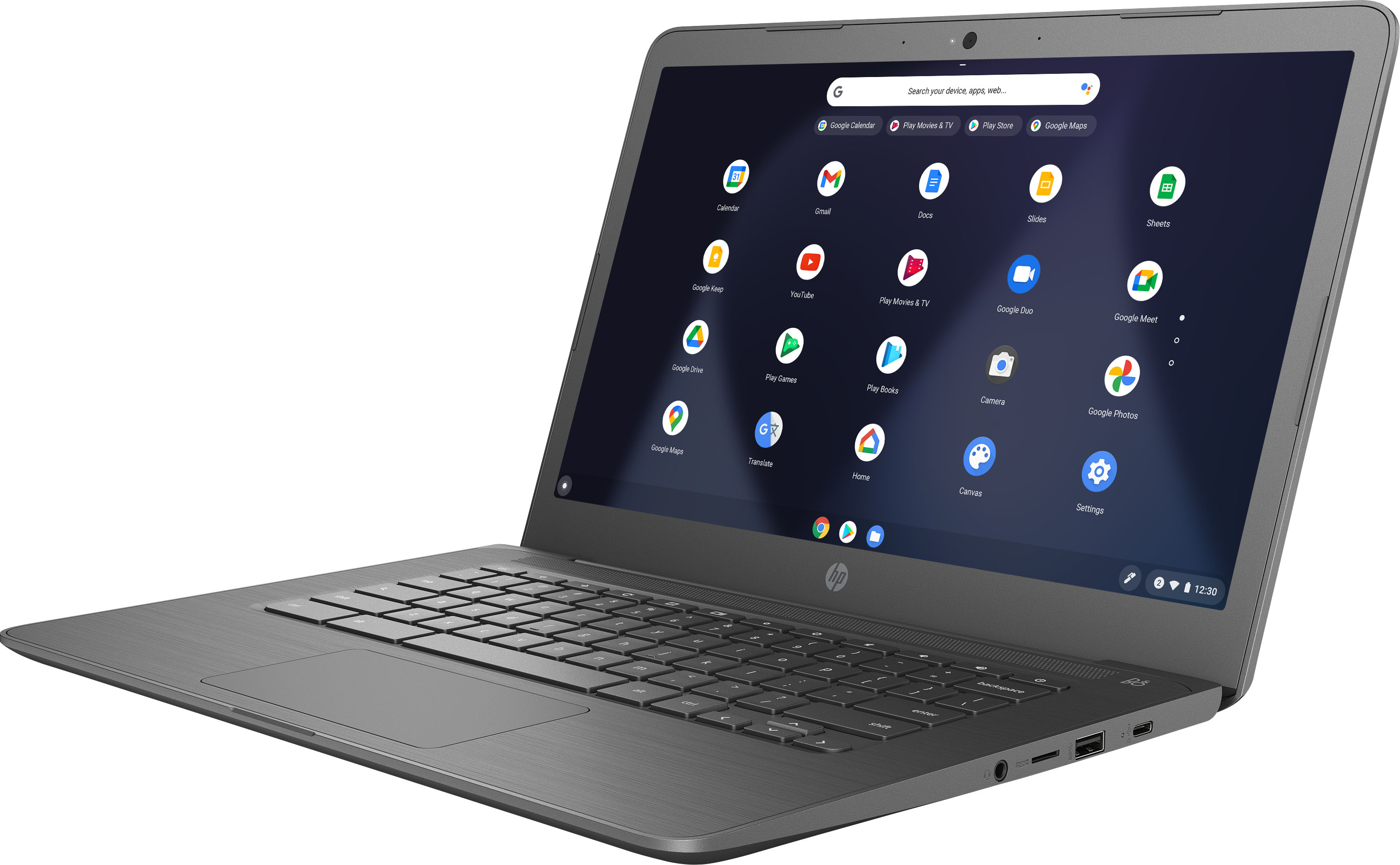
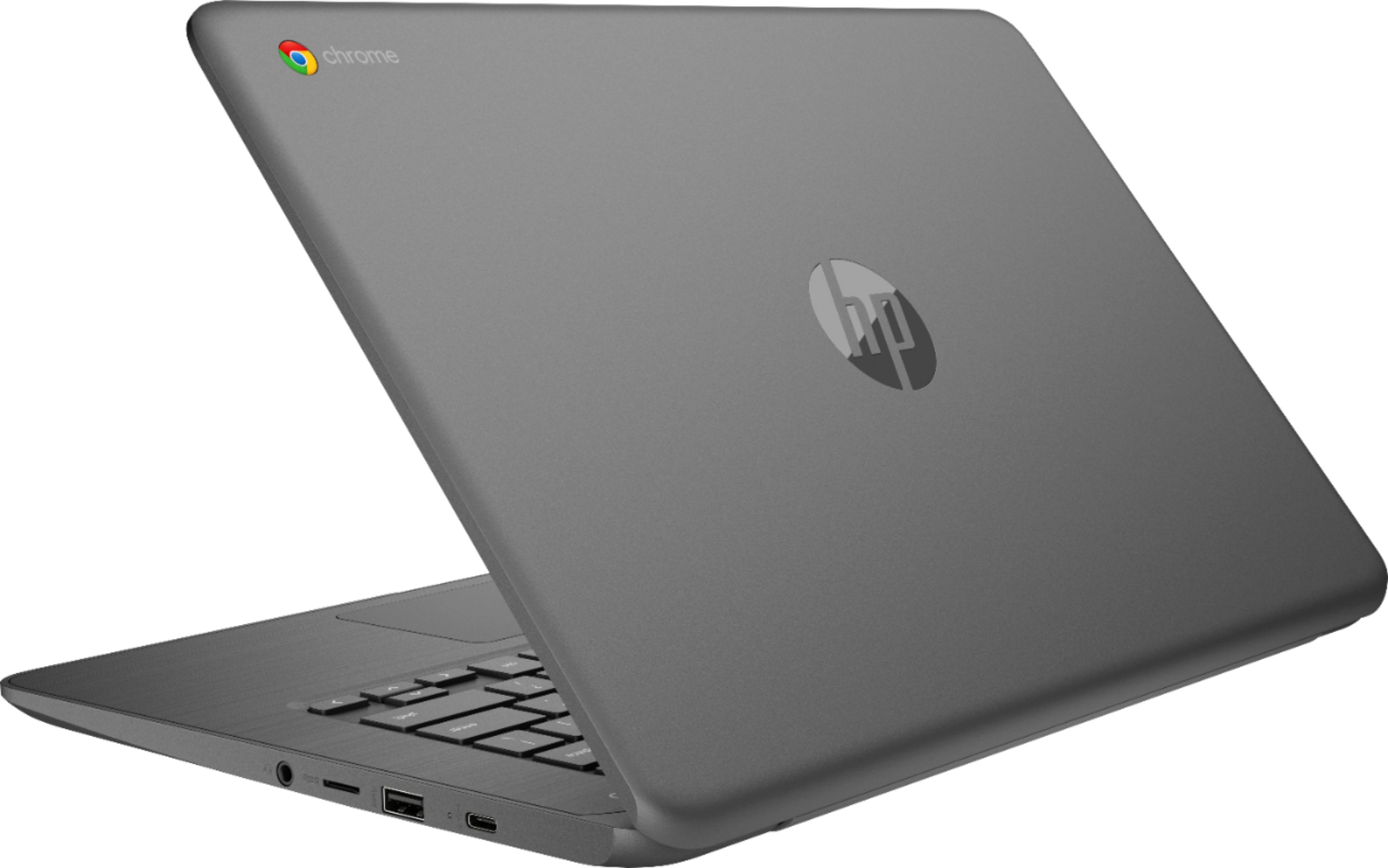
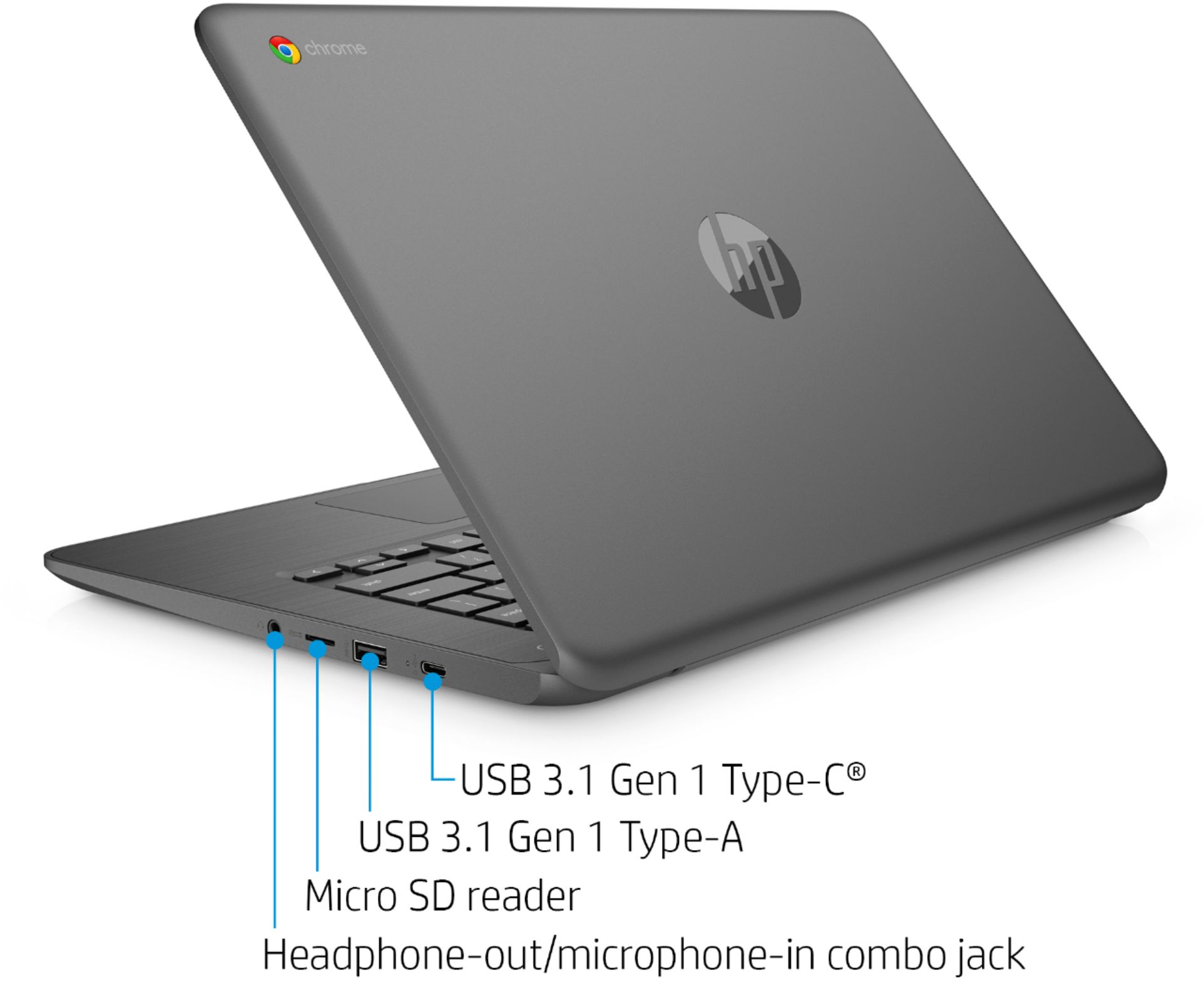
A:AnswerHello, yes, this device can be loaded with a Micro SD card, you can add an external HUB to your Chromebook, as well as an additional keyboard through the USB ports or through Bluetooth connectivity. Keyboards are chosen by personal preference so any HP keyboard will work with this HP Chromebook. Thank you for being an HP customer!
A:AnswerHi Yesenia! Thanks for your question. Here is a link that should help you with this:
https://support.google.com/chrome/answer/2693767?co=GENIE.Platform%3DDesktop&hl=en
A:AnswerHi, thank you for the question. All of the newer printer models are compatible with Chrome devices using the HP Smart App on your Chromebook or Smartphone.