A:AnswerThank you for the question. Yes. When you take the system out of S Mode, you will be able to download apps from any origin, not just the Microsoft Store (provided you have ample storage available and your system meets the minimum requirements of the apps you want to use).
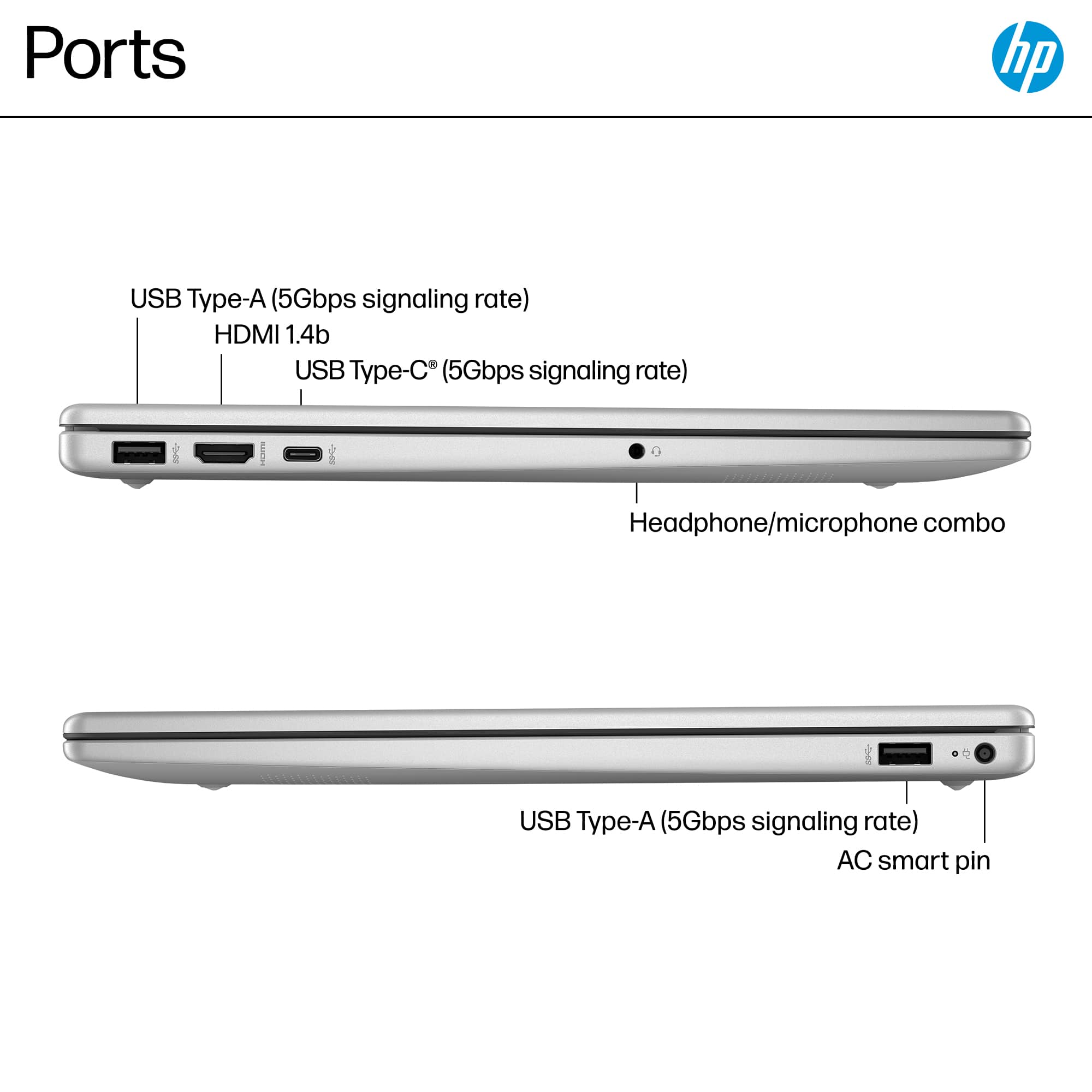
A:AnswerHello and thank you for asking. The transfer rates on the USB ports on the HP 15-fd0107dx laptop are not fast enough to supply video to external monitors.
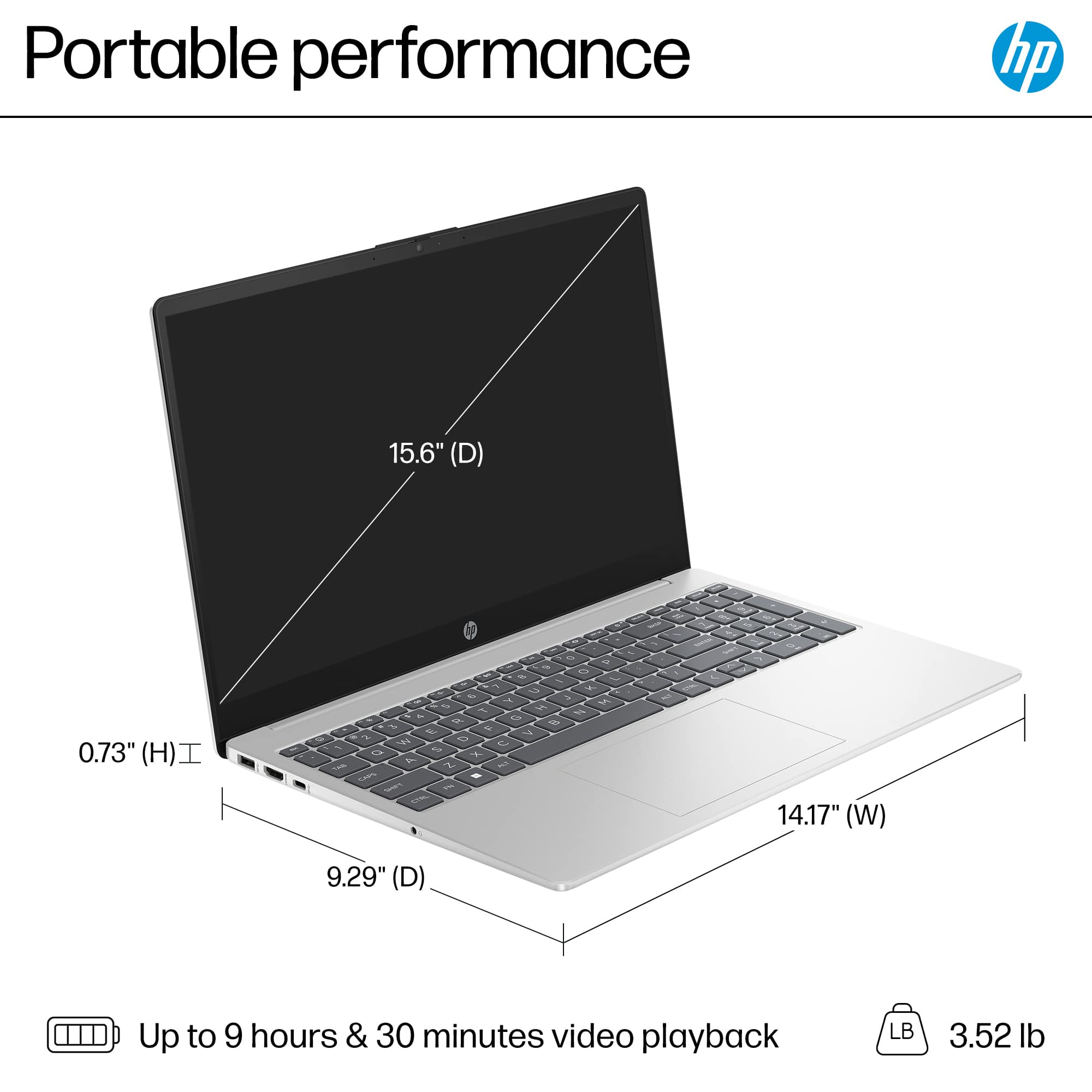
A:AnswerThank you for reaching out. The HP 15-fd0107dx laptop has a battery life of up to 6 hours and 30 minutes using mobile settings (fewer active tabs, dimmer display, etc.). Adjusting the power management settings when using battery power will prolong battery life. Note that this laptop supports battery fast charge of approximately 50% in 45 minutes.
A:AnswerCheck what is going on in your computer by using the Task Manager: under Performance, see if the CPU usage is high (above 50%) and check Processes to see which are using the most CPU power. Close those you absolutely don't need, lower the screen brightness, and turn off WiFi if you are not using it.
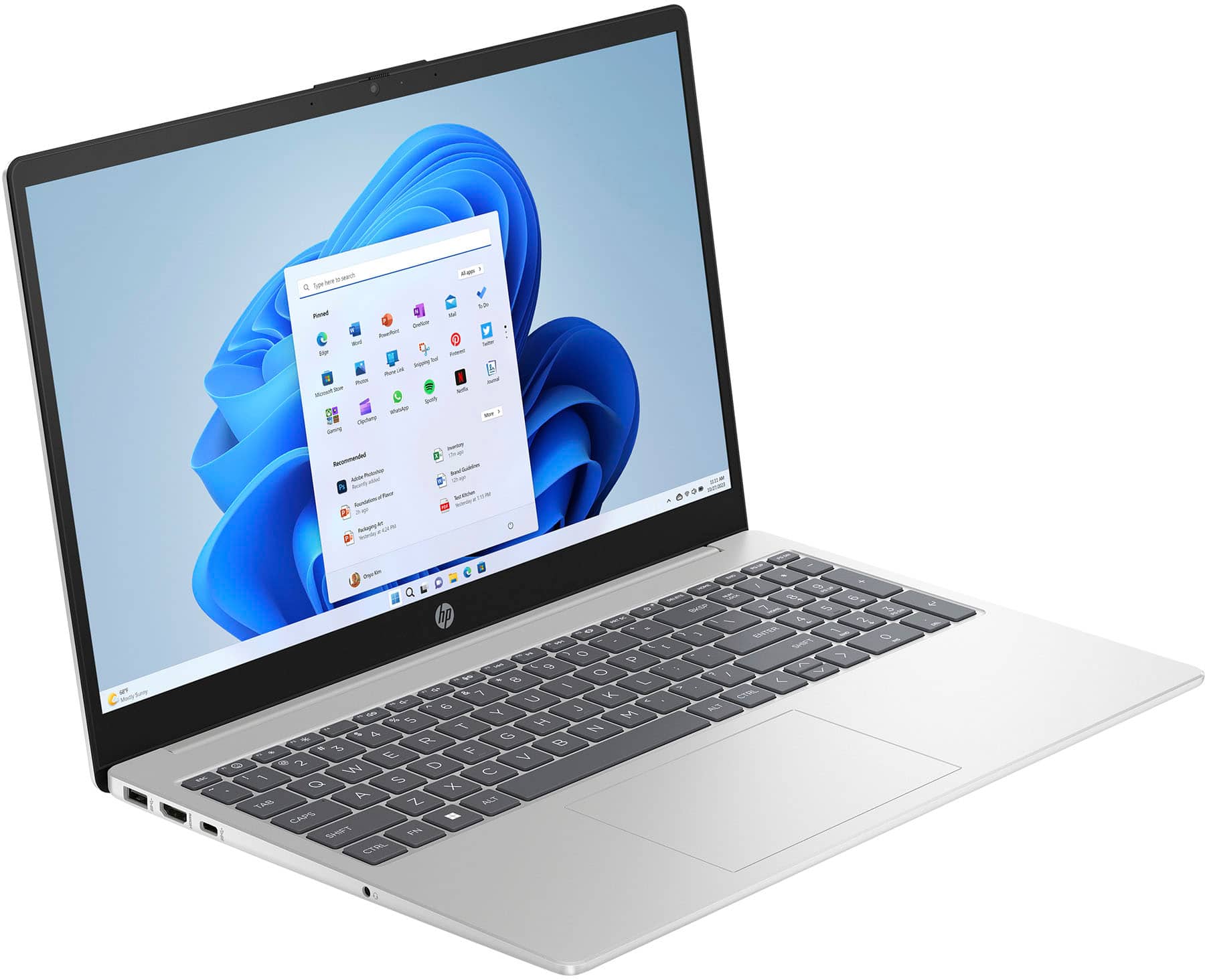
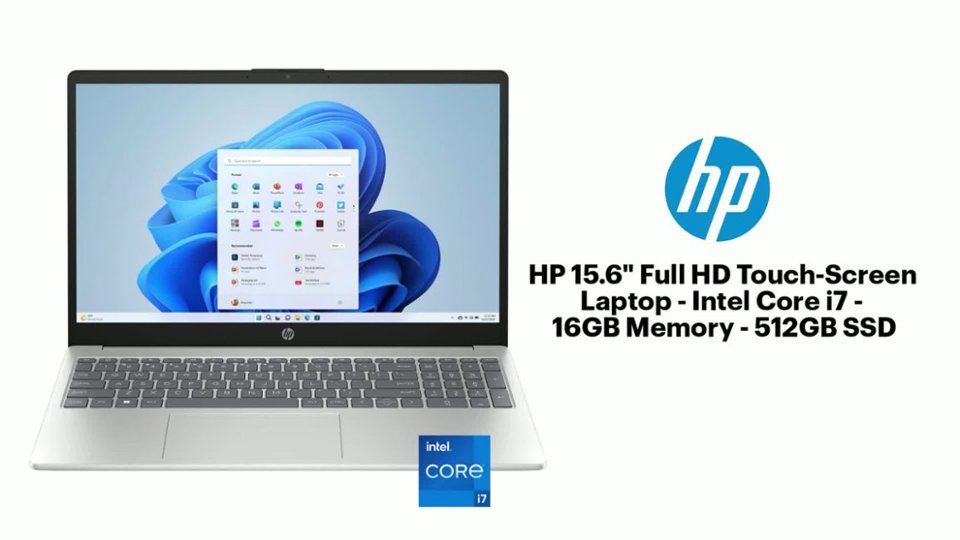
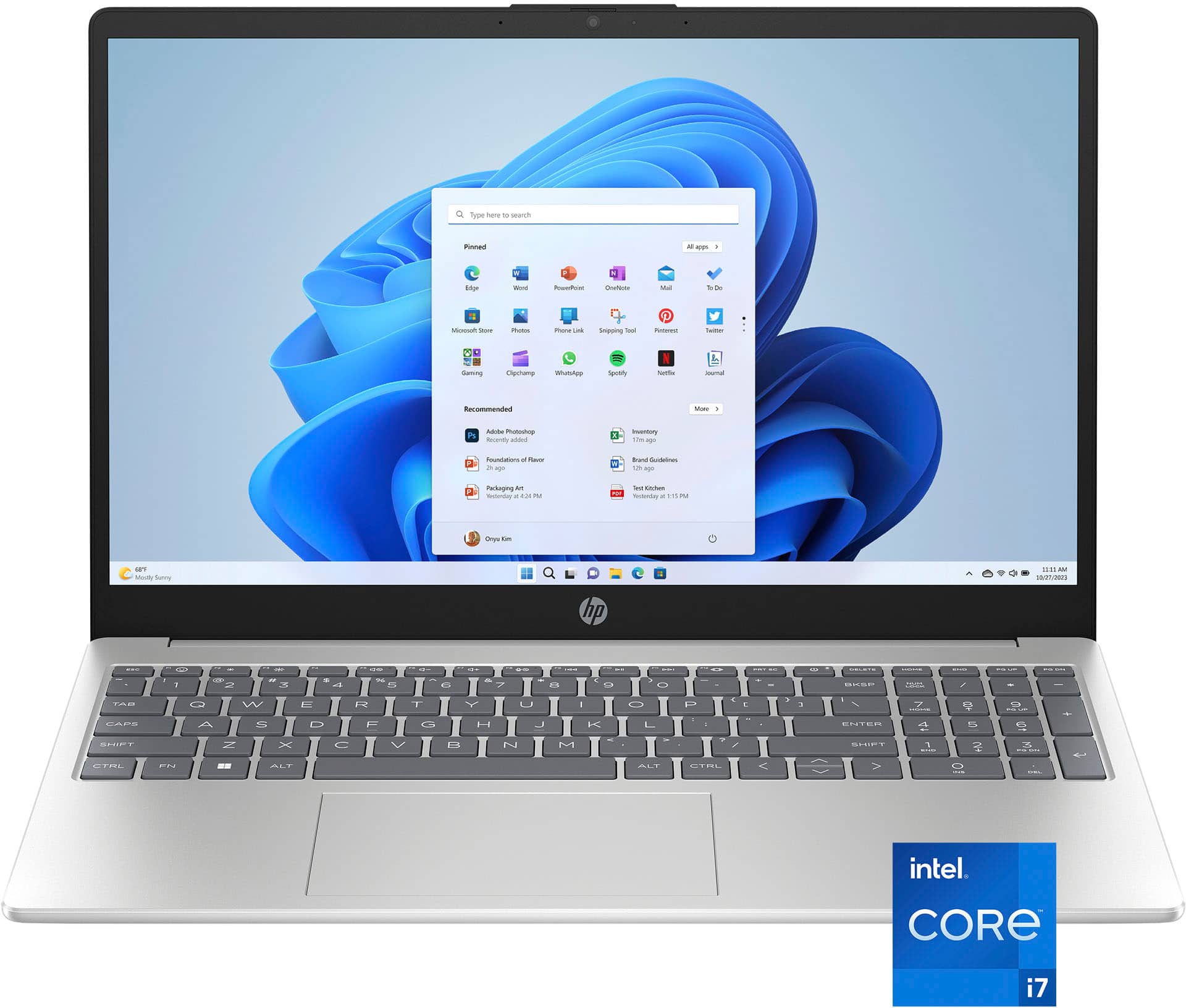
A:AnswerHello and thank you for asking. The HP 15-FD0107dx laptop computer has one USB-C 5Gbps signaling rate (data transfer only; no charging or video), two USB-A 5Gbps signaling rate, one HDMI 1.4b port, and one headphone/microphone combo port.
A:AnswerDoes not come with 365. You might be able to add it from an existing account, depending on the stipulations of that account.
For more information, search Questions, where this ad nauseam question has been answered MANY, MANY times.
A:AnswerThank you for your question. Yes, the webcam on the 15-fd0107dx laptop can be used to scan QR codes. You can use various software applications that support QR code scanning via a webcam.
A:AnswerThank you for your question. Yes, the HP 15-fd0107dx laptop comes with a 30-day trial of Microsoft 365 pre-installed. This allows you to try out the full suite of Microsoft 365 apps and services before deciding whether to purchase a subscription.
A:AnswerThey will if you want them to, but there will be an extra charge. If it's only DATA you want to transfer, you can do so with a cable; by transferring the data to a flash drive, then from the flash drive to the new PC; or copying the data to the cloud, then back to the new PC.
A:AnswerSarah, thank you for your question on international adaptability! HP recommends purchasing a charger with the same number of watts as the one that comes with the laptop. HP does not recommend using international voltage adapters with their products.
A:AnswerThank you for your question. As system requirements for software constantly change, we cannot answer questions about software compatibility or performance. What is compatible today may not be in a few months. Please check the software manufacturer's website for the most current system recommendations.