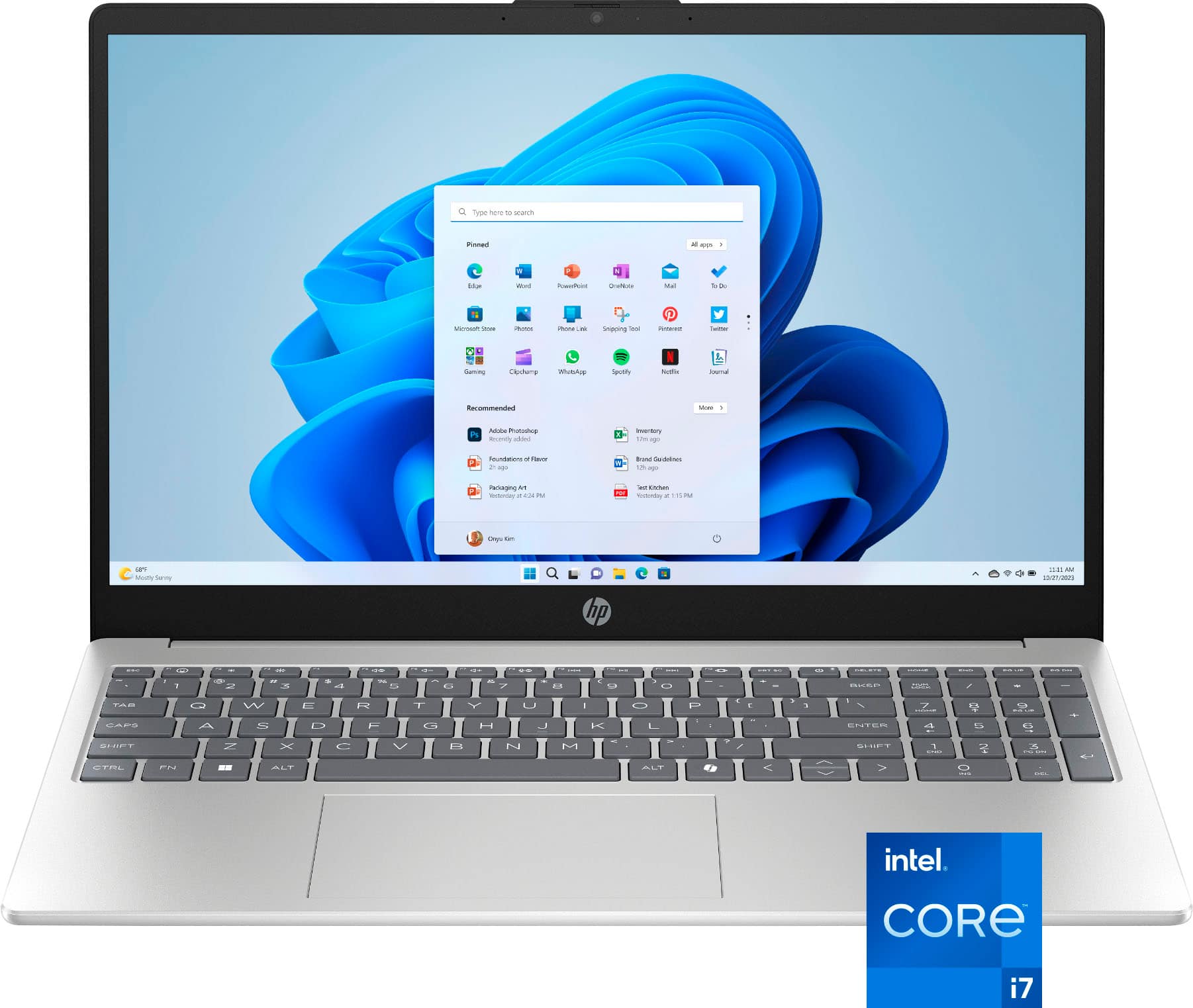
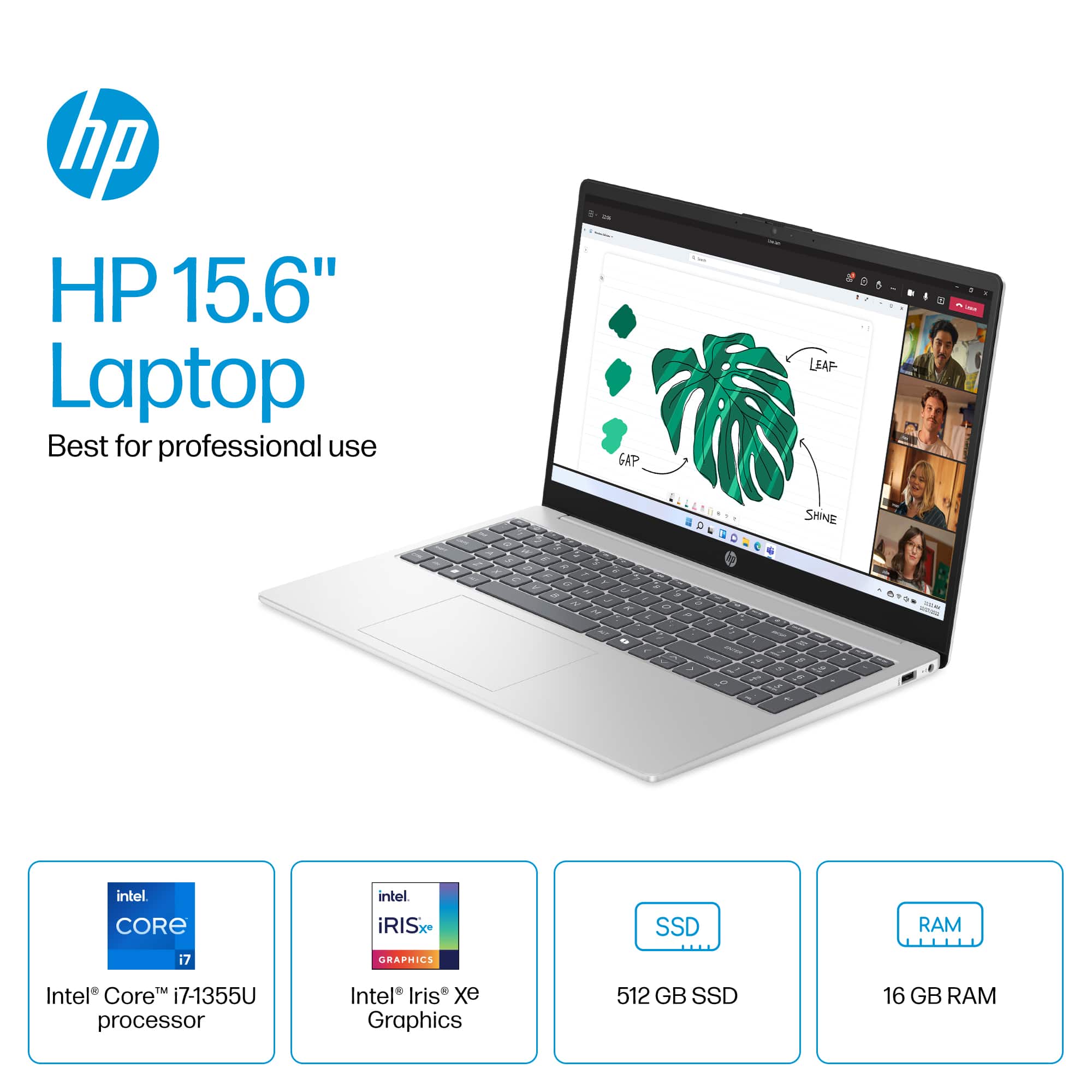
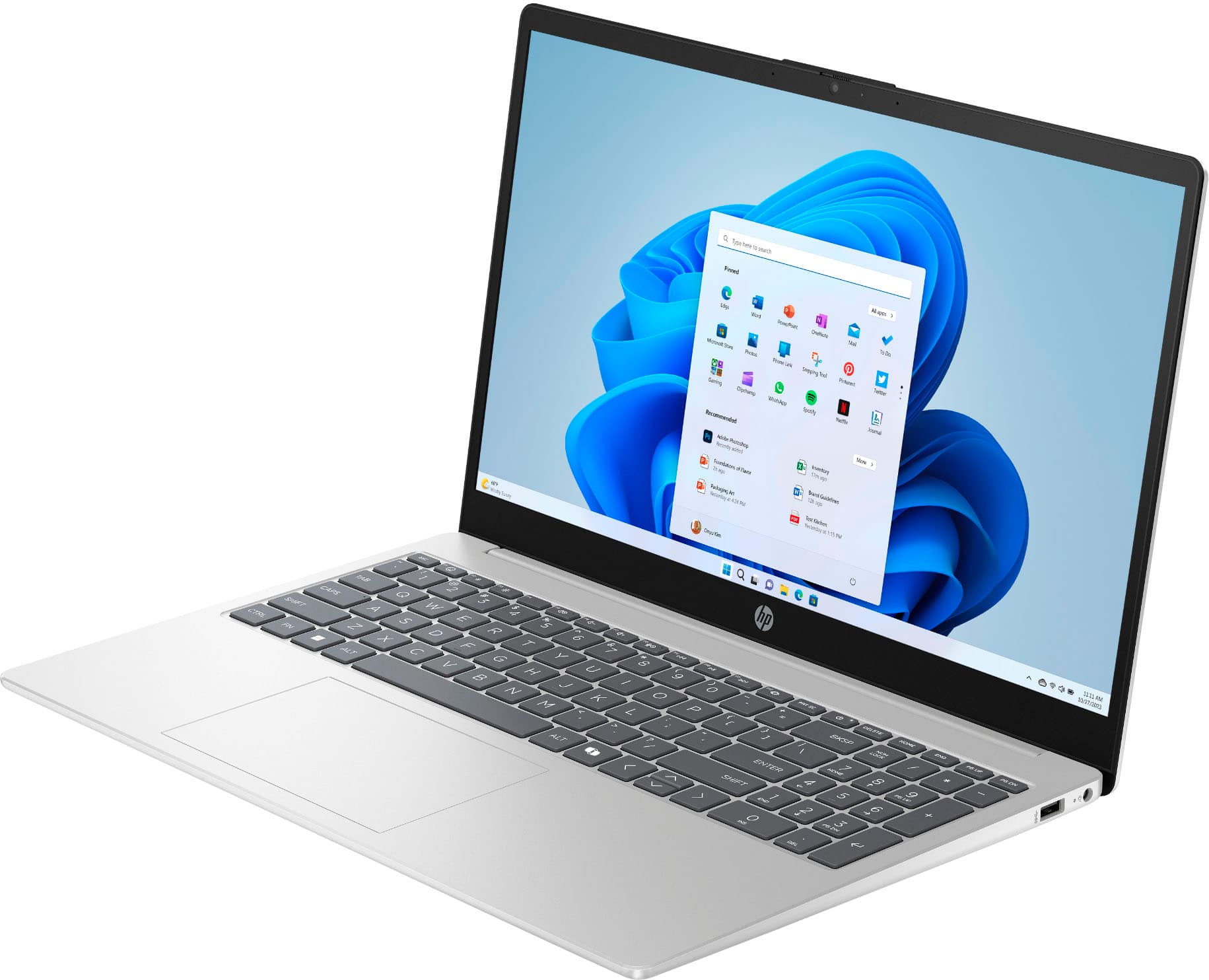
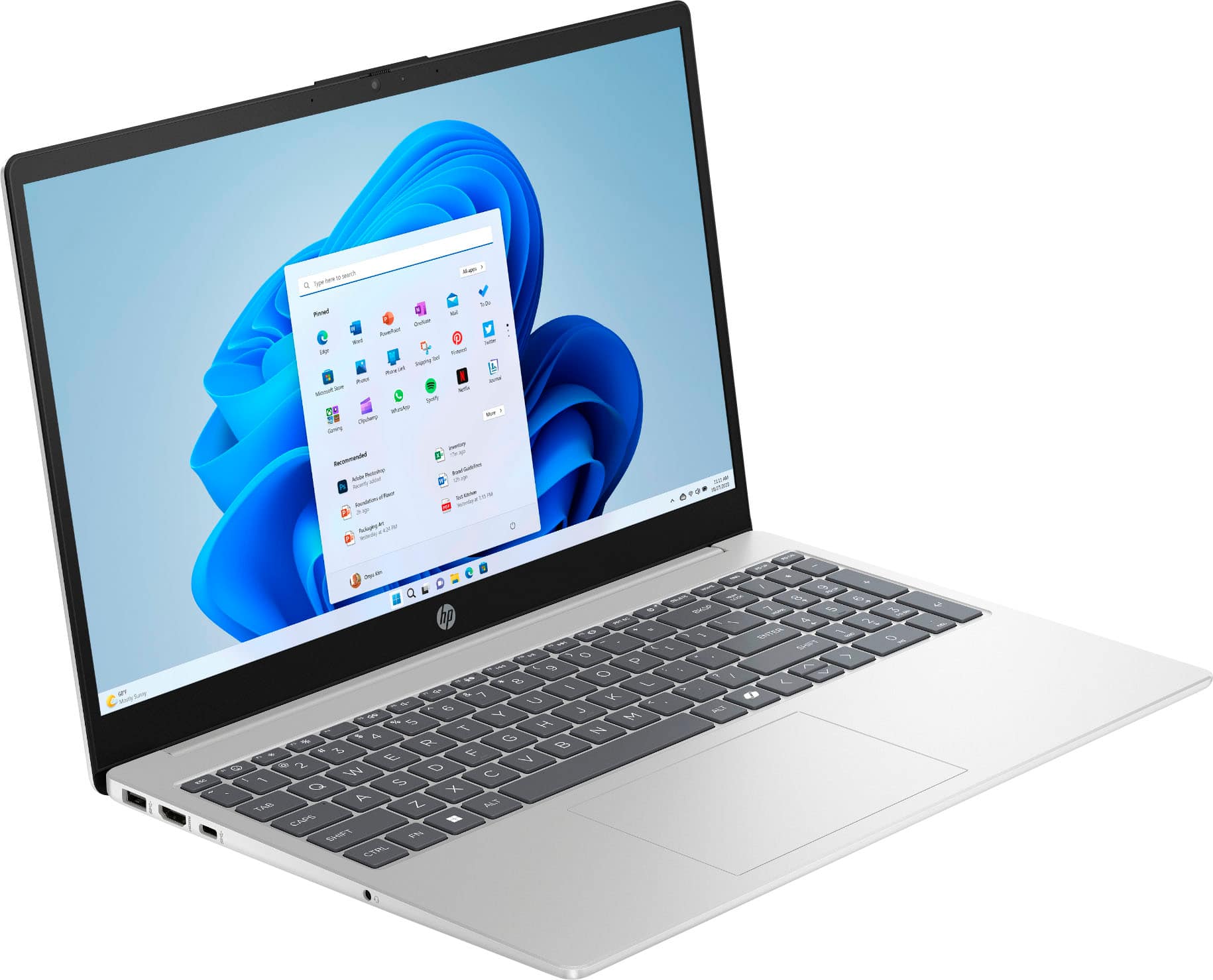
A:AnswerThank you for the question. It's neither. The HP 15-fd0127dx is designed for student and general home computing, with fewer premium features than you'll find with the Pavilion, Envy, Spectre and OmniBook models.
A:AnswerBB, thank you for your question about this HP laptop! Yes, you can upgrade the storage at a later date. Additionally, HP has models that have 1TB and 2TB capacity drives sold through Best Buy.
A:AnswerHell and thank you for your question. The HP 15-fd0127dx laptop computer is part of the HP sub-brand of laptops. It is not part of either the Pavilion or Envy sub-brands.
A:AnswerHello and thank you for asking. It is possible to upgrade the RAM on the HP 15-fd0127dx laptop computer, but you will need to take it to a trained technician to perform the upgrade as the RAM slots are not user accessable.
A:AnswerMar, thank you for your question about this HP laptop! HP has different sub-brands of laptops with different hardware configurations and features. The HP laptops are the entry-level series made more for the home with some occasional moving around. All HP laptops are equipped with anti-reflective coatings.
A:AnswerMy HP has one M.2 slot for SSD storage. Depending on the configuration, it may already be occupied, so an additional SSD can be added if the slot is free
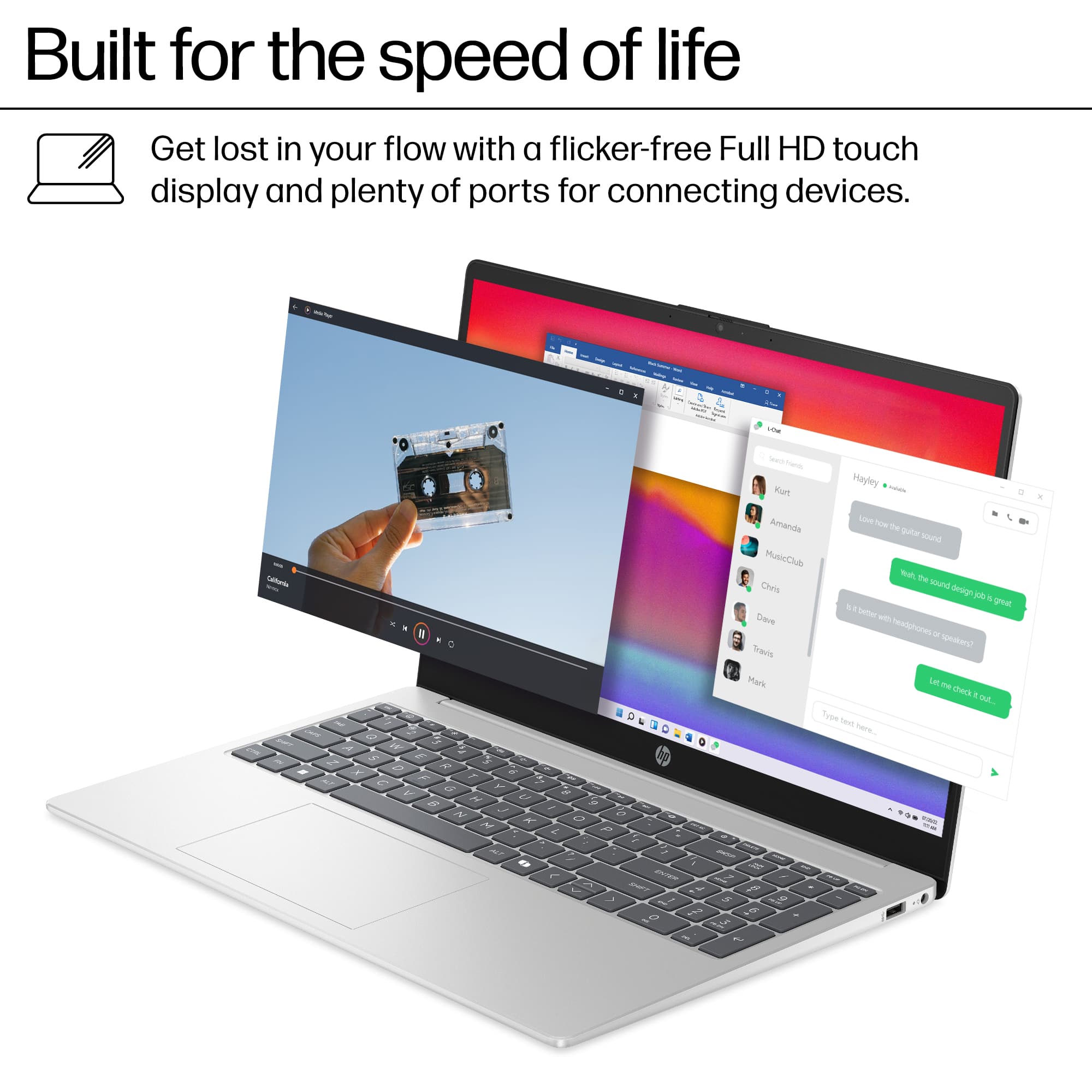
A:AnswerThanks for your question! This HP 15.6" Full HD Touch-Screen laptop (model 5-fd0127dx) does have a full-size backlit keyboard, but does not come with a 360-degree hinge.
A:AnswerIf the customer-supplied photos are of the Model 15-fd0127dx (SKU: 6612253) advertised, HP's replies on this question are inaccurate. These photos clearly show two standard SODIMM slots and corresponding modules, meaning they can be easily replaced by the owner, not soldered in chips, as HP states. I searched MemoryStock and they say that the RAM can be upgraded to 32GB (2x16GB). Feel free to fact check me.