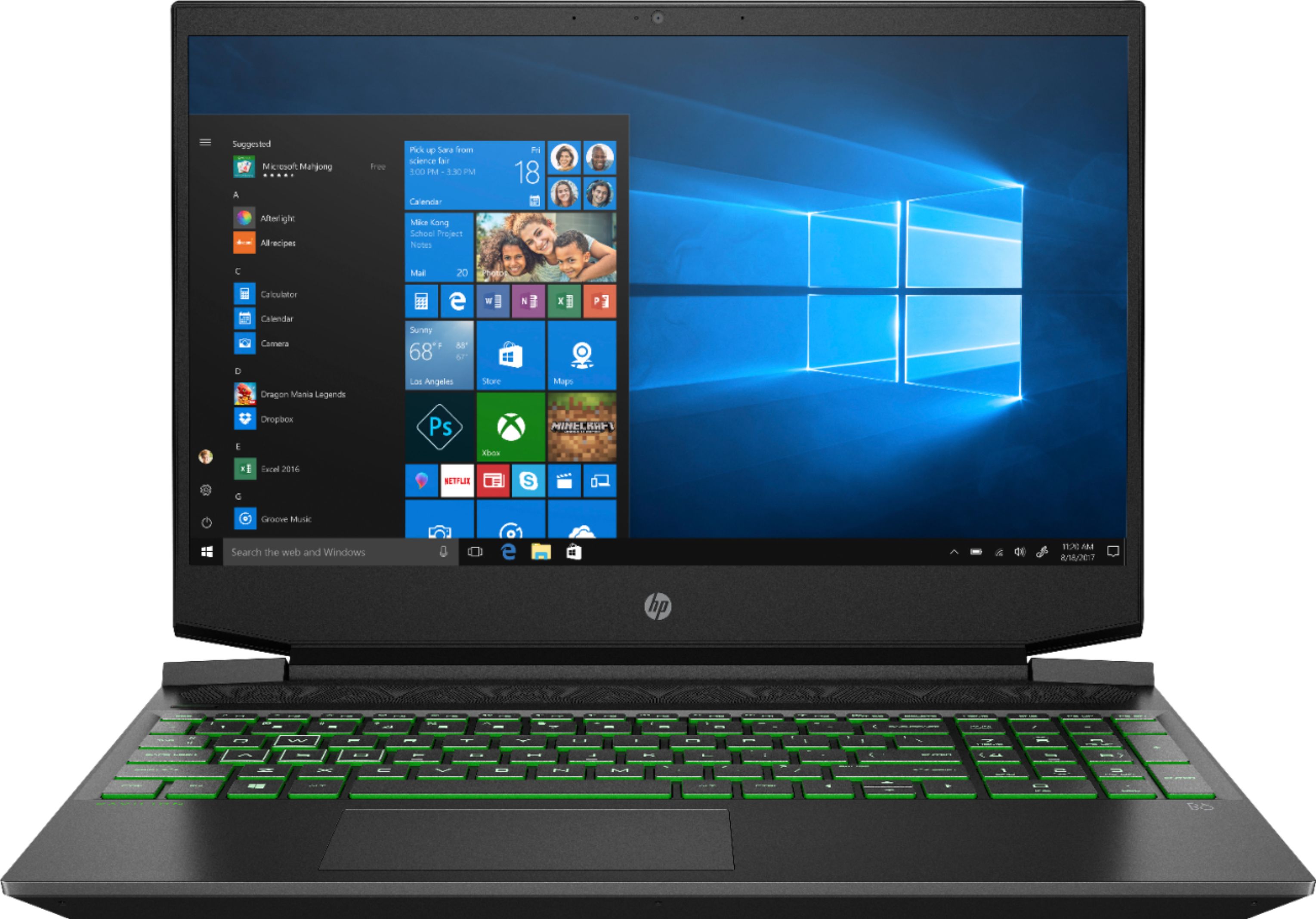
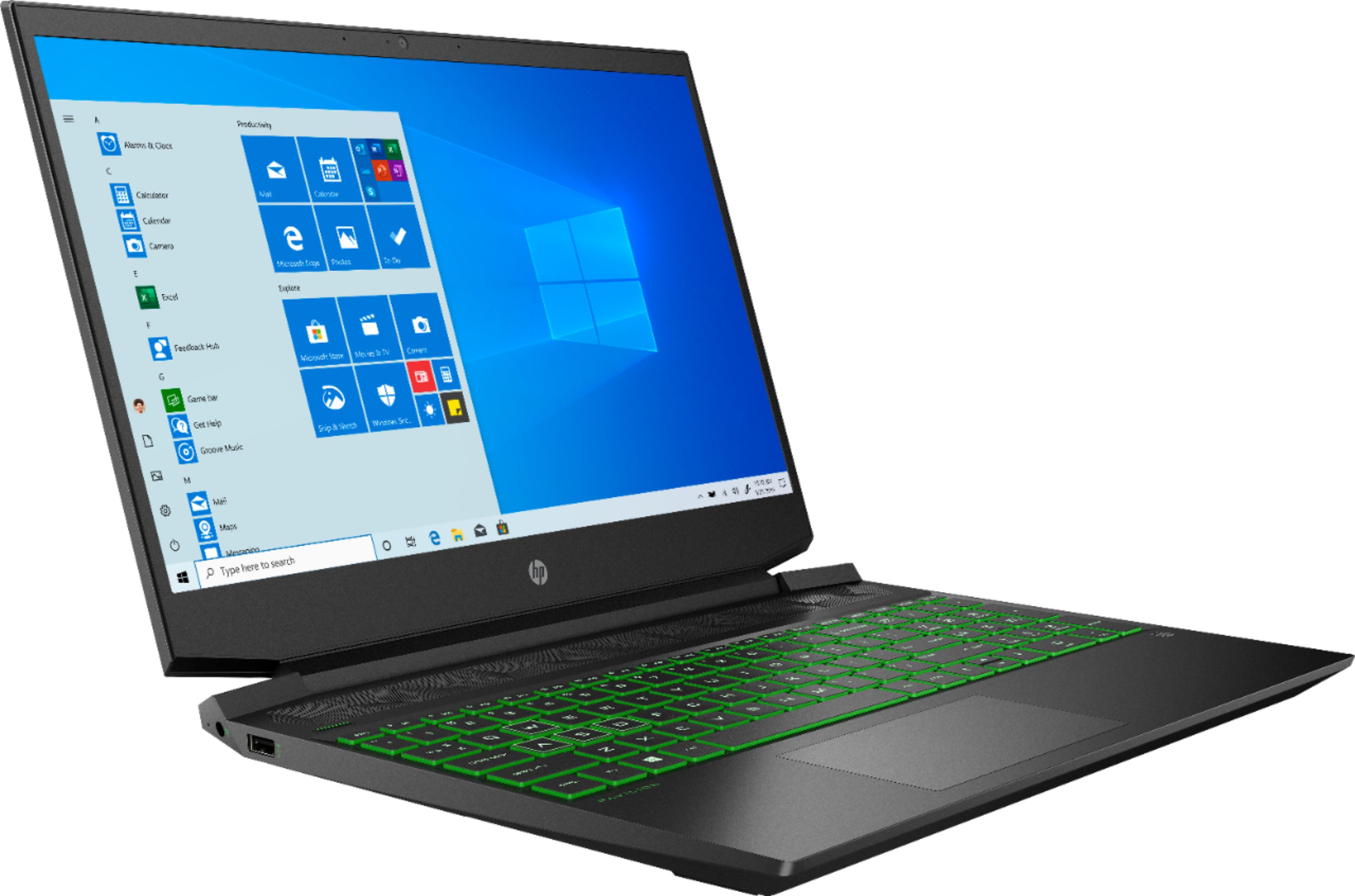
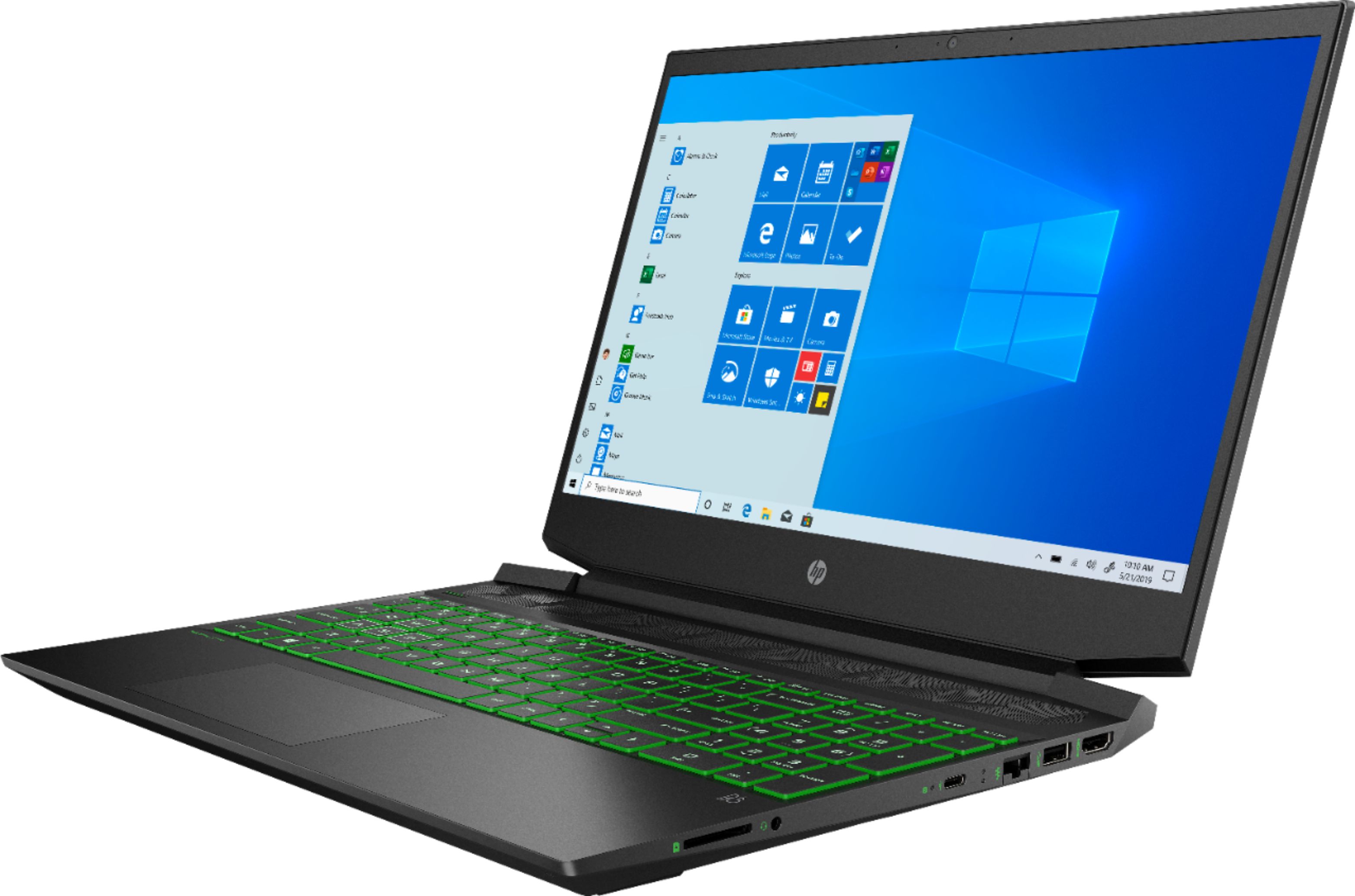
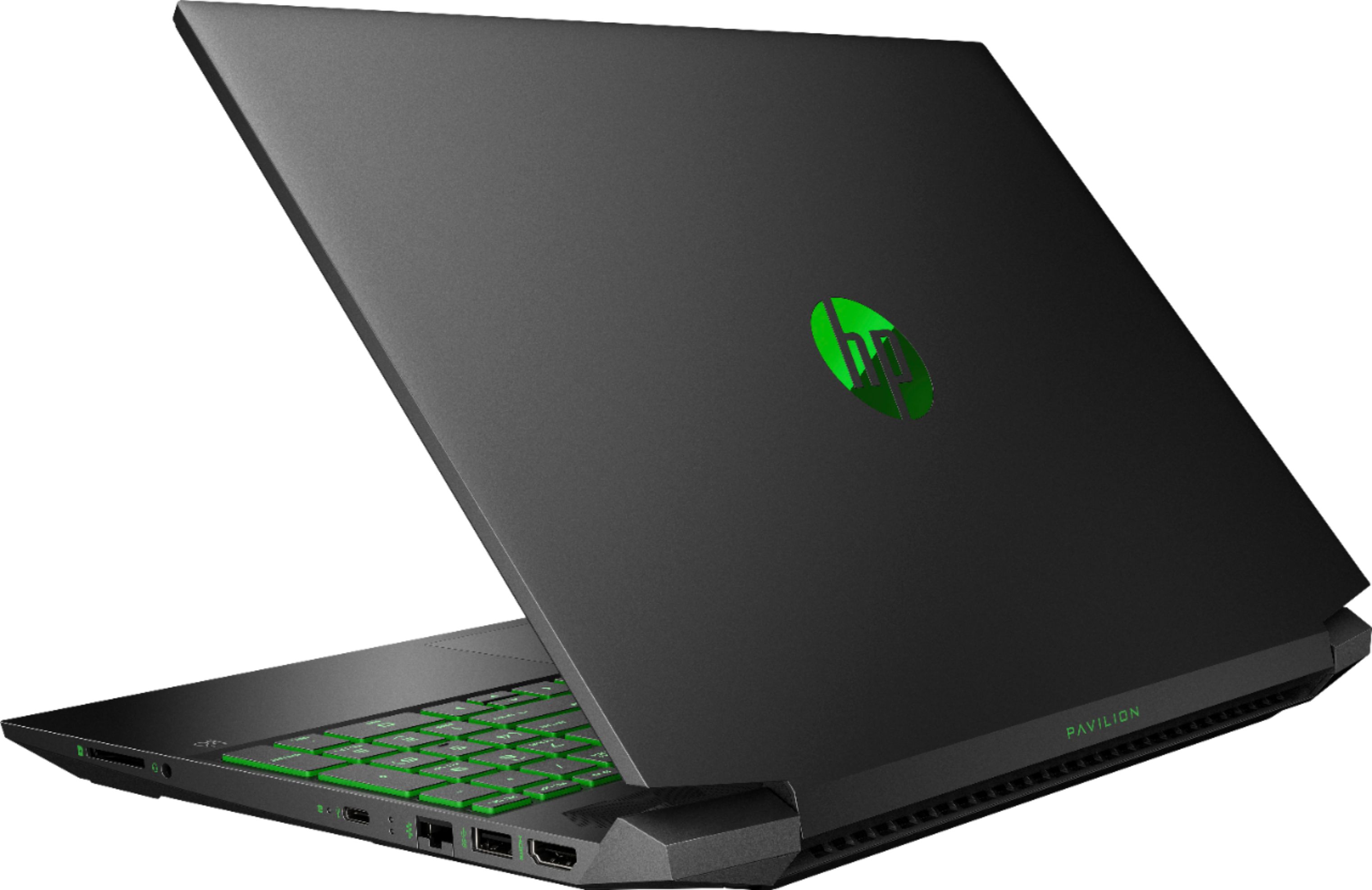
A:AnswerProbably not. The key component on this laptop to improve FPS would be the NVIDIA graphics card which cannot be upgraded. The AMD Ryzen 5 processor and 8GB of memory with the 256GB solid state drive make this a pretty quick laptop. You can of course try using a lower resolution or remove some details to get the speed you want. I have this laptop and Fortnite runs fluidly.
A:AnswerI would recommend reaching out to the customer service team at Best Buy for the pricing information. It would cost about $120 to upgrade to the 32 gigabytes of RAM. I would suggest Googling HP 15-ec0013dx RAM upgrade to find the RAM. Pages 28-29 of the service manual show you how to take the laptop a part. Pages 31-32 show you how to take out the old RAM and install the new RAM. http://h10032.www1.hp.com/ctg/Manual/c06446633 Or you can have the Geek Squad at Best Buy install the RAM for you.
A:AnswerI don't know why your machine is crashing, but your operating system and hardware is most likely the cause of you only having 6 GB of ram available. I just purchased a gaming laptop for my daughter with Windows 10 and 8 GB of memory. It has about 6 GB available because some of the memory is reserved for the operating system and some for the on-board graphics.
A:AnswerYou can get a SATA ssd as a second drive or a larger pci-e ssd to replace the existing drive.
Websites like crucial will help with compatibility checking.
External hard drives are also a great option .
If installing a drive id go a head and up grade the ram while at it
A:AnswerThis is the part number for the LCD panel: L71938-001, for the LCD bezel: L72717-001 and for the LCD cable: L72719-001. If you cannot find them on the internet, I would suggest reaching out to the Geek Squad at Best Buy and see if they can order them.
A:AnswerThis computer meets the minimum requirements to play World of Warcraft: Classic. More RAM will be very helpful. But in this case, it is recommending a better discrete graphics card like AMD Radeon RX 580 or NVIDIA GeForce GTX 1070 Ti.
A:AnswerThe RAM is upgradeable to 32 gigabytes DDR4-2400 SDRAM. It is not too difficult to change the RAM. It just takes removing the bottom cover to access the RAM. Here is the service manual for your reference: http://h10032.www1.hp.com/ctg/Manual/c06446633
A:AnswerI bought this computer on Black Friday and while it says the specs can run it easily and smoothly I have all expansions, game packs and stuff packs except maybe 5 of them and my computer lags when I play.
It drives me CRAZY and Origin is the ONLY thing I have installed on my new laptop so this shouldn't be happening in my opinion..