A:Answer You'd need to get one, though I wouldn't use either of those. They are pretty resource-heavy relative to the specs on this computer unless you throw more RAM into it (which you can do on your own, don't let Geek Squad tell you otherwise- if it couldn't be upgraded why would they offer to do so and charge you for it?)
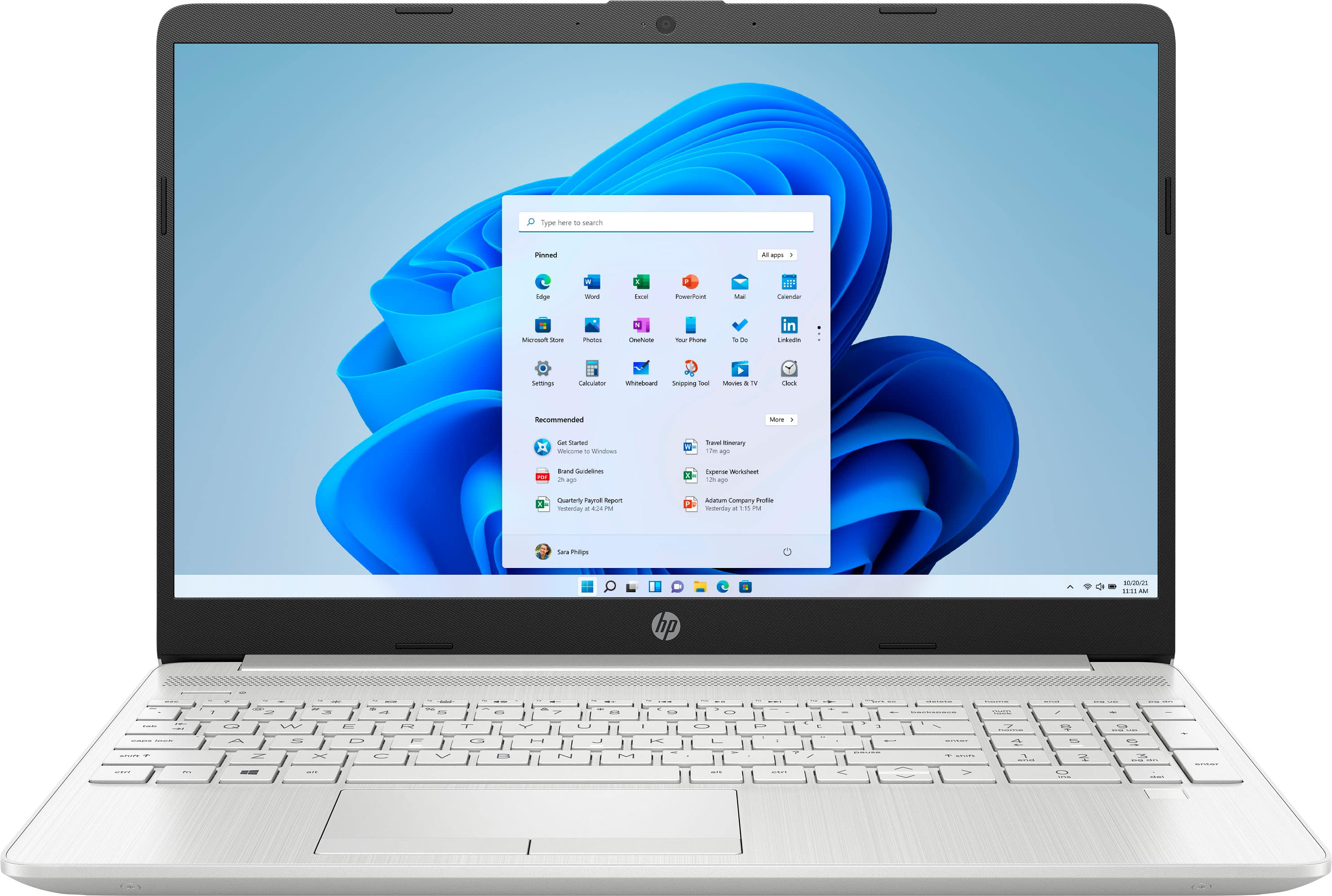
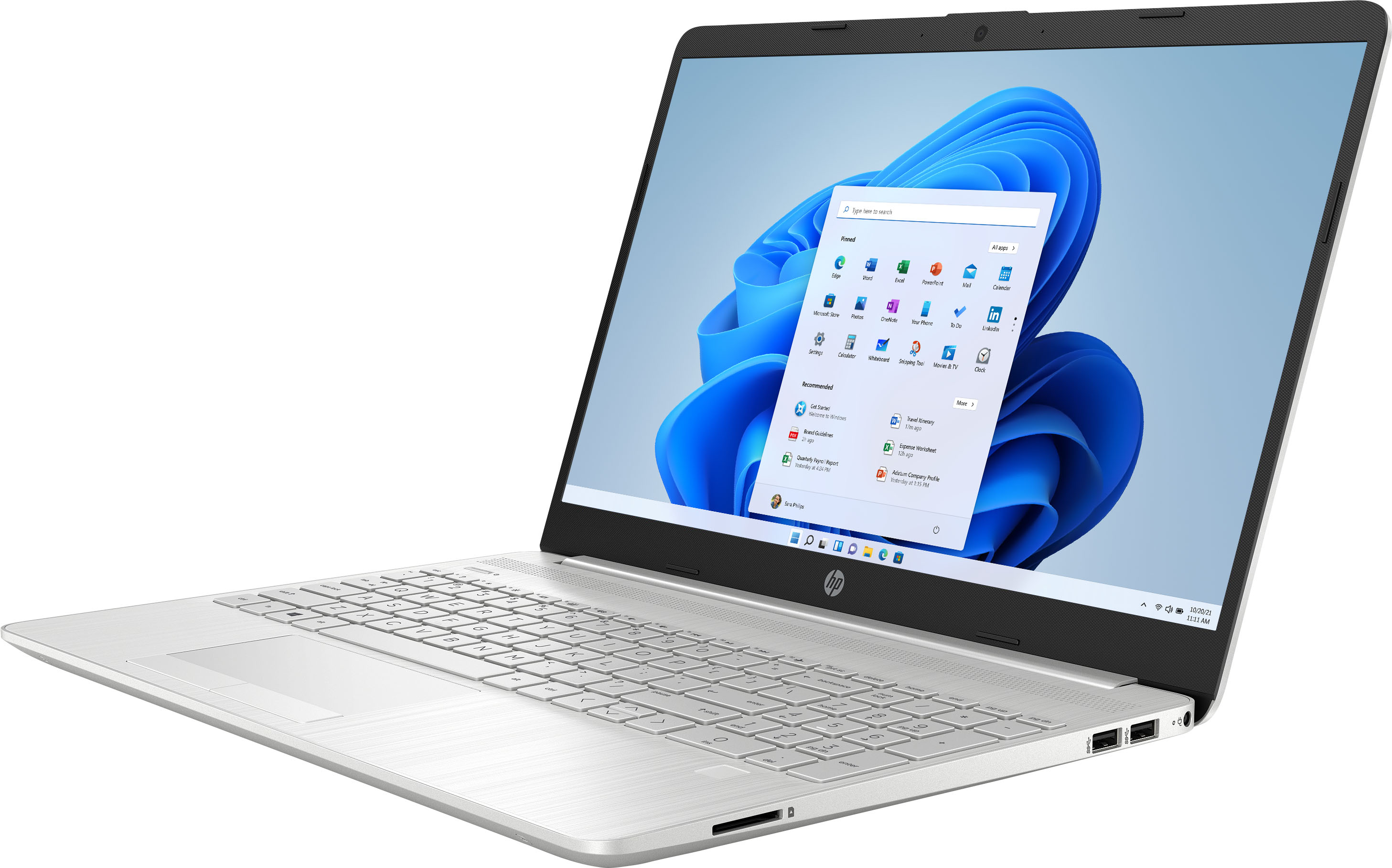
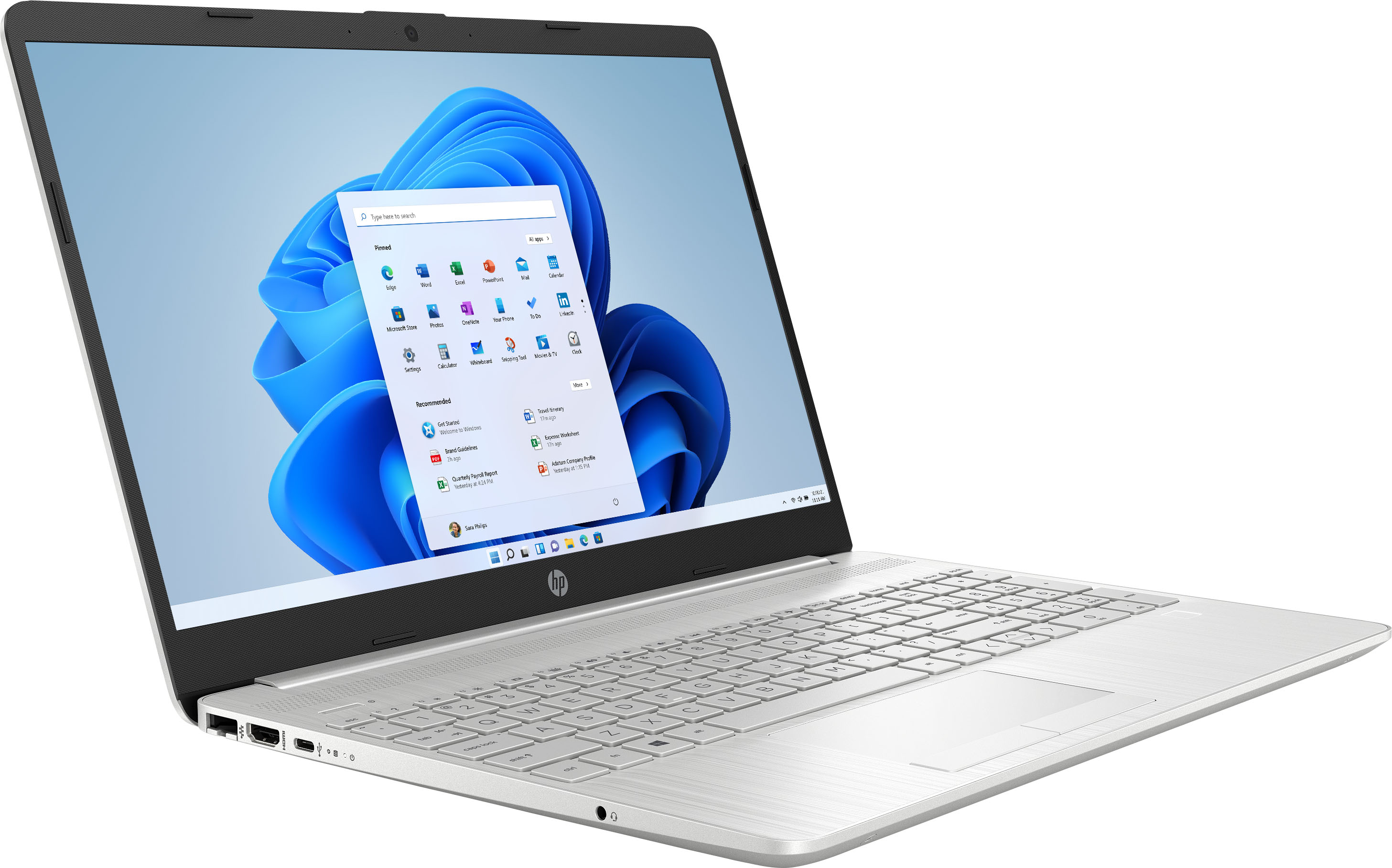
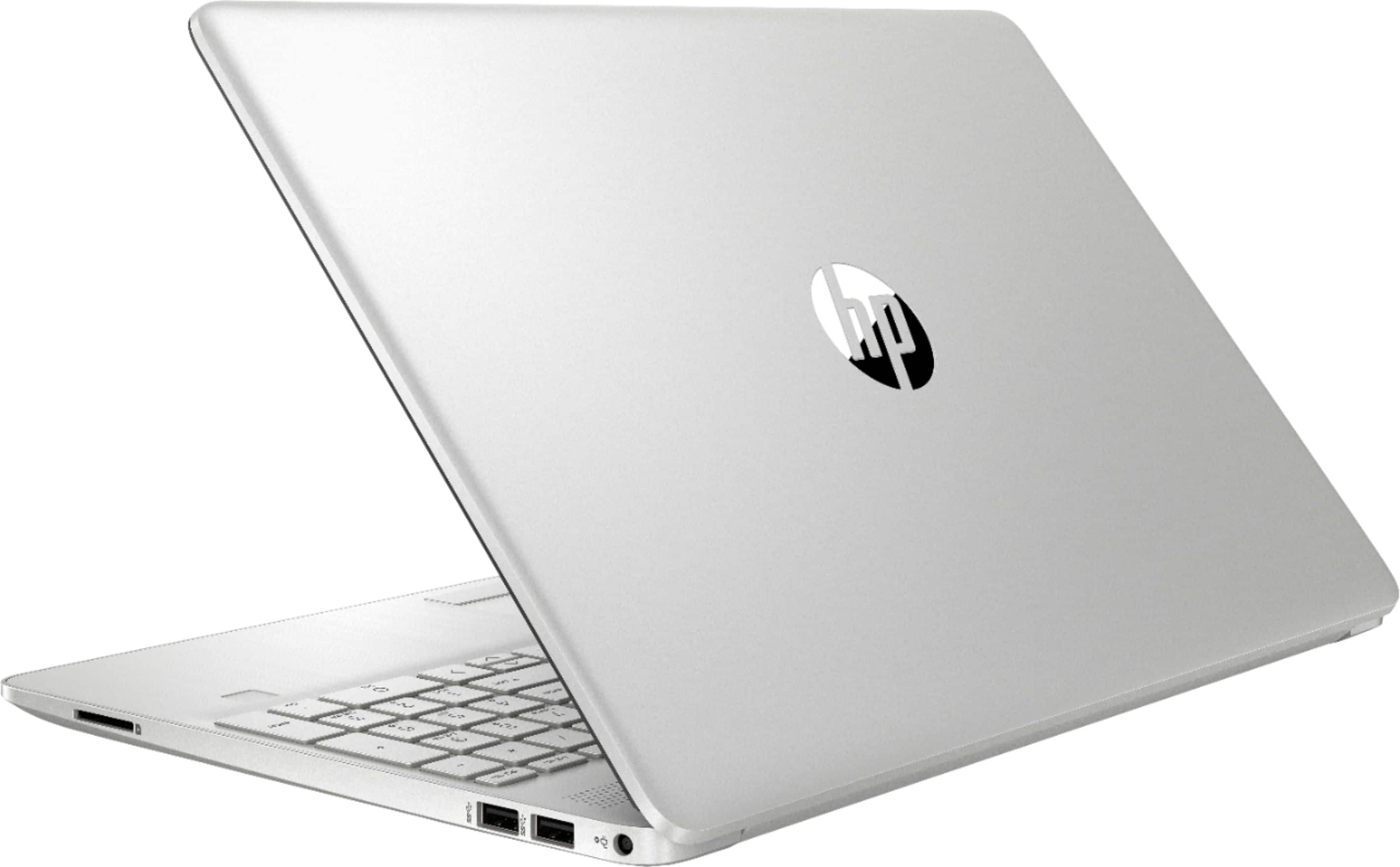
There are 7 screws. 2 in the corner, 4 under 1 rubber footstrip, 1 under the other rubber footstrip. Use a guitar pick or similar and gently pop off the back. Voila', ram slots. *SMH* I got this exact model for my daughter for school next August and I just upgraded the RAM in it.