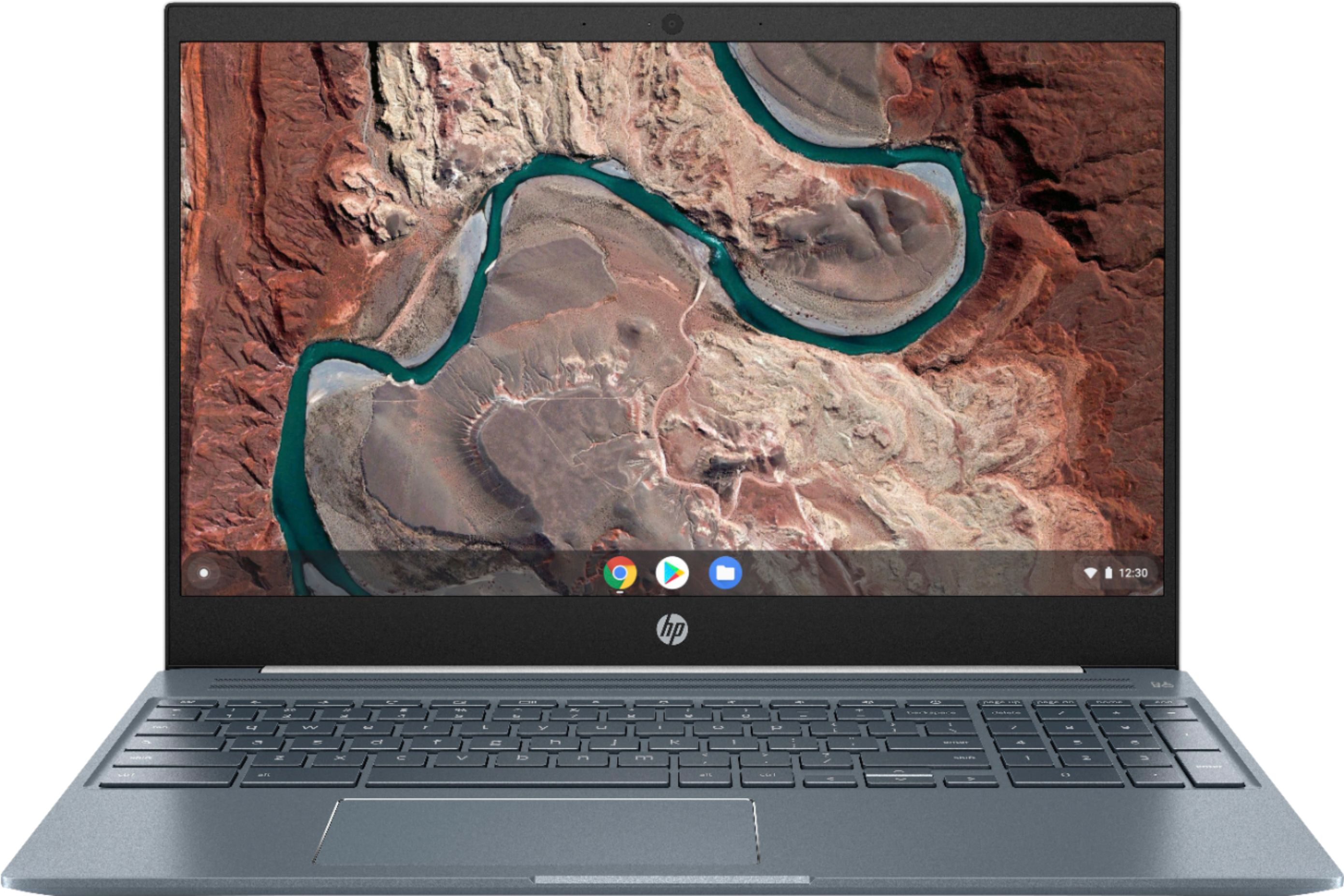
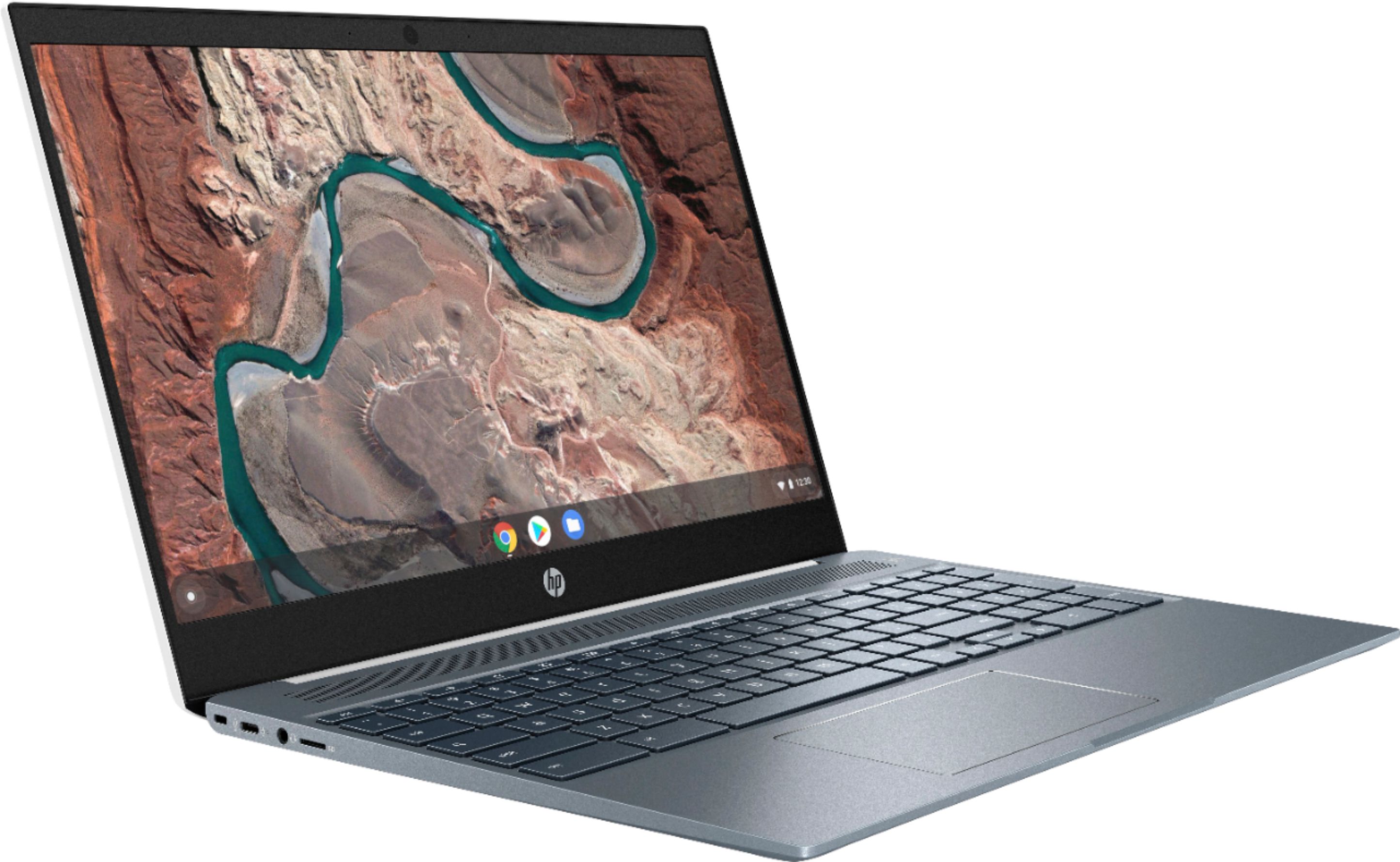
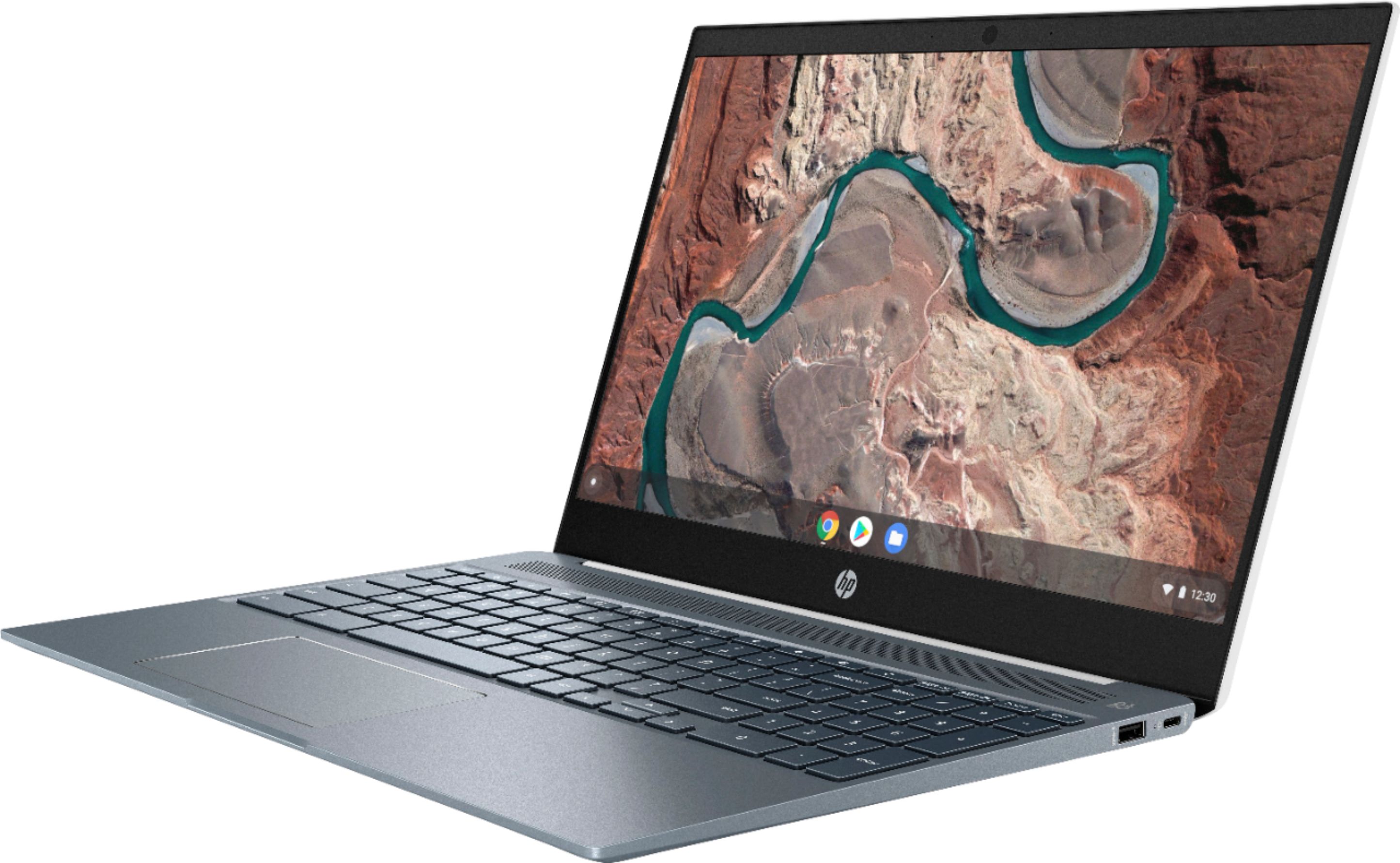
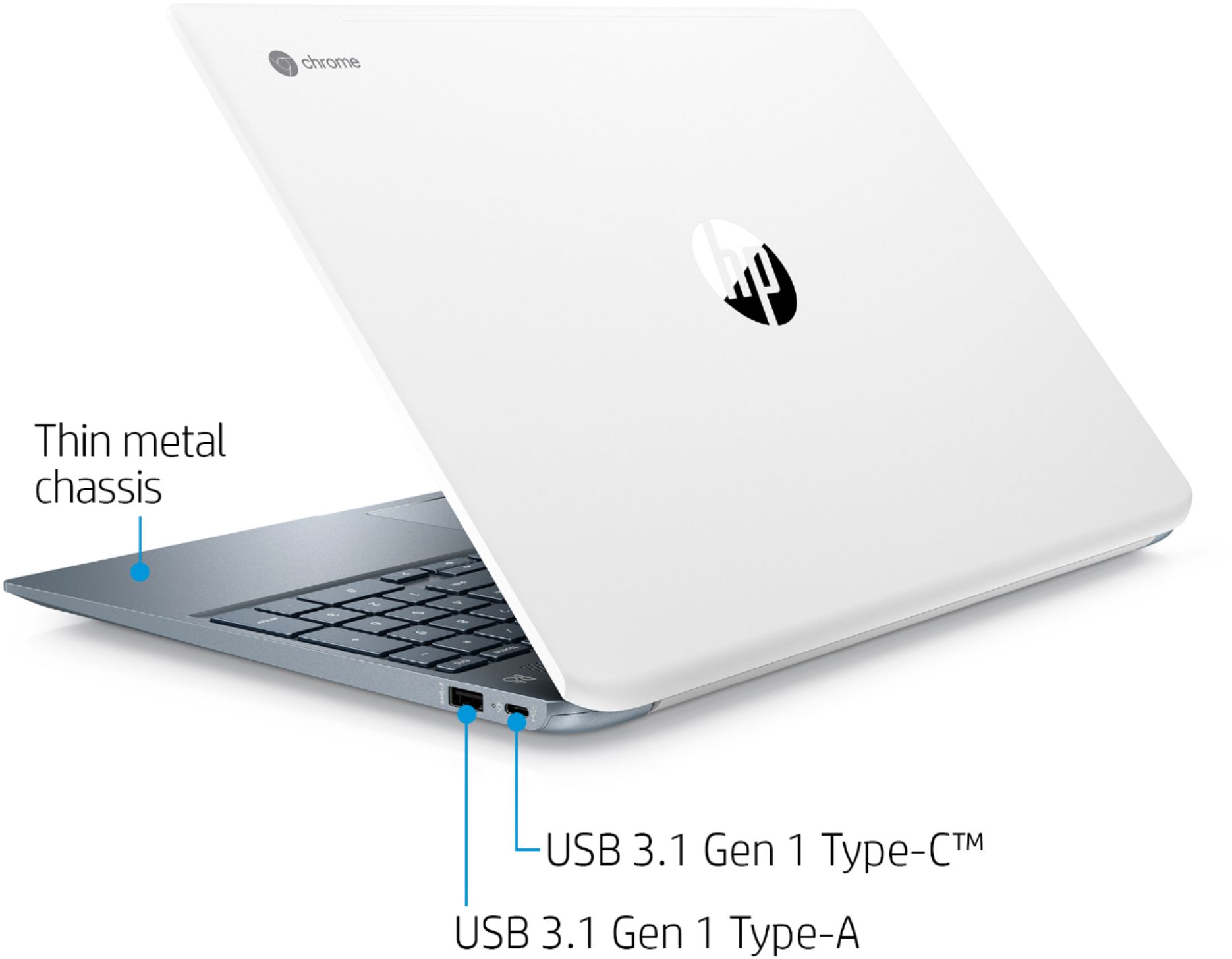
A:Answer Chrome OS is based on the Chrome browser and uses web versions of Microsoft Office 365 apps (or you can make the jump to G Suite apps); you can sync your Google account information and devices with Chrome OS. Chrome OS cannot get a virus and tends to boot faster/run speedier than Windows. Windows can run full applications/software, such as Adobe Creative Cloud/ programs and PC games, but it comes at a cost: Windows is vulnerable to viruses, malware, etc. and can quickly get bogged down by bloatware preinstalled on it. If you are looking for browsing and word processing/light officework/email, stick with Chrome. If you need access to full software and programs (photography, app development, publishing, etc.), you will have better luck with Windows.