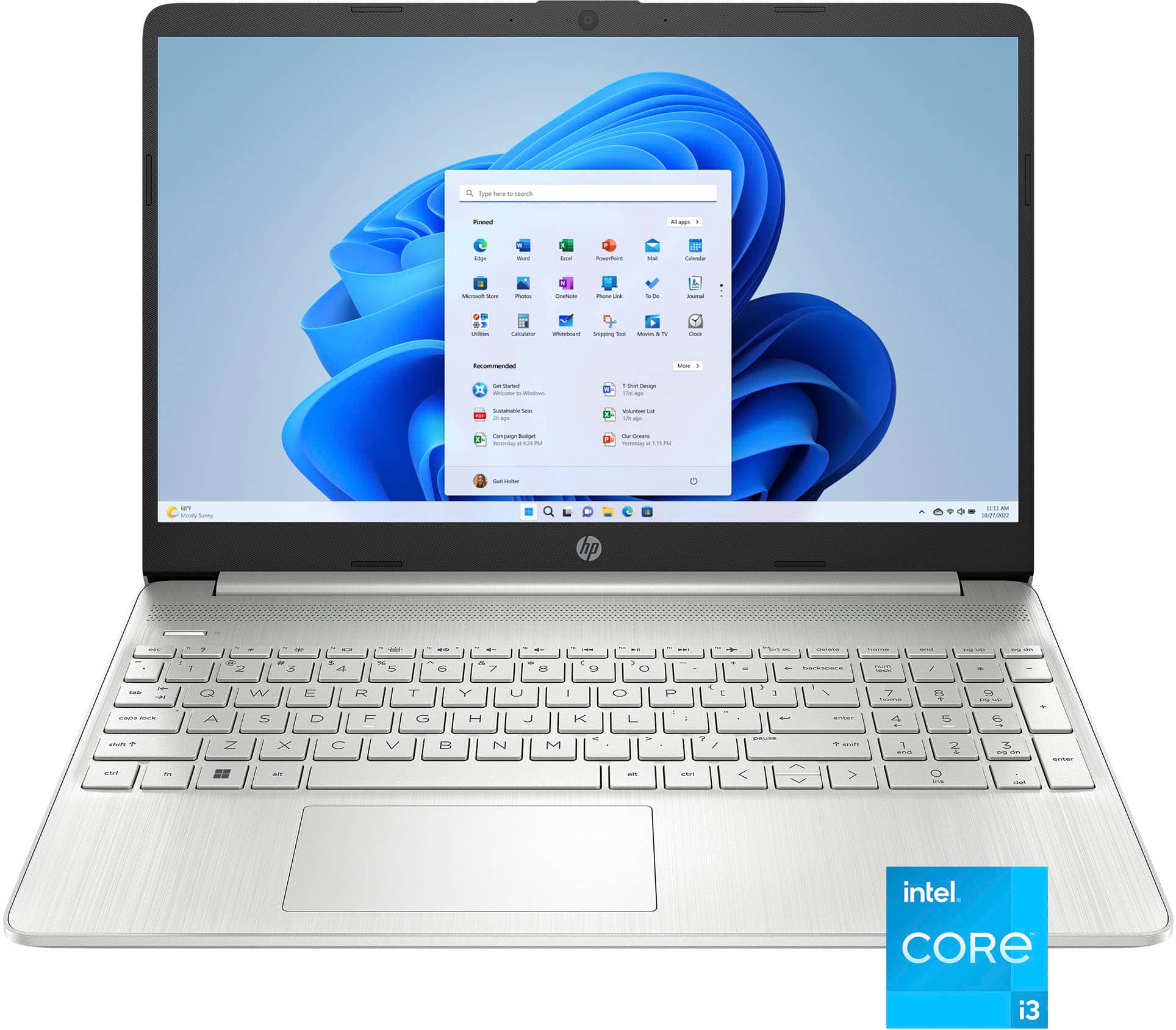
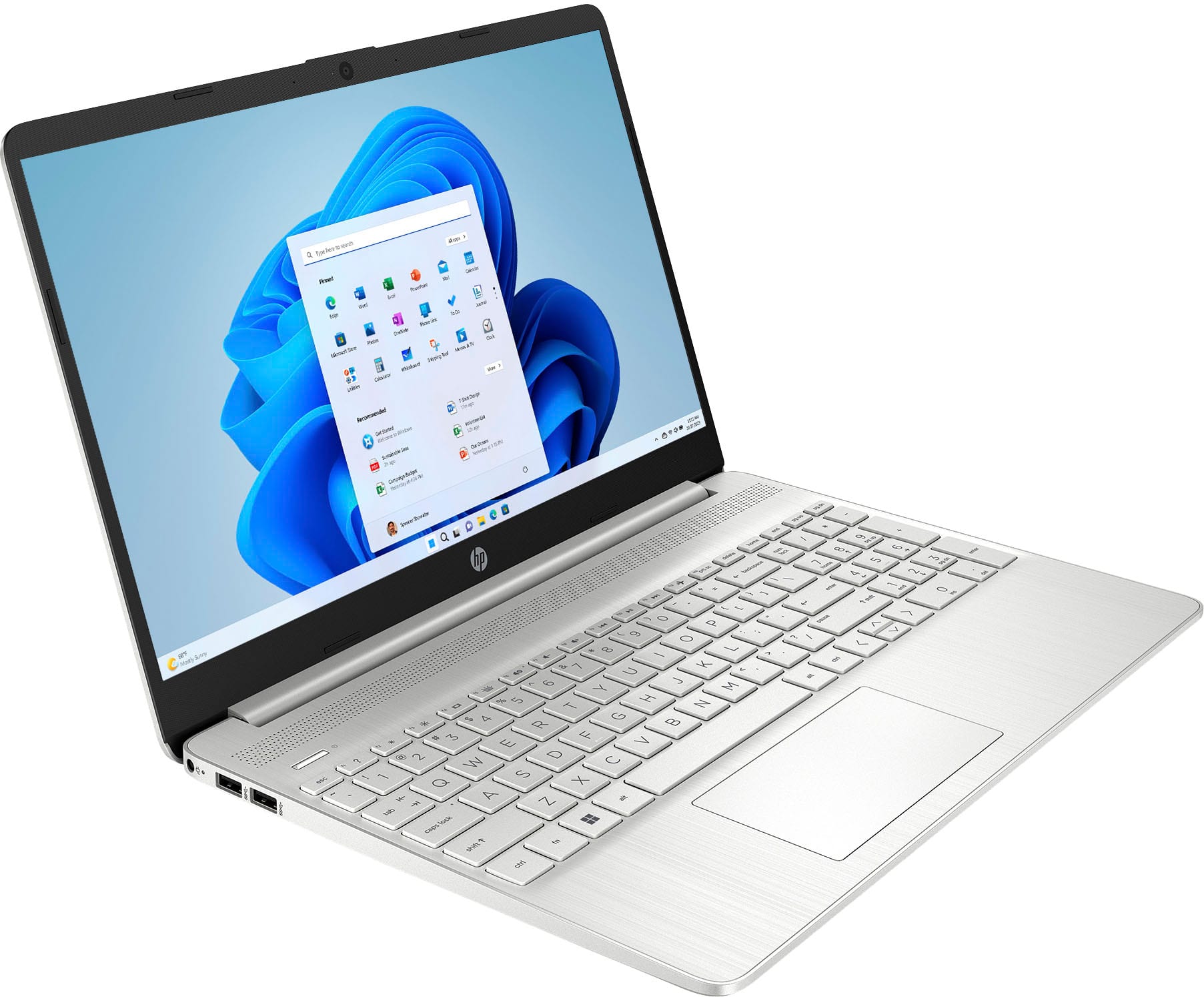
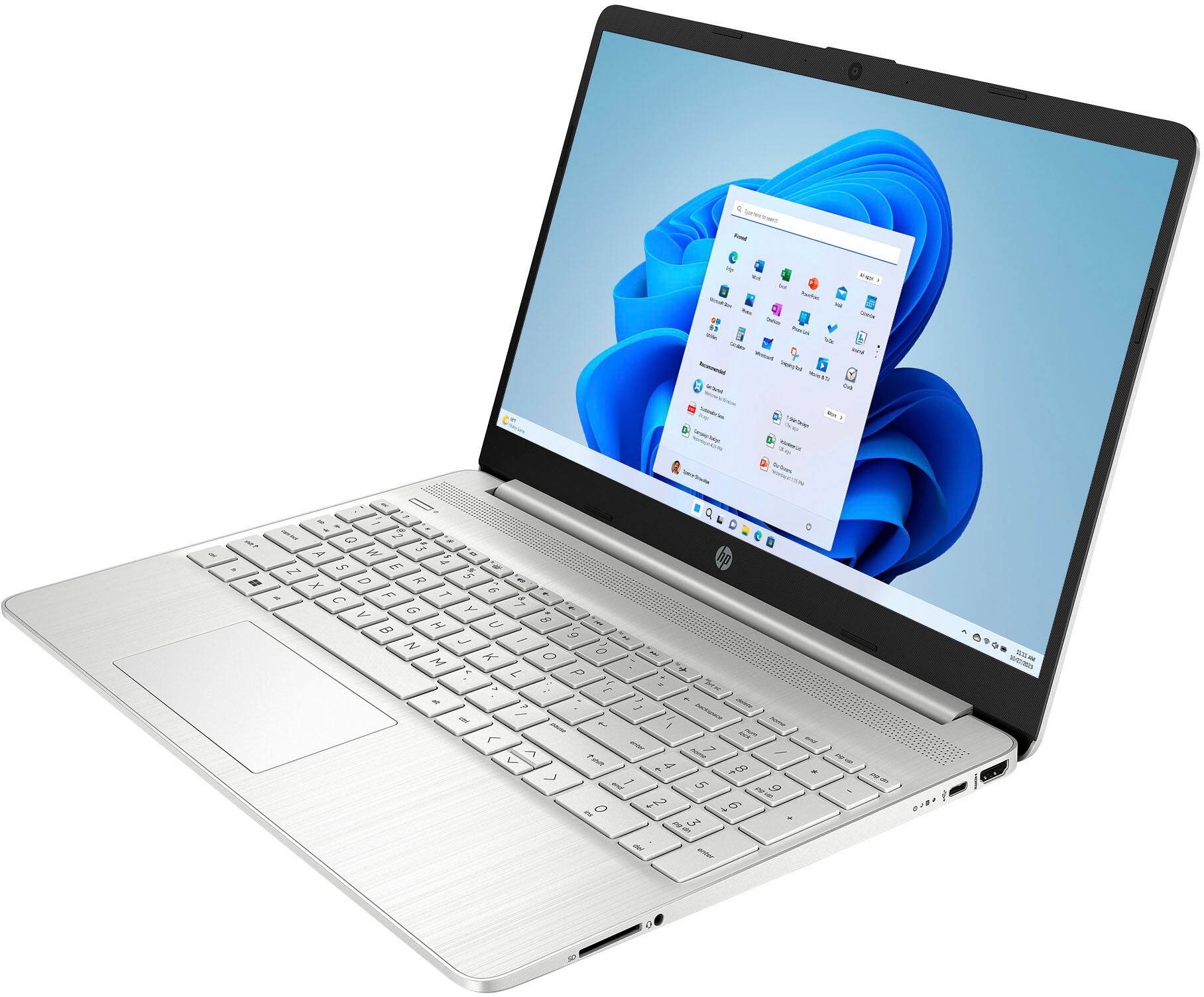
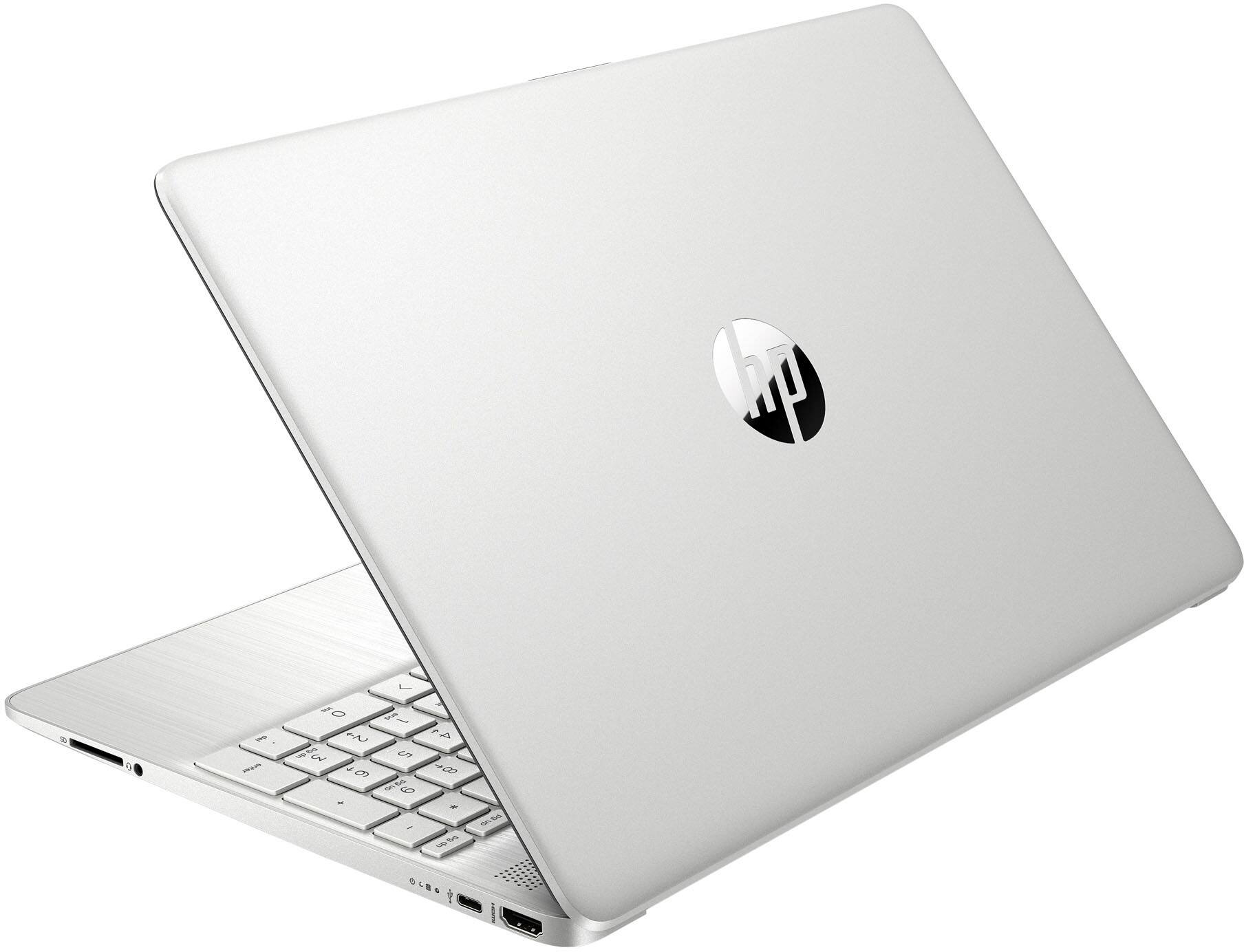
A:AnswerHello and thank you for asking. The HP 15-dy5113dx does not include any streaming subscriptions like Disney+ as part of the software included with the laptop. A streaming subscription, if desired, must be purchased separately.
A:AnswerHello Nuney and thank you for your question. As system requirements for software constantly change, we are unable to answer questions about software compatibility or performance. What is compatible today may not be in the future. Please check the software manufacturer's website for the most current minimum and recommended requirements.
A:AnswerHello Jay and thank you for asking. The HP 15-dy5113dx has Windows 11 Home in S mode, and can download programs from the MIcrosoft Store, including the Firefox and Opera web browsers. You can switch it out of S Mode for free to Windows 11 Home, meaning you can download any programs from the web or the store. To do that, search for "Switch out of S mode" in the Micrsoft Store. Please contact HP Support for assistance. You cannot switch back to S Mode.
A:AnswerHello Susan and thank you for your question. Yes, you can easily switch out of Windows 11 S Mode on this laptop to Windows 11 Home in the settings window. To switch out of S mode, go to Settings > Update & Security > Activation, then click Go to the Store under “Switch to Windows 10/11 Home/Pro” and select Get on the “Switch out of S mode” page.
A:AnswerThank you for your questions on the upgradability of this HP laptop! First, this uses LED for its backlighting. Second, you can upgrade the RAM of this to 16GB DDR4-2400 in a 2x8GB configuration. it has dual-channel support. Finally, you can upgrade the SSD to nearly any capacity that is offered. The service manual only shows up to a 512GB option.