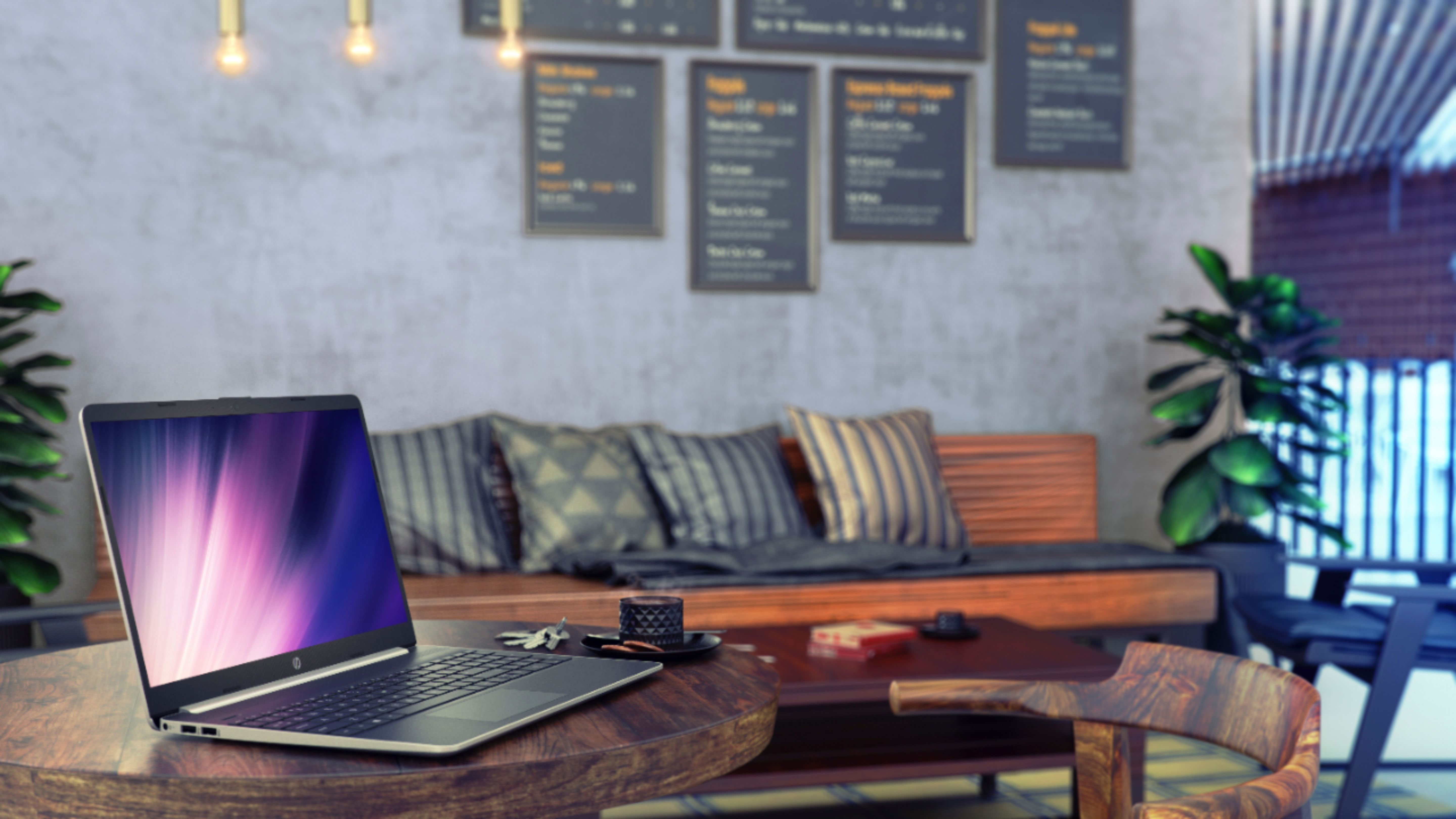
A:AnswerNo that's not normal for a brand new HP laptop computer, i recommend that you send it back because I'm thinking that this is a refurbished laptop and they are not telling us anything.
A:AnswerI've had my box for about ten days and briefly tested it running off the battery, and I agreee, it seemed to use a lot of battery in a relatively short period of time. For me personally, that's not a serious problem because I use it exclusively for home use and keep it plugged in.
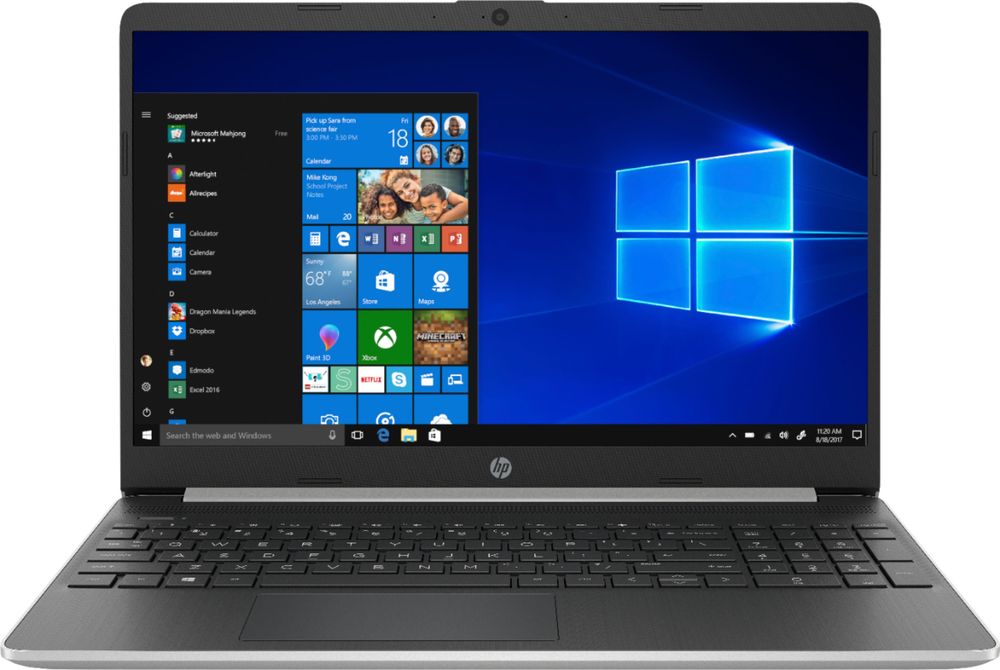
A:AnswerIf a USB 3.0 port is the same thing a a SuperSpeed port, then yes, there are three of them. And they're backward compatible to support USB 2.0.
A:AnswerThe specs of this computer are pretty good except that the graphics card is an Intel® UHD Graphics 620. You can however do some gaming. Here's an article on gaming with this graphics card.
https://www.techcenturion.com/intel-uhd-graphics-620
A:AnswerLogitech usually has an unifying receiver for their products. Both the keyboard and the mouse have that technology. All you need to do is download the software from here: https://support.logi.com/hc/en-us#!?return_to=/hc/en-us#!/en-us/software/unifying
A:AnswerYes, you can import your favorites to this computer. This is a great article that shows you how: https://www.groovypost.com/howto/import-chrome-firefox-ie-bookmarks-microsoft-edge/
A:AnswerYes, it comes with Win 10 BUT IN "S" MODE. I understand in S mode it's quite restricted in what it can do.For instance you can't print from it. I had the Geek Squad install it in whatever the other mode is and now it behaves just like all of my older computers.
A:AnswerIf you looking for a basic printer, I would recommend looking at the HP Officejet 5255 printer. If you do a lot of printing, I would recommend looking at the HP Officejet Pro 9015 printer. I would recommend partnering with a blue shirt at Best Buy to find the right printer for you.