A:AnswerThat printer only shows drivers up to Windows 10 at this point, but it may well work with Windows 11. You'd need to contact Brother's tech support for a definitive answer.
A:AnswerHello. Thanks for your question. This HP laptop will come with a one year manufacturer's warranty for the hardware and 90-day phone tech support for the software. This does not cover accidental damage or damage as a result of a power outage/surge. For further details, this link covers the Warranty and Support guidelines: http://h10032.www1.hp.com/ctg/Manual/c00747726.pdf Or you can reach out to HP Support by visiting https://support.hp.com
A:AnswerHello. Thanks for your question. With Windows 11 S Mode, that means you can only download apps from the Microsoft Store and use the Microsoft Edge browser. You can switch out of the S Mode. It is free and easy to do. Here are some instructions: https://bit.ly/3okv4Mj
A:AnswerHello. Thanks for your question. You would need to switch out of the S Mode. Then, you will be able to download and use Cricut Design Space on this laptop. It is free and easy to do. Here are some instructions: https://bit.ly/3okv4Mj
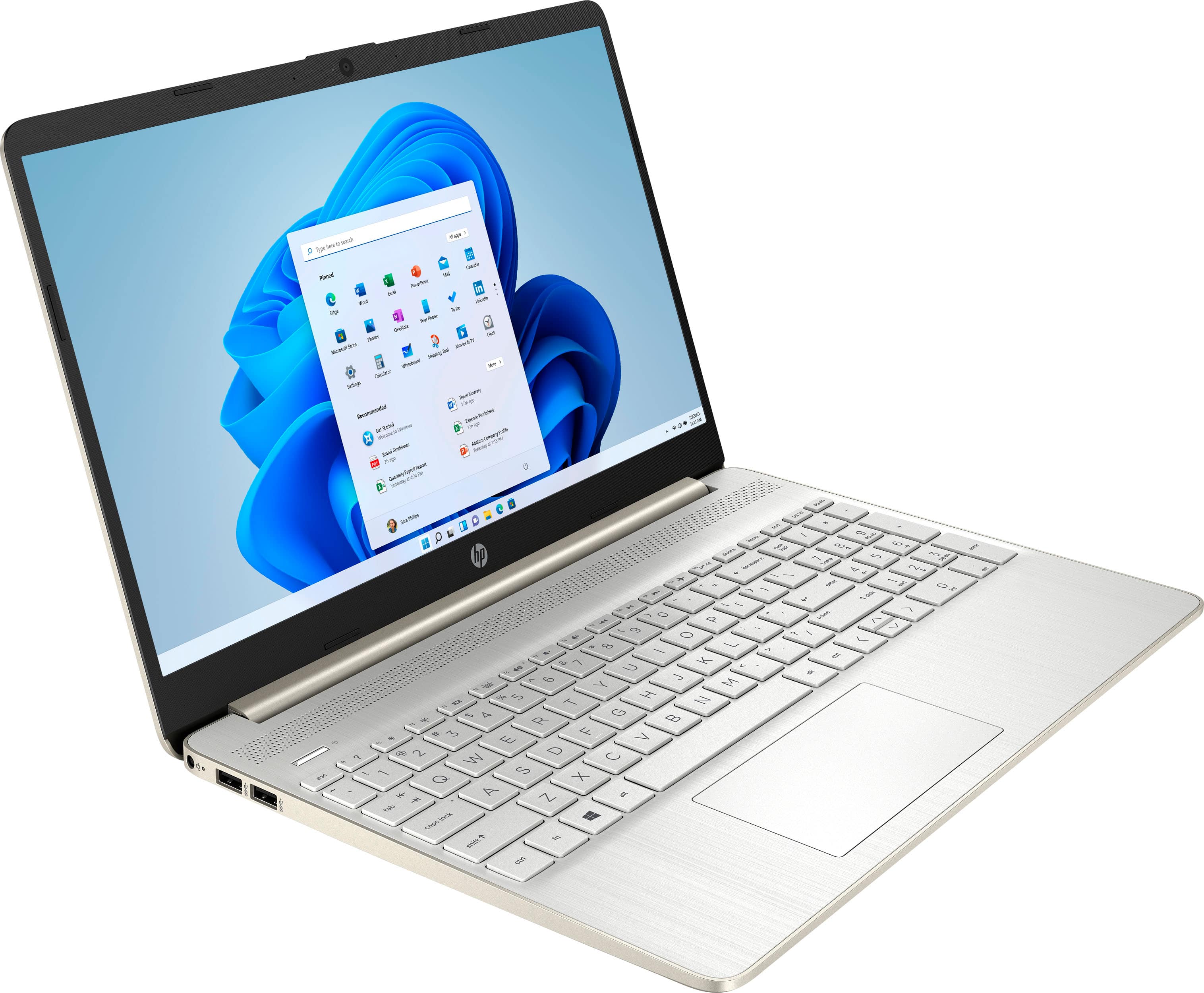
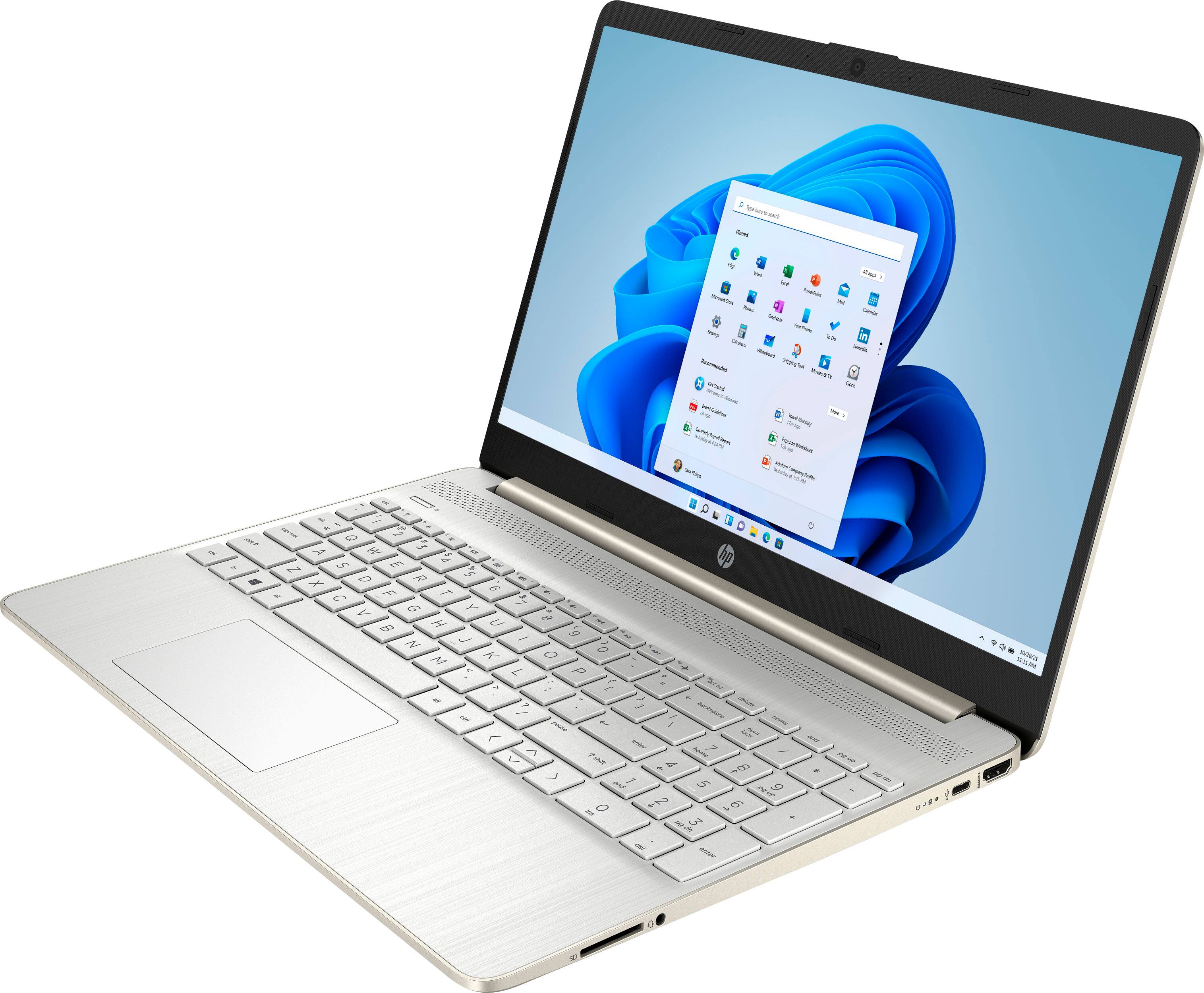
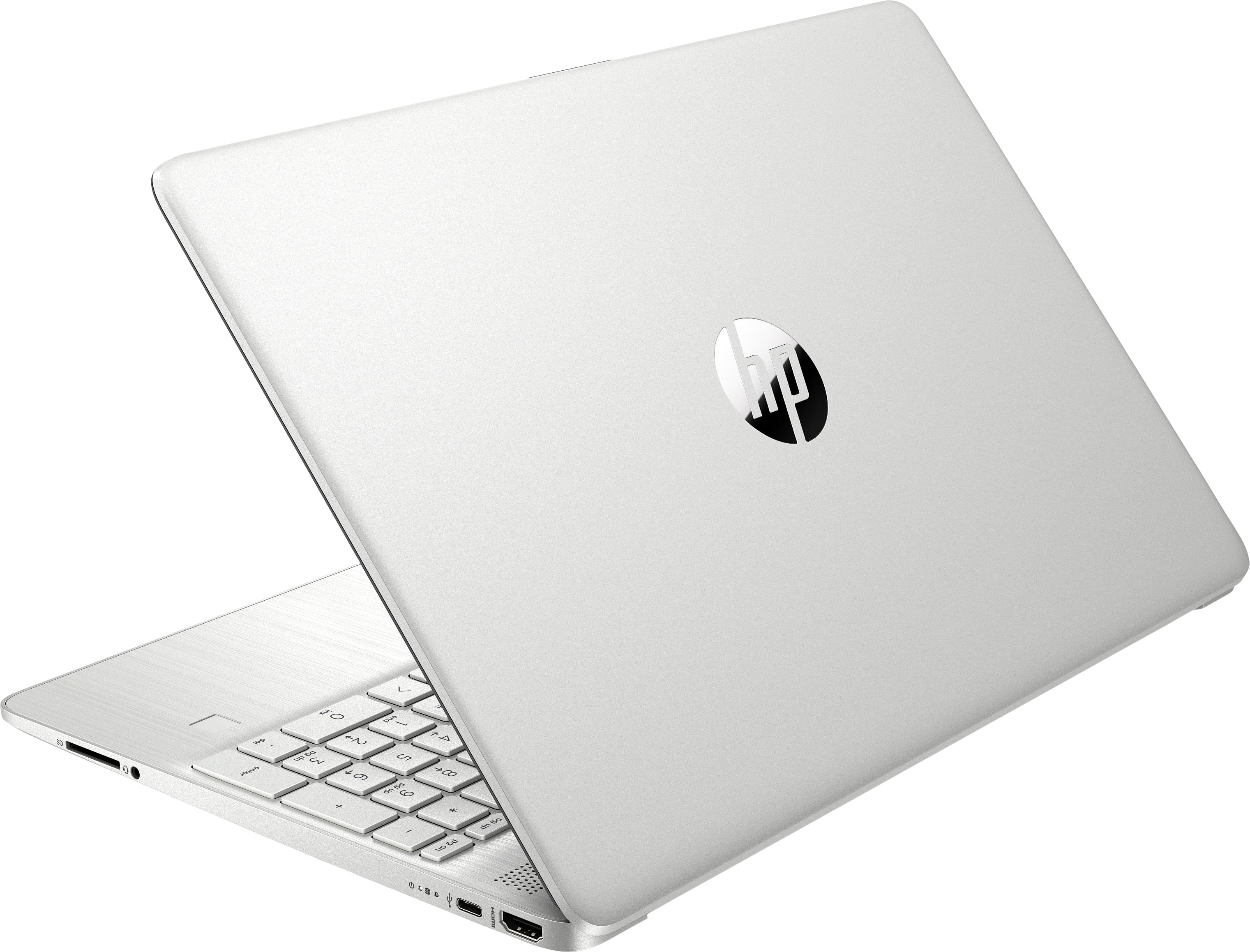
A:AnswerThank you for asking. The 15-dy2073dx laptop is a good fit for general computing, but for creative endeavors, we suggest that you review the HP Envy laptops built on the Intel Evo platform. The 12th Generation i5, i7 and i9 processors are much better suited for rendering and running background tasks while not slowing you down. These processors use Performance cores and Efficiency cores to automatically direct RAM where it's needed most. An example: https://www.bestbuy.com/site/hp-envy-x360-2-in-1-15-6-touch-screen-laptop-intel-evo-platform-intel-core-i7-16gb-memory-512gb-ssd-natural-silver/6502179.p?skuId=6502179.
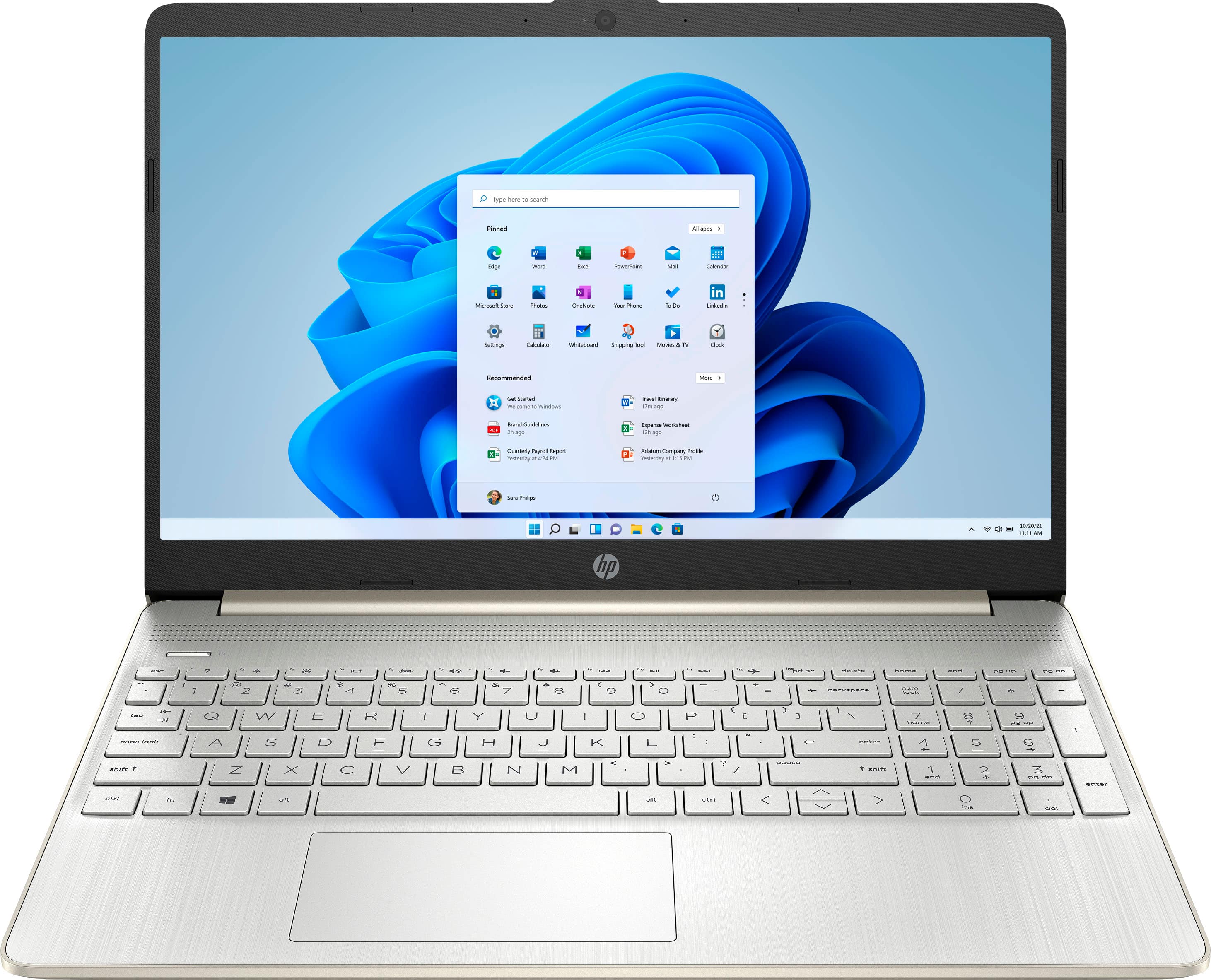
A:AnswerAlright-all of the 12th generation i7 processors have at least 10 cores, so that's easy. The closest match that meets all those requirements is the 15-ew0023dx. https://www.bestbuy.com/site/hp-envy-x360-2-in-1-15-6-touch-screen-laptop-intel-evo-platform-intel-core-i7-16gb-memory-512gb-ssd-natural-silver/6502179.p?skuId=6502179
A:AnswerThank you for the question. Laptop key fittings are somewhat fragile. While they can be removed for replacement, we do not recommend routinely removing them for cleaning. We would suggest the alternative - dusting with a microfiber cloth, or spraying "canned air" between the keys. You could also use a transparent keyboard cover for protection against spills and soil.