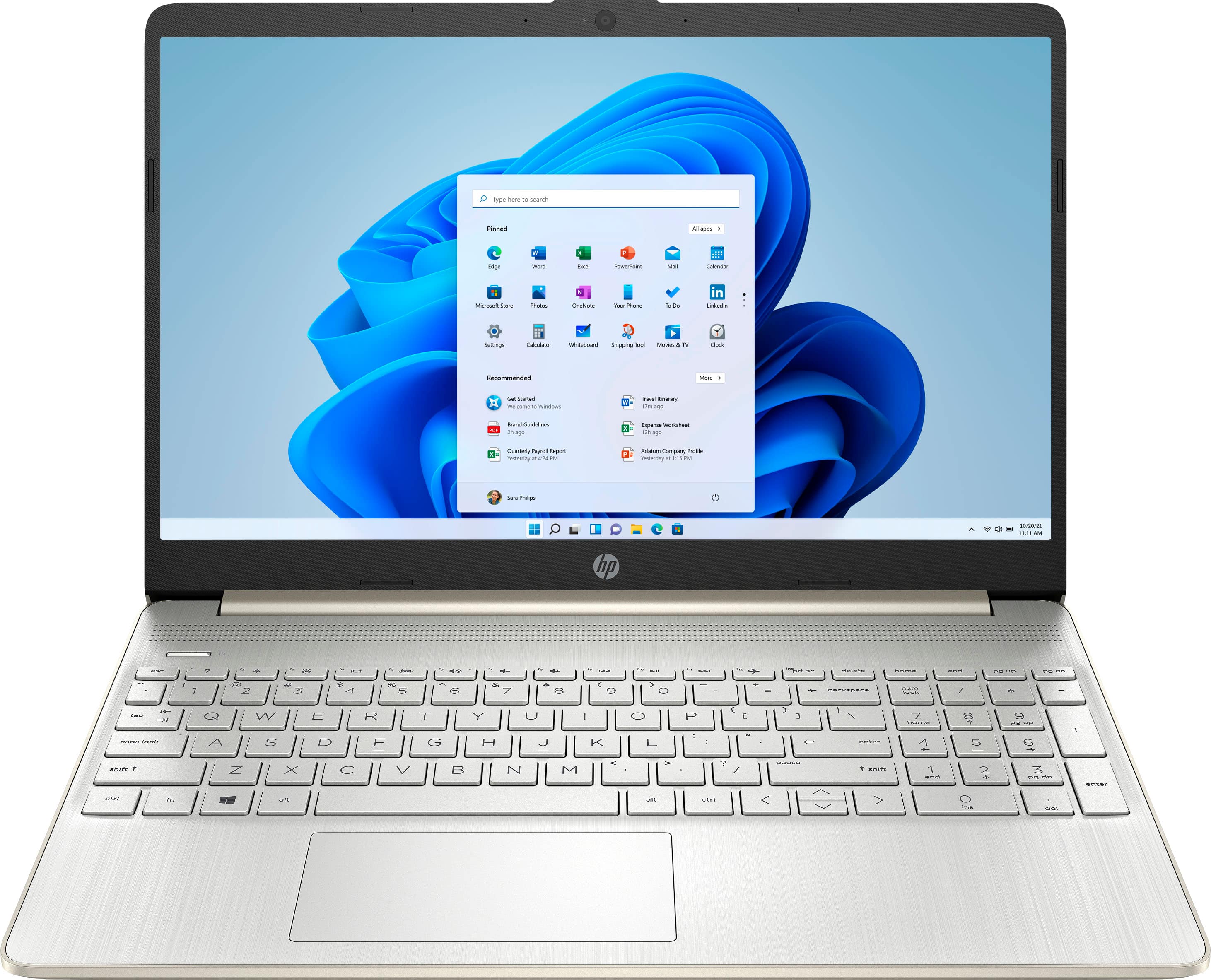
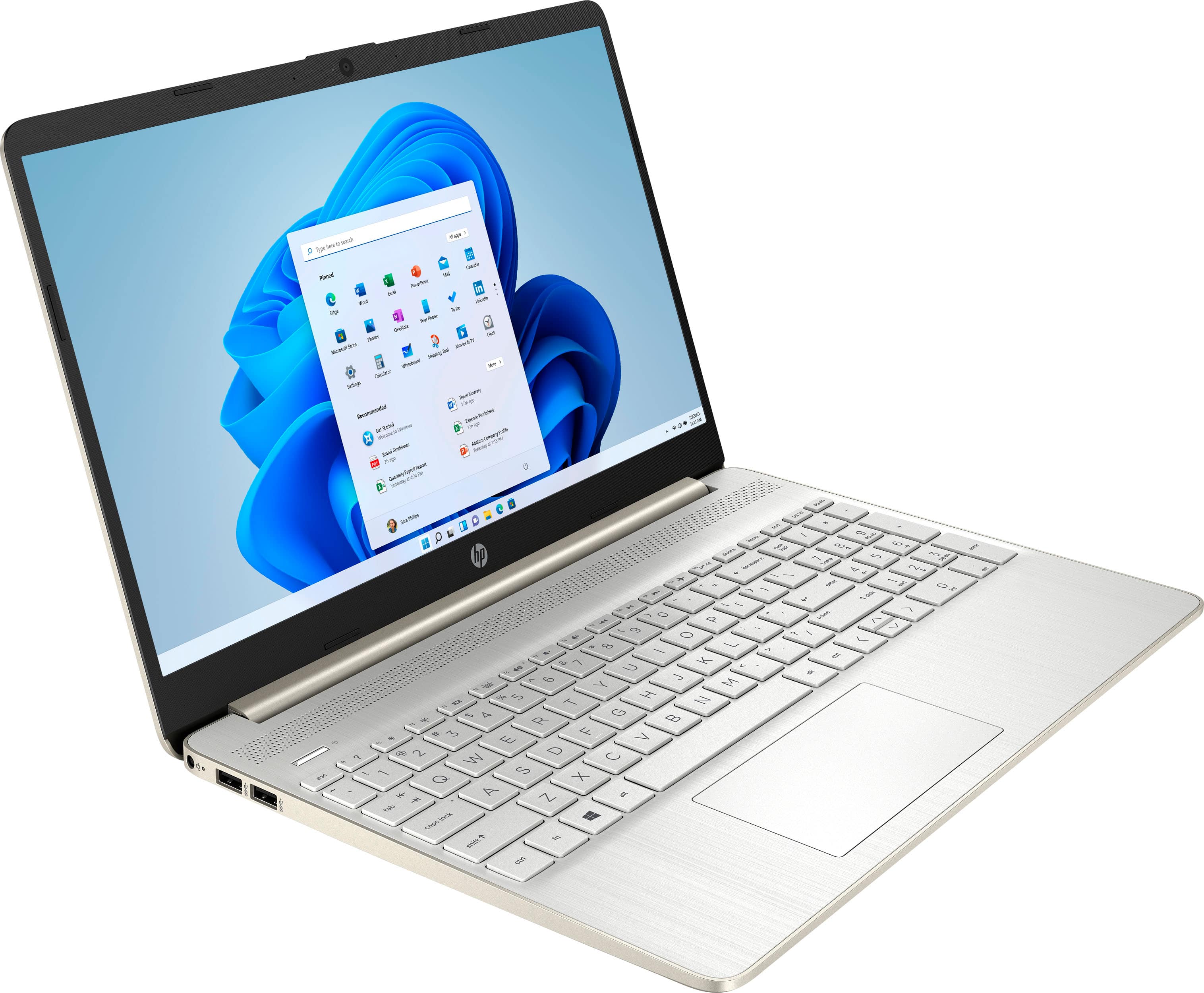
A:AnswerYes, you can remove Windows 10 S Mode and it will revert to Windows 10 Home. Here are the instructions: To turn off Windows 10 S Mode, click the Start button then go to Settings > Update & Security > Activation. Select Go to the Store and click Get under the Switch out of S Mode panel. Then click Install and wait for the process to finish. Take note that switching out of S Mode is a one-way process.
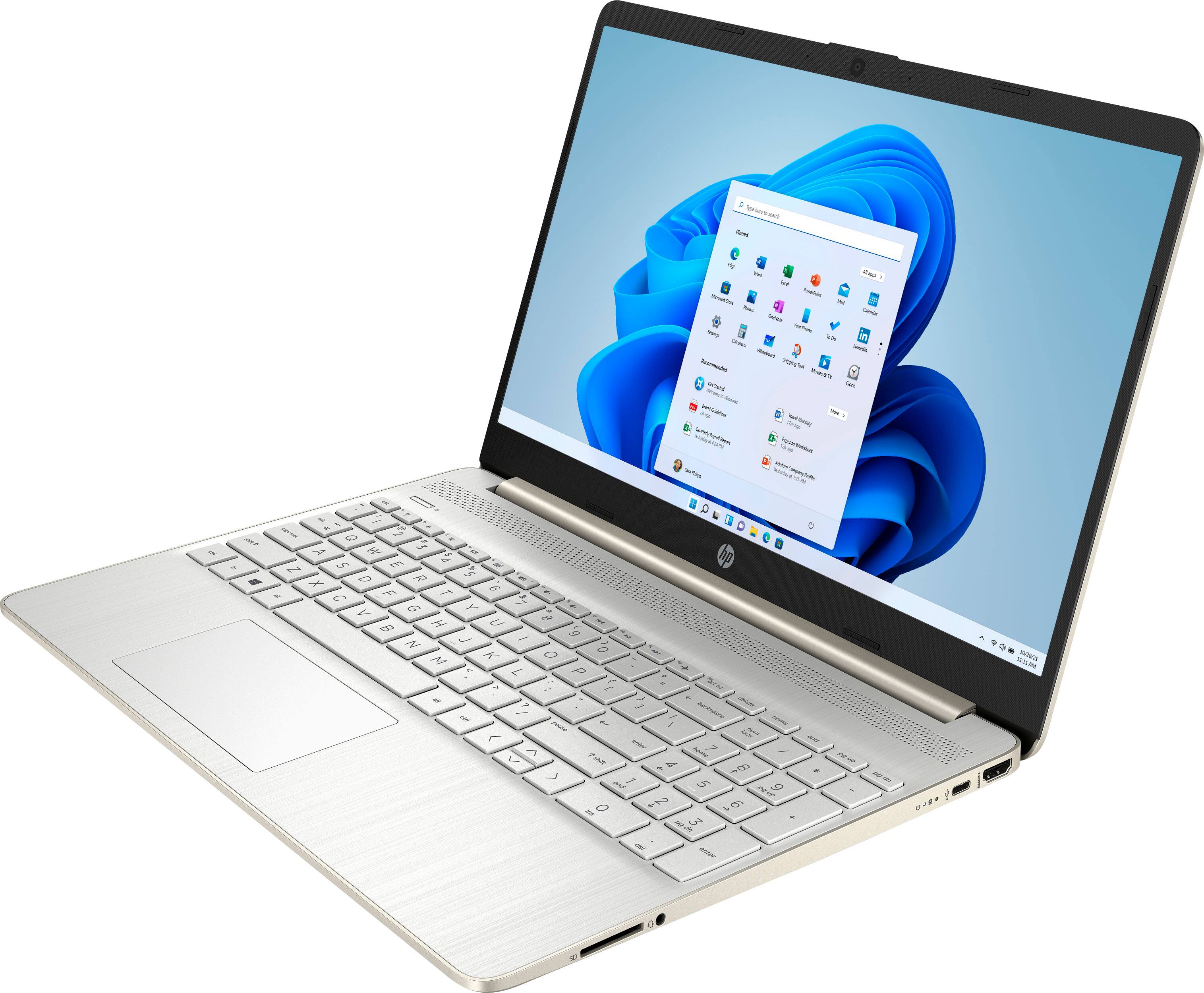
A:Answer1.Check Device Manager (for Windows)
->Press Win + X and select Device Manager.
->Scroll down to Universal Serial Bus Controllers.
->Look for any devices with a yellow warning icon. If there is an issue, right-click on the device and select Update ----->Driver or Uninstall Device. Then, restart your computer, and Windows should reinstall the driver.
->If you uninstalled the driver, restart your PC, and Windows will automatically reinstall the necessary drivers.
2.Power Settings Adjustment
->Open Control Panel and go to Power Options.
->Click on Change plan settings next to your selected
power plan.
->Click on Change advanced power settings.
->Scroll down to USB settings, expand it, and ensure USB
selective suspend setting is set to Disabled.
->Click Apply and then OK.
3.Run Windows Troubleshooter
->Go to Settings > Update & Security > Troubleshoot.
->Select Hardware and Devices and follow the prompts to let Windows try to fix the issue automatically.
A:AnswerIt _could_ be, but my first guess would be dust in the inside of the laptop. In any event, you'll need to take it to your local Best Buy and have the Geek Squad look at it.
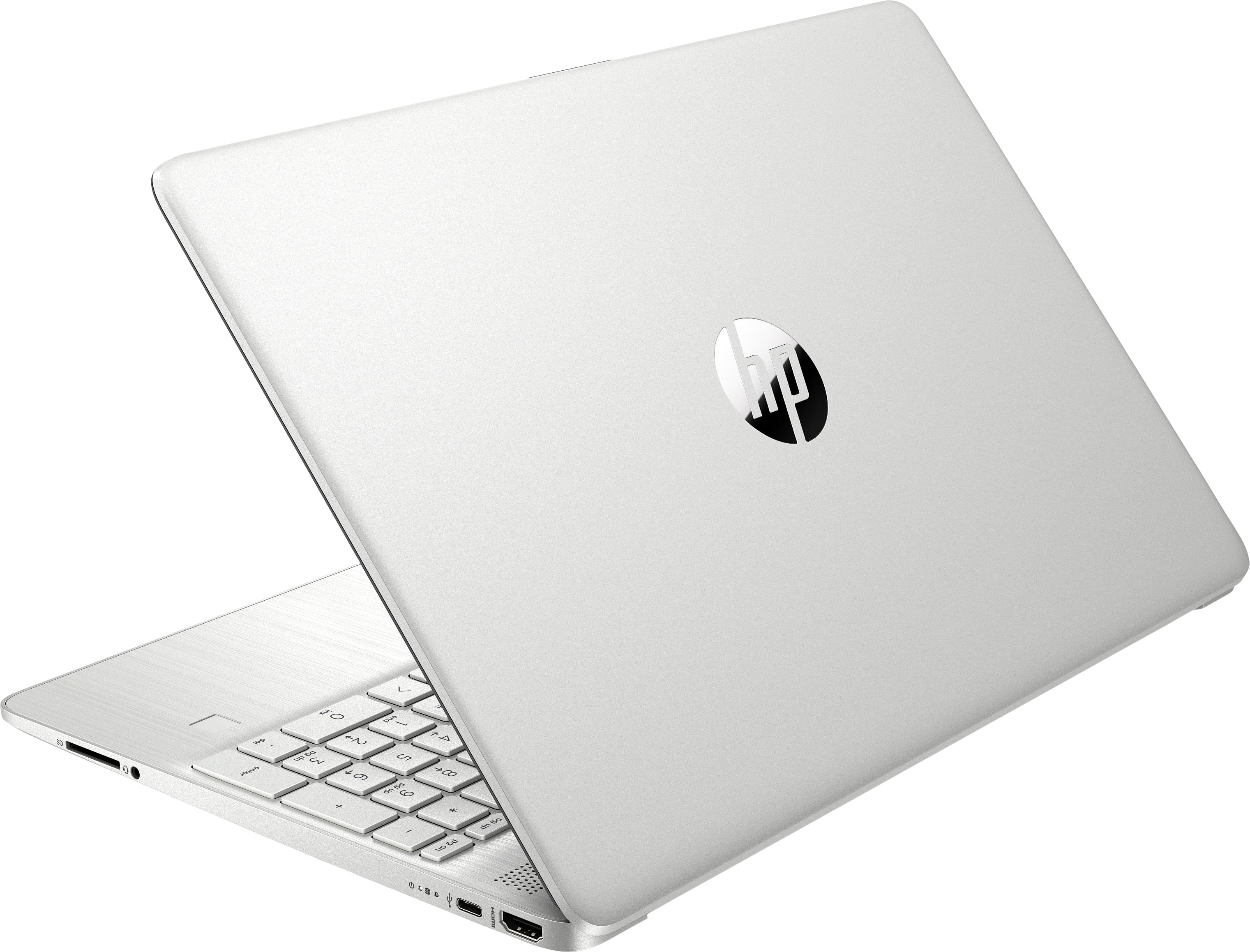
A:AnswerThank you for the question. The Intel chip is better known as the processor and is listed as such in the specifications. In the case of this HP 15-dy2073dx laptop, the processor model is Intel 11th Generation Core i7, and the processor model number is1165G7. This is also known as i7-1165G7.