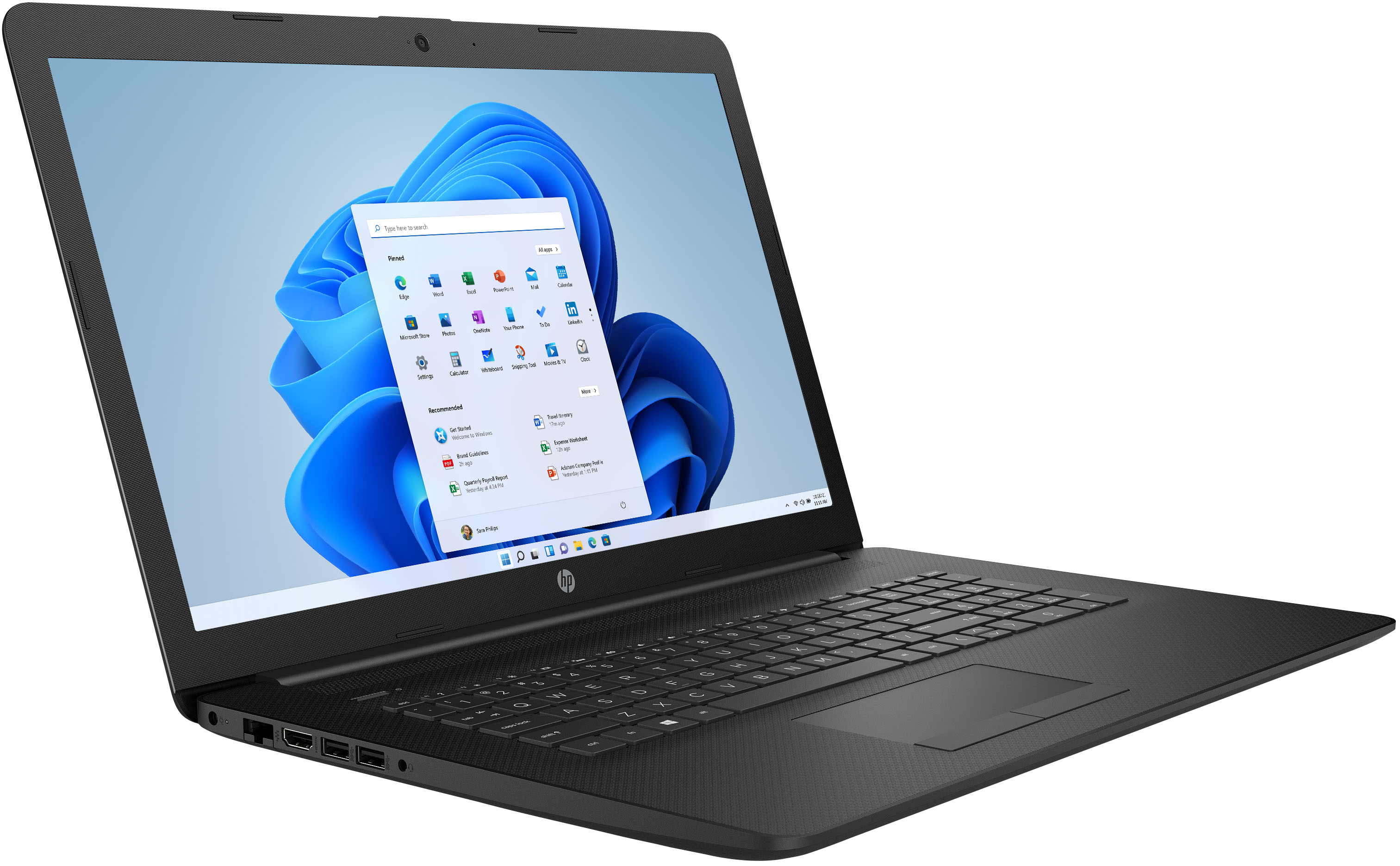
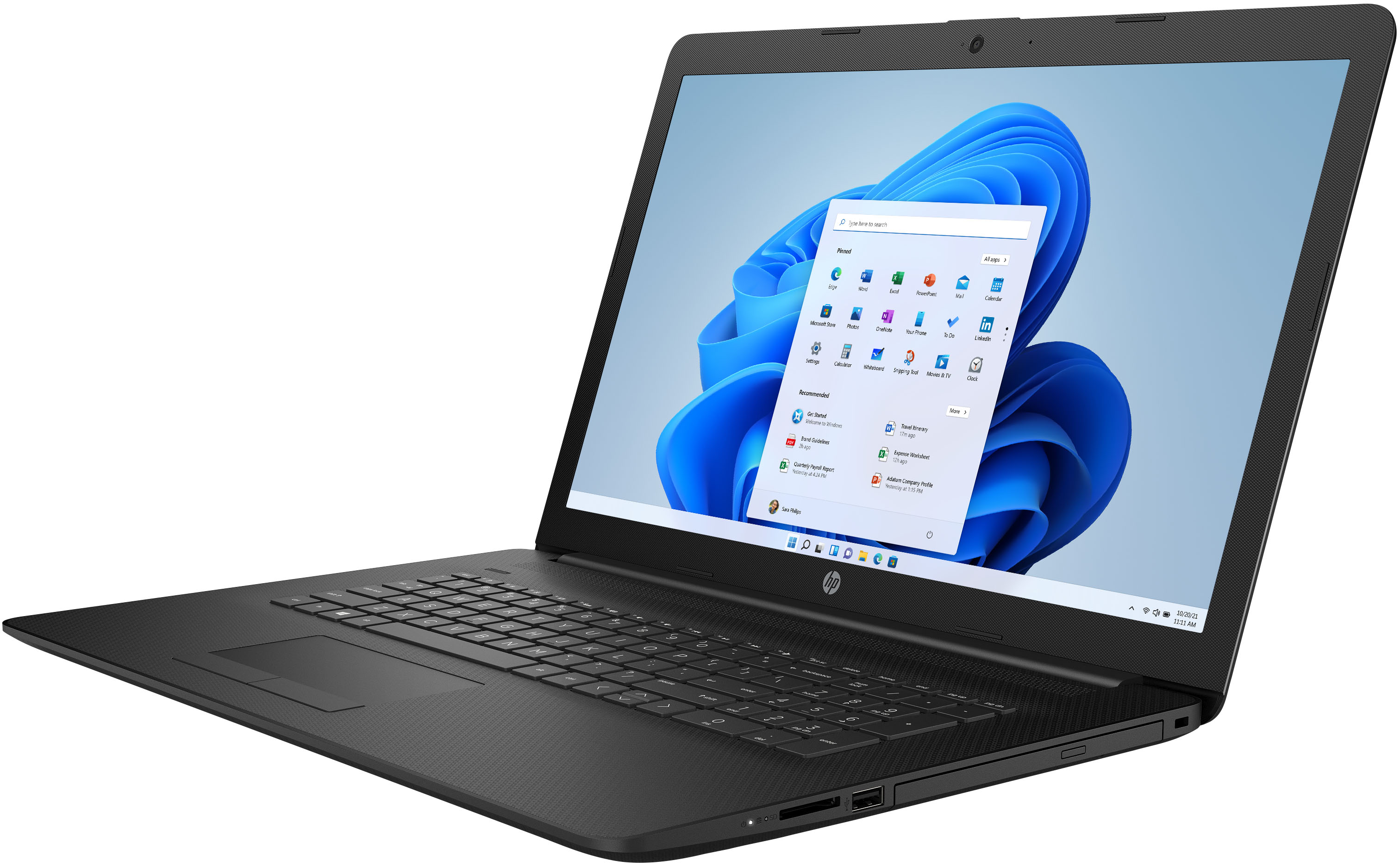
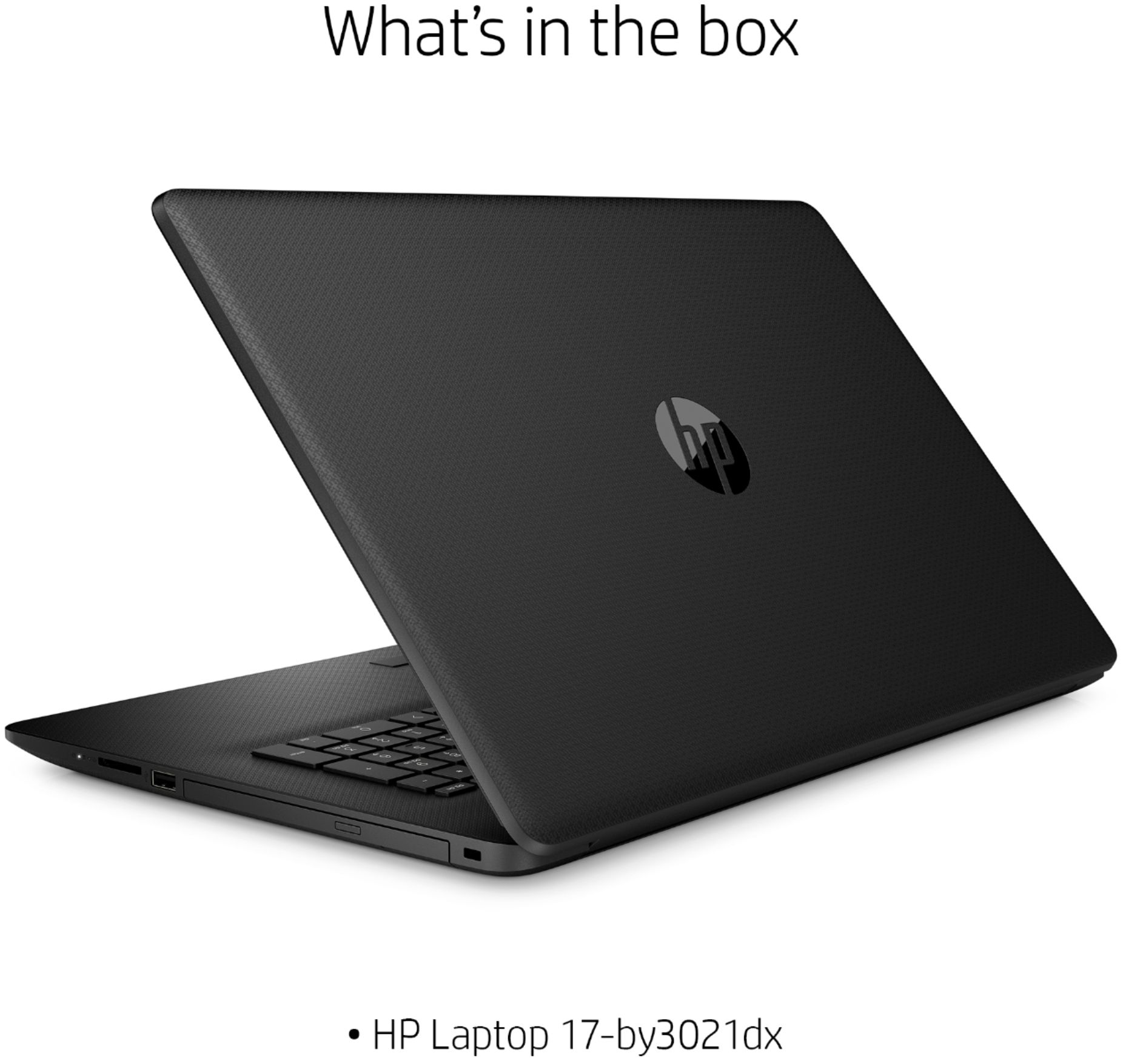
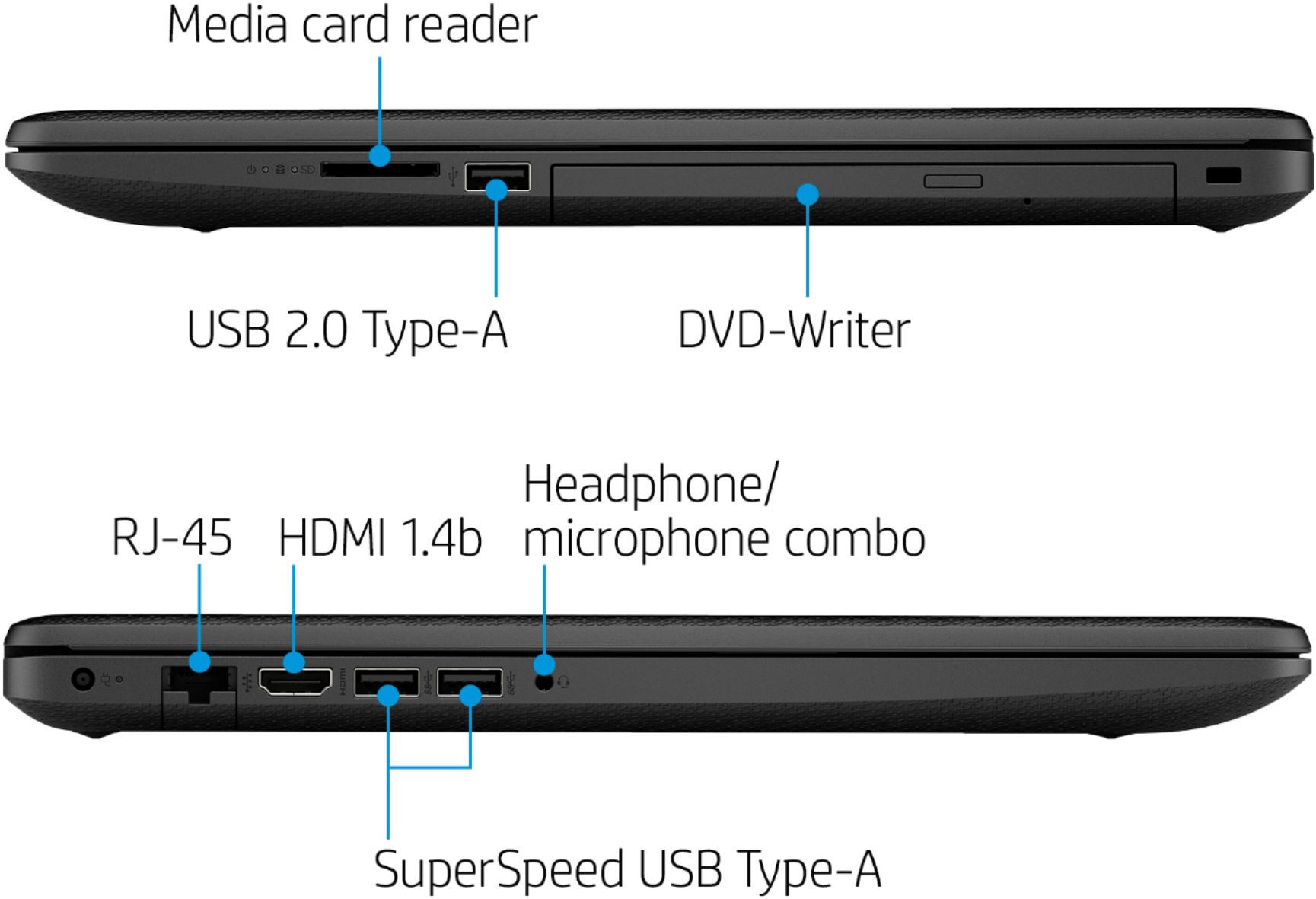
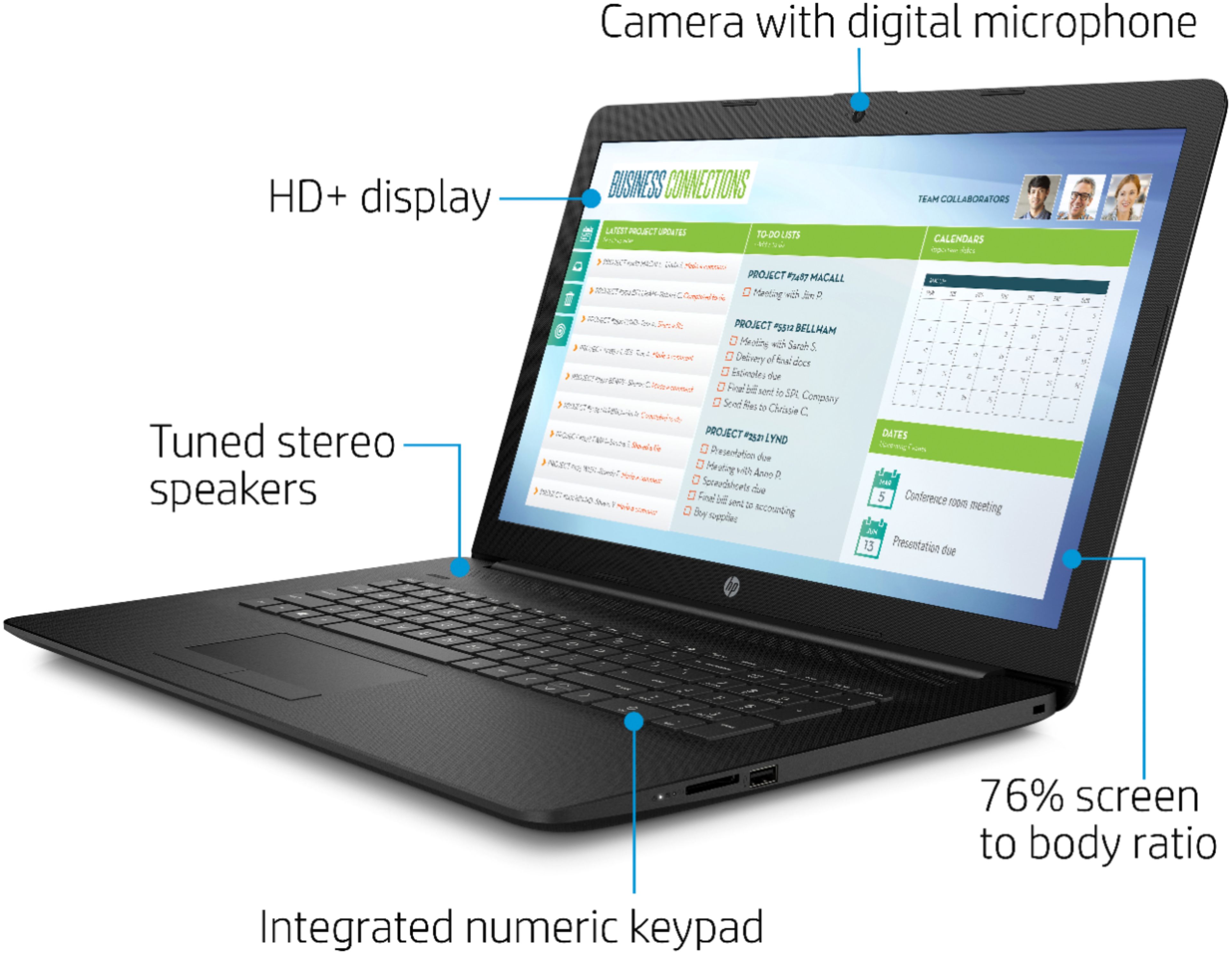
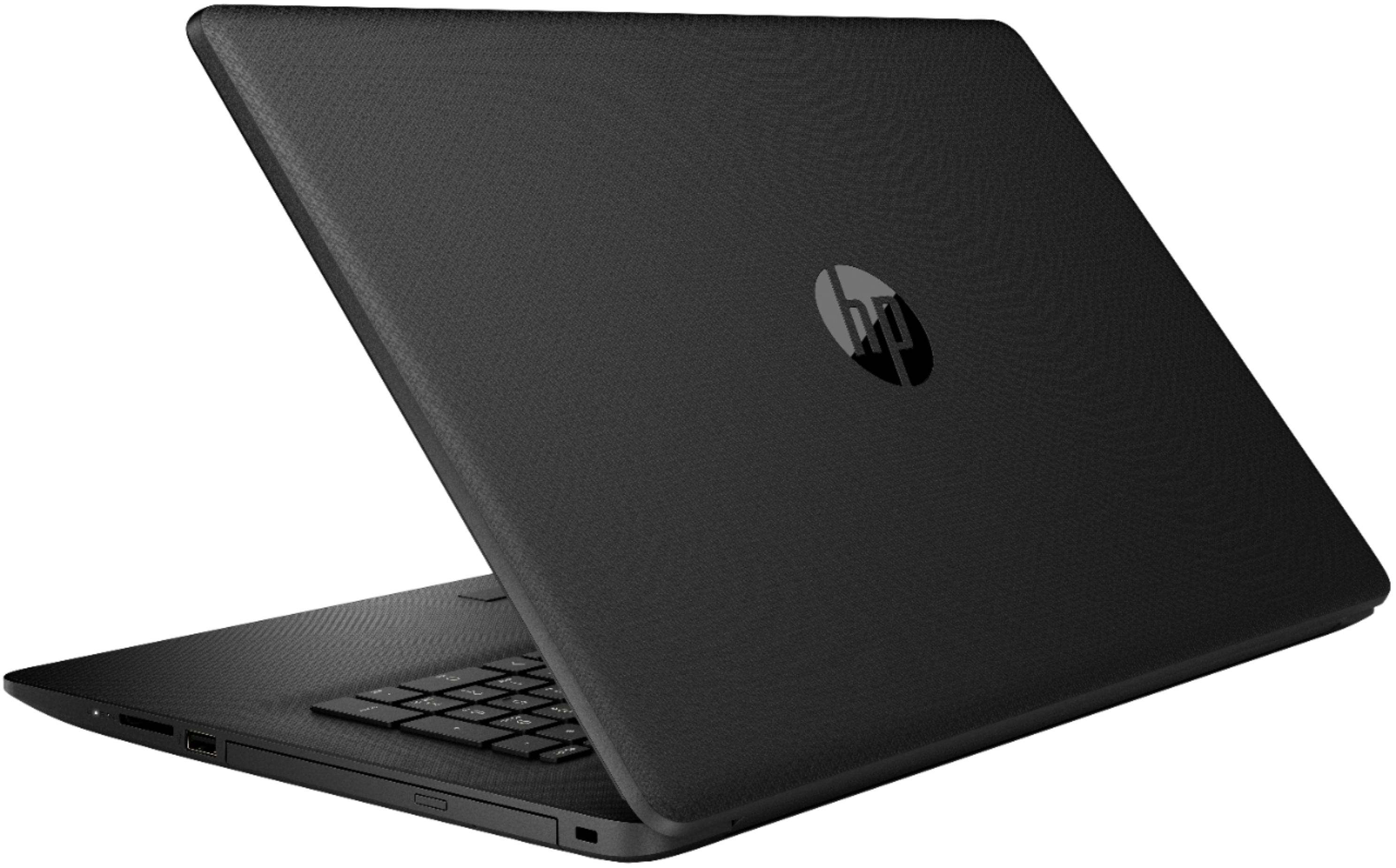
A:AnswerHi Josh, Thank you for the question. HP 17-by3021dx laptop has Intel integrated graphics card. I apologize but it is not capable of running games because it does not have a dedicated graphics card.
A:AnswerThose programs are not included. Currently you need to buy Microsoft 365 which is a yearly subscription. I do not know if Office suites are still available that you can buy outright or if everyone needs to use Microsoft 365.
A:AnswerNo, this is not a gaming PC. While you can play some games on any computer, modern games like Minecraft, Fortnite, and most other popular titles require a lot of power. For this reason, I would recommend a model with a dedicated Graphics Processing Unit (GPU) for PC gaming.
A:AnswerTo be able to screencast to a Roku, you would need to be on the same wireless network. Be the mirror screening is enabled on the Roku. Then, you would press the Windows key plus P. Once that menu opens up, select if you want to "Extend" or "Duplicate". Extend will allow you to have another screen. Duplicate mirrors what is on your screen. Once you have selected your option, you will need to select "Connect to a wireless display" from that same menu. Then, you click on the Roku you wish to screencast to.
A:AnswerThe HP Photosmart C4795 All-in-One Printer will work with this laptop. Be sure to go https://123.hp.com/setup to set up your printer on this laptop.
A:AnswerYou can check with Microsoft here.
https://answers.microsoft.com/en-us/msoffice/forum/all/moving-office-365-to-a-new-computer/3c81128a-96f9-4e80-8807-385848d9237a
A:AnswerYes the HP 17-by3021dx laptop has Windows 10 Home in S mode installed. Windows 10 in S mode is a version of Windows 10 that's streamlined for security and performance while providing a familiar Windows experience. To increase security, it allows only apps from the Microsoft Store and requires Microsoft Edge for safe browsing. You can switch out of S mode in the settings and the computer will convert to Windows 10 Home at no charge. Here is a link to explain how to switch out of S mode (it is very simple) https://support.microsoft.com/en-us/windows/switching-out-of-s-mode-in-windows-10-4f56d9be-99ec-6983-119f-031bfb28a307