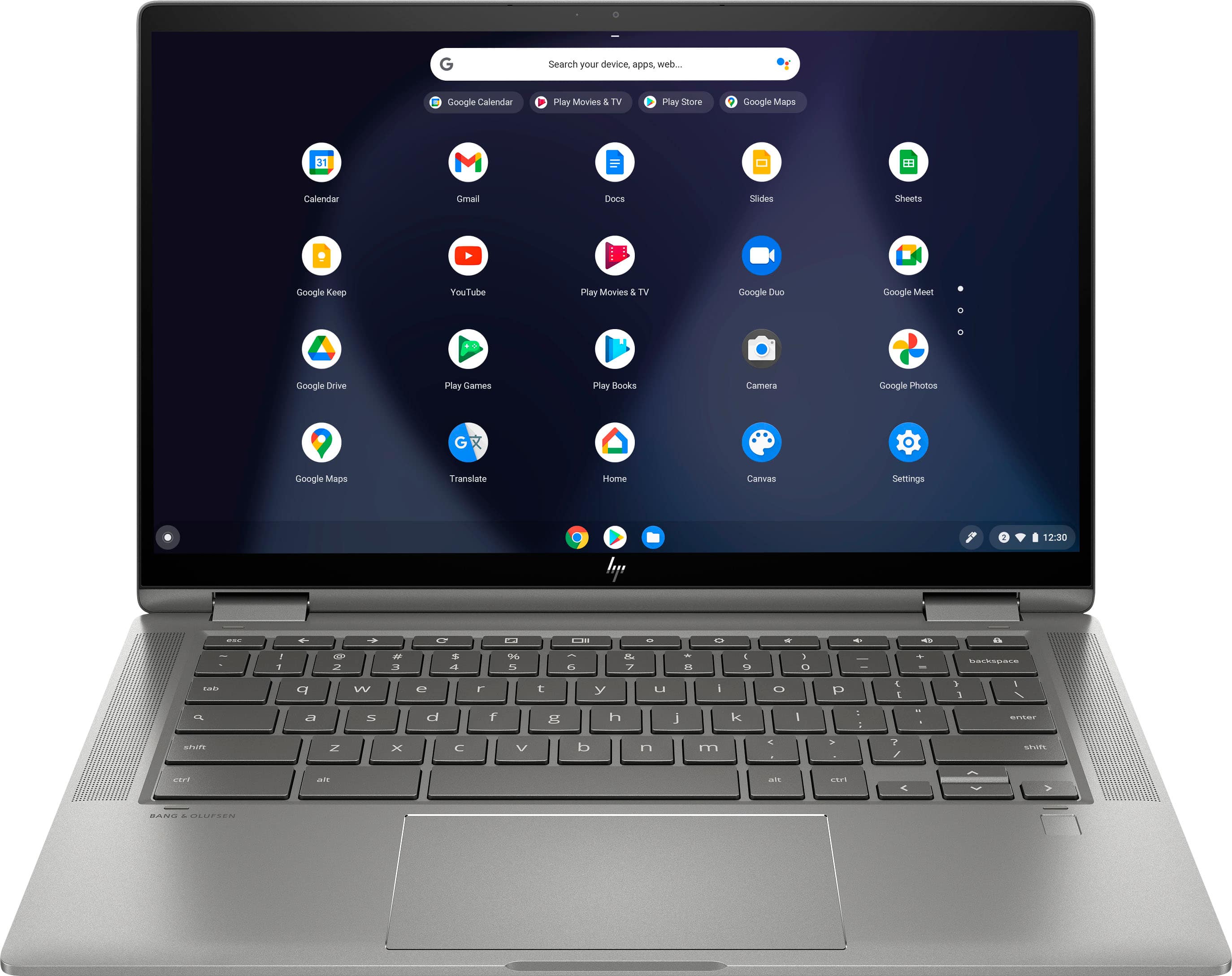
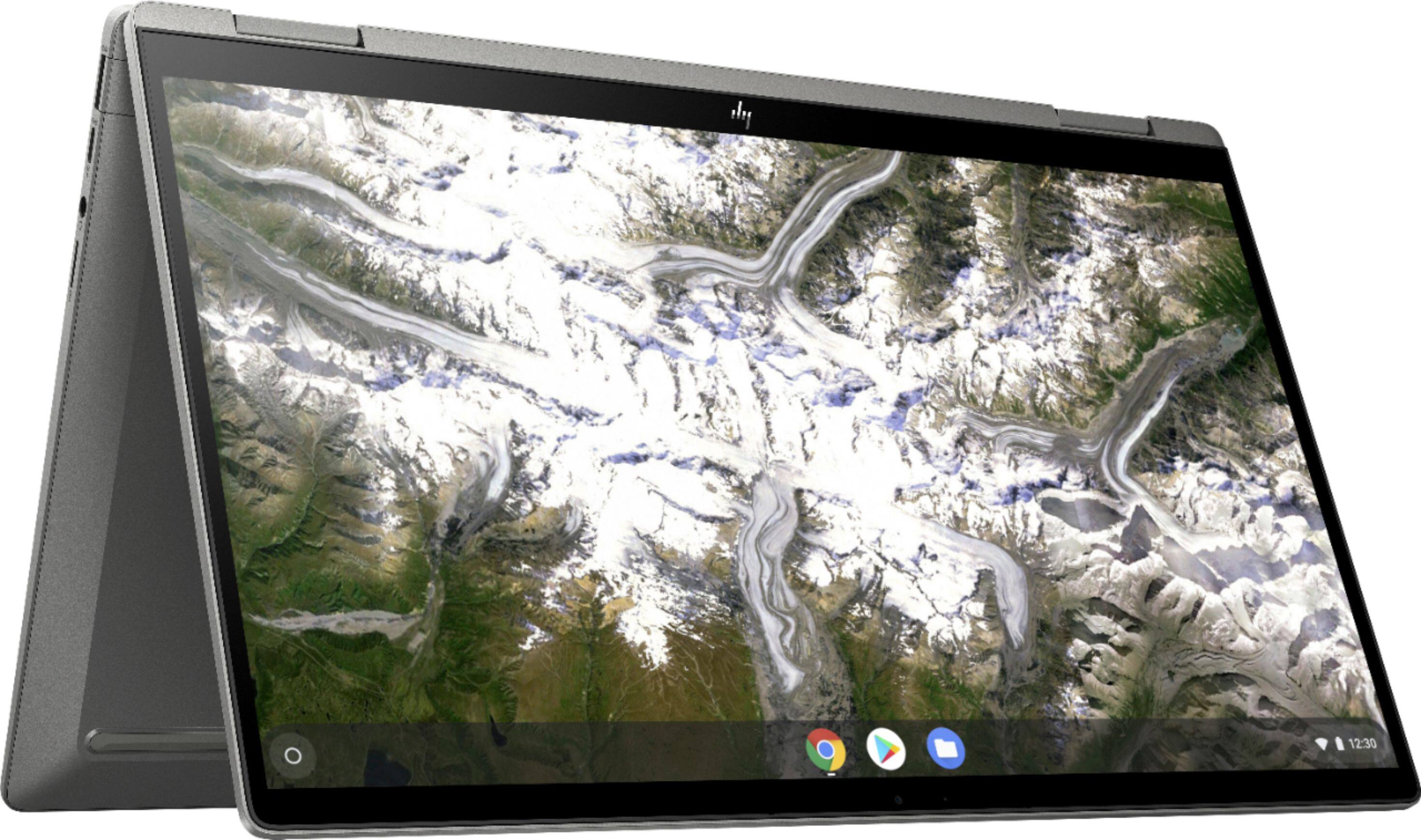
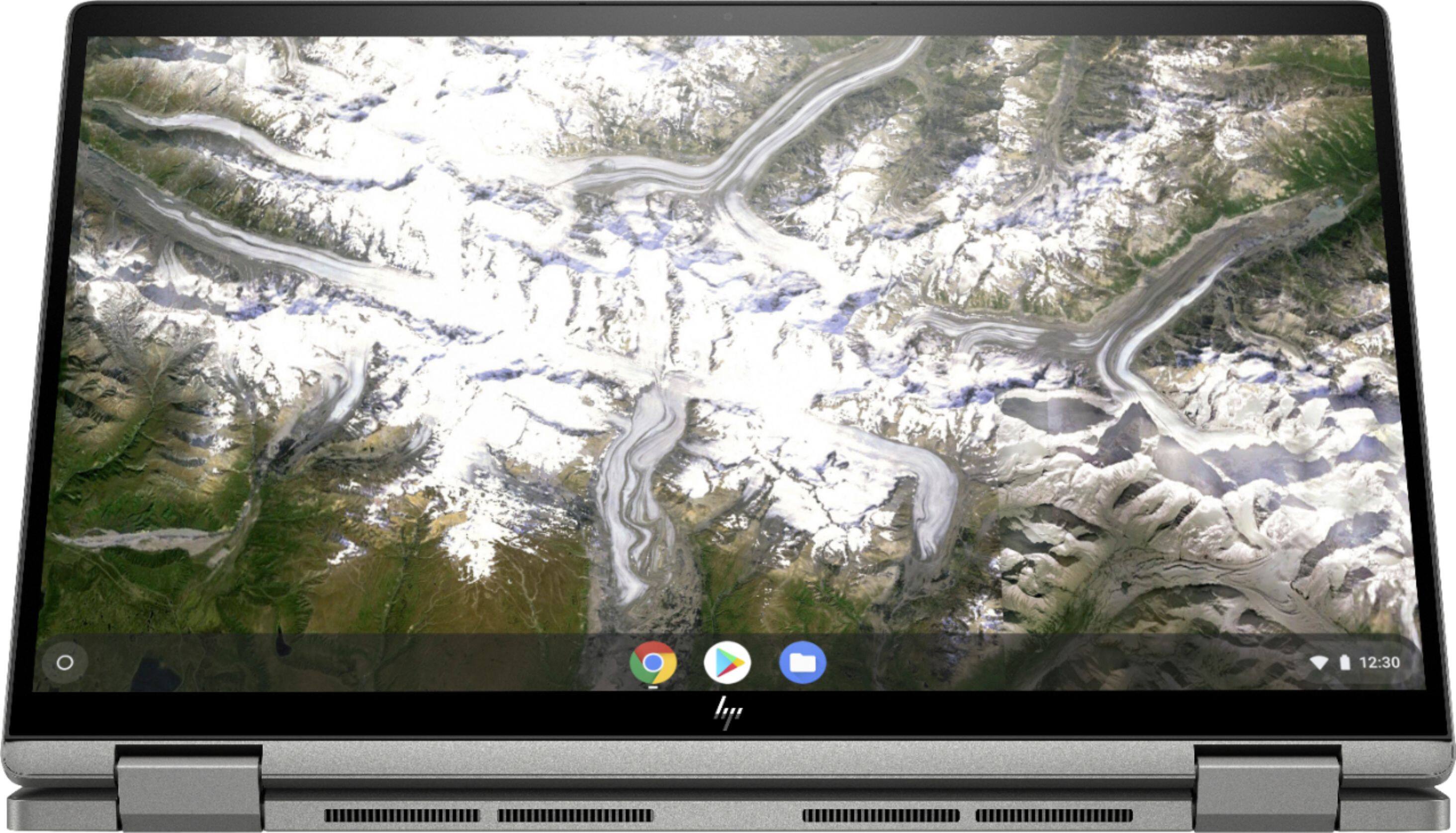
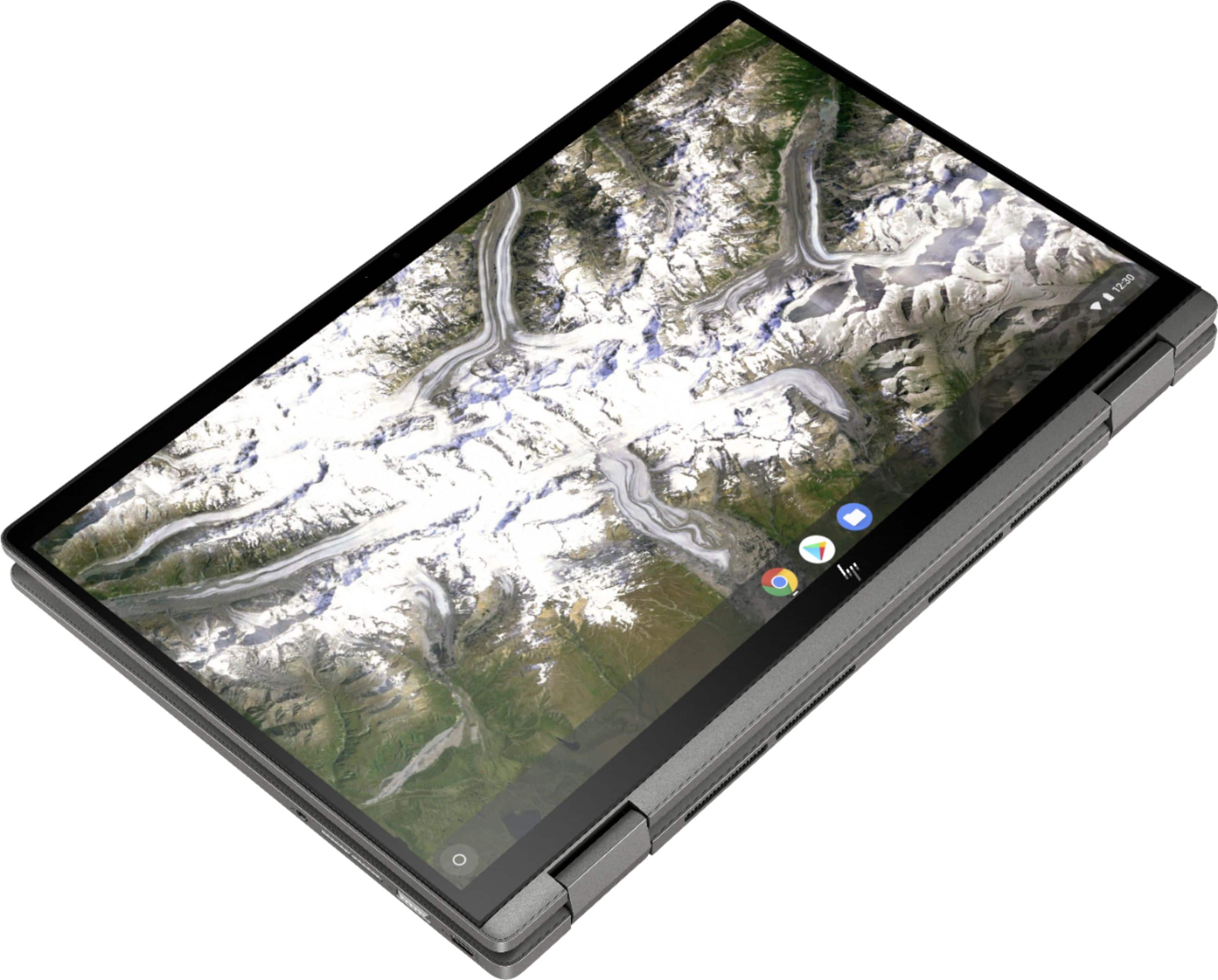
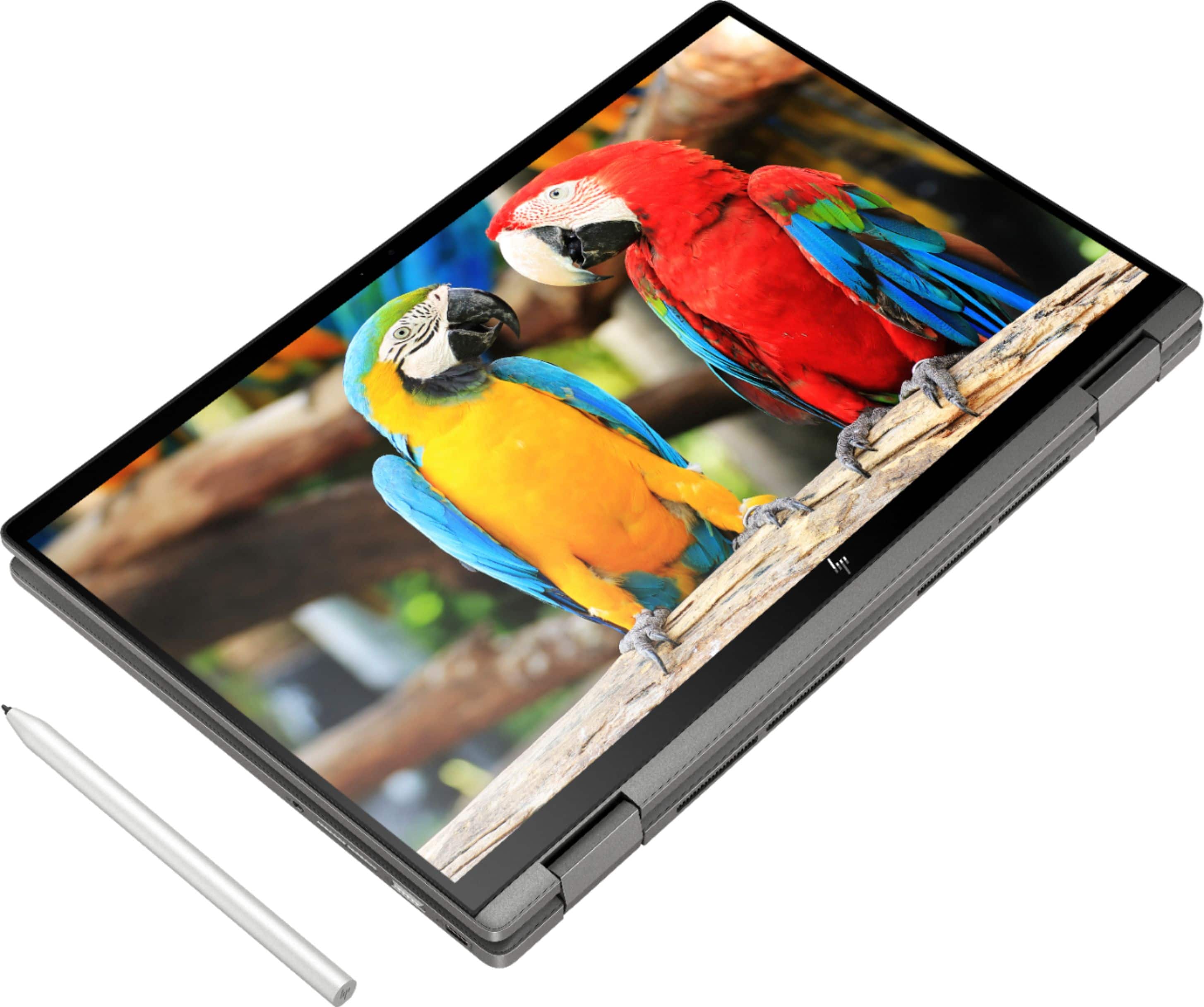
A:AnswerI find that I can enlarge things that have zoom in the program. For example google maps I can use my touch screen to enlarge but if I’m in a document I can’t.
A:AnswerYes, but the chromebook has a very low and limited amount of space. So it would be recommended and preferred to keep the files on the USB drive vs storing on the computer.
A:AnswerI have read the following solution online:
1) Launch the Chrome browser and type the following path:
chrome://flags/#ash-debug-shortcuts
2) Locate the debugging keyboard shortcuts and click Enable. Disable is selected by Default.
3) Select the Relaunch Now icon to restart Chrome to apply the changes.
4) After logging in again, perform this keyboard shortcut.
Search+Shift+t
This allows a way to toggle the touch screen on or off.
A:AnswerI've never heard of a screen cracking.. just how far did she (or her brother) throw it? !!!
Google search product maker and contact them about sending it in for repair.
A:AnswerYes, you certainly can. You won't be able to download Word, but you can certainly use Google Docs to do it. Google Docs is free and it creates 100% Word compatible documents.
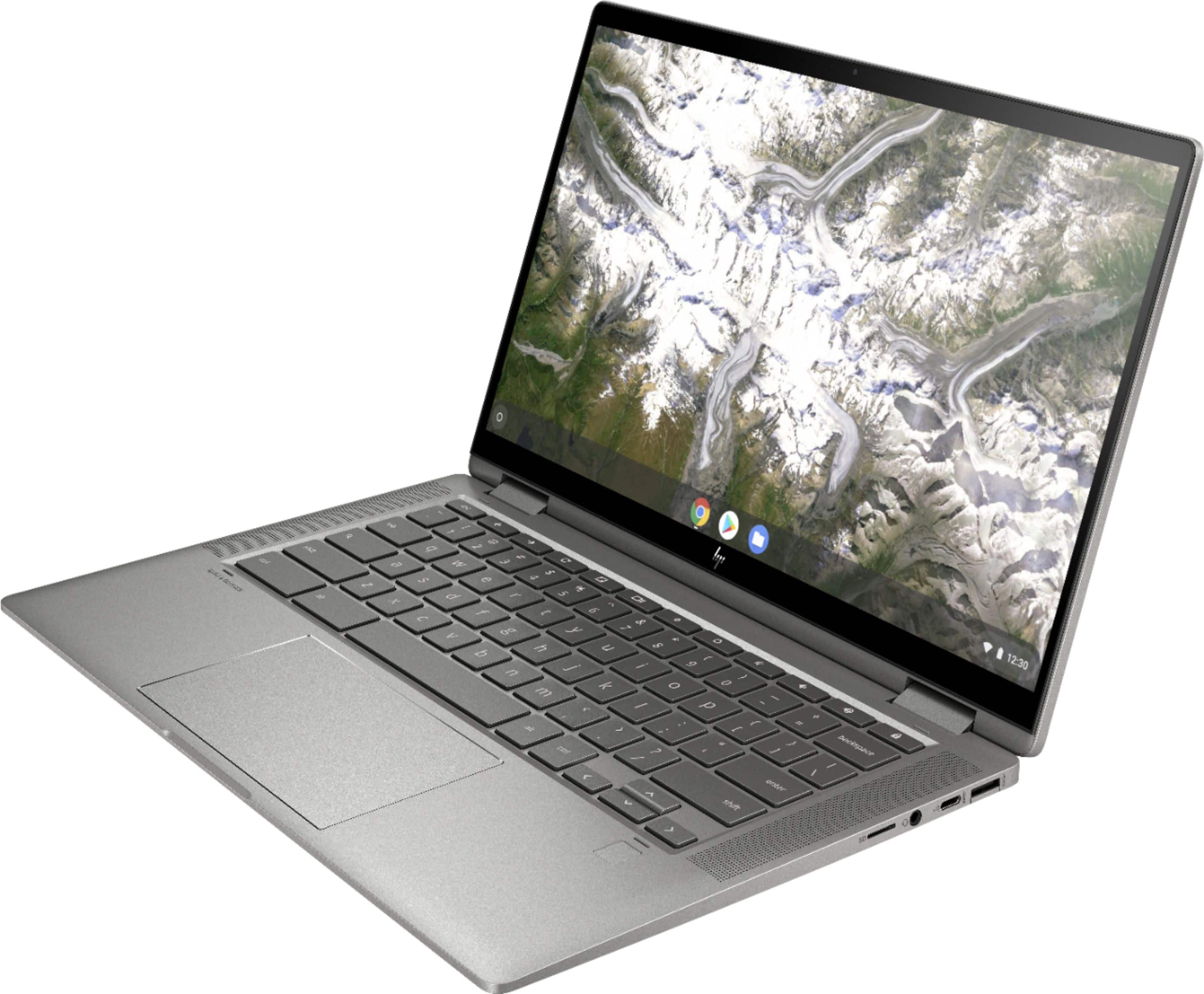
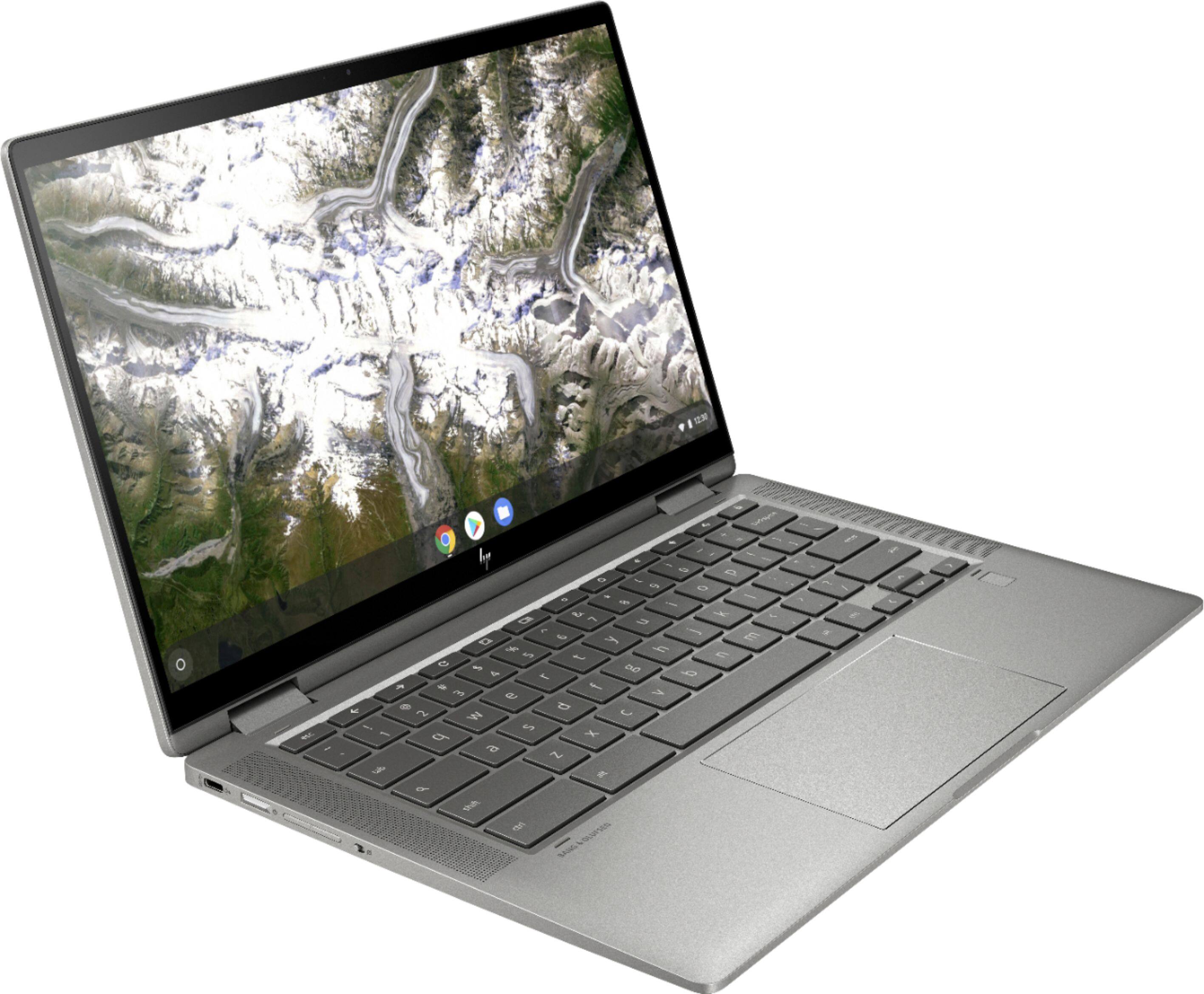
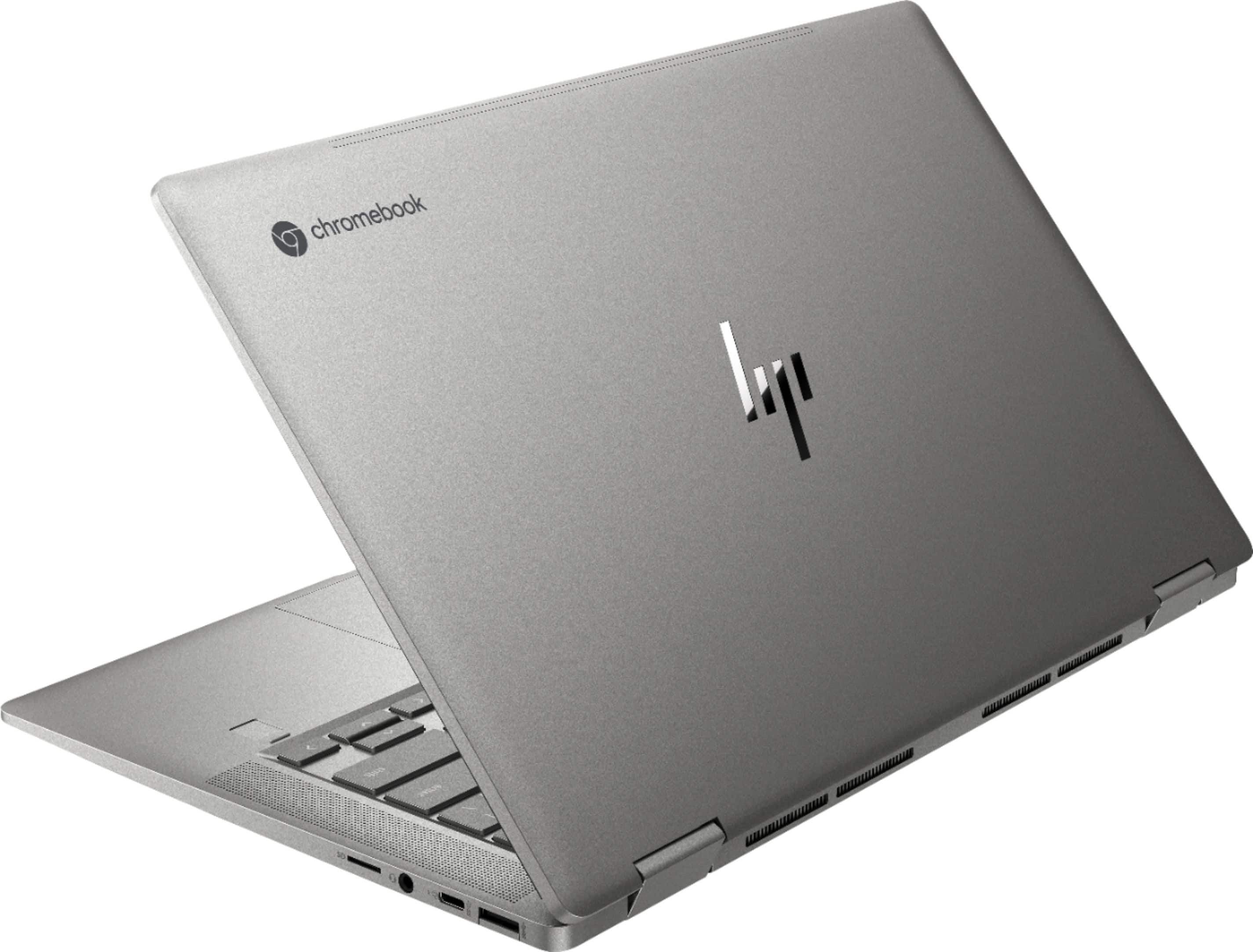
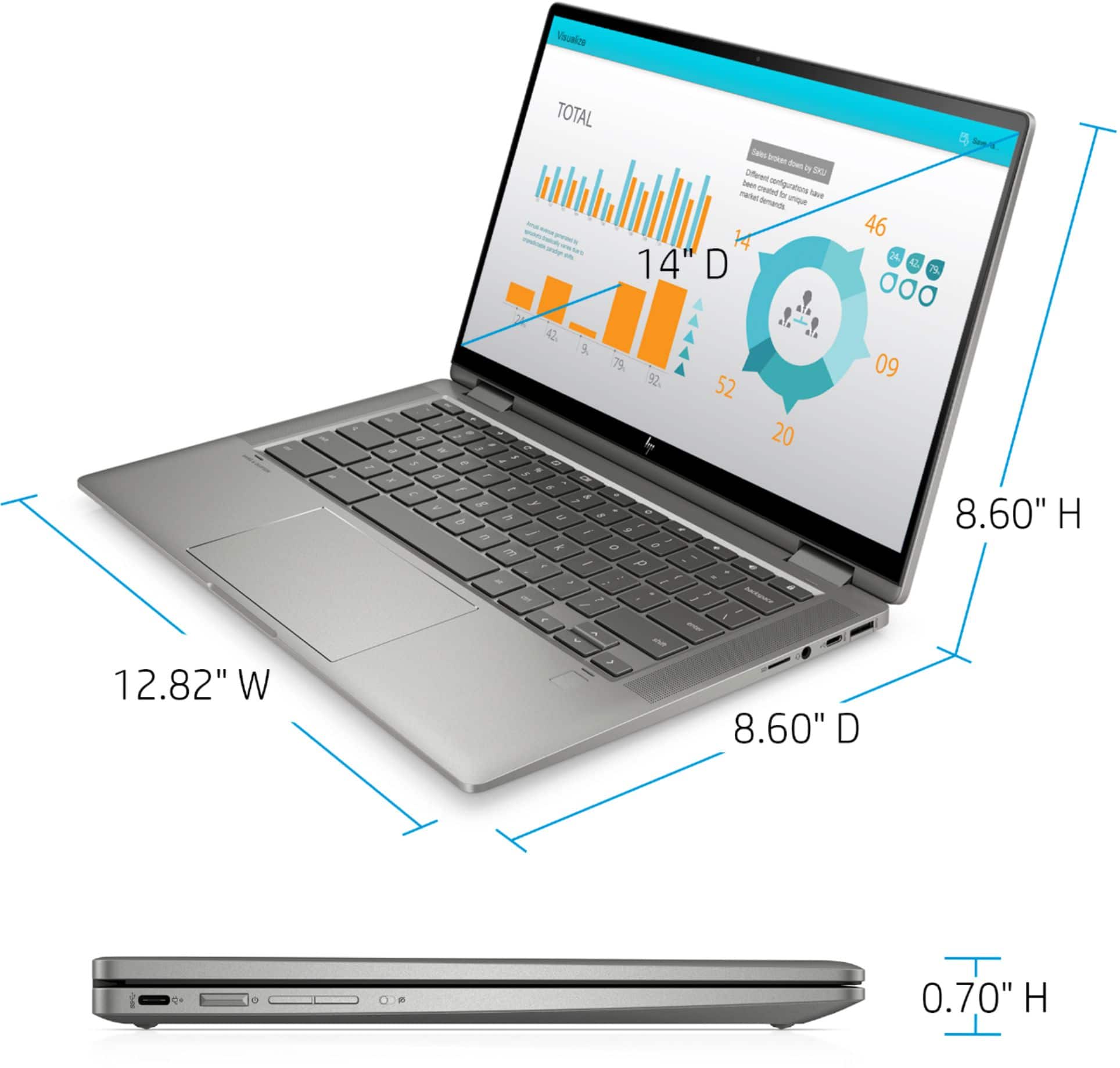
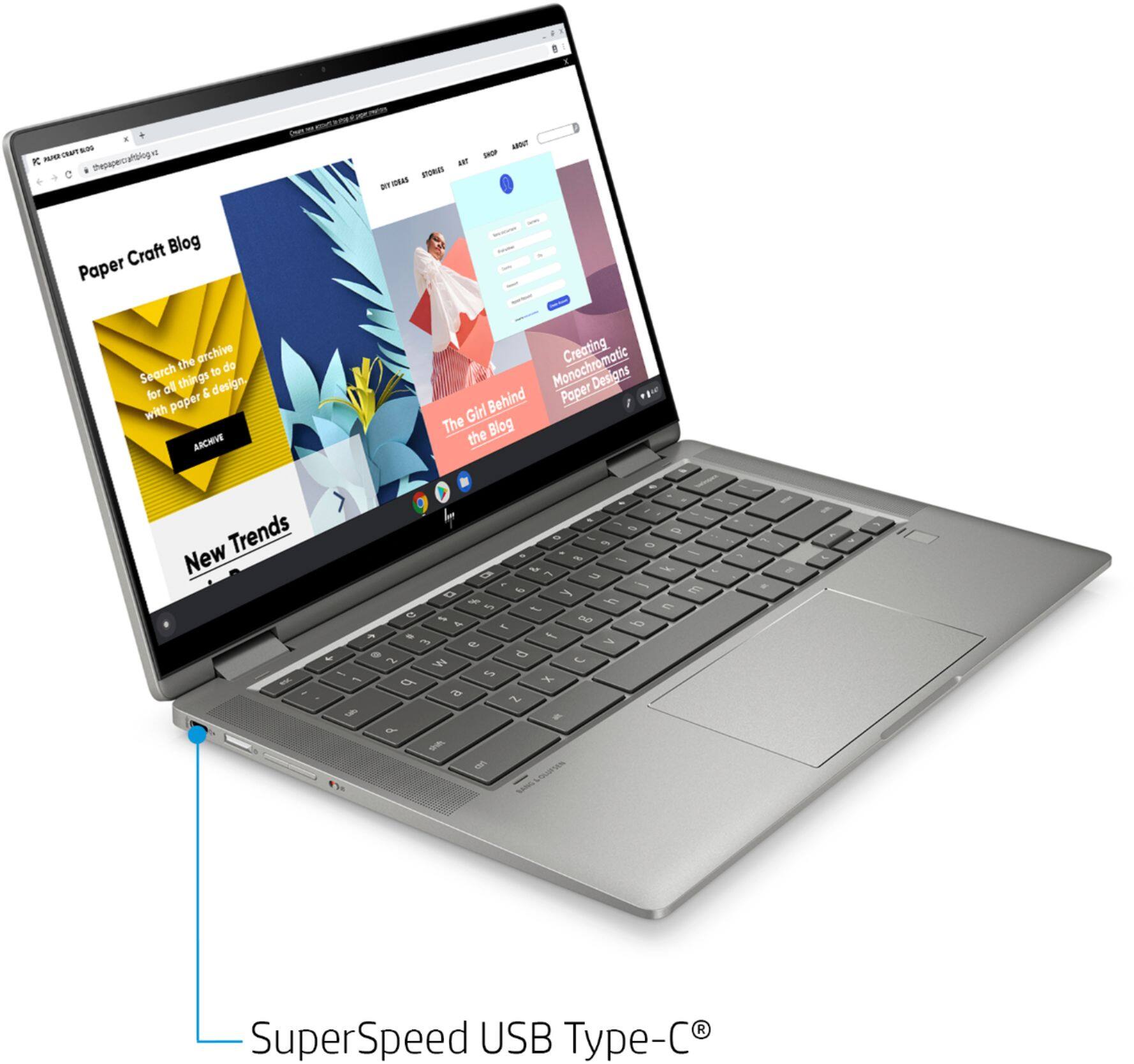
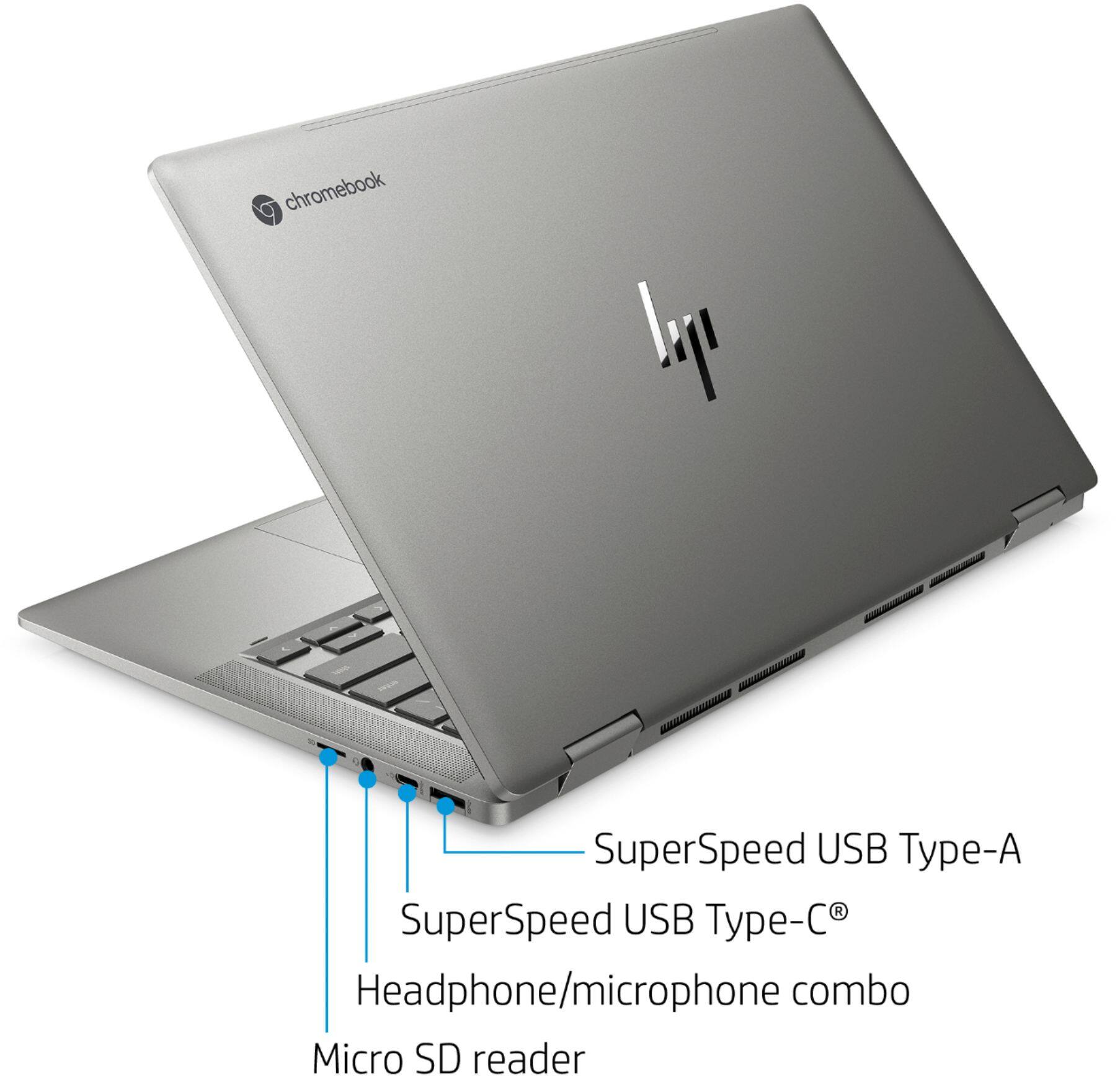
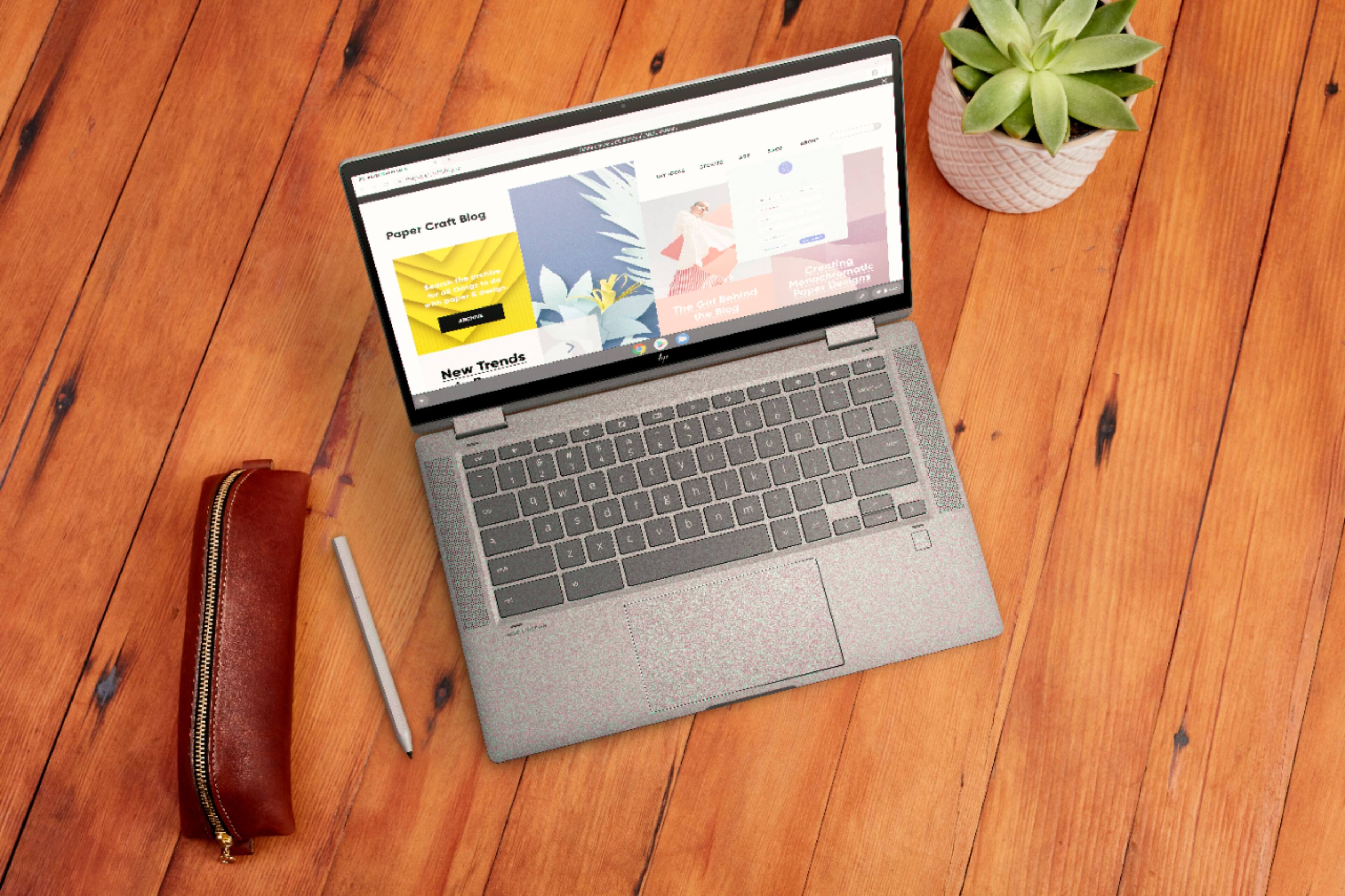
A:AnswerTo be able to connect this HP Chromebook x360 - 14c-ca0053dx to a monitor with HDMI, you would need a USB C to HDMI adapter since this Chromebook does not have HDMI. It also does not have the VGA port.
A:AnswerHi Janet. A cracked screen is not covered by the factory warranty. If you purchased an extended warranty with accidental damage coverage it would cover this.