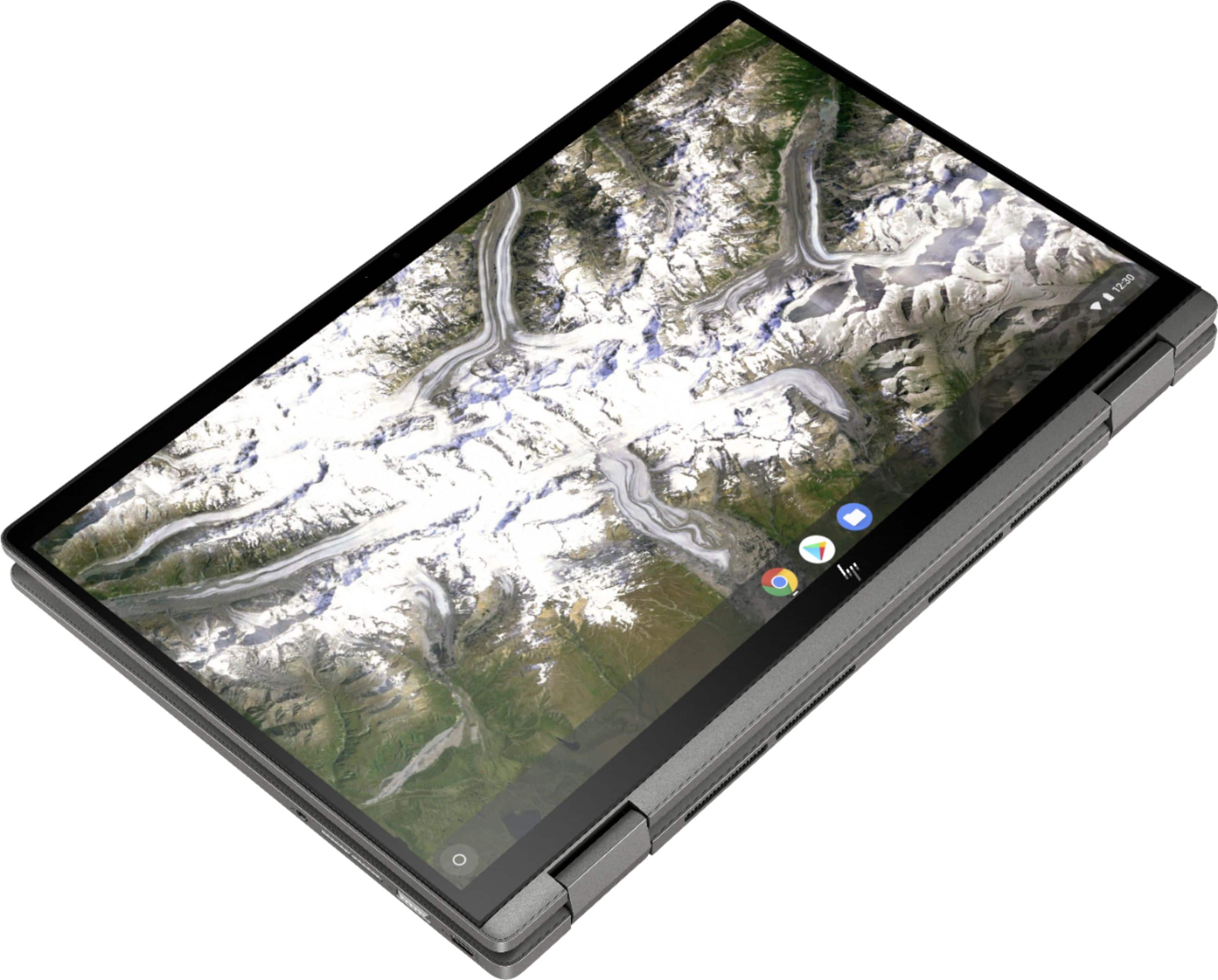
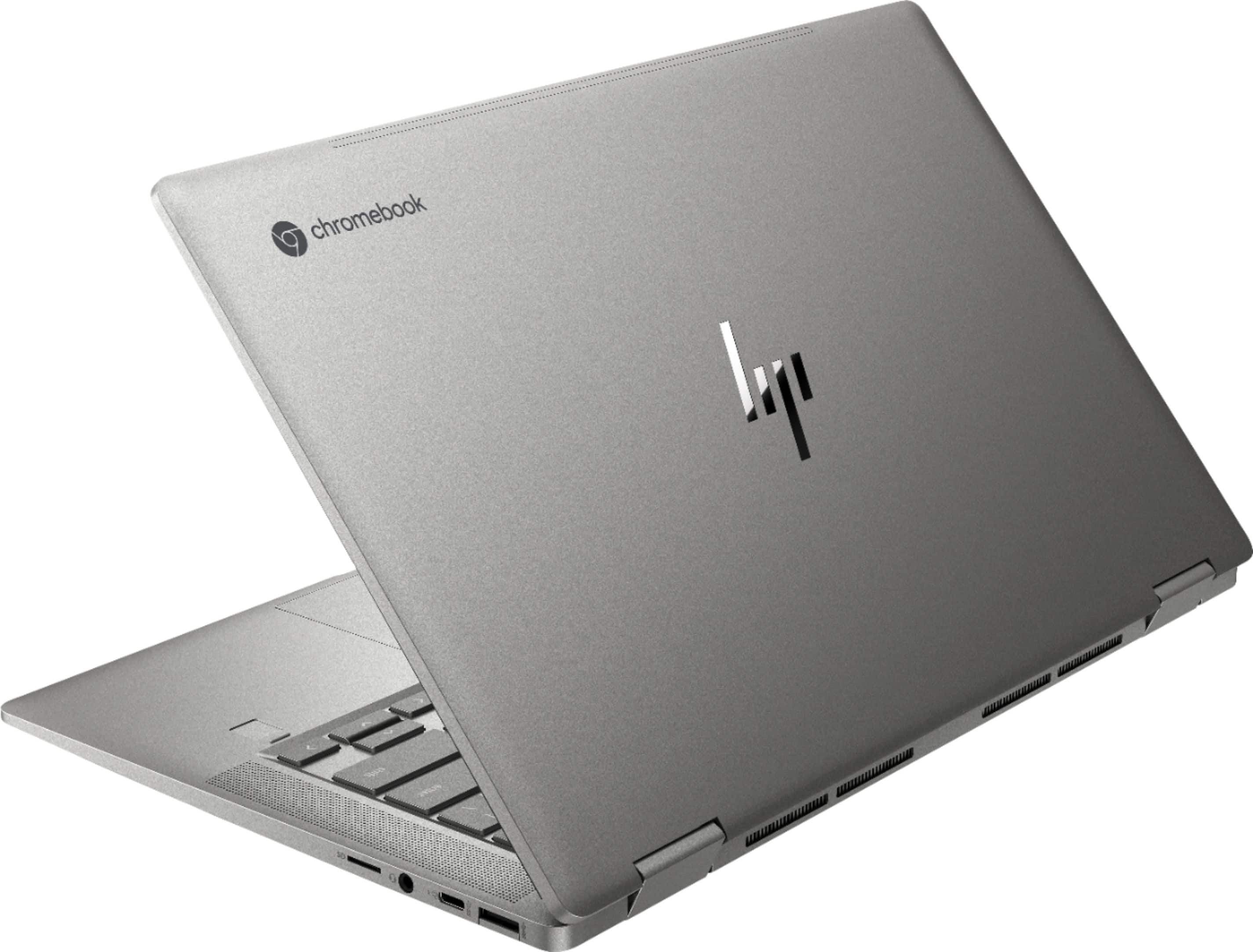
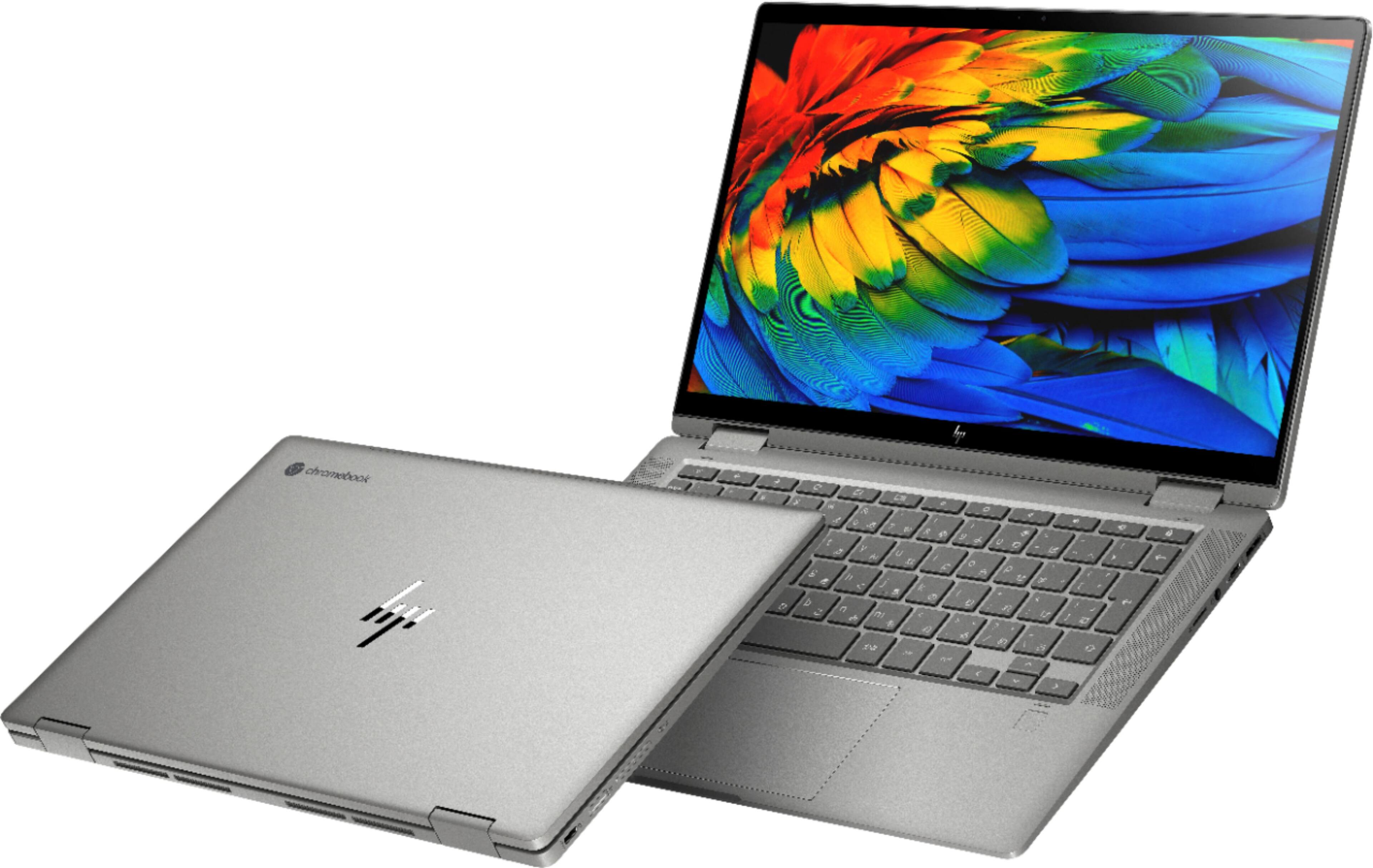
A:AnswerThe storage on this Chromebook is the 64 gigabytes of eMMC flash memory. It does not have the traditional hard drive. Embedded Multimedia Card or eMMC is a more affordable and slower Flash-based storage than solid-state drives. eMMC is usually found in smartphones and other consumer electronics devices but is rarely used in personal computers. In everyday use, the performance of eMMC storage is somewhere between speed of HDDs and SSDs
A:AnswerYes, you can stream directly from Pandora and also install the app from Google play if you'd like. The speakers are above average for a laptop but still lack lower frequency response. I find myself preferring headphones but I'd gladly listen to these speakers over other Chromebook, most pc laptops, or any MacBook on the market.
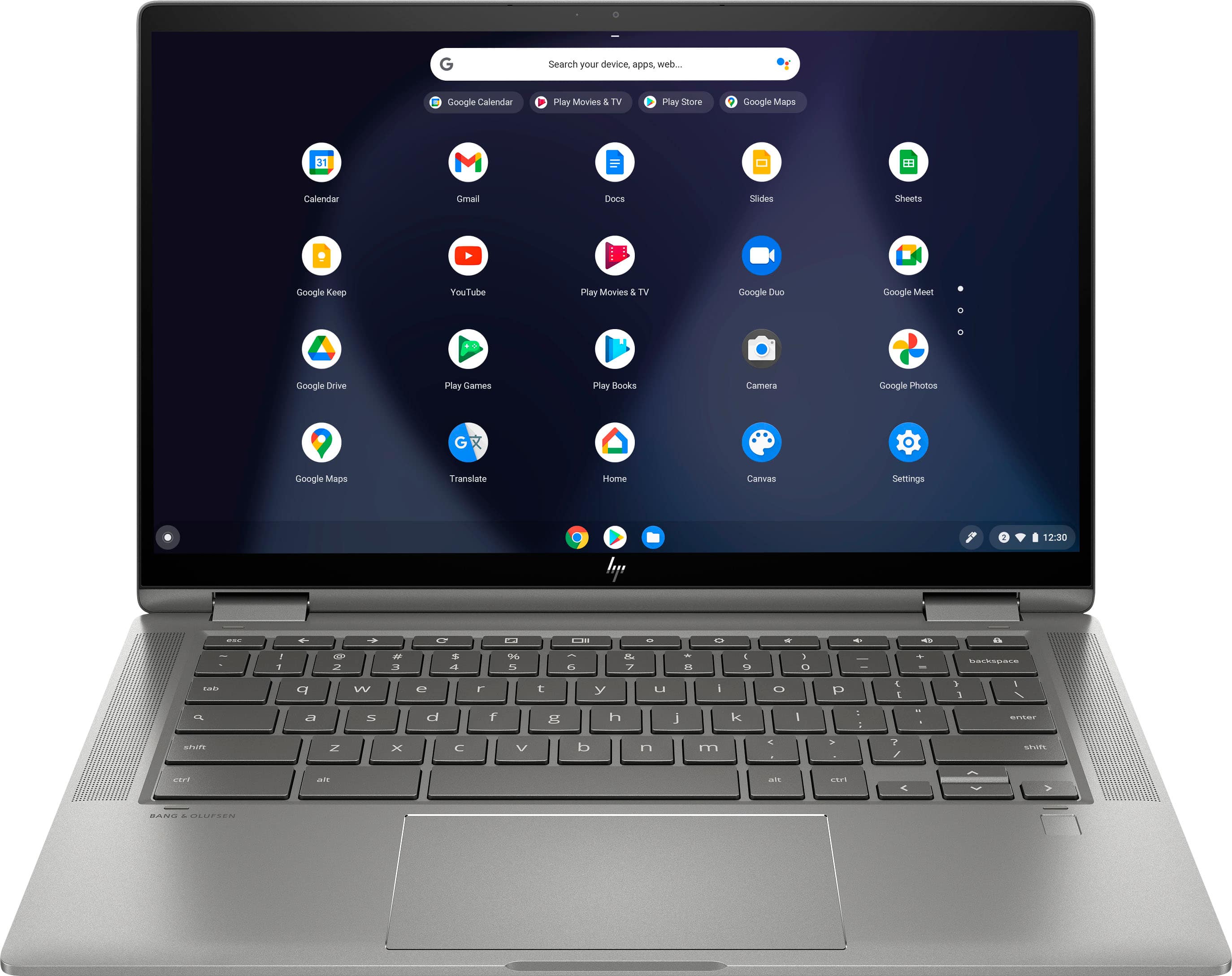
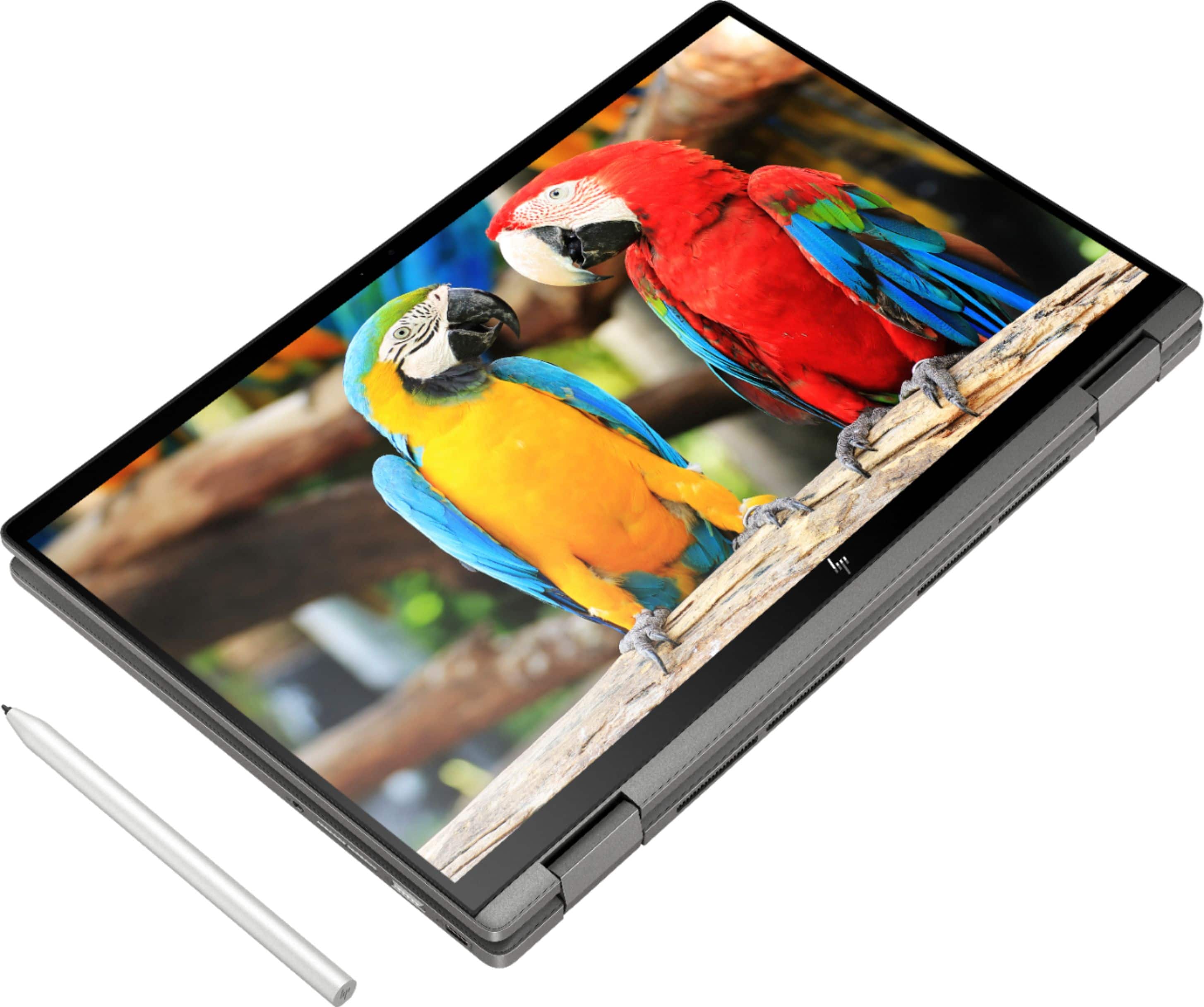
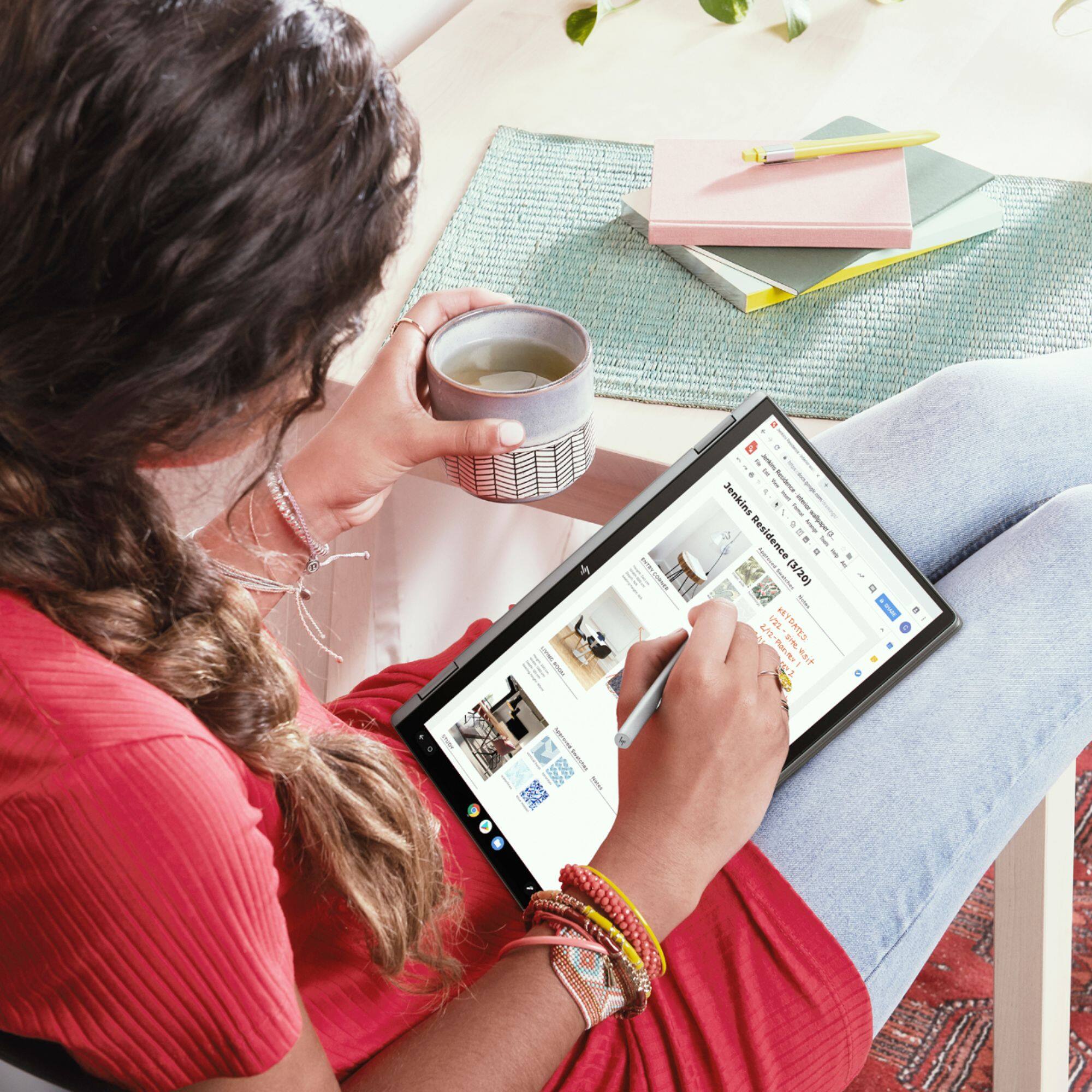
A:AnswerYes, you can certainly use a stylus with this Chromebook. Here's one example. https://www.bestbuy.com/site/hp-stylus-pen/5902029.p?skuId=5902029

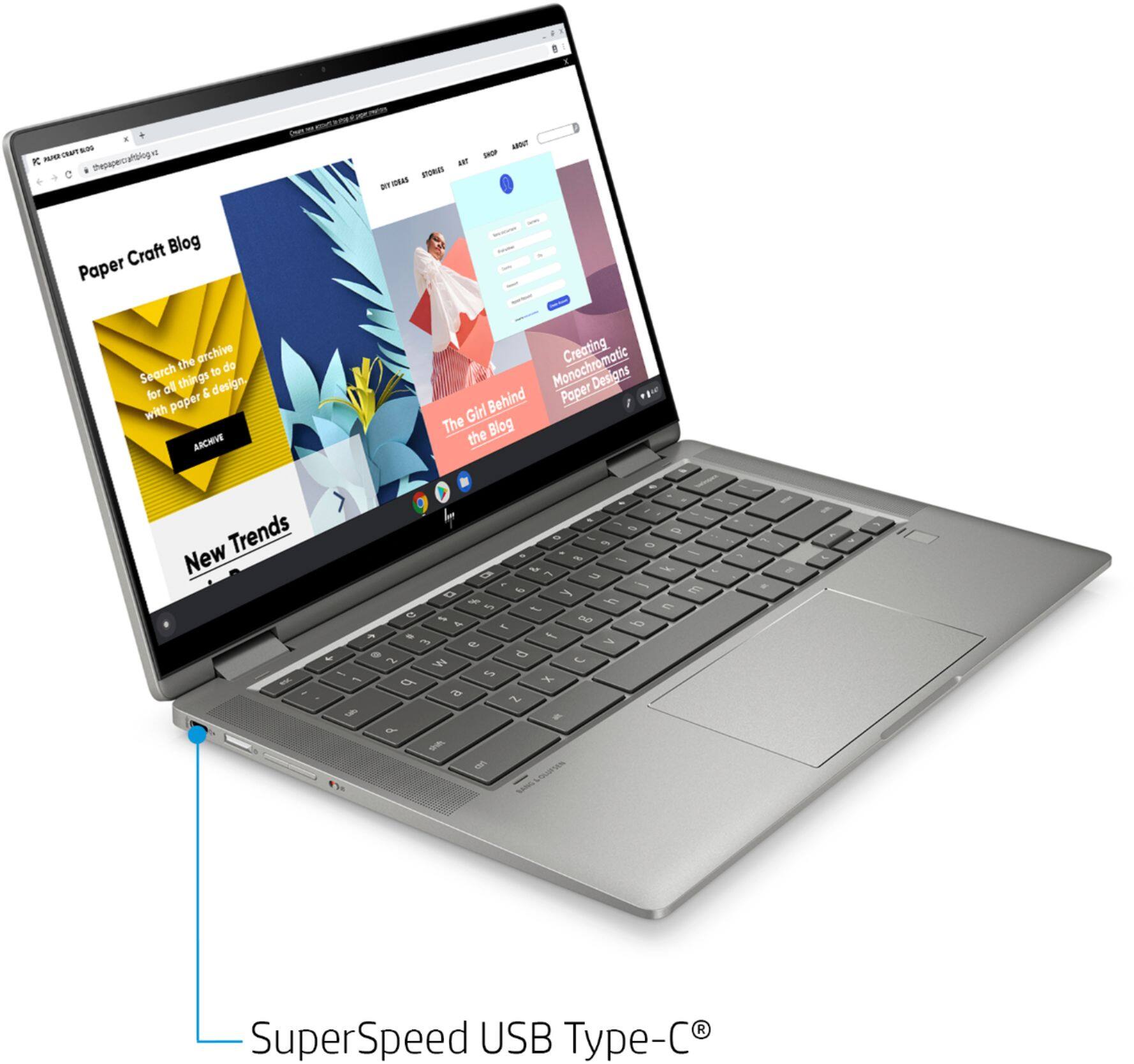
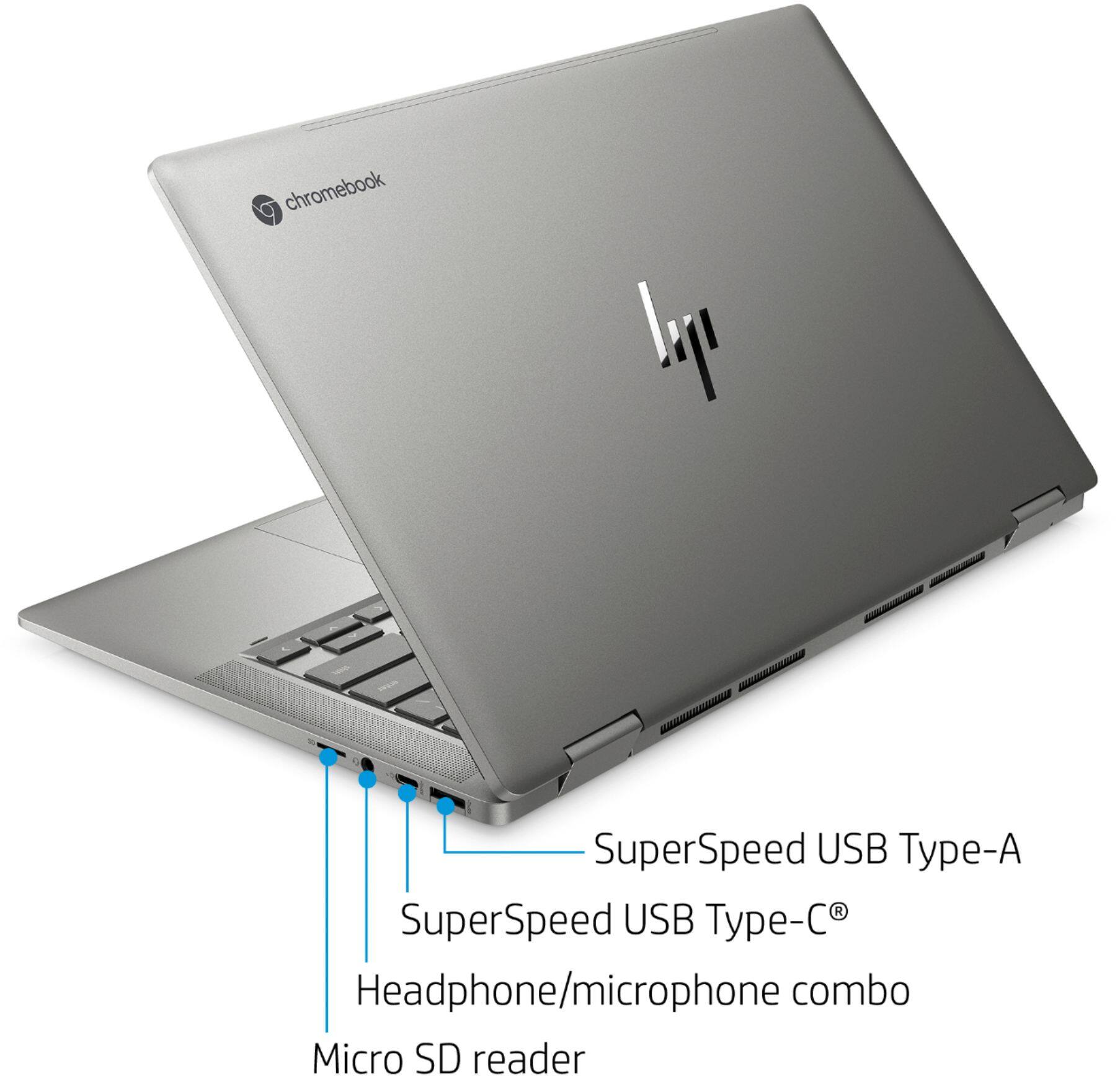
A:AnswerYou could connect a second monitor through the USB C port on the computer directly to a monitor like this: https://www.bestbuy.com/site/hp-pavilion-32-led-qhd-monitor-black/6343305.p?skuId=6343305 If you used a USB-C to HDMI cable like this https://www.bestbuy.com/site/insignia-6-usb-c-to-4k-hdmi-cable-black/6354090.p?skuId=6354090 then any monitor would work. The display on the computer would work as the 1st monitor, and the additional one as the second. There's not way to connect two additional monitors.
A:AnswerI type in "Office" and excel comes up (also the other components I guess). I am able to upload documents shared by another computer into "one drive". That is the i-cloud storage for office excel. It works well and I am able to share with others.