A:AnswerFor Remote Play, you would want to look from the developer's site the system requirements. Make sure it at least meets the minimum specs. Updates can impact functionality and how it works in the future.
A:AnswerThe Best Buy key specs offers the model number for the processor. You can use the processor's specs from the manufacturer. HP's Support site also offers the specs if you look it up from the model number of the laptop. In this case the processor is 2.0GHz for base frequency and up to 2.9GHz. For the Remote Play function, you would want to look up the system requirements from the developer's site. Make sure it meets at least the minimum required specs. Updates can impact functionality and how it works in the future.
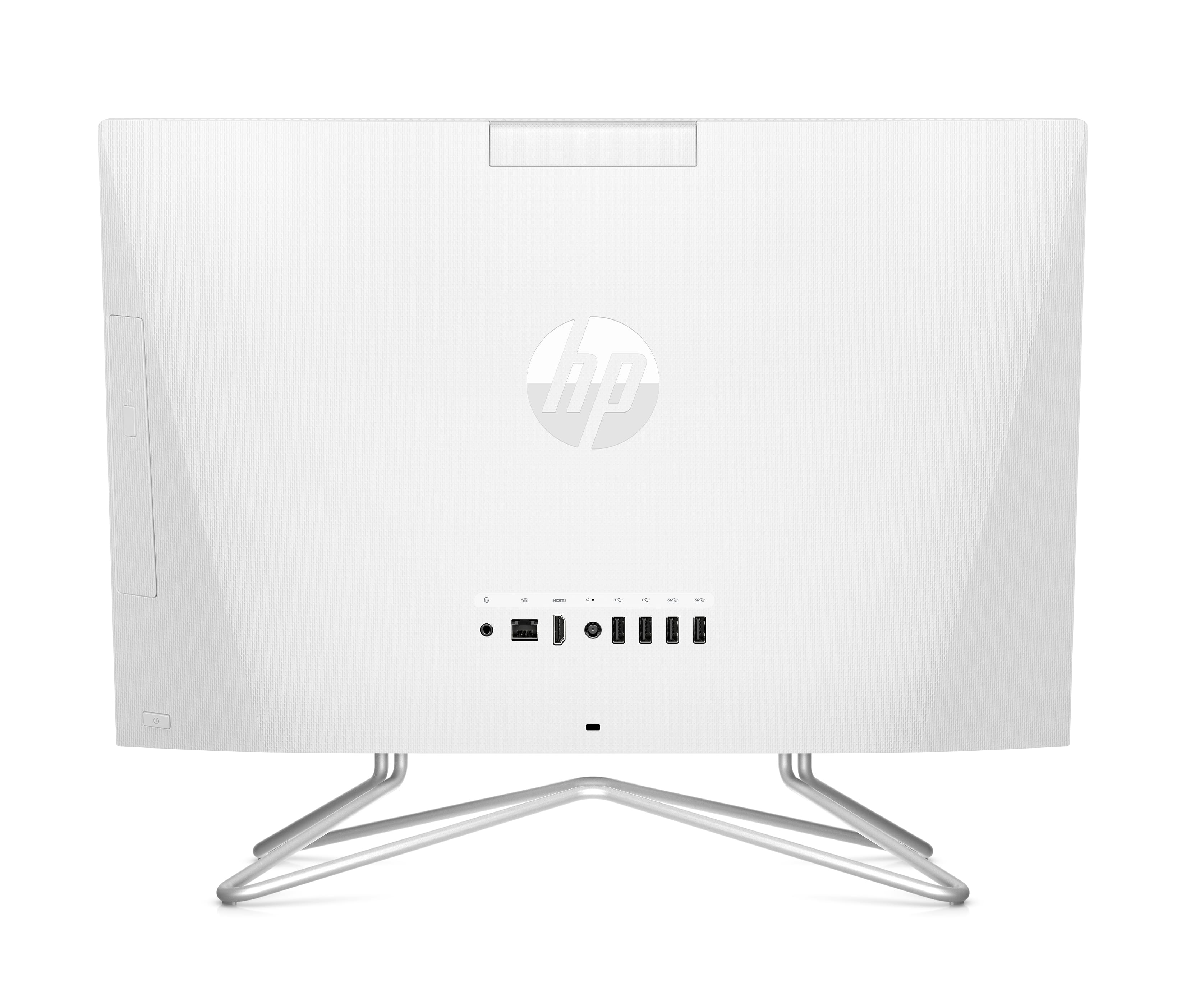
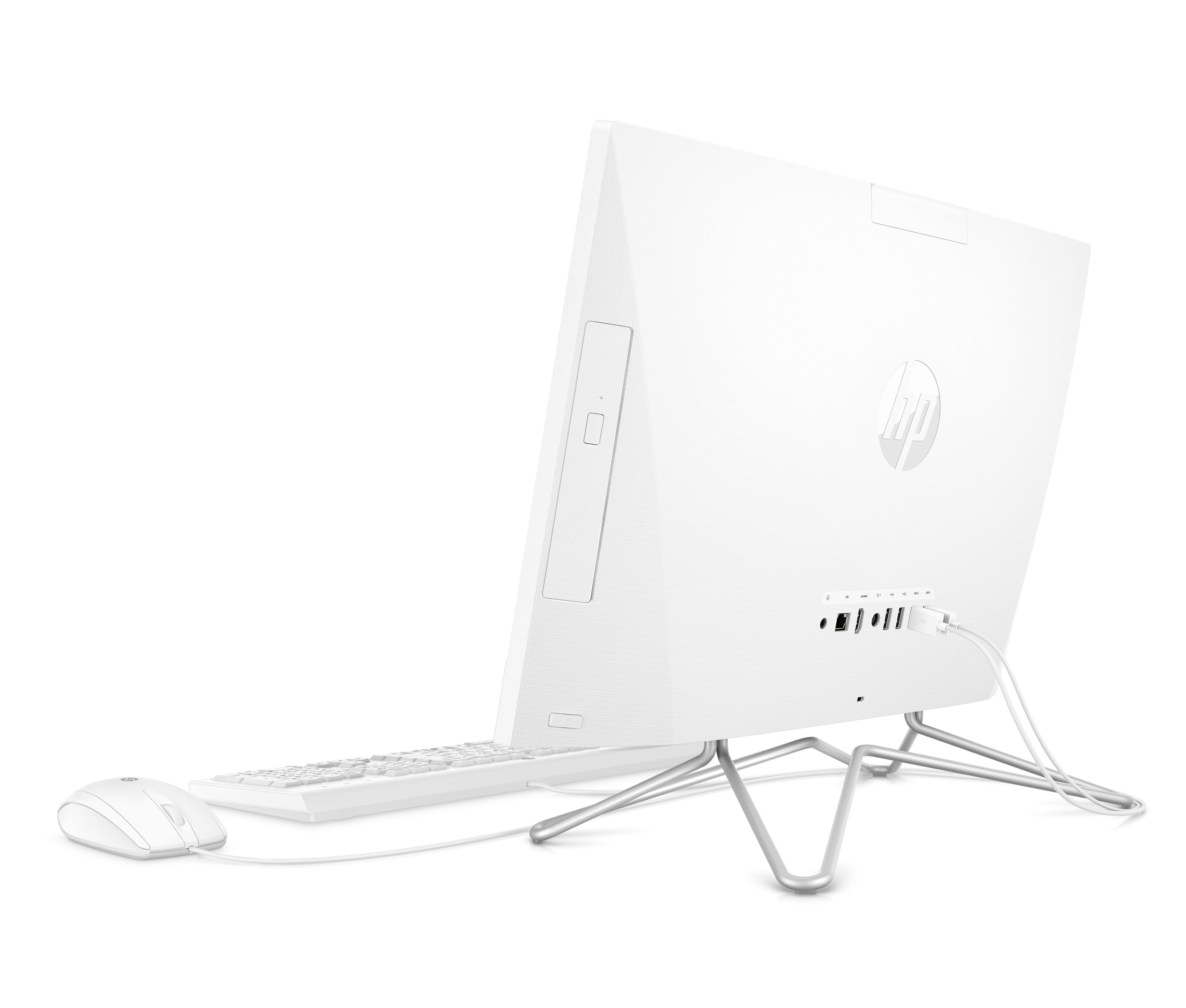
A:AnswerUnfortunately, there's no way to install an internal CD/DVD burner. However, you can use any of the available external drives that plug into one of the USB ports on the back of the computer.
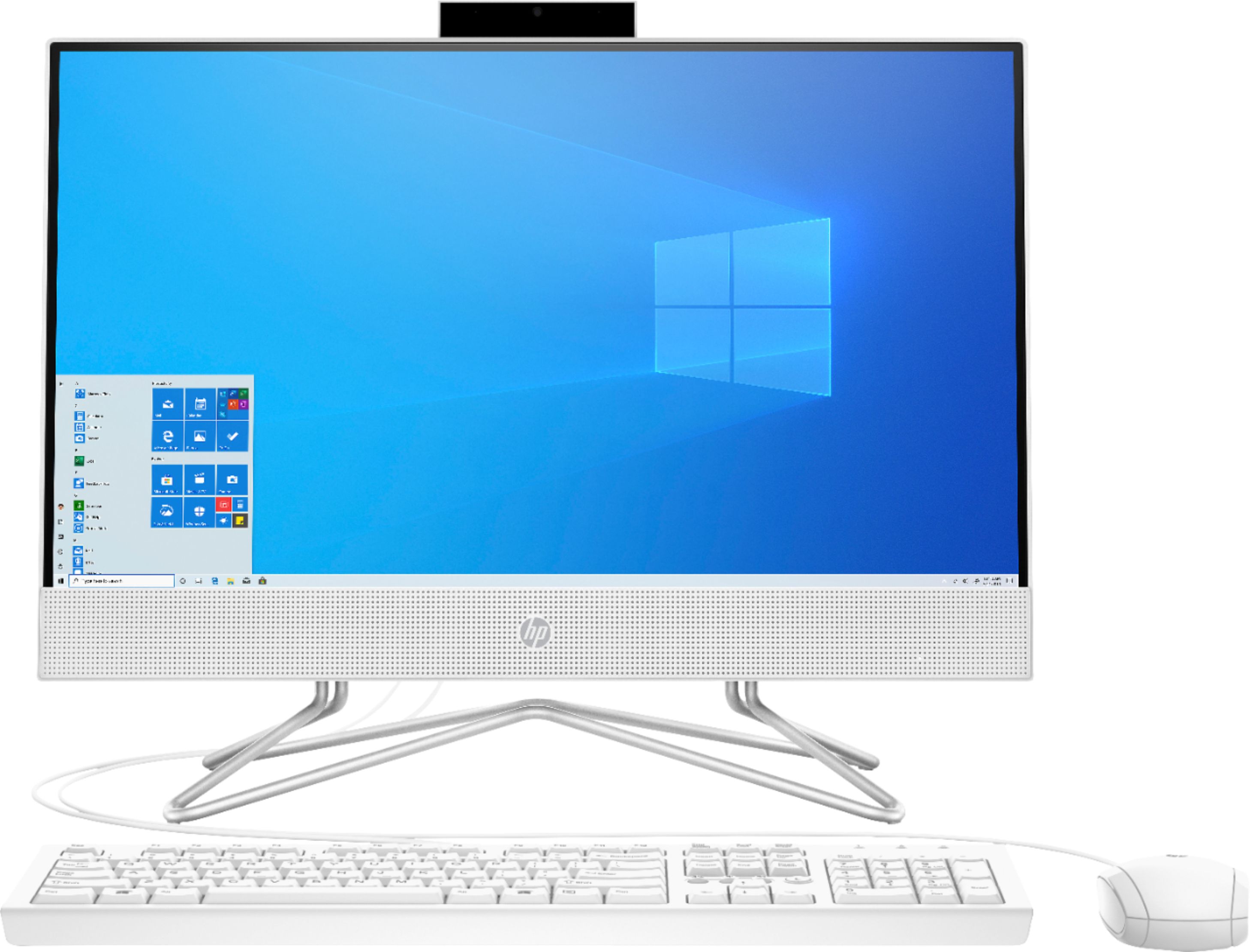
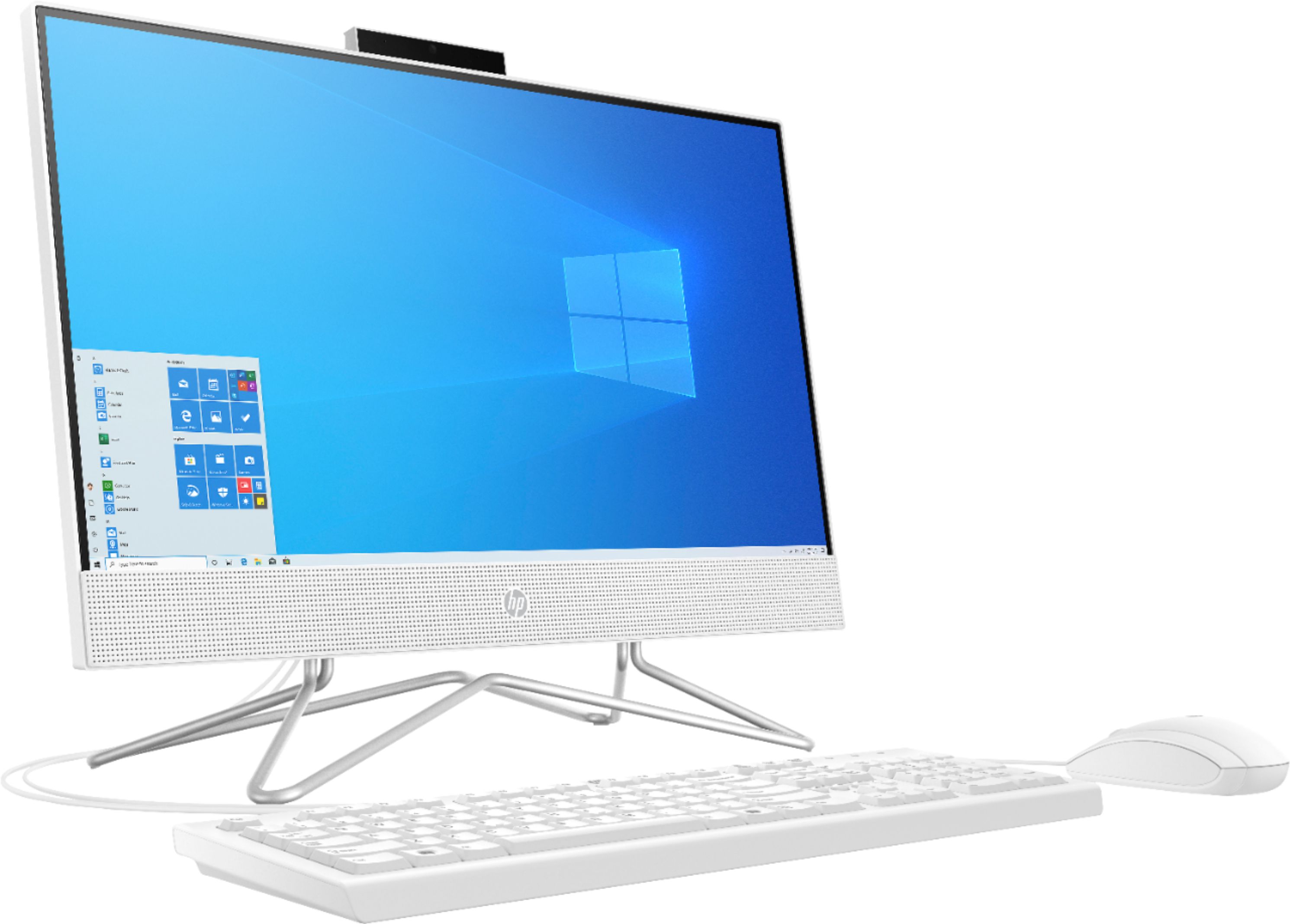
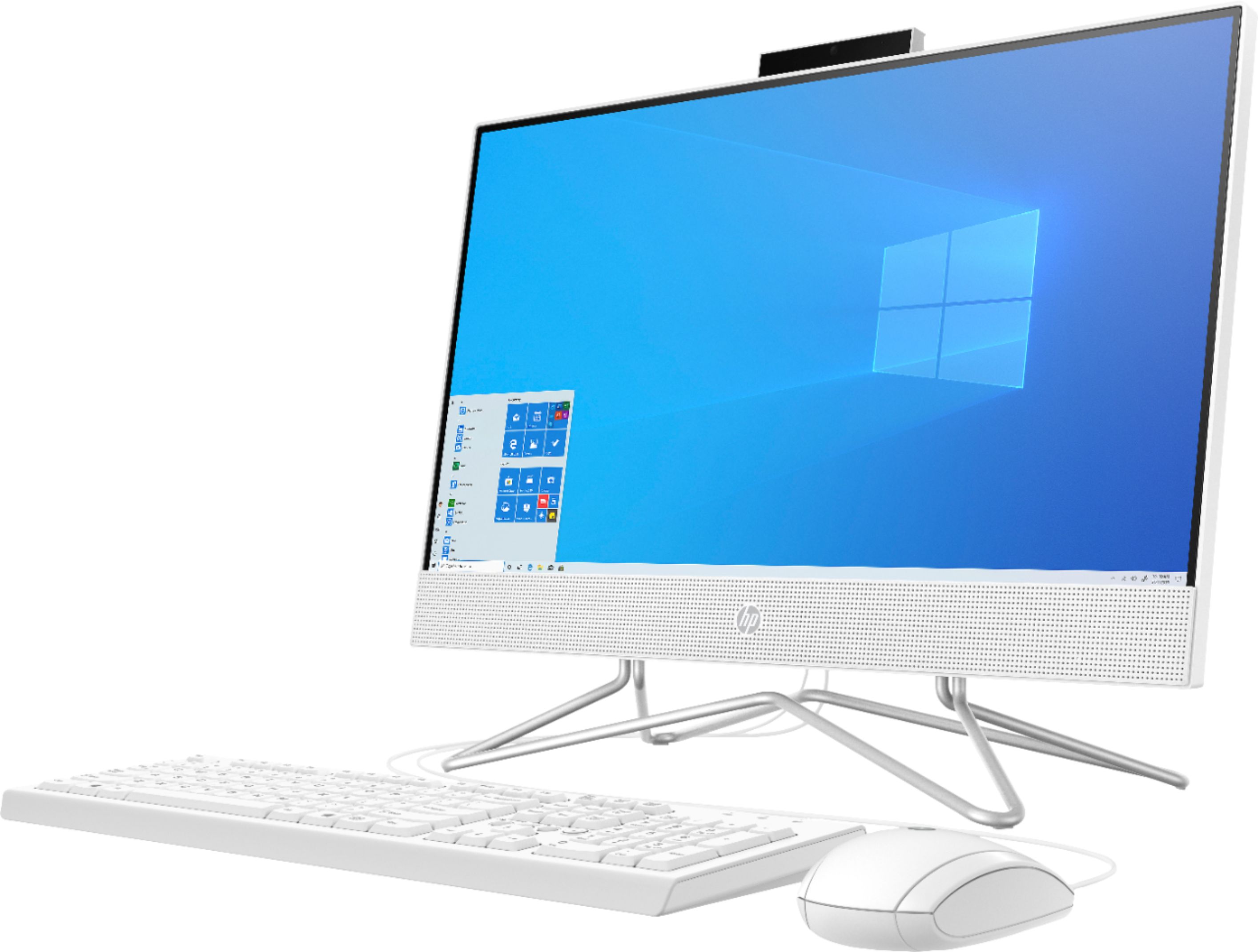
A:AnswerHello. Thanks for your question. This HP All-in-One 22-dd0024 computer does not have a CD/DVD drive. You can use an external USB CD/DVD drive with this all in one computer.