A:AnswerI'm not sure I haven't done anything like that but I'm sure it is capable so far so good. With what we are using it for but as soon as I do more on it I will post it on here
A:AnswerIt will depend on how that AirCard connects to the computer. If it can connect through the USB port, then you should be able to use it on this computer. Typically, hotspots are used from cell phone companies. You can either have a separate hotspot or use the hotspot from your smartphone. The Hotspot allows you to have internet access on the go on your mobile devices and computers. I would recommend reaching out to your cell phone company to find out the exact information on your Verizon air card and/or your hotspot.
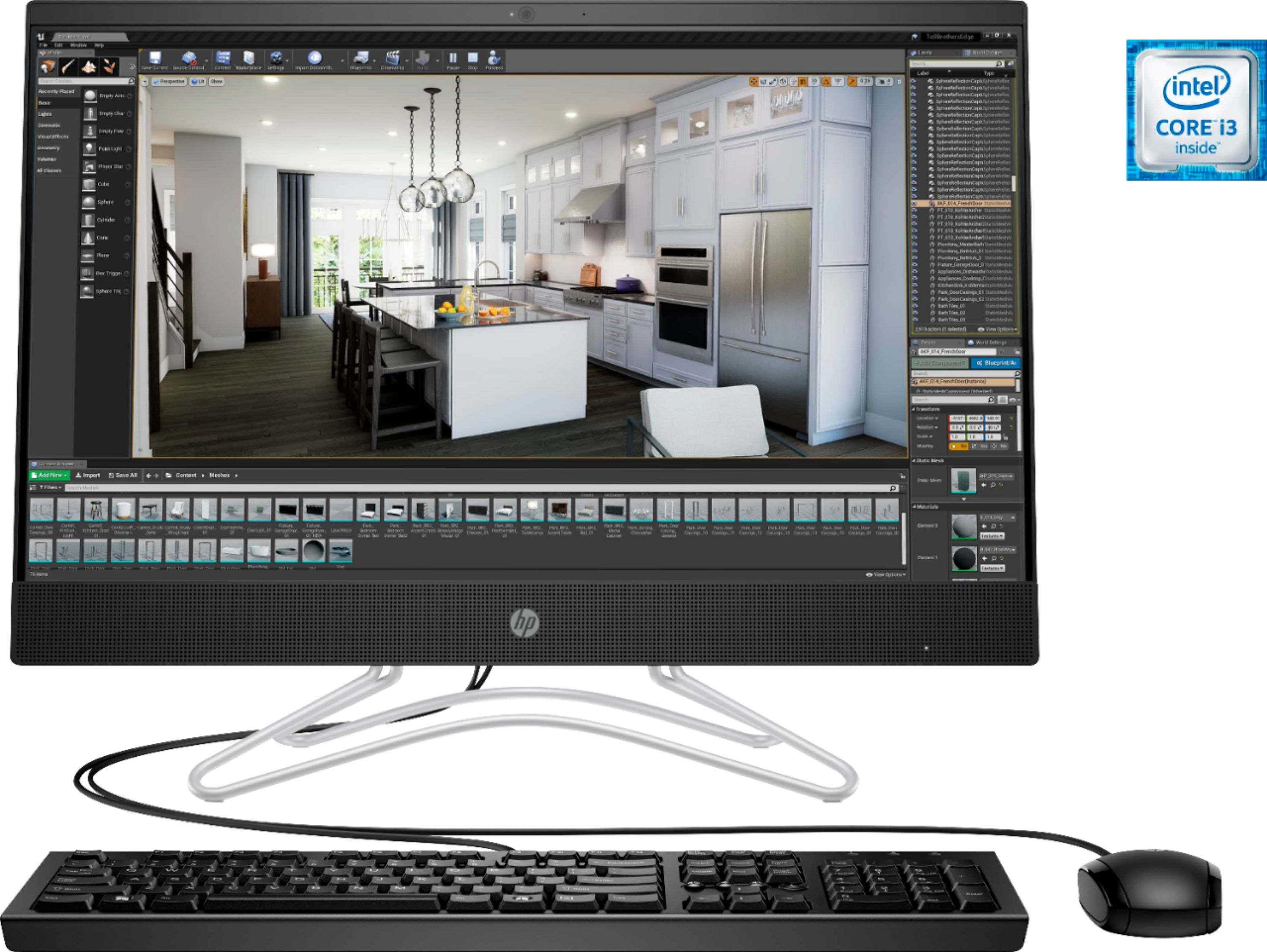
A:AnswerThis computer is a great choice for a hobbyist, who wants to make simple edits to their photos. For more intense editing or professional volumes, a computer with a more powerful processor would be better.
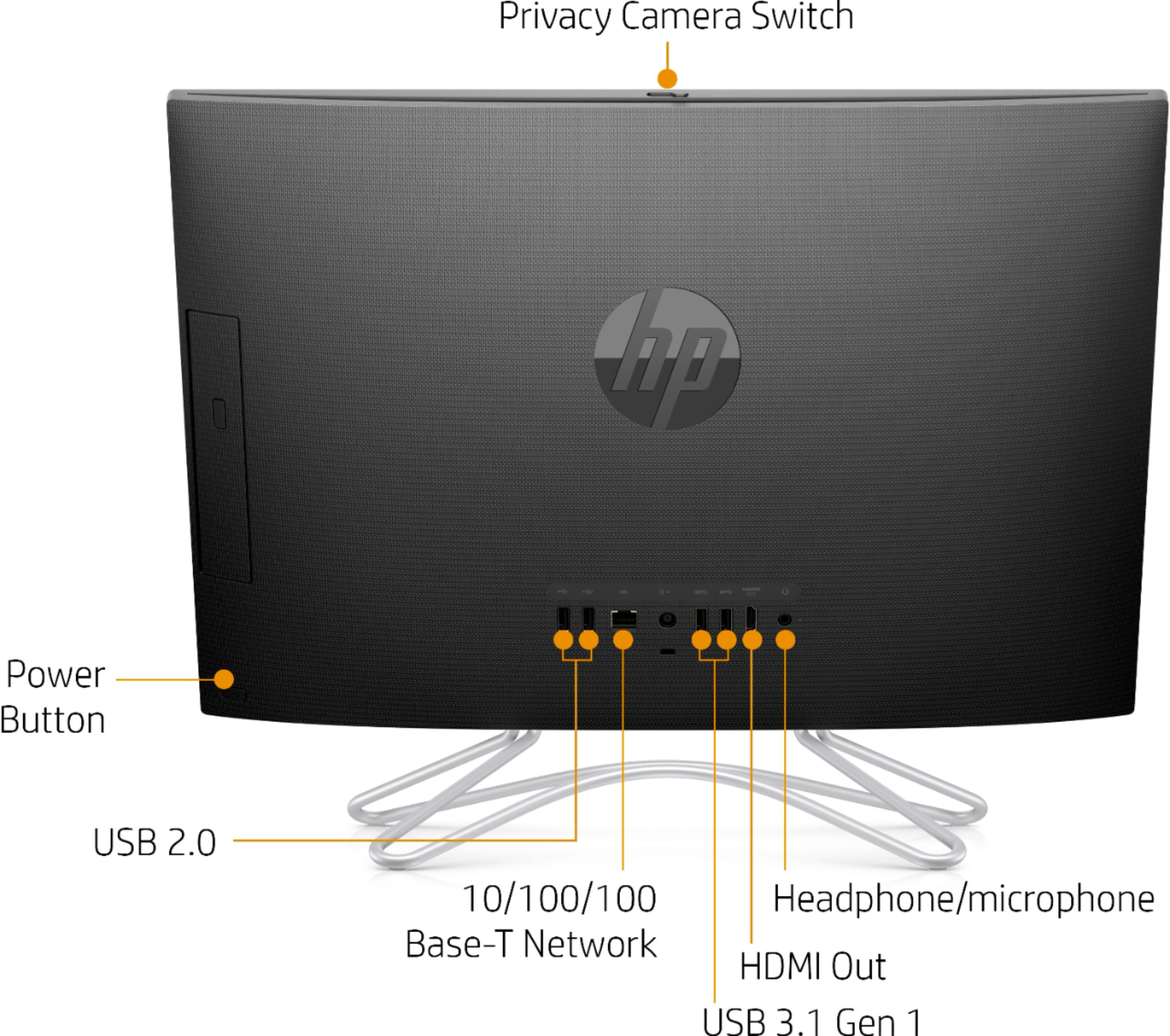
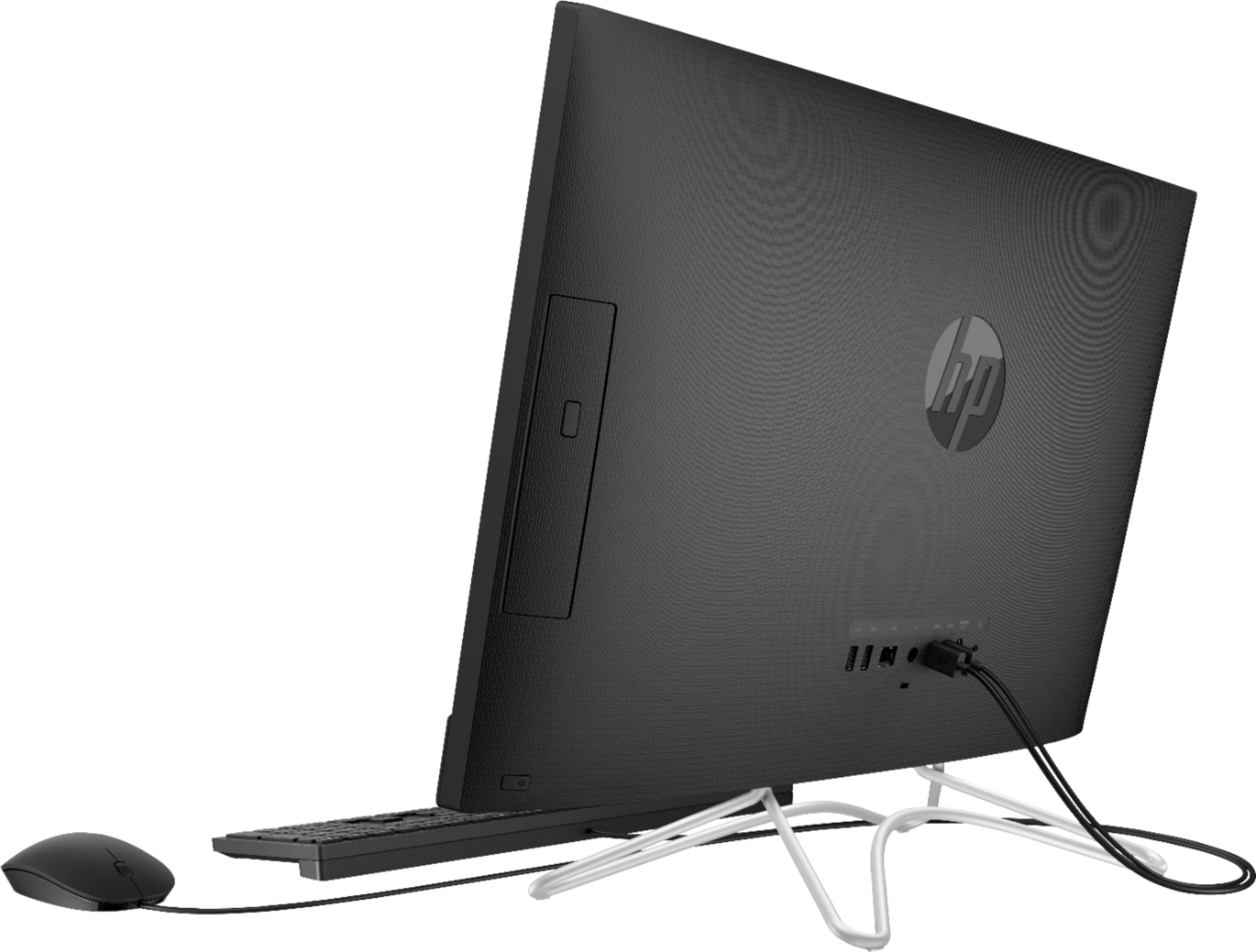
A:AnswerI checked on the Brother web site and it lists connectivity for your printer as USB2. There are several USB ports on the back of this All-In-One computer.
A:AnswerThis computer is protected with a short trial of McAfee Live Safe, which will protect against viruses. Also, Windows 10 has Security built into the operating system to keep you safe.
A:AnswerMicrosoft says that Office 2007 will run on Windows 10. It just has not been tested on Windows 10. Here is more info from Microsoft: https://support.office.com/en-us/article/which-versions-of-office-work-with-windows-10-0fc85c97-da69-466e-b2b4-54f7d7275705
A:Answeri DON'T KNOW IF THERE IS SPACE INSIDE THE COMPUTER FOR A SECOND DRIVE. WHAT IT DOES HAVE ARE USB PORTS TO USE WITH EXTERNAL DRIVES. i PLUG IN MY 1TB HARD DRIVE TO THE USB AND IT WORKS FINE.