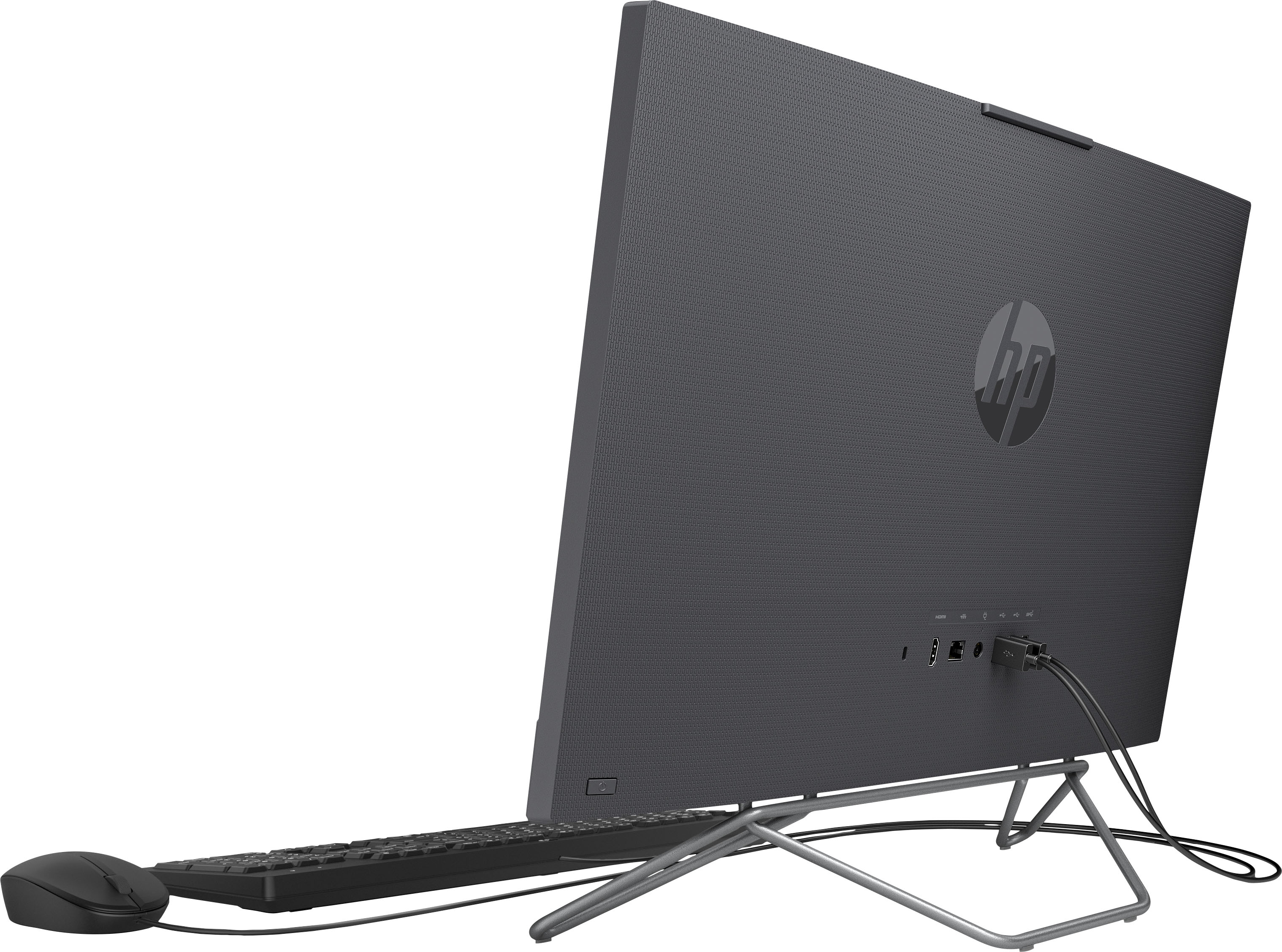
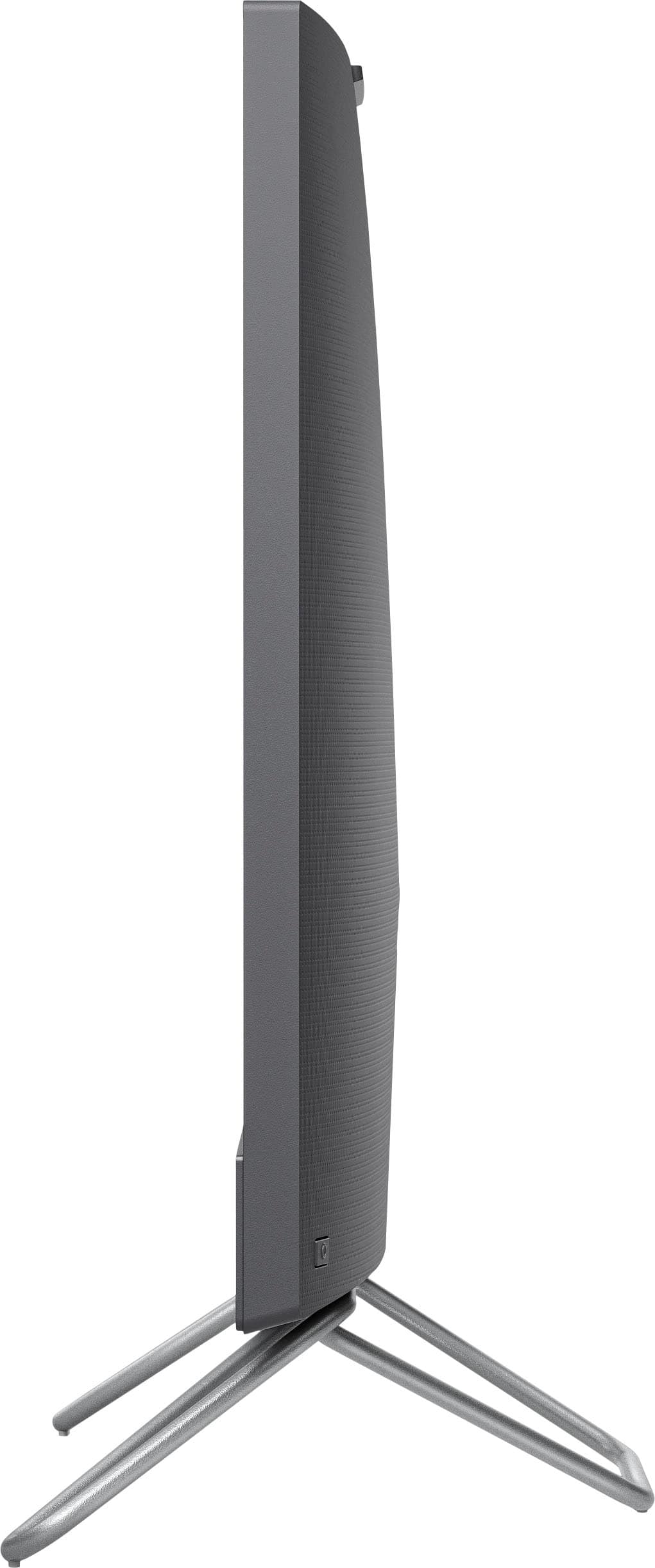
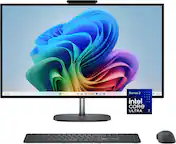
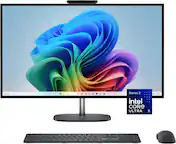
A:AnswerThank you for the question. Ports are as follows:
2 SuperSpeed USB Type-A 5Gbps signaling rate (Battery Charging 1.2)
1 headphone/microphone combo
2 USB 2.0 Type-A
1 RJ-45
A:AnswerIt's going to depend on what games he's playing, and how old he is. It wouldn't be a good choice for games that require a lot of horsepower, but if your son isn't looking at those kind of games it will do just fine. Thank you Aileen for asking the question!
A:AnswerKaren, Thank you for your question about this HP Desktop! I am sorry that you are not able to experience it fully. However, you can contact HP Support or Geek Squad Support, who can look into this issue and offer you a solution.
A:AnswerYou can download the setup guide for this computer from https://support.hp.com/us-en/product/setup-user-guides/hp-all-in-one-desktop-pc-24-cb0000a/model/2100771444?sku=318L5AA
A:AnswerYou can check the requirements for the software you would like to use by looking up the system requirements for it from the publisher's website. You will want to make sure that the device you want to use it on meets the minimum requirements. Updates and modifications can impact what settings you can run the software on or if you can use the software at all.