A:AnswerAs I also purchased it for use with Sims 4, I can say with certainty it runs the game very well (and I have most of the expansion packs included, though no CC), have had no crashes yet, and the graphics are beautiful.
A:AnswerIt comes with a 30 day free trial to Microsoft Office which is the suite of programs that includes Microsoft Word. After that, you would need to purchase Microsoft Office.
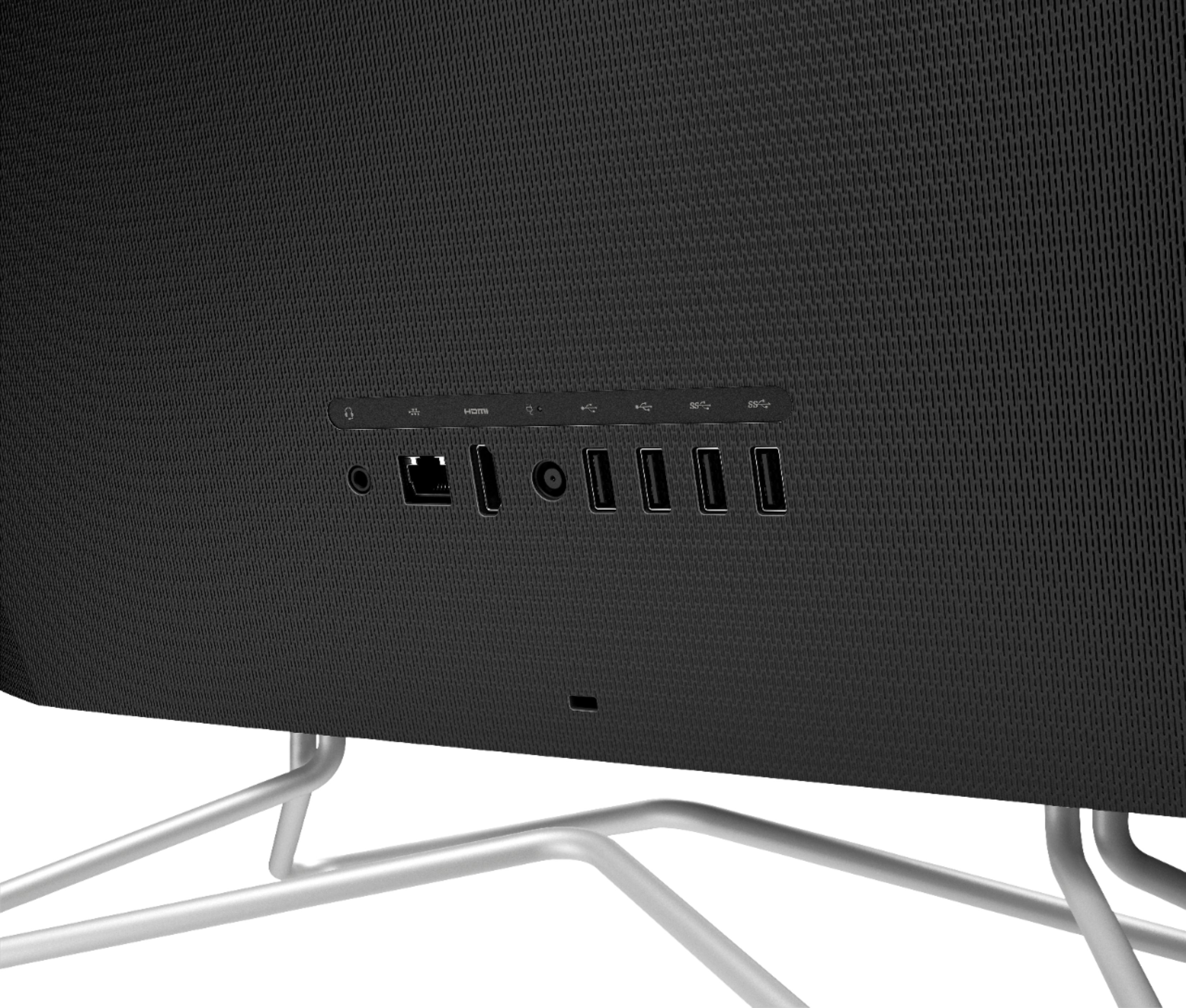
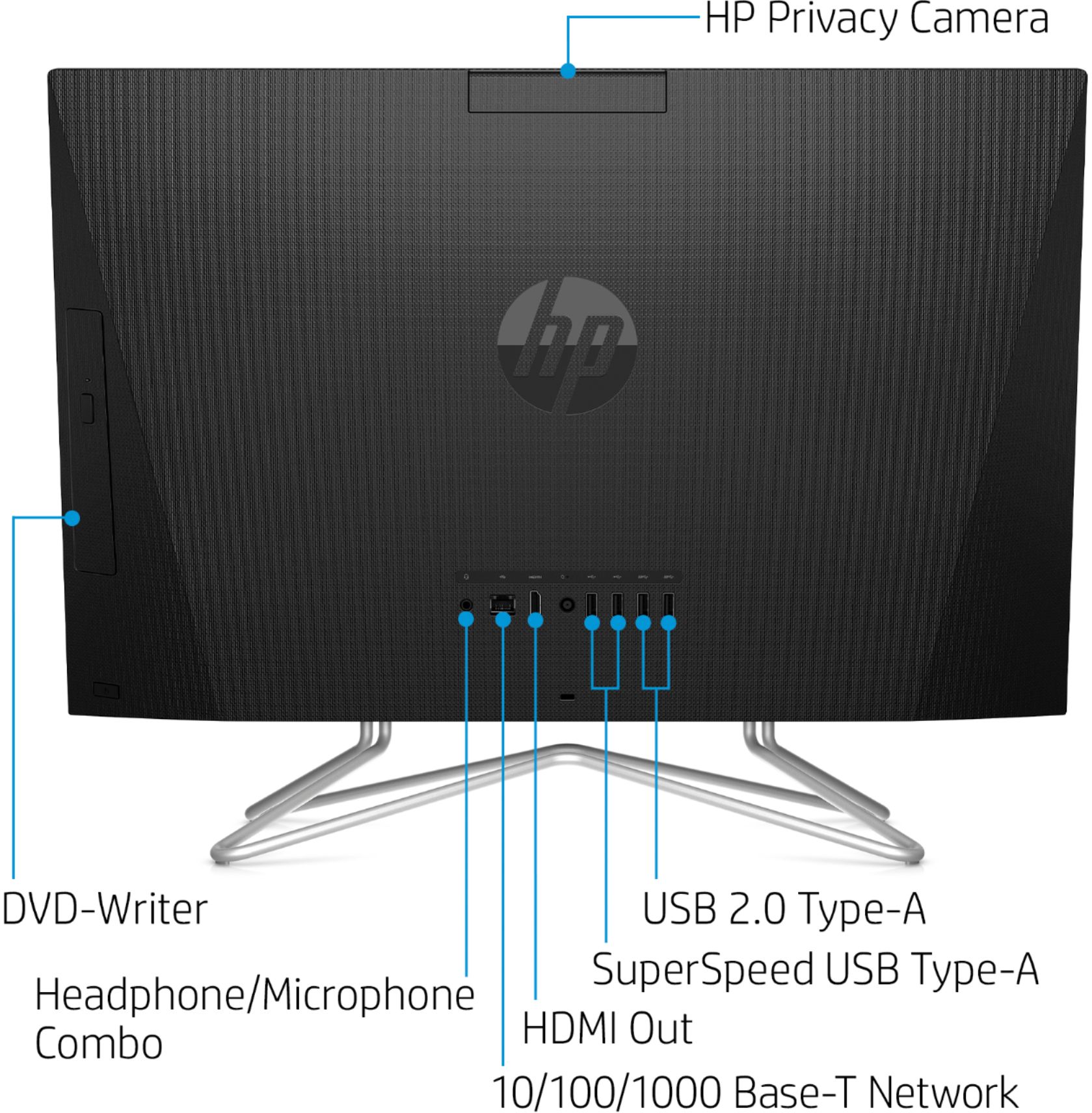
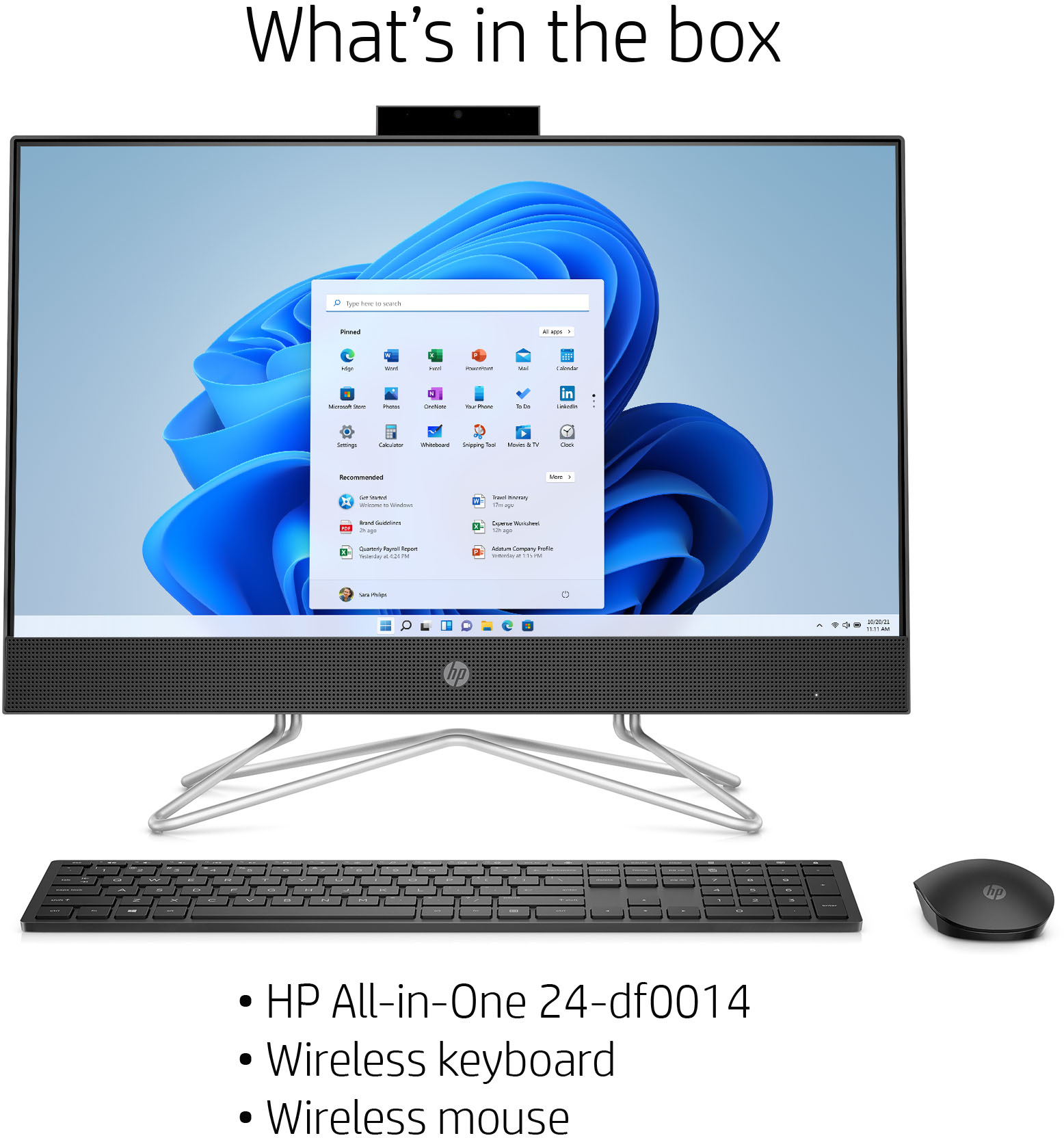
A:AnswerPower up the keyboard and the mouse and place the mouse button in one of the USB slots. Turn the mouse on by the switch on its bottom side. The computer will then find it automatically. The mouse button is packed with the mouse.
A:AnswerYes, this HP all in one computer is easy to set up. Here is a great article on how to transfer old stuff to the new one. Here you go: https://store.hp.com/app/tech-takes/how-to-transfer-files-from-pc-to-pc For inventory, we recommend reaching out to the customer service team at Best Buy.
A:AnswerYou might have to select the microphone in the zoom or windows settings. This link will help. https://support.zoom.us/hc/en-us/articles/201362283-Testing-computer-or-device-audio