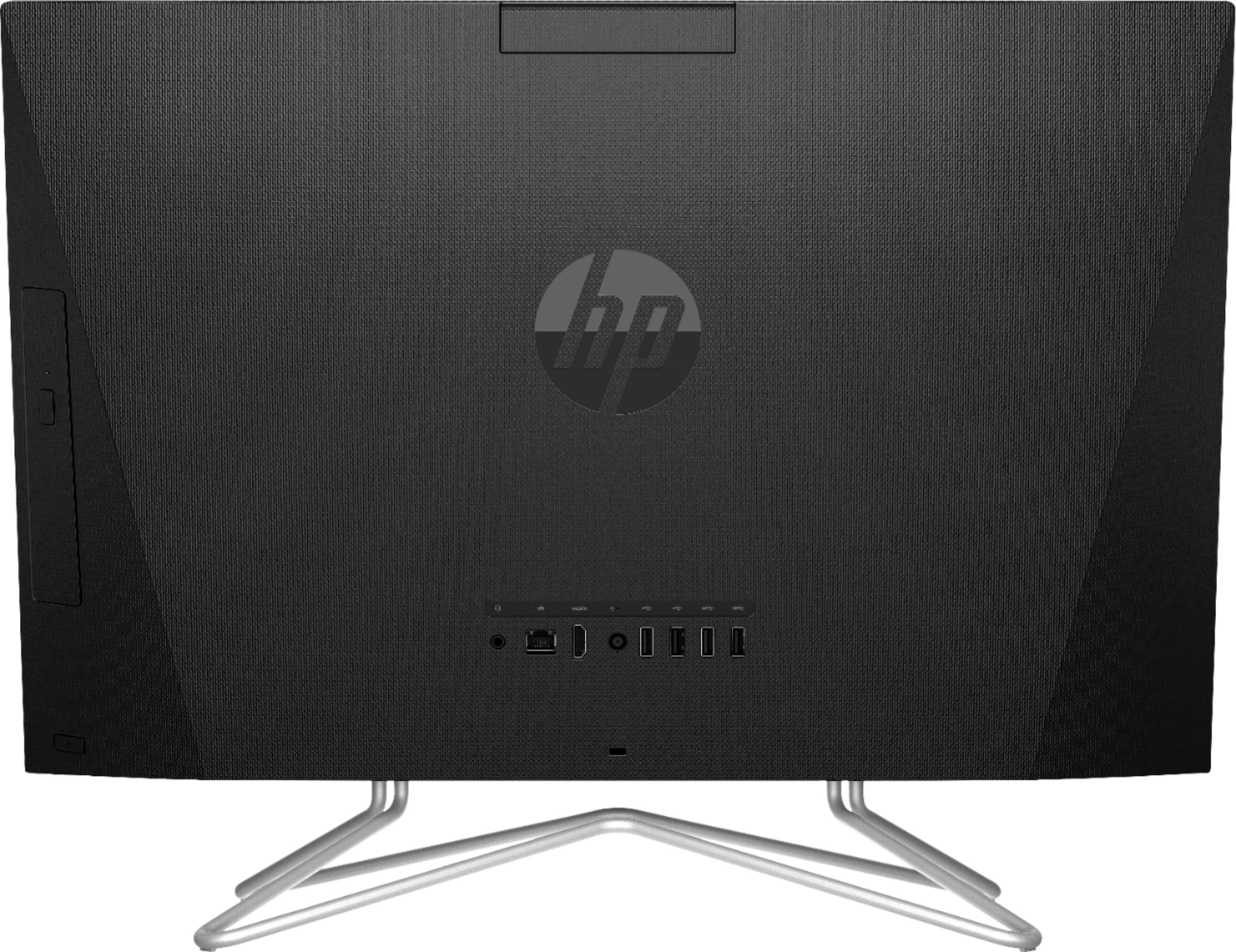
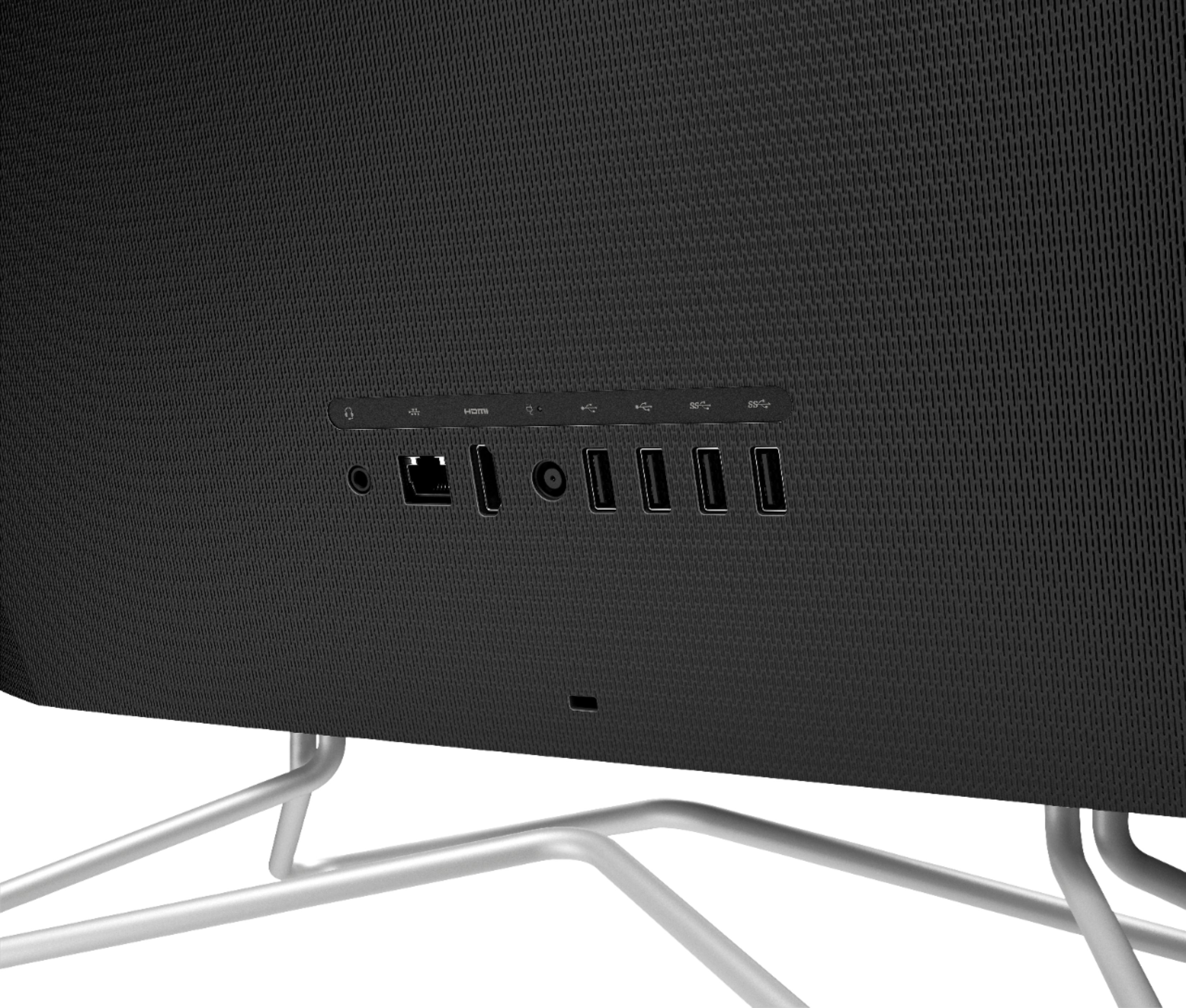
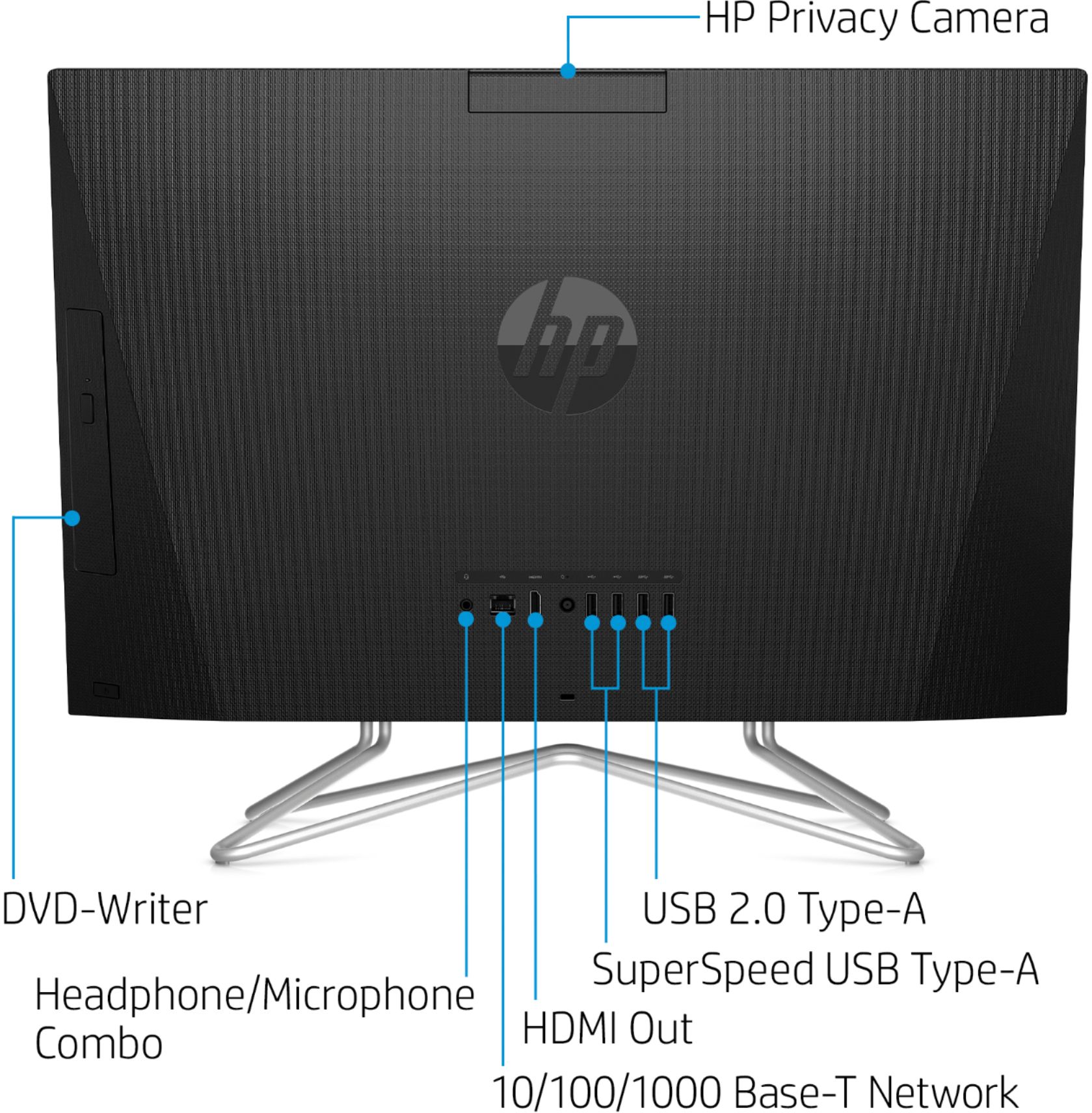
A:AnswerHello. Thanks for your question. If you want to use a 3rd monitor, it would be better to use a USB docking station with the matching video ports that are on the monitors, i.e. HDMI. The HDMI splitter will only allow you to mirror your screens. The USB docking station will allow you to extend your displays to the other monitors. Extending your displays will allow you to have different things open on the other monitors.
A:AnswerThanks for asking! Yes, you can install SIMS 4 and do other light gaming with this PC. This is a relatively fast PC for most work. It is not a gaming PC however. For serious PC gaming, I would recommend a PC with a dedicated graphics card(GPU).
A:AnswerThank you for the question. Yes, it will work with WiFi 6. The HP All-in-One - 24-df0014 has wireless standards 802.11a/b/g/n/ac. 802.11ac is WiFi 5. Wifi 6 (802.11ax) is backward compatible to WiFi 5.
A:AnswerThank you for the question. The power cord and adapter make a two-piece assembly. You cannot plug the power cord directly into a wall receptacle.
A:AnswerTo manually transfer files, copy your files onto the external drive, eject the storage device, plug the storage device into the new computer, and then reverse the process to load the files onto it. More information is here: https://support.microsoft.com/en-us/windows/move-your-files-to-a-new-windows-10-pc-using-an-external-storage-device-dd139b2e-bc73-4431-8e6e-c96e10dffdf5
A:AnswerHello Mike. Unfortunately no, though this HP 23.8" all-in-one does have WiFi capability built-in, it does not have the 5G cellular transmitters to connect to your 5G cellular data plan. There are plenty of external attachments that this model is compatible with to give you 5G wireless capability however. Check with your cellular provider to determine which brand will work with your data plan.
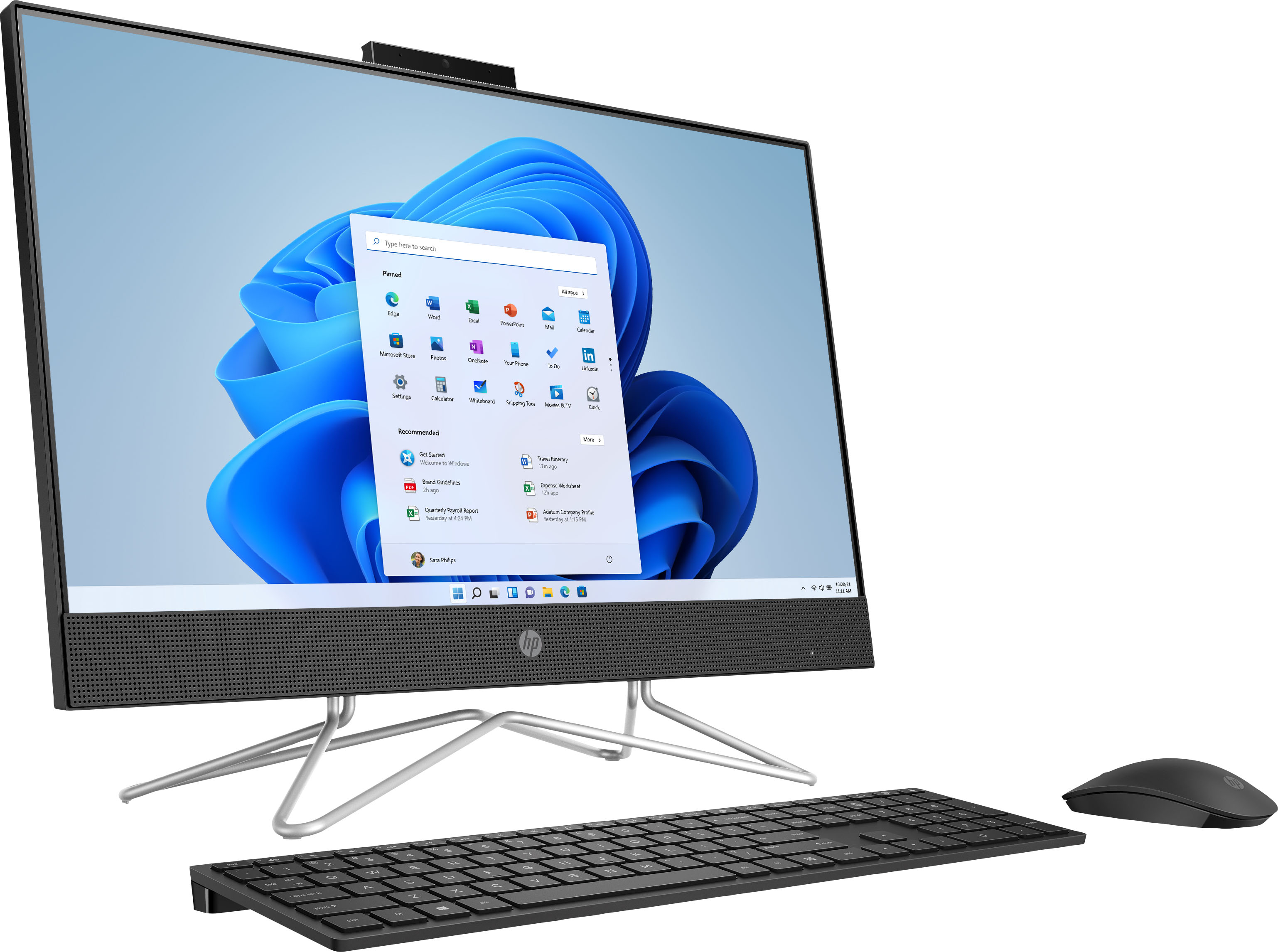
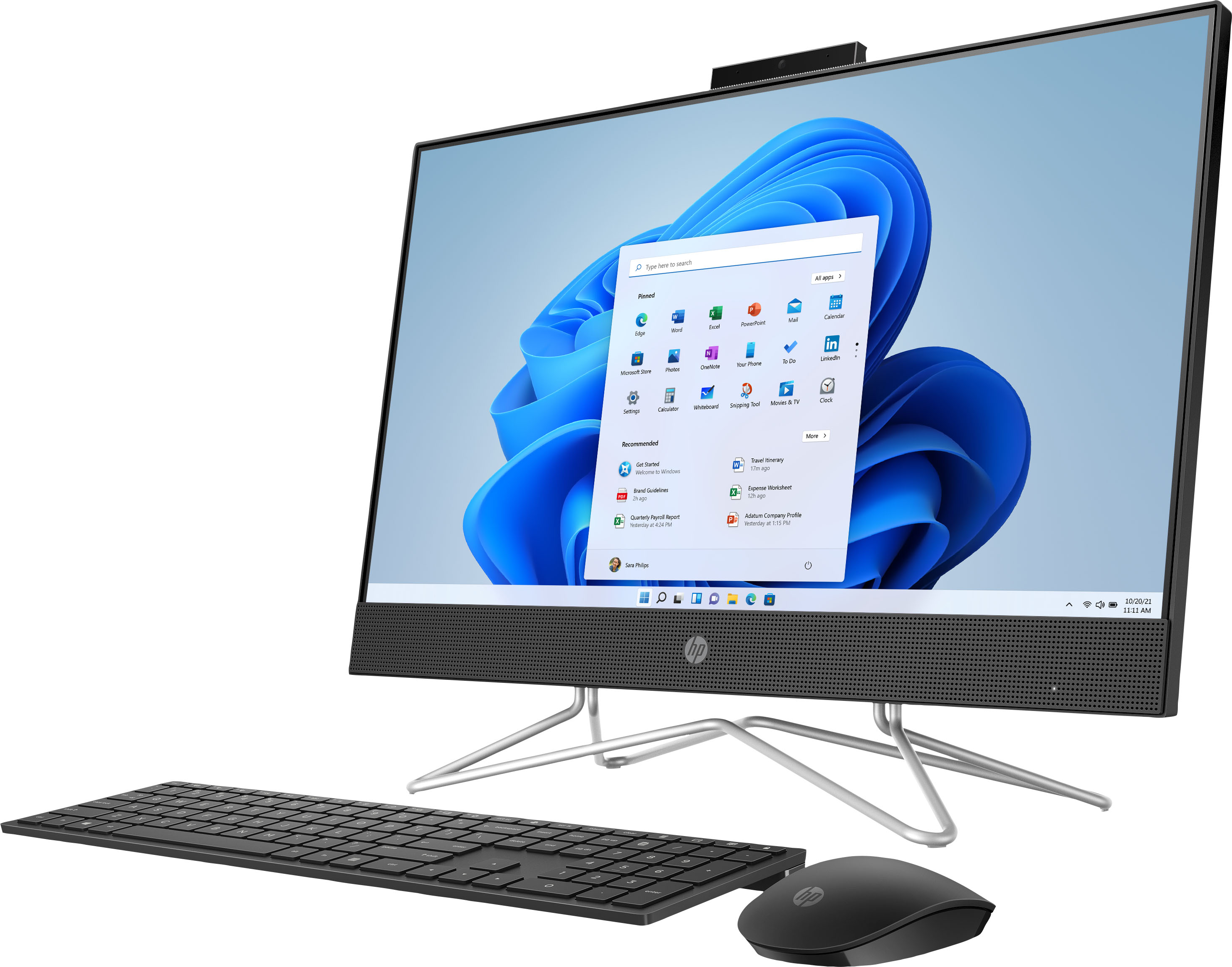
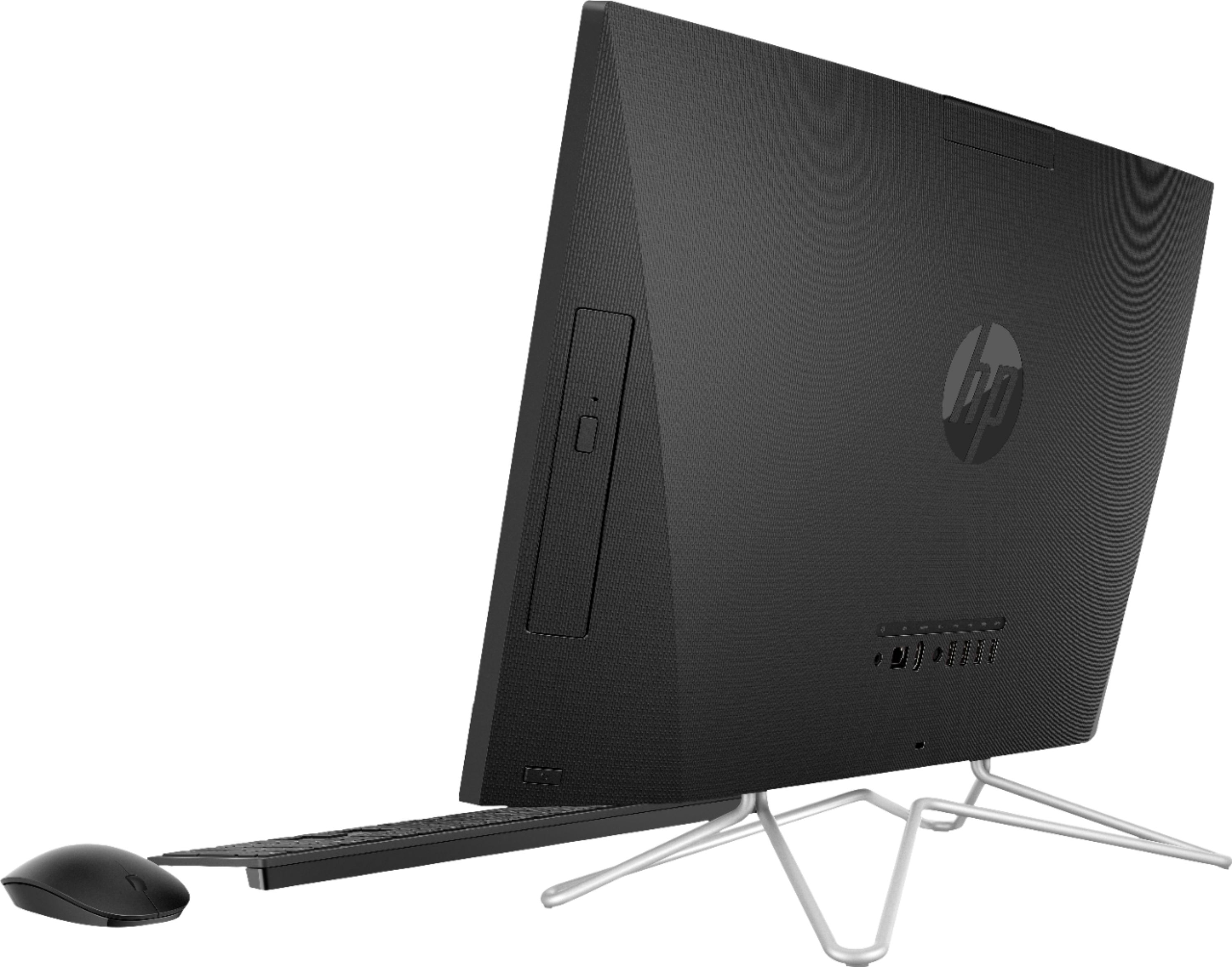
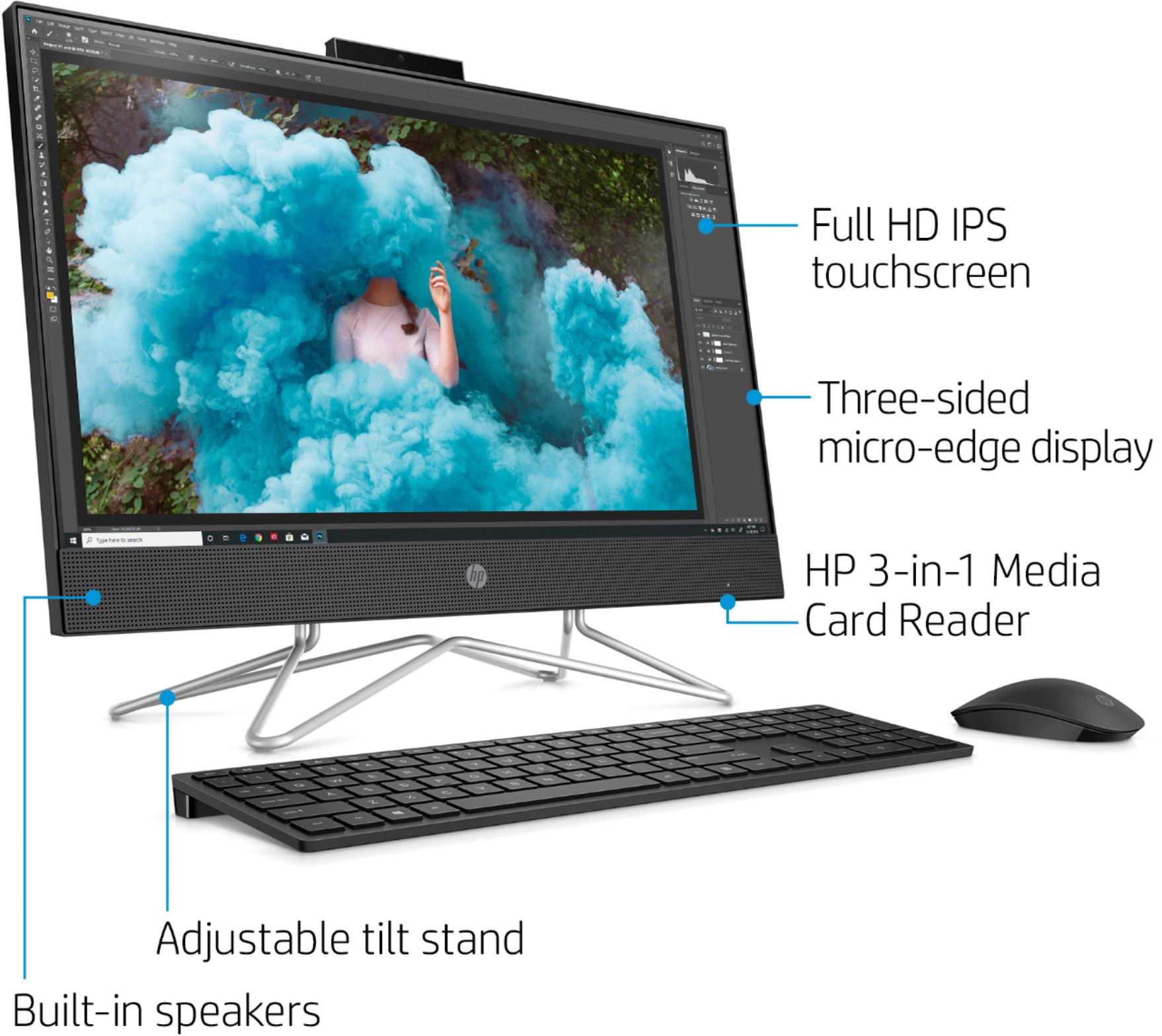
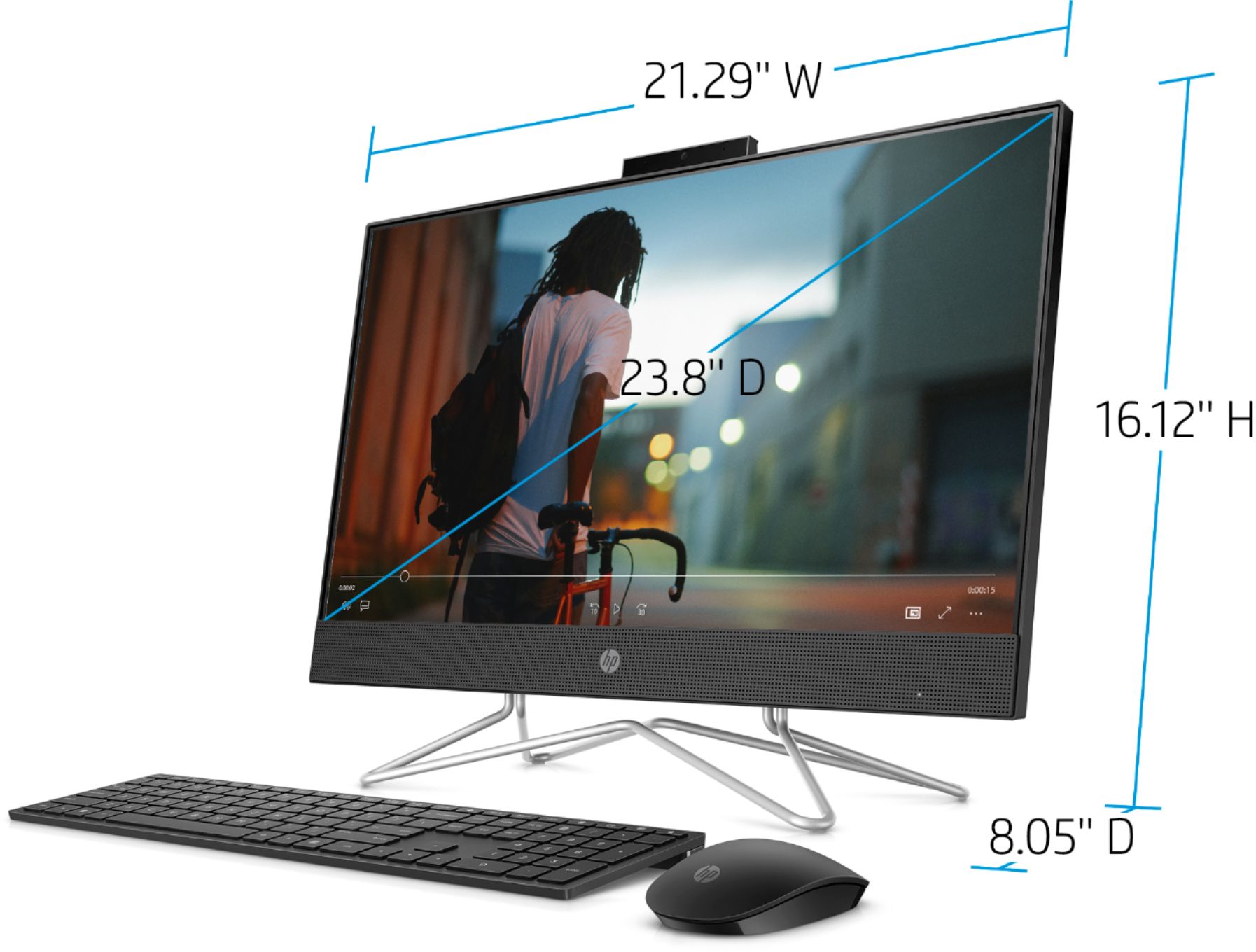
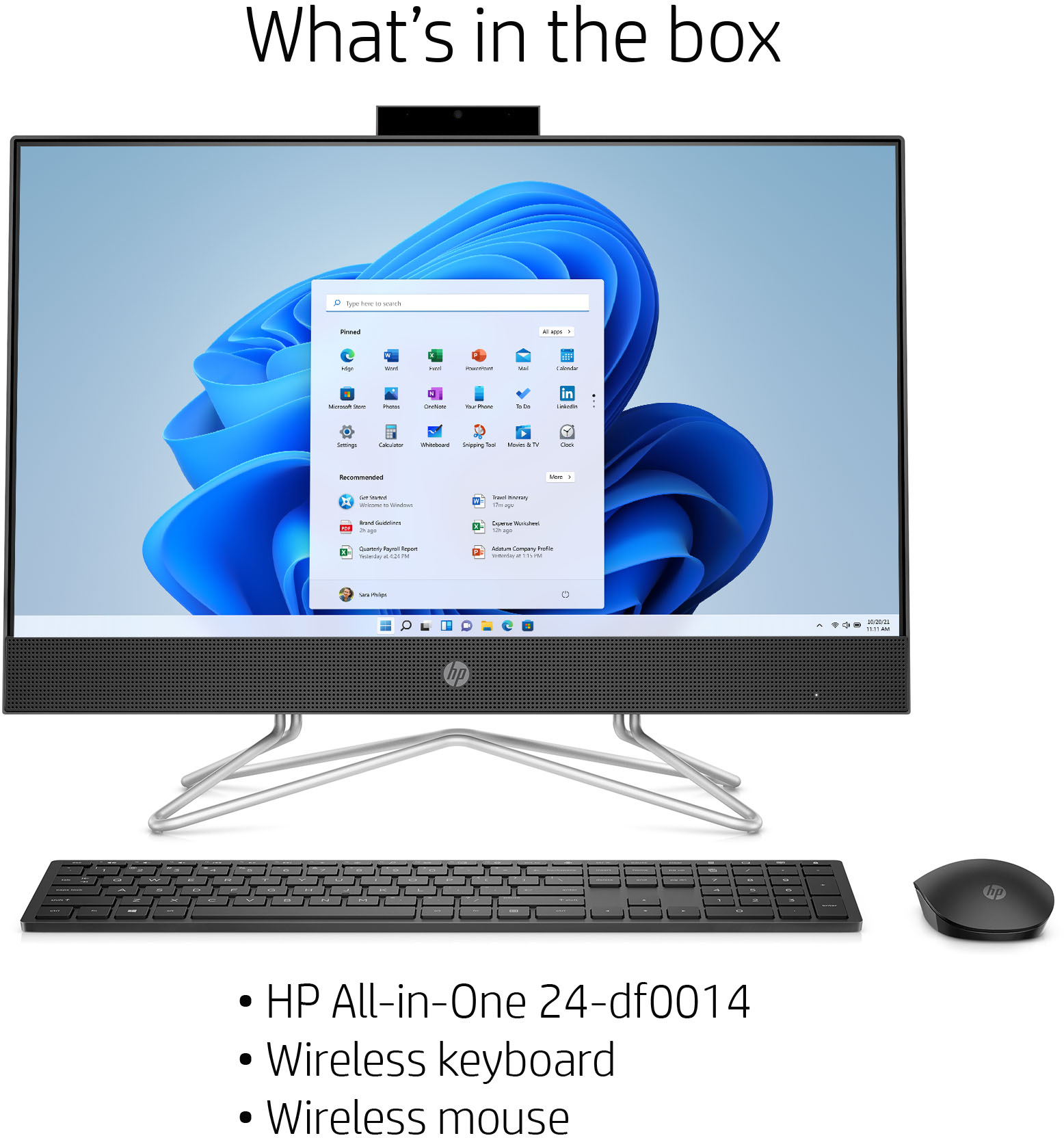
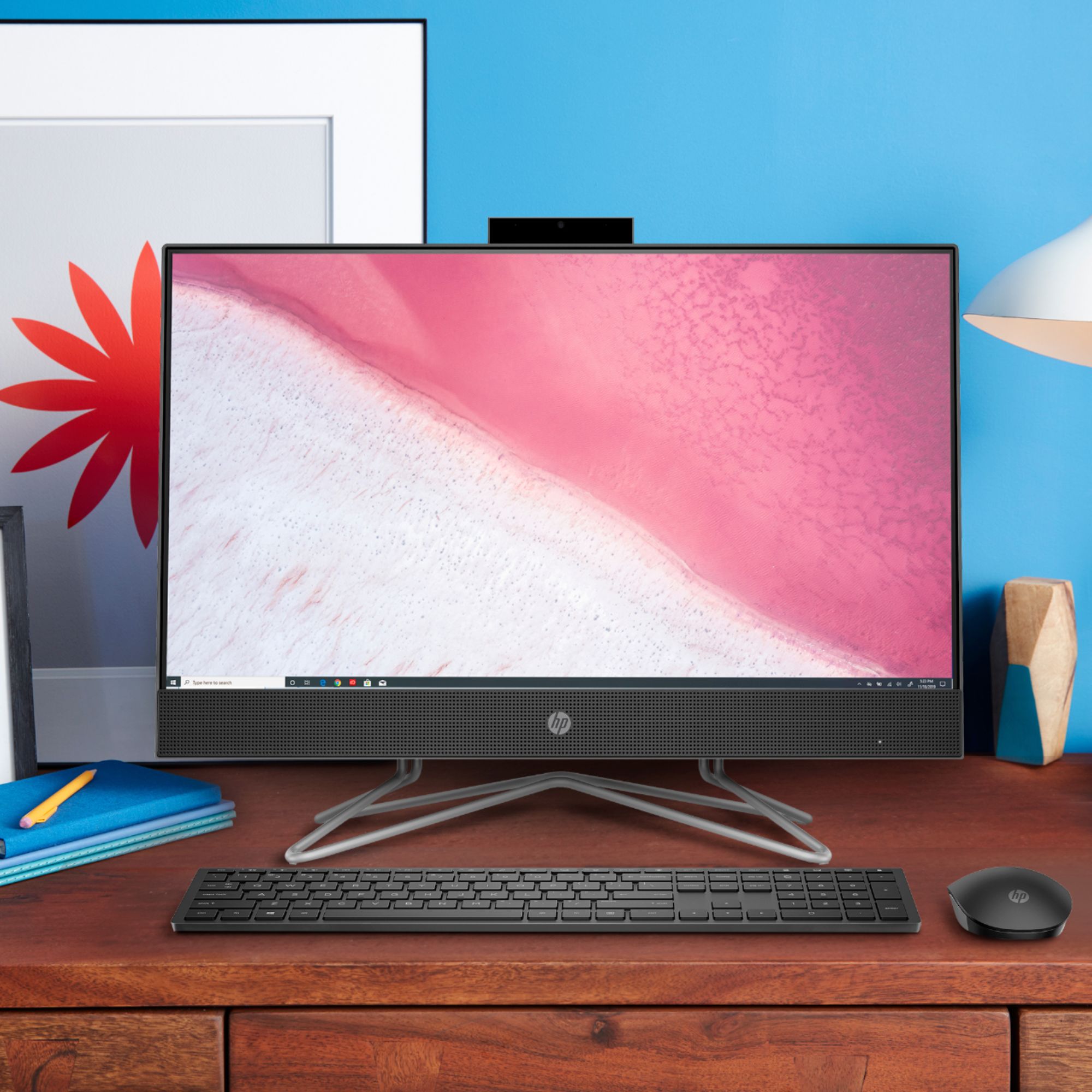
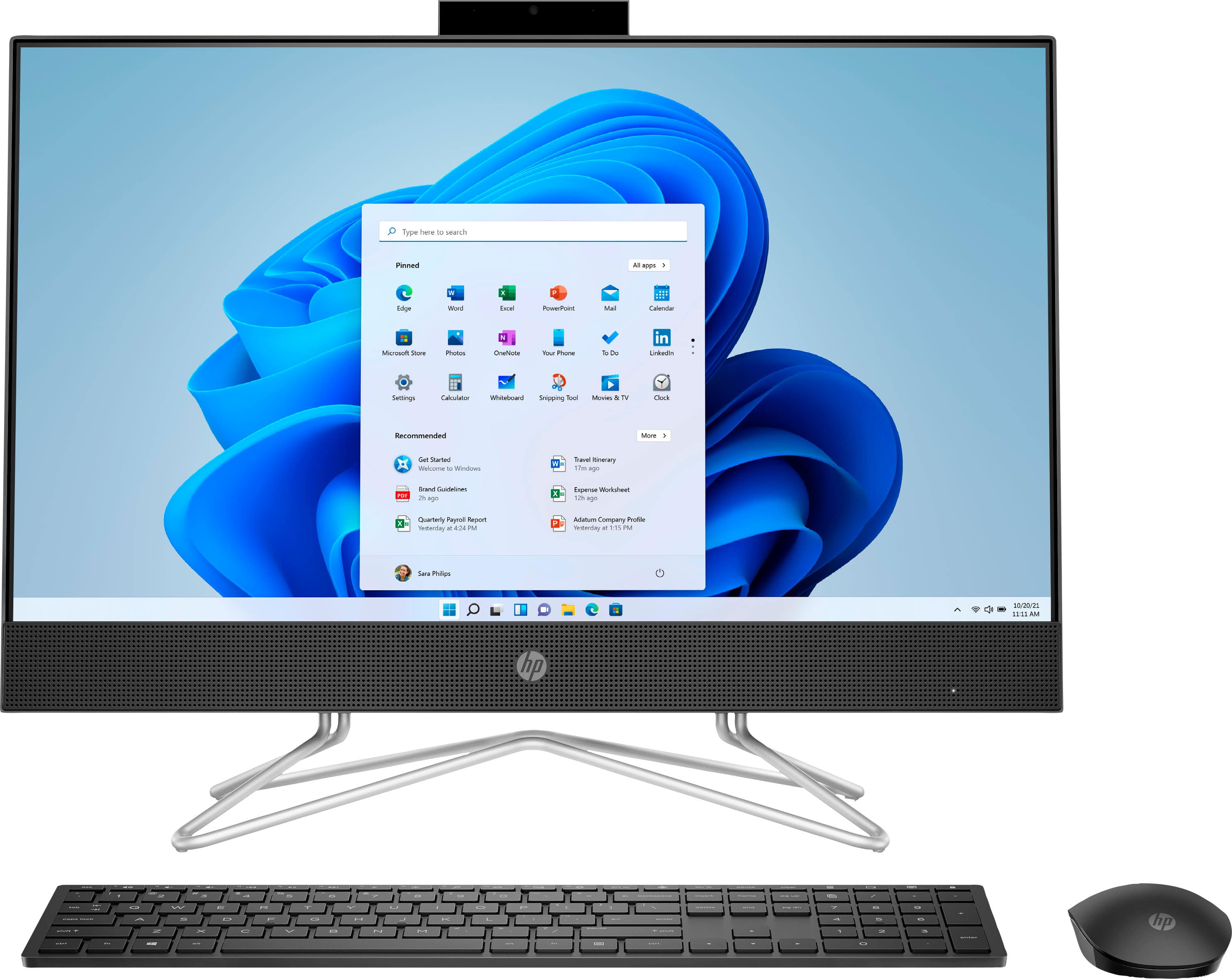
A:AnswerHi Val, thank you for reaching out. The HP 24-DF0014 All-in-One desktop PC has everything you need to use it from immediately. It has a webcam, WiFi and speakers. It also has a DVD drive, keyboard and mouse.