A:AnswerThank you for the question. Yes, with Windows 11 you can sync two computers using One Drive. There's a tutorial on Microsoft's site. There are also similar remote desktop syncing software available. Some are free and some are a paid service.
A:AnswerGreetings from the Intel team. Thank you for your question.
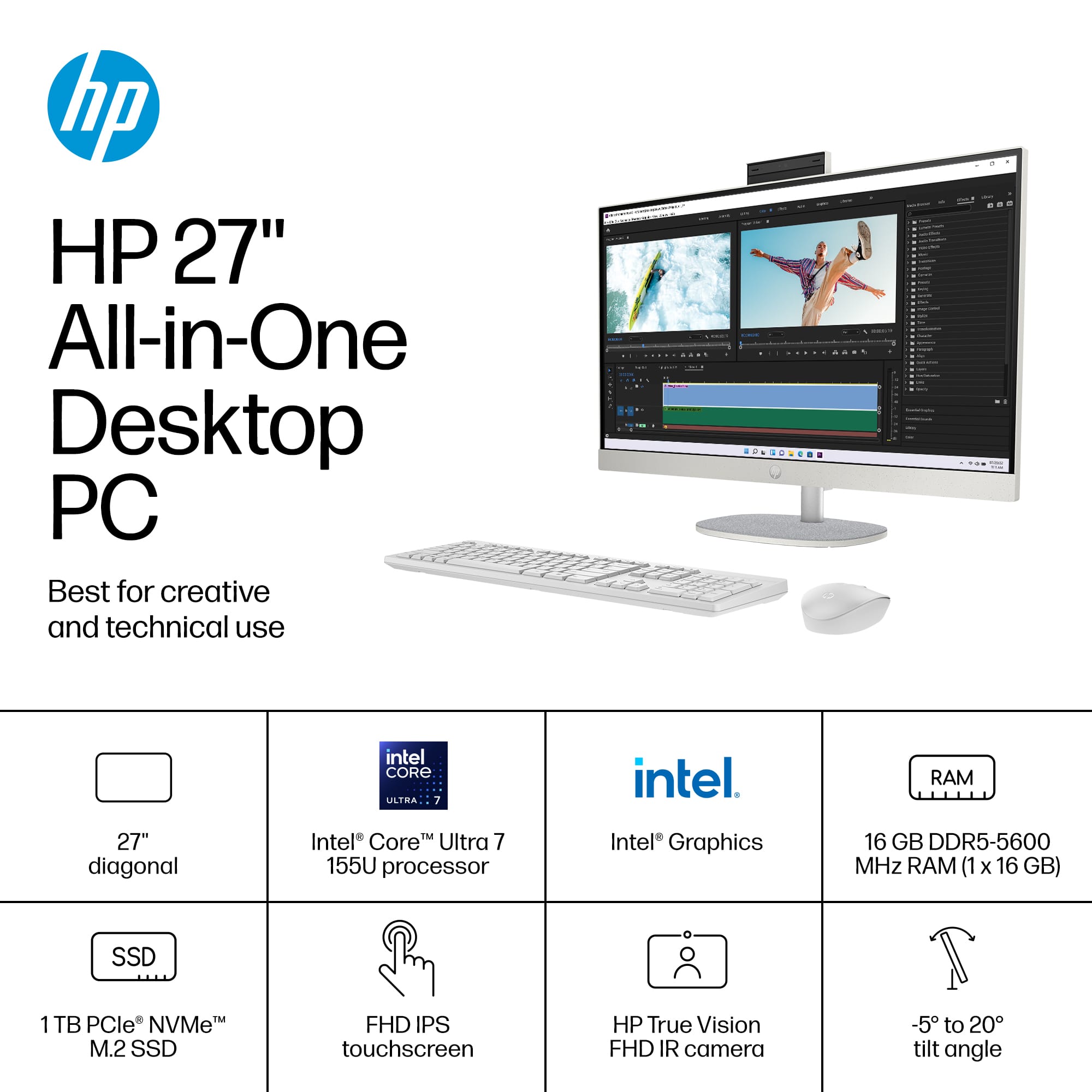
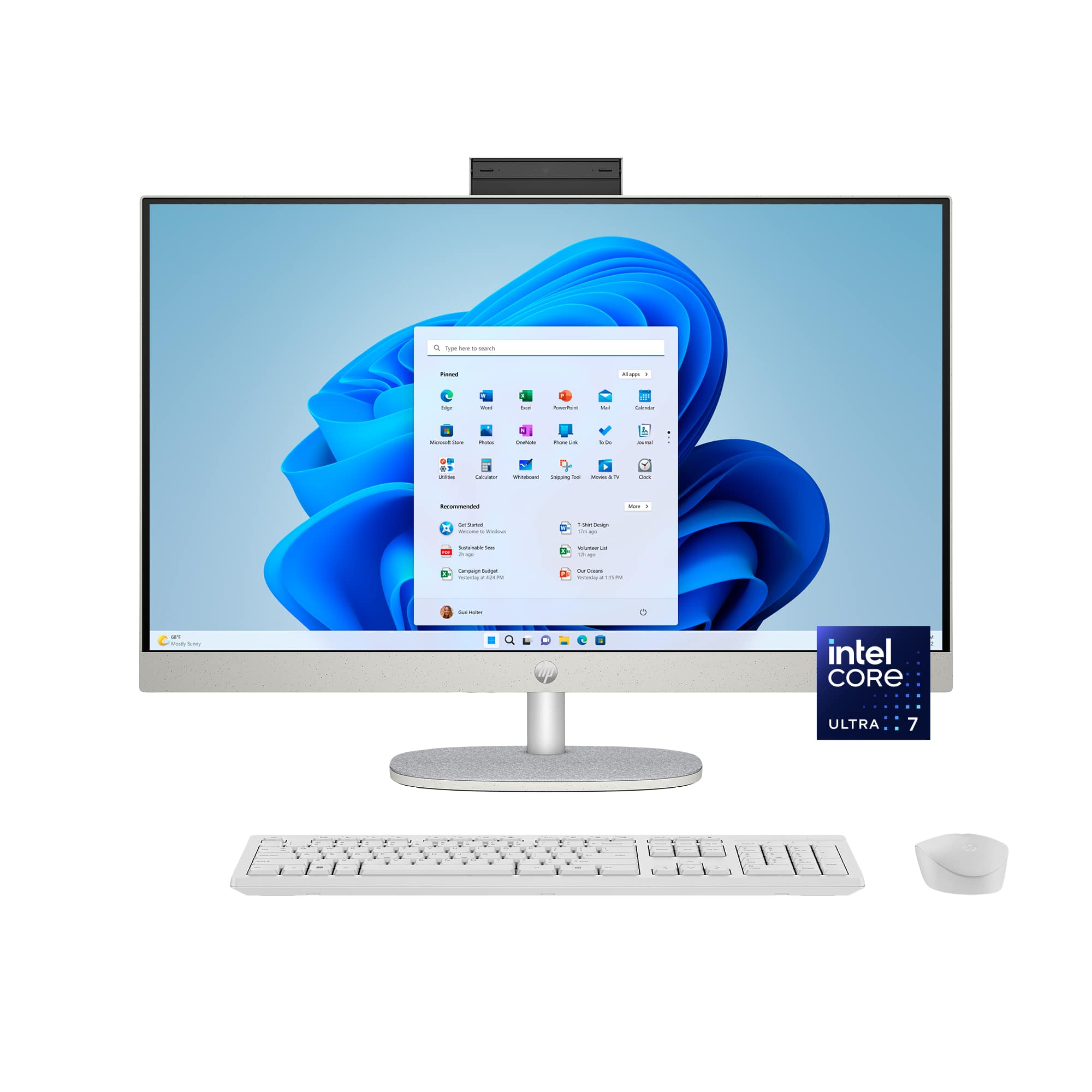
According to the system specifications on the retailer's website, the HP 27-cr1064 has an Intel® Core™ Ultra 7 Processor 155U with a Max Turbo Frequency of 4.8 GHz.
CPUs do not always need to run at their maximum frequency. Some programs depend more on memory to run smoothly, while others are CPU-intensive. Intel® Turbo Boost Technology is an energy-efficient solution to this imbalance: it lets the CPU run at its base clock speed when handling light workloads and at a higher clock speed for heavy workloads.
For detailed information about the Intel® Core™ Ultra 7 Processor 155U, please visit:
https://www.intel.com/content/www/us/en/products/sku/237327/intel-core-ultra-7-processor-155u-12m-cache-up-to-4-80-ghz/specifications.html
Thank you for choosing Intel! Emilio_Intel
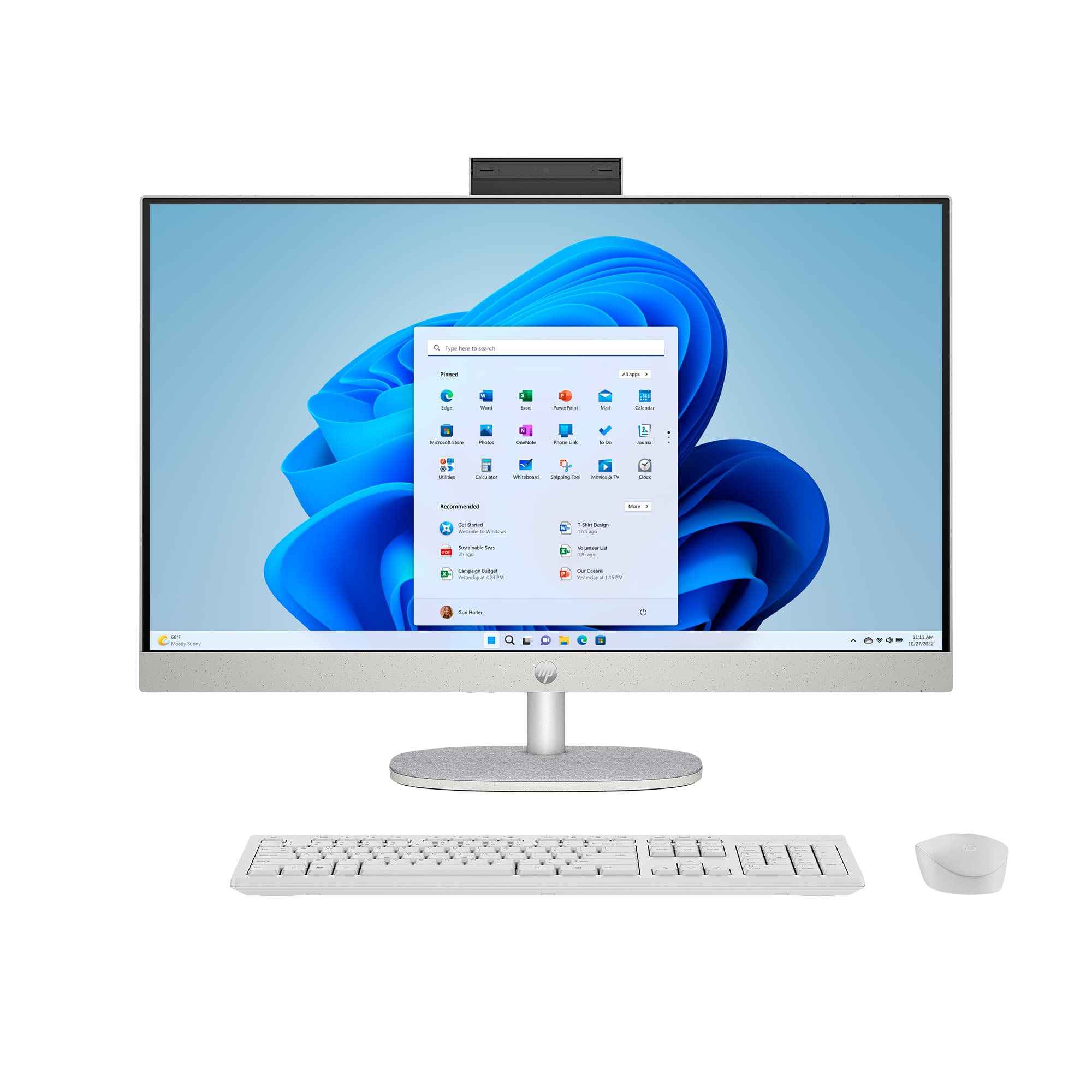
A:AnswerHi Tas! The 27-cr1064 All-in-One PC has a 64-bit operating system and 16GB of RAM. It has Windows 11 Home, however, you can upgrade to Windows 11 Pro for a small fee after you've set up the computer.
A:AnswerThank you for the question. While the HP 27-cr1064 does not have a dedicated neural processing unit (NPR) you can technically access the basic Copilot functionality. To fully utilize the advanced features of Copilot, particularly those labeled as "Copilot+" features, you will need a computer with an NPU to achieve optimal performance.
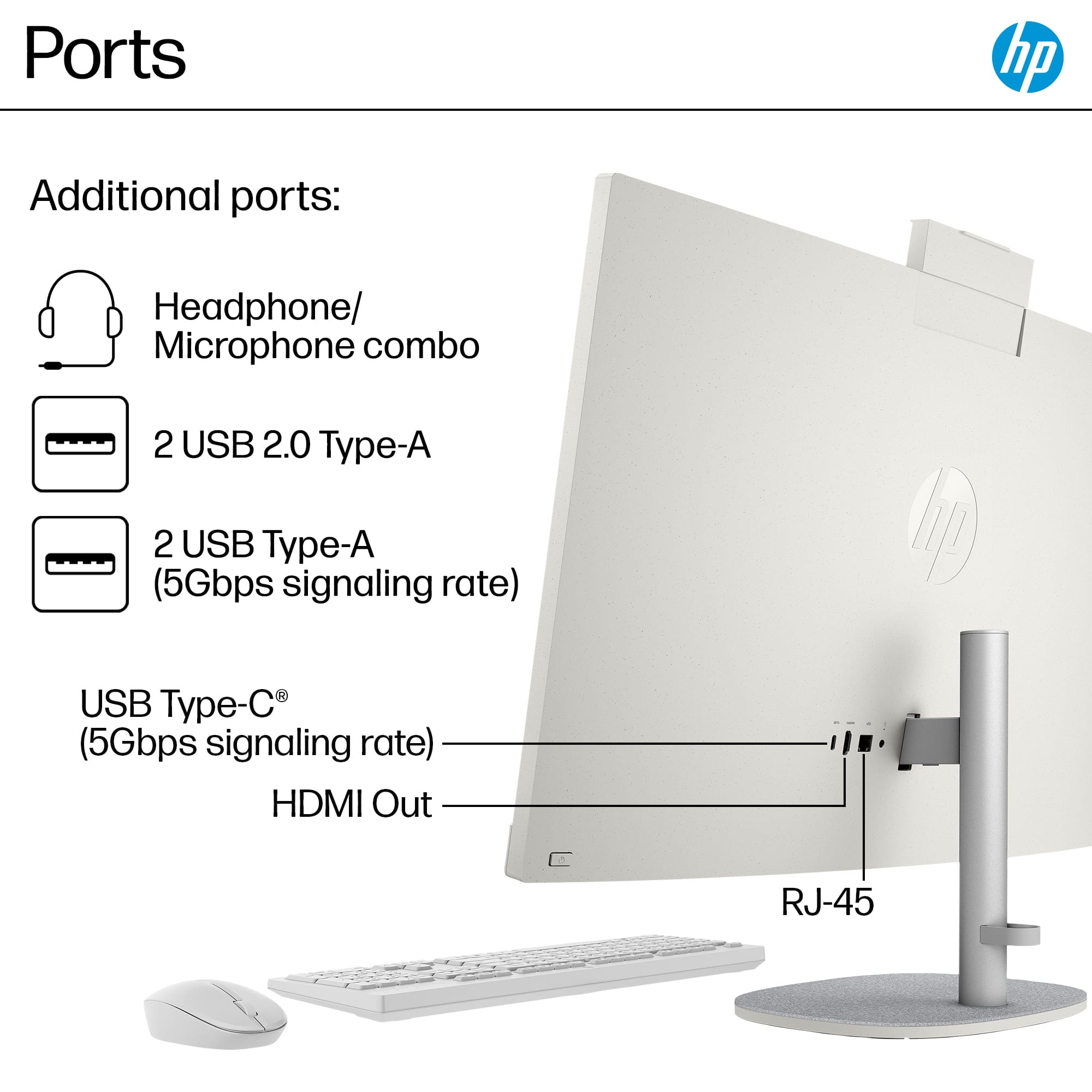
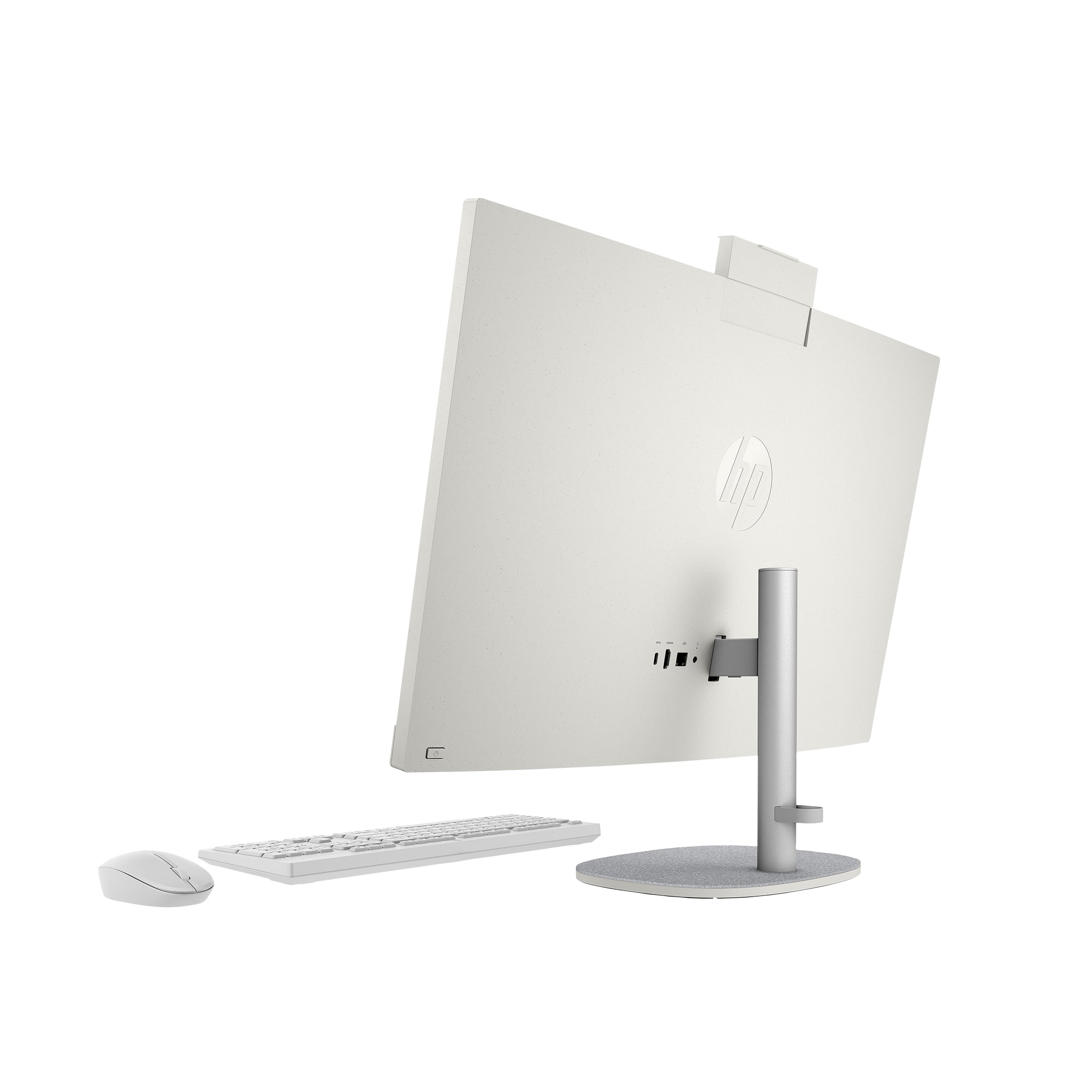
A:AnswerThanks for asking about this HP All-in-One. You can connect an external disk drive to this computer to upload and download photos. The computer will come with a one-month trial of Microsoft Office.