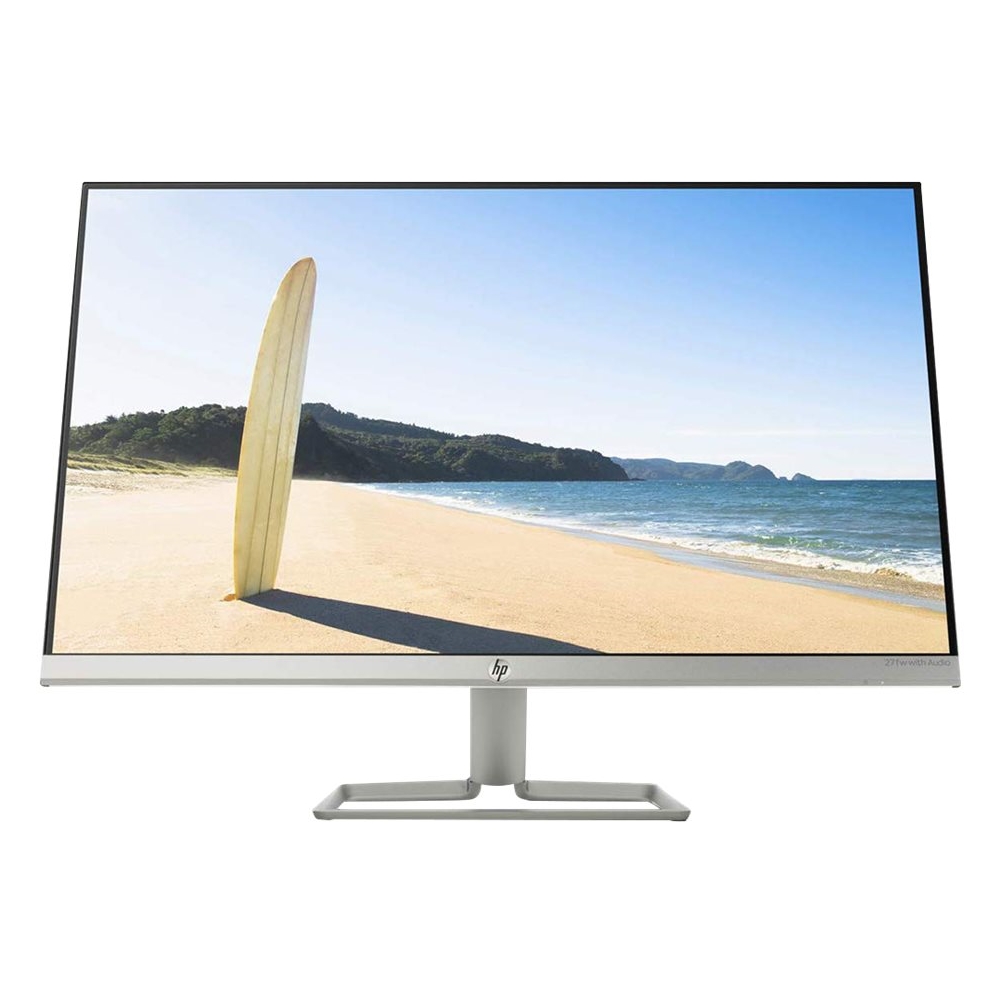
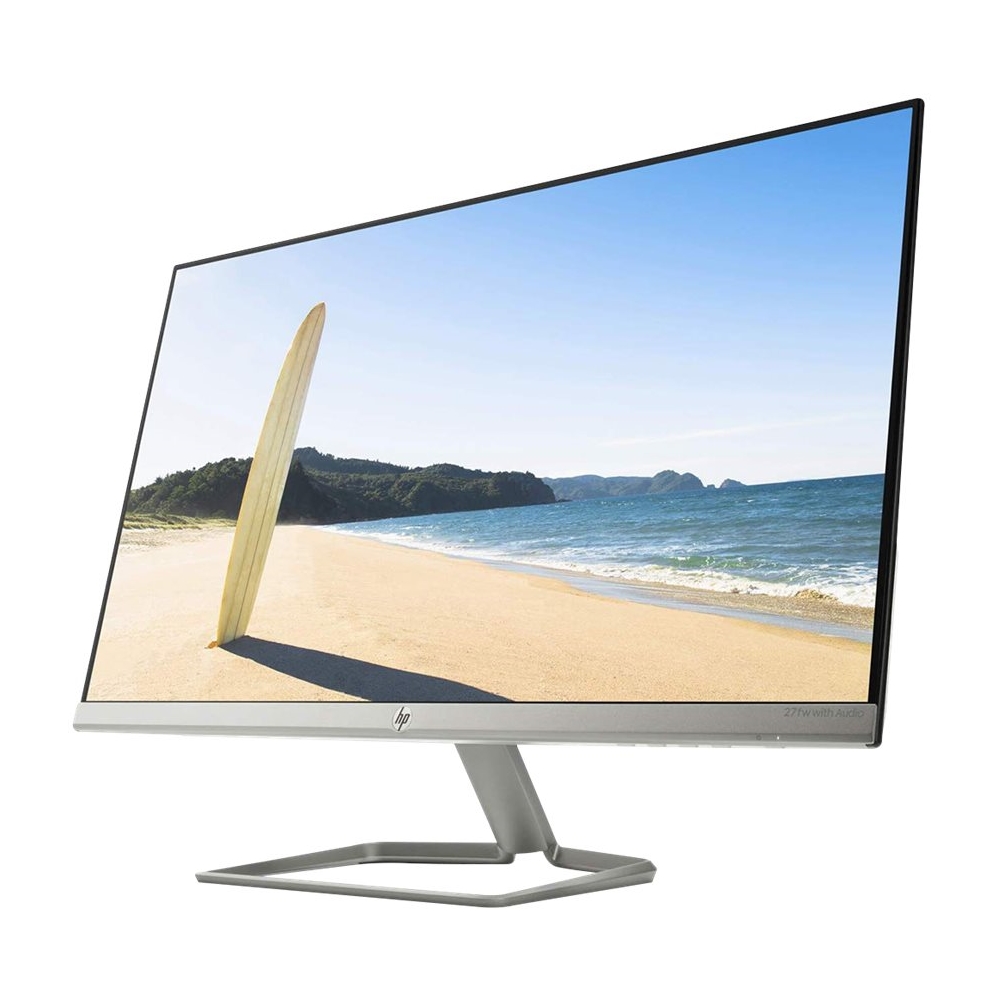
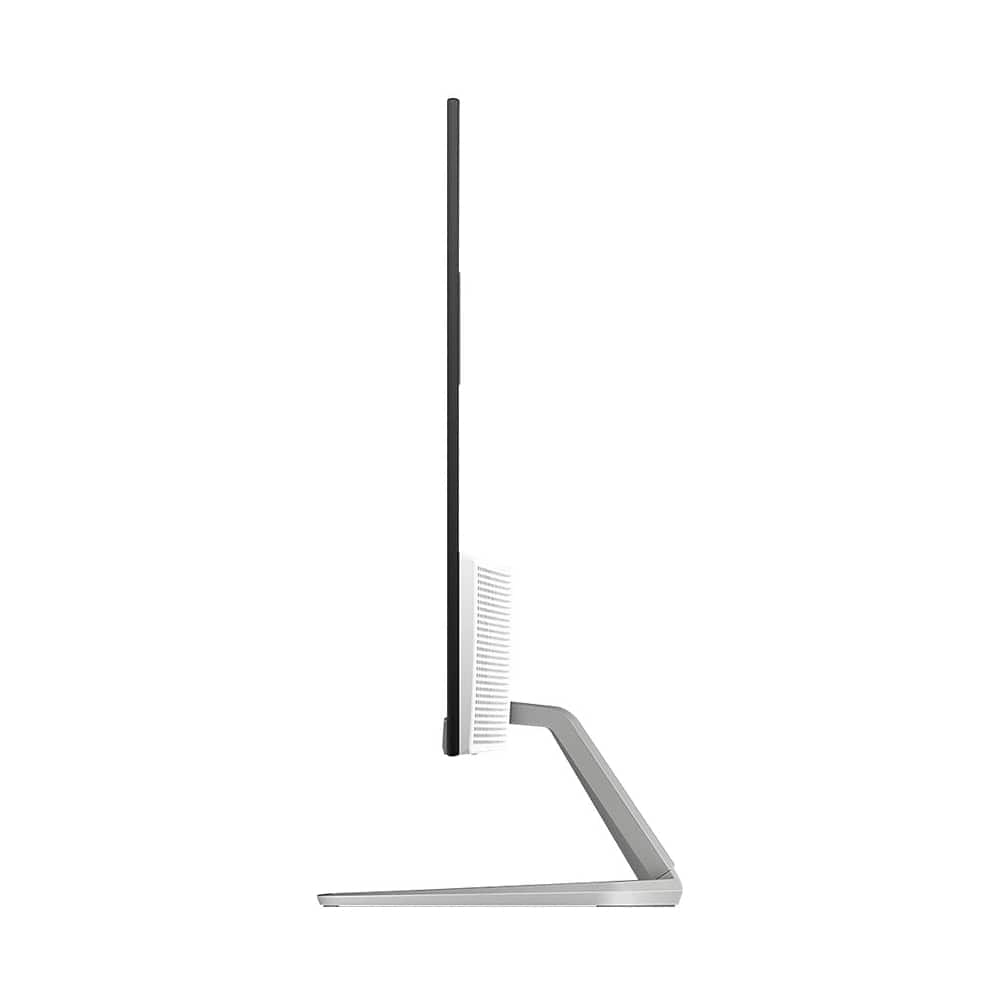
A:AnswerThis is just a monitor. You would need a computer, which would have an operating system like Windows 10. The monitor would be connected to the computer.
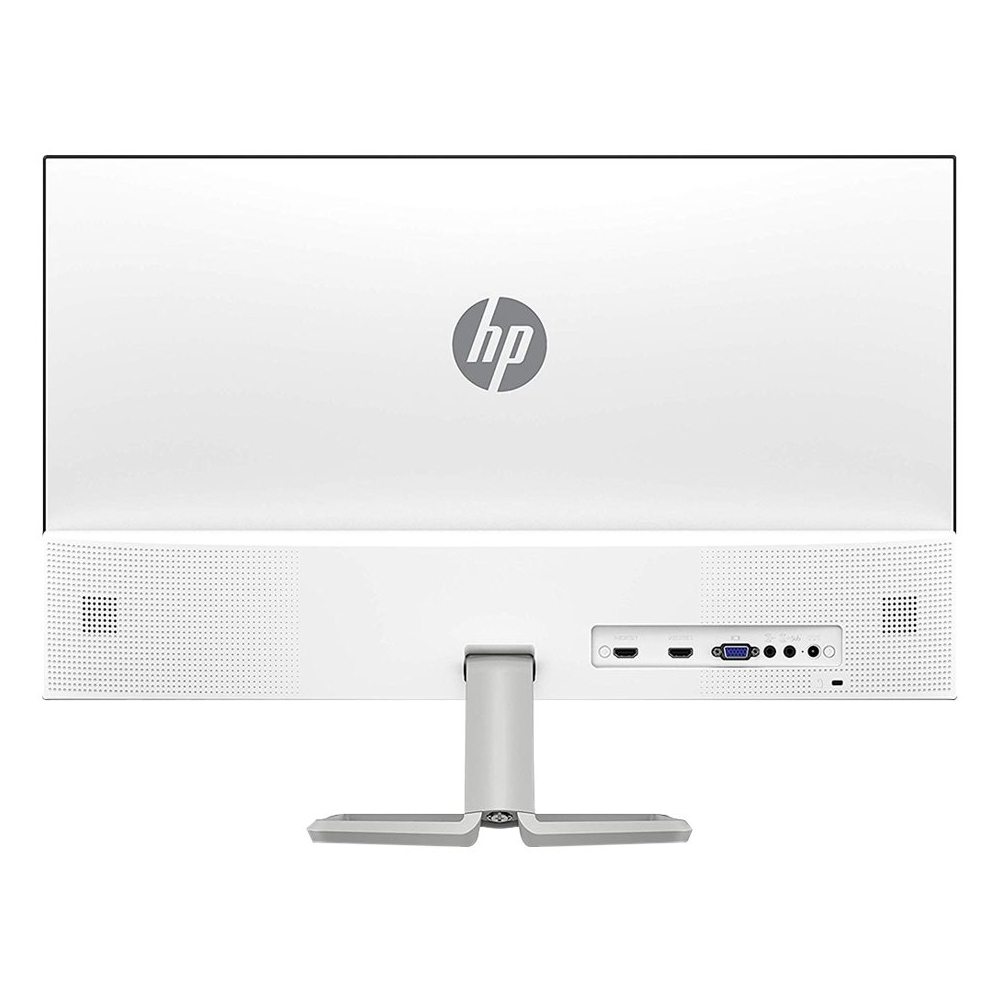
A:AnswerYou can plug in headphones to the audio out port on this monitor. The Bluetooth headphones would need to be connected to the Bluetooth on the computer.
A:AnswerTo be able to use this HP 27fwa monitor with your MacBook Pro, you will need an adapter to the HDMI port on this monitor. This website will help you find the adapter: https://support.apple.com/en-us/HT201736