

Black Friday is hereShop new DoorbustersShop now

Skip to content
Gift Ideas
45575 Dulles Eastern Plz
Ste 188
Sterling, VA 20166
Open until 9 pm
Find Another Store
Main Content

Questions & Answers

Your price for this item is $89.89
Page Showing 1-20 of 157 questions
  • QuestionHow can I set up this HP printer?

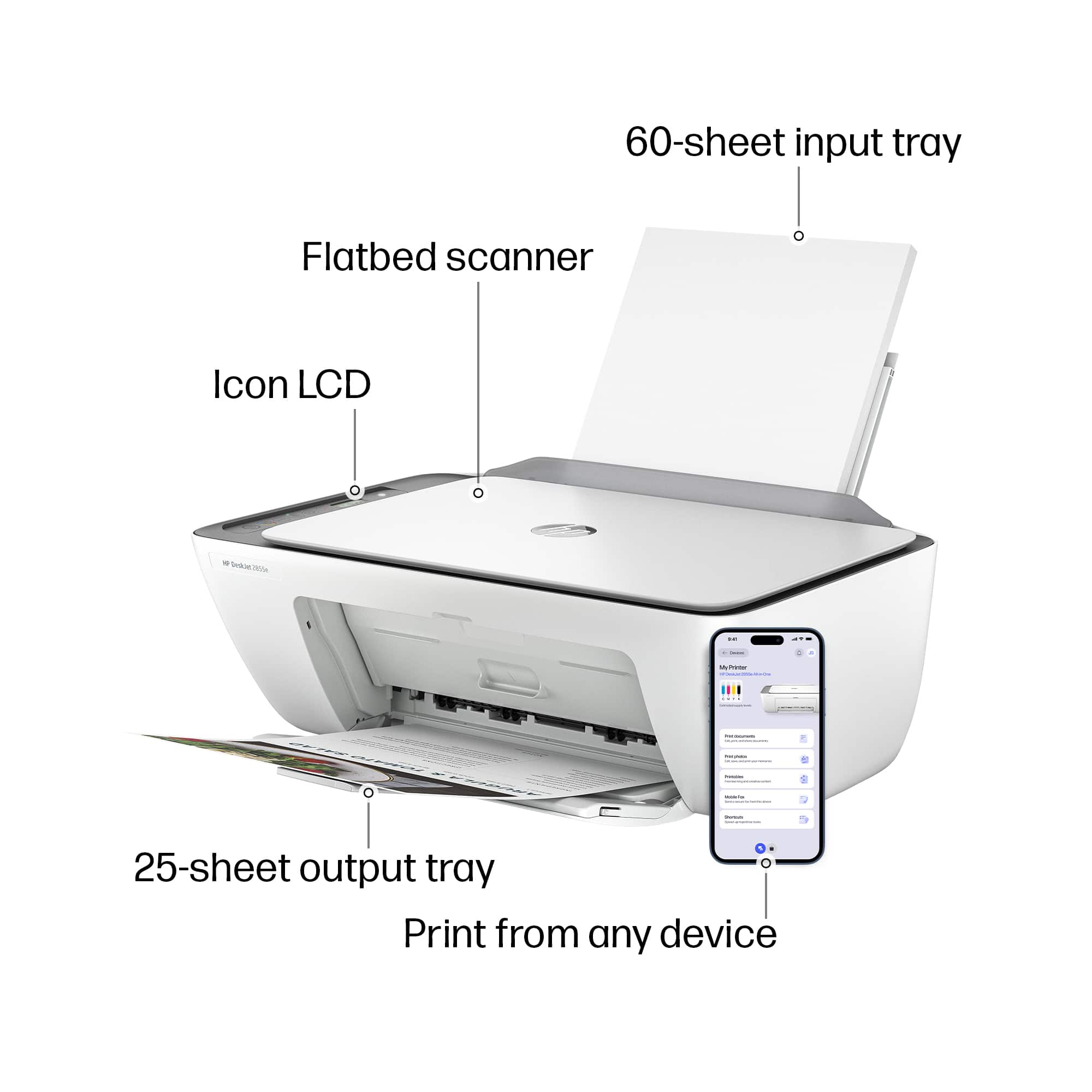
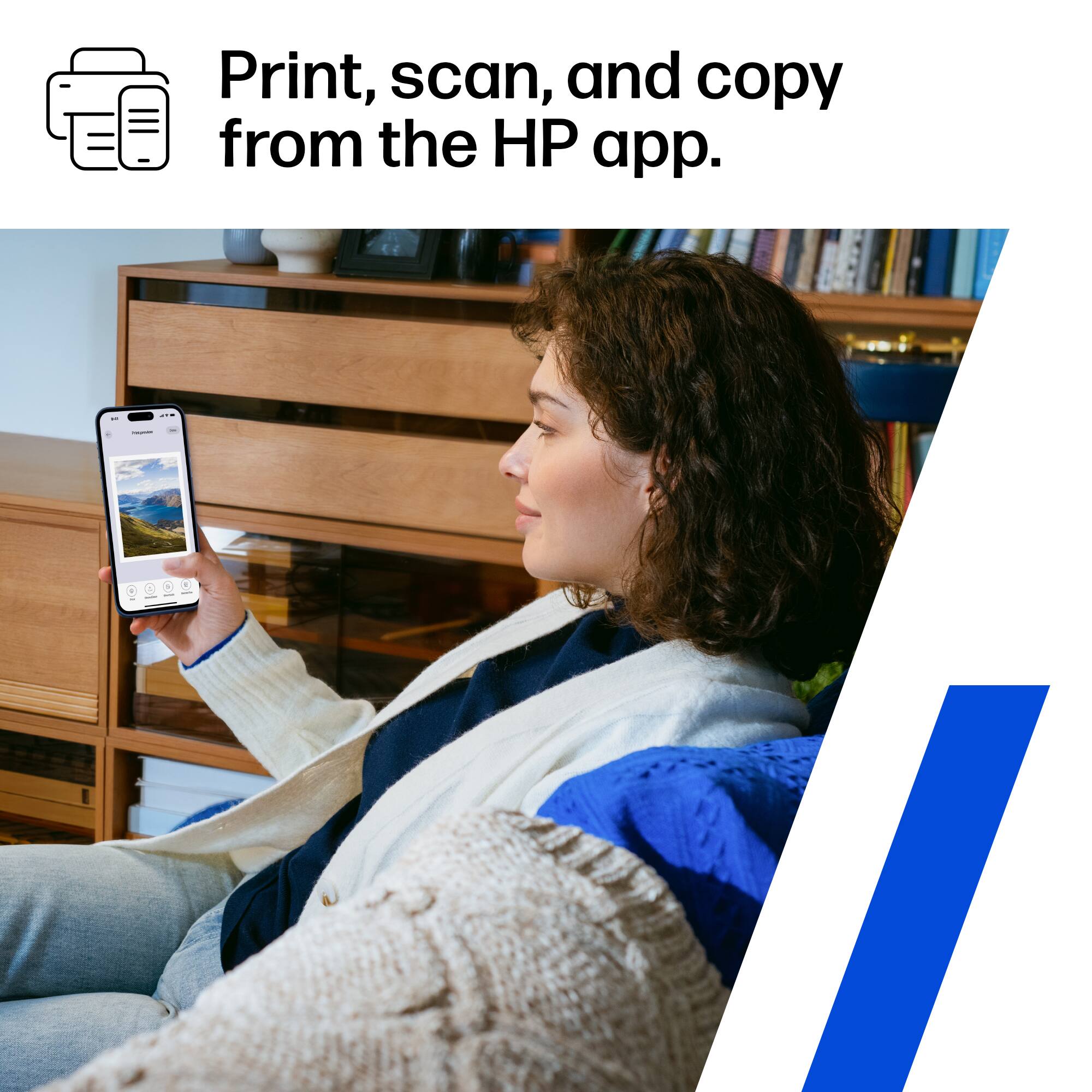
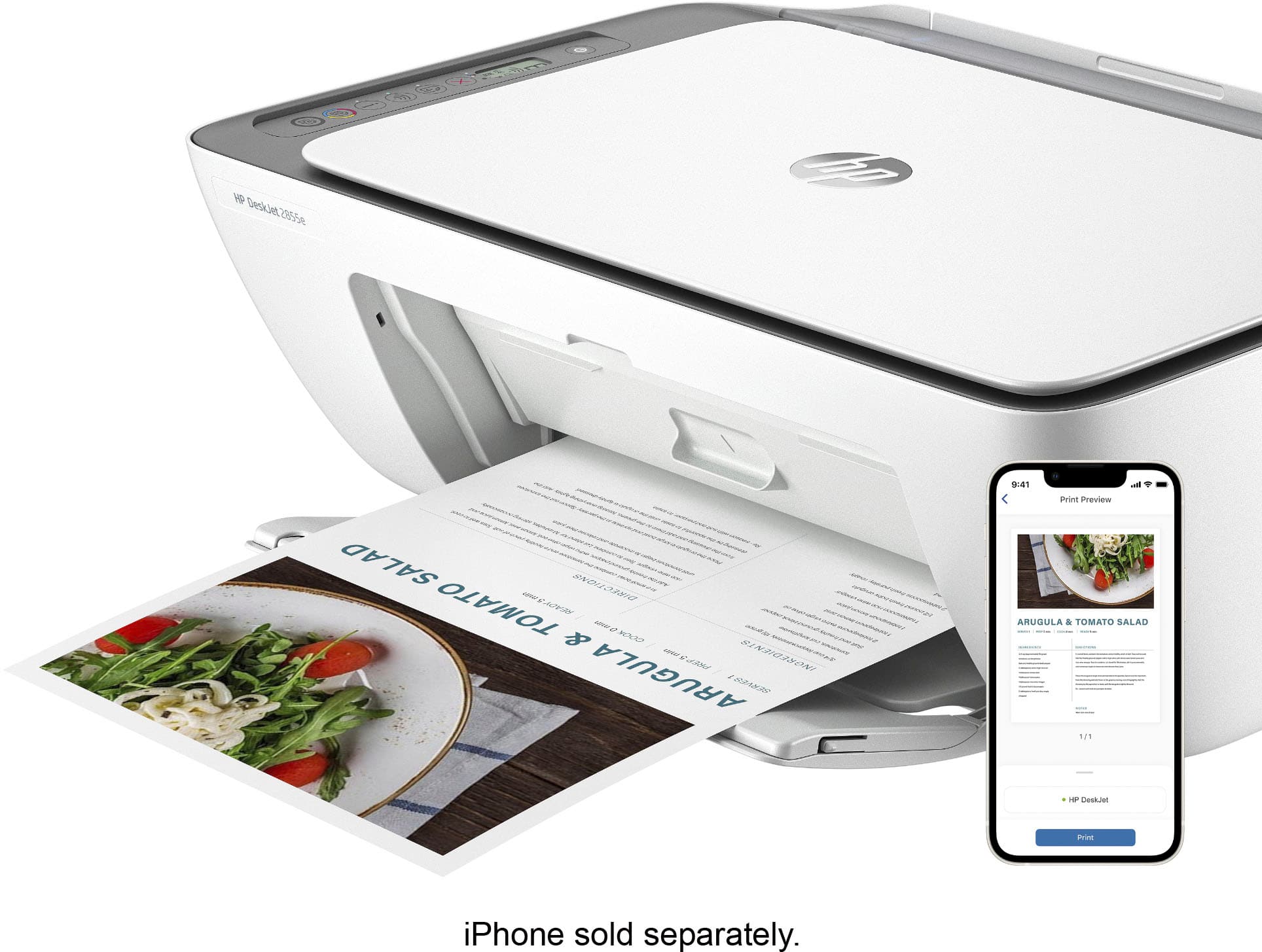
    • Answer You can easily set up this printer using the HP printing app by following a few simple steps.
    This question and answer was generated by AI based on customer and product data.
  • QuestionWhat is the input tray capacity of this HP printer?

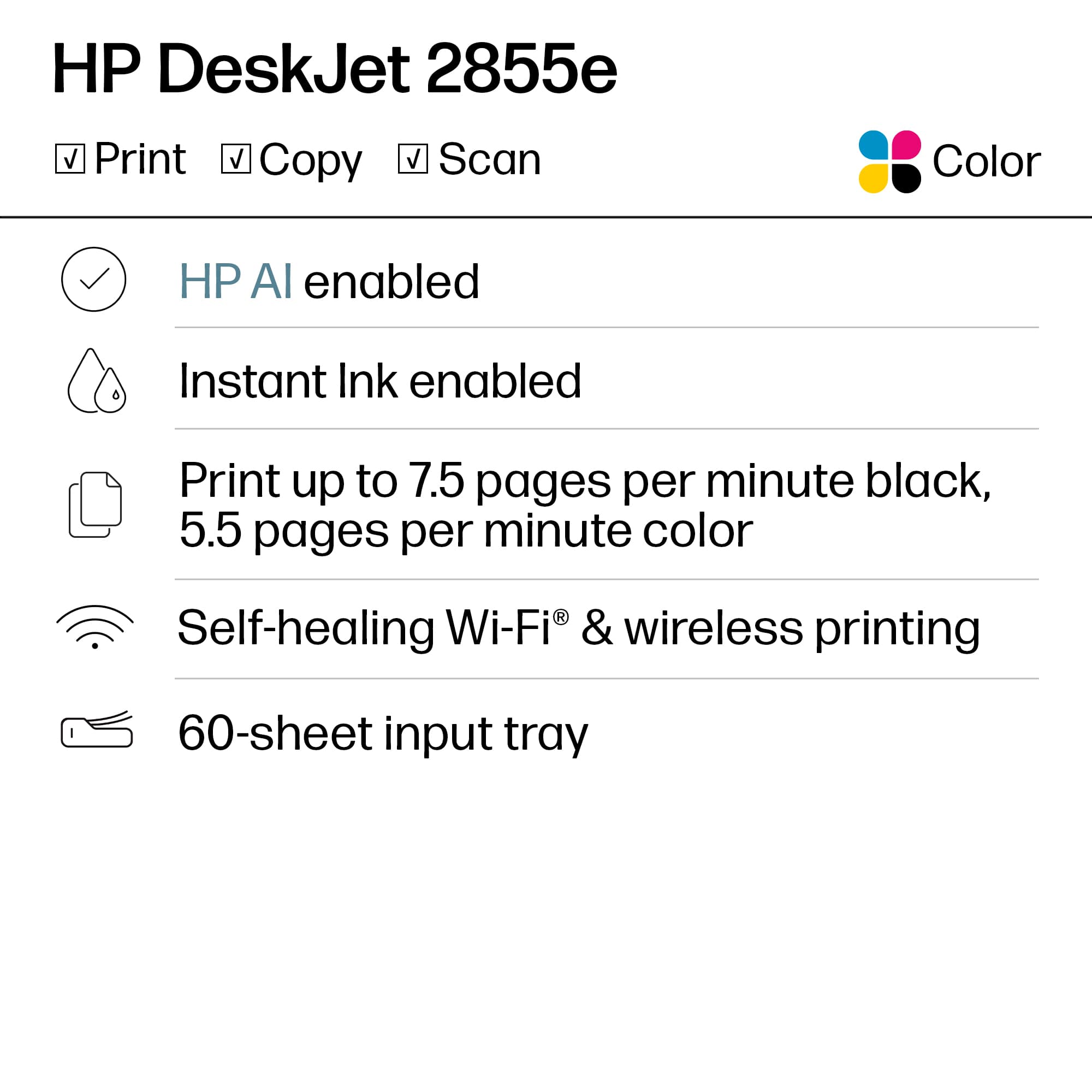
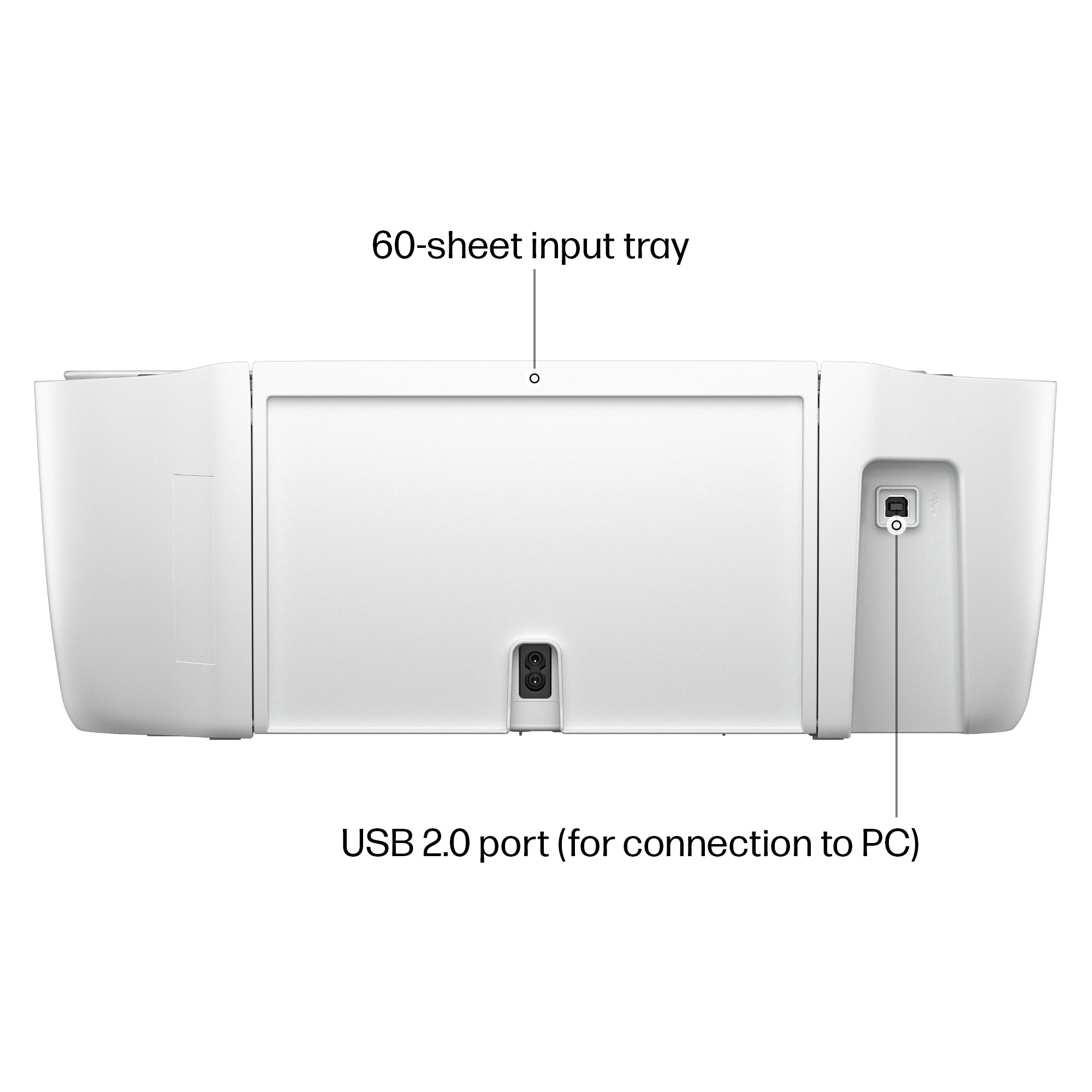
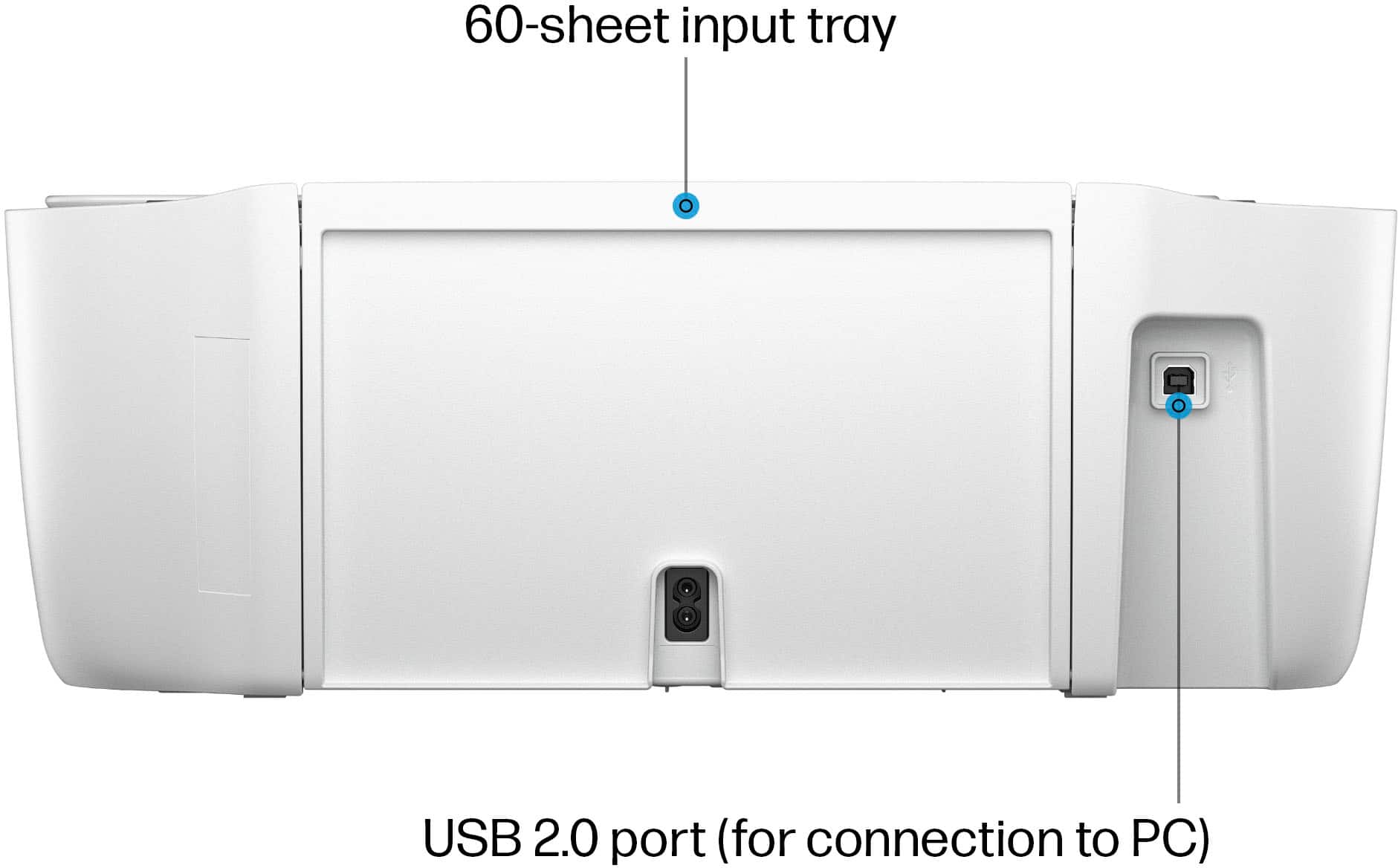
    • Answer This HP printer has an input tray capacity of 60 sheets.
    This question and answer was generated by AI based on customer and product data.
  • QuestionWhat is the function of dynamic security in this printer?

    • Answer Dynamic security ensures that the printer functions only with original HP cartridges and blocks cartridges using non-HP chips or circuitry.
    This question and answer was generated by AI based on customer and product data.
  • QuestionDoes this printer come with a wired connectivity option?

    • Answer Yes, this printer can be connected via a USB-B cable.
    This question and answer was generated by AI based on customer and product data.
  • QuestionHow do I choose an HP Instant Ink plan?

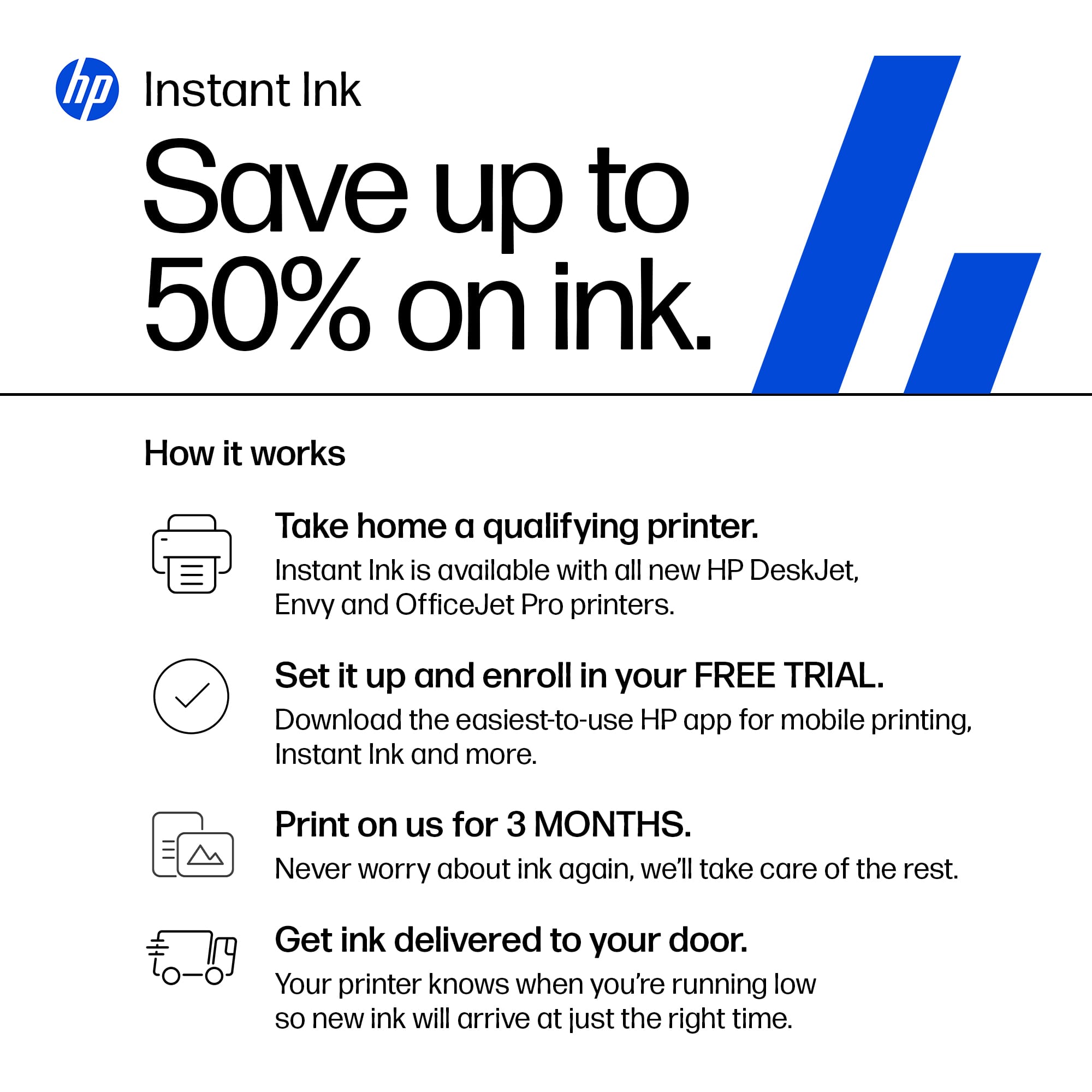
    • Answer You can pick a plan based on the number of pages you print each month.
    This question and answer was generated by AI based on customer and product data.
  • QuestionWhat is the benefit of HP Instant Ink service?

    • Answer With HP Instant Ink, you can save up to 50% on ink and never run out of it as the ink is automatically shipped when your printer runs low.
    This question and answer was generated by AI based on customer and product data.
  • QuestionDoes this HP printer support double-sided printing?

    • Answer No, this printer does not support automatic two-sided printing.
    This question and answer was generated by AI based on customer and product data.
  • QuestionAt time of purchase, does printer come with ink?

    Asked by Anonymous.

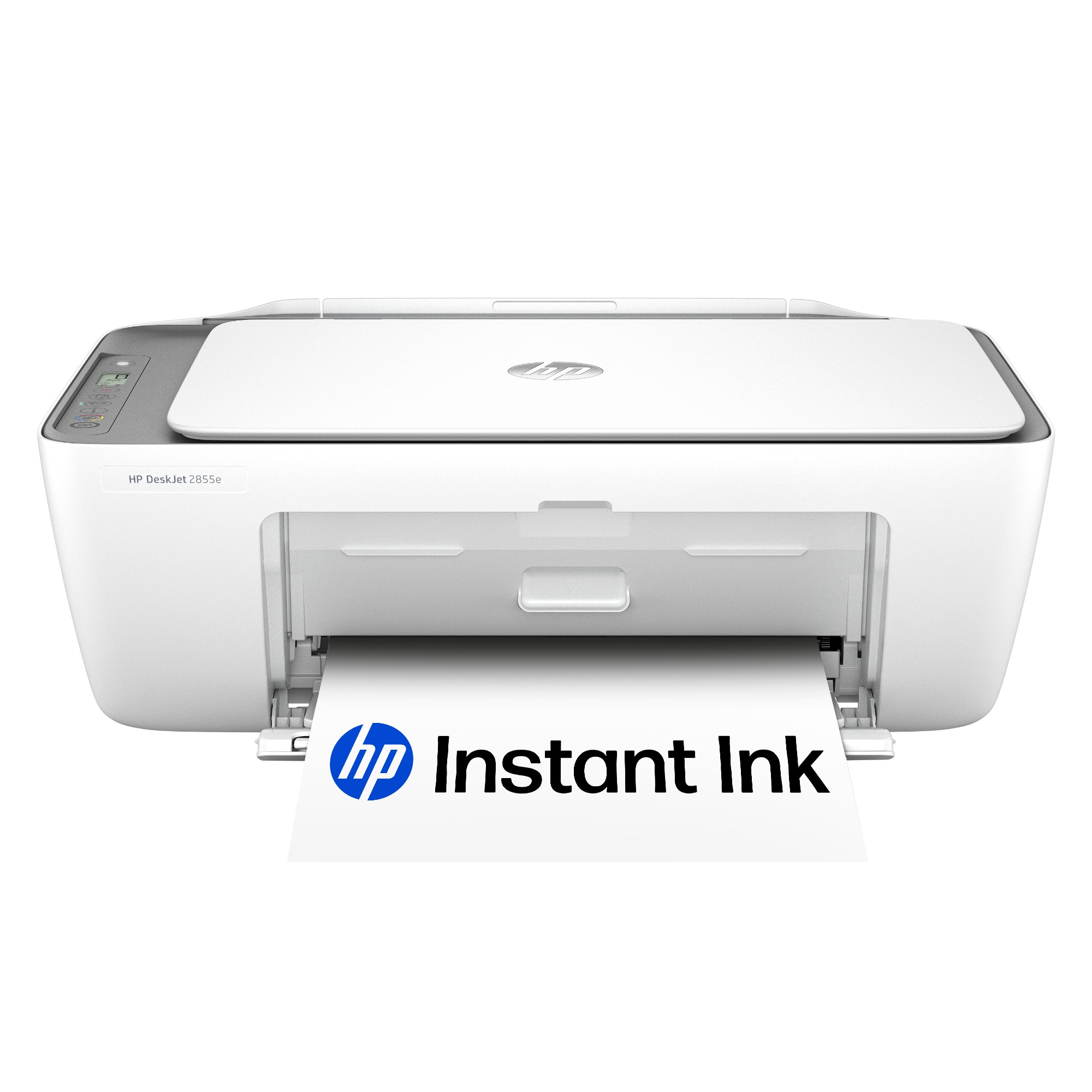
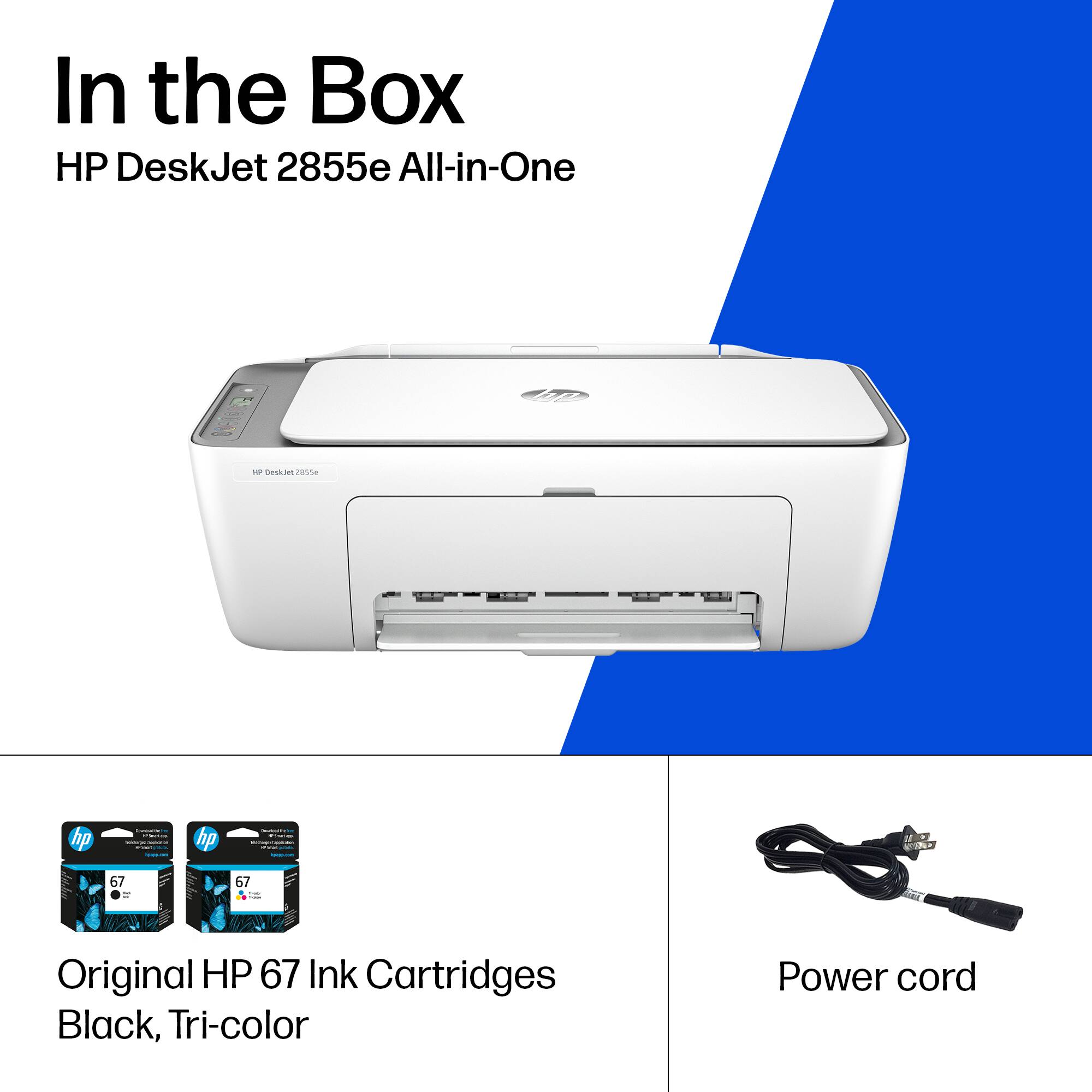
    • Answer Hello and thank you for asking. The HP DeskJet 2855e printer includes setup ink cartridges in the box, which have lower page yields than replacement cartridges. If you elect not to subscribe to an HP Instant Ink print plan, we recommend buying a spare set of cartridges, or at least an extra black cartridge, to ensure that you don’t run out.

      Answered by HP Team

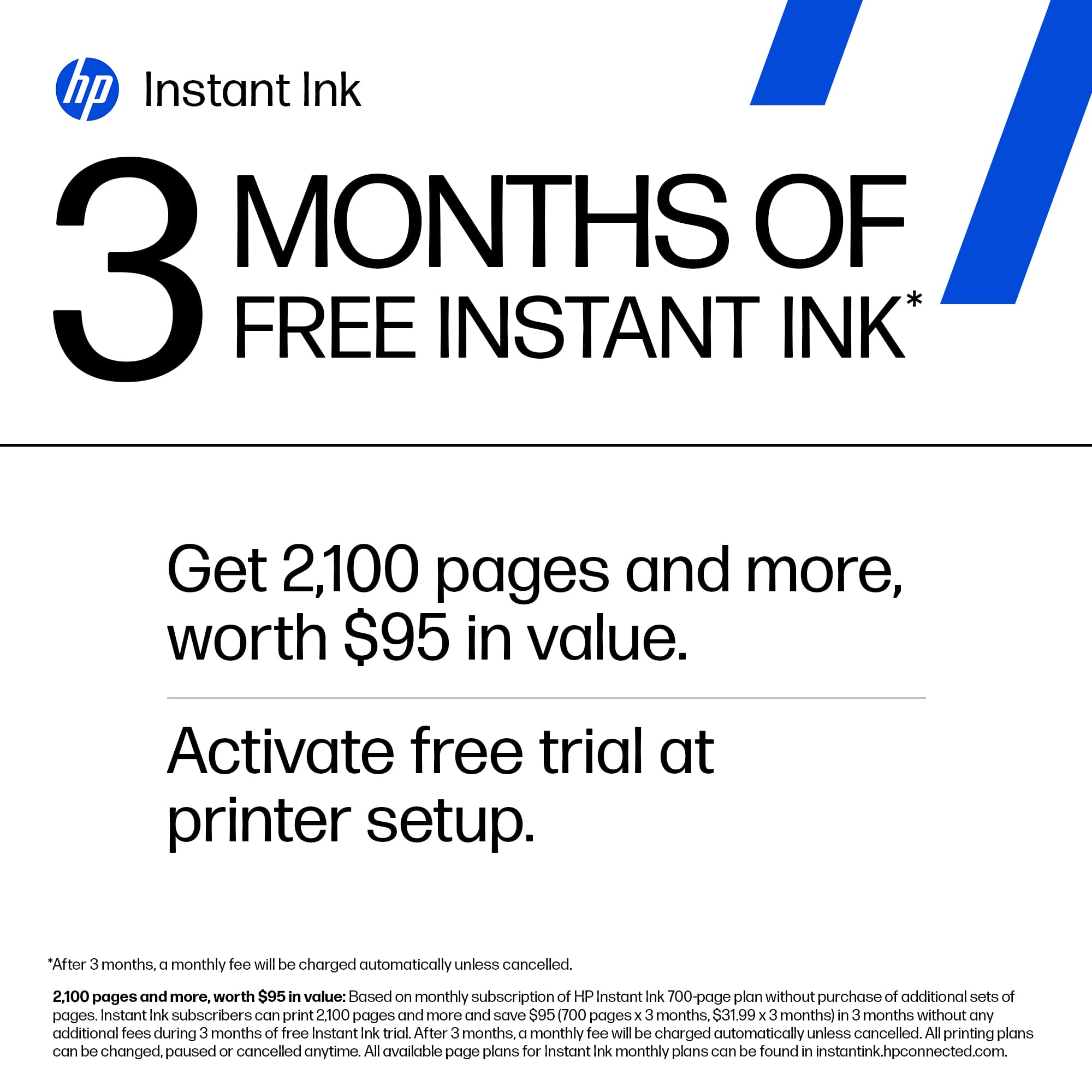
  • QuestionWhat does "with 3 months of Instant Ink included" mean?

    Asked by Shelley.

    • Answer It means you will be tied to HP's instant ink, which is sold at artificially high prices. There is, in fact, a class action lawsuit against HP at the moment as the printers will not work with cheaper third-party ink. And other functions of the printer no working if there is no ink in it, like the scanner and photocopier.

      Answered by JaredH

  • QuestionDoes this printer have usb connection?

    Asked by dee.

    • Answer Thanks for your question. You can use a USB printer cable with the HP DeskJet 2855e.

      Answered by HP Team

  • QuestionDoes this printer have the ability to fax?

    Asked by Les.

    • Answer Thanks for your question. The HP DeskJet 2855e does not have the ability to fax. But you can use the HP Smart app to send a digital fax for free.

      Answered by HP Team

  • Questionwhat is the difference between hp deskjet 2855e and 4255e?

    Asked by Anonymous.

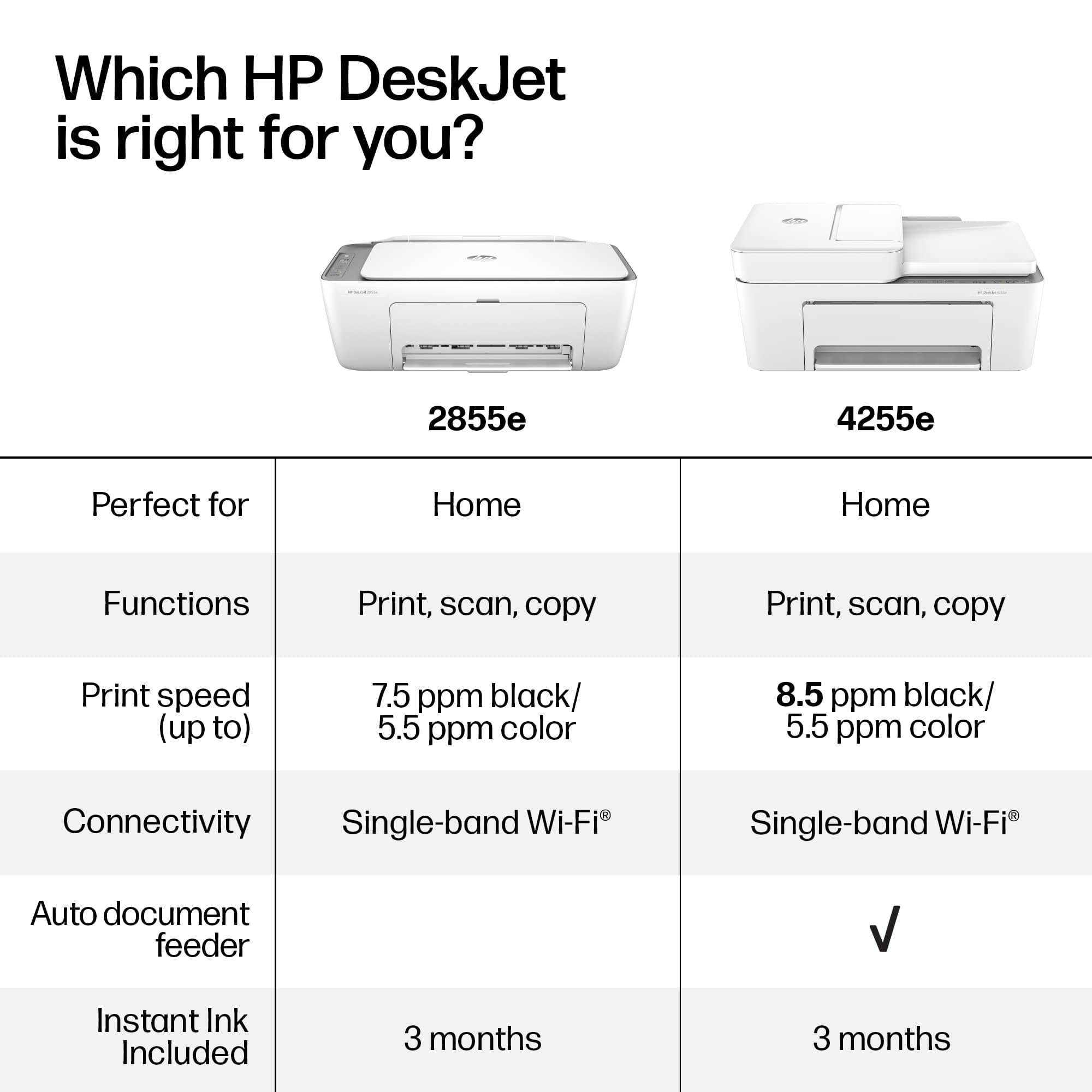
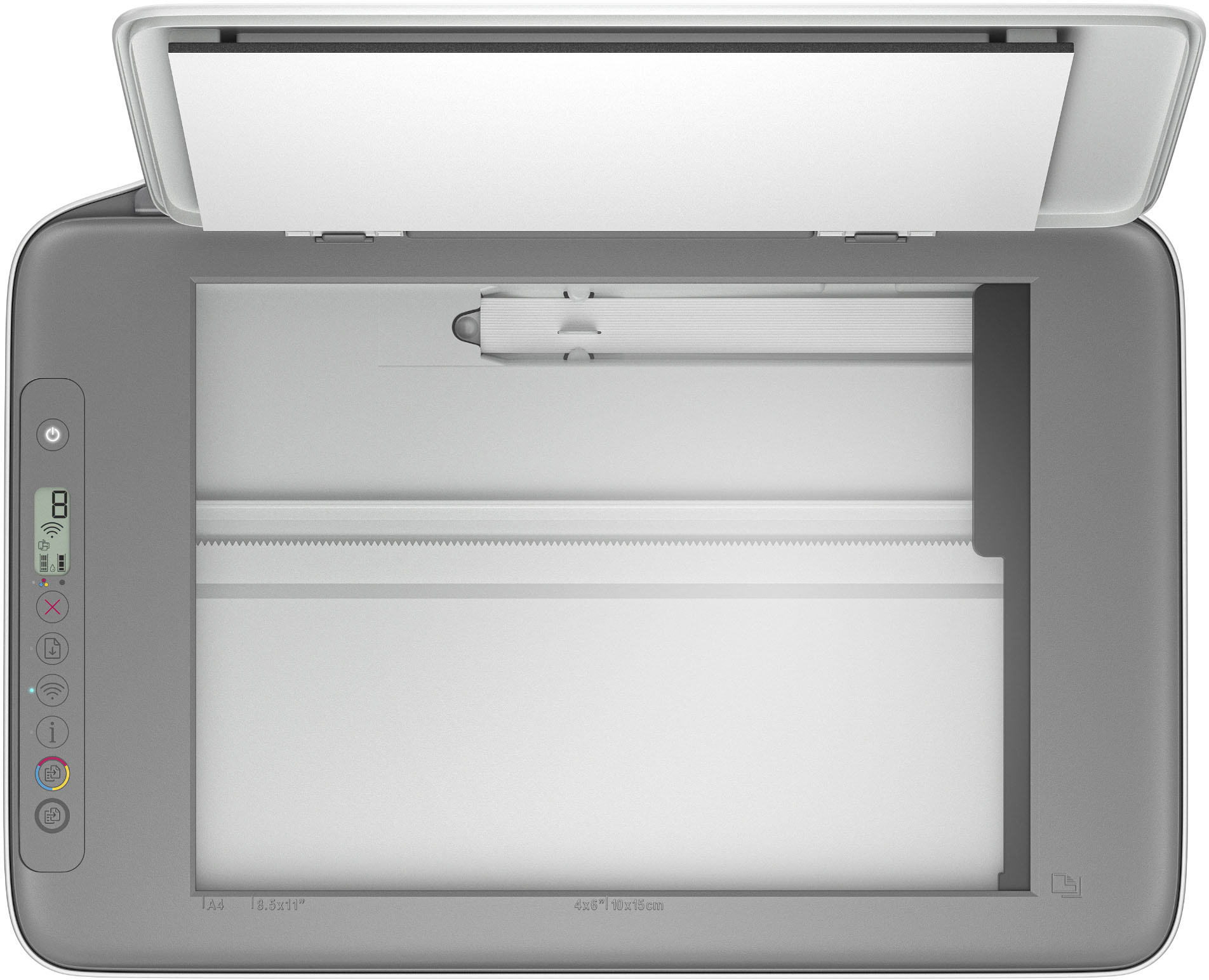
    • Answer Thank you for your question. The main difference between the two models is that the HP DeskJet 4255e has a 35-page automatic document feeder for copying and scanning and the 2855e has a scan glass that can copy/scan just 1 page at a time.

      Answered by HP Team

  • QuestionCan you connect via Bluetooth to a Samsung phone?

    Asked by Bluetooth.

    • Answer Thanks for your question. You can connect to a Samsung phone with WiFi, but Bluetooth is not supported. You can use the printer with WiFi Direct, no wireless network is needed to print from your Samsung phone.

      Answered by HP Team

  • QuestionI asked b/f buying if this printer would work WITHOUT the internet and was told it would. Now that I have it (received it yesterday), I don't see how/where a USB would connect nor was one provided. Thx once again for your assistance.

    Asked by Wade.

    • Answer Hi Wade, thank you for asking. The USB Type-B port is on the rear of the printer. You will need a USB A to B 2.0 cable if you don't have one.

      Answered by HP Team

  • QuestionDoes this printer work without the Internet? Thx for your assistance.

    Asked by Wade.

    • Answer Hi Wade, thank you for the question. The DeskJet 2855e can be connected directly to your computer connected with a USB cable. The free ink offer, Instant Ink, and mobile print features will not be available, as they require an internet connection.

      Answered by HP Team

  • QuestionCan it take micr ink 67?

    Asked by Central.

    • Answer Thank you for your question on this HP DeskJet 2855e! This printer is not modified to use MICR ink, only regular HP ink. There is a company that HP has licensed out for modifying printers to use MICR ink and toners, and its name is Troy Group Ltd. They sell modified printers, inks, and toners to use MICR consumables and is the only company that is authorized by HP to modify printers and sell ink and toner.

      Answered by HP Team

  • QuestionDoes this model do double sided printing?

    Asked by Anonymous.

    • Answer Thank you for your question. The HP Deskjet 2855e does not have automatic double sided printing. You would have to manually flip the paper.

      Answered by HP Team

  • QuestionWill this work with pc running windows 10 and print from iPad/Iphone?

    Asked by TomR.

    • Answer Thank you for your question. Yes, the Deskjet 2855e printer is compatible with Windows 10 and will print from an iPad or iPhone.

      Answered by HP Team

  • QuestionCan you print photos with this printer

    Asked by Anonymous.

    • Answer It's not the best photo printer. The quality of the output was mediocre and I couldn't get it to print a 4x6 inch photo on 4x6 paper. It cut off the right section of the print. I had to print a 4x6 on 8x10 paper and then trim it to size.

      Answered by Nathan

  • QuestionIs this printer cpmpatible with Lenovo Chromebook? Can I use a USB cable instead of wireless?

    Asked by leenie.

    • Answer Hi Leenie, thank you for the question. The DeskJet 2855e is compatible with Chrome OS laptops and you can connect with a USB cable. However, without a Wi-Fi connection you will not benefit from HP+ functionality, which supports Print From Anywhere, an additional year of product warranty, advanced scanning features, and Instant Ink (including the free trial offer).

      Answered by HP Team