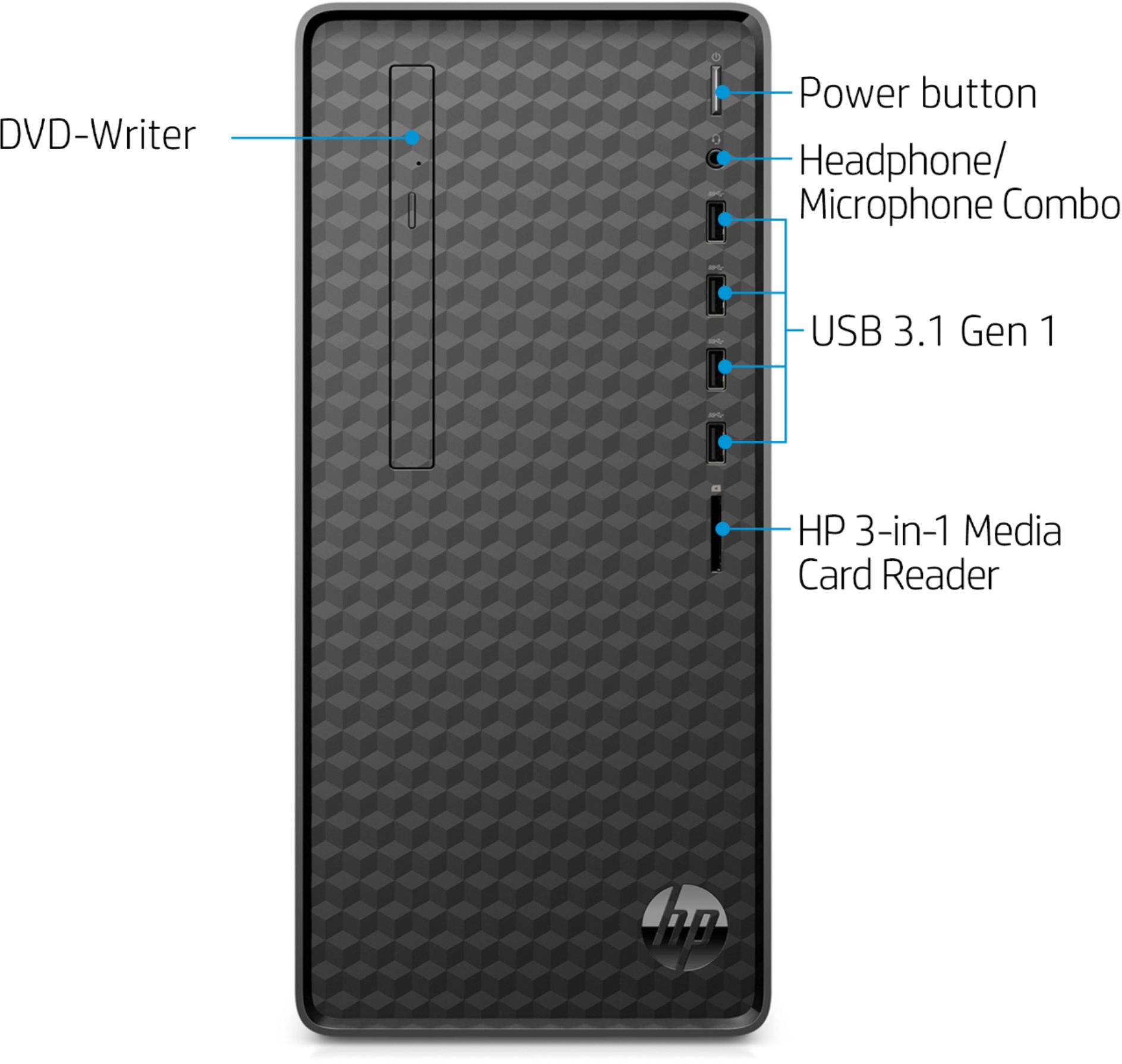
A:AnswerWe recommend downloading the VLC media player, so you can play your CDs: https://www.videolan.org/vlc/index.html You will want to choose the "Get VLC for Windows" option.
A:AnswerI bought an Insignia for a low price. I have it wall mounted to save desk space. I also use it as a TV. The TV talks to me. It's 720 but at this size 720 is plenty (rhyme not intended). It works Very well. This is a work tool setup. I don't do gaming.
Hope this helps.
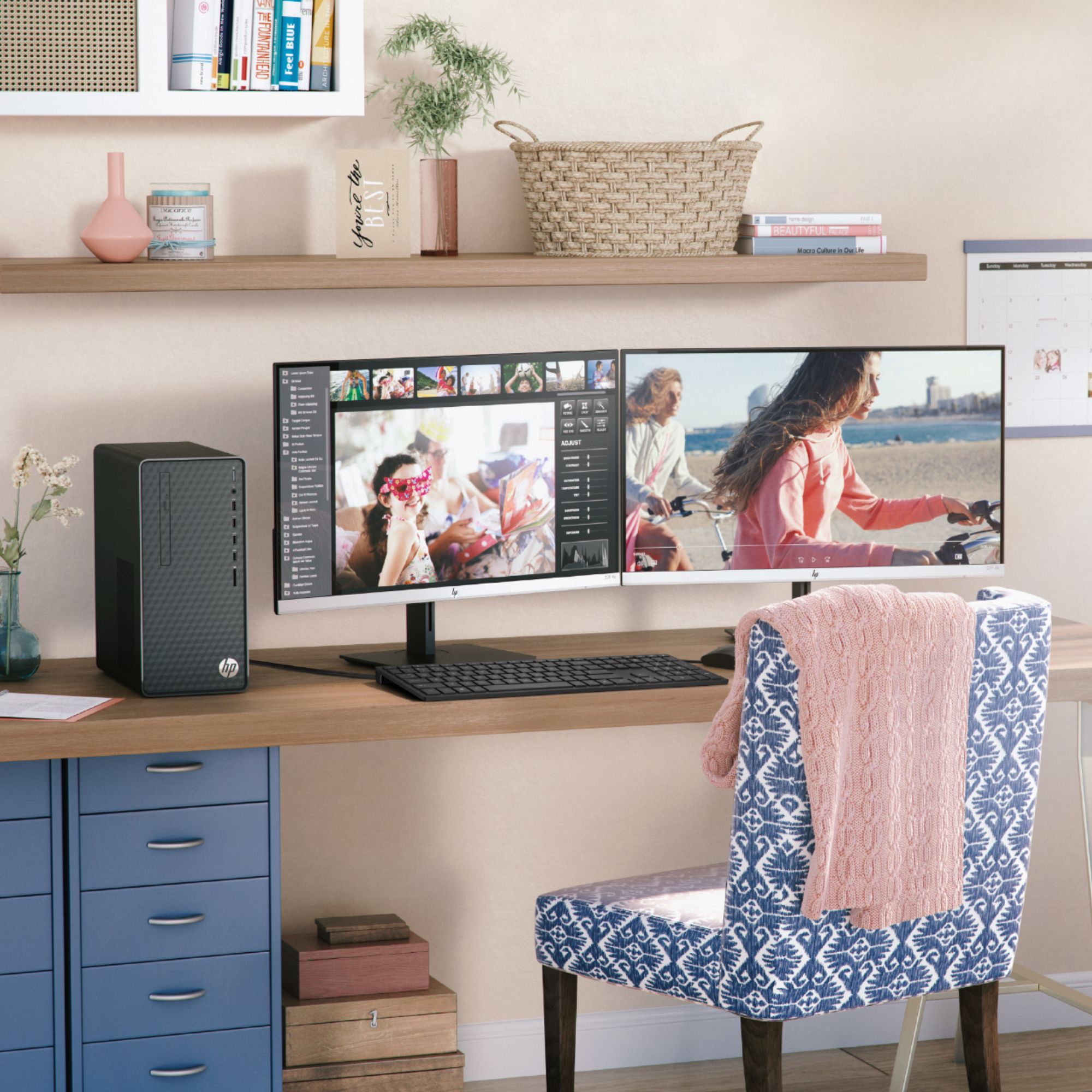
A:AnswerReally, any of the HP monitors will work just fine. The right one for you is going to depend on what you want to do with the computer, what size you want, and what your budget is.
A:AnswerHello,
The 2 blue USB ports are USB 3.1 ports and the 2 black USB ports are USB 2.0 ports. The only difference between the 2 colored ports is the transfer rate that data is being sent between your computer and another external device (so basically the blue ports are 10 times faster then the black ports when you want to transfer data over to, for example, a USB external hard drive).
Hope this helps.
A:AnswerThe M01-F0014 has more than enough hardware to run both Fortnite and Roblox, so you should have no problems. A "heavy gamer" is someone who frequently plays games that require higher end equipment to play them successfully.
A:AnswerI'm sorry that you're having that problem. However, a Q/A forum like this isn't the best way to get the problem resolved. If you contact the HP support team, they should be able to troubleshoot the issue for you.
A:AnswerIt looks like it's an error in the HP specs we sent to Best Buy, because I'm only seeing one slot on the motherboard. I'll notify my boss so she can send this issue in for review.
A:AnswerThis Desktop PC has the L08660-800 - 180W power supply installed. This chassis can also use the L64961-800 - 310W power supply, and the connectors should be the same. I hope this helps you.
A:AnswerYou would need speakers or headphones connected to the desktop to hear sound. If you do have headphones or speakers connected, I would suggest trying the troubleshooting steps at this webpage link: https://support.hp.com/us-en/computer
A:AnswerDepends on how serious you are. It’s a good machine for the price, but you’d probably have to at least upgrade the video card to do serious gaming
A:AnswerThe power supply is 180W Gold efficiency. It would probably support another internal hard drive.
L68306-001 Cable - Pwr(1*4) to SATA(6p)ST,150mm, BL,RoHS2
L68307-001 Cable - CA ASSY,165mm,SATA DATA,ST,BL,Ro2,RF
L68308-001 Cable - Pwr(2*2) to SATA(15p)ST,200+80mm,BL,Ro2