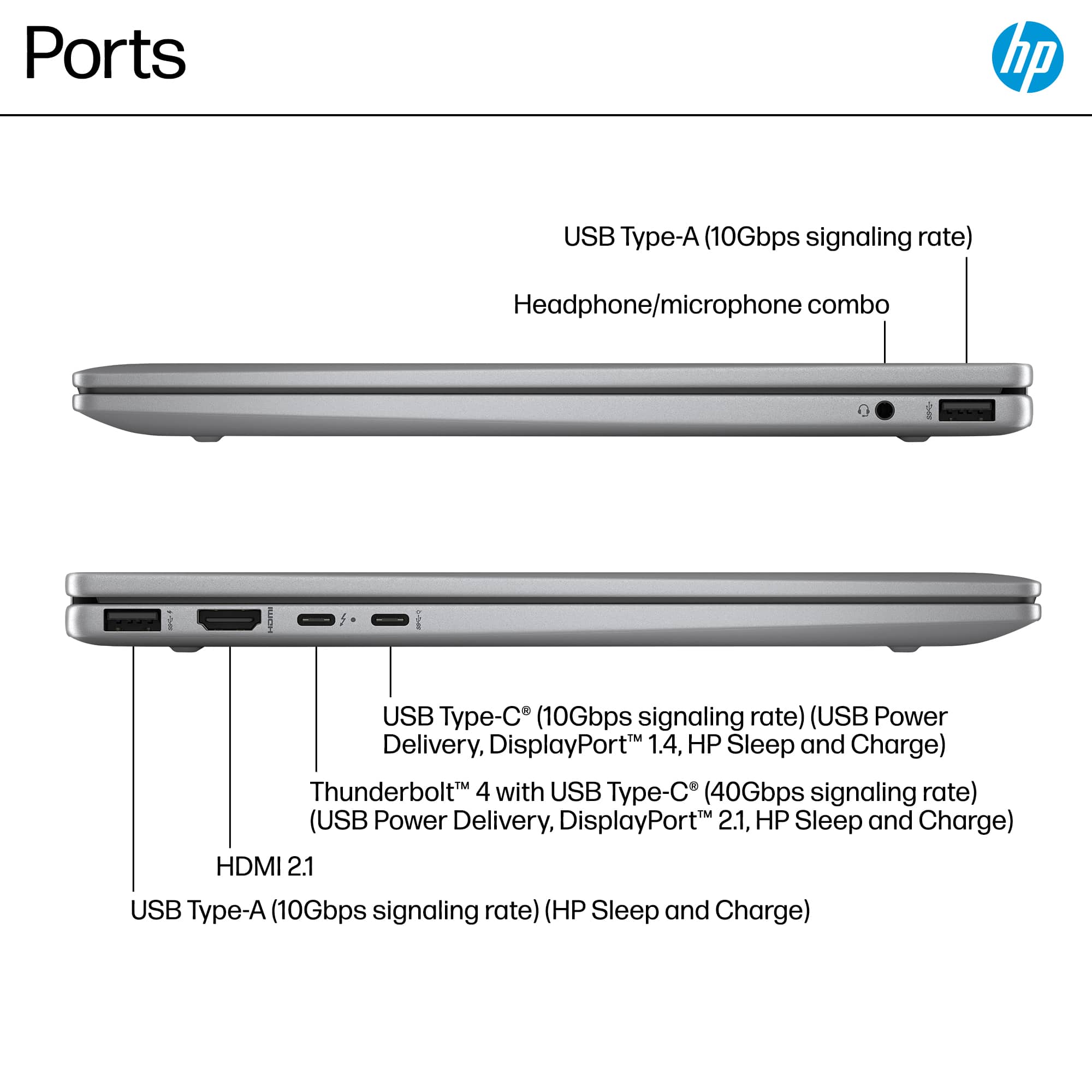
A:AnswerThank you for the question. The Envy 14-fc0033dx has integrated Intel graphics and does not natively support AMD's Free Sync technology. Connected via DisplayPort, you should expect a refresh rate of 60Hz.
A:AnswerHello and thank you for asking. The HP Envy x360 14-fc0033dx laptop can run VM Ware and HyperV but several settings may need to be changed first. Please contact HP Support for assistance with this.
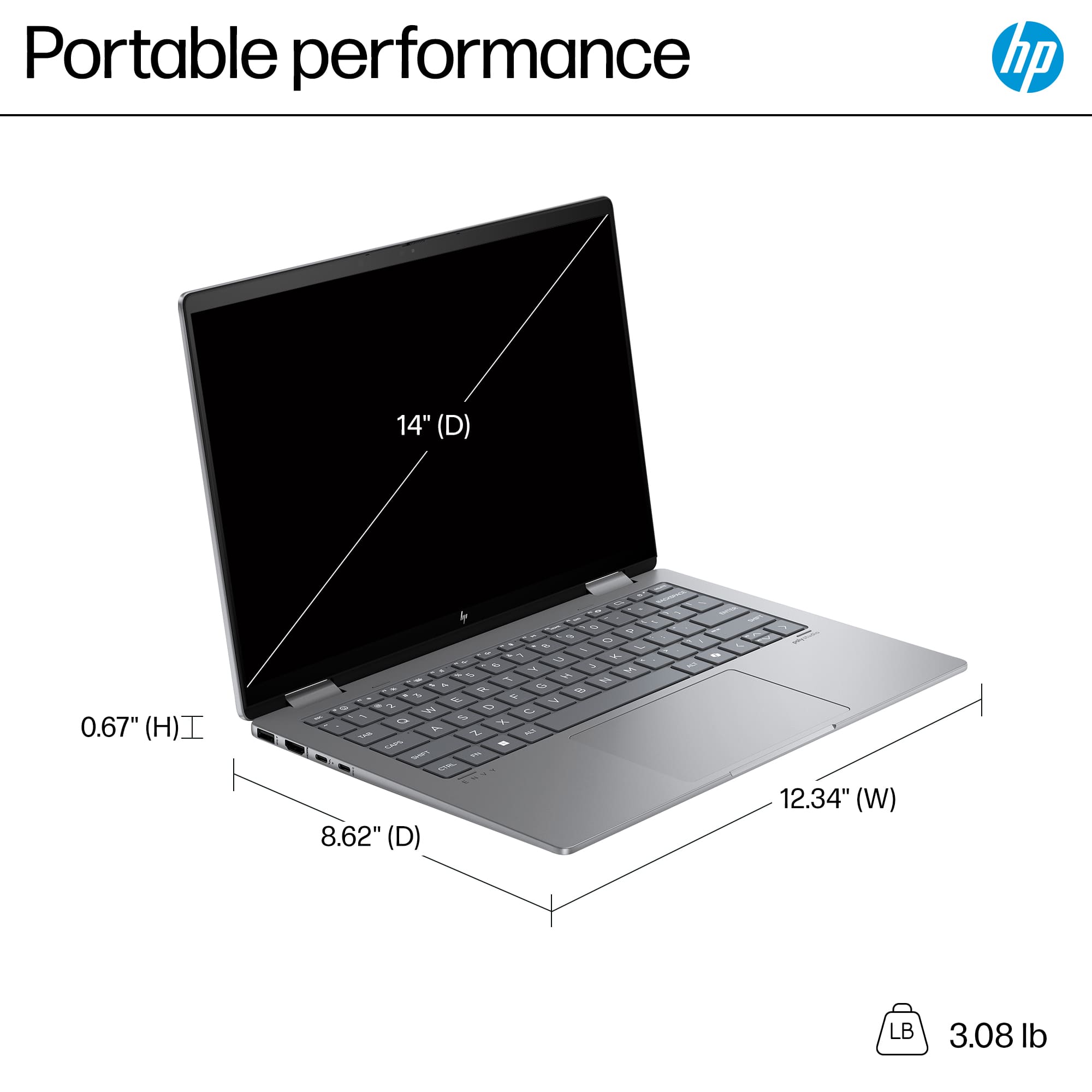
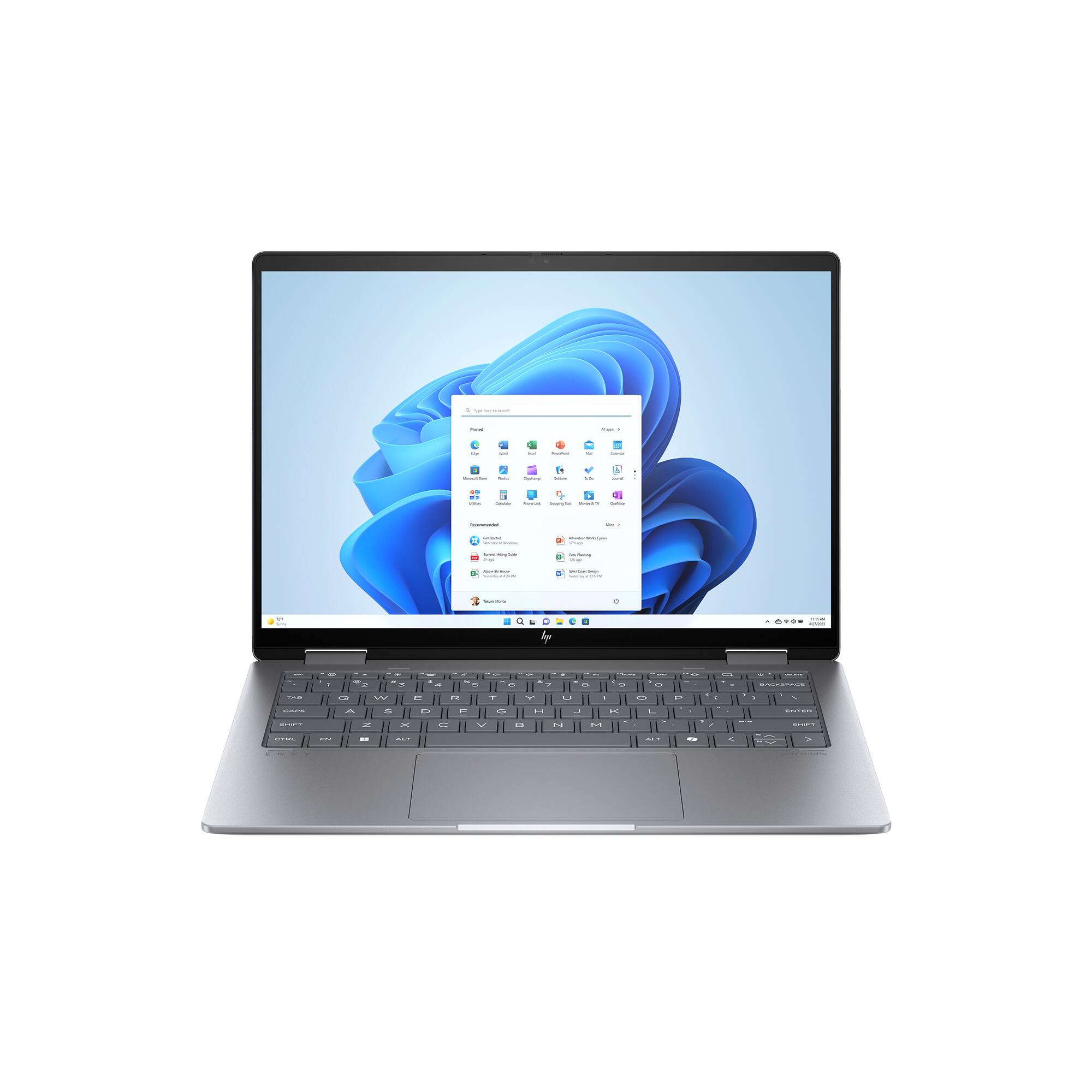
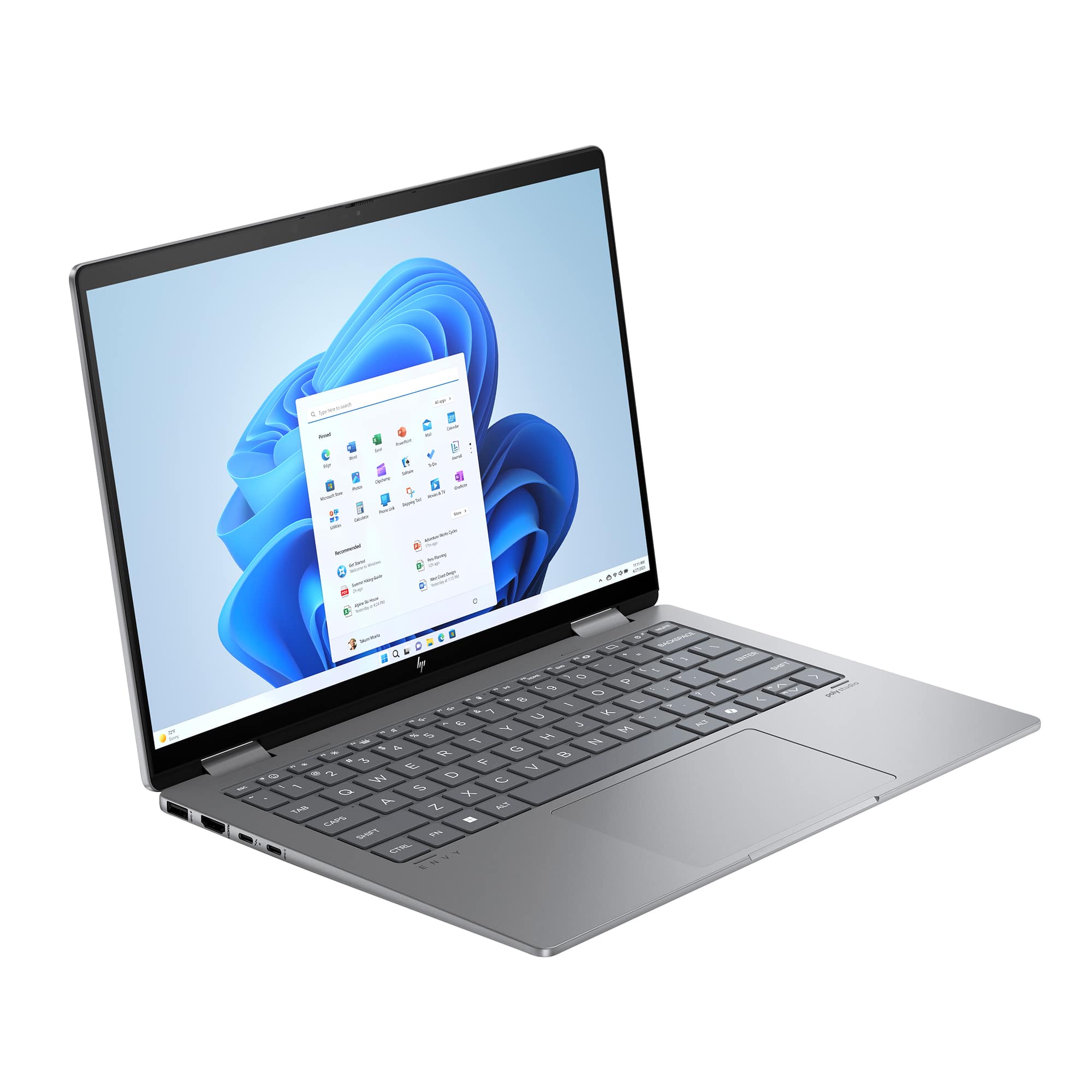
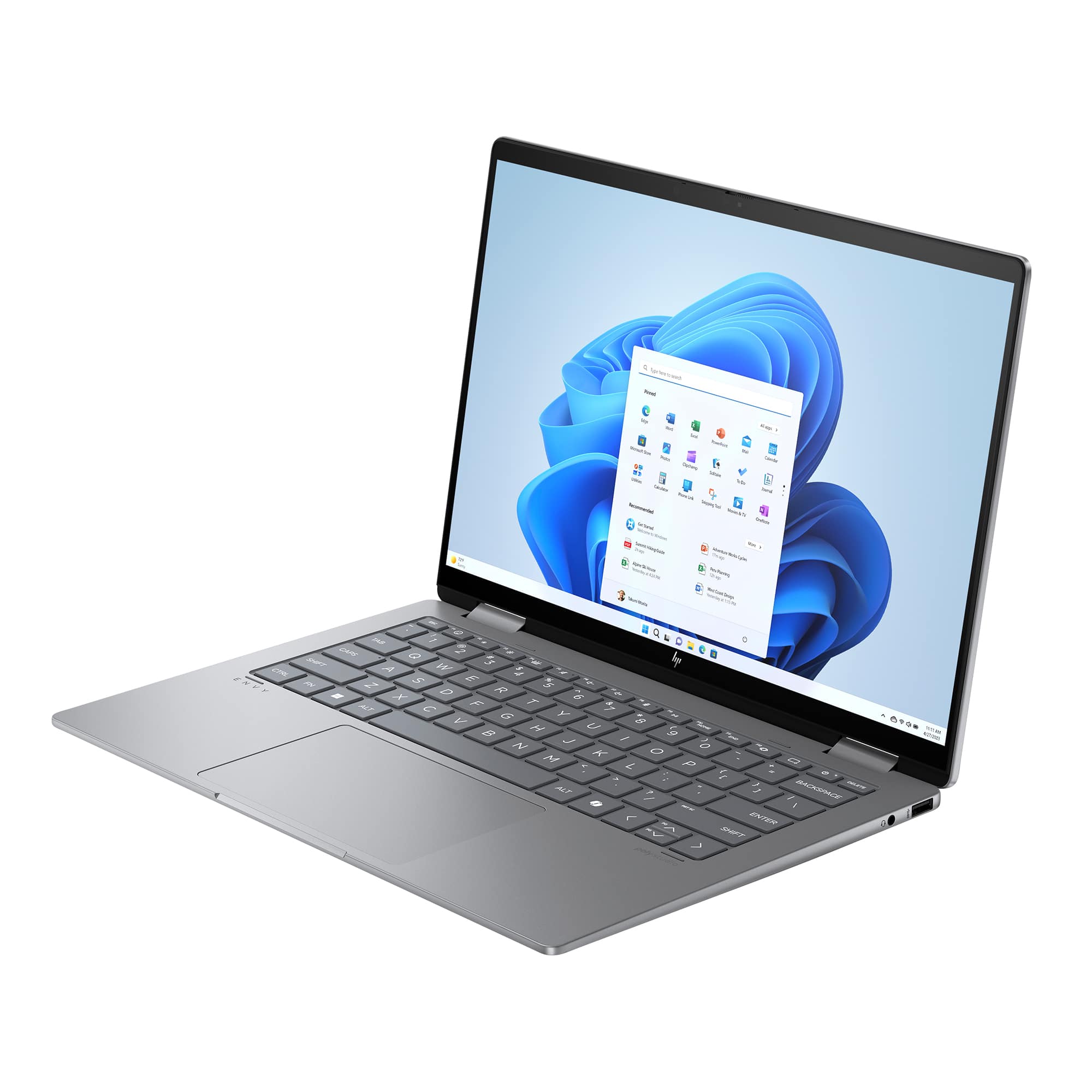
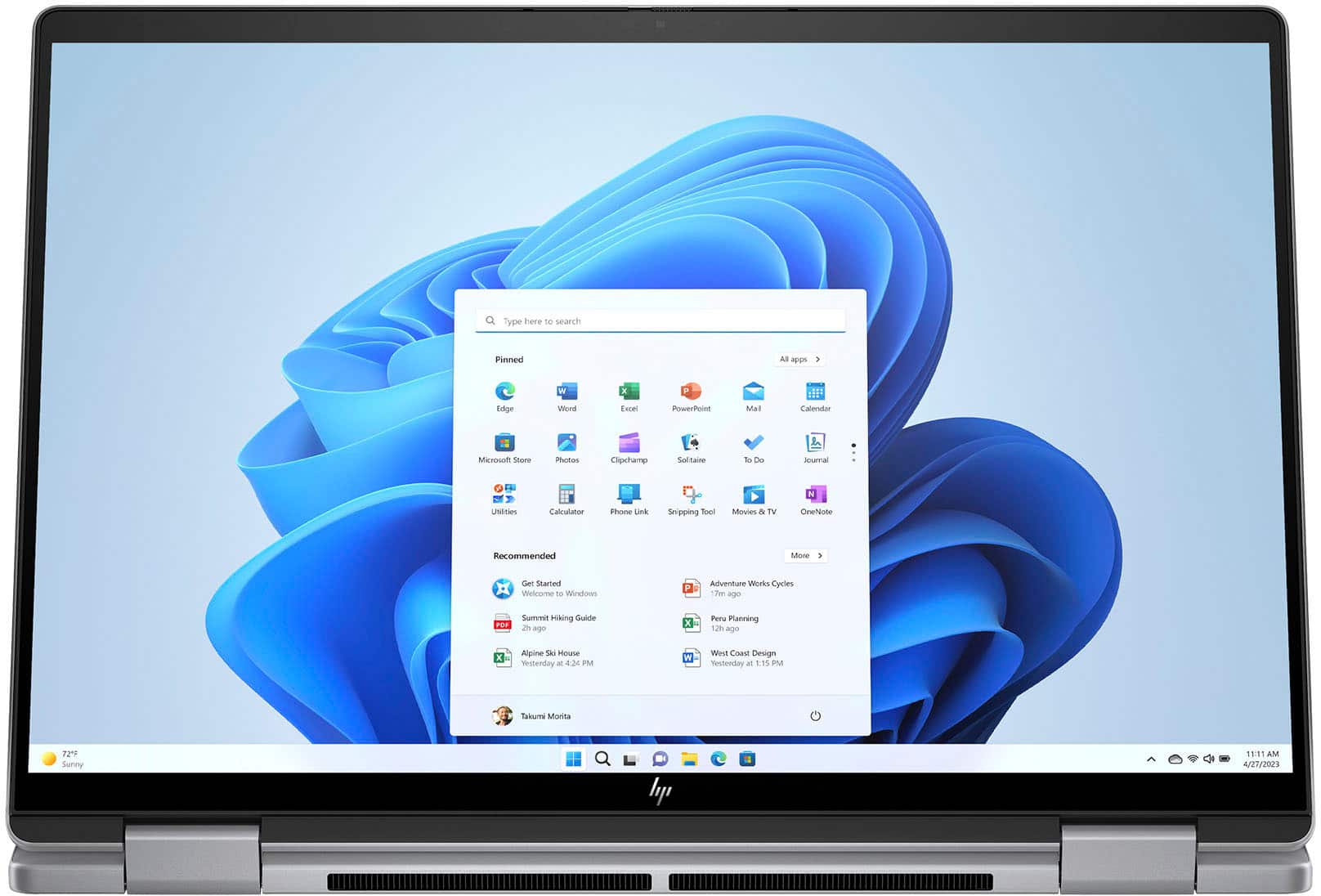
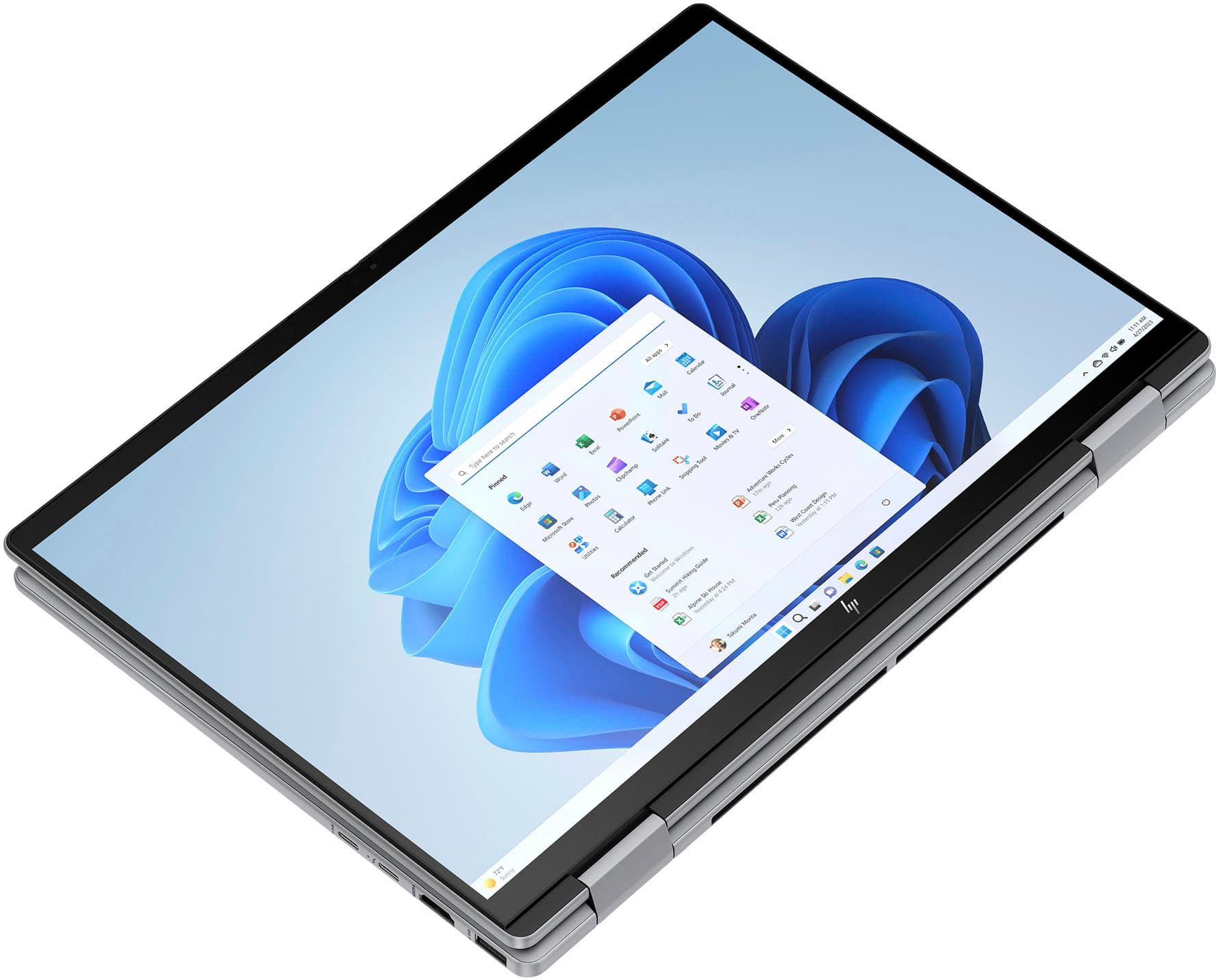
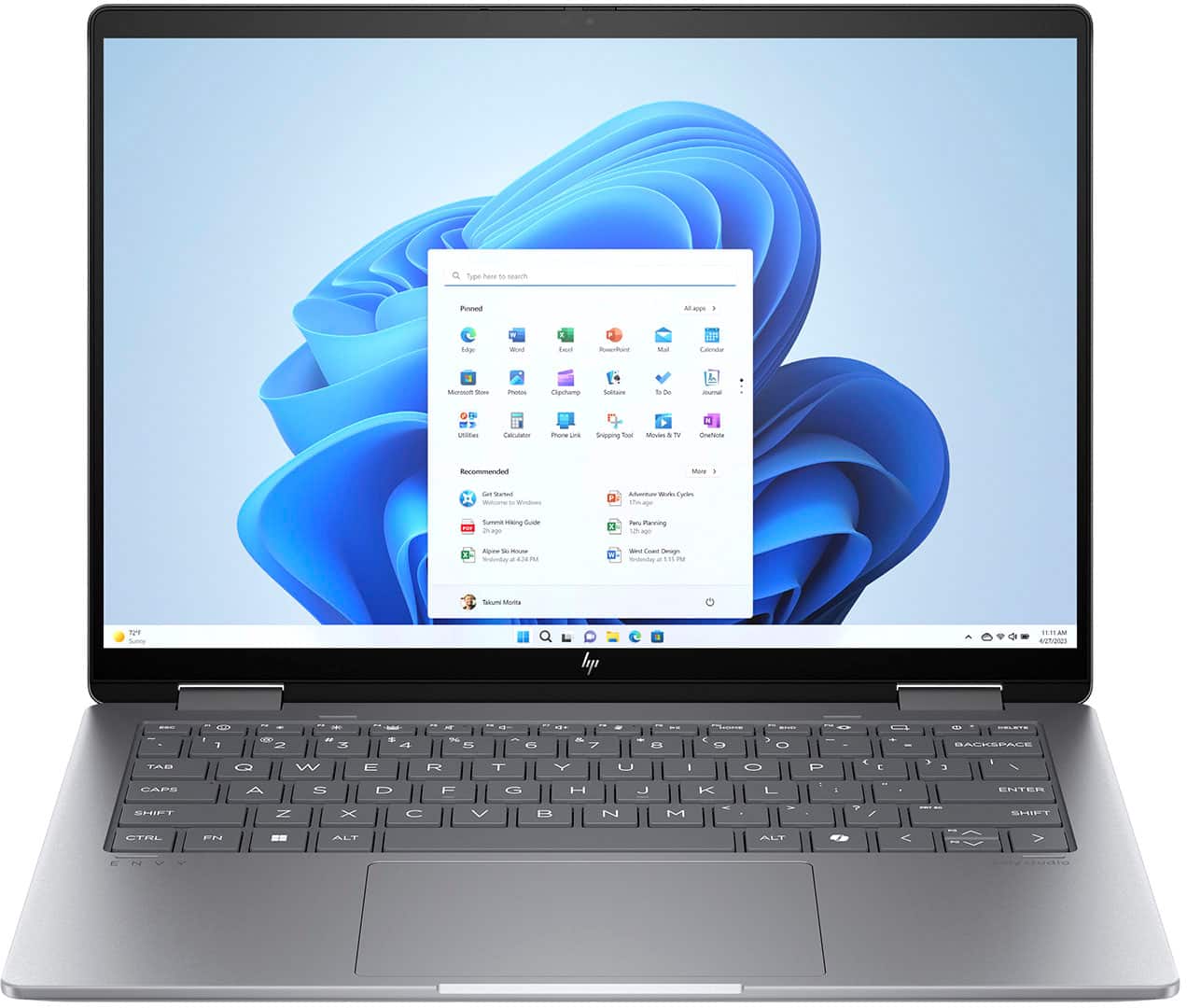
A:AnswerThank you for your question about this HP Envy 2-in-1 laptop! The 1920x1200 resolution gives it a 16:10 aspect ratio. The laptop measures 12.34 x 8.62 inches with an 89.5% screen-to-body ratio. The screen is 14" on the diagonal.
A:AnswerThank you for the question. The WUXGA display on the Envy 14-fc0033dx has a refresh rate of 60 Hz. While not indicated in the specification, the response time is approximately 20-35 milliseconds for gray-to-gray transitions in similar displays designed for general productivity, multimedia, and creative work.
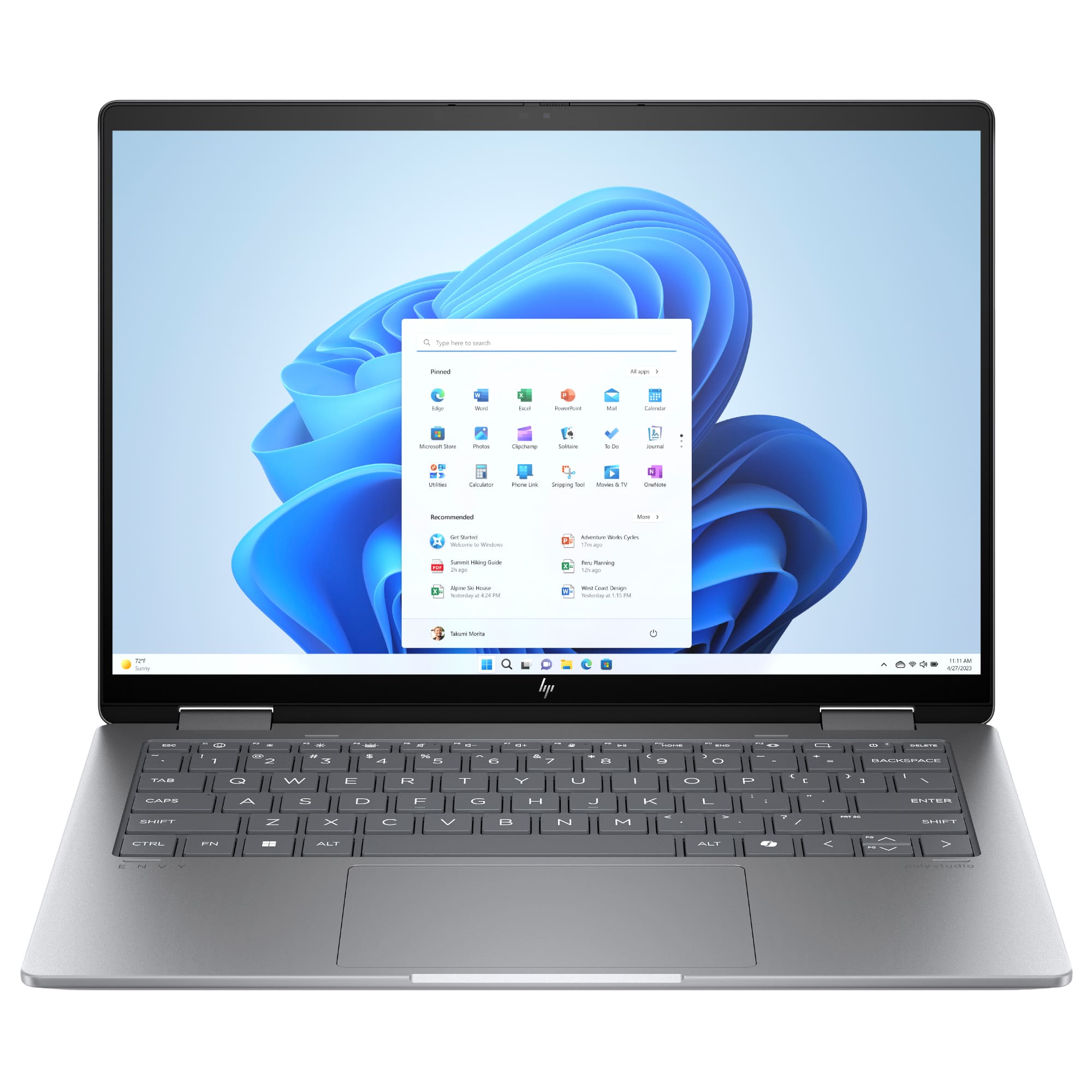
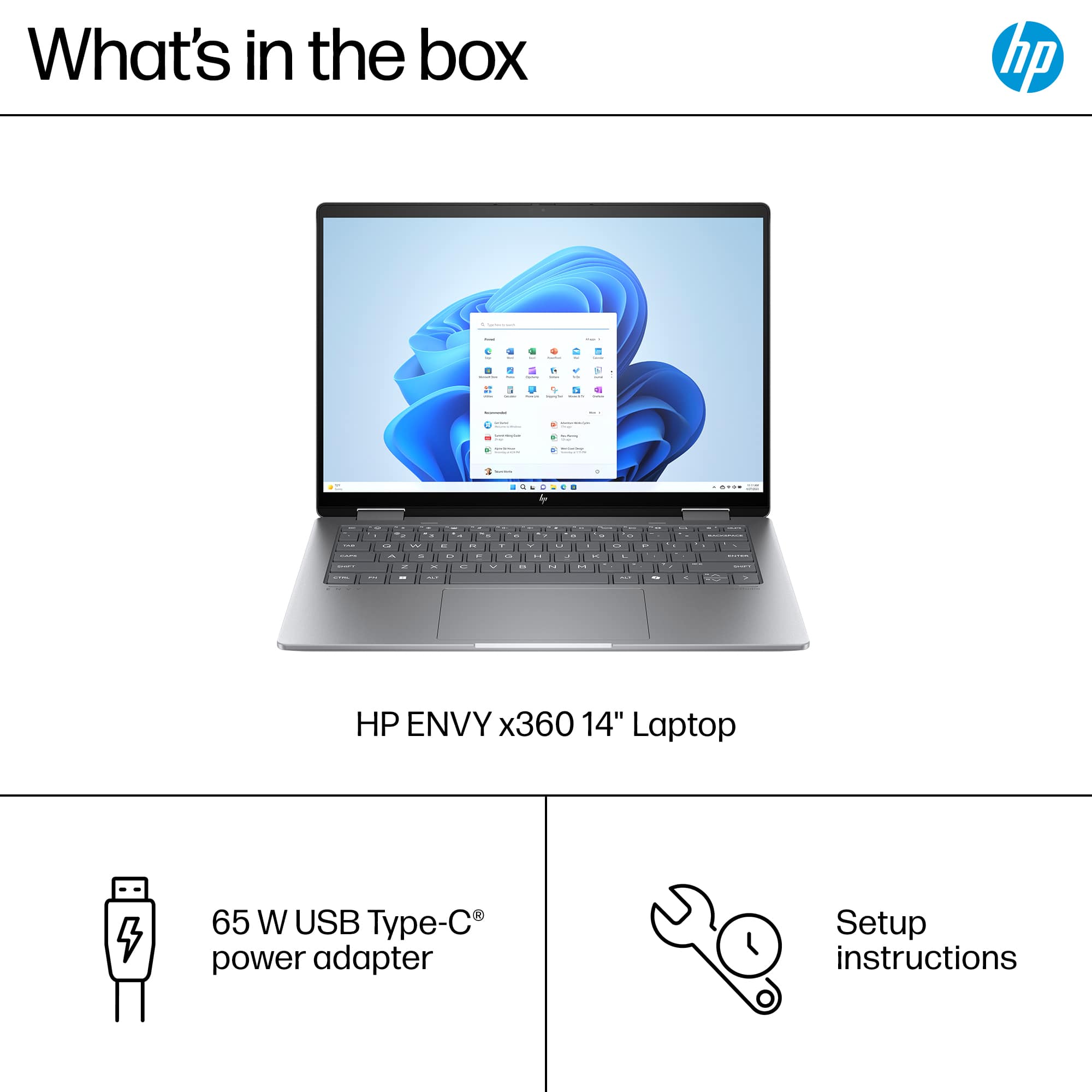
A:AnswerYes, it can. In fact the computer comes with a USB-C charger, so that it the way you charge the laptop. Thanks for asking the question, Dudley!

A:AnswerI have not used this laptop for gaming and I wouldn't recommend heavy gaming on it as that should really be left to a gaming laptop that has a heavier-duty processor and graphics card for support.
A:AnswerThank you for your question on this HP Envy 2-in-1! It is compatible with MPP 2.0 stylus pens. You need to pair the pen with the computer first.
A:AnswerHello, Agus! Thank you for your question on the HP Envy 2-in-1 Touch-Screen laptop (14-fc0033dx). To have a better idea if this device is suitable for your classes, more information is needed regarding the programs you intend to use with this device. You can check the requirements for the software you would like to use by looking up the system requirements for it from the publisher's website. You will want to make sure that the device you want to use it on meets the minimum requirements. Updates and modifications can impact what settings you can run the software on or if you can use the software at all. If you're still unsure, don't hesitate to reach out to HP Support or your Best Buy Geek Squad for more assistance!
A:AnswerGreetings from the Intel team. Thank you for your question.
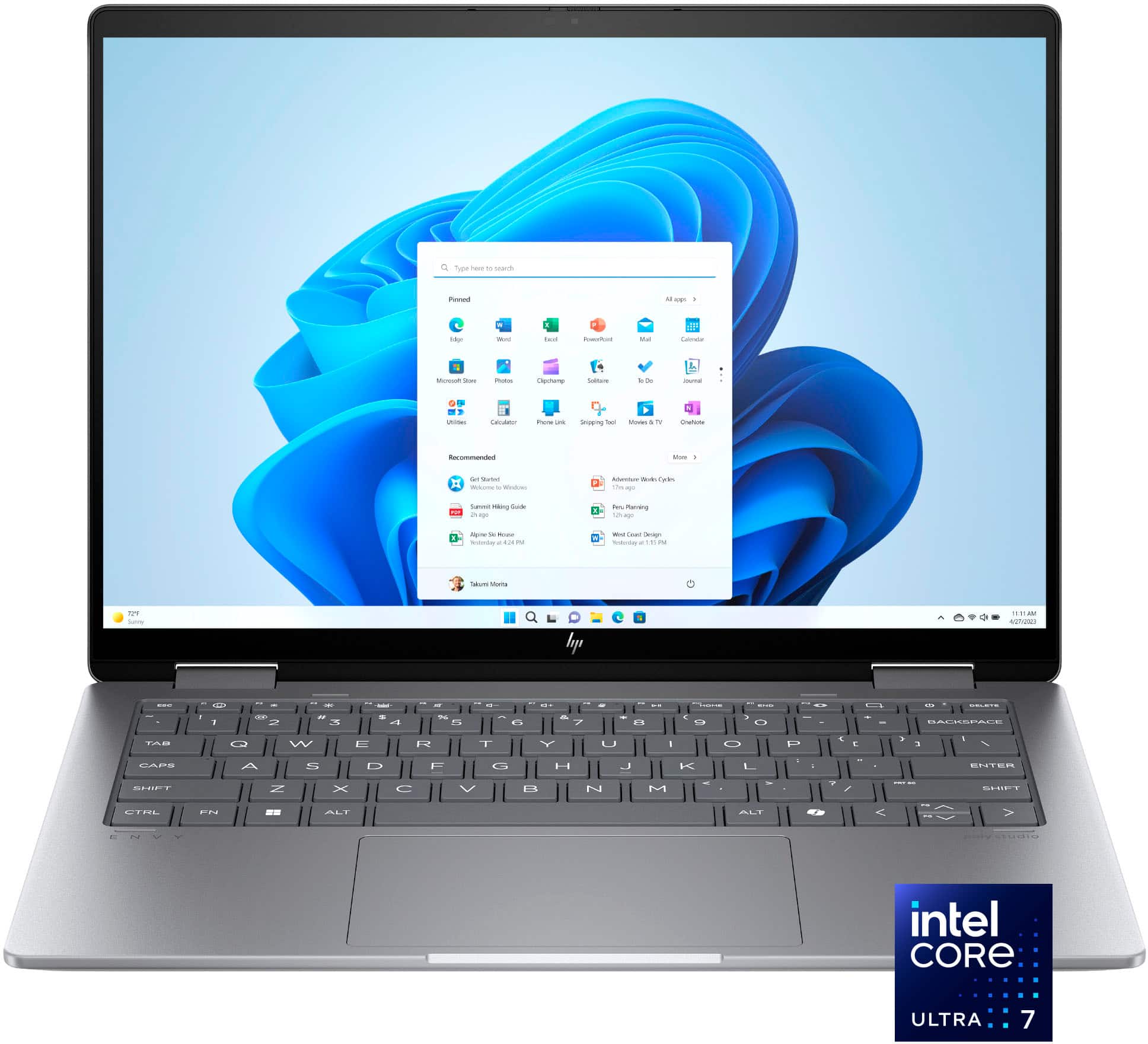
For CPU (Intel® Core™ Ultra 7 Processor 155U) and GPU (Intel® Iris® Xe Graphics) specifications, visit:
https://ark.intel.com/content/www/us/en/ark/products/237327/intel-core-ultra-7-processor-155u-12m-cache-up-to-4-80-ghz.html
To use the Intel® Iris® Xe brand, the system must be populated with 128-bit (dual channel) memory; otherwise, the Intel® UHD brand would be used.
Thank you for choosing Intel! Emilio_Intel
A:AnswerHello and thank you for asking. The HP Envy 2-in-1 14-fc0033dx laptop is not an Intel EVO certified laptop, as it does not meet all the Intel EVO specifications for laptops. The Intel Core Ultra 7 CPU is used in EVO laptops, but it is not exclusive to them. It does have Intel Integrated Graphics (Intel Graphics).
A:AnswerThank you for your question on the storage. The Envy series laptops have only one m.2 slot for storage. You can find more information on the HP Support site for this model in the Maintenance and Service Manual for this series.