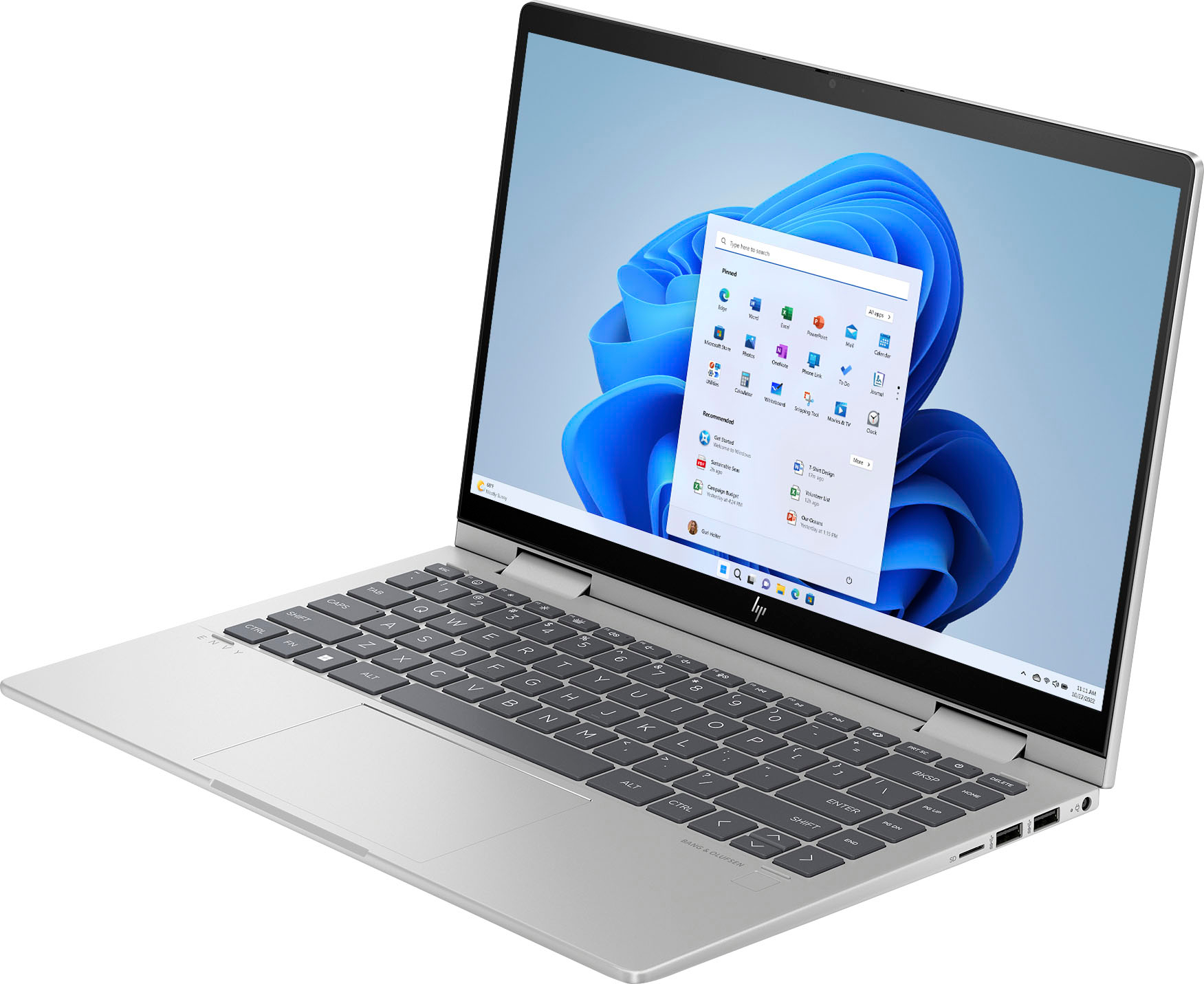
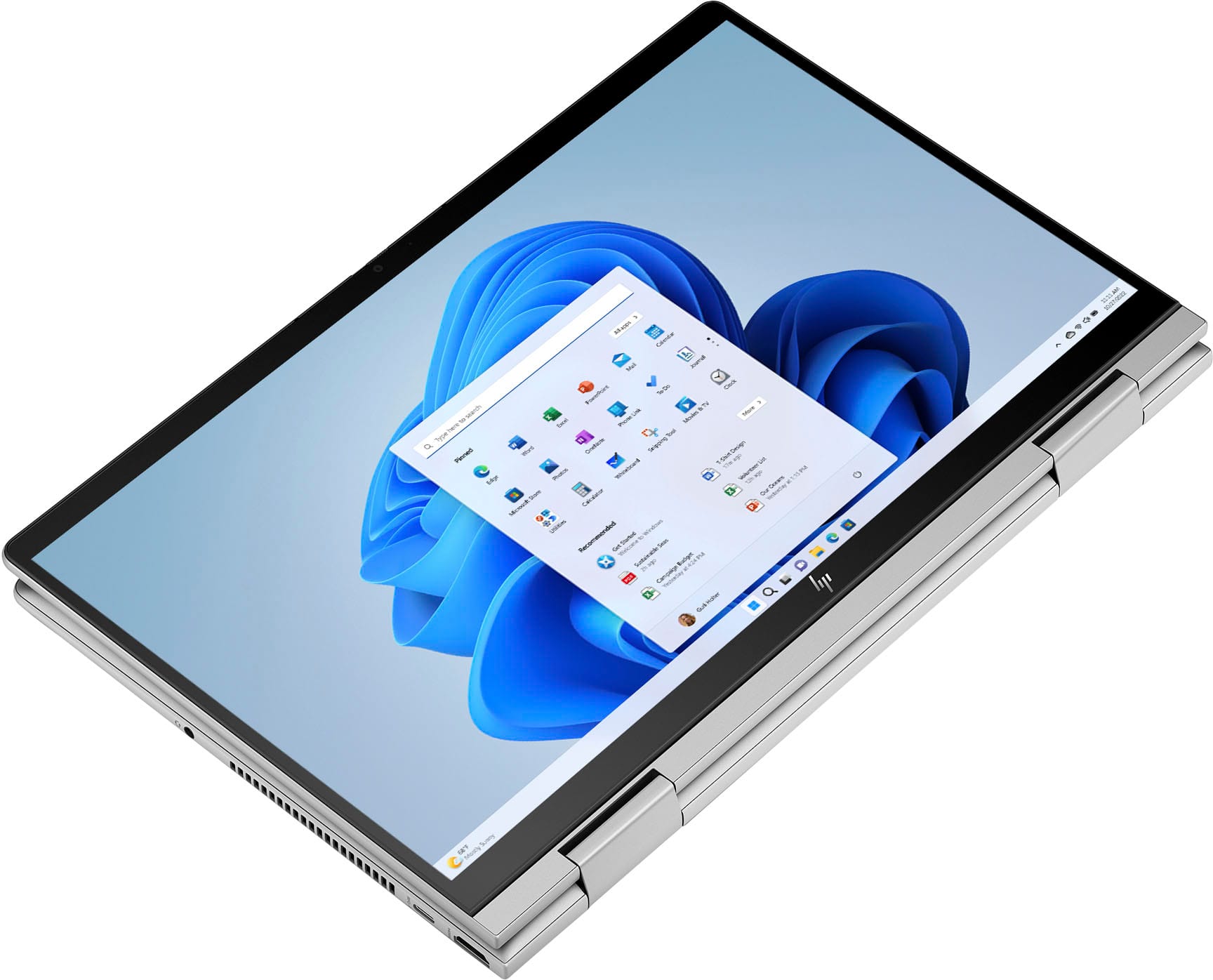
A:AnswerThis HP Envy 2-in-1 laptop will be great for most business purposes. However, it is recommended to ensure the HP - Envy 2-in-1 meets the system requirements of a specific program, check the software Developer's website to know the system requirements and compare them with the Laptop specifications.
A:AnswerThank you for the question. You can change touchpad settings to make the cursor more speedy. Go to settings>Bluetooth & devices>touchpad>gestures and interaction.
A:AnswerThank you for the question. Yes. The function keys are on the top row and can be accessed using the FN key simultaneously. The FN key is on the bottom row, next to the Windows button.
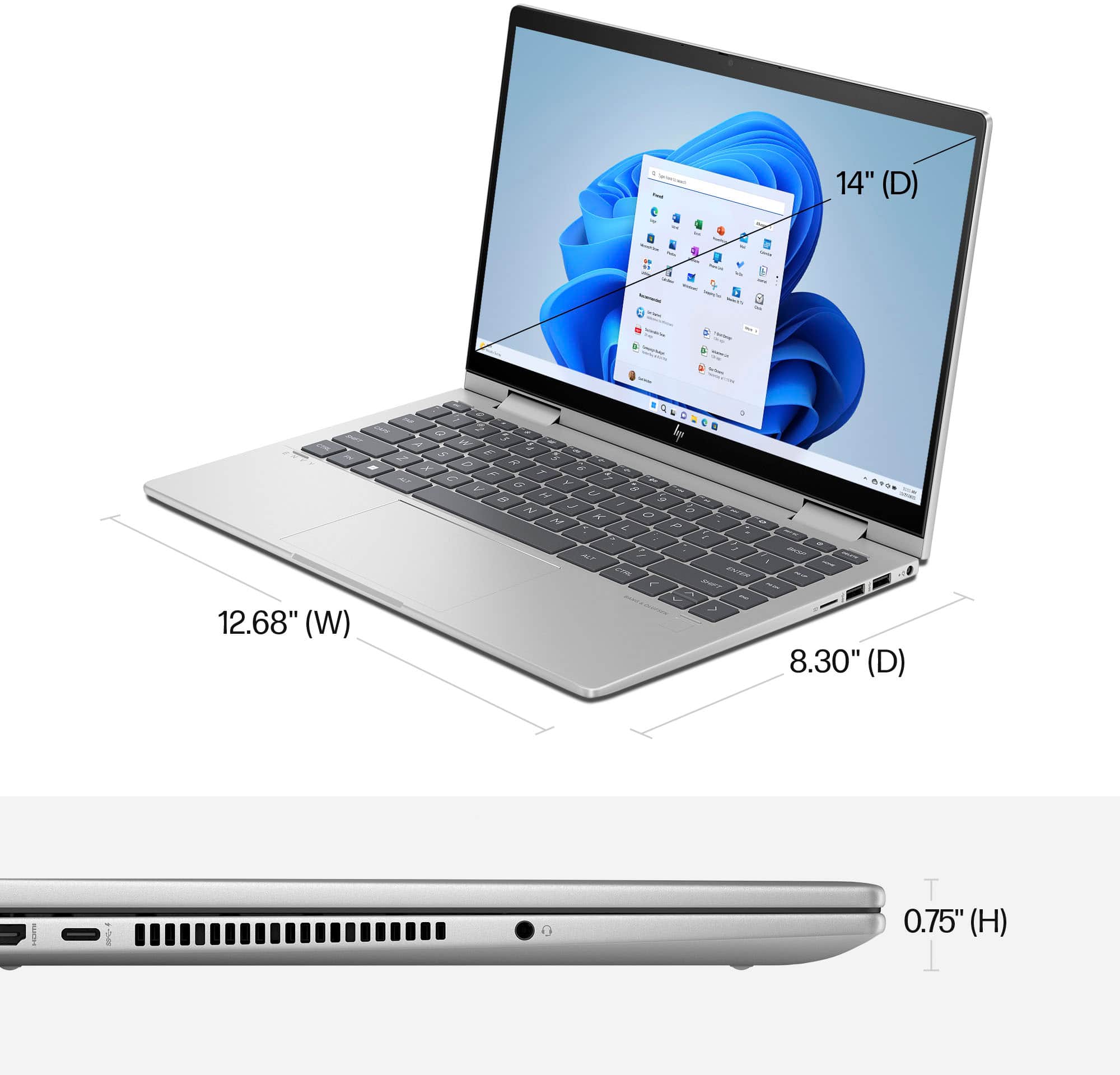
A:AnswerThis device does come with a micro-edge display. The full list of benefits for the display on this model are: 14" diagonal, FHD (1920 x 1080), multitouch-enabled, IPS, edge-to-edge glass, micro-edge, 250 nits, low power, 45% NTSC rating.