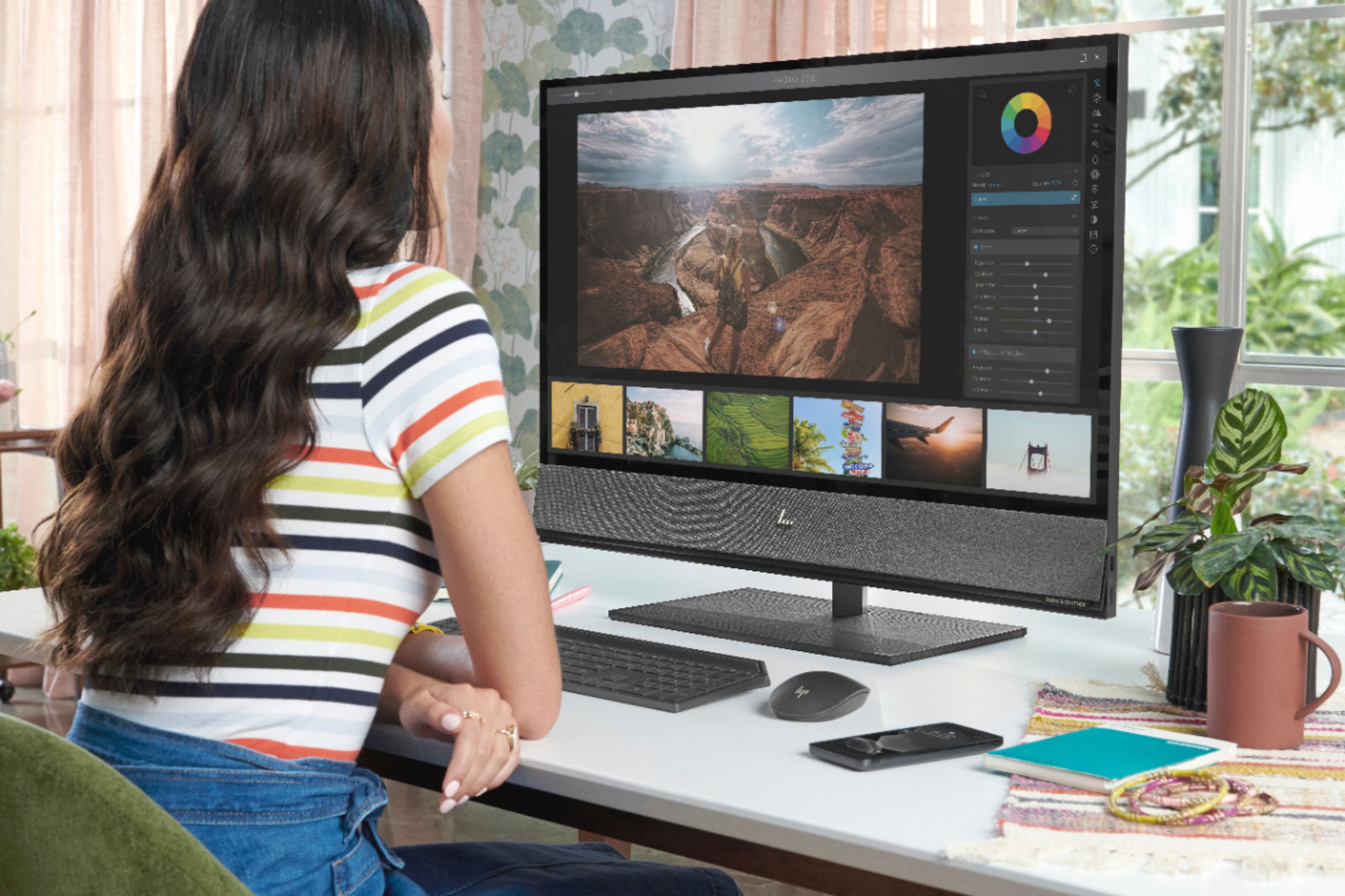
A:Answer The first step is to go into the settings and look at what Bluetooth devices are connected. If there's something you don't recognize, try telling the computer to forget that connection-you may be picking up someone's music streaming from a nearby computer. If not, the next step may sound odd, but try turning the computer about 30 degrees to see if the problem goes away. If it is RF leaking from somewhere, changing the orientation of the computer will often cure the problem (If something in the computer is acting like an antenna, turning the computer some may make it not pick up the signal). If that doesn't work, your next option would be to contact the HP support team so they can troubleshoot it