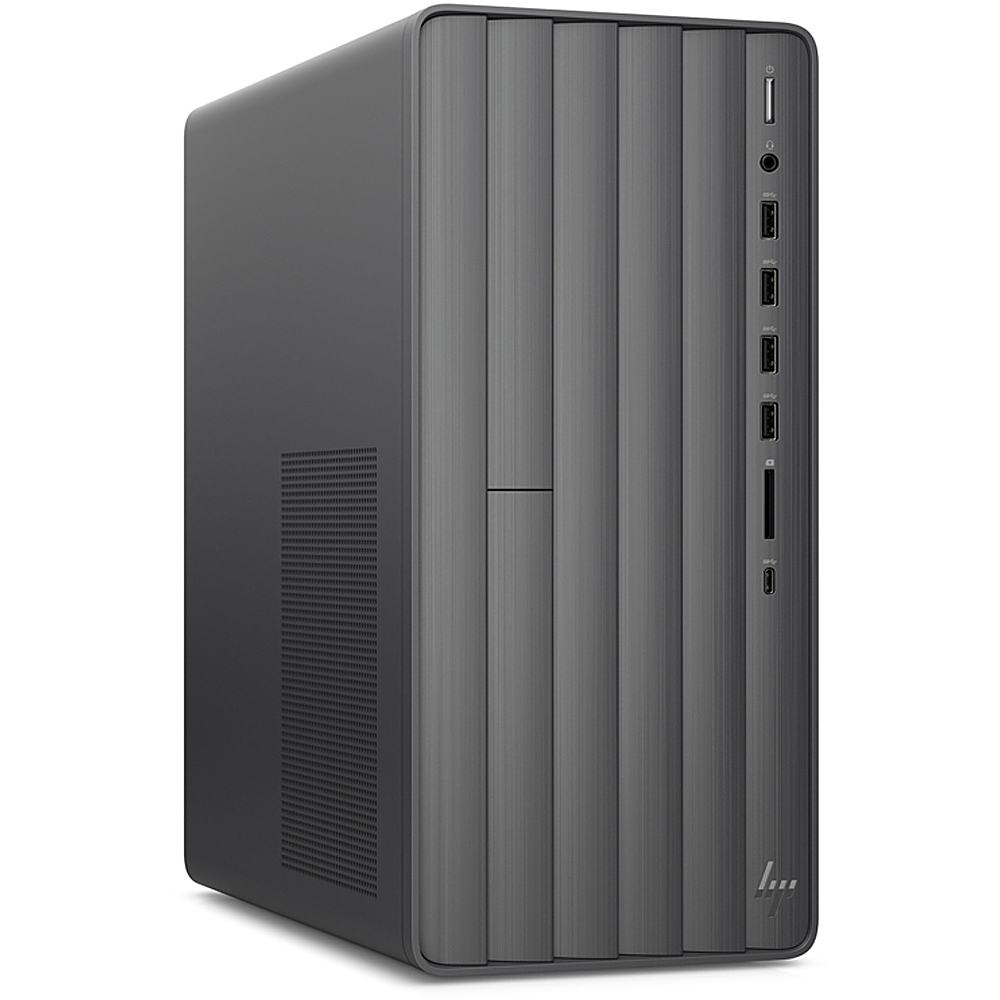
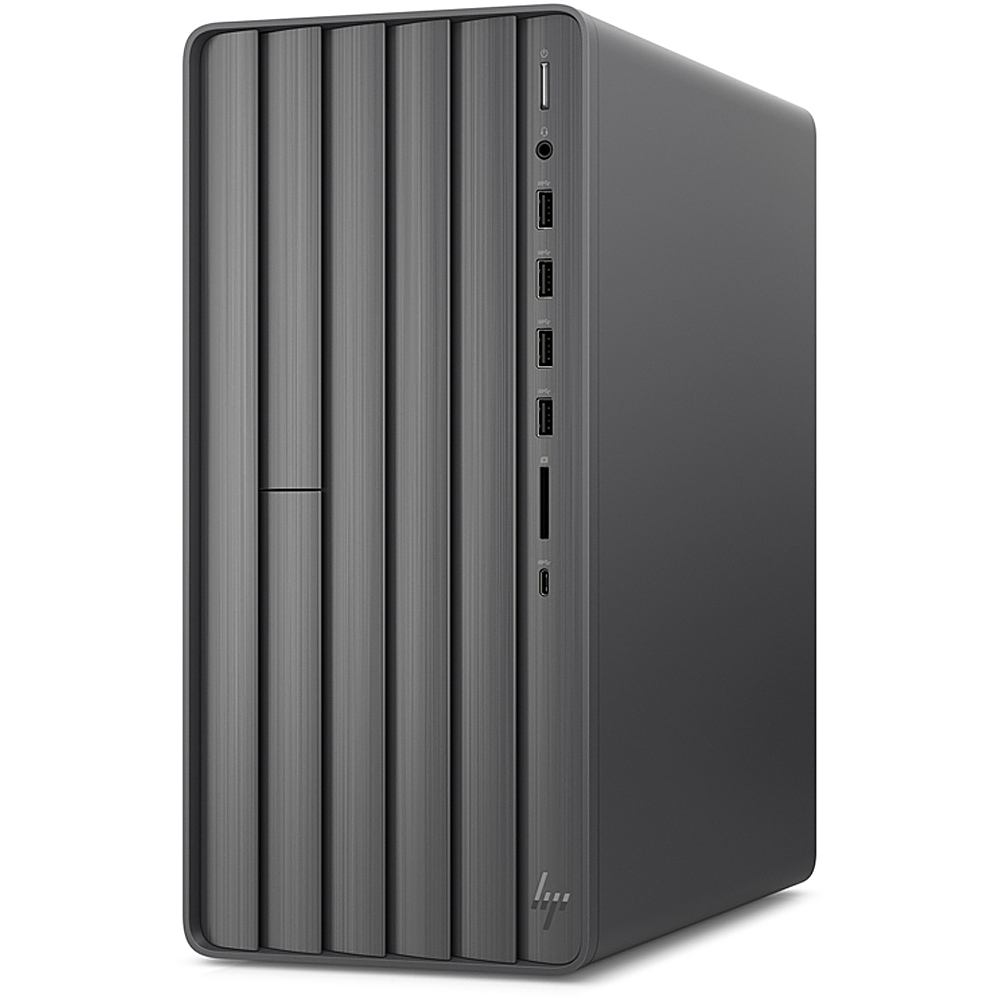
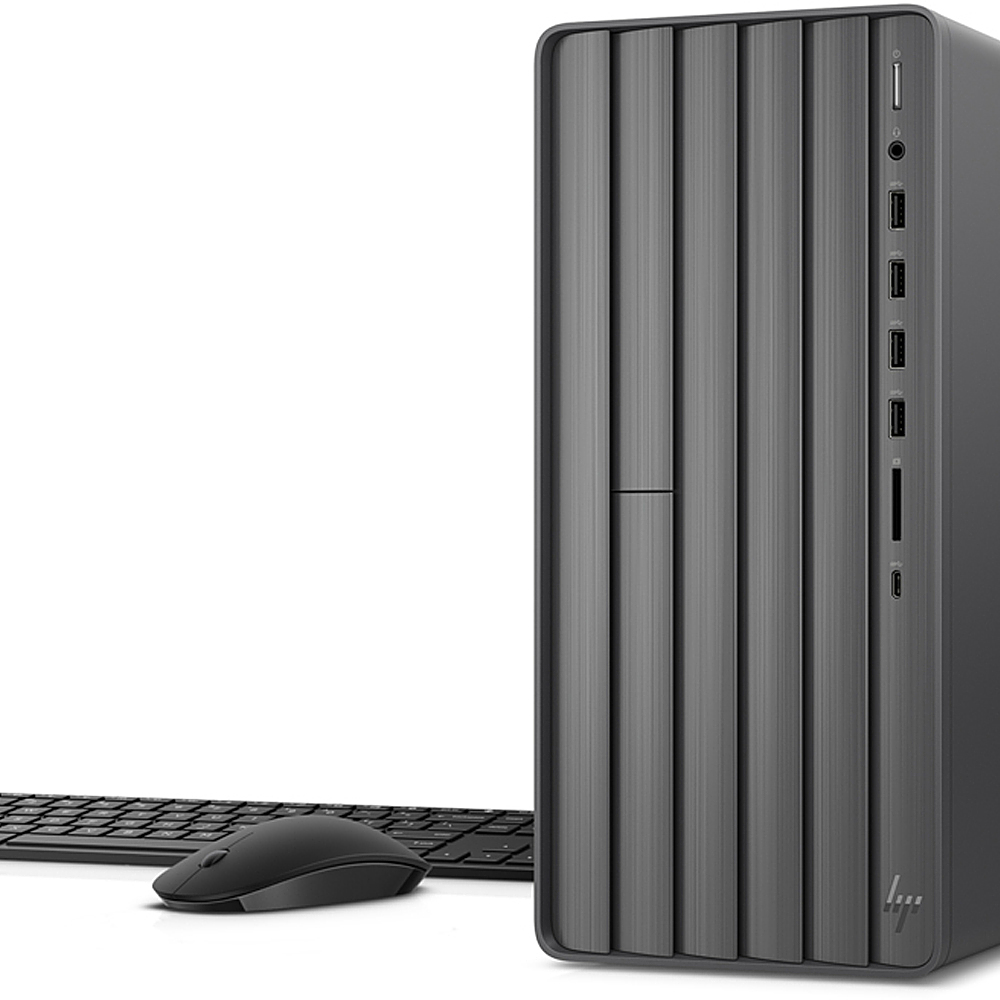
A:AnswerHello! Thank you for your question. The HP Envy Desktop (TE01-1020) is considered a quiet system. There will be a low hum from the system and fan - which can pick up under heavy load. The maximum ram that the computer can support is 32GB, so adding a 16GB DDR4-2933 would be your max to add.
A:AnswerThere is no reason that Office 2010 won't run on this computer. I chose to leave my Office 2010 on my old desktop and try Office 365 on this new one. So far so good except the resizing or compressing of pictures in Outlook produces a distorted picture when sent via e-mail or to the printer. May be able to work that out with Microsoft but, so far their support team is not aware of a distortion problem. Also, occasionally on this new HP, I loose the cursor and have had to restart to get it back. Don't know what the problem is there.
A:AnswerHi Riley. This HP Envy TE01-1020 Desktop computer supports 4K from the HDMI 1.4b/HDCP 2.2 port. You should be able to use a standard HDMI cable, like the one that would come with your monitor.
A:AnswerZoom works great. Keep in mind that the computer did not come with a camera, speakers or microphone. I purchased this tower and used my own logitech camera, and speakers and Blue microphone. However, they were all PLUG AND PLAY, worked great with this tower.
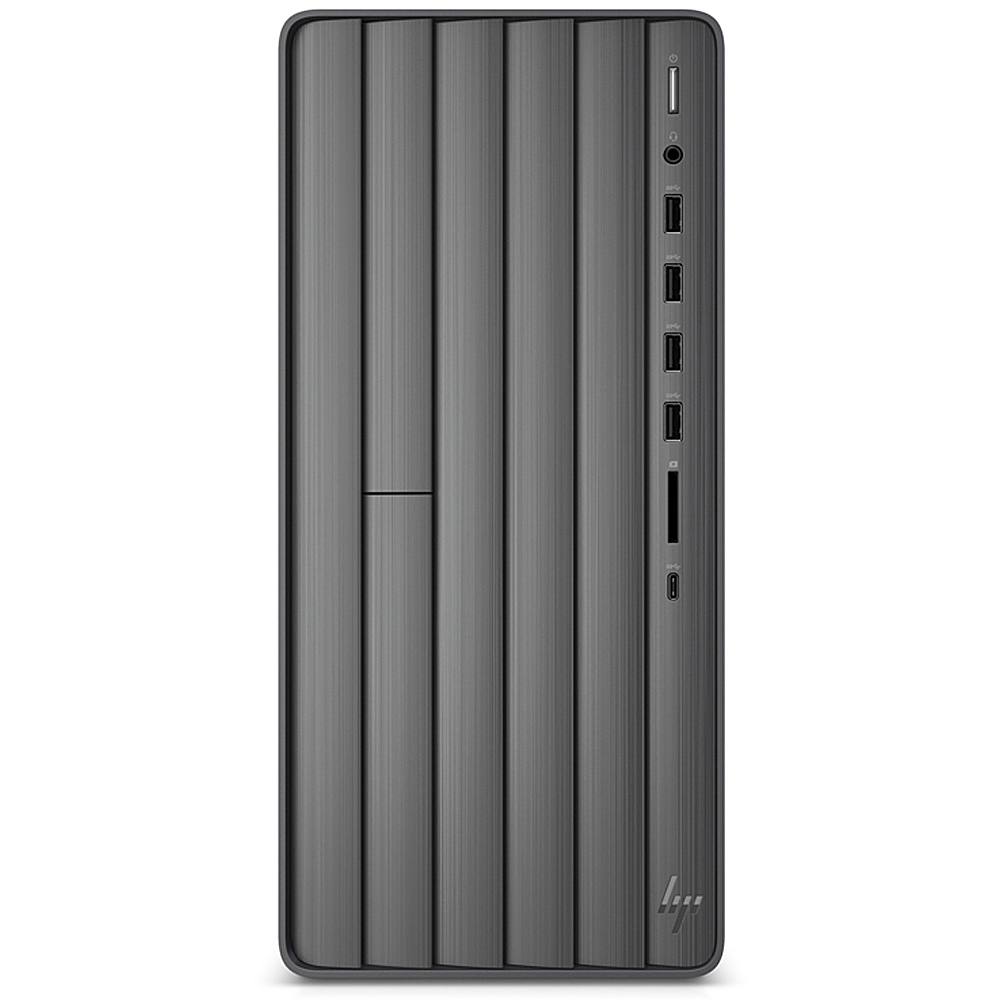
A:AnswerAll of the internal bays on this desktop are occupied. There is one available M.2 slot for a solid-state drive. You can connect a USB external hard drive to one of the USB ports on this computer.