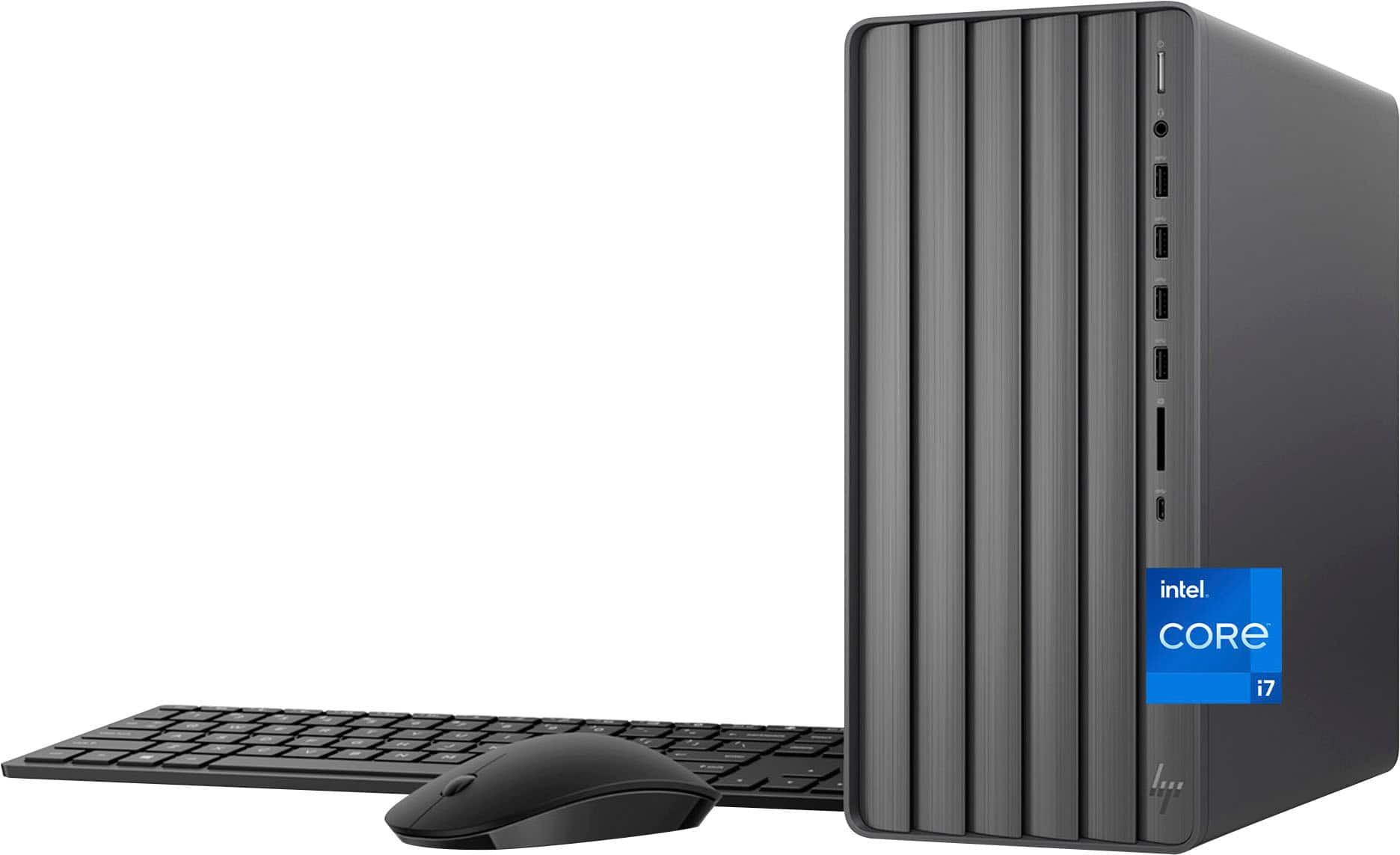
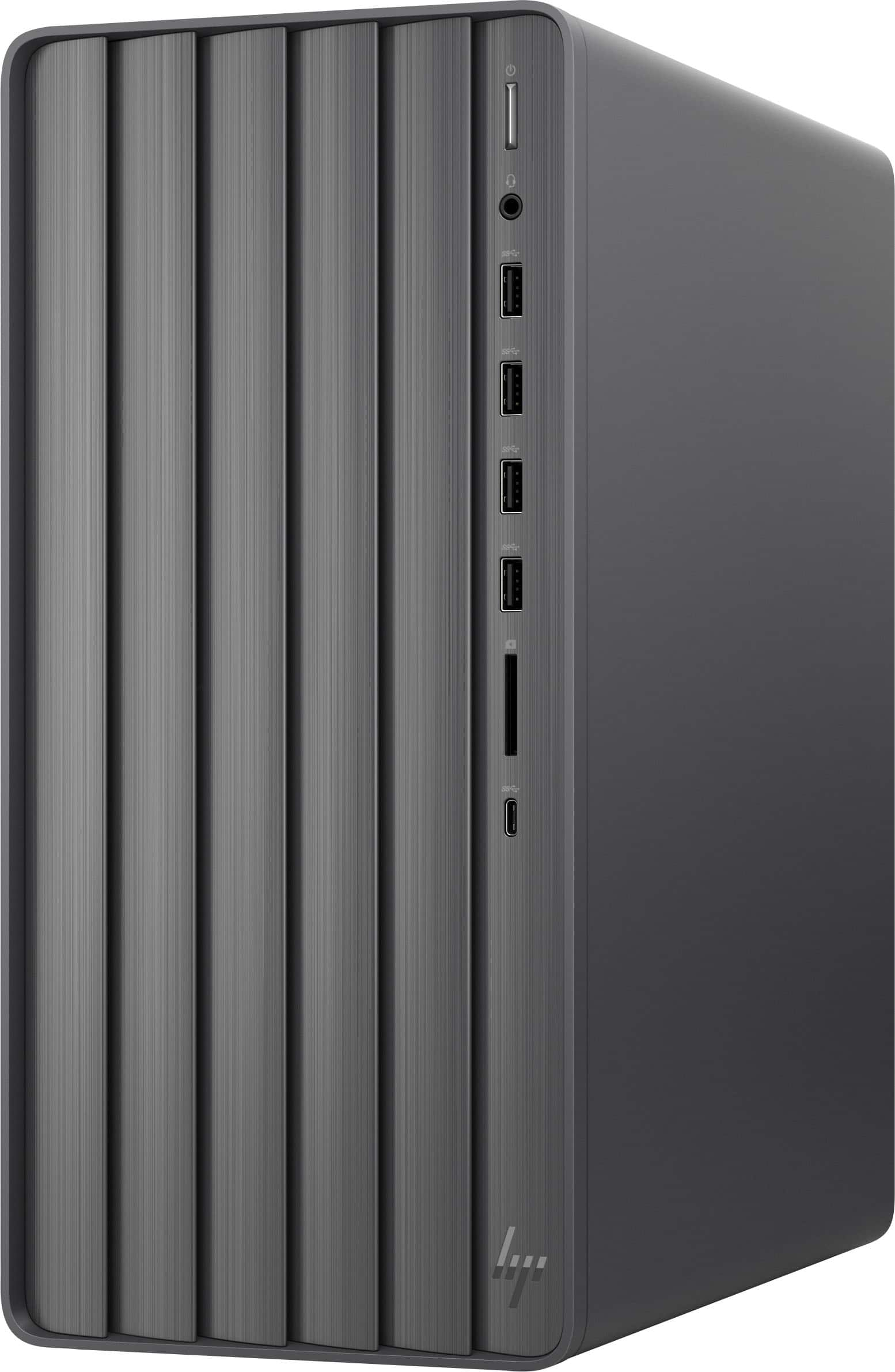
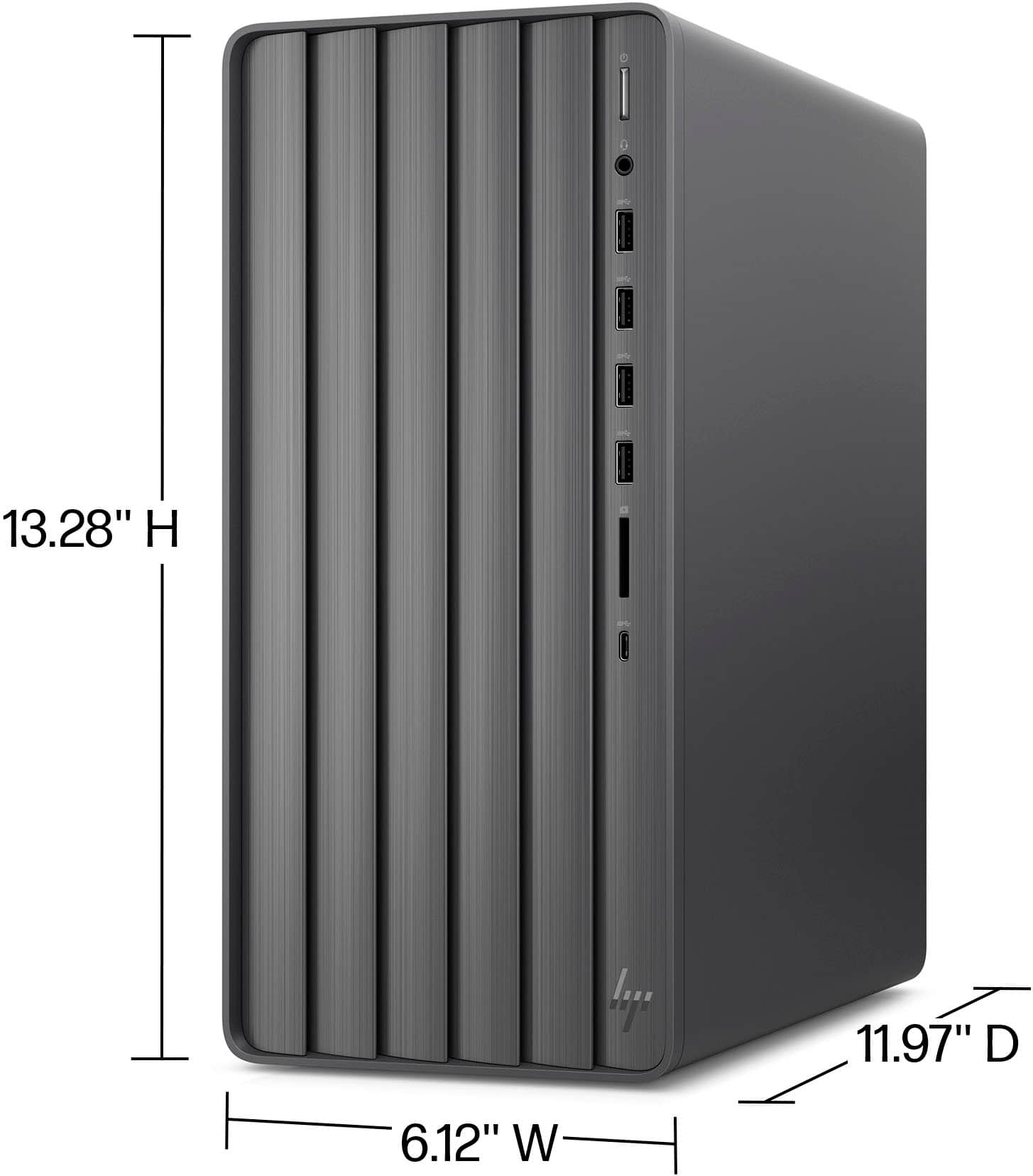
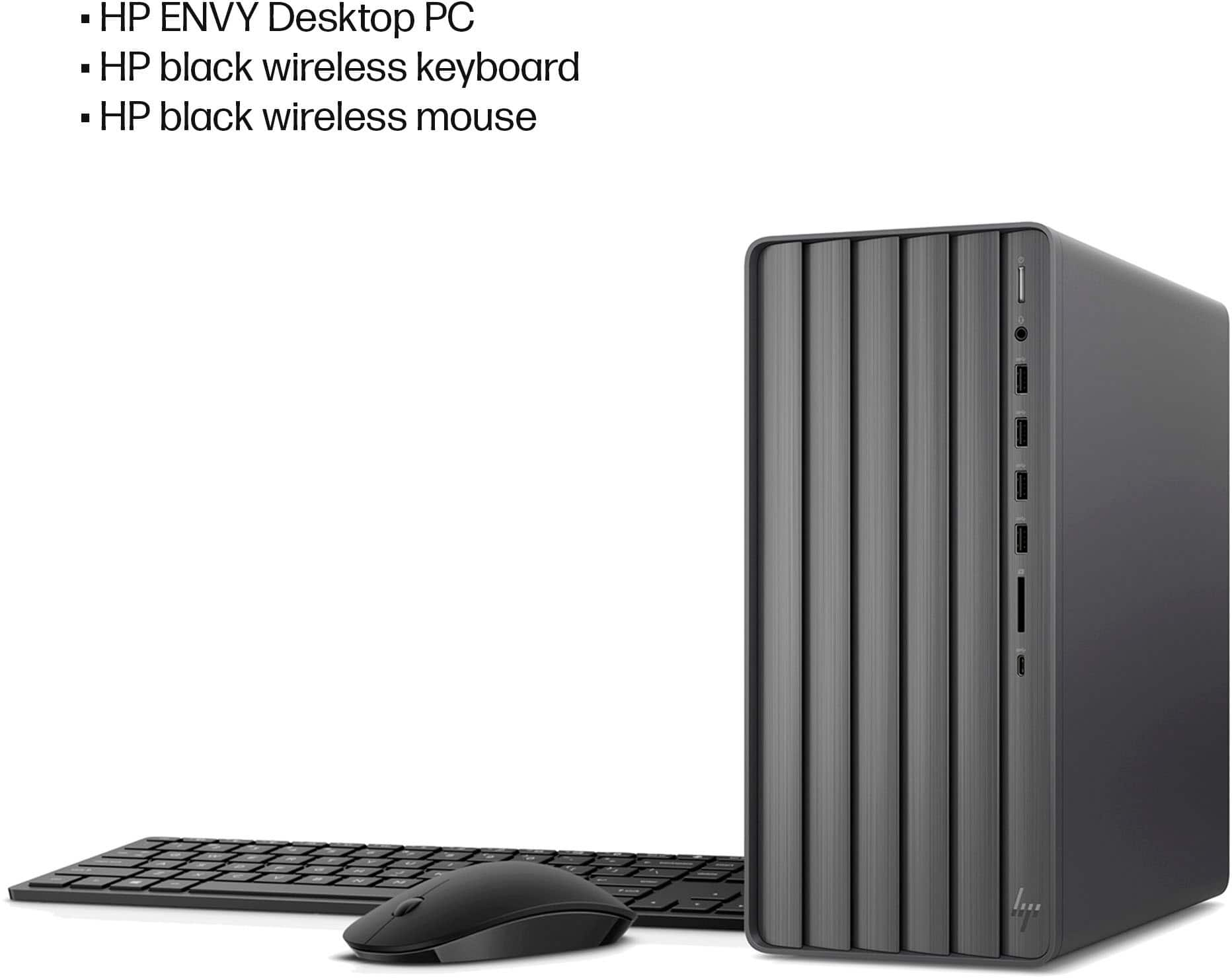
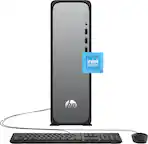
A:AnswerI know mine is I just got and SO impressed. HP has been BEST and longest lasting for us. We love the new Envy's. Hope this helps as ours are all running WIRELESS and extremely fast.
A:AnswerThank you for the question. Yes, manuals are available online from HP Support. If you are having difficulty finding the correct manual, please reach out to HP Support to assist: 800-474-6836.
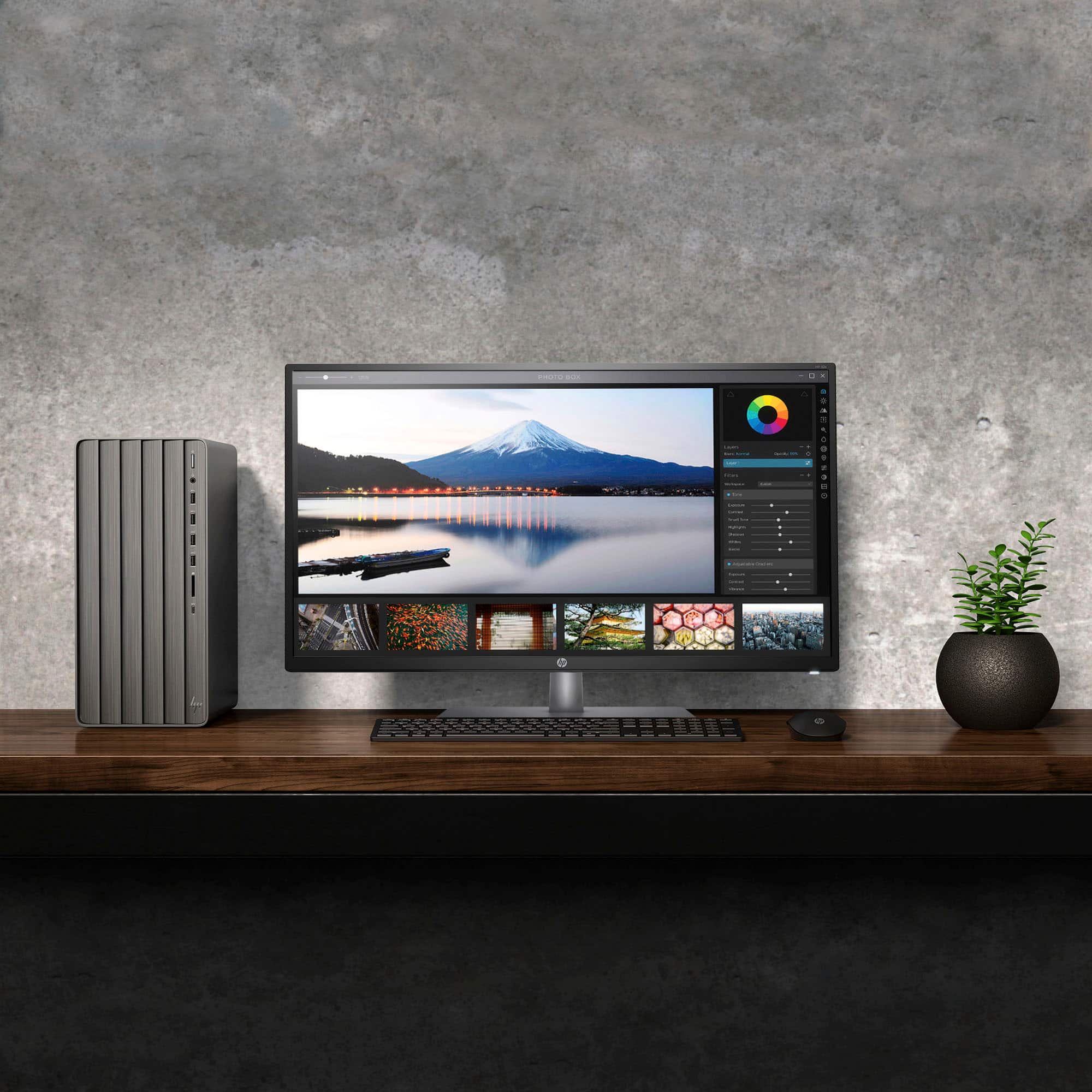
A:AnswerThank you for your question. The TE01-5364 Envy Desktop can connect to an external monitor with both DisplayPort and HDMI ports. No adapter needed.
A:AnswerThank you for the question. Yes, you can switch the SSD to one with more capacity, 2-3TB being no problem. We recommend that upgrades be performed by a professional technician.
A:AnswerNot sure as I have ALWAYS run PRO versions and home is way different to me unless it is because of windows 11 but I doubt. Love it but so used to PRO versions. HOWEVER, when purchasing it shows the option of purchasing the WINDOWS 11 PRO version CD for just $100 at Best Buy and I may end up doing that. Hope this helps. SO, you should be able to grab the WINDOWS 11 PRO UPGRADE CD from Best Buy also if needed.
A:AnswerThank you for your question about this HP Envy desktop! The memory on it is maxed out and HP has not tested any configurations above 32GB. You can swap out the graphics card and the power supply. If upgradability is your greatest concern, the HP Omen gaming series would be a better option for your computing needs.
A:AnswerThank you for your question about this HP Envy desktop! Almost all of the media today is digitally-delivered, which reduces the demand for optical drives. Additionally, optical discs are too small in capacity for today's backups. Pre-installed internal optical drives are available only on custom computer builds. Best Buy sells external optical drives that connect to a computer via a USB port.
A:AnswerThank you for the question. There are several monitors suitable for use with your desktop. You can visit your local Best Buy for help with recommendations based on your screen size requirement, features you'd like, and budget.
A:AnswerThank you for your question about this HP Envy desktop tower! It has DDR4-3200 memory. Additionally, the SSD is connected into a PCIe 4.0 interface using a M.2 2280 Key M connector.
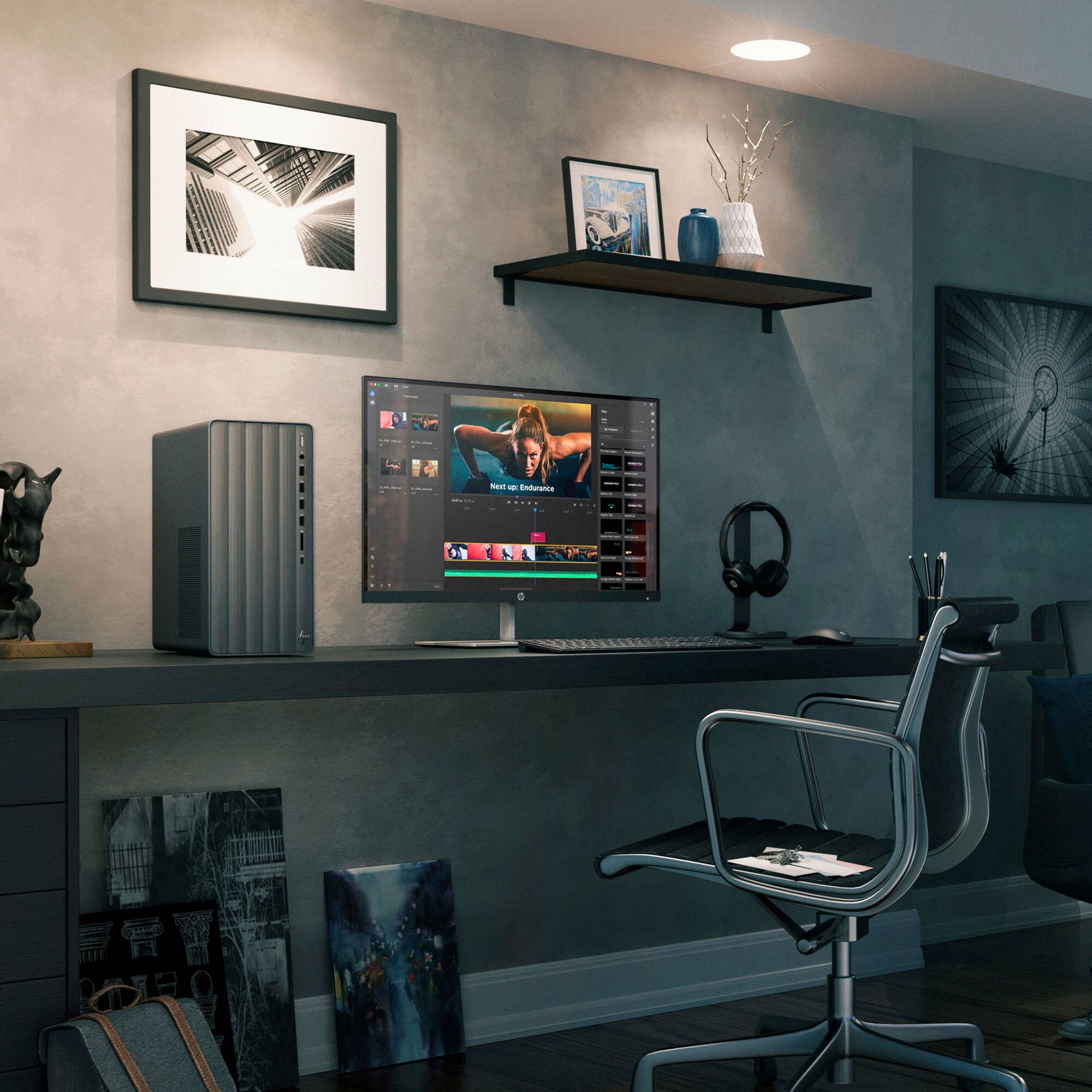
A:AnswerDenny Thank you for your question about this HP Envy desktop! This case does not allow for an optical drive to be installed. You can purchase an external optical drive and plug it into a USB port on this tower.
A:AnswerGreetings from the Intel team. Thank you for your question.
According to the system specifications on the retailer's website, the HP TE01-5364 has an Intel® Core™ i7 processor 14700F.
For detailed information about the Intel® Core™ i7 processor 14700F, please visit:
https://www.intel.com/content/www/us/en/products/sku/236854/intel-core-i7-processor-14700f-33m-cache-up-to-5-40-ghz/specifications.html
Thank you for choosing Intel! Emilio_Intel