A:AnswerI don’t know about Chromebook, I have an HP notebook and it works good. Only issue i have is trying to figure out how to get double sided copies. Phone and iPad do this. And yes, it only uses HP ink cartridges.
A:AnswerThis model does not have a dedicated fax line. But you can send a fax with the HP Smart app. But this printer can not receive faxes. You will want to look at the OfficeJet Pro models for fax.
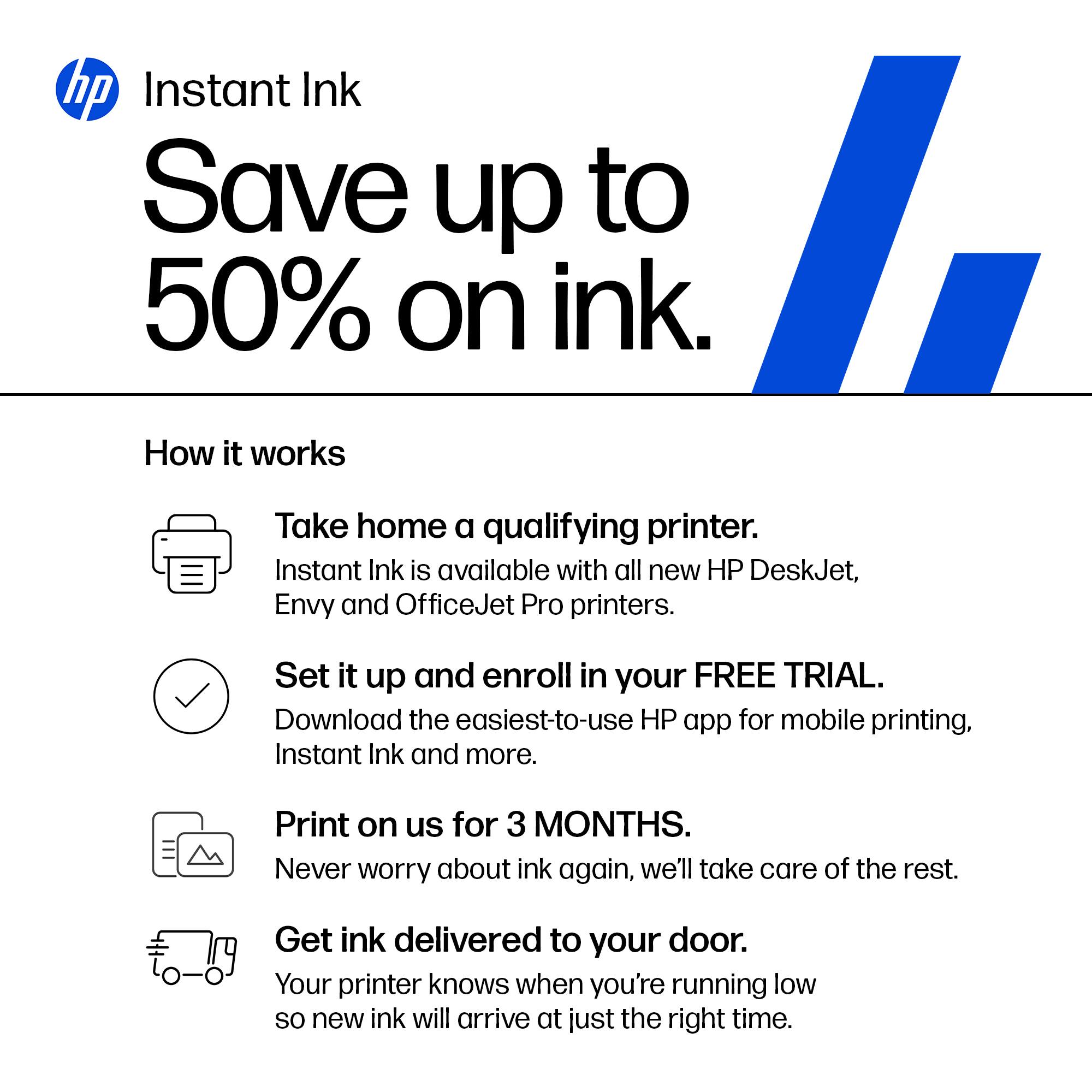
A:AnswerFor Instant Ink, it is a monthly fee that is dependent on the number of pages you print per month. The plans can change, so you would want to check the HP website for it. Instant Ink on average saves users 50% on ink cost. You can also choose to buy the ink cartridges from Best Buy and not use Instant Ink.
A:AnswerApologies for what you're experiencing. Please restart the printer. If the error returns, please download the HP Print and Scan Doctor: https://support.hp.com/us-en/help/printscandoctor. That should fix the problem, but if not, please reach out to Support.HP.com for assistance.
A:AnswerYes, the Envy Inspire 7955e printer has a standard paper tray that can accommodate the following sizes: Letter, Executive, Statement (8.5 x 5.5 in), 4 x 6 in, 5 x 7 in, 8 x 10 in, 4 x 12 in, Envelope (#10, A2); and a separate Photo Tray: 5 x 5 in, 4 x 6 in, 5 x 7 in, 4 x 12 in.

A:AnswerHello, Mike. Thanks for your question. Yes, this HP Envy Inspire 7955e printer has ADF (Auto Document Feeder) on top for scanning or copying up to 35 pages.


A:AnswerHello. Thanks for your question. This HP Envy Inspire 7955e printer does not have a fax function. You can use Mobile Fax. Mobile Fax is where you can send faxes through the mobile fax option on the HP Smart app on your smartphone, tablet or computer. If you need to send or receive faxes, you can use a service like eFax. Here are more details about the mobile fax: https://www.hpsmart.com/us/en/mobile-fax Here is a video: https://www.youtube.com/watch?v=NvDAYa1nZzw
A:AnswerThere isn't a place on the printer to plug in a USB flash drive. I suggest connecting the flash drive to a computer or mobile device and printing from there.
A:AnswerYes you can. It will print 4x6, 5x7 and 8x10 photo paper. You can also print on labels, business cards, and card stock too. I love it. For the smaller sizes make sure you set it for photo tray and choose photo paper.
A:AnswerHello. Thanks for your question. Yes, you can scan legal size documents through the ADF (Auto Document Feeder) on top of this HP Envy Inspire 7955e printer.
A:AnswerHello. Thanks for your question. Yes, you can print from a Samsung Galaxy smartphone with this HP Envy Inspire 7955e printer. Just be sure the device is connected to the same wireless network as the printer.